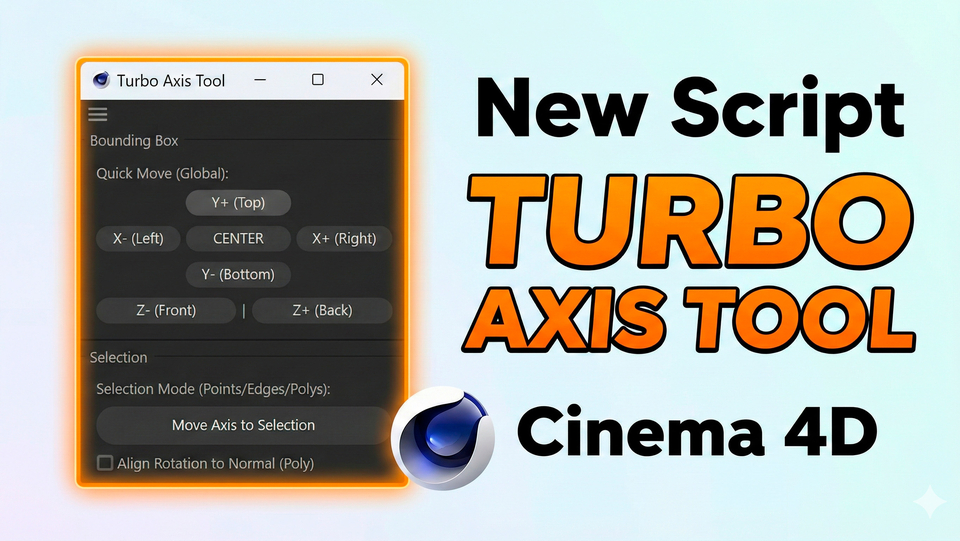
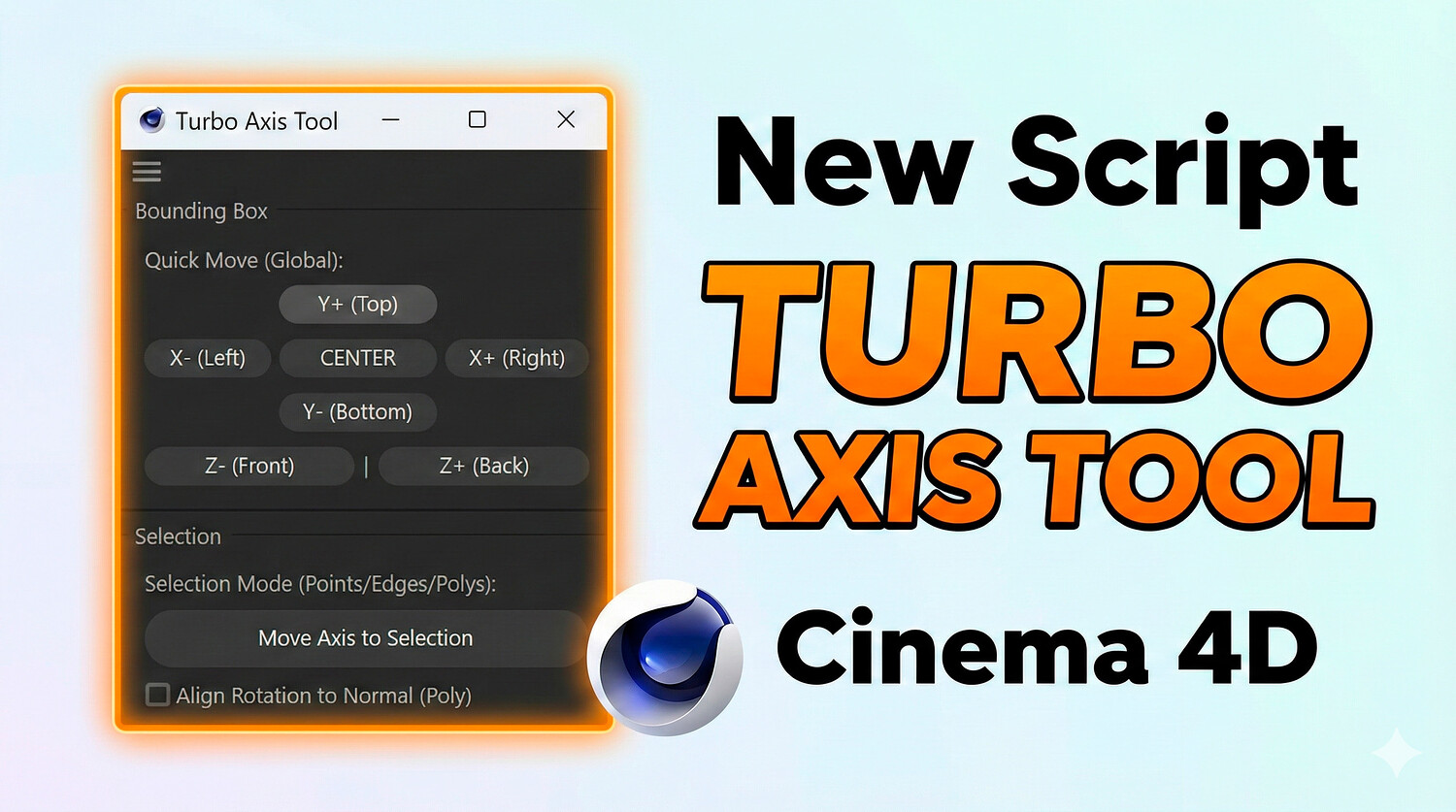
TurboAxis Tool — Super Fast Axis Control in Cinema 4D
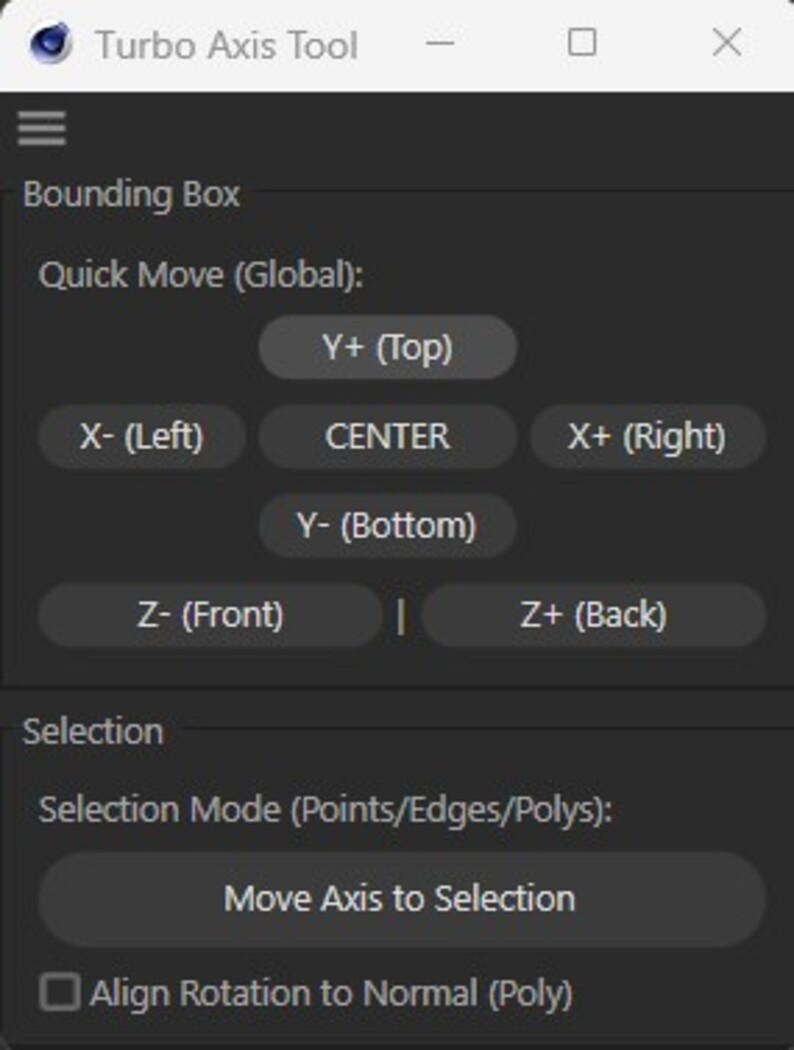
Boost your modeling workflow with TurboAxis Tool for Cinema 4D. Instantly align, center, or relocate your object's pivot point with a single click. Seamlessly snap the axis to bounding box extremes, center of mass, or selected points, edges, and polygons with optional normal alignment.
Key Features:
One-Click Bounding Box Alignment: Instantly move axis to Top, Bottom, Left, Right, Front, or Back. Center of Mass: Instantly center pivot relative to object geometry. Move to Selection: Precise axis placement based on active Points, Edges, or Polygons. Align Rotation to Normal: Align Z-axis orientation directly to selected polygon normals. Non-Destructive & Safe: Keeps mesh and child hierarchy positions intact. Clean UI: Compact dockable dialog interface designed for seamless integration. Compatibility: Cinema 4D (R20 – 2025+).
Package Includes: .py Script File
https://www.youtube.com/watch?v=aaGWwii_jQg -Review Youtube
You will get 1 file
All files previously purchased will always be available for download in your Library