Roxy's Paintstorm Studio Custom Interface
204 Views
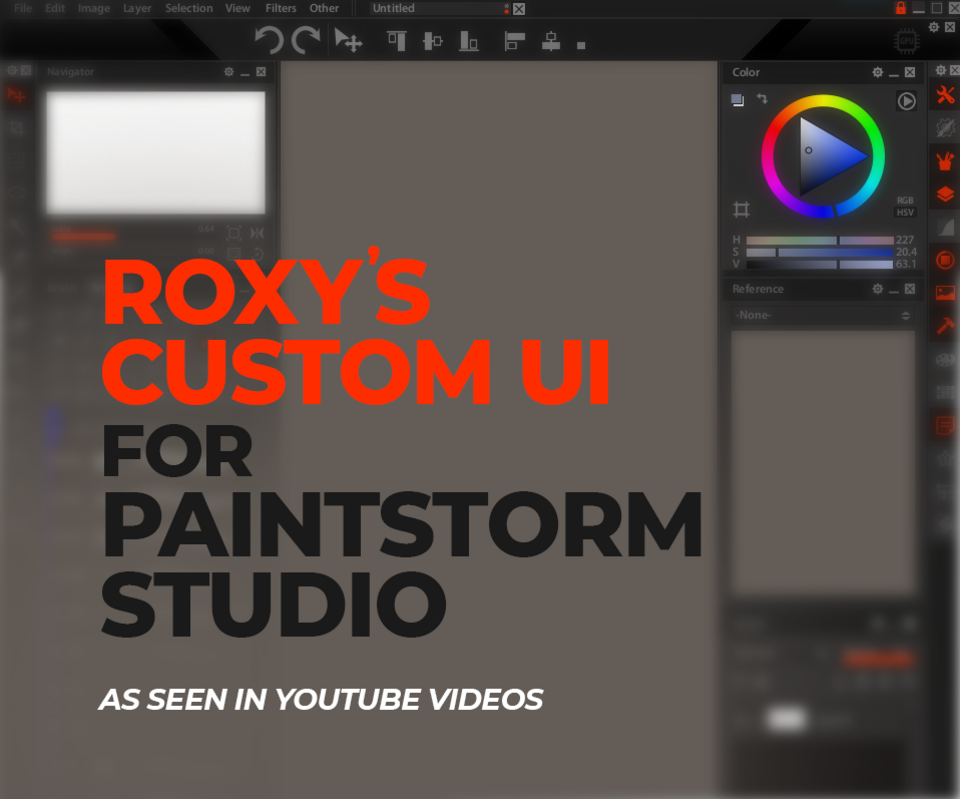
This is the custom UI I'm using for Paintstorm Studio. A viewer saw it in one of my YouTube videos and asked for it, so here it is.
Version
- Roxys PSS Layout v 1.0
Compatibility
- This was exported from Paintstorm Studio 2.50, running on Windows 10
Installation:
- From the top menu, click Other' > Load Custom UI
- Navigate to where you saved the file roxyscustomui.pstui and select that, and click 'Open'
- I think this should load not only the custom colours, but also the layout of the panels. If you want to move any of the panels, you need to unlock the interface (click the padlock icon in the top right corner.). You will then be able to move things around and you can lock it again when you're done.
Here's a video, if you want to see in action... https://www.youtube.com/watch?v=-iKydyrrgV4
You will get 1 file
All files previously purchased will always be available for download in your Library