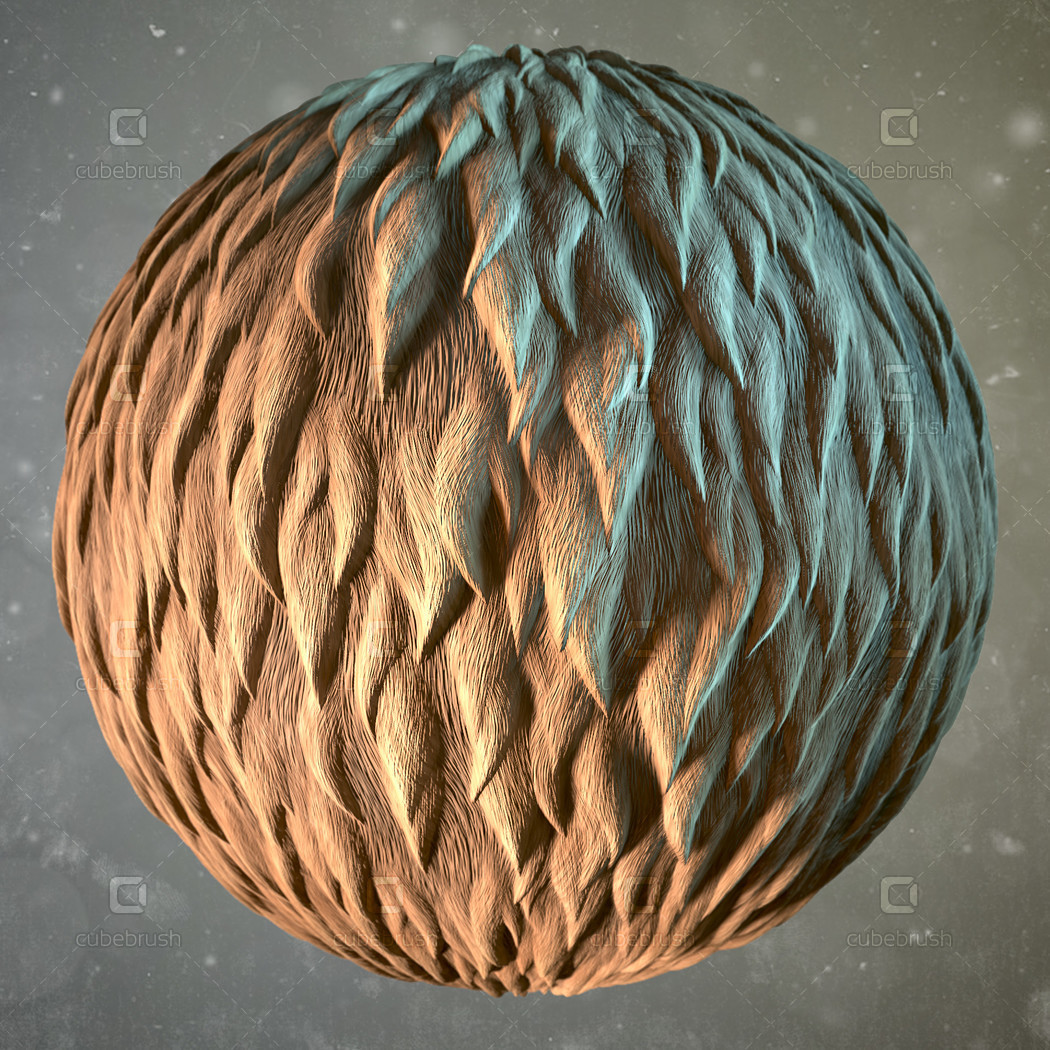


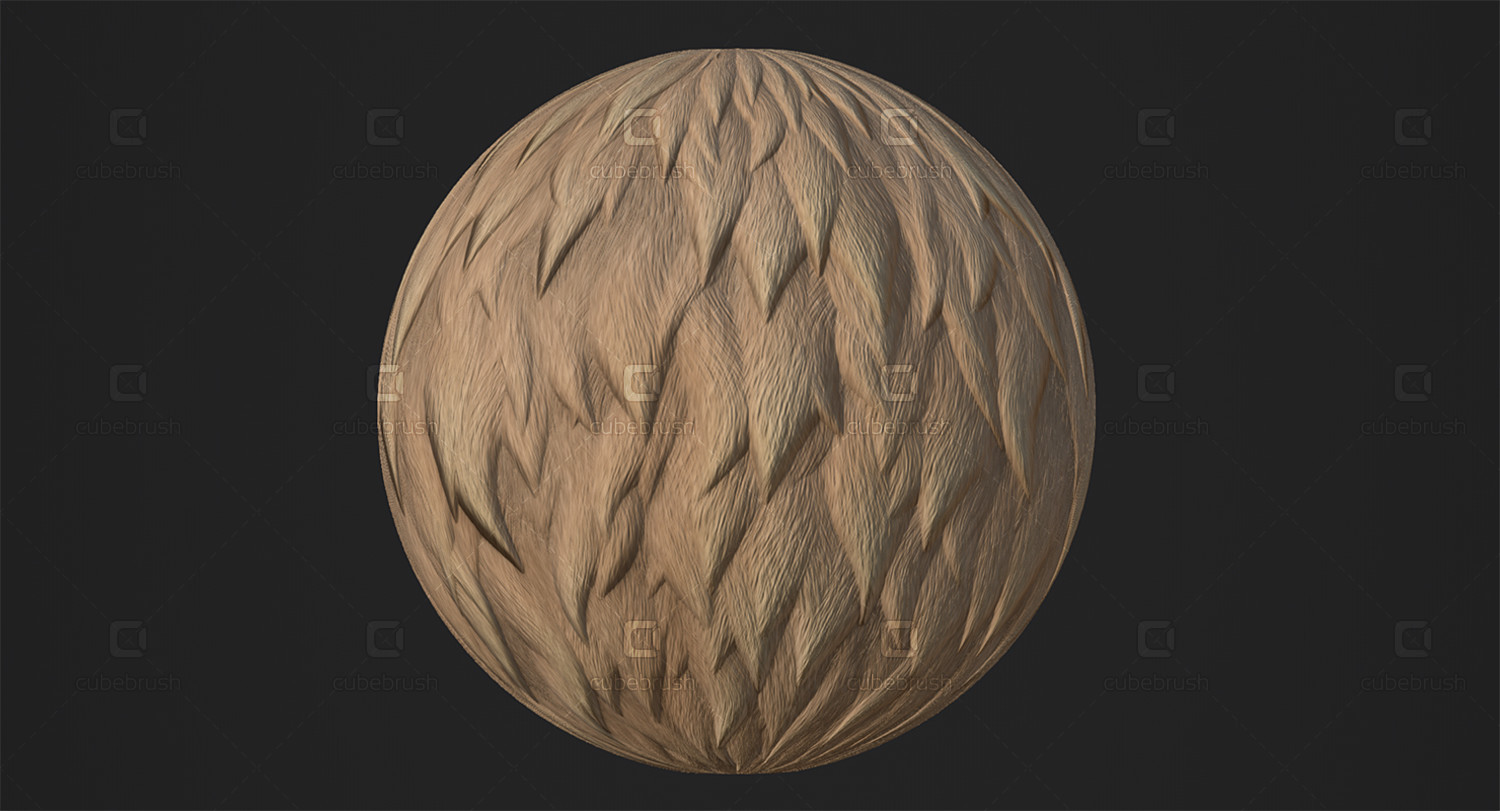


Fur - Substance Material
Fur Substance pack contains 100% procedural material in following formats:
- .sbs
- .sbsar
- Output Textures (PNG, 2048x2048 px, 16 bits, PBR - metal/rough)
- Substance Painter smart material (.spsm)
In the Update, I added a tri-planar projection that allows us to rotate x,y,z projection planes, change tri-planar tile rate and blending contrast, turn on, and off the tri-planar projection. Position and World Space Normals are required to use tri-planar projection.
Fur Lenght/Shorteners, Curliness, Colors can be adjusted.
I found that the best way to create the fur in Substance Painter with this material is:
Drag "Fur_material.sbsar" to Substance Painter shelf, define it as a base material, choose whether you want to import it to the current session, your project or shelf, and click Import.
Add a layer to your project
Select the projection tool (shortcut "3") and drag the "Fur_material" to the "Material mode" button to switch to the material mode.
In "Channels mapping" menu choose "height" as a mask instead of "no alpha"
Begin to paint the fur on your model of an animal or whatever model else with the Projection tool. Use S+Left mouse button to rotate the stencil, S+Right to zoom, and S+Middle to pan.
I used the "Basic soft" brush with "No pressure" size control.
Here is a short video on YouTube about this process of painting the fur in Substance Painter.
You can also just create a fill layer with Tri-planar or UV-projection.
You will get 1 file
All files previously purchased will always be available for download in your Library