At a glance
Runtime
4h 32m
Lessons
9 in 1 chapter
Level
Advanced
Description
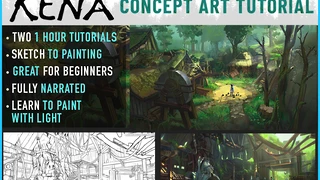
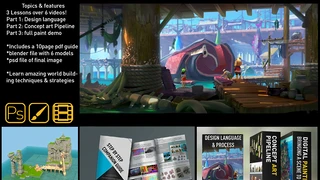
Guys don't forget to signup for my newsletter here https://www.brushsauceacademy.com for discounts and more This is an in-depth narrated walkthrough of this image. This is for intermediate artists that want to streamline their workflow and learn how to take advantage of multiple softwares, If you want to speed up your workflow and min/max your efficiency to overcome some technical hurdles to focus on creating. I use Adobe medium and photoshop and blender, the softwares can be interchangeable to your preferences. Blender and medium is free currently and clip studio paint is a cheap alternative to photoshop.
You will get 11 files
Instant download · 11 files · 4.4 GB total
ADV_illustration_03.mp4
MP4 · 190.8 MB · 12:48
ADV_illustration_01.mp4
MP4 · 293.4 MB · 17:41
ADV_illustration_02.mp4
MP4 · 557 MB · 27:05
ADV_illustration_06.mp4
MP4 · 251 MB · 23:14
ADV_illustration_05.mp4
MP4 · 412.4 MB · 38:13
ADV_illustration_04.mp4
MP4 · 214.8 MB · 14:06
ADV_illustration_08.mp4
MP4 · 115.4 MB · 9:35
ADV_illustration_07.mp4
MP4 · 392.2 MB · 30:49
forest eye.psd
PSD · 192.5 MB
foresteye.blend
BLEND · 428.8 MB
patreon ver.mp4
MP4 · 1.4 GB · 99:04
ADV_illustration_0312:48
ADV_illustration_0117:41
ADV_illustration_0227:06
ADV_illustration_0623:15
ADV_illustration_0538:14
ADV_illustration_0414:07
ADV_illustration_089:35
ADV_illustration_0730:50
patreon ver99:04