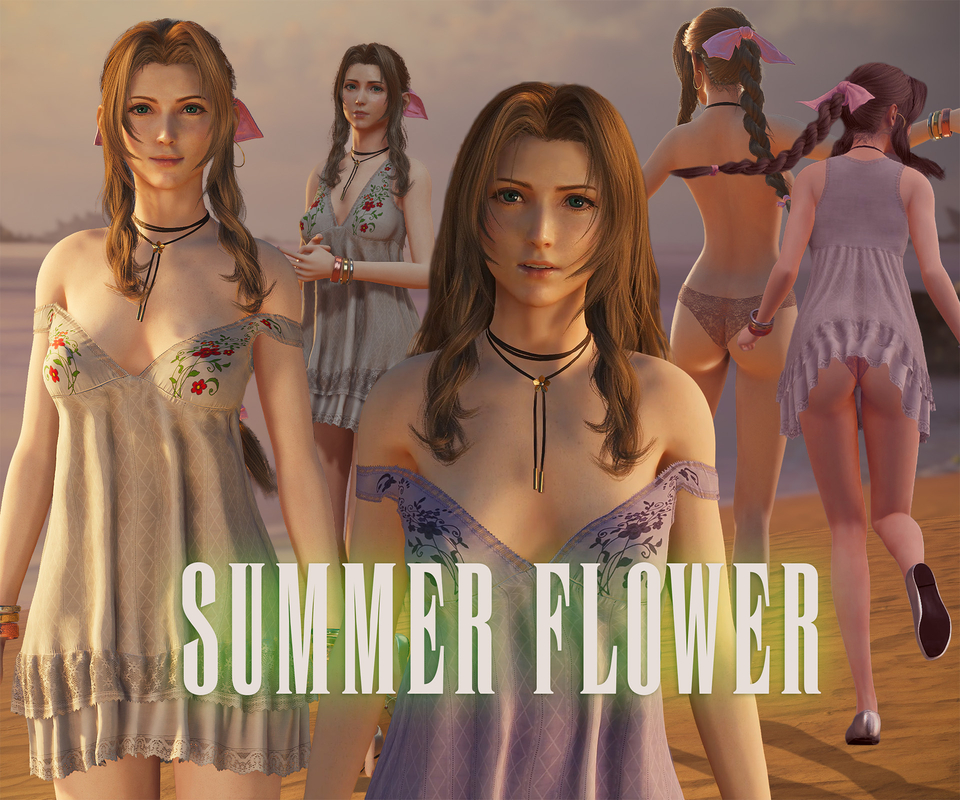
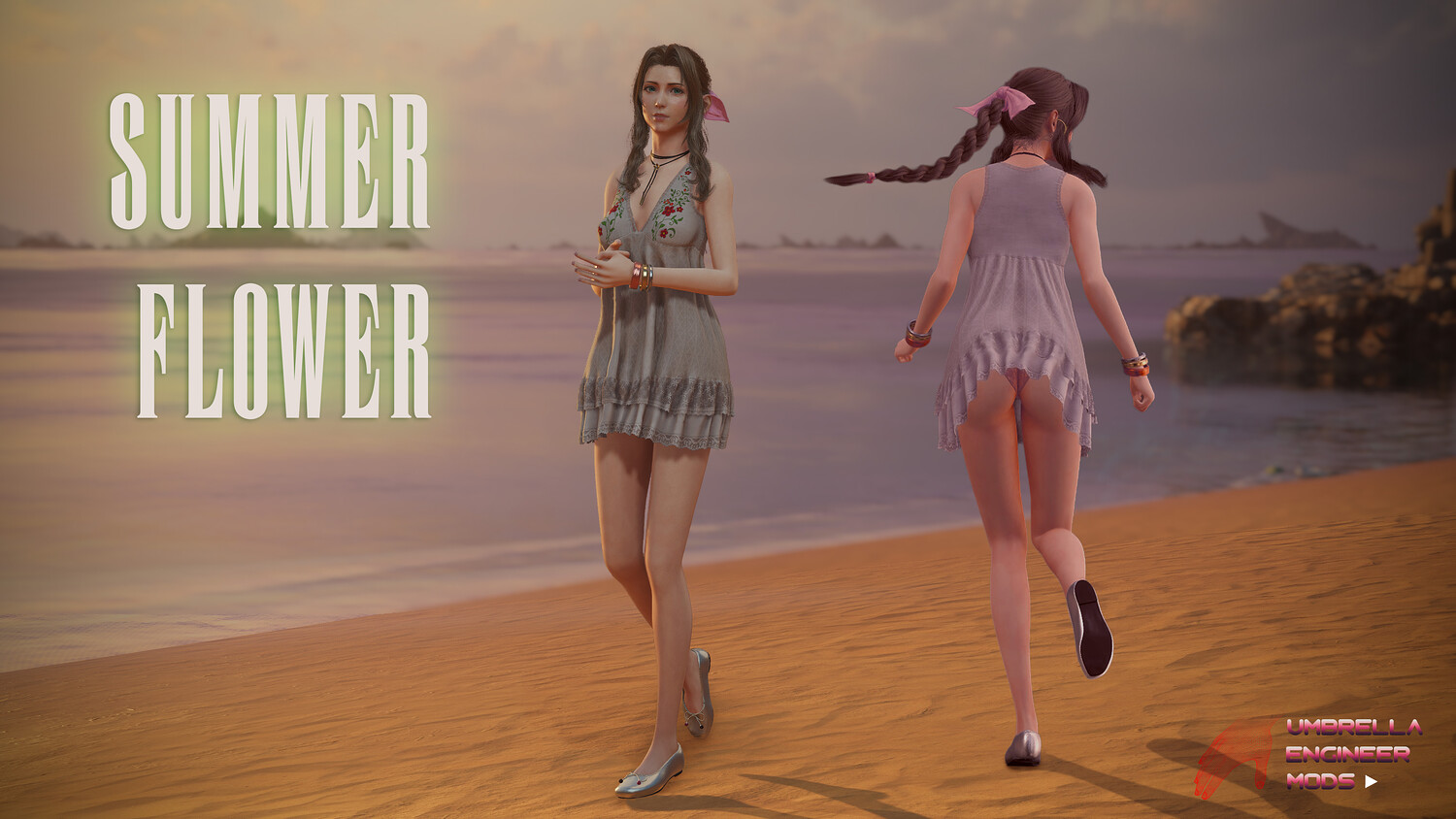
Summer Flower Outfit for Aerith
6.85K Views
This is a mod for Final Fantasy VII Rebirth.
To make it work with the latest version 1.005 use the patch https://www.nexusmods.com/finalfantasy7rebirth/mods/2217
Make sure to disable any other mods to make sure this mod works properly
Replaces Standard, Costa 2 and Loveless Aerith outfits (with option to replace only Standard)
Mod has custom Dress Physics, Earring Physics
Video Showcase on Youtube https://youtu.be/tL4maX9mn14?si=2t-KNN28BPRzEGTR
Variations:
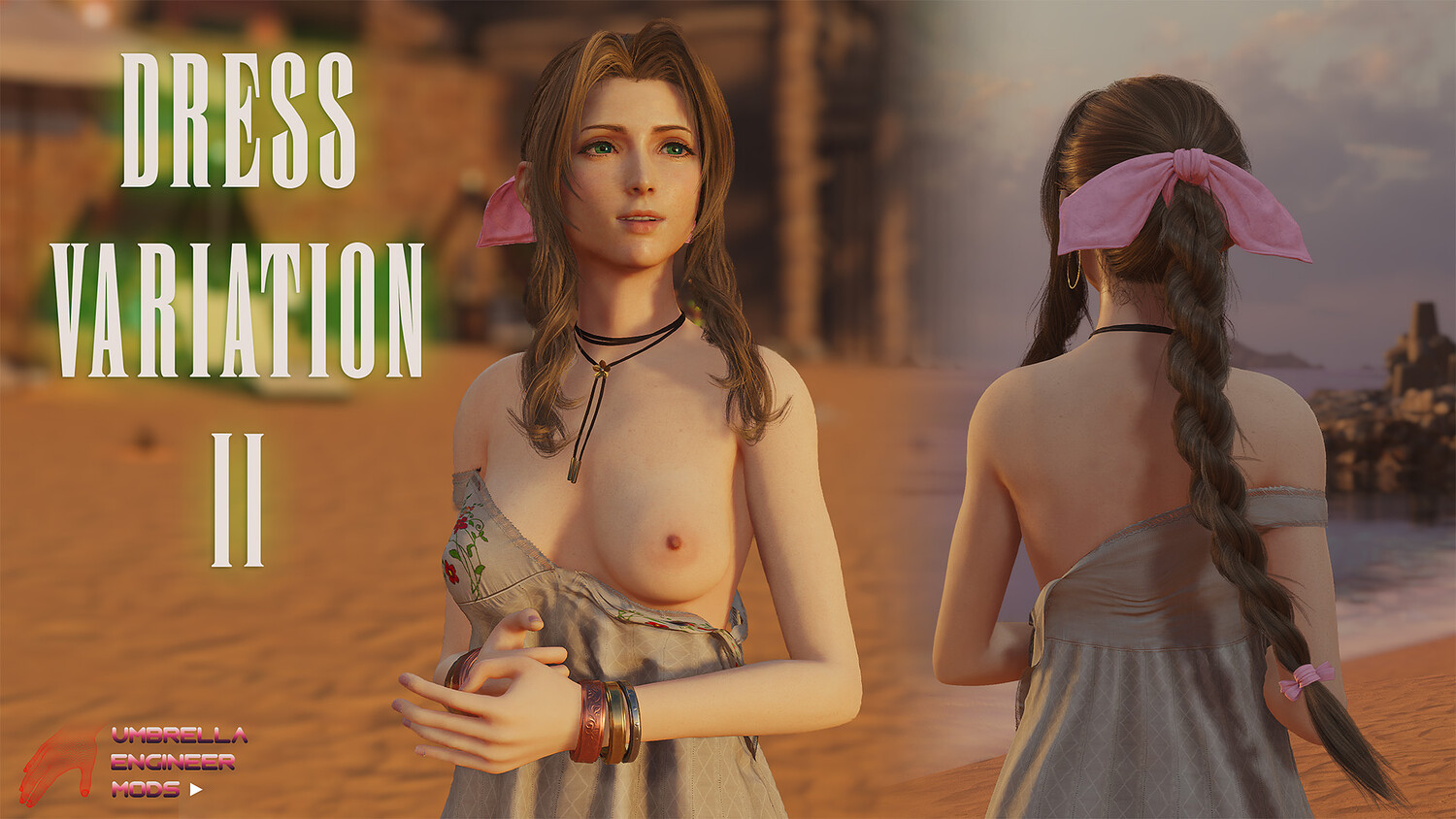
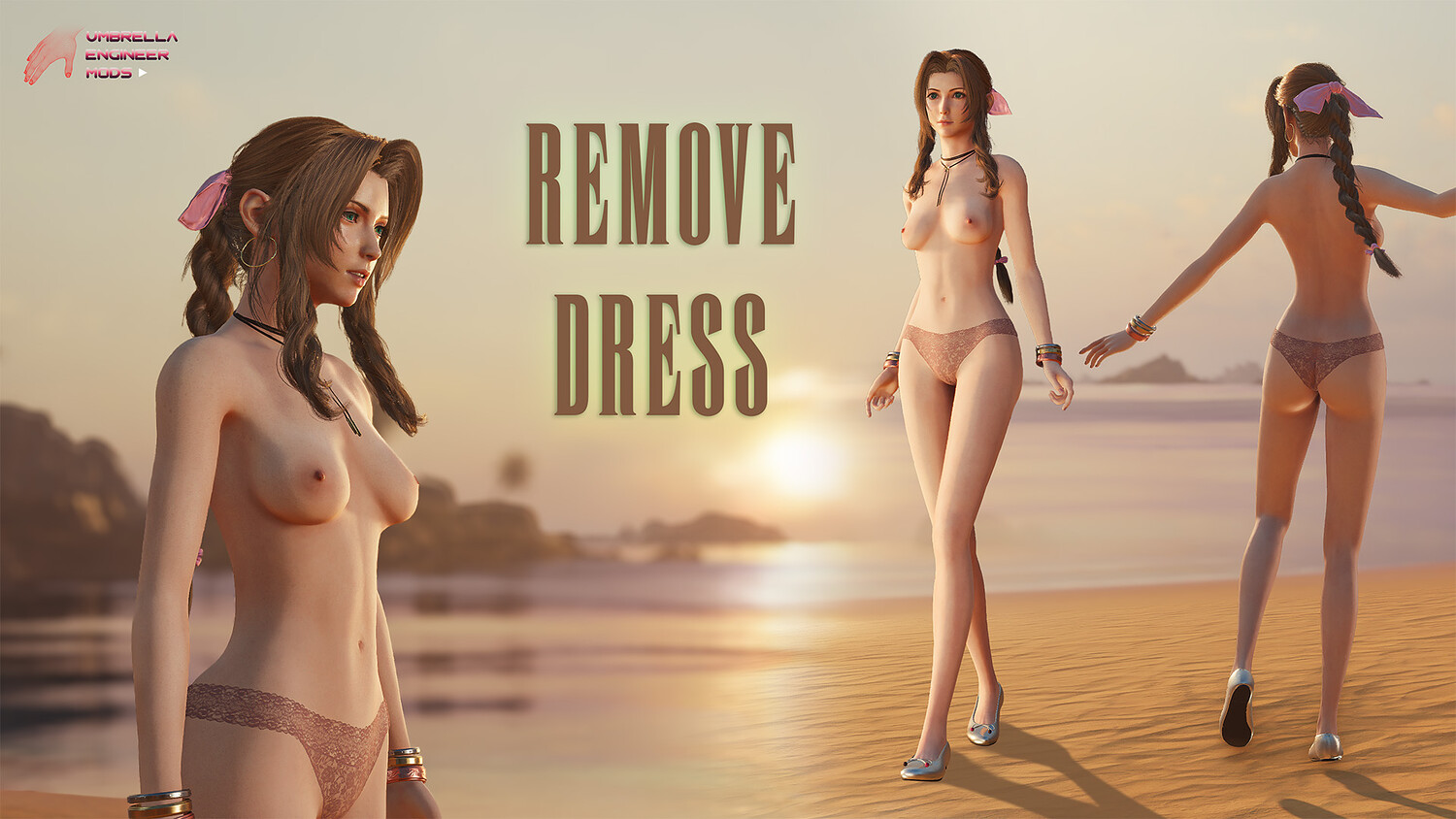
- Removable Dress
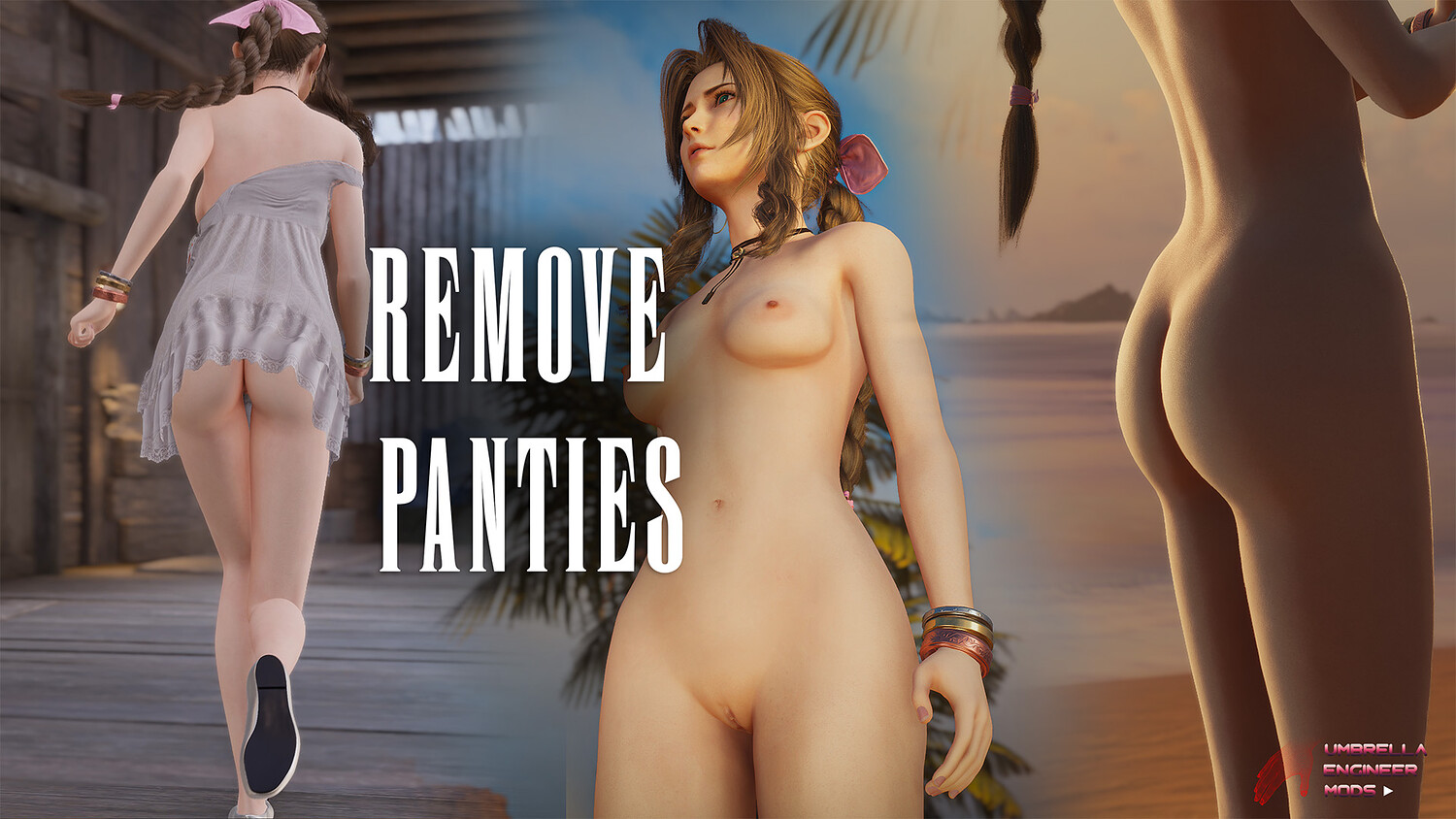
- Removable Panties
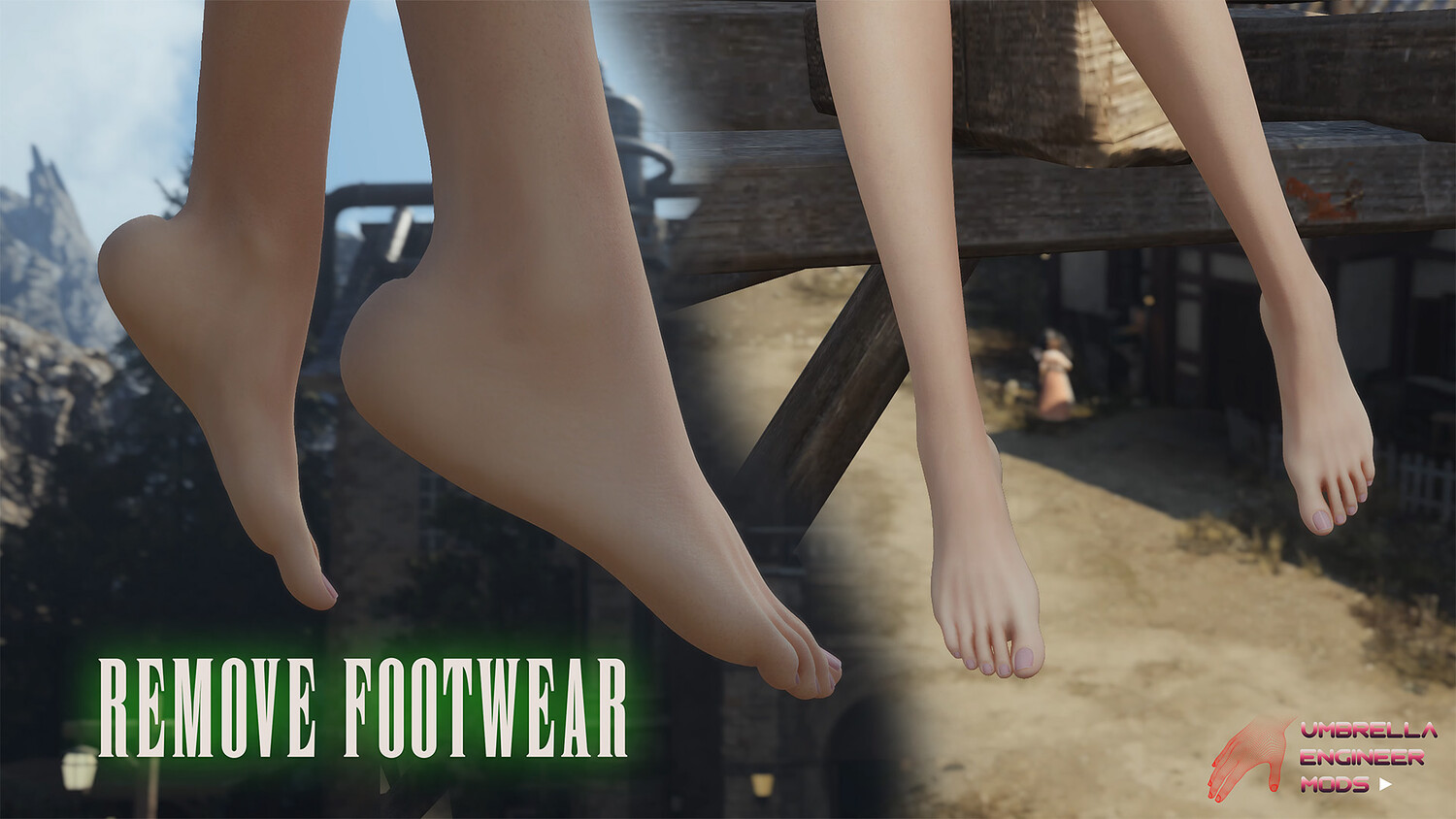
- Removable Footwear
- Removable Necklace
- Removable Bracelets
- Removable Earrings
- Removable Hair Ribbon
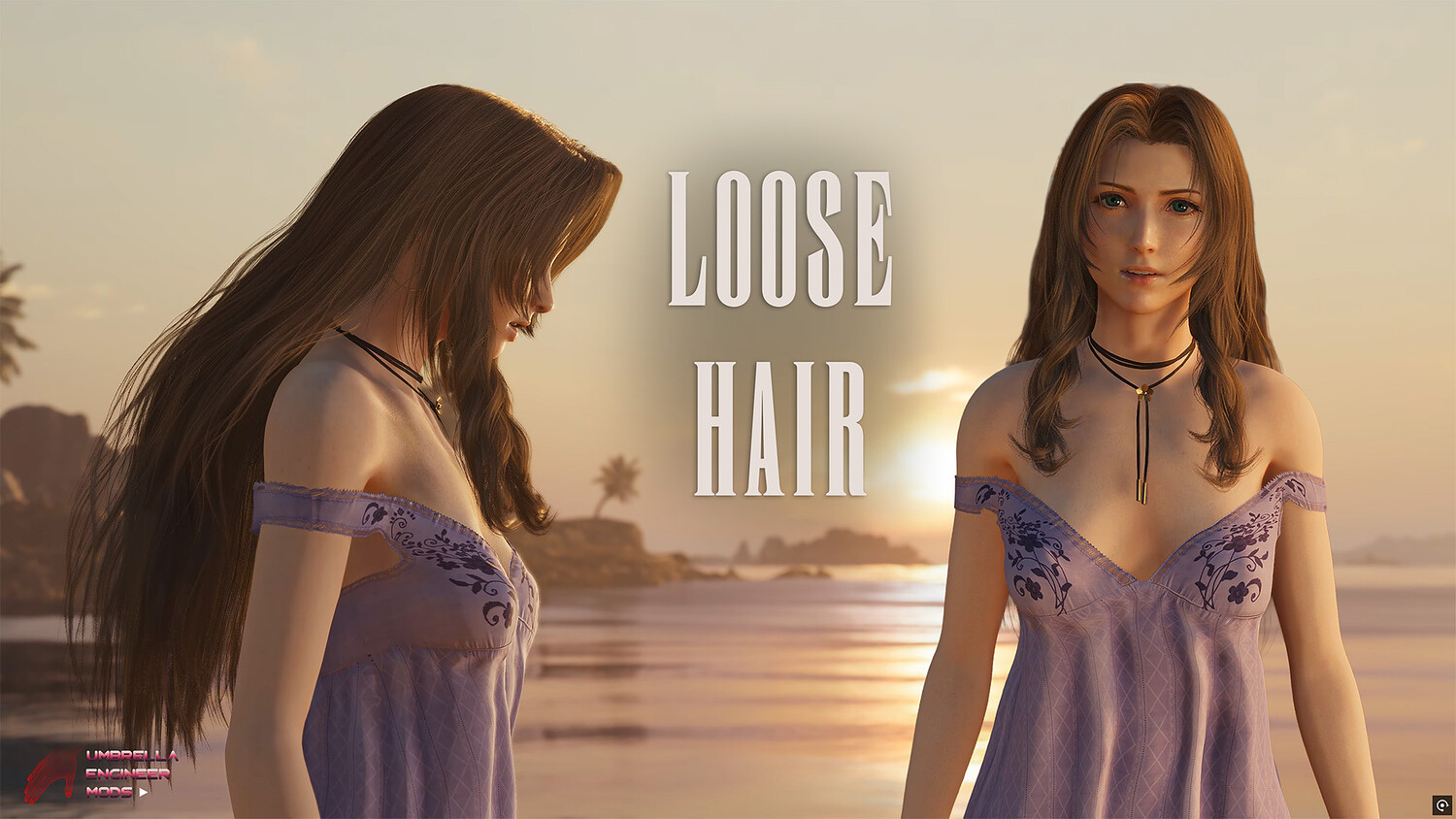
- Loose Hair
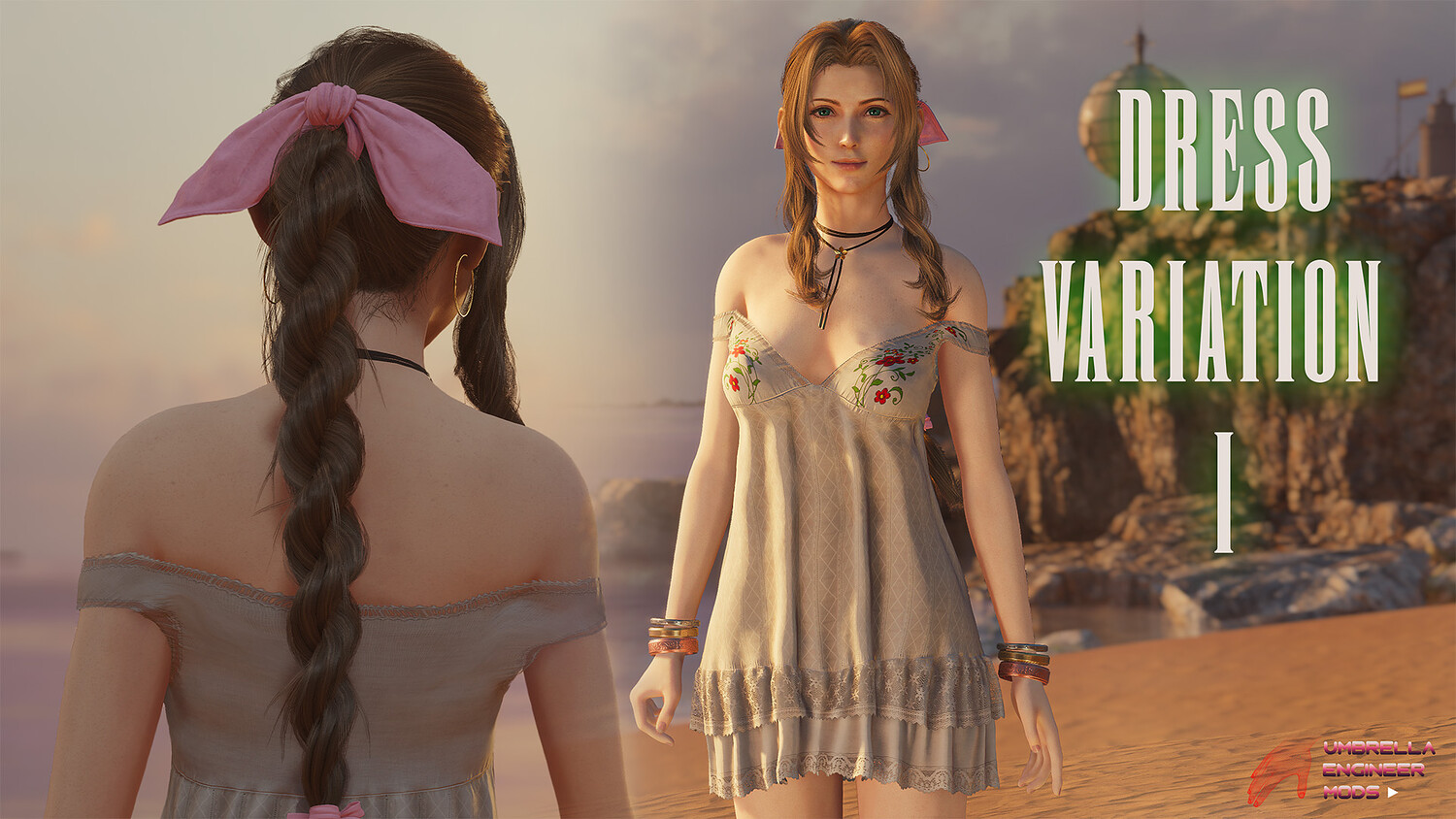
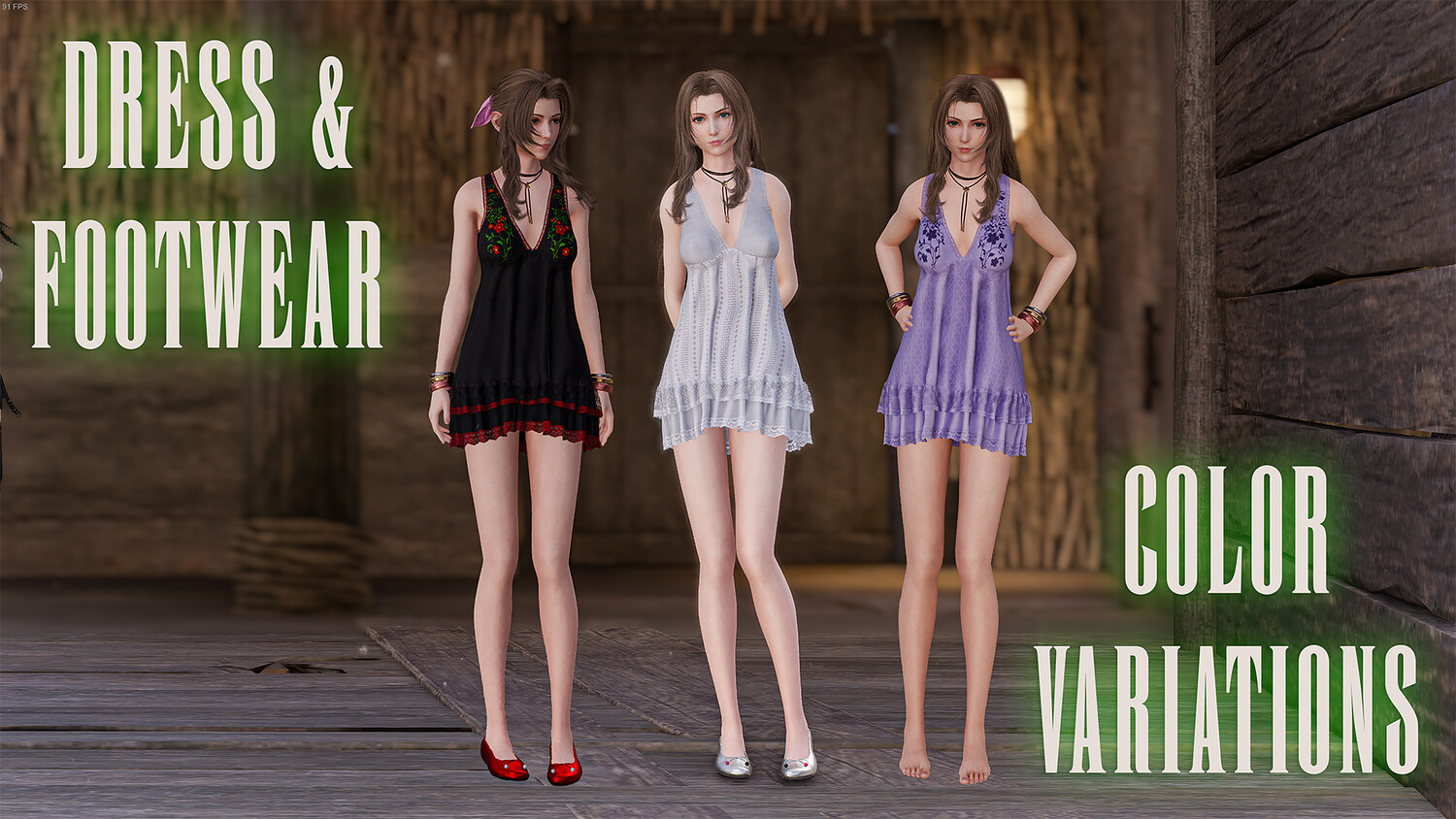
- Dress Variations 1,2
- Dress Colors
- Footwear Colors
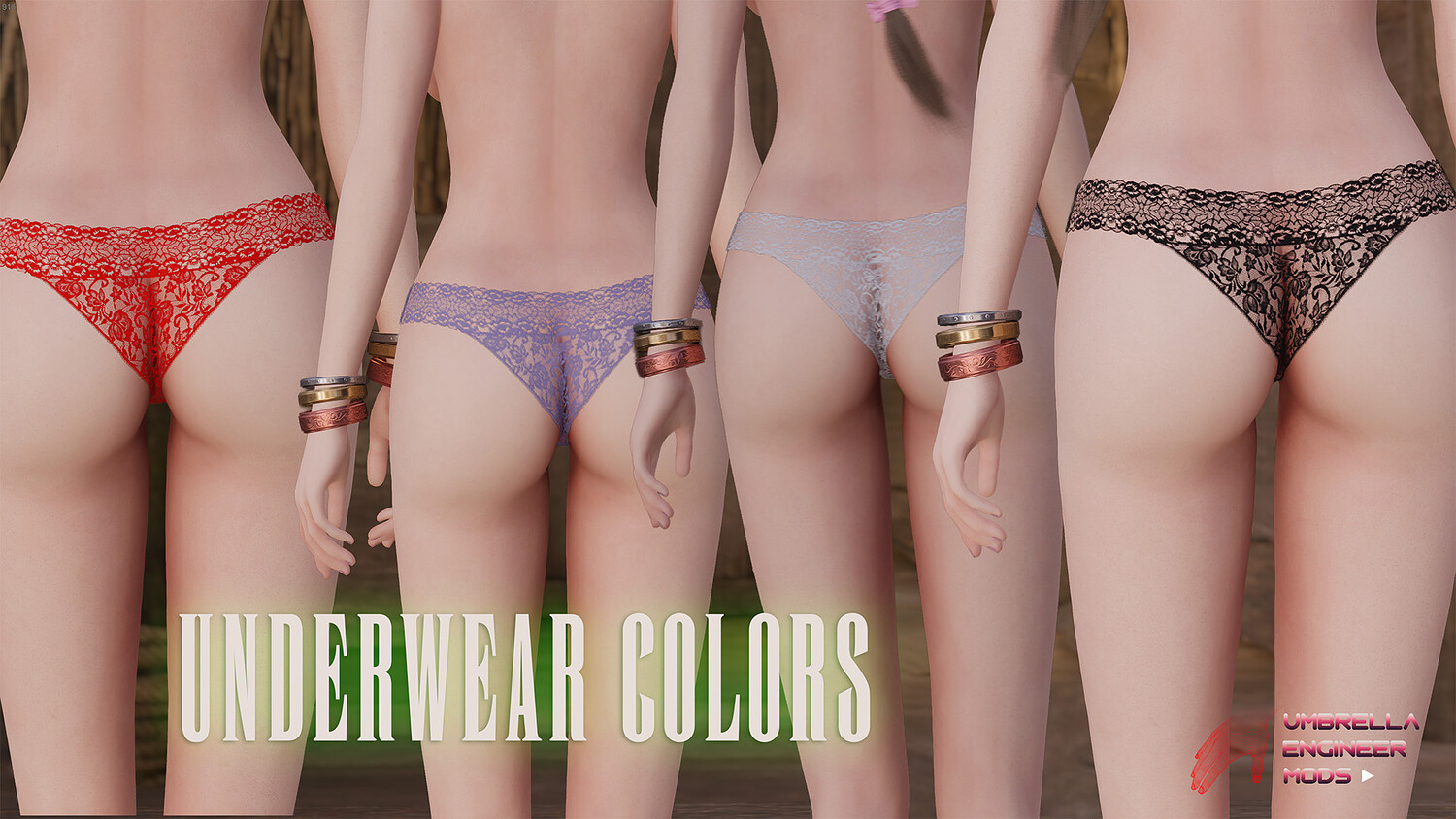
- Panties Colors
- Panties Transparency
- Add Breast Jiggle and Collision with Arms
How to install:
- Go to "FINAL FANTASY VII REBIRTH\End\Content\Paks" folder. Create folder "~mods" if it doesn't exist (make sure it is named exactly "~mods" with tilde "~" symbol)
- Unpack files from Aerith_Modular.zip somewhere. Go to unpacked folder and copy contents of "MAIN Mod Files" to this folder: "FINAL FANTASY VII REBIRTH\End\Content\Paks~mods" The most common path for mods for the steam version is: [your drive\steam folder]\steamapps\common\FINAL FANTASY VII REBIRTH\End\Content\Paks~mods
- Installing Options like "Remove Dress", "Remove Bra": Just copy contents from the corresponding options folder to the ~mods folder. Do not delete main mod files (files that are in MAIN Mod Files) from ~mods folder. They should always be there. Example: you want to remove Aerith's Dress - copy contents from "Options/Remove Dress" folder to ~mods.
- You can combine removal patches too. So, if you want Aerith to be completely naked just copy everything from remove options folders to ~mods
- If you want mod to replace only Standard Outfit, remove files that contains Costa and Loveless in their names from ~mods folder.
Model Details
- FormatsNo
- Polygons0
- Vertices0
- animatedno
- materialsno
- texturesno
- riggedno
- uvsno
- 3d print readyno
You will get 1 file
All files previously purchased will always be available for download in your Library