$5 OFF$10.0$5.0
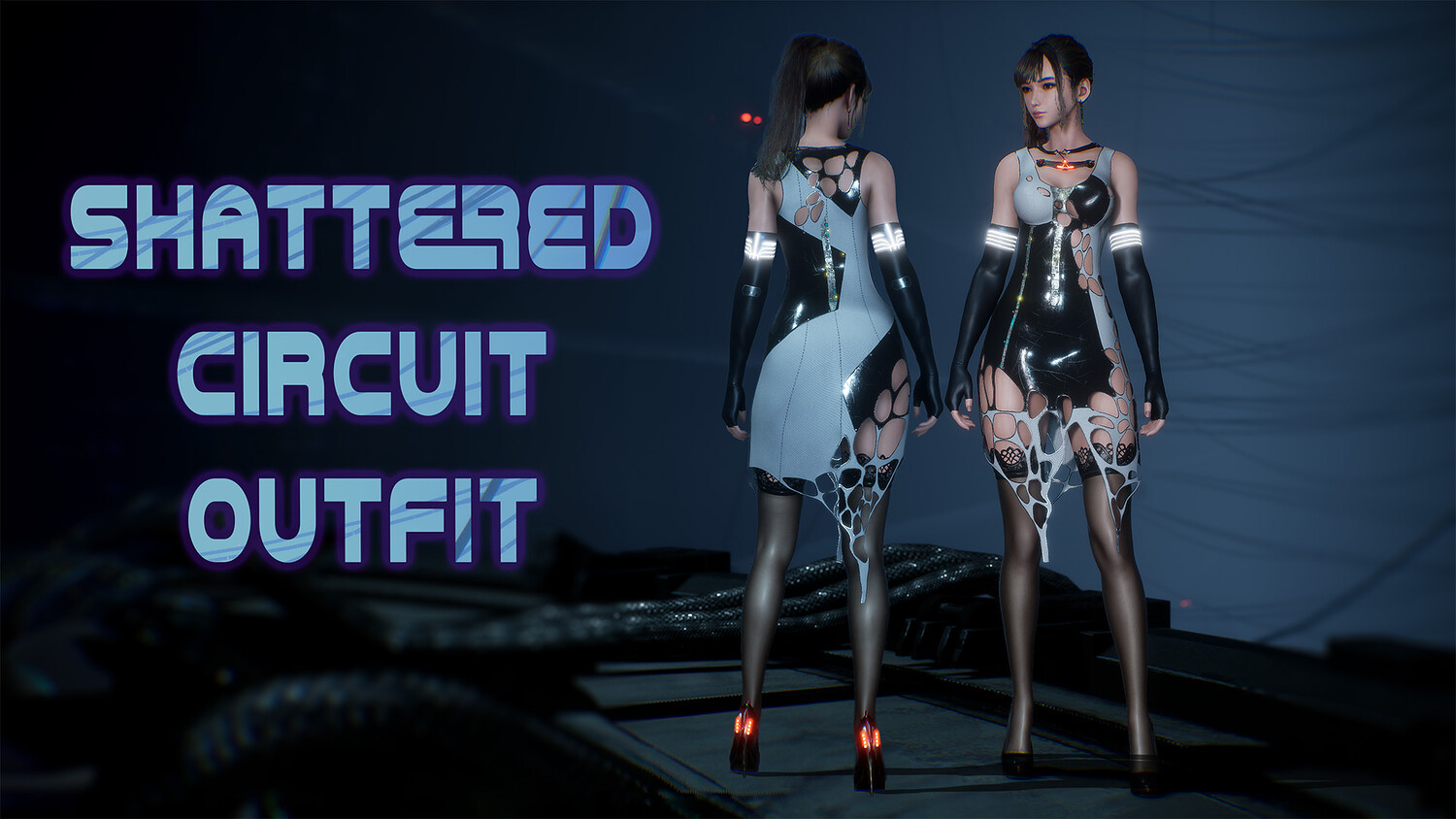
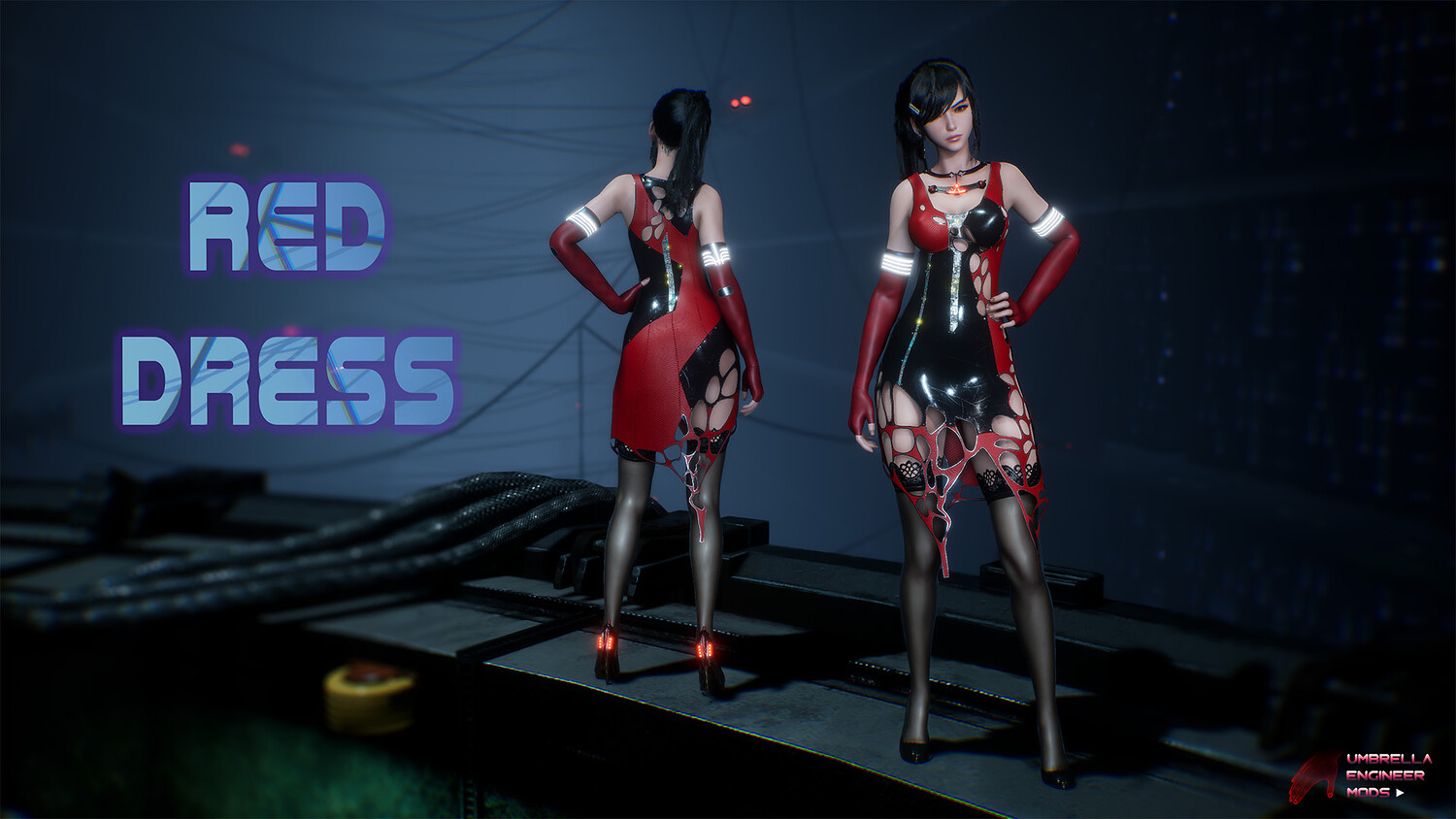
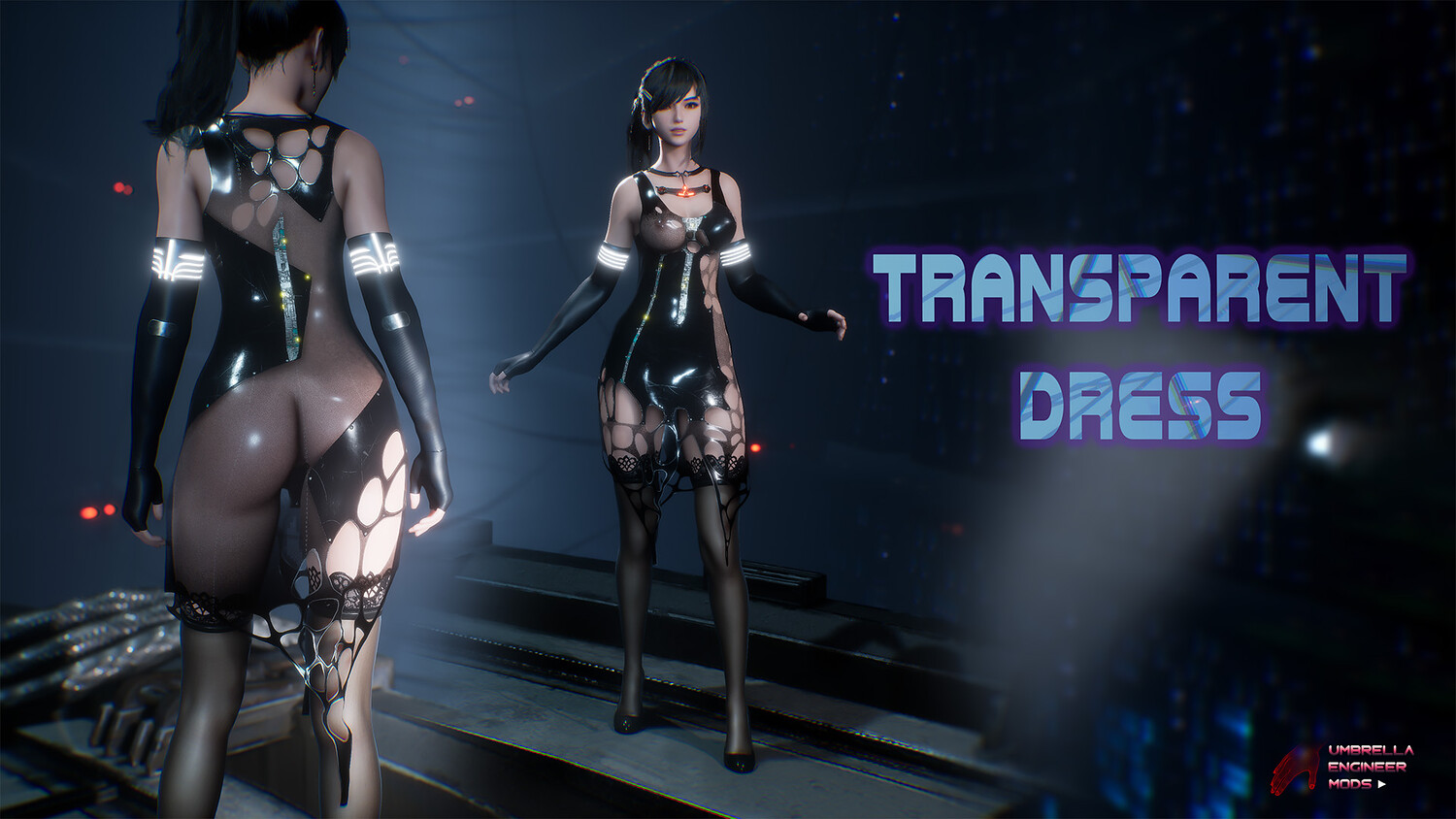
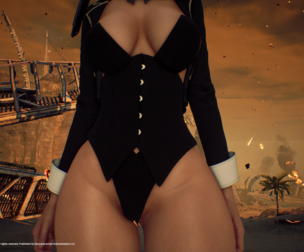
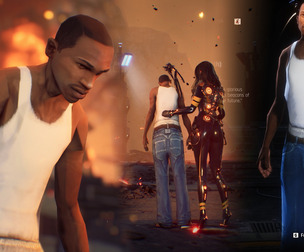
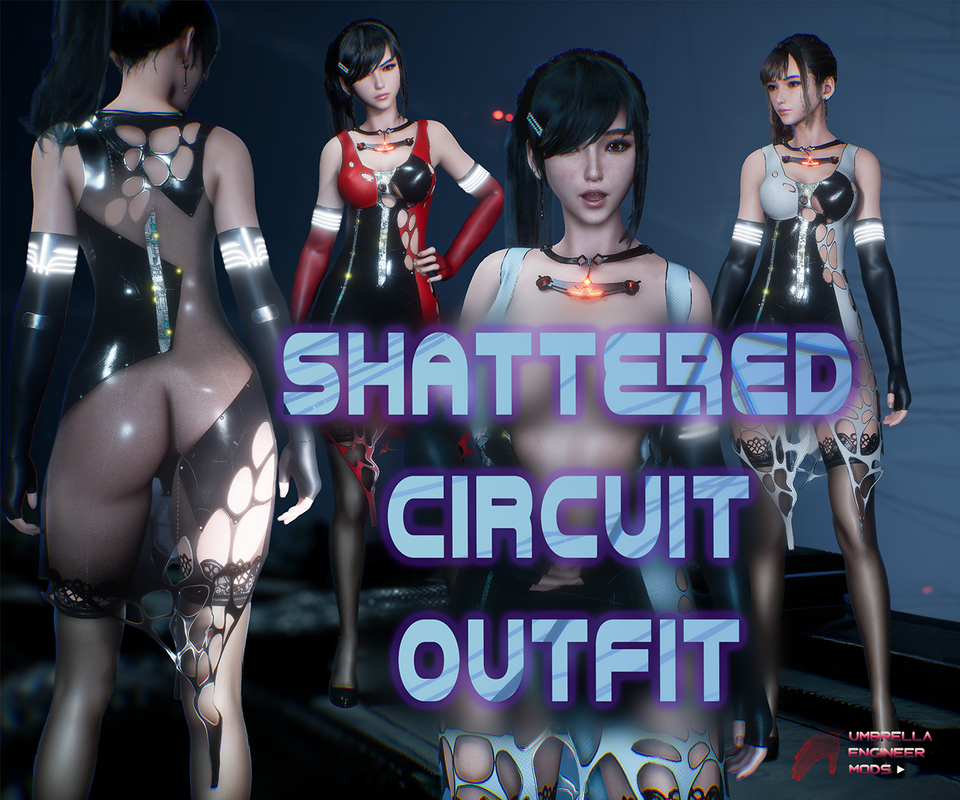
Stellar Blade Mod. Shattered Circuit Outfit for EVE
5.49K Views
This is a mod for Stellar Blade Eve.
Youtube Showcase: https://youtu.be/2u4X7U_s1As
V1.1 Update: Fixed compatibility with Knit Dress Modular and my other mods
Tested on Genuine Latest Steam Version. Can't guarantee working for other versions
Make sure to disable any other mods if something doesn't work. Can't guarantee the compatibility with other mods, although I tried. Should work with majority head/makeup mods and hair
Replaces "Diving-7" Suit OR "Planet Diving Protection 7 V2" OR "Daily Biker". You can choose what to replace
Mod has custom Dress physics
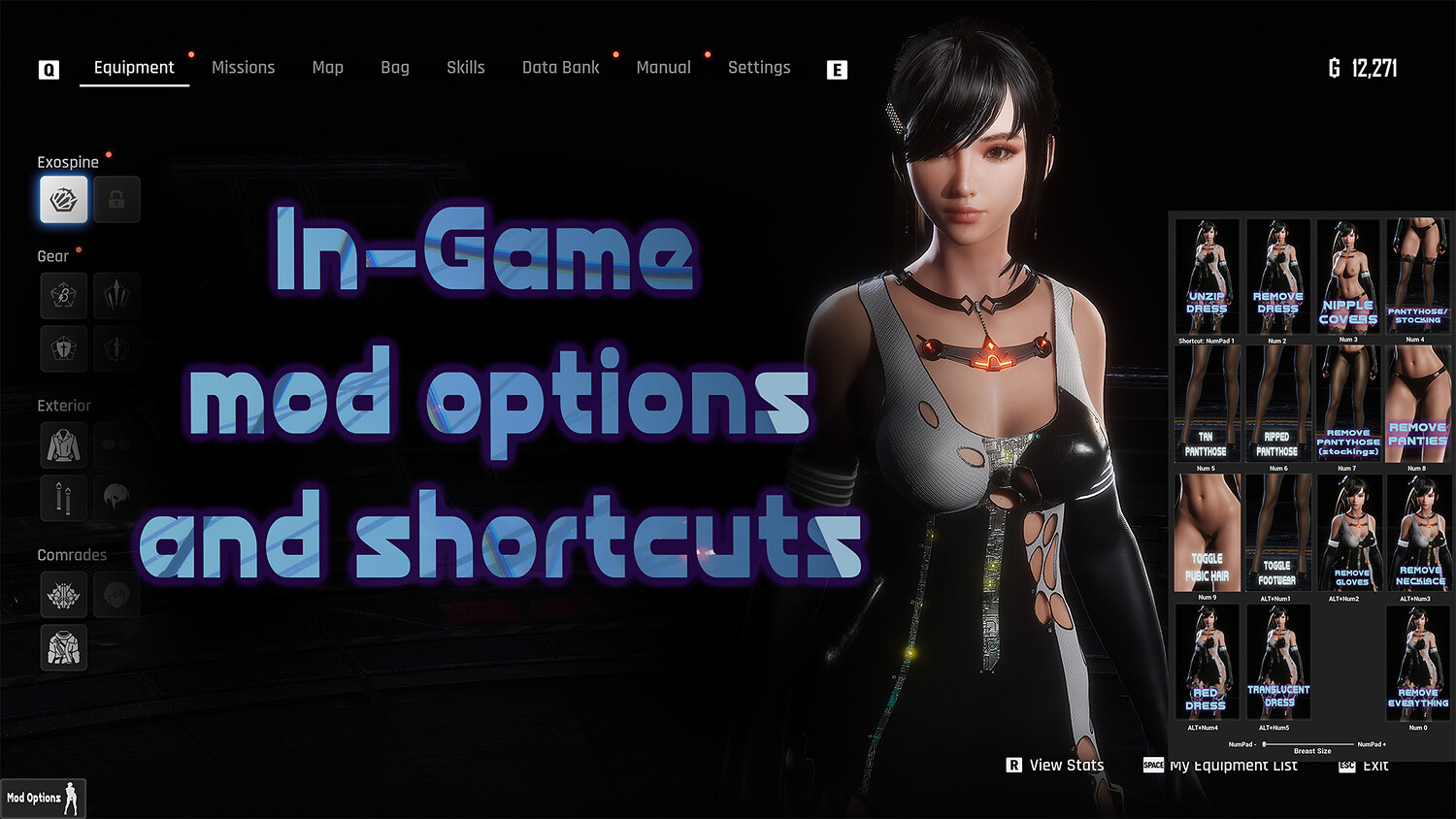
Options:
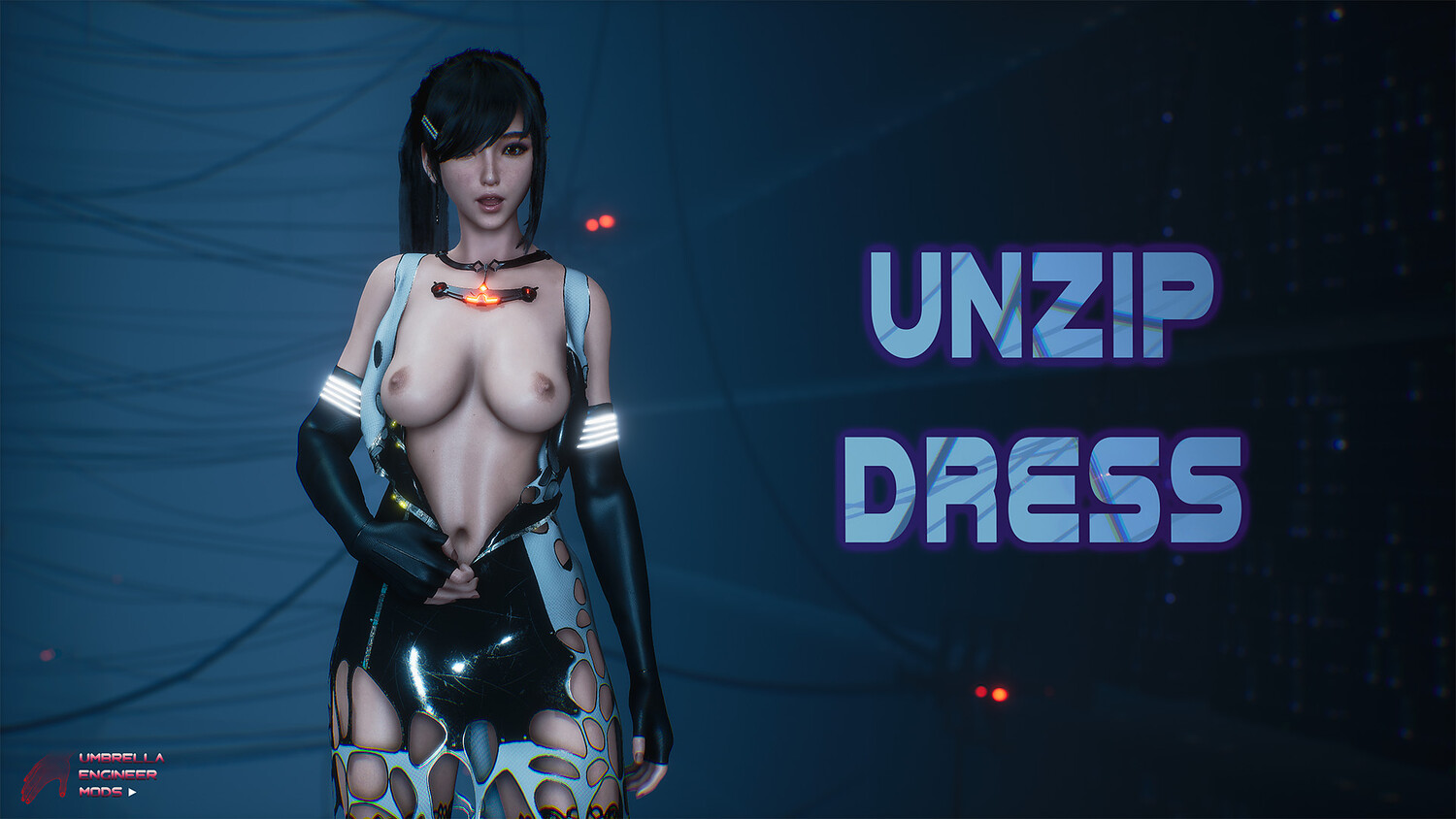
- Unzip Dress - Keyboard Shortcut: NUMPad1
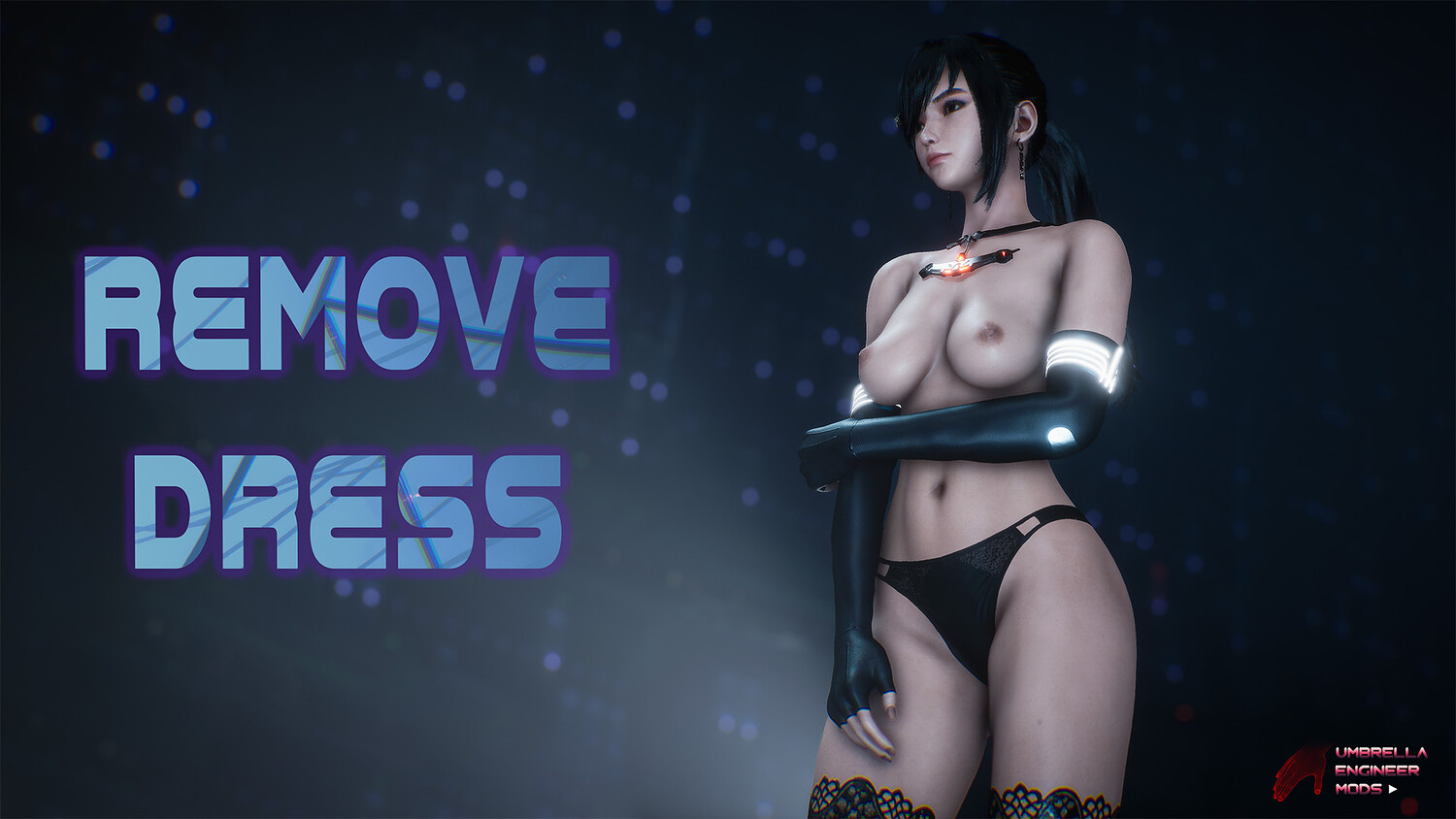
- Remove Dress - NUMPad2
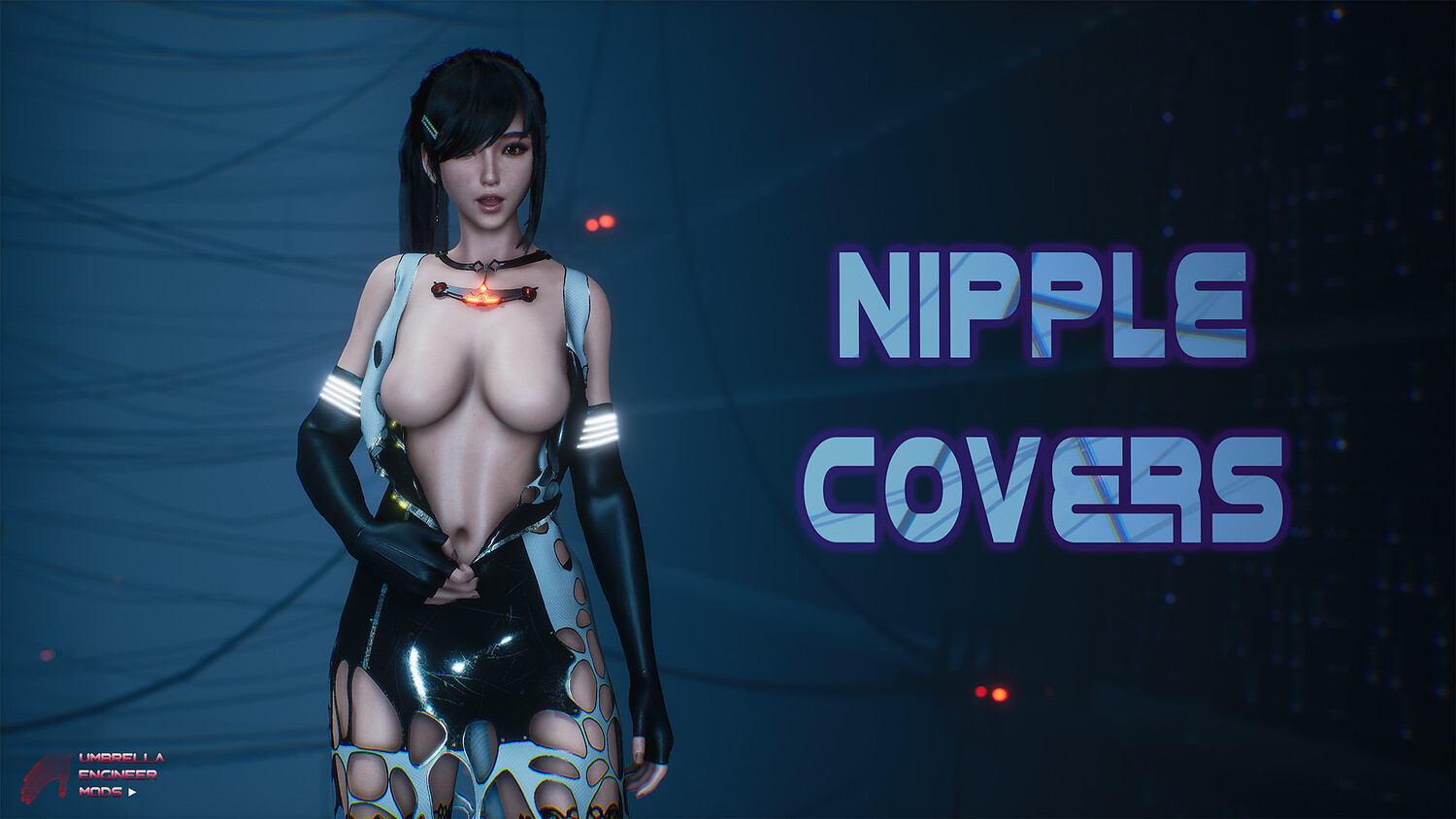
- Nipple Covers (stream safe options - kinda) - NUMPad3
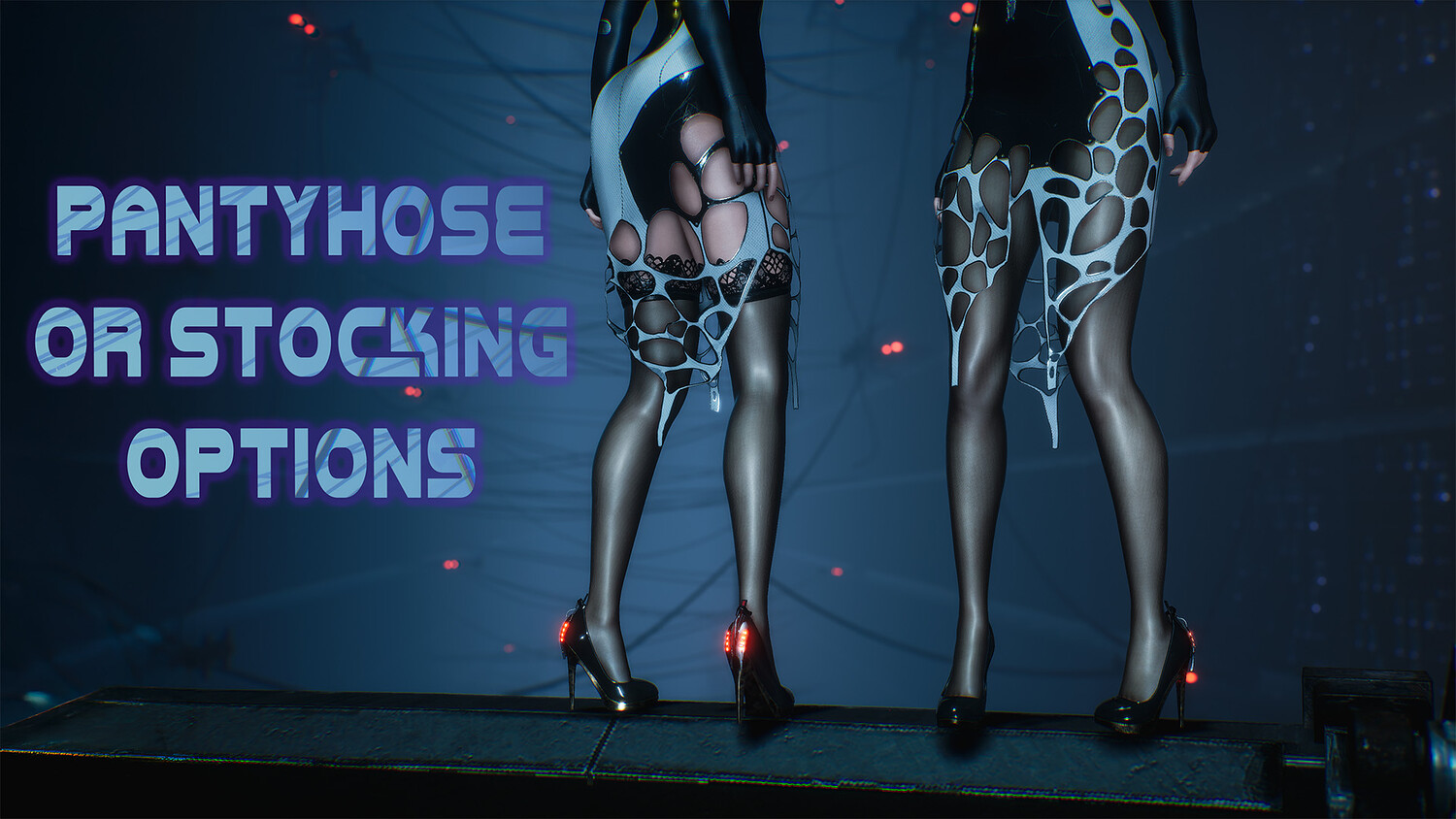
- Switch between Pantyhose and Stockings - NUMPad4
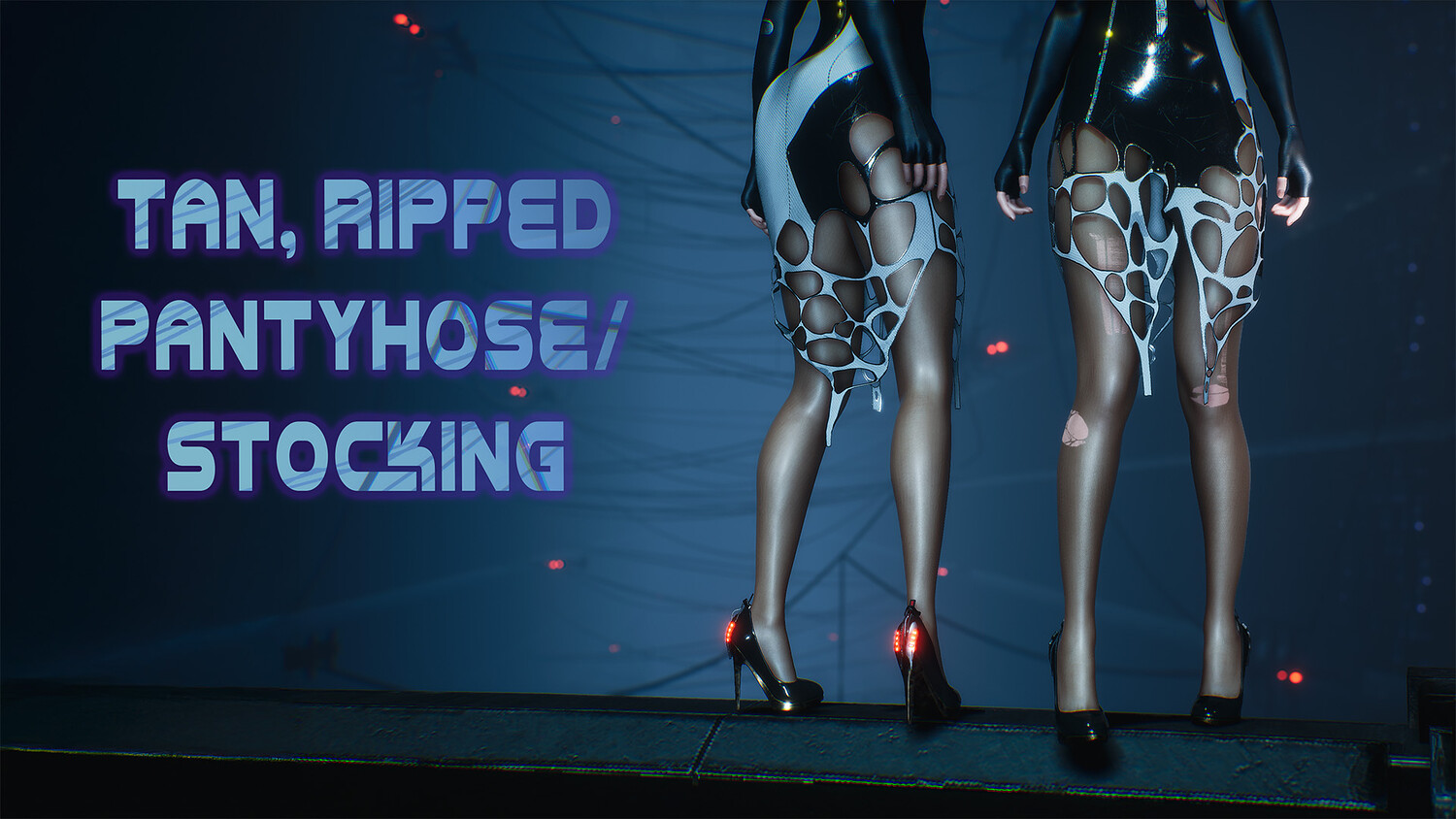
- Tan Pantyhose/Stocking - NUMPad5
- Ripped Pantyhose/Stocking - NUMPad6
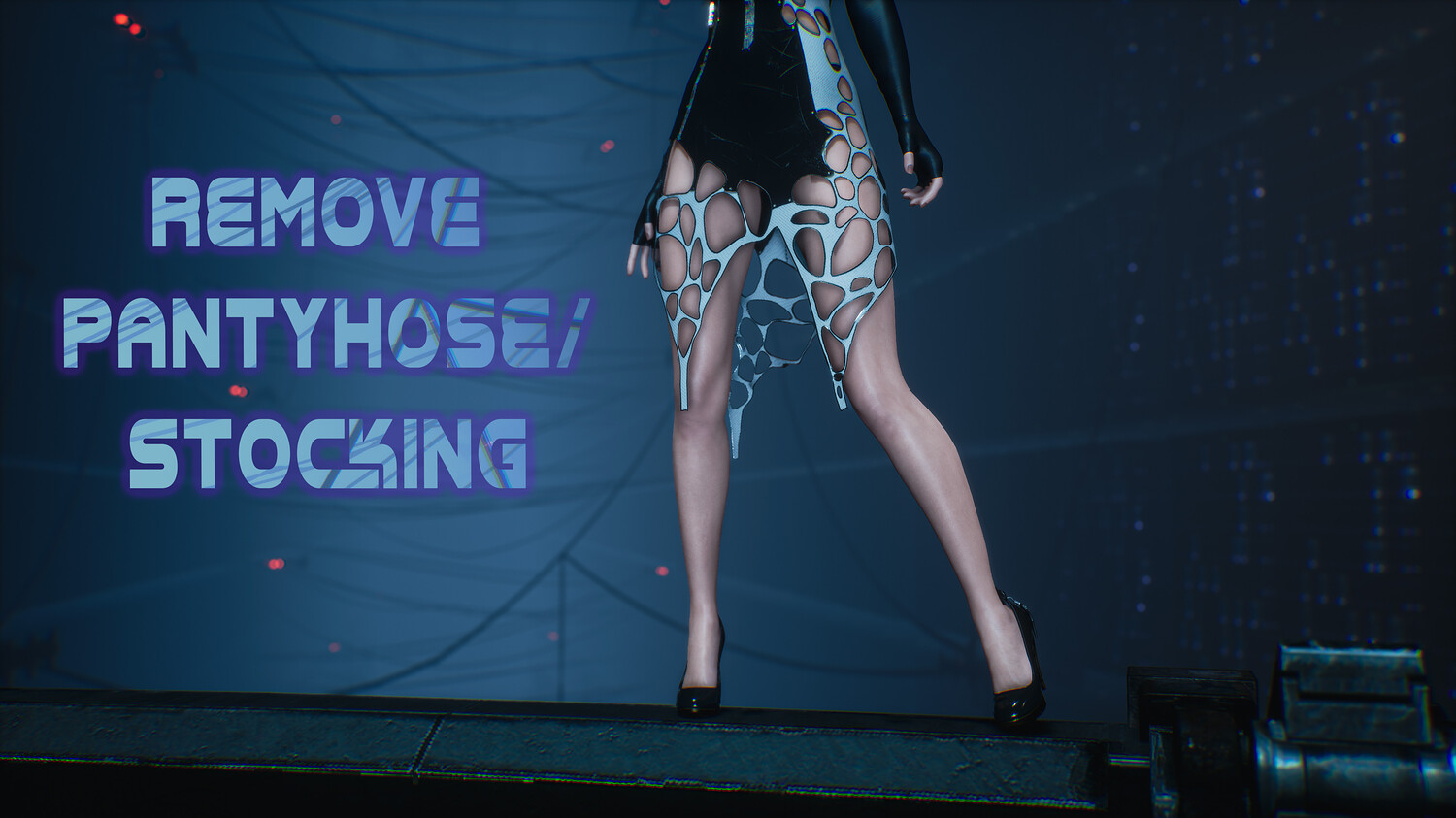
- Remove Pantyhose/Stocking - NUMPad7
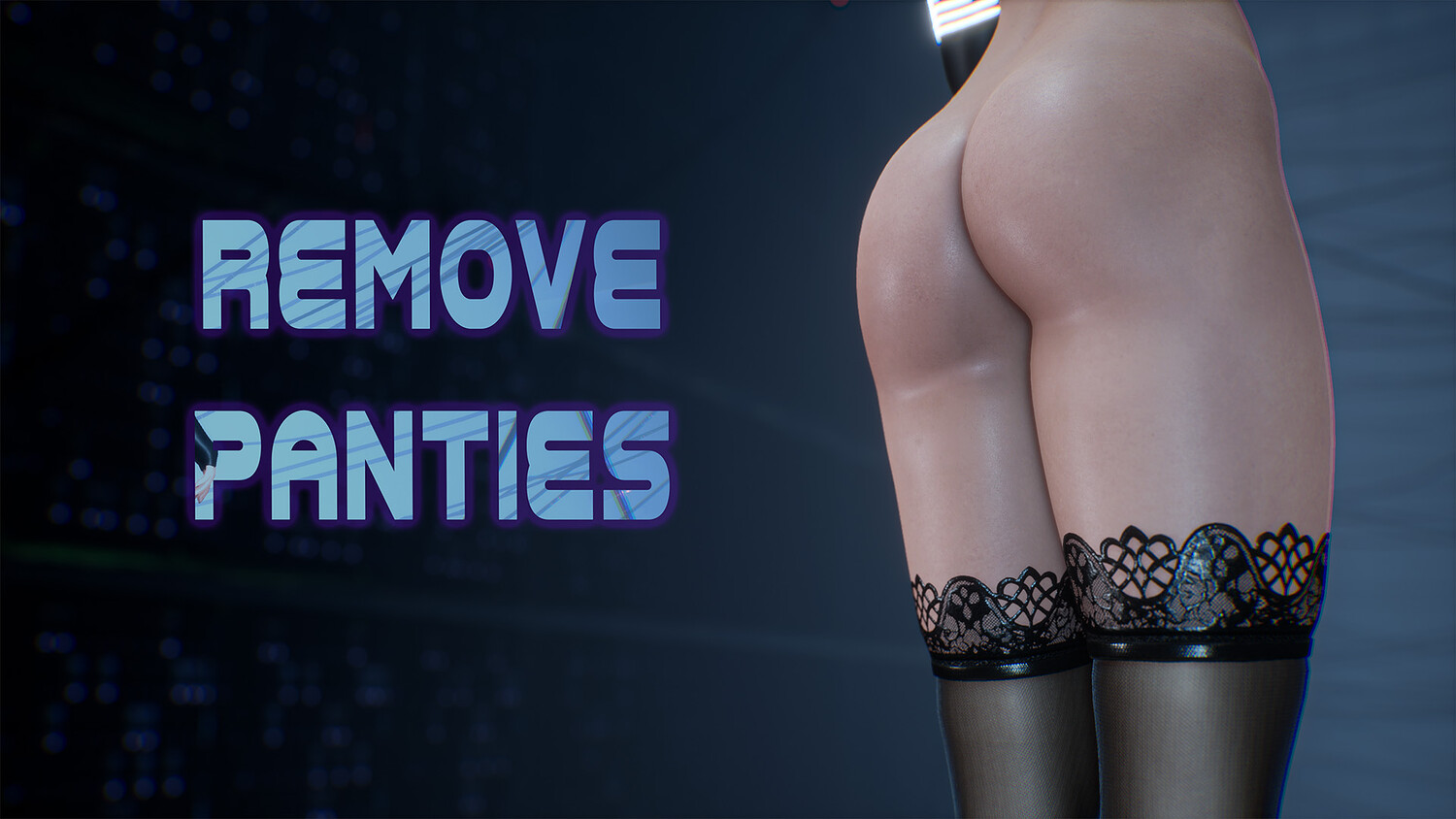
- Remove Panties - NUMPad8
- Add Pubic Hair - NUMPad9
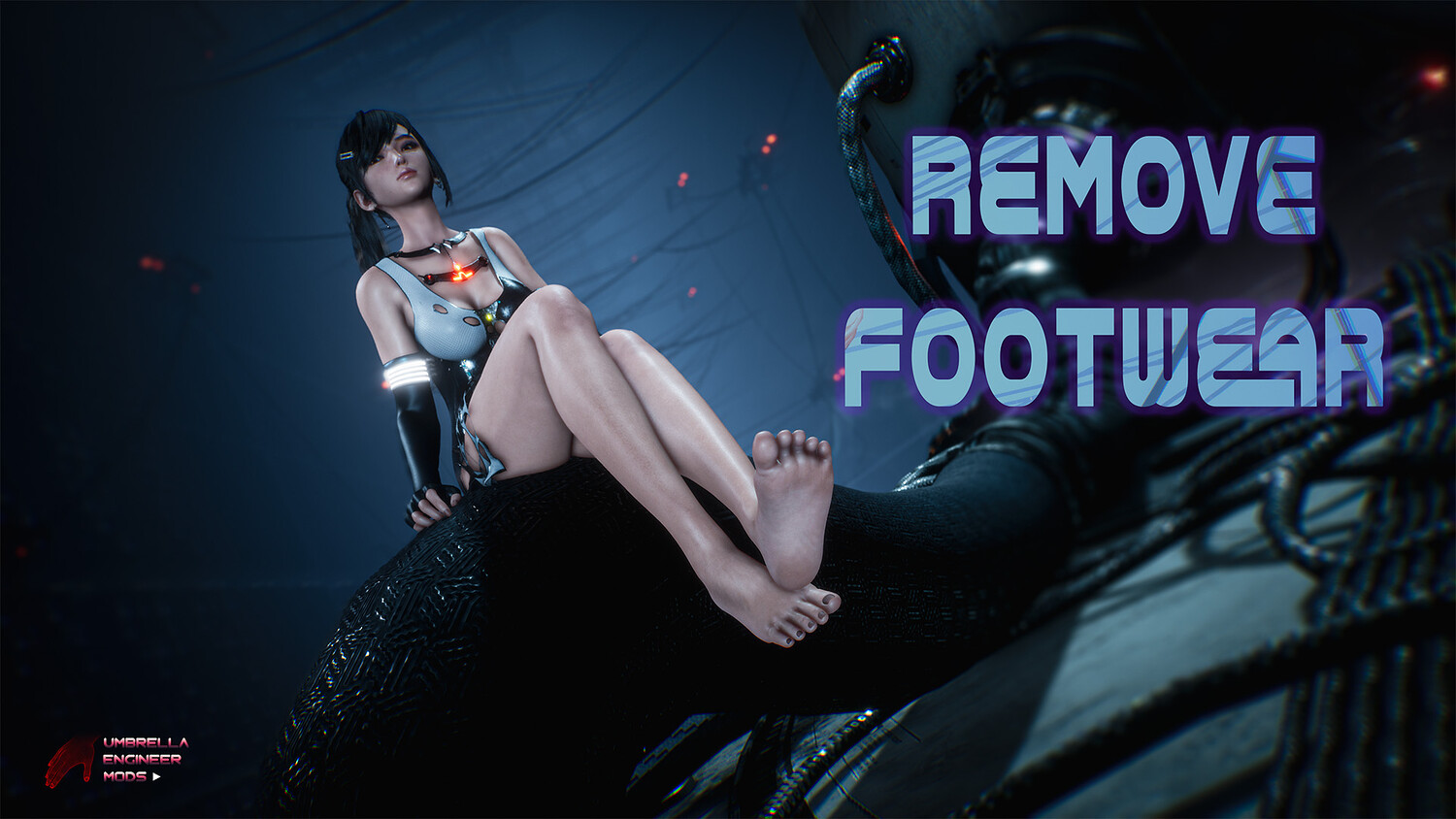
- Remove Footwear - ALT+NUMPad1
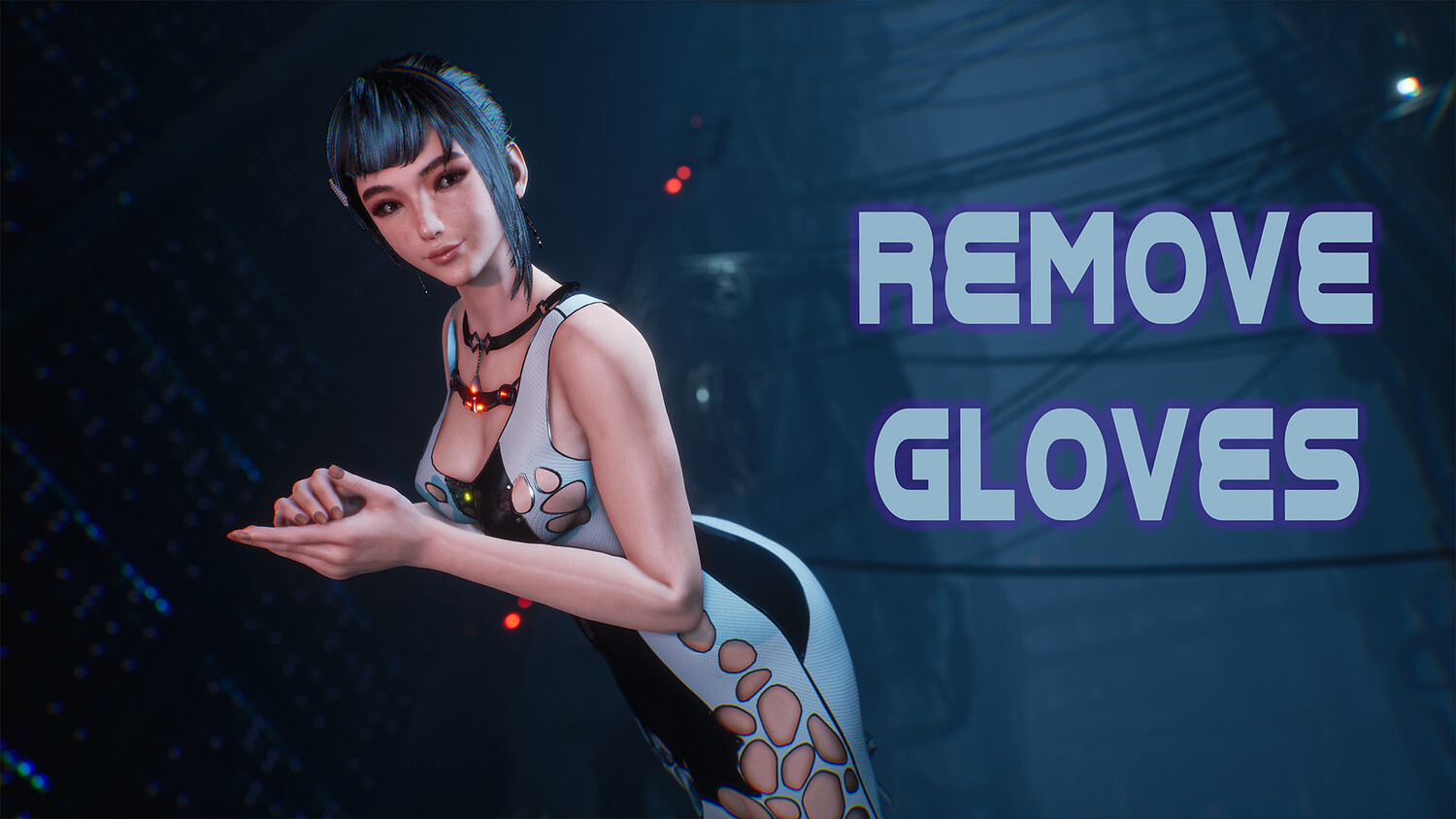
- Remove Gloves - ALT+NUMPad2
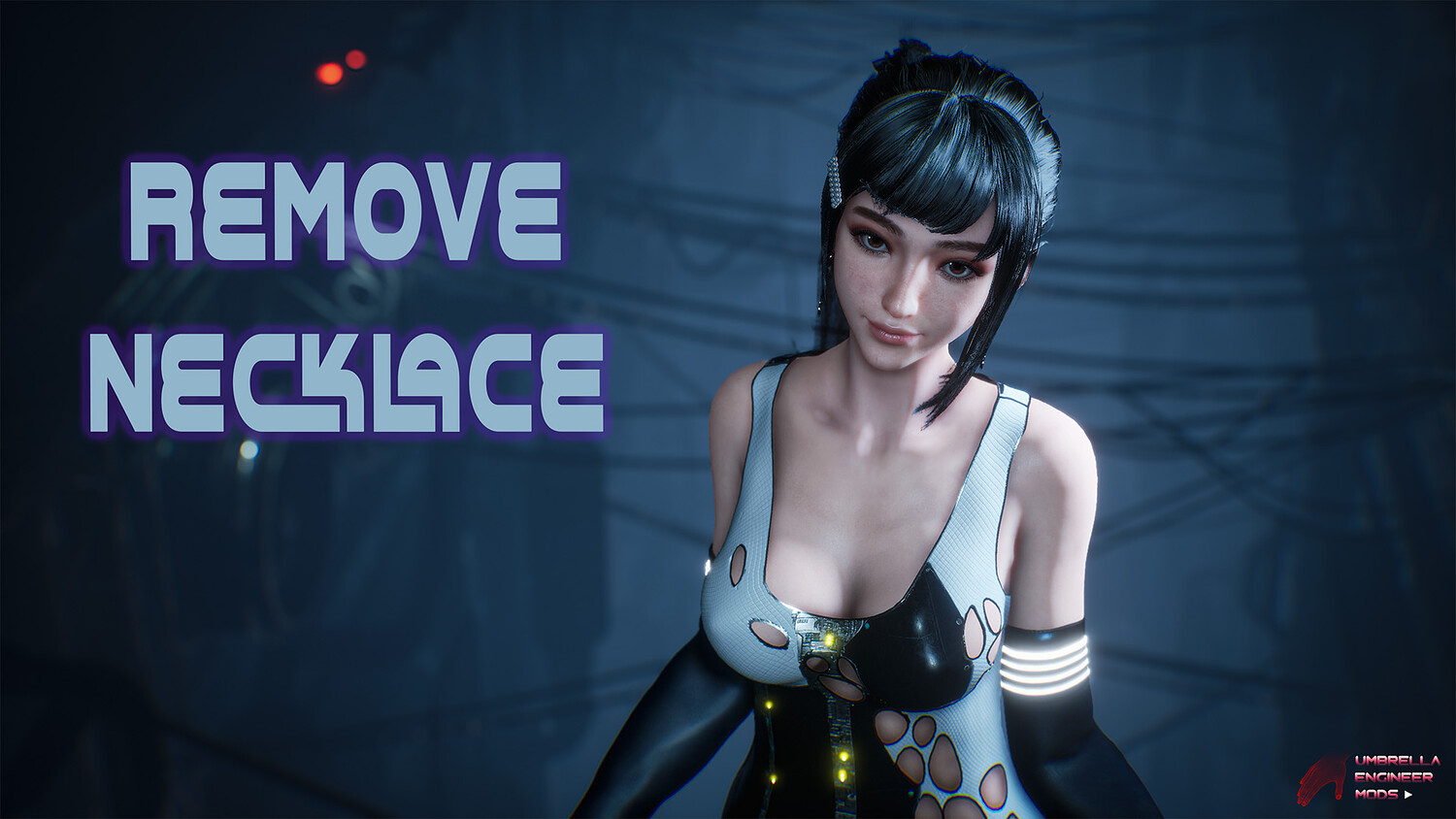
- Remove Necklace - ALT+NUMPad3
- Red Dress - ALT+NUMPad4
- Transparent Dress - ALT+NUMPad5
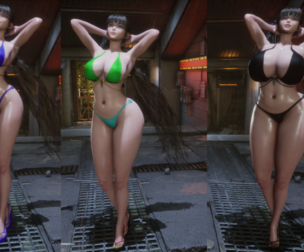
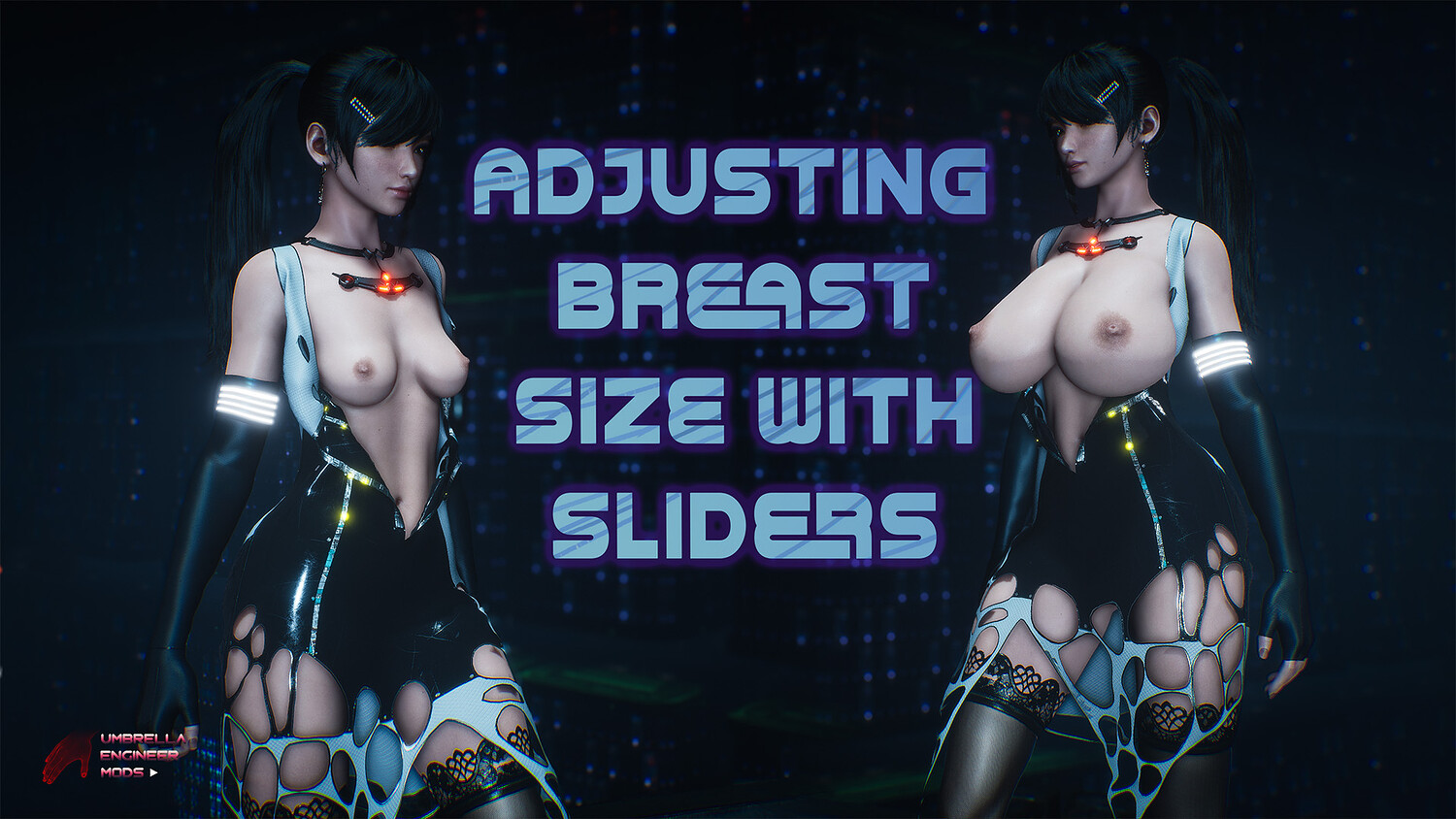
- Increase/Decrease Breast Size - NUMPad+ / NUMPad-
- Remove Everything/Default State toggle - NUMPad0
How to install:
- Go to "\StellarBlade\SB\Content\Paks" folder. Create folder "~mods" if it doesn't exist (make sure it is named exactly "~mods" with tilde "~" symbol)
- Unpack files from ShatteredCircuit atchive to: "\StellarBlade\SB\Content\Paks~mods" The most common path for mods for the steam version is: [your drive\steam folder]\steamapps\common\StellarBlade\SB\Content\Paks~mods
You can choose 3 different outfits to replace: "Diving-7" Suit OR "Planet Diving Protection 7 V2" OR "Daily Biker". Just copy corresponding files to ~mods folder and remove others "REPLACE" files. So let's say, I want to replace only daily biker, then I leave in my ~mods directory these files:
"ShatteredCircuit-Replace-Daily-BikerP", "ShatteredCircuit-Replace-Daily-BikerP.ucas", "ShatteredCircuit-Replace-Daily-Biker_P.utoc"
Costume selection screen has special Mod Options Button in the low left corner of the screen. Click on that and you will see all the mod options on the right You can also use ShortCuts as explained above.
Model Details
- FormatsNo
- Polygons0
- Vertices0
- animatedno
- materialsno
- texturesno
- riggedno
- uvsno
- 3d print readyno
You will get 1 file
All files previously purchased will always be available for download in your Library