$5 OFF$10.0$5.0
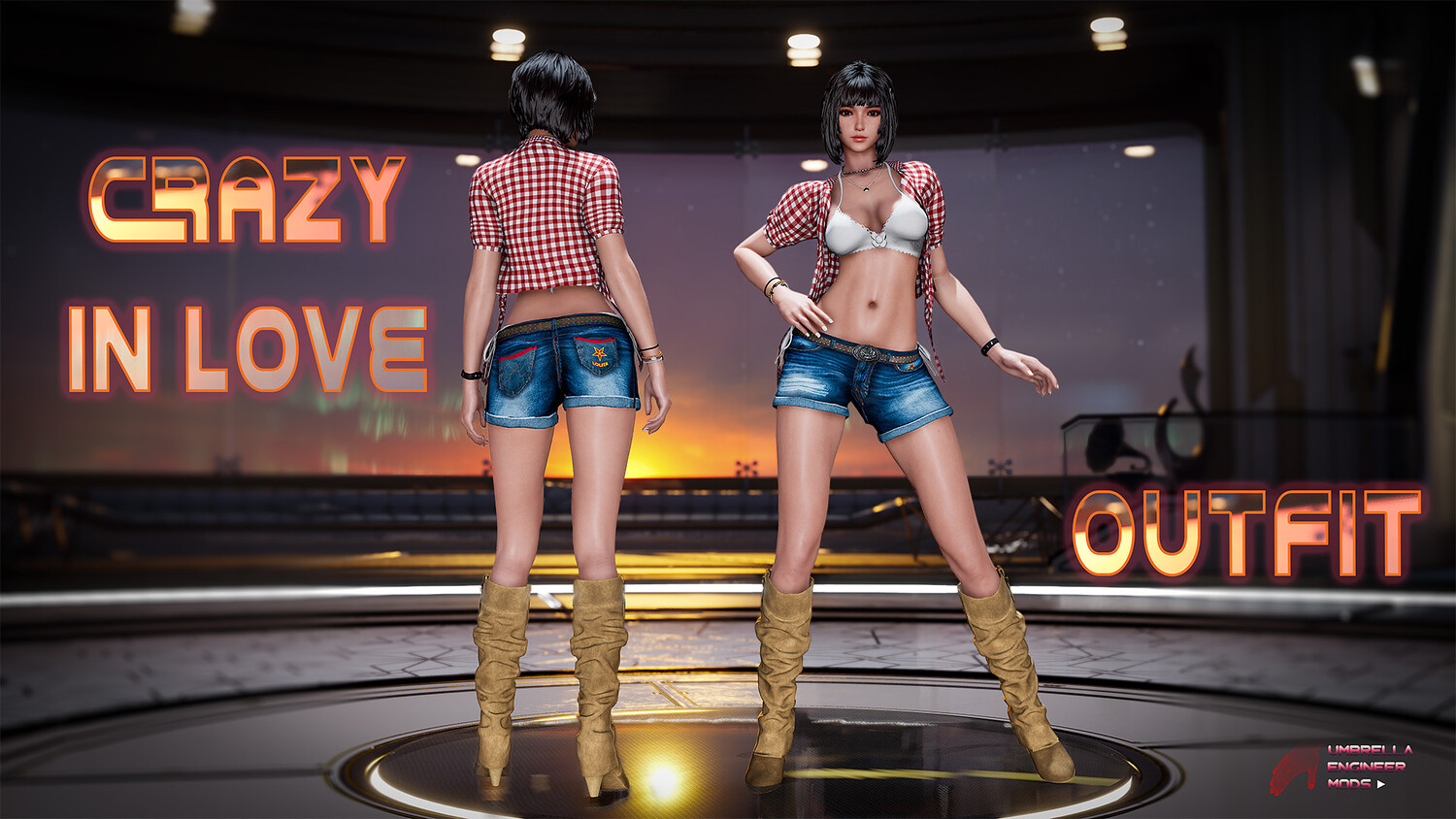
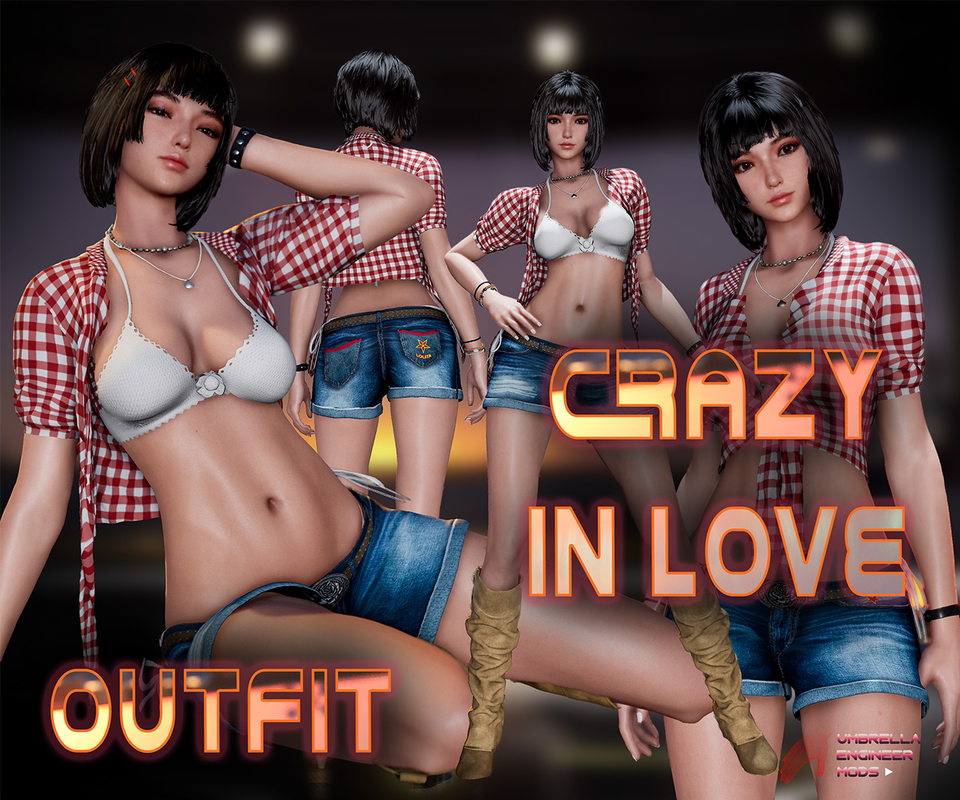
Stellar Blade Mod. Crazy In Love Outfit for EVE
6.56K Views
This is a mod for Stellar Blade Eve.
Inspired by Kwon Eun-bi's performance at the waterbomb festival
Tested on Genuine Latest Steam Version. Can't guarantee working for other versions
Make sure to disable any other mods if something doesn't work. Can't guarantee the compatibility with other mods, although I tried. Should work with majority head/makeup mods and hair
Replaces "Diving-7" Suit OR "Orca-Engineer" OR "Planet-Diving-6". You can choose what to replace
Mod has custom Shirt physics
Options:
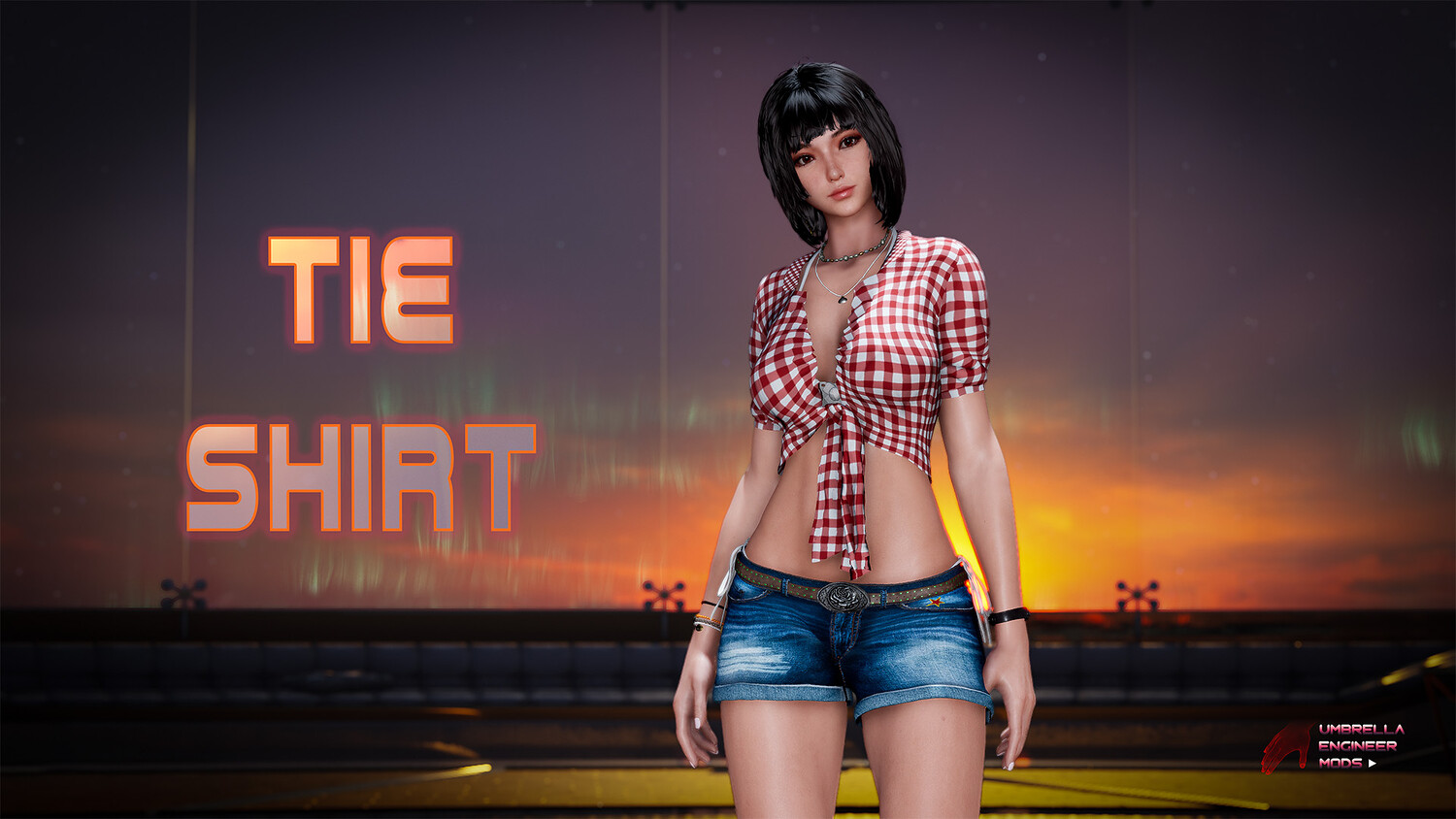
- Tie Shirt - Keyboard Shortcut: NUMPad1
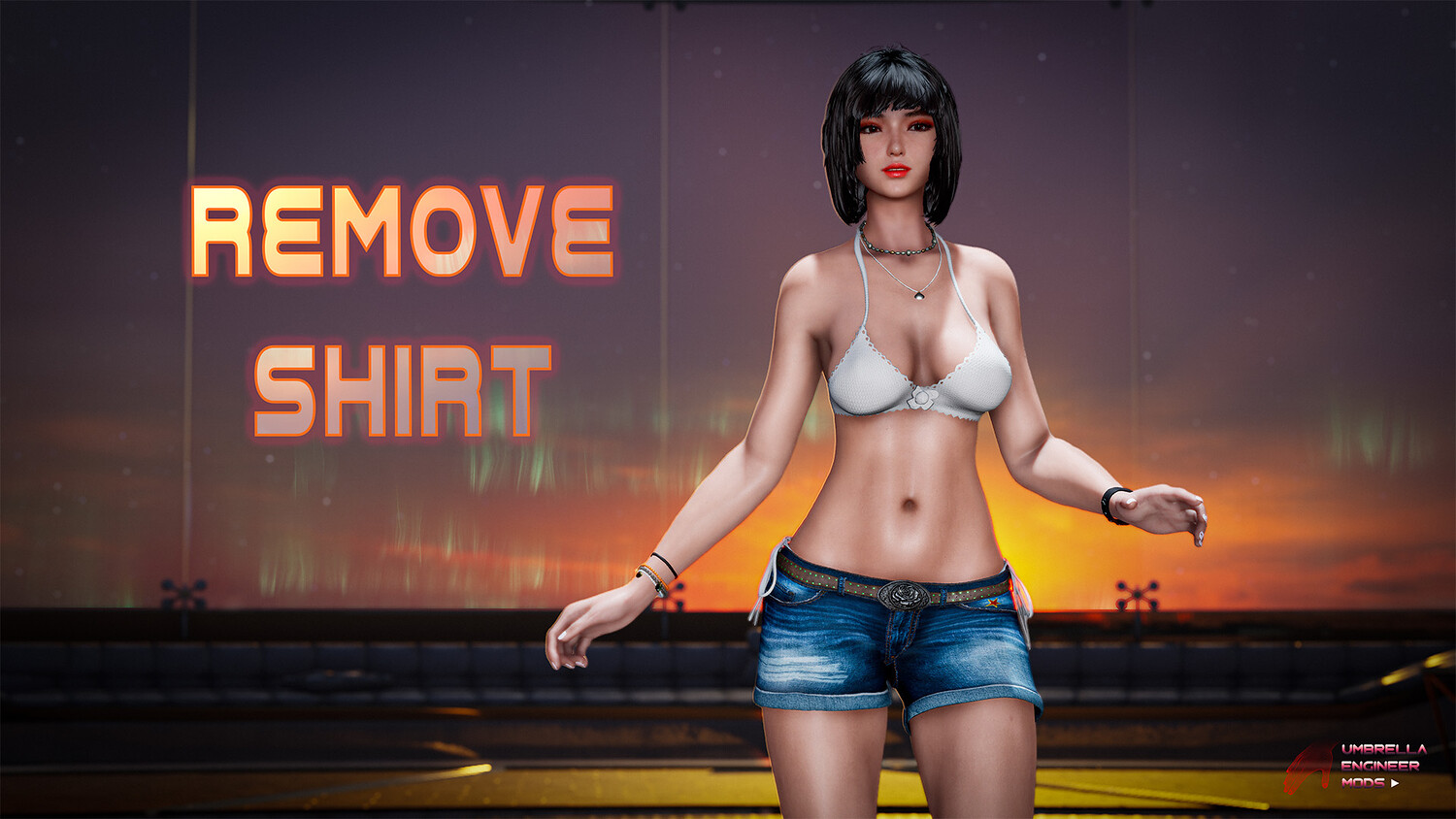
- Remove Shirt - NUMPad2
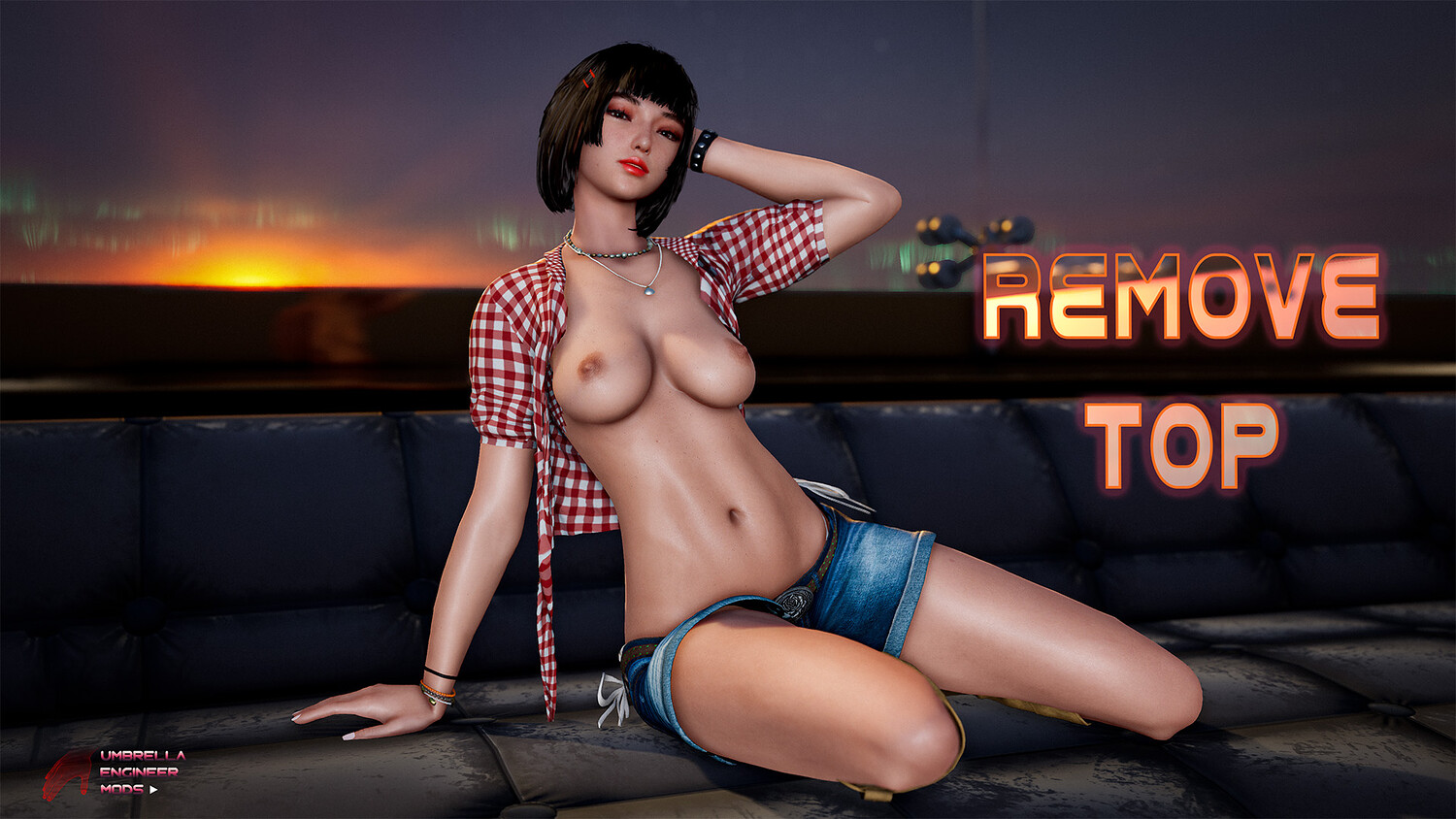
- Remove Top - NUMPad3
- Nipple Covers (stream safe options - kinda) - NUMPad4
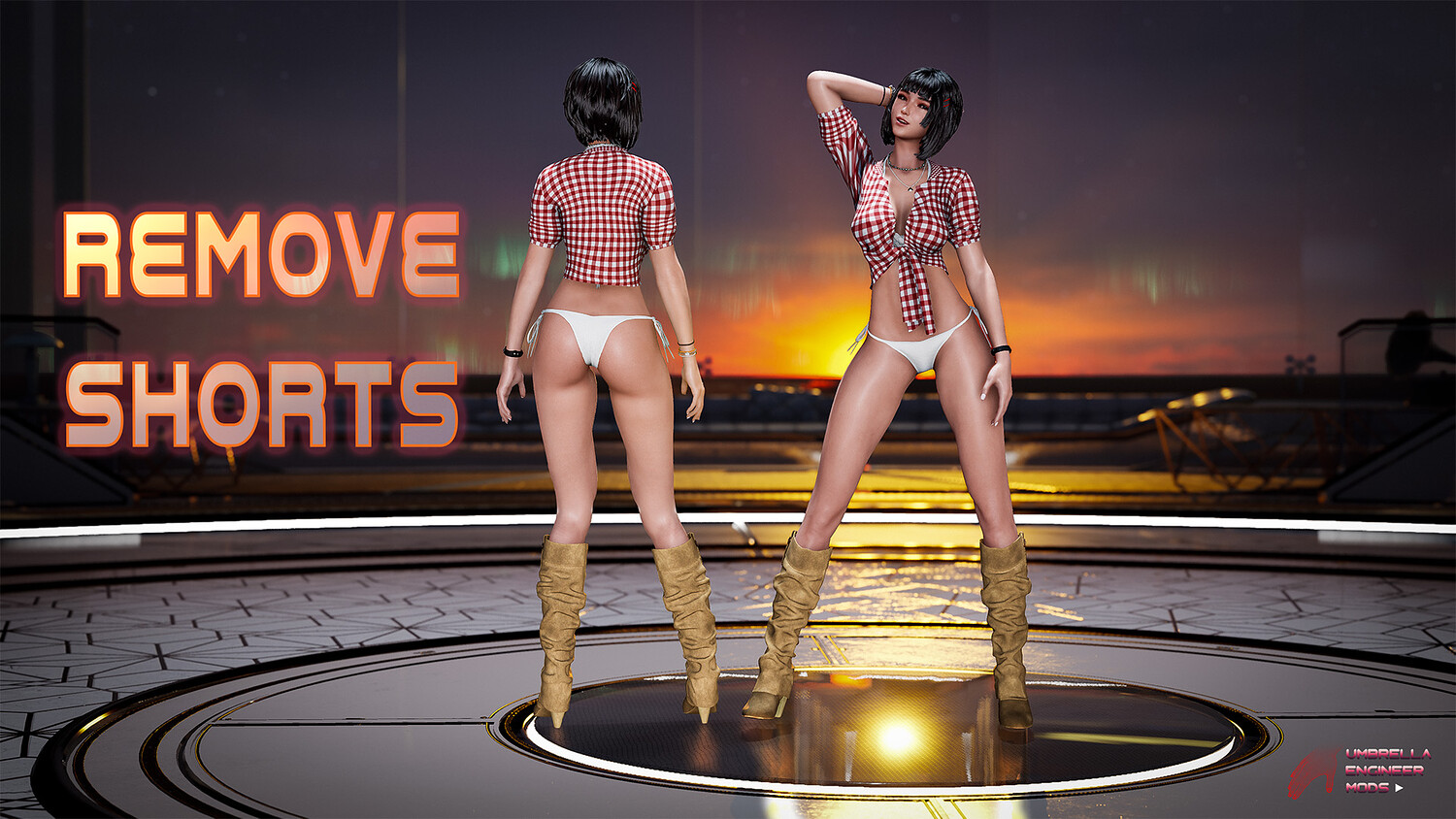
- Remove Shorts - NUMPad5
- Remove Panties - NUMPad6
- Add Pubic Hair - NUMPad7
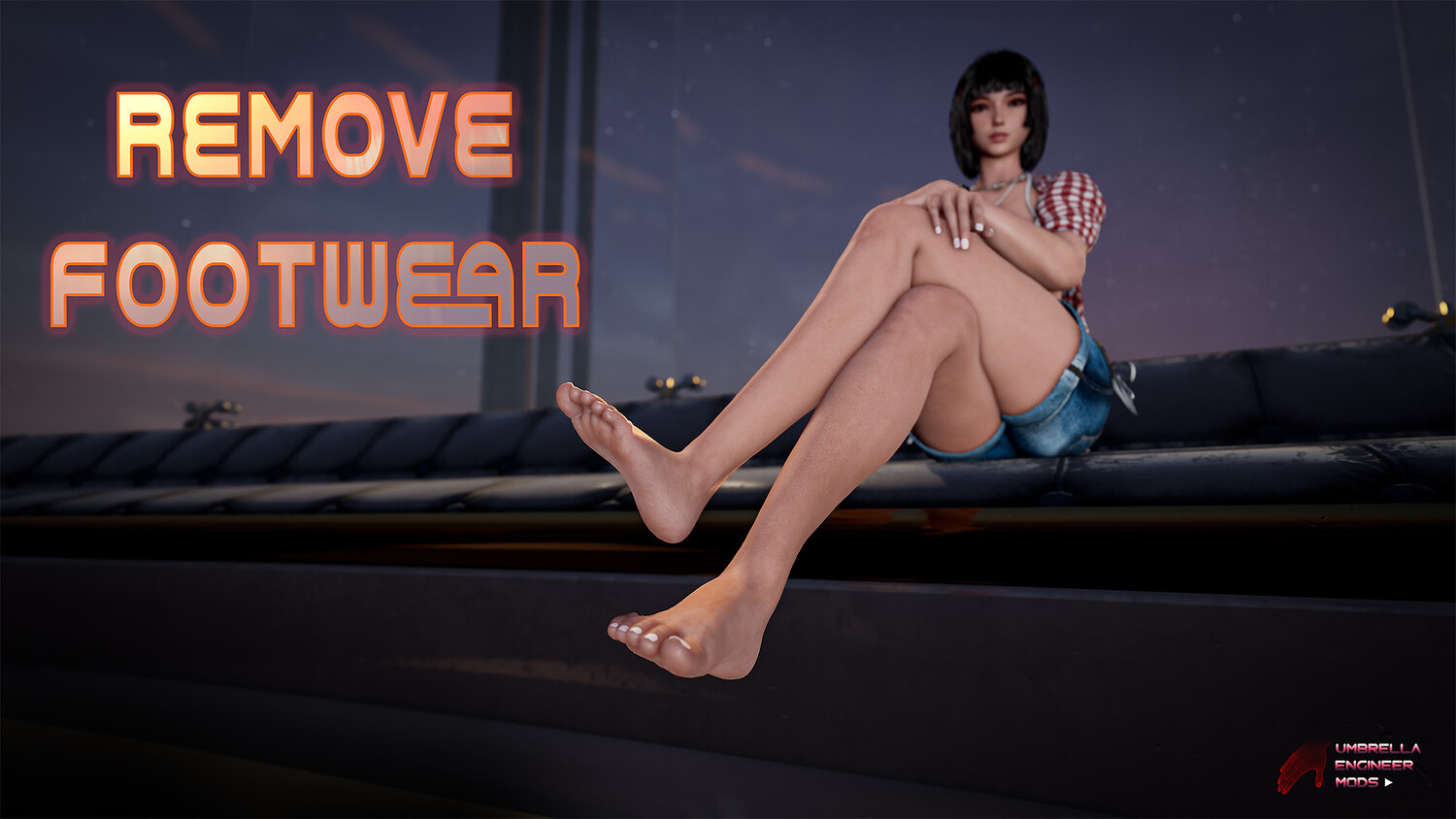
- Remove Boots - NUMPad8
- Remove Brecelets - NUMPad9
- Remove Necklace - ALT+NUMPad1
- Increase/Decrease Breast Size - NUMPad+ / NUMPad-
- Remove Everything/Default State toggle - NUMPad0
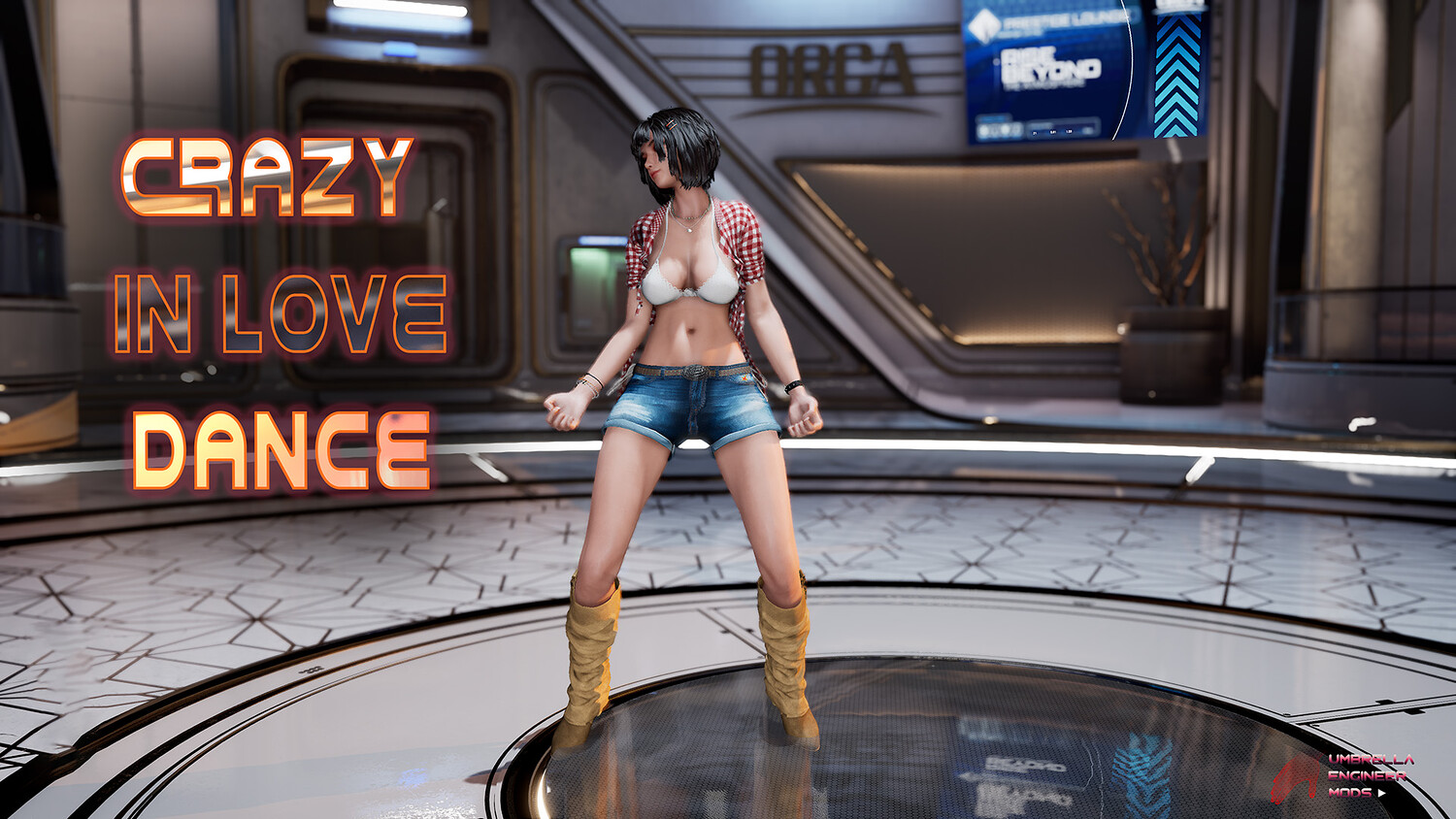
- ALT+L - Crazy In Love Dance
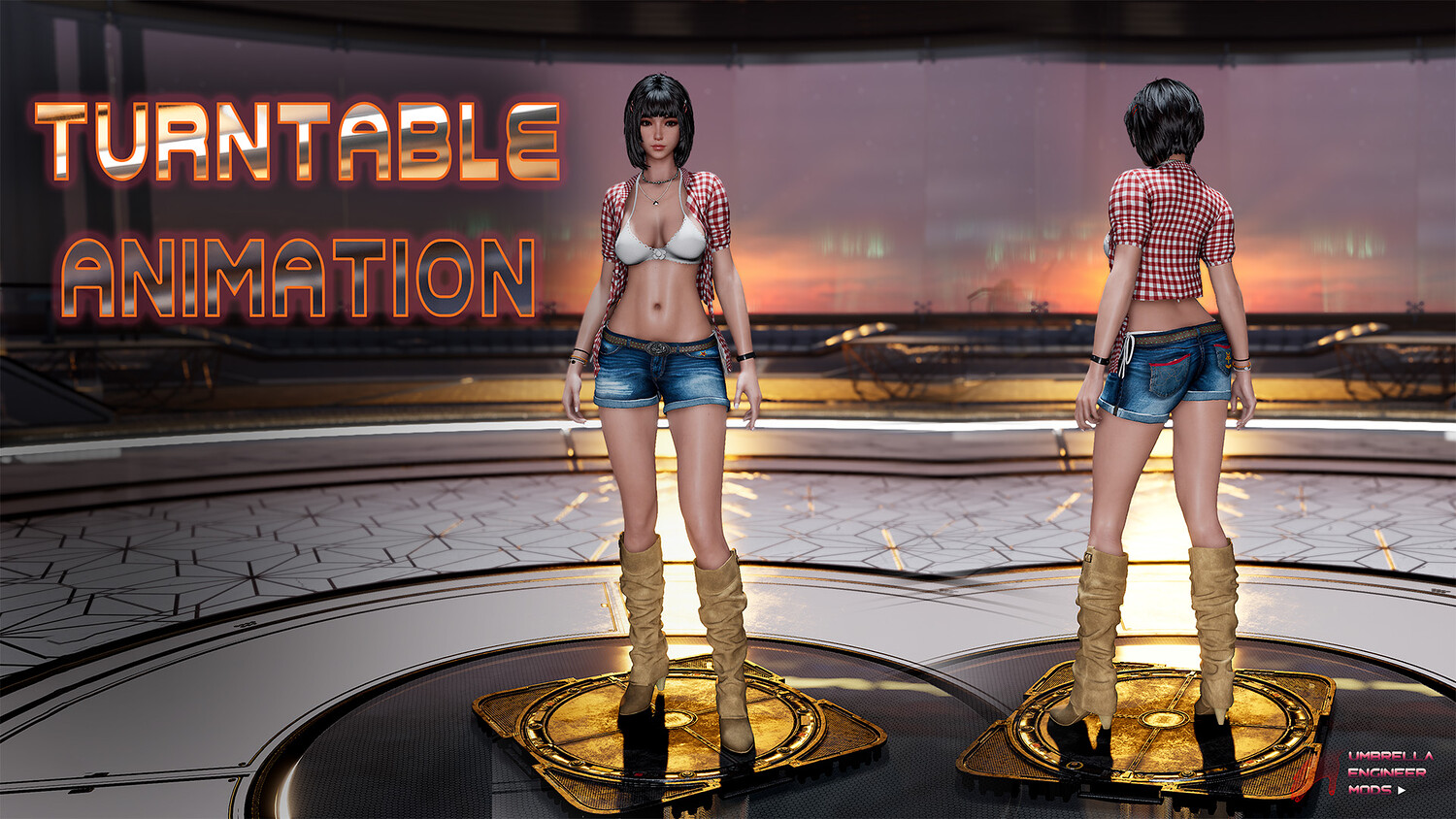
- Toggle TurnTable - NumPad*
- Increase/Decrease TurnTable height - "Right ALT + *"/ "Right SHIFT + *"
How to install:
- Go to "\StellarBlade\SB\Content\Paks" folder. Create folder "~mods" if it doesn't exist (make sure it is named exactly "~mods" with tilde "~" symbol)
- Unpack files from ShatteredCircuit atchive to: "\StellarBlade\SB\Content\Paks~mods" The most common path for mods for the steam version is: [your drive\steam folder]\steamapps\common\StellarBlade\SB\Content\Paks~mods You can choose 3 different outfits to replace: "Diving-7" Suit OR "Orca-Engineer" OR "Planet-Diving-6". Just copy corresponding files to ~mods folder and remove others "REPLACE" files. So let's say, I want to replace only daily biker, then I leave in my ~mods directory these files: "CrazyInLove-Replace-Planet-Diving-6P.pak", "CrazyInLove-Replace-Planet-Diving-6P.ucas", "CrazyInLove-Replace-Planet-Diving-6_P.utoc"
Costume selection screen has special Mod Options Button in the low left corner of the screen. Click on that and you will see all the mod options on the right You can also use ShortCuts as explained above.
Model Details
- FormatsNo
- Polygons0
- Vertices0
- animatedno
- materialsno
- texturesno
- riggedno
- uvsno
- 3d print readyno
You will get 1 file
All files previously purchased will always be available for download in your Library