Gesturize - Gesture drawing app
Now for MacOS as well!
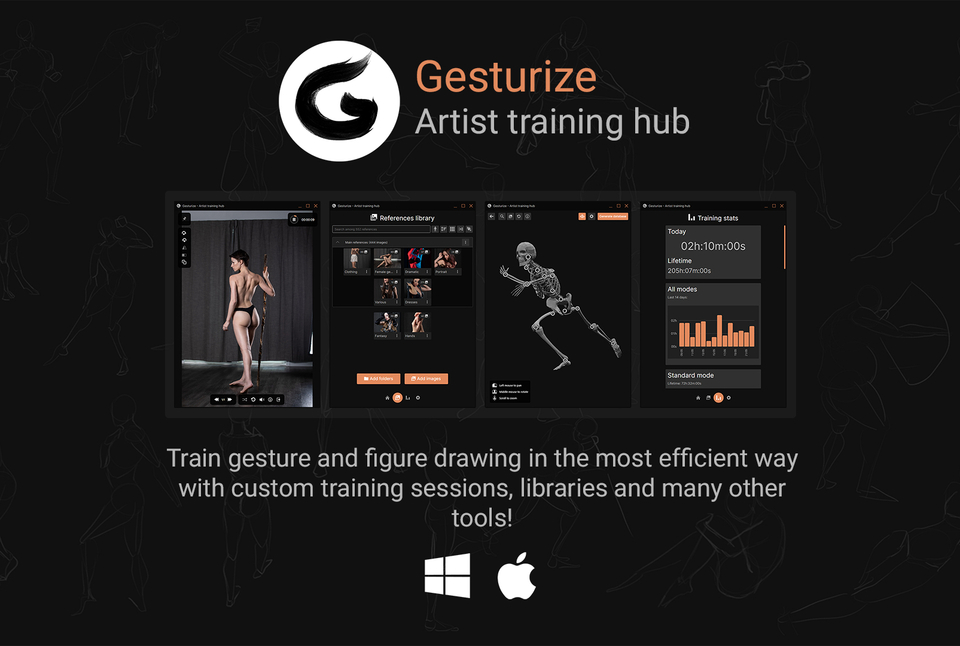
Gesturize is a training application designed to help artists of any level improve and refine their drawing skills. By purchasing Gesturize you will get both the Windows and MacOS versions for life, including future updates to this product.
TRY GESTURIZE FOR FREE
If you want to try Gesturize - Artist training hub for free before choosing to buy it, you can get a trial version here
About Gesturize
CREATE LIBRARIES
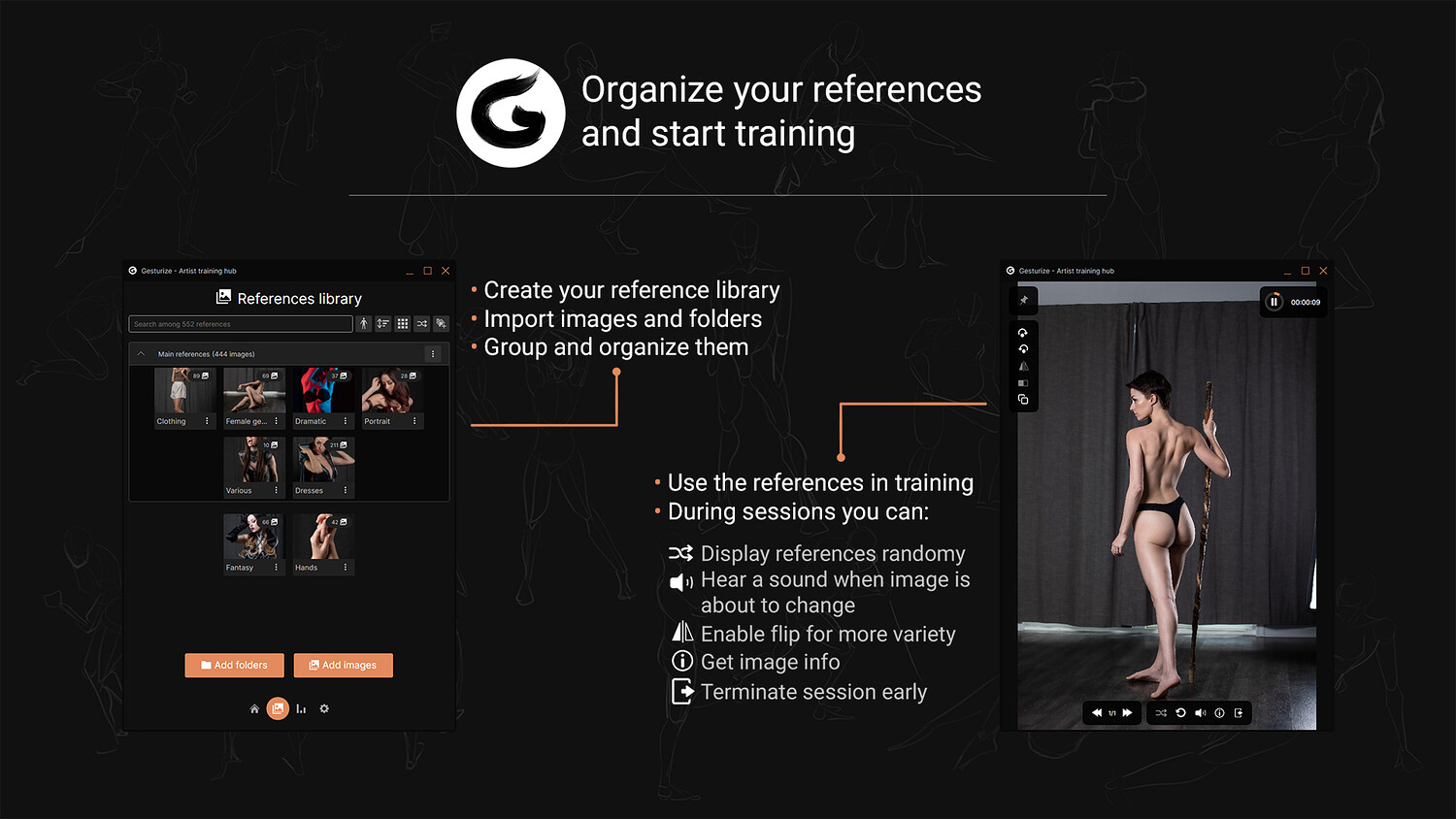
You can create custom libraries from your references, and use them coupled with any available training. A library can be created choosing a folder or the individual files. Once a folder is selected, all files in it and it's sub folders will be loaded and added to the library for future use.
TRAINING SESSIONS AND CUSTOM TRAINING
Use pre established sets of training sessions or create your own custom training for every day of the week. You can choose between Standard, Class, Fixed or Custom training:
- Standard training: choose a time interval as well as the libraries you want to use and get drawing until you decide to stop.
- Class training: choose among different class lengths, ranging from 30 minutes to 3 hours. Each class has different sets of sessions assigned to them, starting with quick drawings and diving into longer ones later on.
- Fixed training: choose a number of images, a time interval and start drawing until there are no images left.
- Freeplay training: Train for a set amount of time, and you decide when the images change.
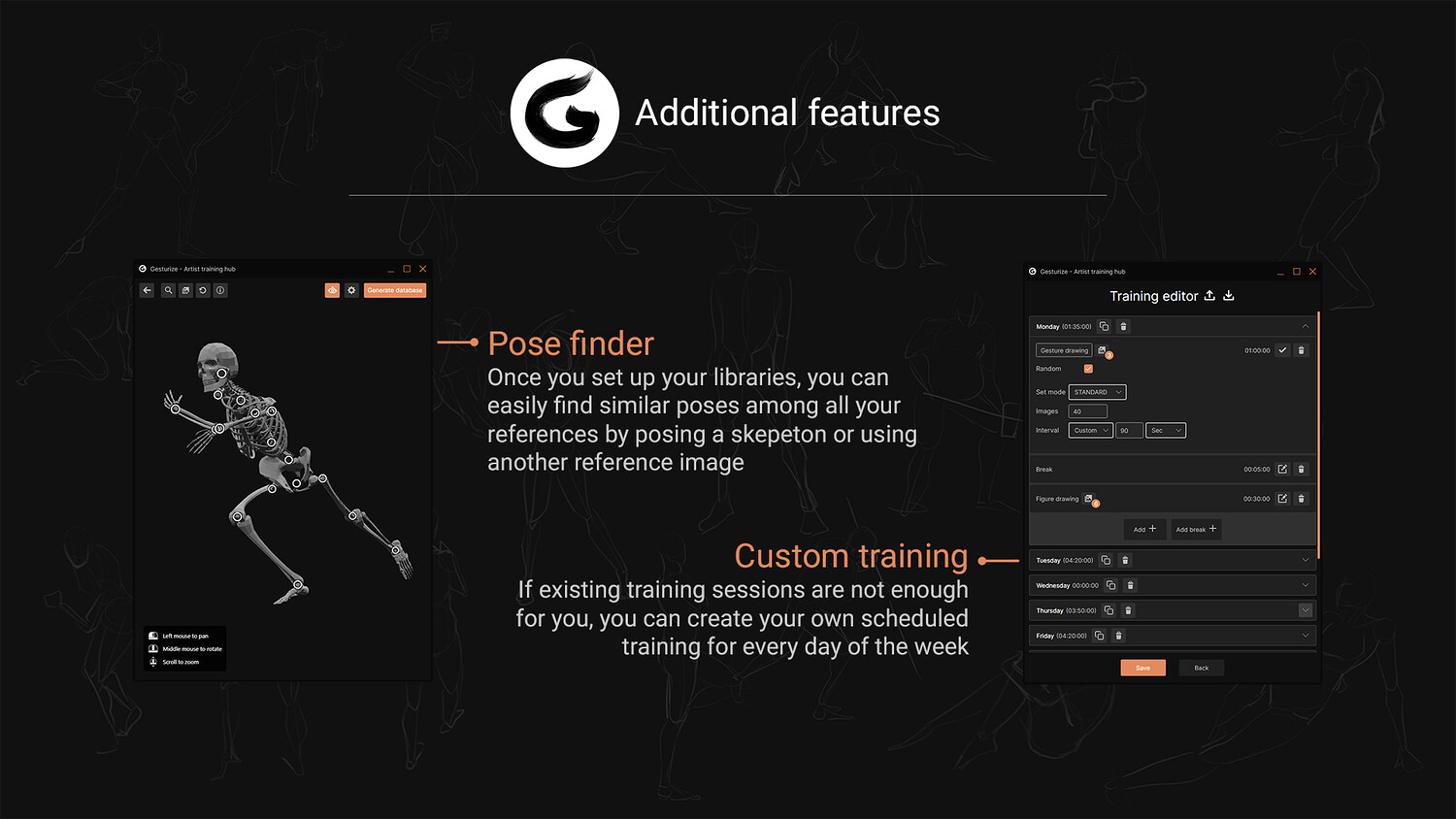
- Custom training: you can assign custom training to each day of the week, and each day consists of a list of customizable drawing sets.
Each set has a name, amount of images and timer for each image, all configurable beforehand. You can also assign different libraries to different sets, in order to allow complete freedom in the way you want to train.
Custom training can also be exported and imported. Use this to create backups or share your training with a friend!
POSE FINDER
Pose Finder is an advanced feature that finds similar references in your library based on the pose you want. To tell Gesturize what similar poses you want to find, you can either use a reference image or pose a stickman skeleton for a fully custom search!
DRAWING STATISTICS
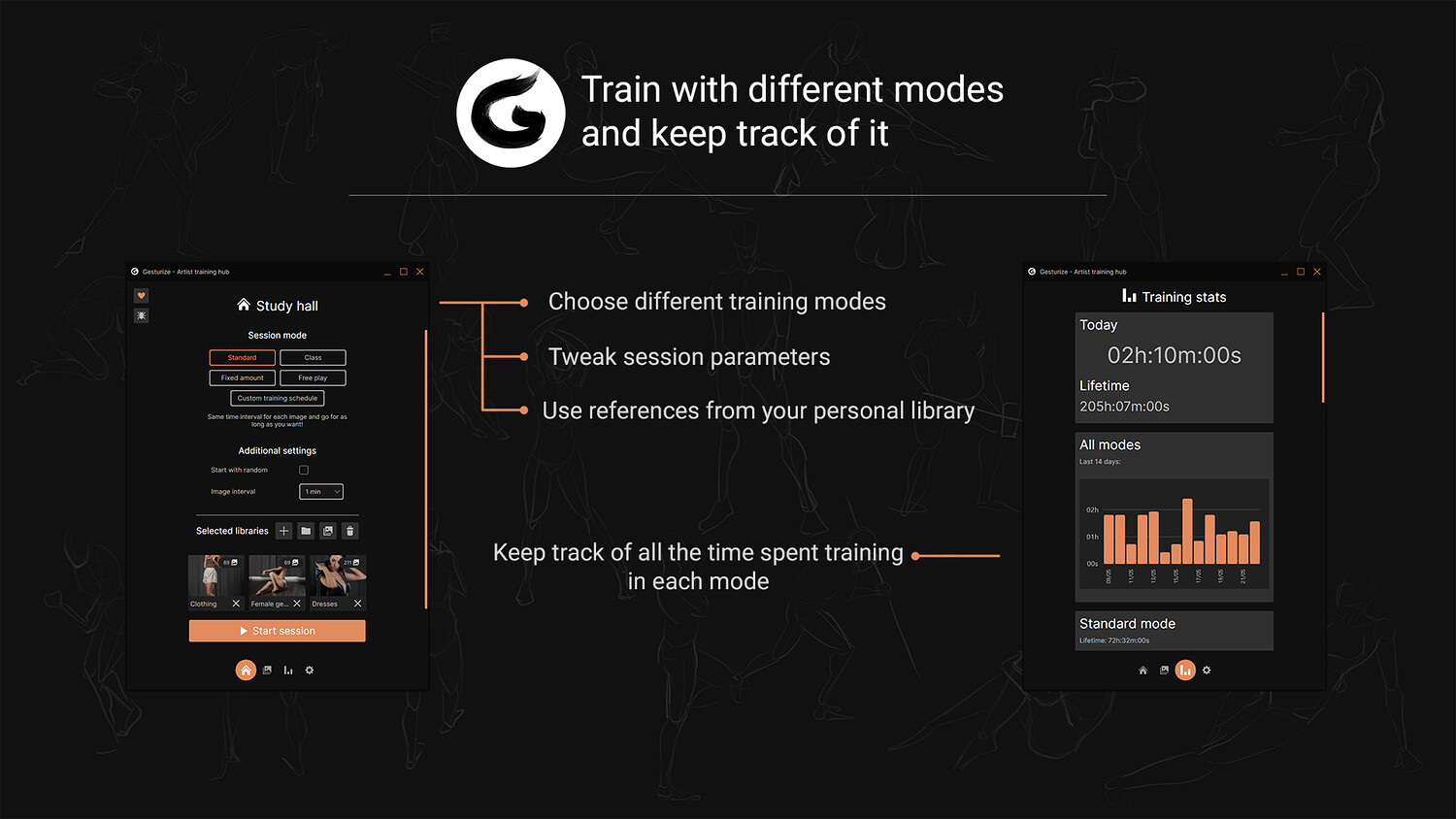
Gesturize offers statistics for each type of available training. This way you can track the time you spent training in each mode when the timer is enabled.
Using the graphs you will be able to know:
- Today's time spent in a certain mode
- Total amount of time spent in a certain mode
- The amount of time spent in a training mode in a specific day in the last 14 days.
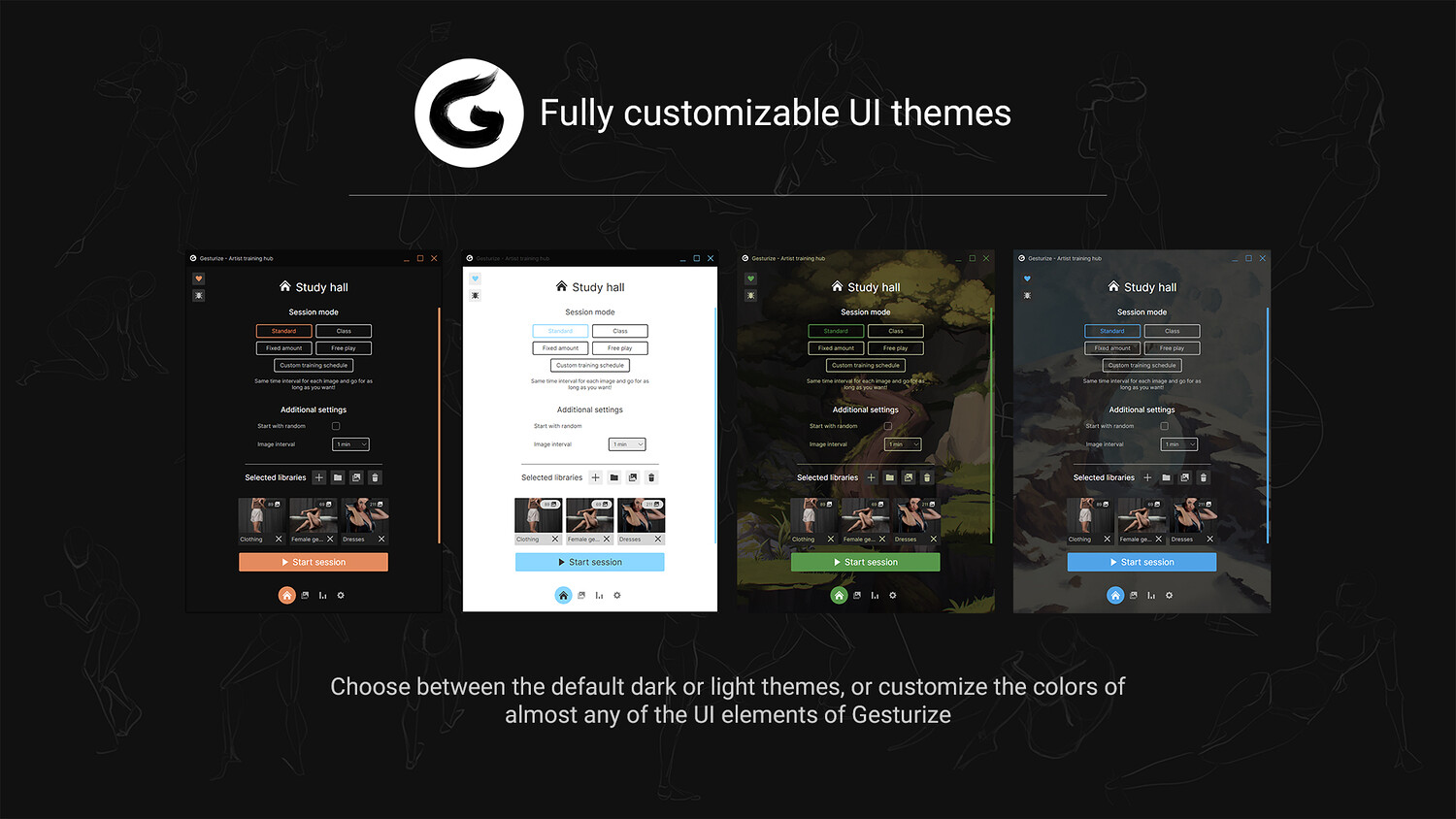
FULLY CUSTOMIZABLE
The app offers two main themes, light and dark. But if you feel like you want more, there are options to change almost all of the colors used by the base UI. This way every user can have their custom flavoured theme.
What's new in 1.6.3
Here is the list of new things added. Ranging from quality of life to full on new features!
Study hall and general training
- Added a button to report a bug/feedback through google forms
Library
- Added an option to load a random reference from a group/specific library
Settings
- Added custom themes and even more customization, from window style to cursors
- Gesturize's window now has customizeable borders and top bar
- Preset themes: added two extra themes to the preset ones for a bit more variety
- Custom themes: you can now create and share custom themes
- You can now set an image as app background instead of just a simple color
- Custom cursors are now supported and fully customizeable
Bug-fixes and optimizations
Next you can find a list of bugs and problems that were solved this patch. Make sure to notify me if you find more that haven't been resolved yet!
- Changing thumbnail did not work or caused some silent crashes
- When moving a library from group to group or out of a group caused some problems in the app and inconsistent behaviour
- Library search was broken in the last update
System requirements
- Windows 8/10/11
- MacOS 11 or later (Apple Silicon only)
- Supported images: JPG, JPEG, PNG, BMP
You will get 5 files
All files previously purchased will always be available for download in your Library