Description
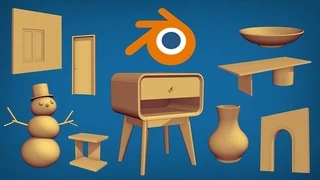
If you want to learn 3D from zero, meaning no prior experience needed at all. Then you’ve come to the right place. This course will teach you the fundamentals of 3D skills using Blender 2.8 or above. The curriculum in this course is carefully designed so that students can learn gradually from the easiest lesson to the more advanced lessons, seamlessly. After completing this course you should be able to model a robot like this, add materials to it, create lights, and then render it using the EEVEE rendering engine.
What you will learn from this course
You are going to learn so many things in this course. They are just too many to cover in this short introduction article. But just for a quick summary. The course is divided into 4 parts.
Part 1: Blender essentials
- Blender’s UI
- Viewport navigation
- Basic object operations
- Basic transformation
- Interaction modes
- Basic mesh editing
- Etc.
Part 2: Look development
- Viewport shading modes
- Rendering engines
- Creating and using materials
- Basic CG concepts
- Using camera object
- Surface smooth shading
- Screen space reflection inside EEVEE
- Etc.
Part 3: 3D modeling
- Advanced transformation
- Pivot point
- Selection techniques
- Inset, Extrude and Bevel
- Knife and Bisect tools
- Adding loop cuts
- Patching holes
- The basics of modifiers
- Common 3D modeling mistakes
- Normal direction
- Manifold geometry
- Point-to-point modeling techniques
- Etc.
Part 4: Construction robot project
- Volume sketching
- The Basics of grease pencil
- Special movement operations
- The basics of the curve objects
- Basic rigging with FK (forward kinematics)
- Create global illumination in EEVEE
- Etc.
Hands-on projects
There are many hands-on projects in course. Such as:
Custom monkey head model using basic mesh editing
Adding materials to the custom monkey head model
Modeling a kindergarten chair
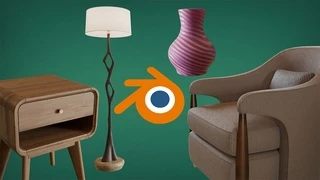
Create vases using spin and screw methods
Create a roman column
Model a toy train by leveraging the vertex snapping feature
Model a coffee table
Create a robot in the final project section. Covers 3D modeling, material, lighting and rendering with EEVEE
So join now and take your first step into the world of 3D using Blender!
You will get 5 files
Instant download · 5 files · 6.1 GB total