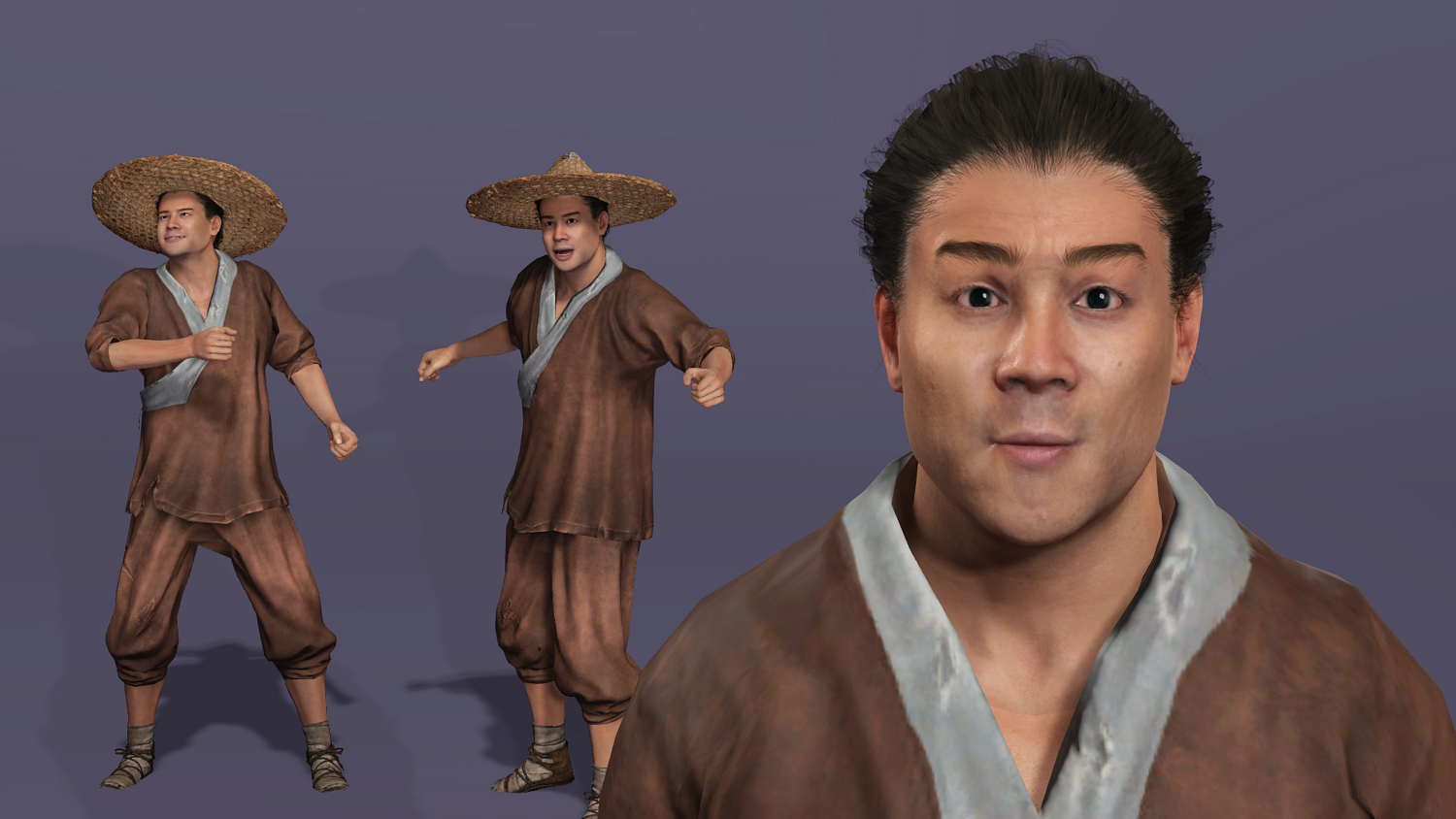
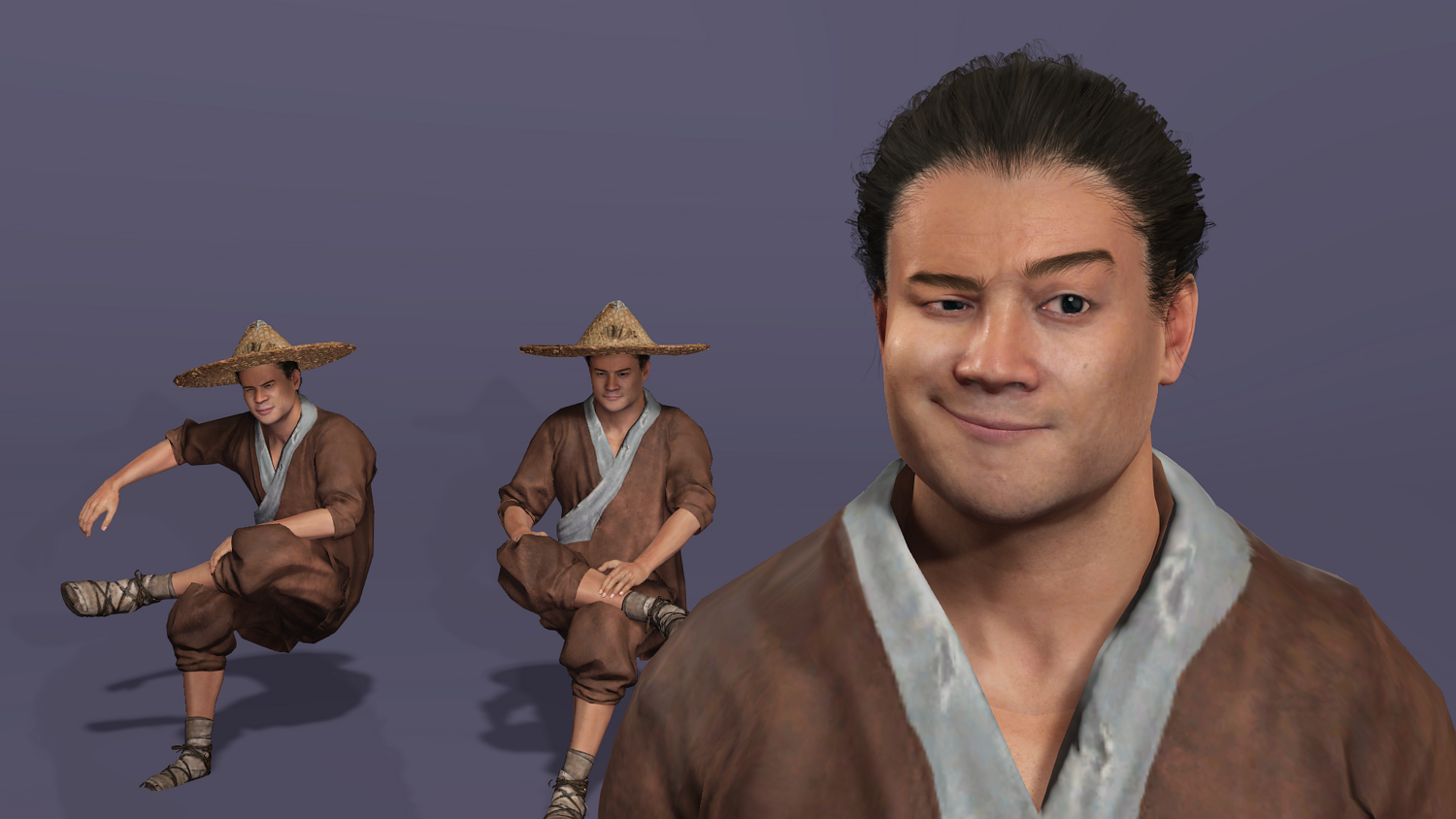
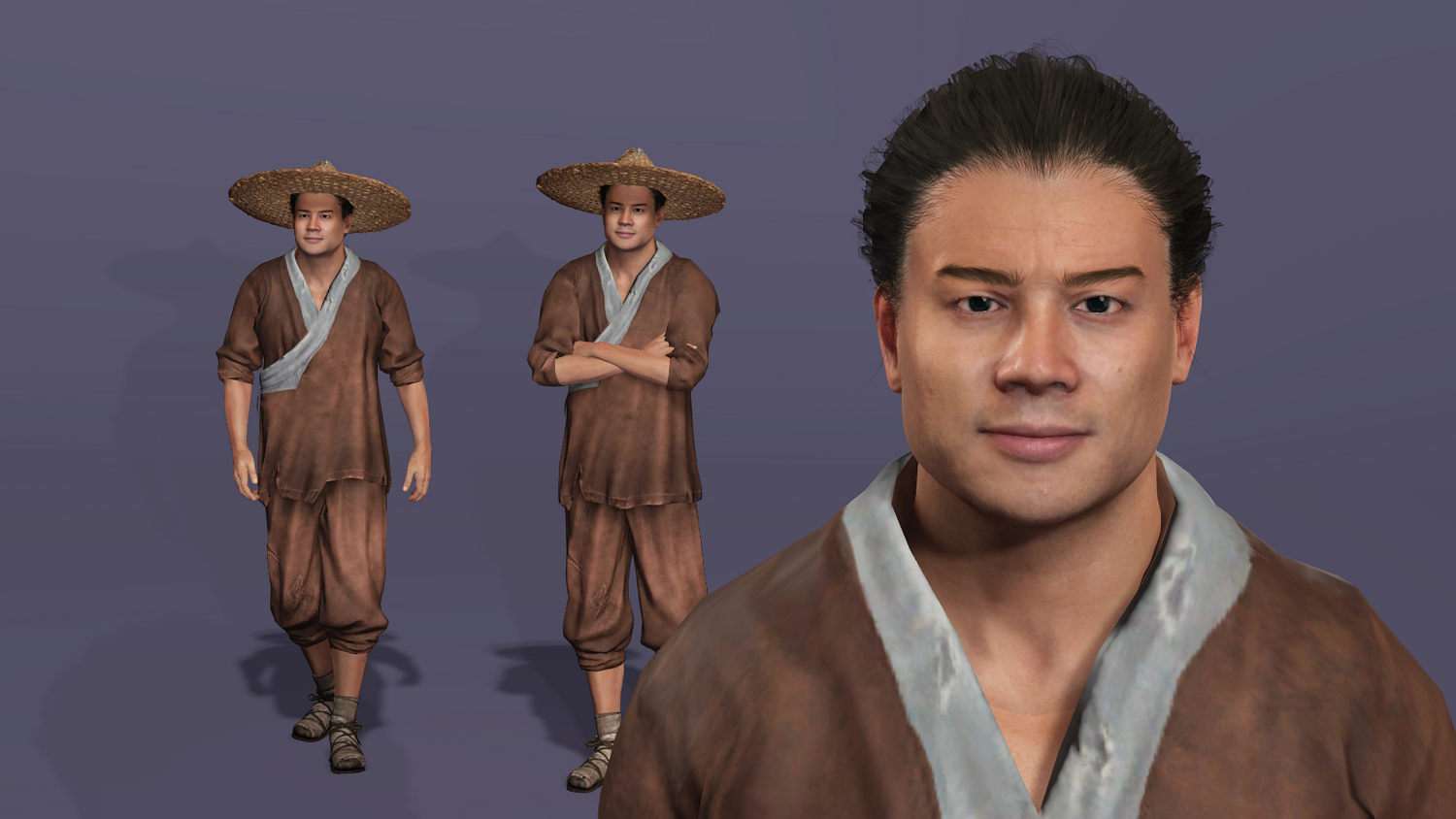
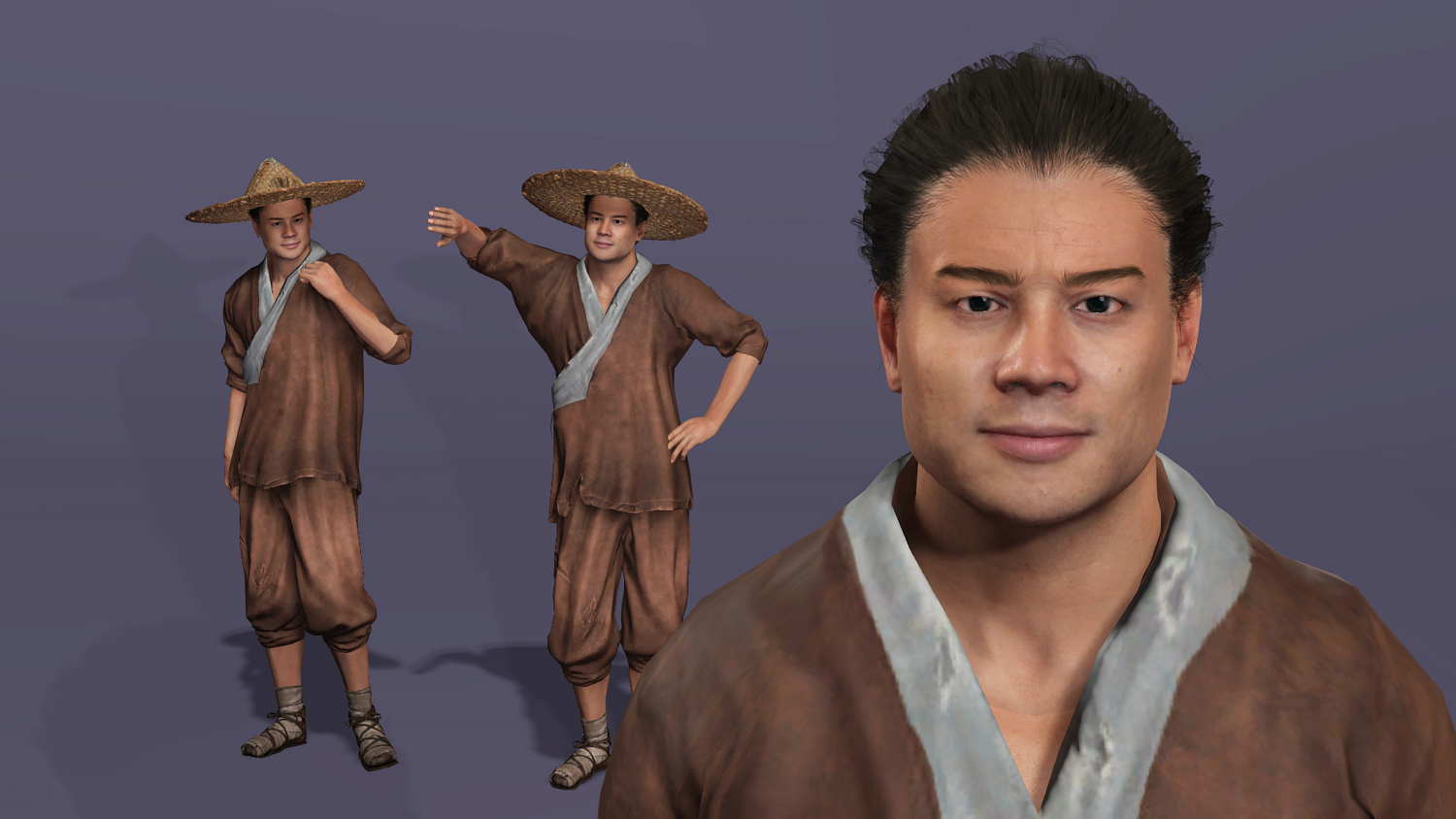
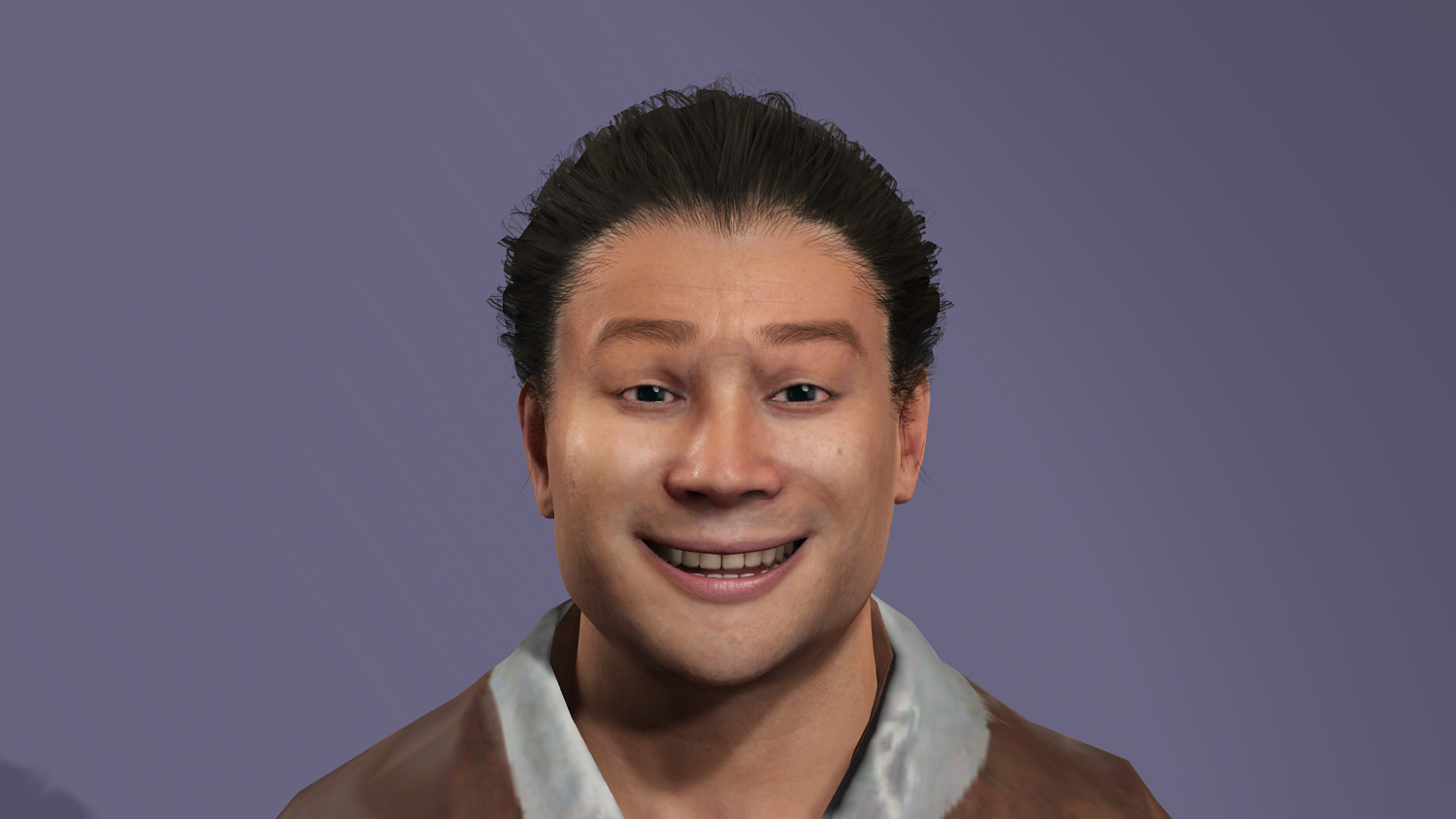
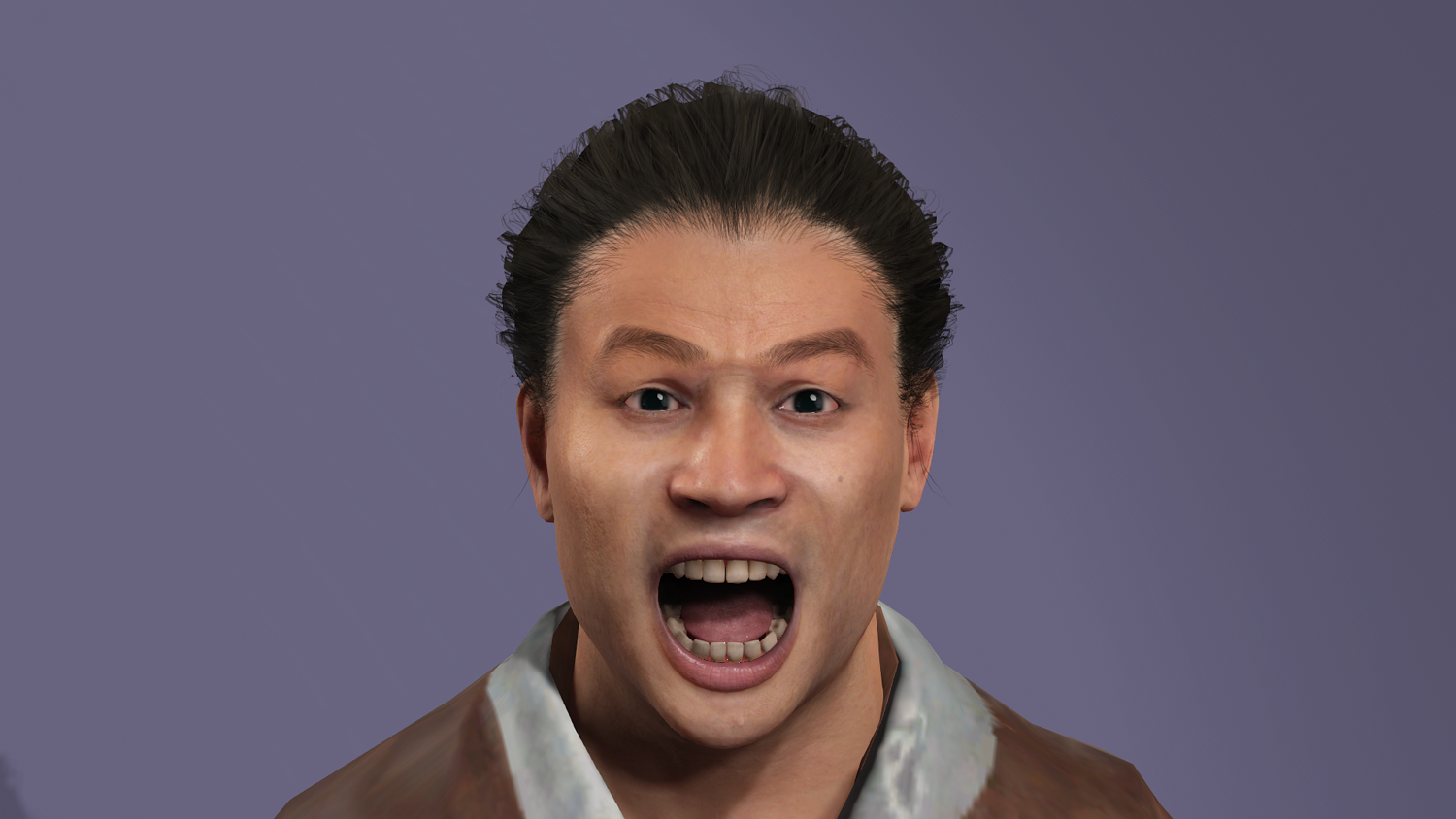
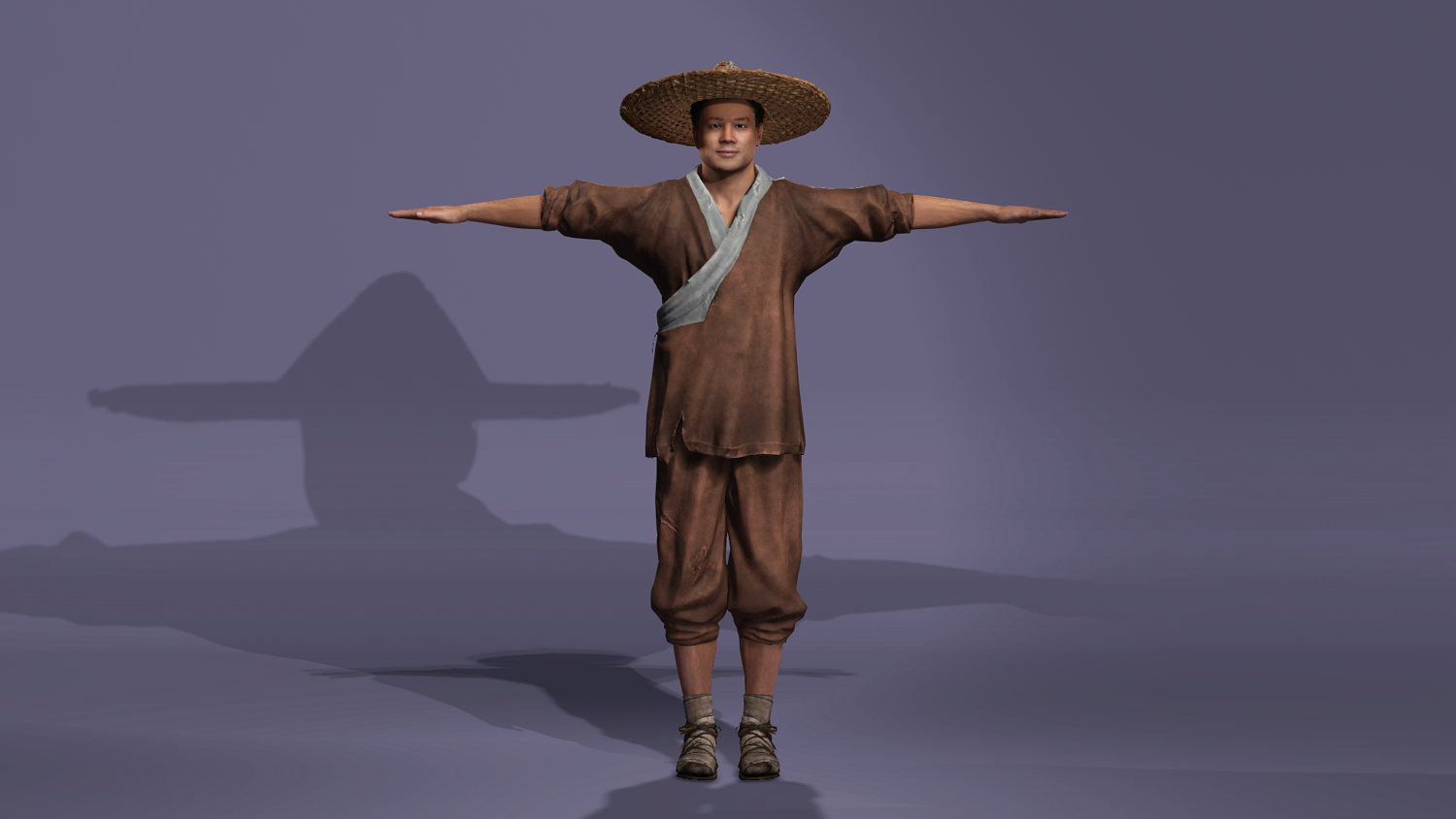
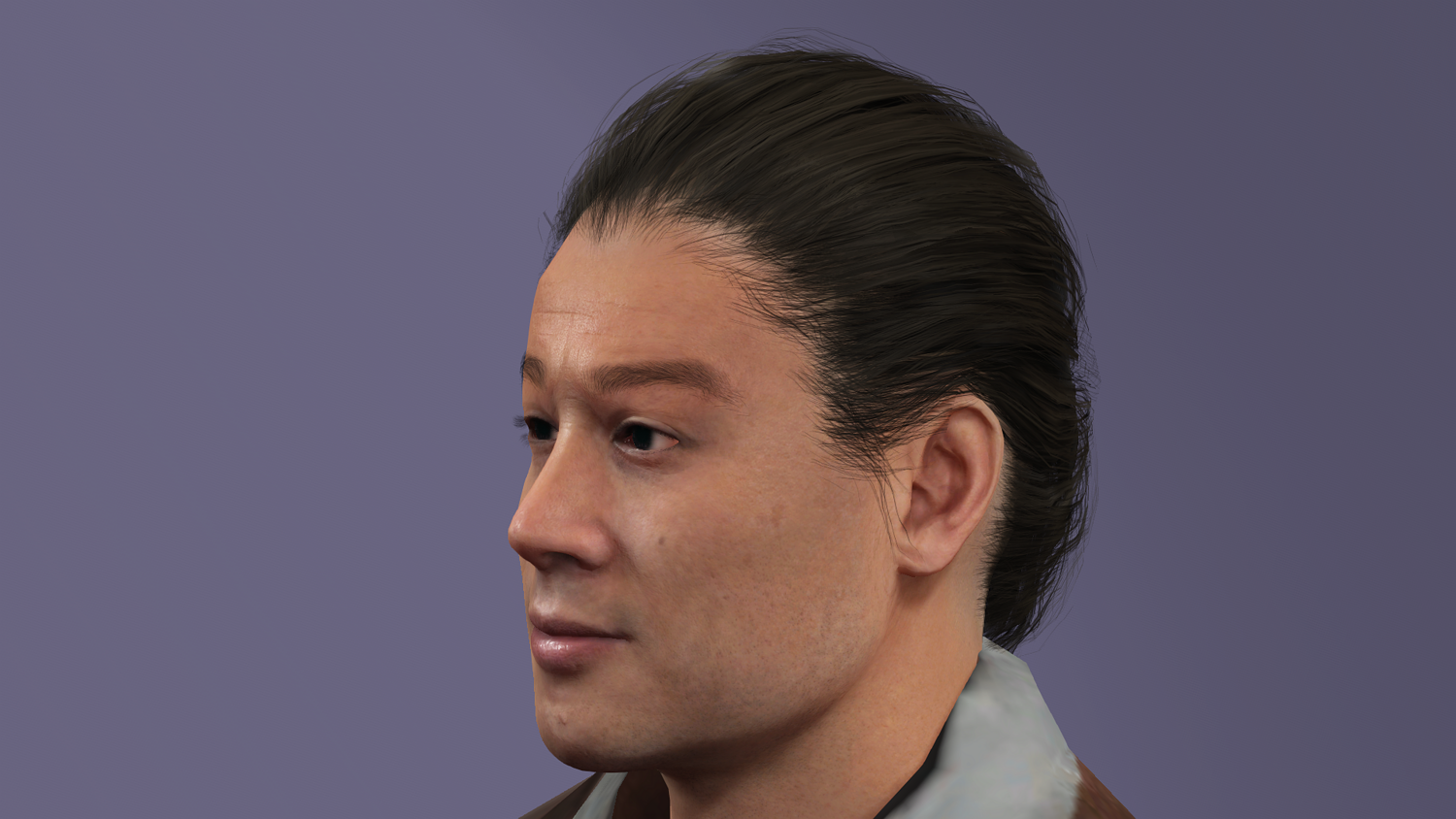
Realistic Chinese Water Margin hero Wu Song - CC5 Rigged - UE5 Mannequin Compatible
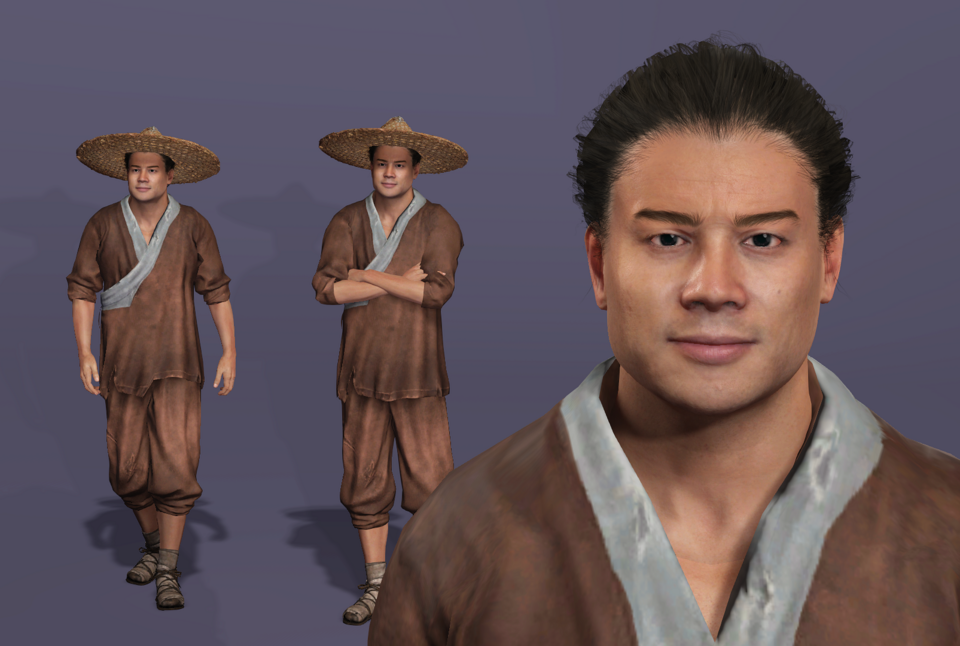
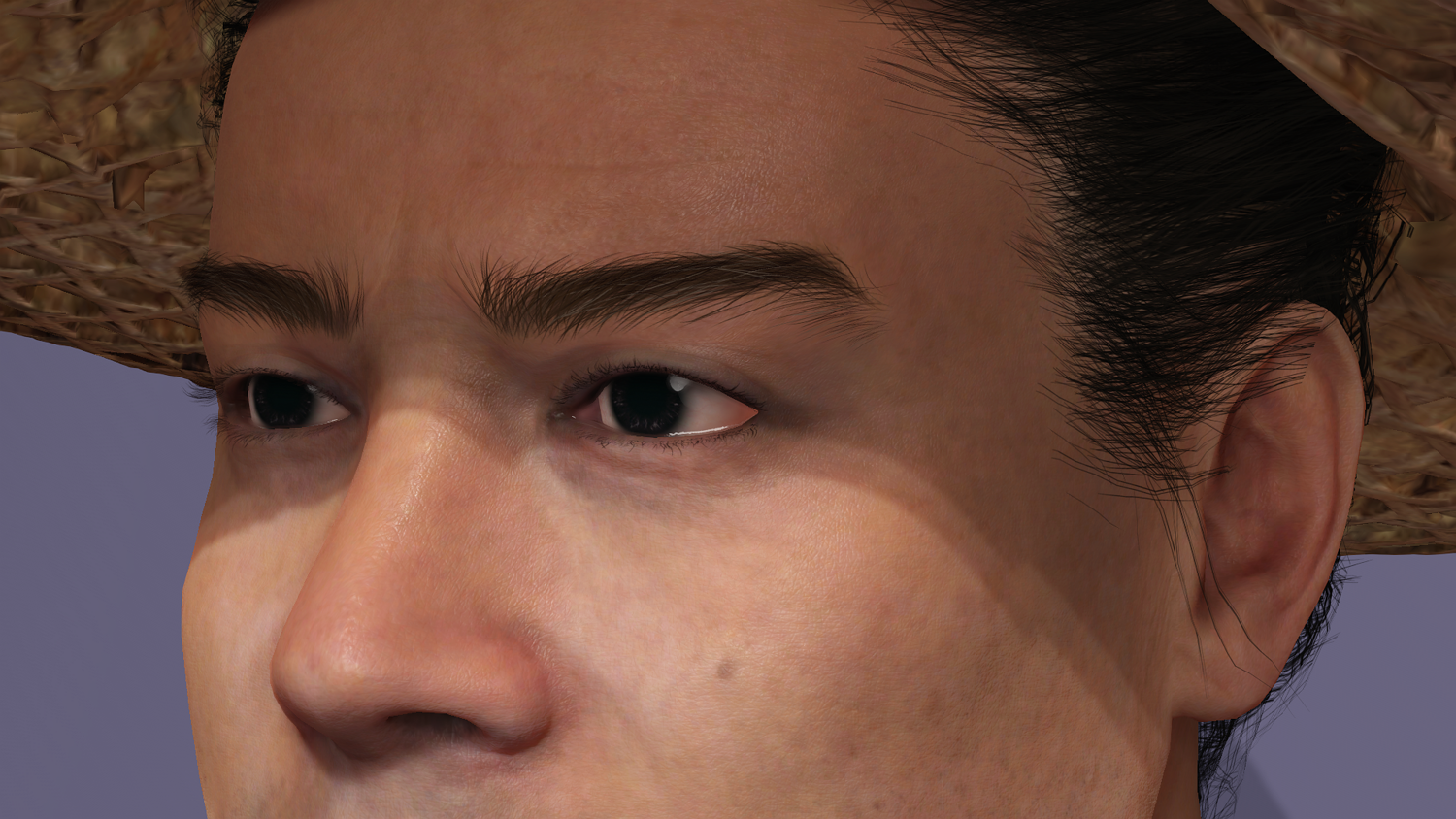
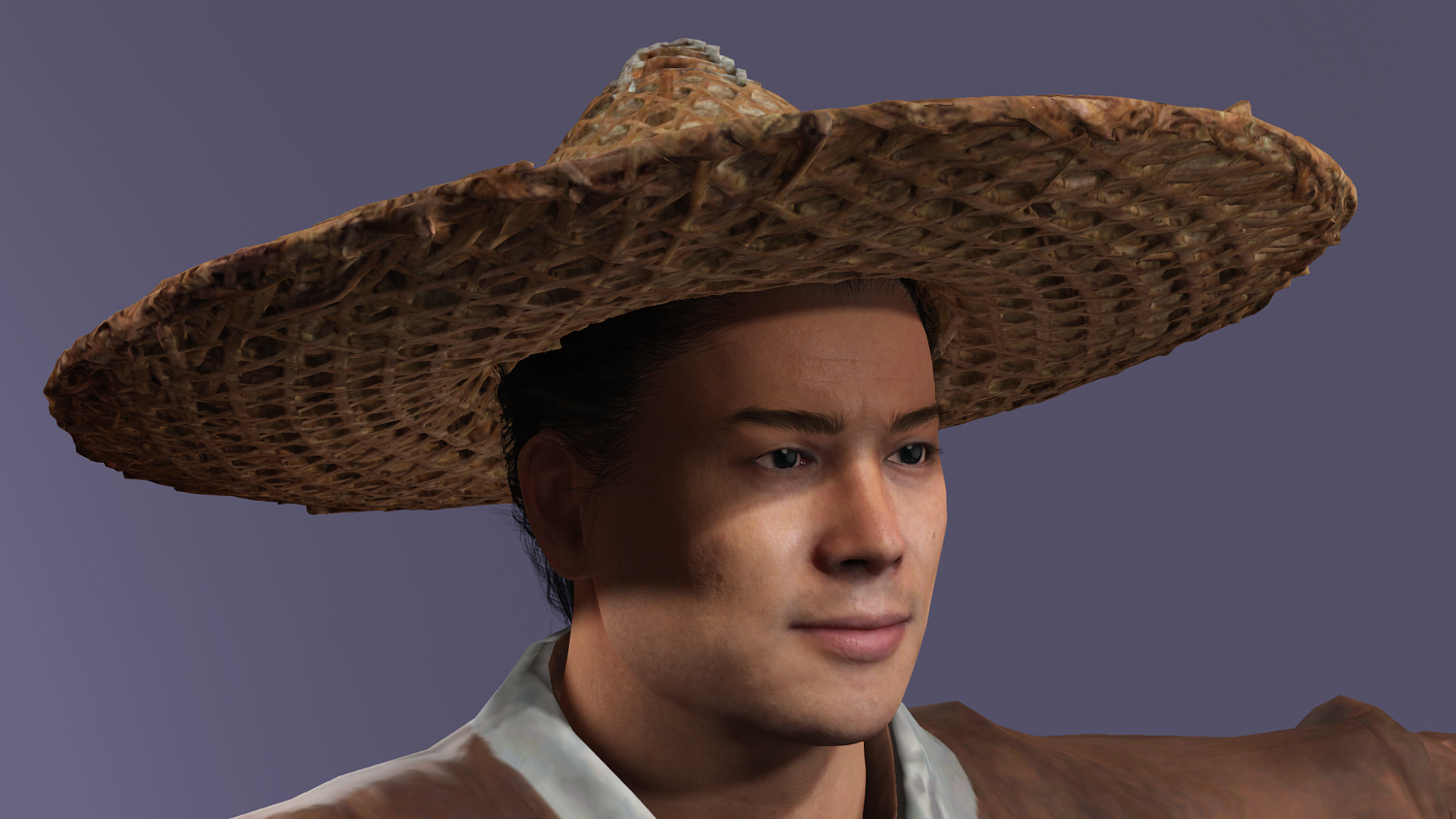
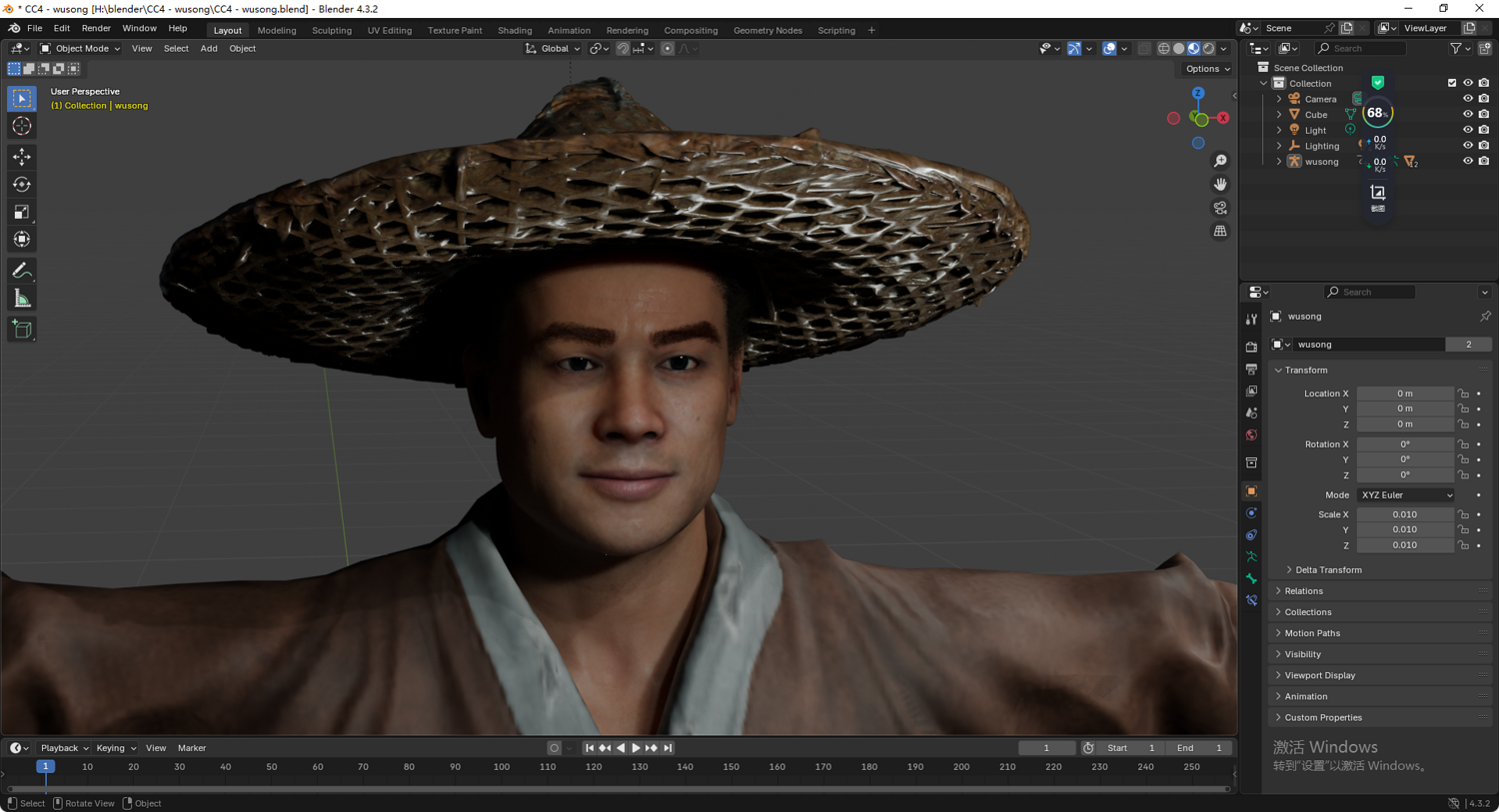
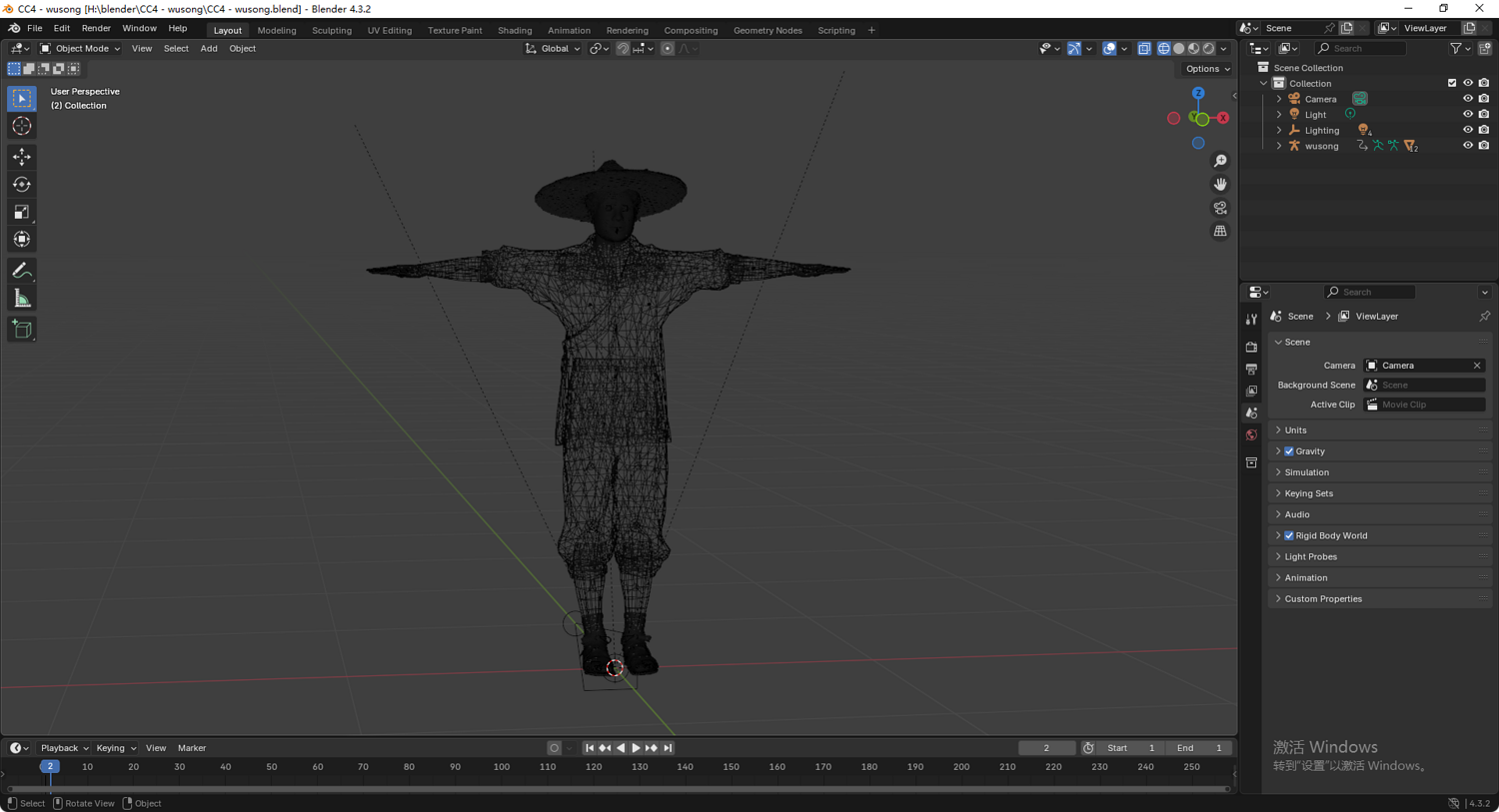
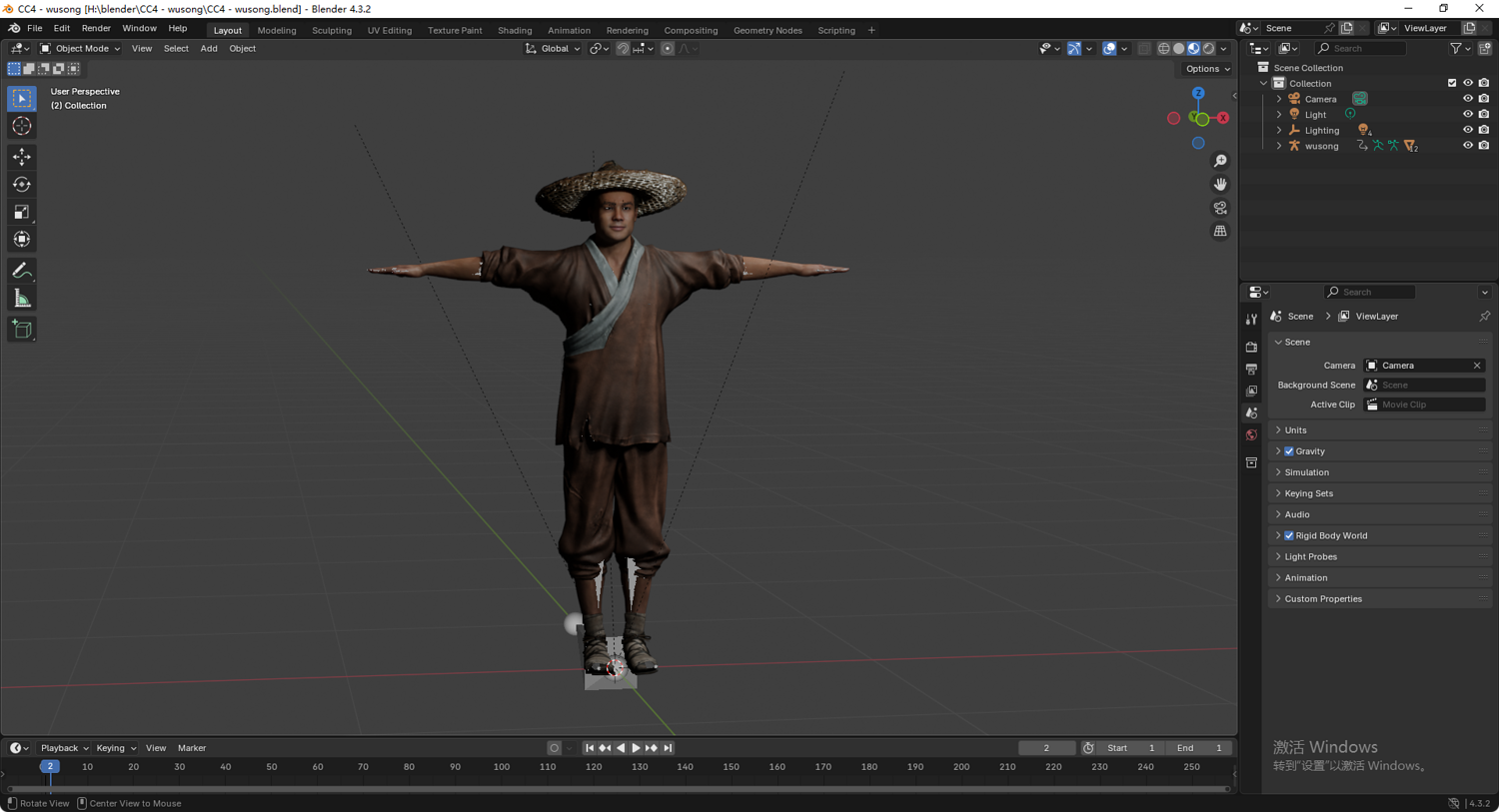
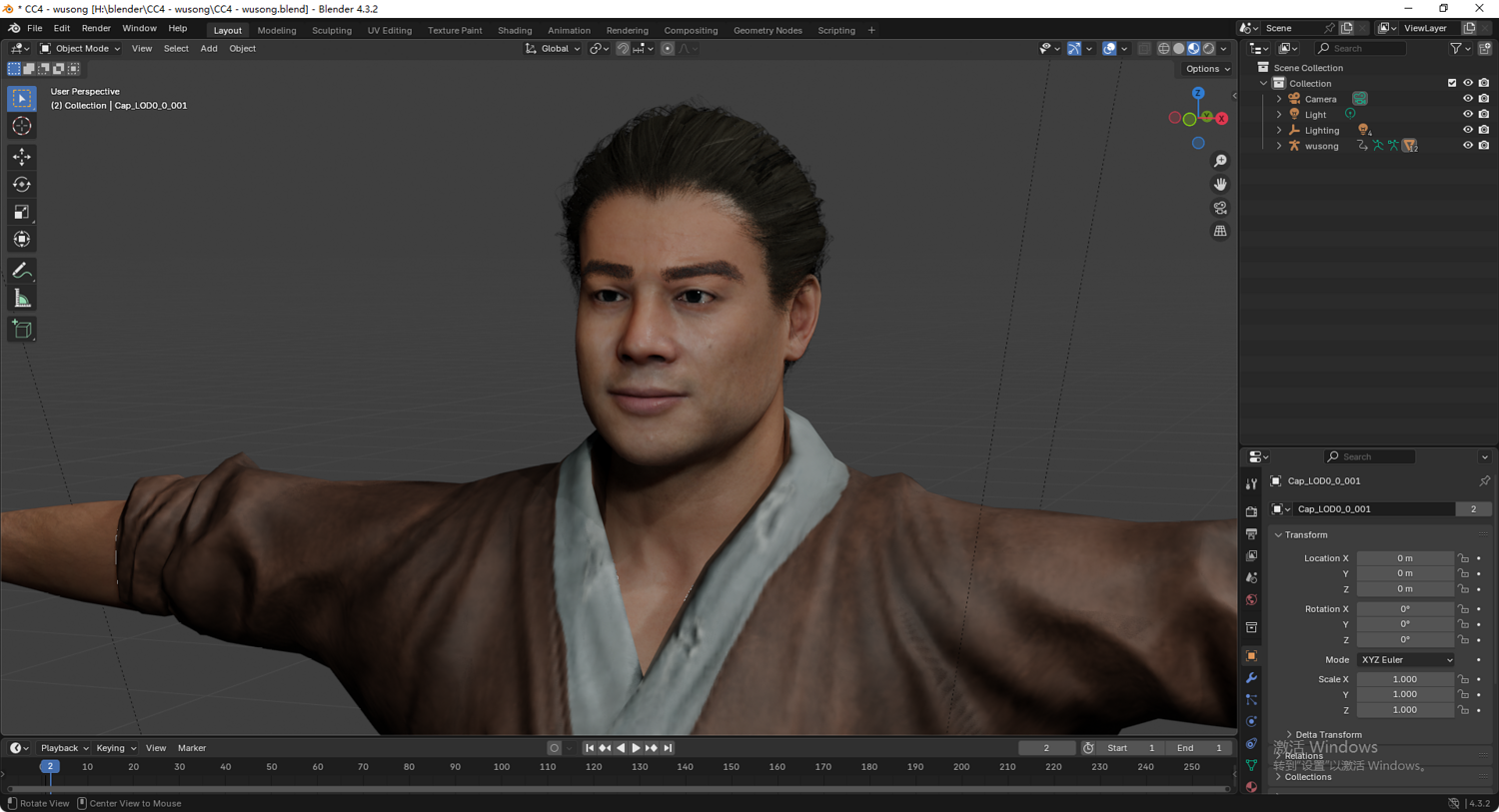
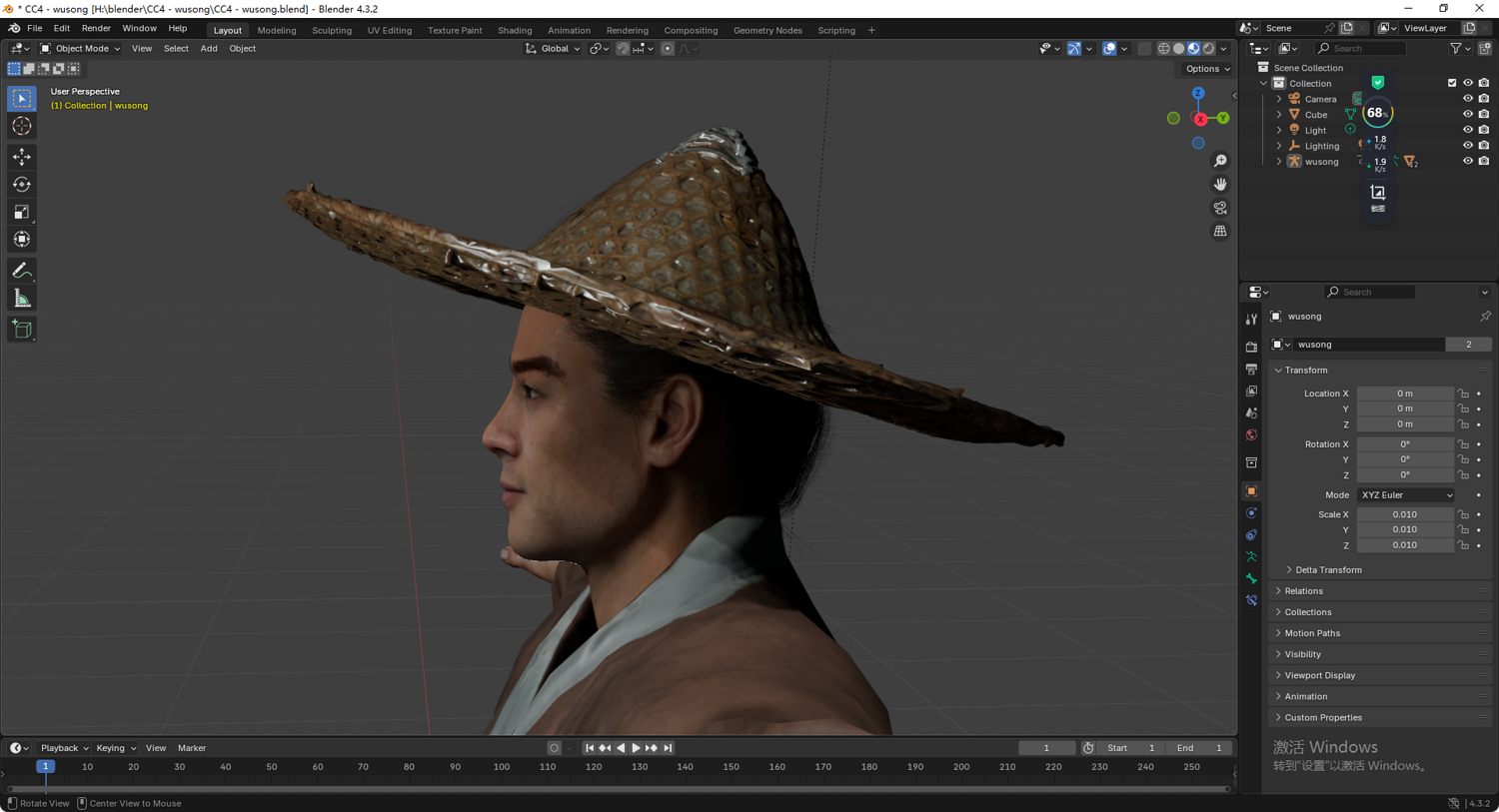
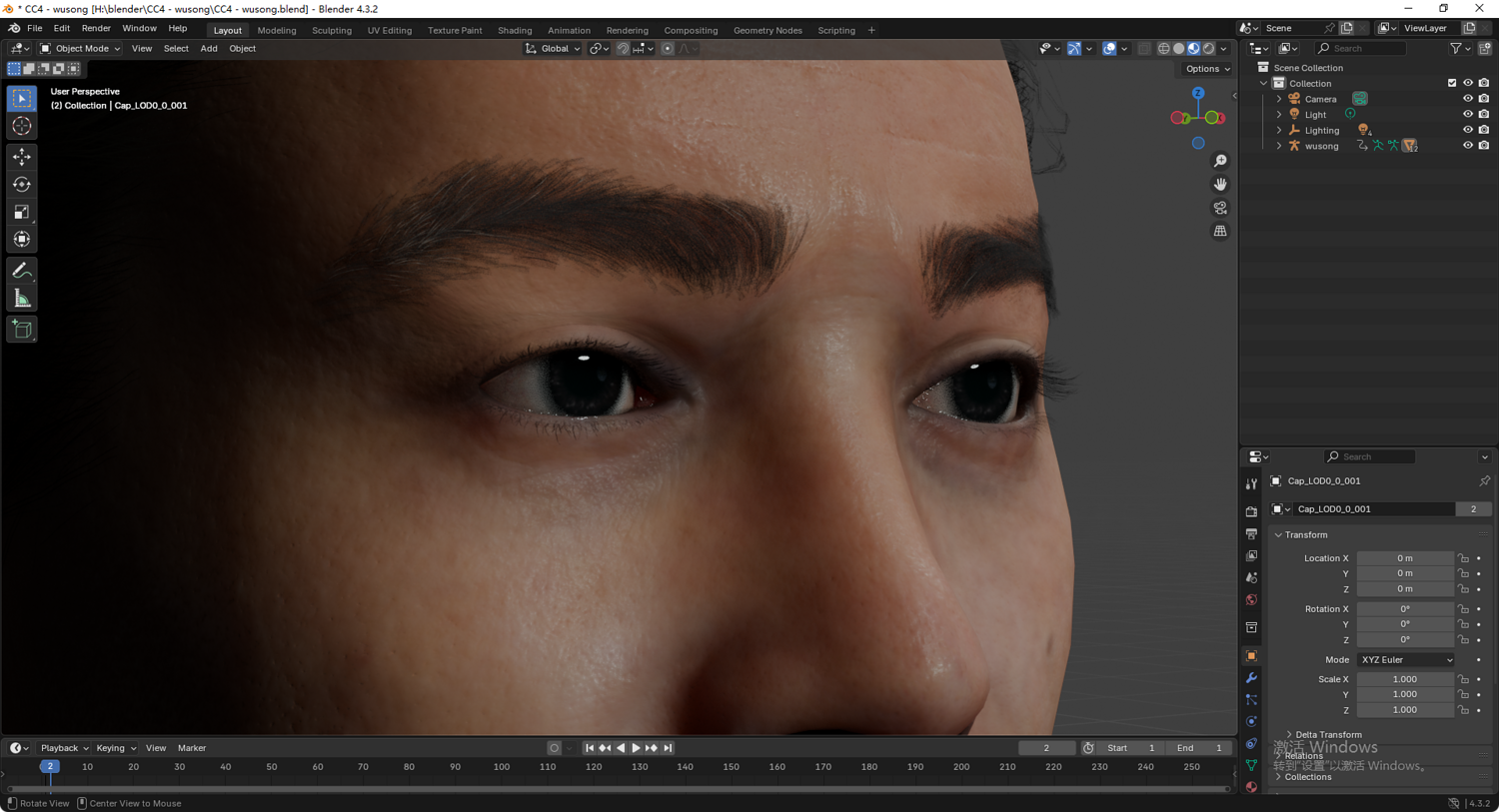
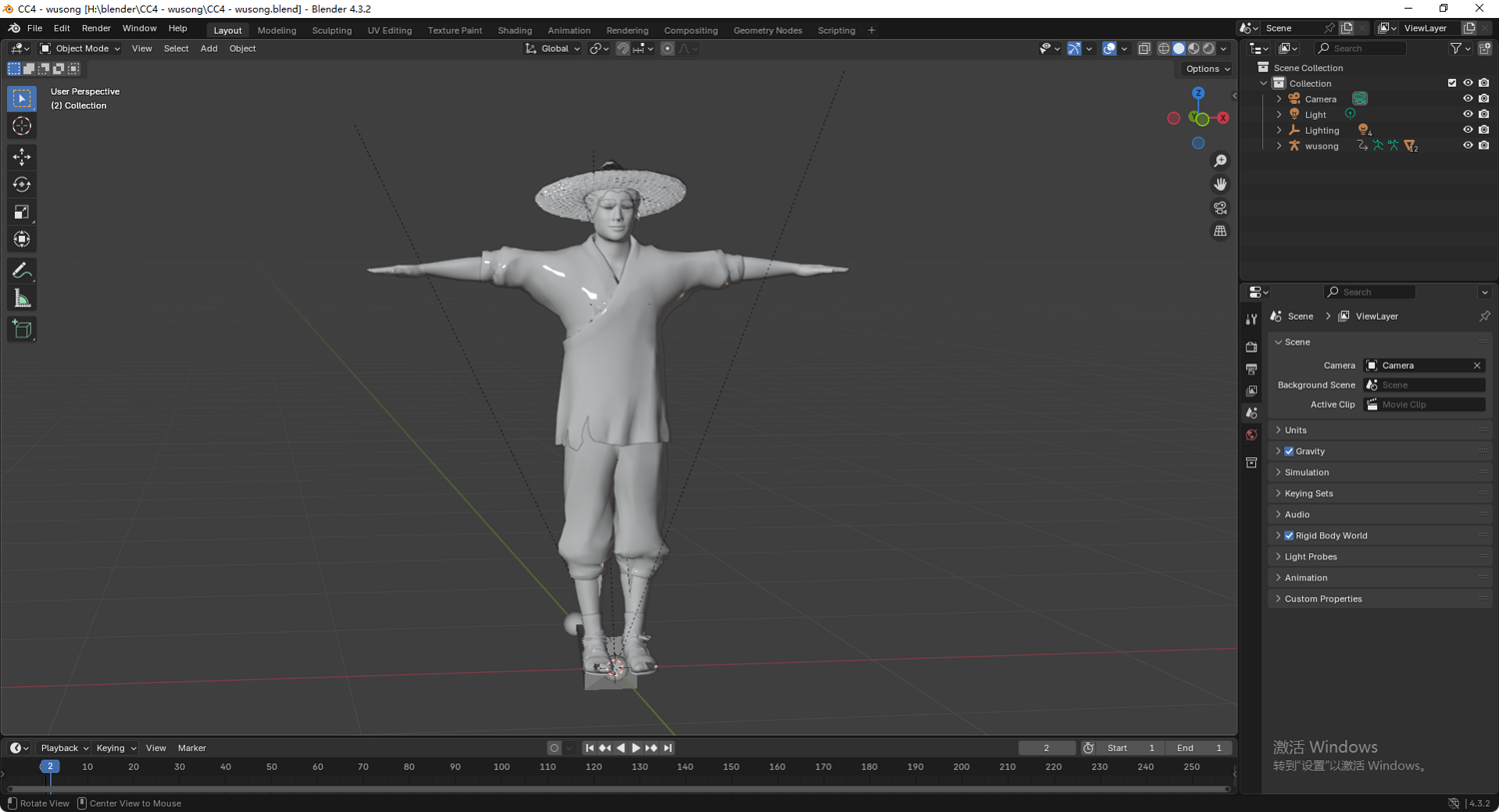
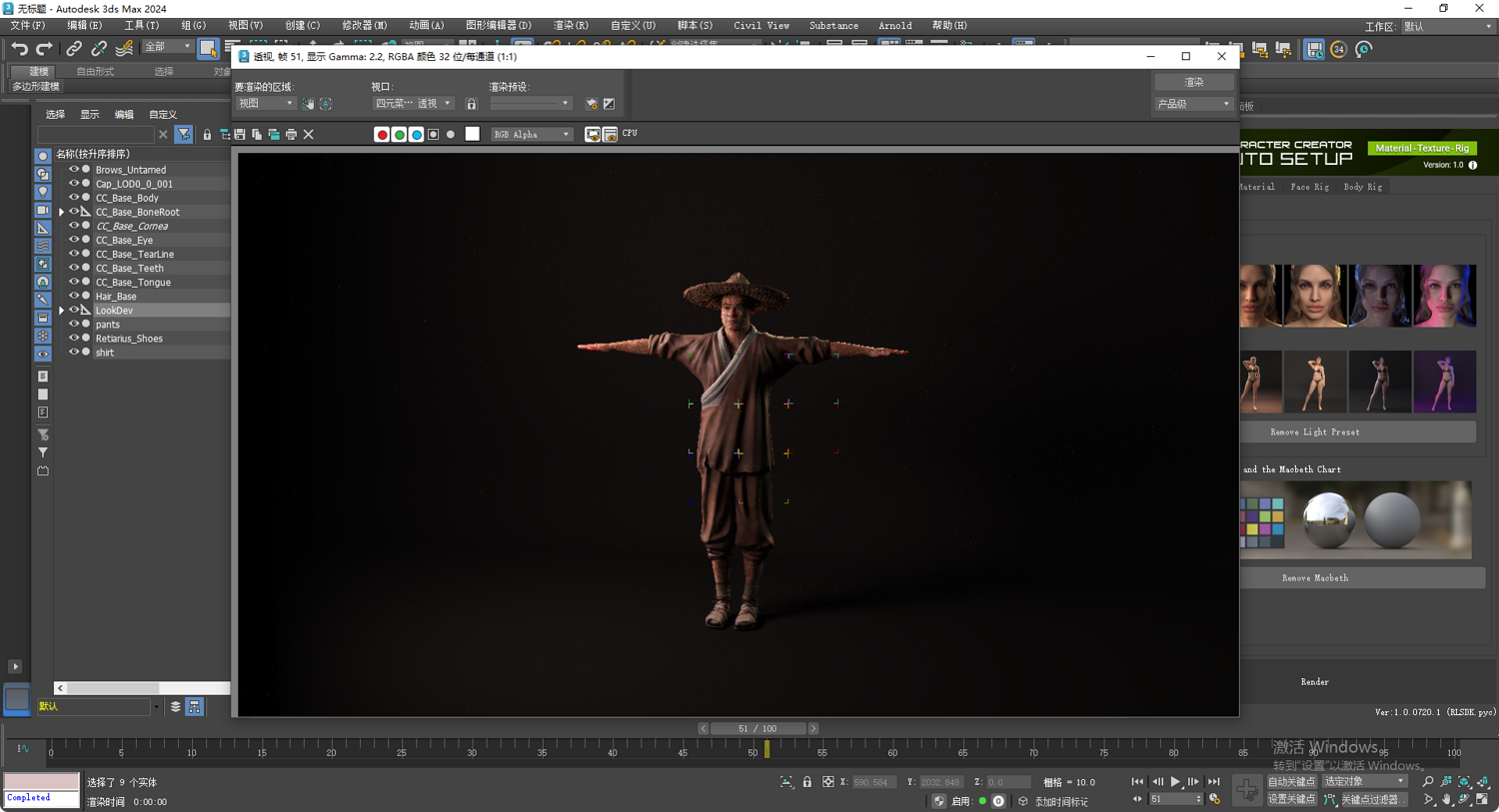
Product Overview: This high-fidelity 3D model is based on the iconic portrayal of Wu Song (played by actor Ding Haifeng) from the 1998 TV series "Water Margin." Designed for cinematic animation, game development, and high-end CG rendering, the model features a complete full-body rig and facial control system.
Technical Specifications:
Available Formats: FBX, Blender (.blend), OBJ, 3ds Max (.max), Unity Package.
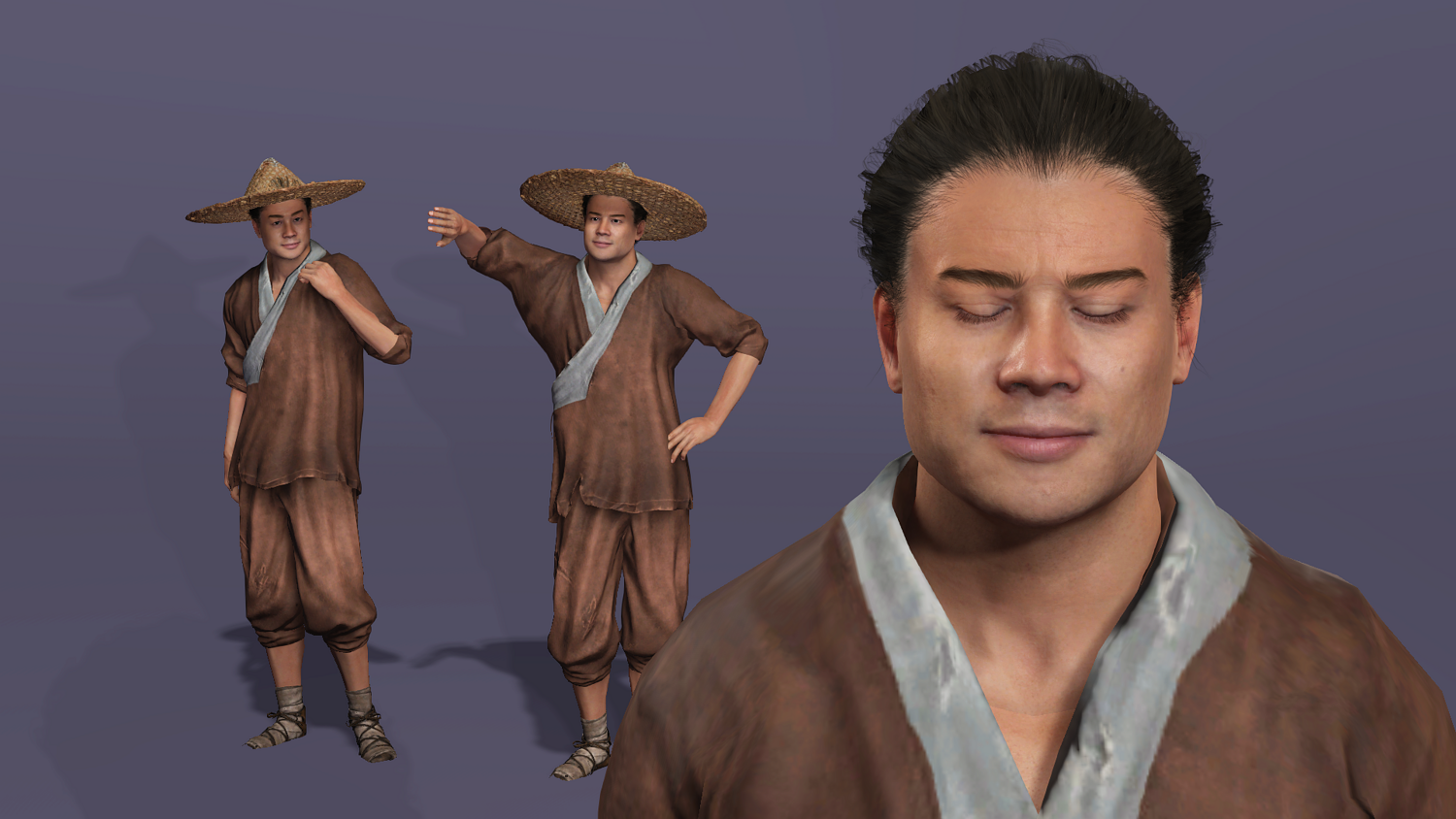
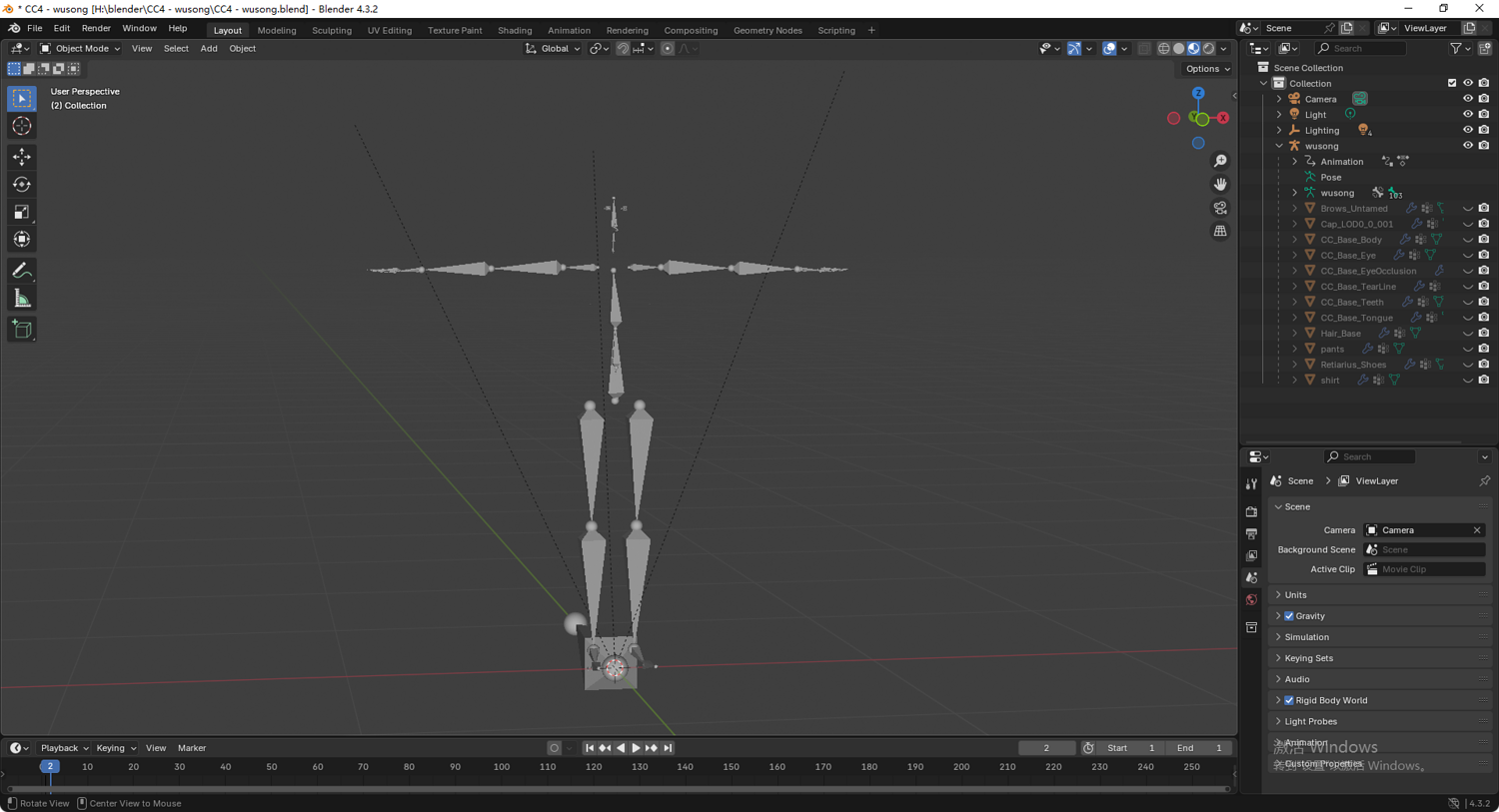
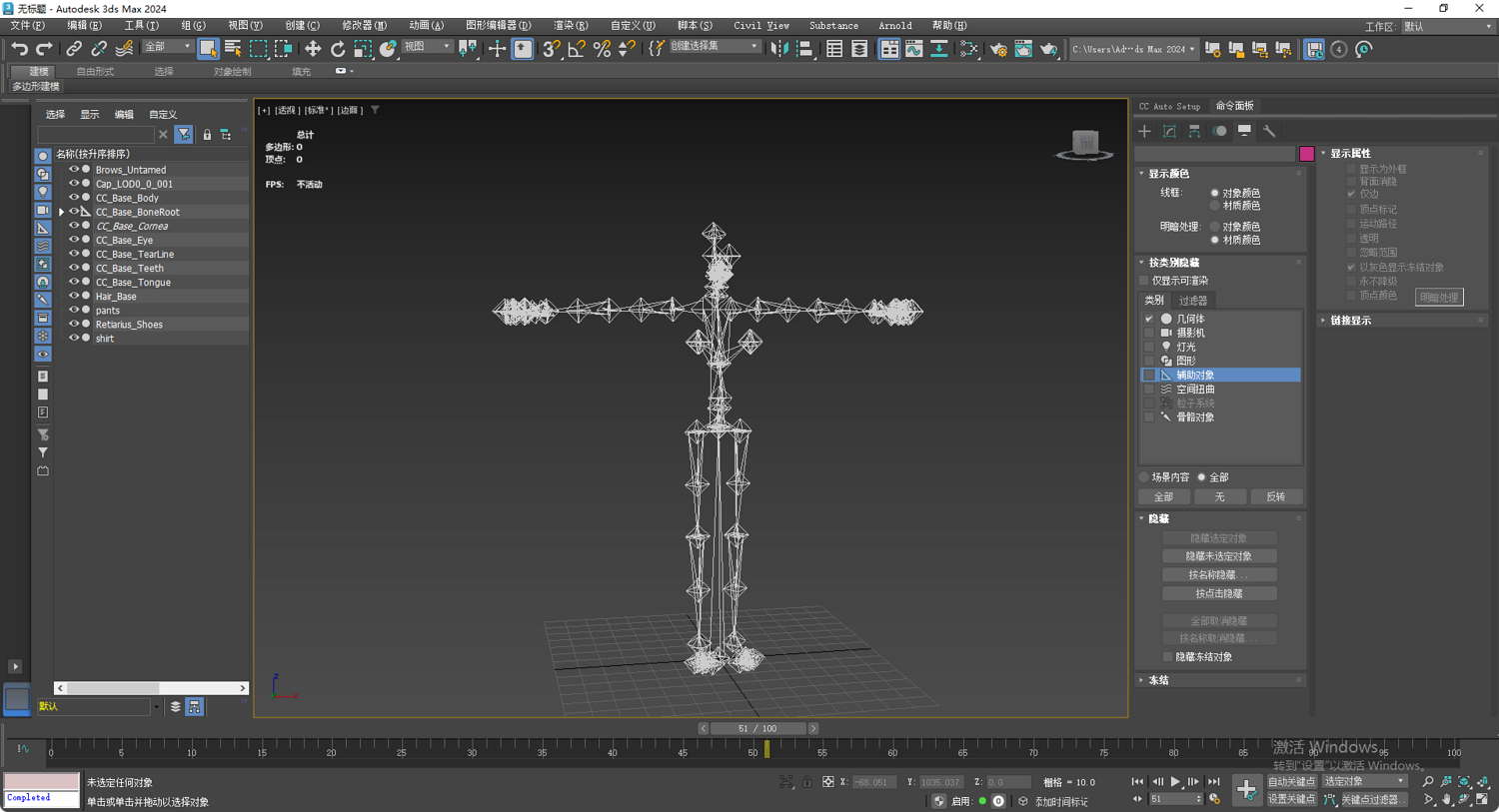
Rigging System: Built to CC5 industry standards. The FBX file is fully compatible with the Unreal Engine 5 (UE5) Mannequin skeleton, allowing for instant motion retargeting and use of vast animation libraries.
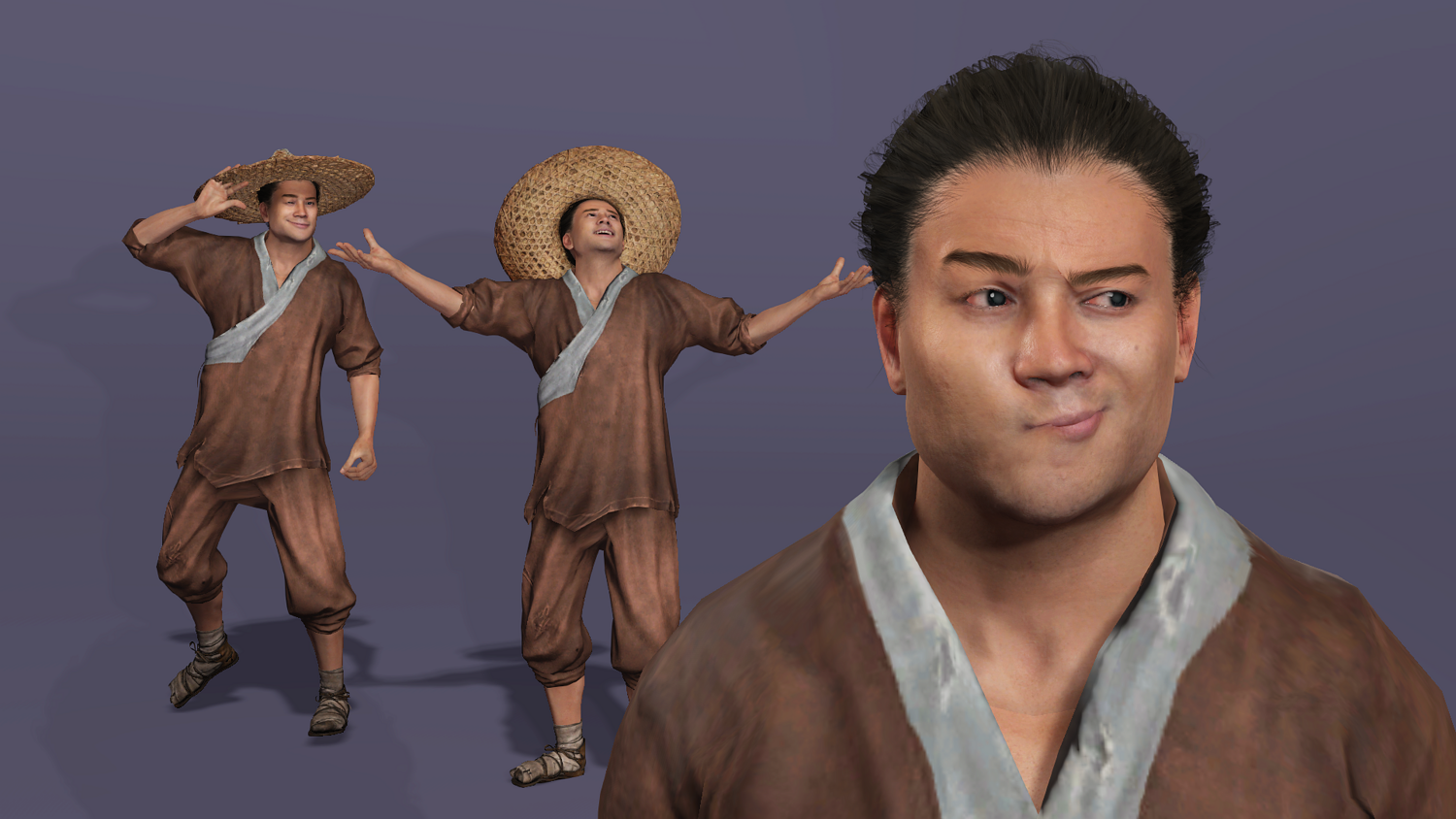
Facial Expressions: Includes a comprehensive set of Morph Targets (Shape Keys), supporting detailed emotional acting and real-time facial mocap.
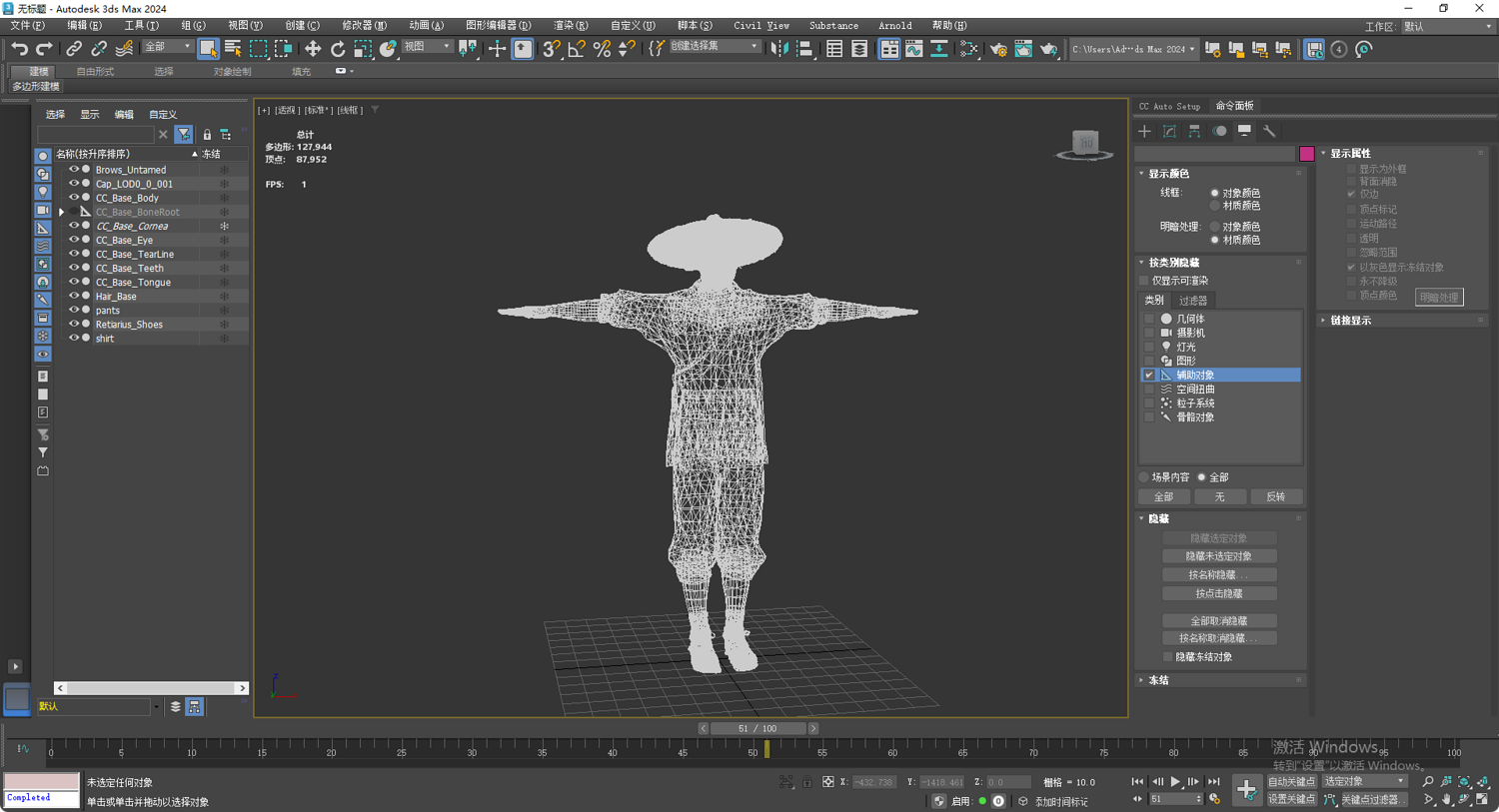
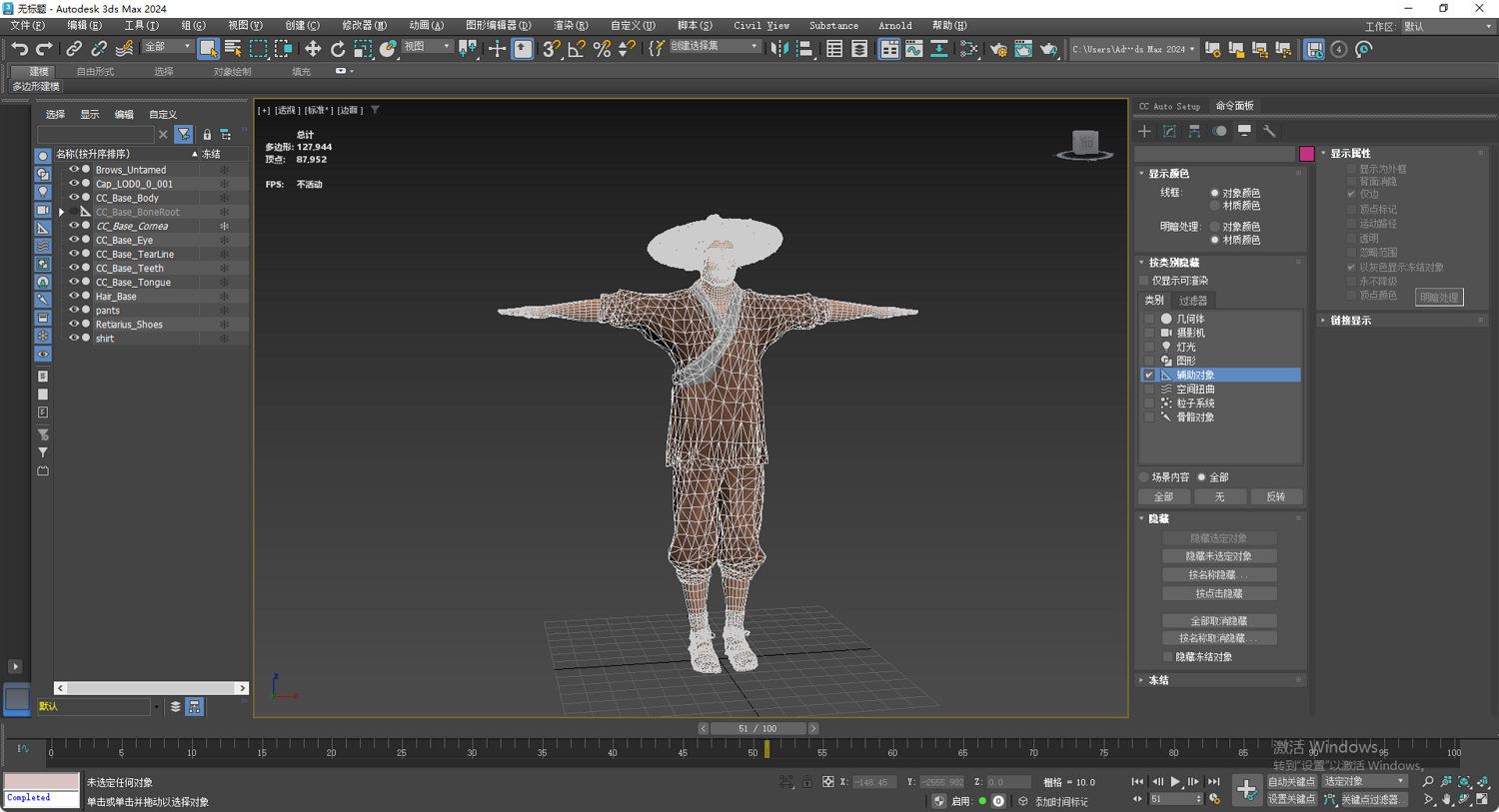
Geometry: 127,944 Polygons, 87,952 Vertices. Clean topology optimized for complex body deformations.
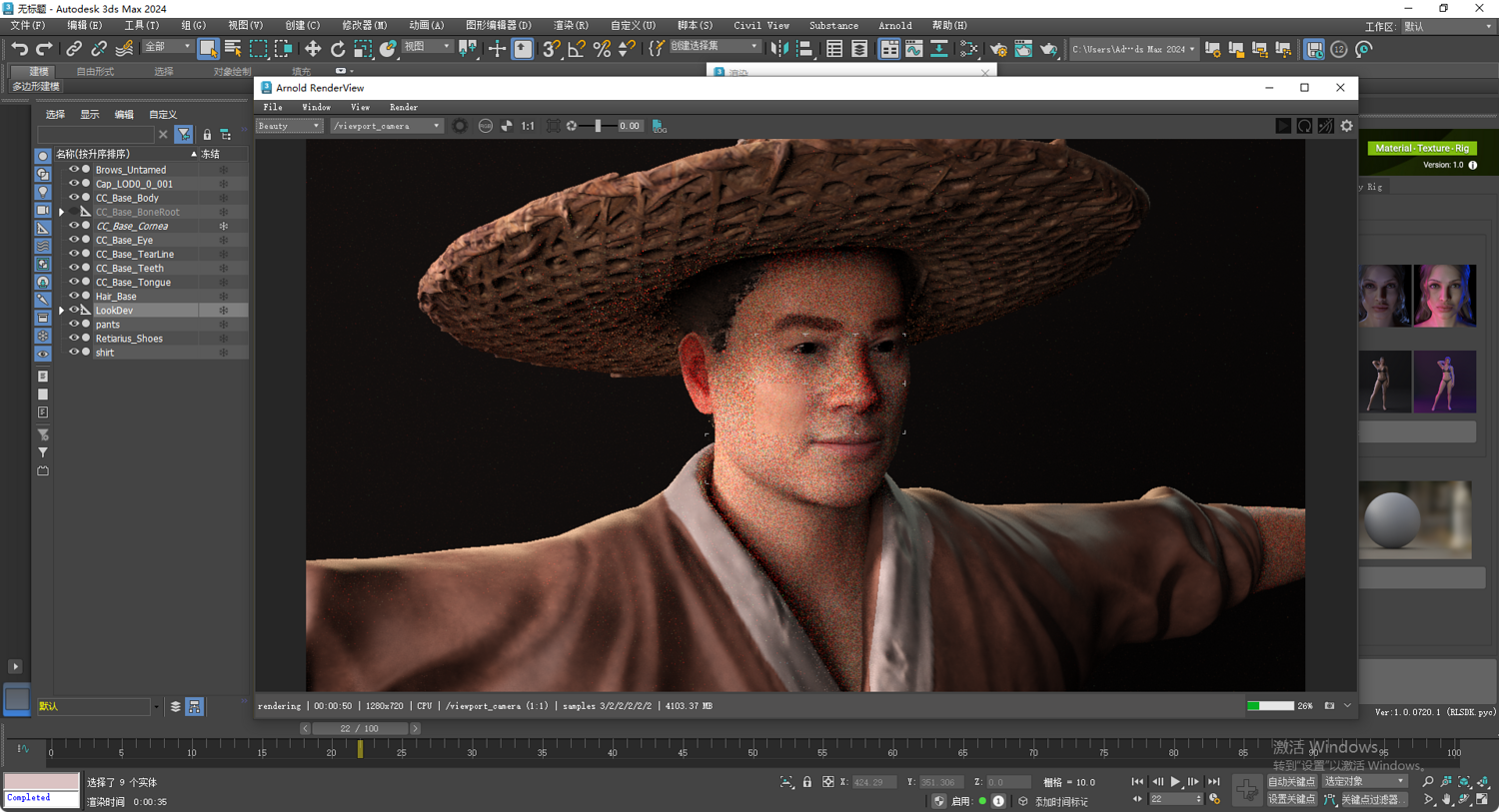
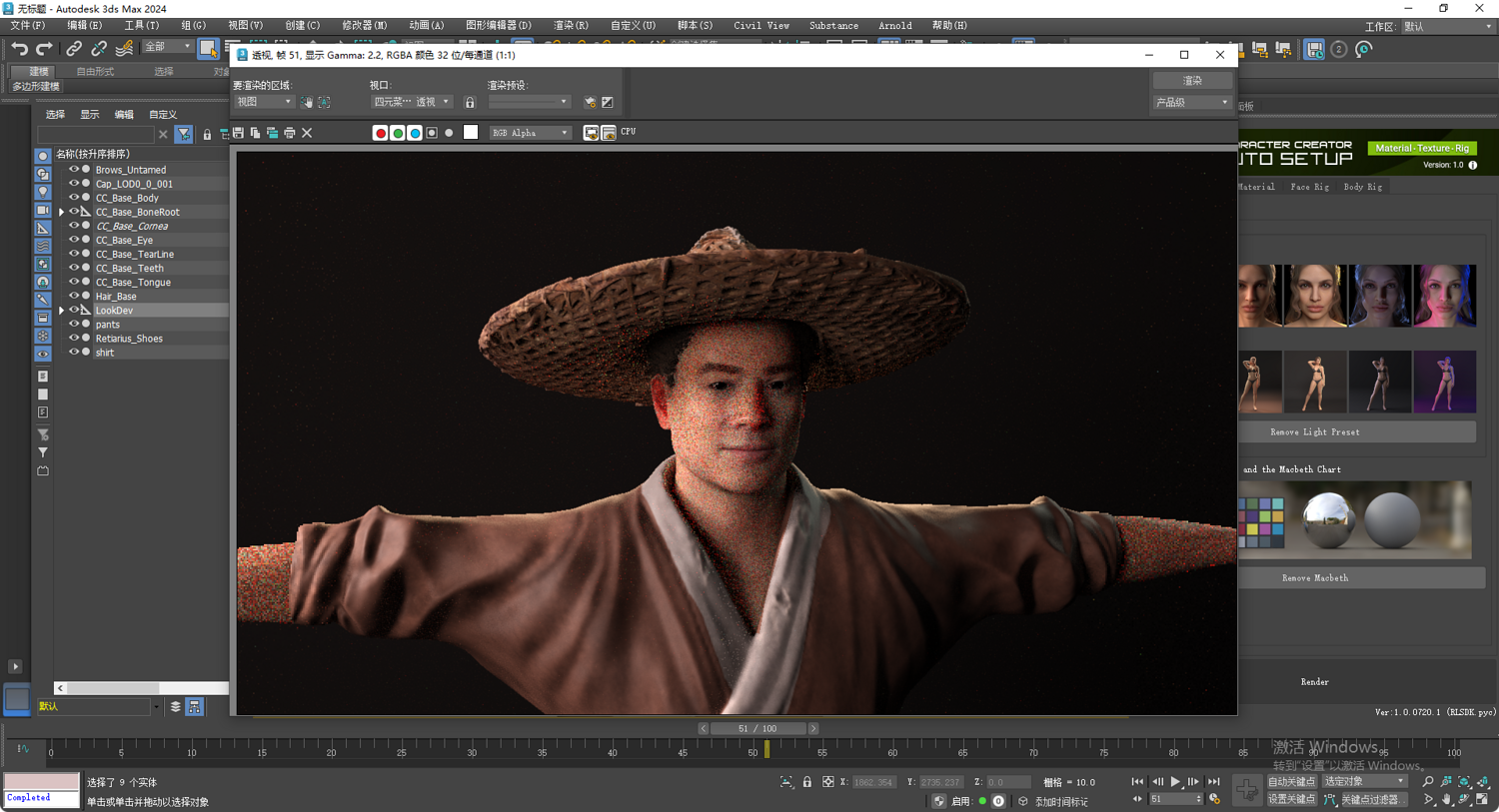
Materials & Textures: High-resolution PBR texture sets (Albedo, Normal, Roughness, etc.) optimized for various rendering engines.
*Since this Wu Song model is fully compatible with the UE5 Standard Skeleton (SK_Mannequin), you can apply thousands of marketplace animations effortlessly: * Step 1: Import – Select SK_Mannequin as the Skeleton during FBX import to auto-link the bones.
Step 2: IK Retargeting – Use the built-in IK_Retargeter in UE5. Set this model as the Target to transfer any custom animations.
Step 3: One-Click Animation – With the skeletons matched, you can directly drag and drop any UE5 Mannequin-compatible animations onto the Wu Song mesh.
产品概述: 本模型以 1998 版《水浒传》电视剧中武松(演员丁海峰)的经典形象为蓝本制作。模型采用高精度写实风格,包含完整的全身绑定与表情控制系统,专为高质量影视动画、游戏开发及 CG 渲染设计。
技术规格:
文件格式: 提供 FBX, Blender (.blend), OBJ, 3ds Max (.max), Unity Package。
骨骼绑定: 基于 CC5 工业级标准。FBX 格式完美适配虚幻引擎 5 (UE5) 骨骼,支持无缝重定向及海量动作库调用。
面部表情: 包含丰富的 Morph Targets (Shape Keys),支持细腻的情绪表达与实时面部捕捉。
模型参数: 多边形数 127,944,顶点数 87,952。拓扑结构合理,支持各种极端肢体动作。
材质贴图: 包含高分辨率 PBR 贴图(基础色、法线、粗糙度等),针对不同渲染引擎进行了优化。
UE5 动作重定向快速指南 (Quick Retargeting Guide for UE5) 由于本模型(武松)完全适配 UE5 标准骨骼 (SK_Mannequin),你可以通过以下步骤将虚幻引擎商城中的海量动作一键应用到该模型上:
- 导入模型 (Importing) 将 FBX 文件导入虚幻引擎时,在导入设置面板的 Skeleton 选项中,直接选择 SKMannequin(如果是 UE5 默认项目)或 SKMannequin_UE4。
确保勾选 Import Morph Targets 以保留面部表情形态键。
- 使用 IK Retargeter (Using IK Retargeter) 如果你需要从其他不同骨骼结构的角色转换动作:
第一步: 在内容浏览器中右键点击,创建 IK Rig,并为武松模型分配骨骼层级。
第二步: 打开虚幻引擎自带的 IKRetargeter (例如 RTGUE4Manny_UE5Manny)。
第三步: 将 Target IKRig Asset 设置为你为武松创建的 IK Rig。
第四步: 此时你会看到武松与标准模型并排站立。点击 Export Selected Animations,即可生成适配武松的动作文件。
- 材质与贴图 (Materials & Textures) 导入后,如果贴图没有自动连接,请将对应的 PBR 贴图(Albedo, Normal, Roughness)拖入材质编辑器,并连接到 Principled BSDF (Standard) 节点。
Model Details
- FormatsOBJ, BLEND, FBX, MAX
- Polygons127944
- Vertices87952
- animatedyes
- materialsyes
- texturesyes
- riggedyes
- uvsyes
- 3d print readyno
You will get 4 files
All files previously purchased will always be available for download in your Library