3DT GeoStacker – Blender Geometry Node Procedura
3DT GeoStacker – Blender Geometry Node Procedural
🎥 Demo Video
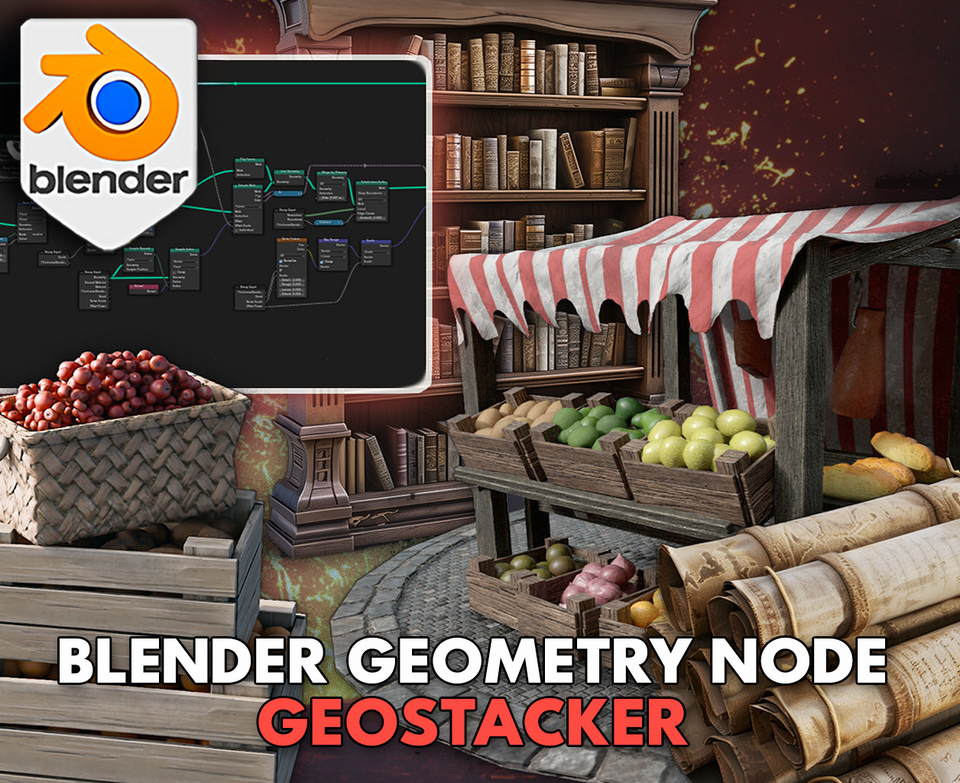
Stack anything from crates to books and scrolls in seconds with the 3DT GeoStacker!
Fully optimized for Blender 4.0+, this powerful triple-node bundle lets you stack objects dynamically inside containers, across shelves, or into realistic piles — complete with real-time scaling, randomness, and flipping effects.
🎯 Key Features

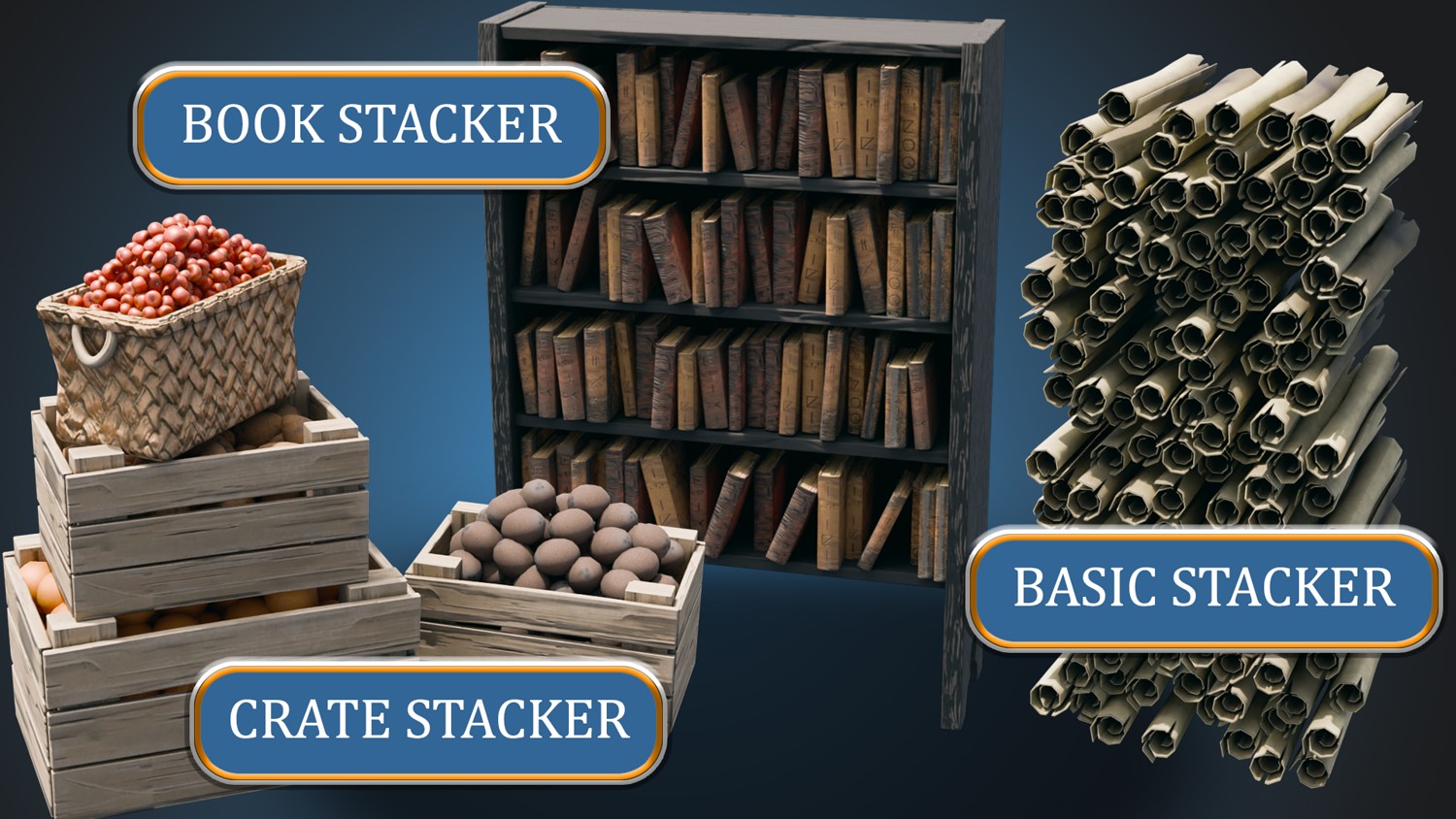
Three Powerful Stackers Included
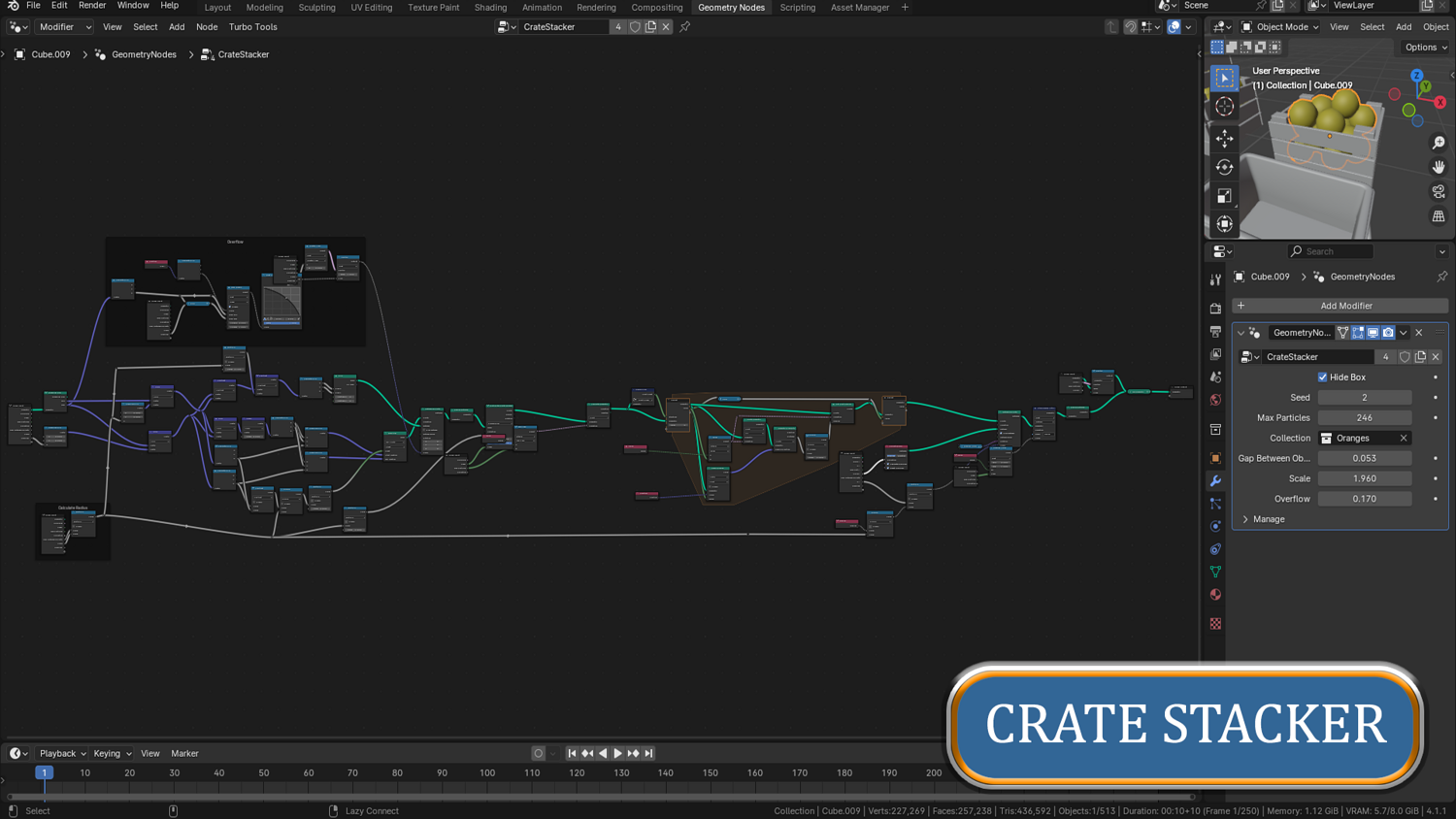
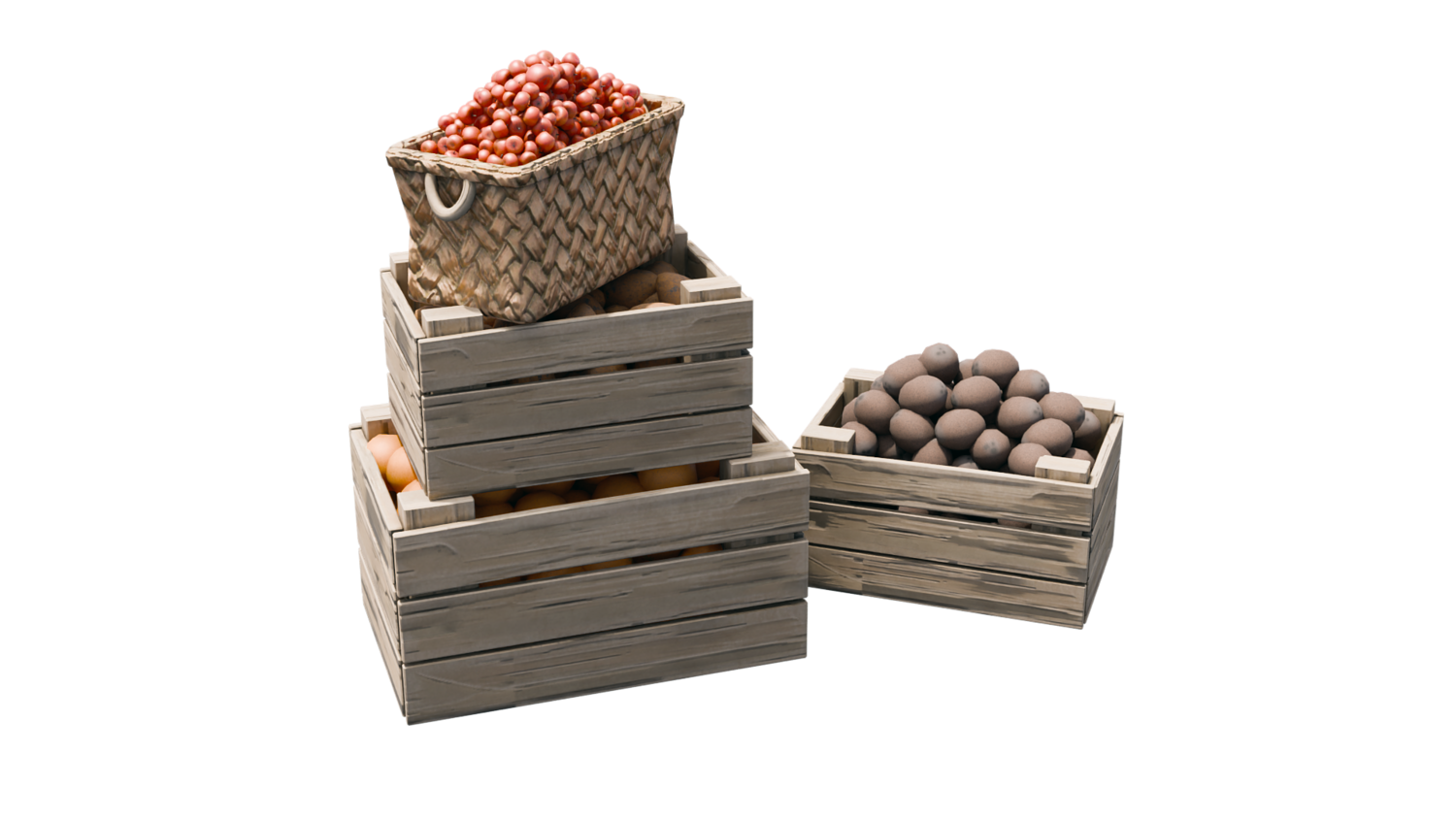
- Crate Stacker: Perfectly stack objects like apples, potatoes, and bananas inside crates.
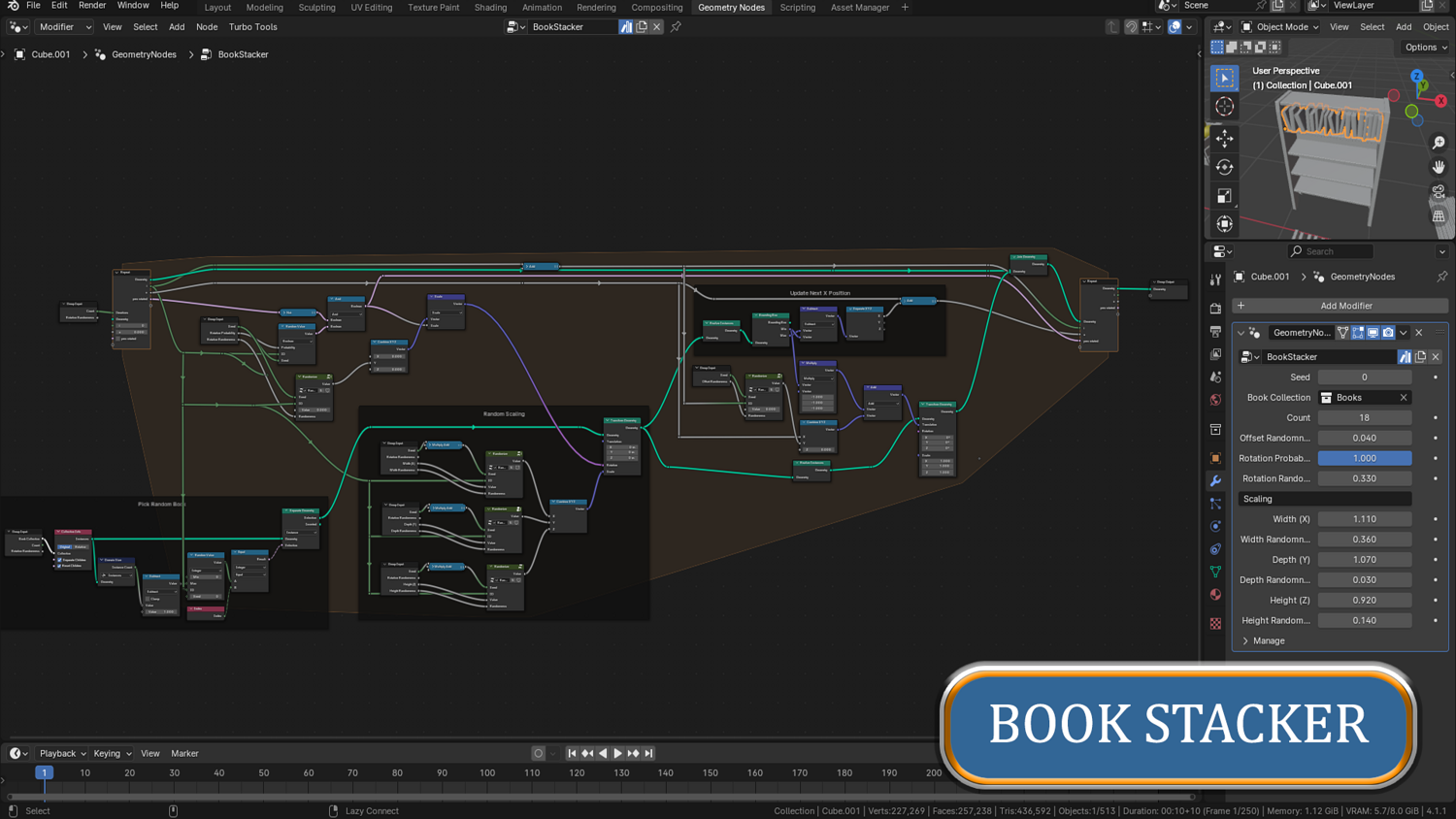
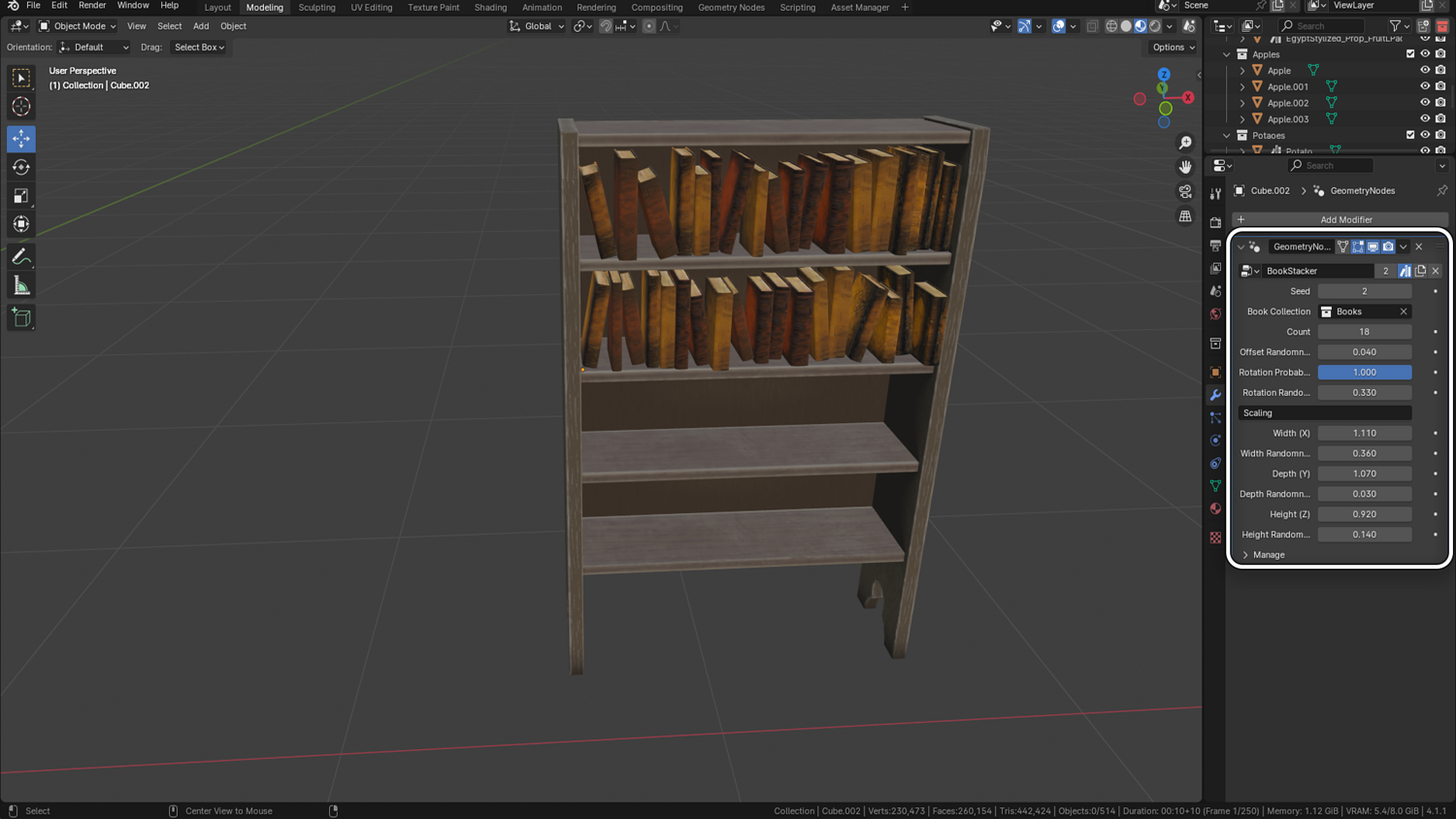
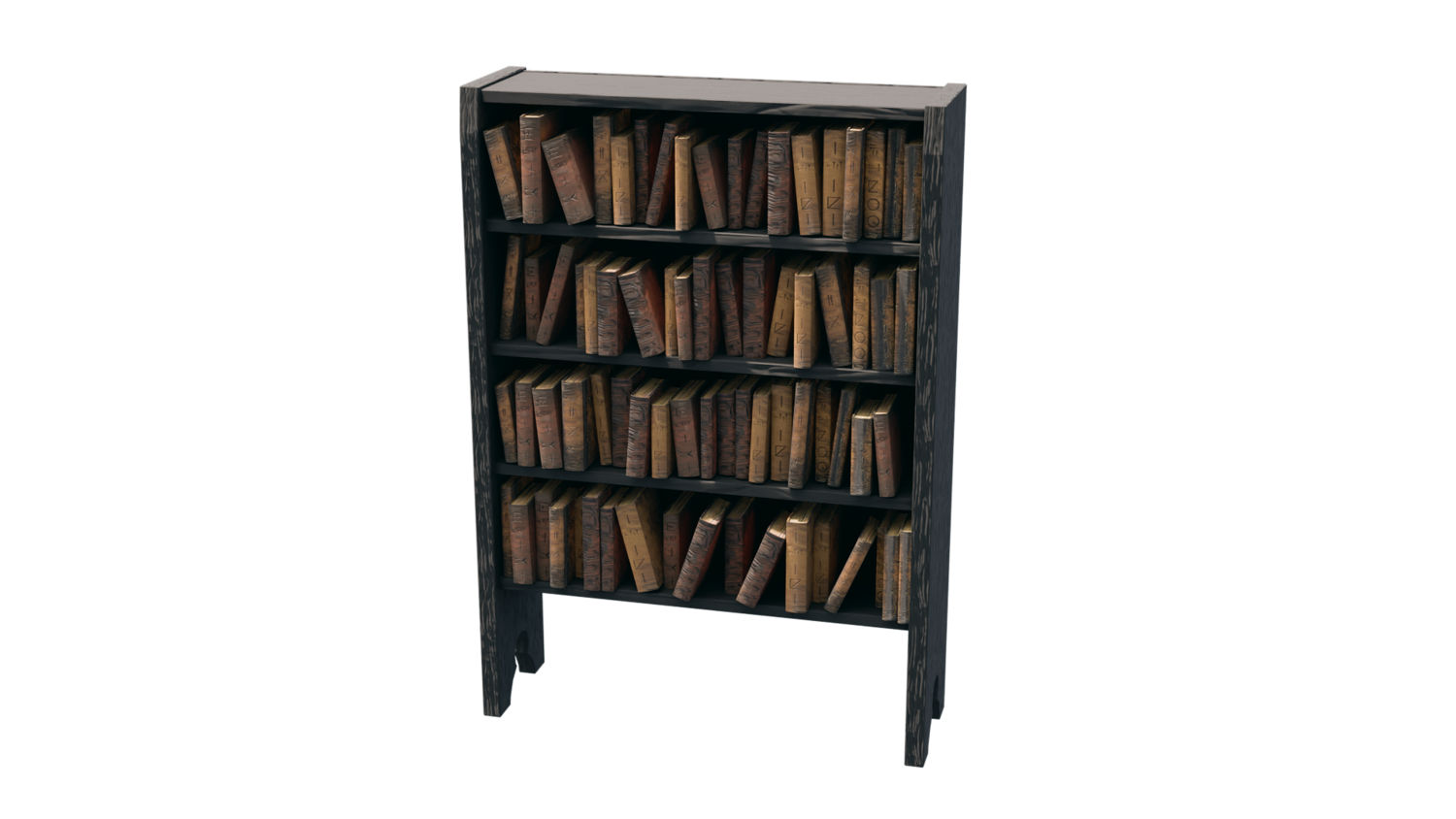
- Book Stacker: Rapidly fill bookshelves with randomized, rotated books for realistic clutter.
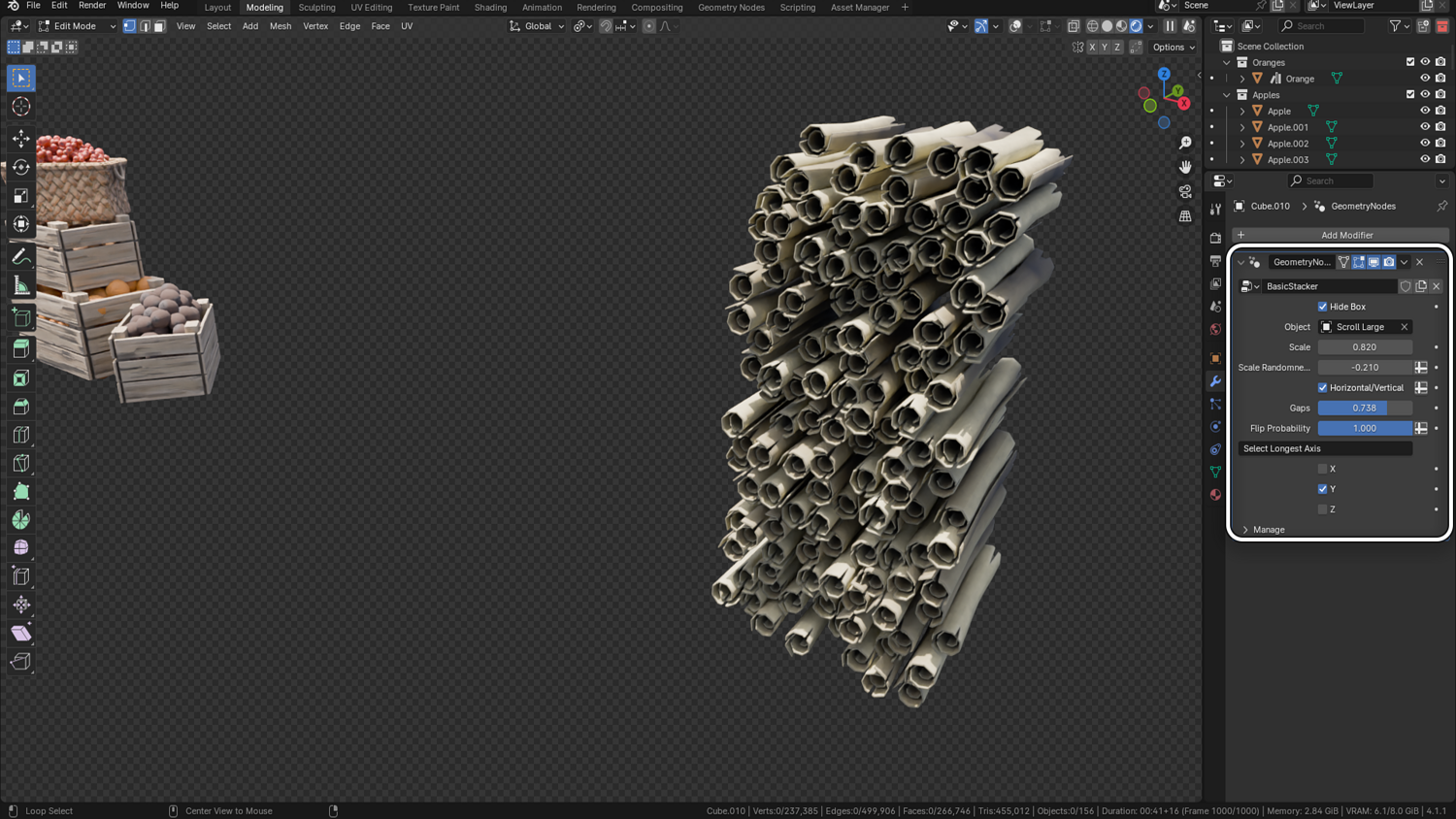
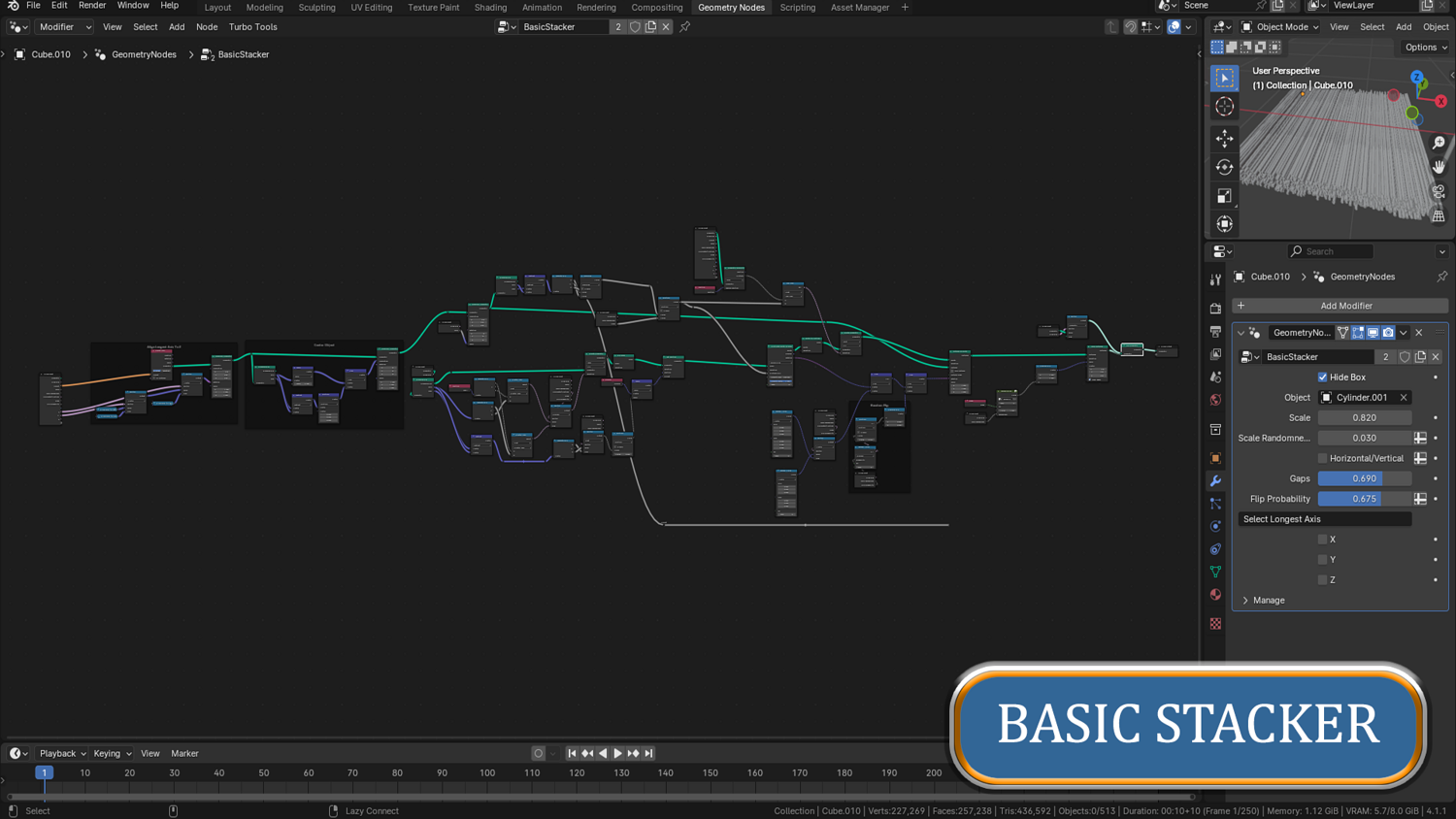
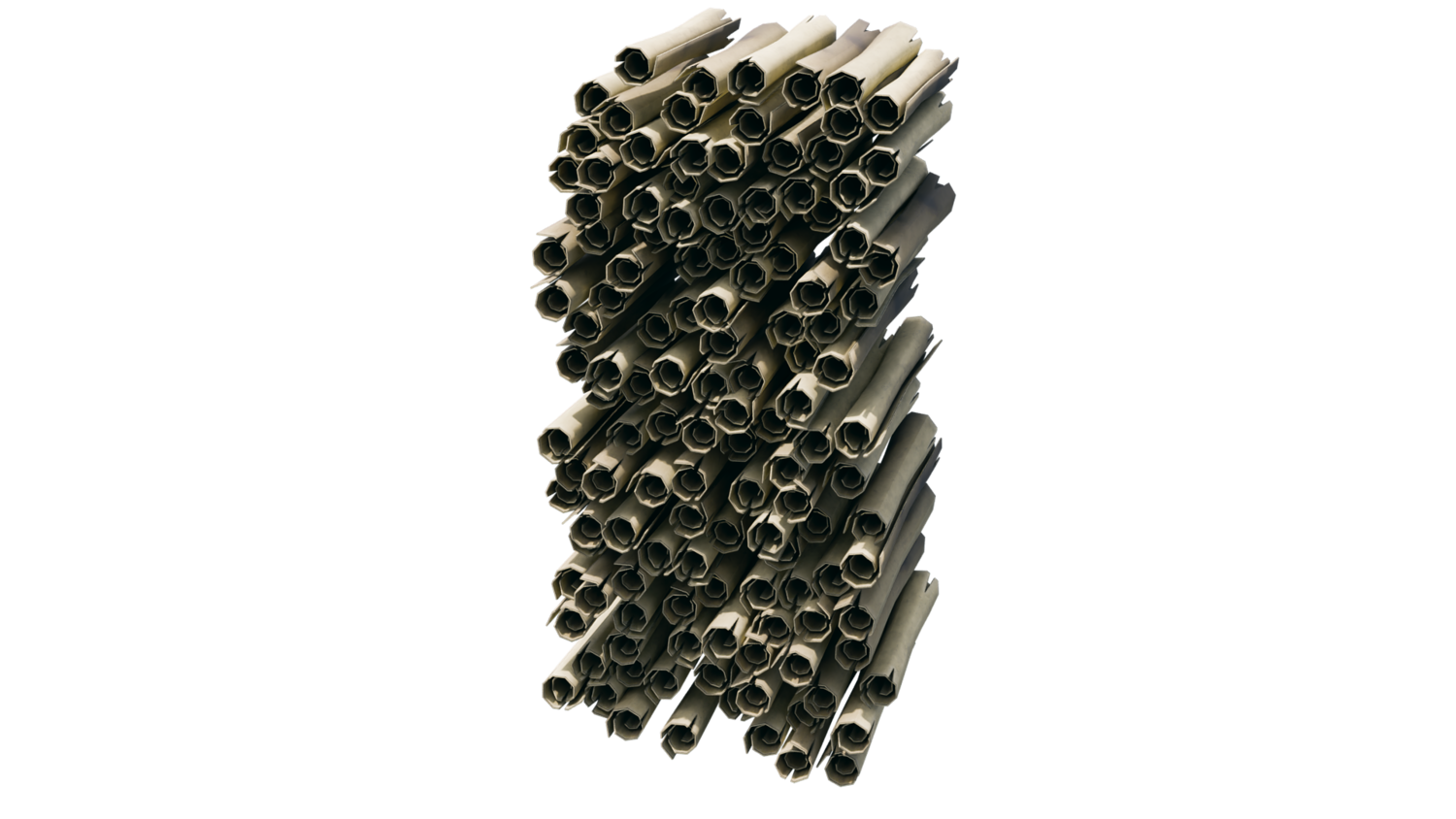
- Basic Stacker: Stack scrolls, bamboo, leaves, or any custom object in freeform piles.
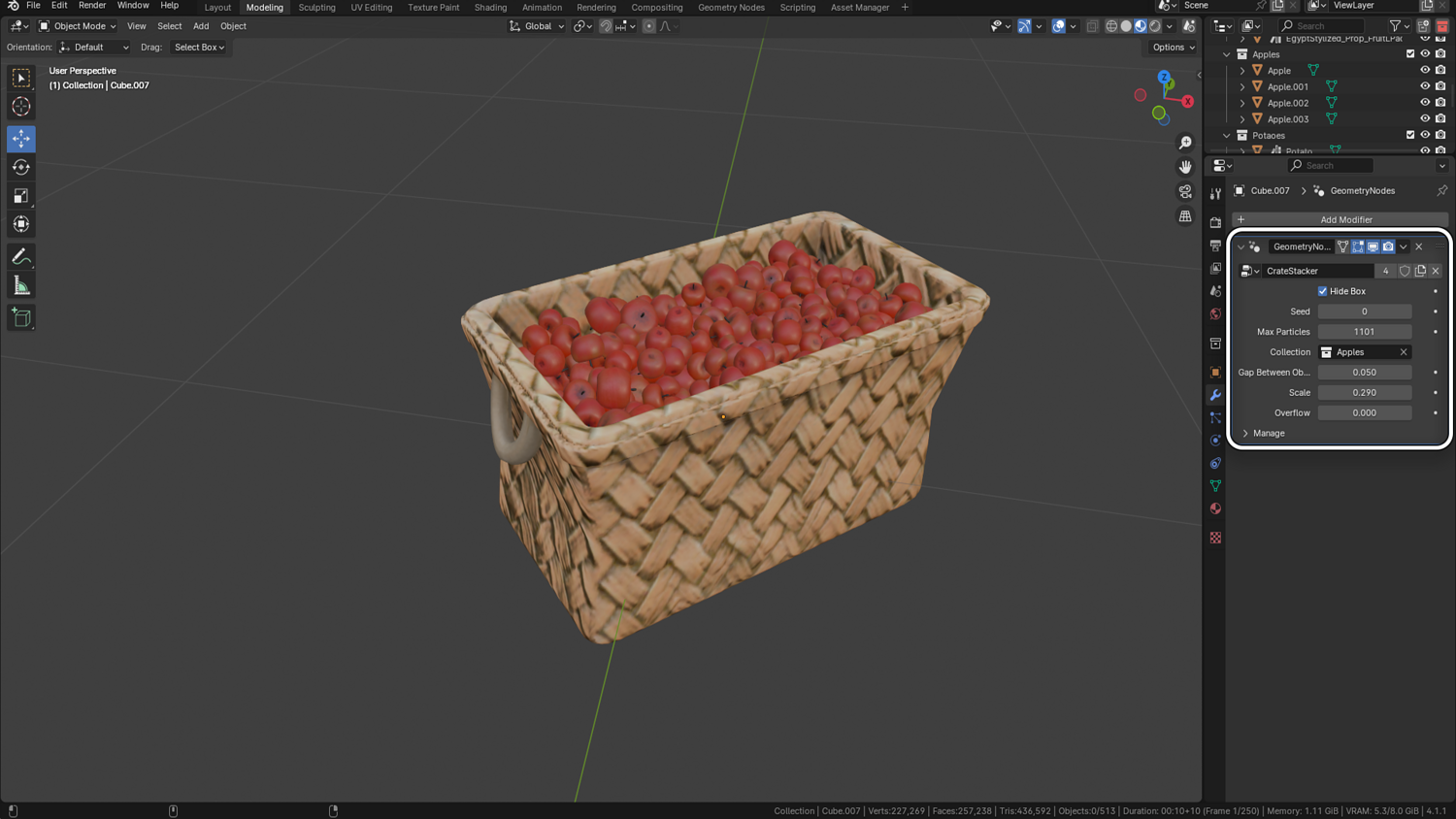
Real-Time Gap, Scale, and Overflow Controls
Adjust gaps, randomness, overflow amount, and size variation instantly while building scenes.
Fully Collection-Driven Workflow
Feed any Blender collection (custom objects) into the system and dynamically populate scenes without manual duplication.
Support for Crate-Hiding and Collision Look
Easily toggle crates on/off and simulate overflowing looks naturally without physics simulations.
Optimized for High-Volume Stacking
Effortlessly fill crates, libraries, carts, shelves, or landscapes with hundreds of randomized objects without slowdowns.
🔥 Why You'll Love It
Infinite Flexibility
Stack anything — fruits, scrolls, leaves, books, crates, random collectibles, or marketplace props.
Perfect for Games, Animation, and Environments
Quickly fill backgrounds, libraries, farms, shops, or fantasy scenes without manually moving objects.
Built for Real-Time Performance
High-efficiency stacking keeps Blender fast even when filling scenes with hundreds of objects.
Asset Library Ready
Mark stackers as assets and drag-and-drop them into any Blender project via Asset Browser.
📦 What's Included
- 1x Blender .blend file with GeoStacker setup
- Crate Stacker, Book Stacker, and Basic Stacker nodes
- Full control over object count, randomness, overflow, and flip behavior
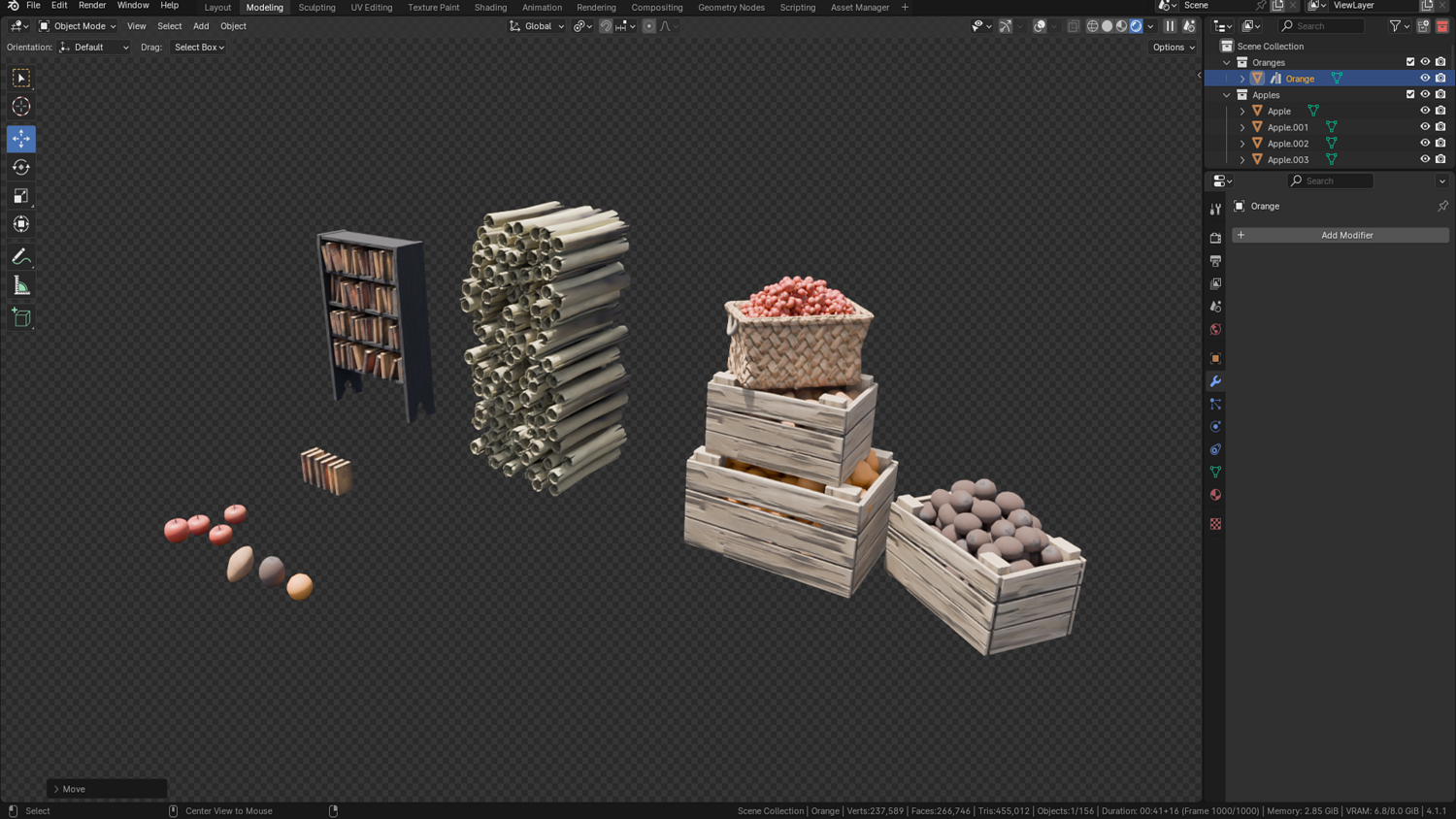
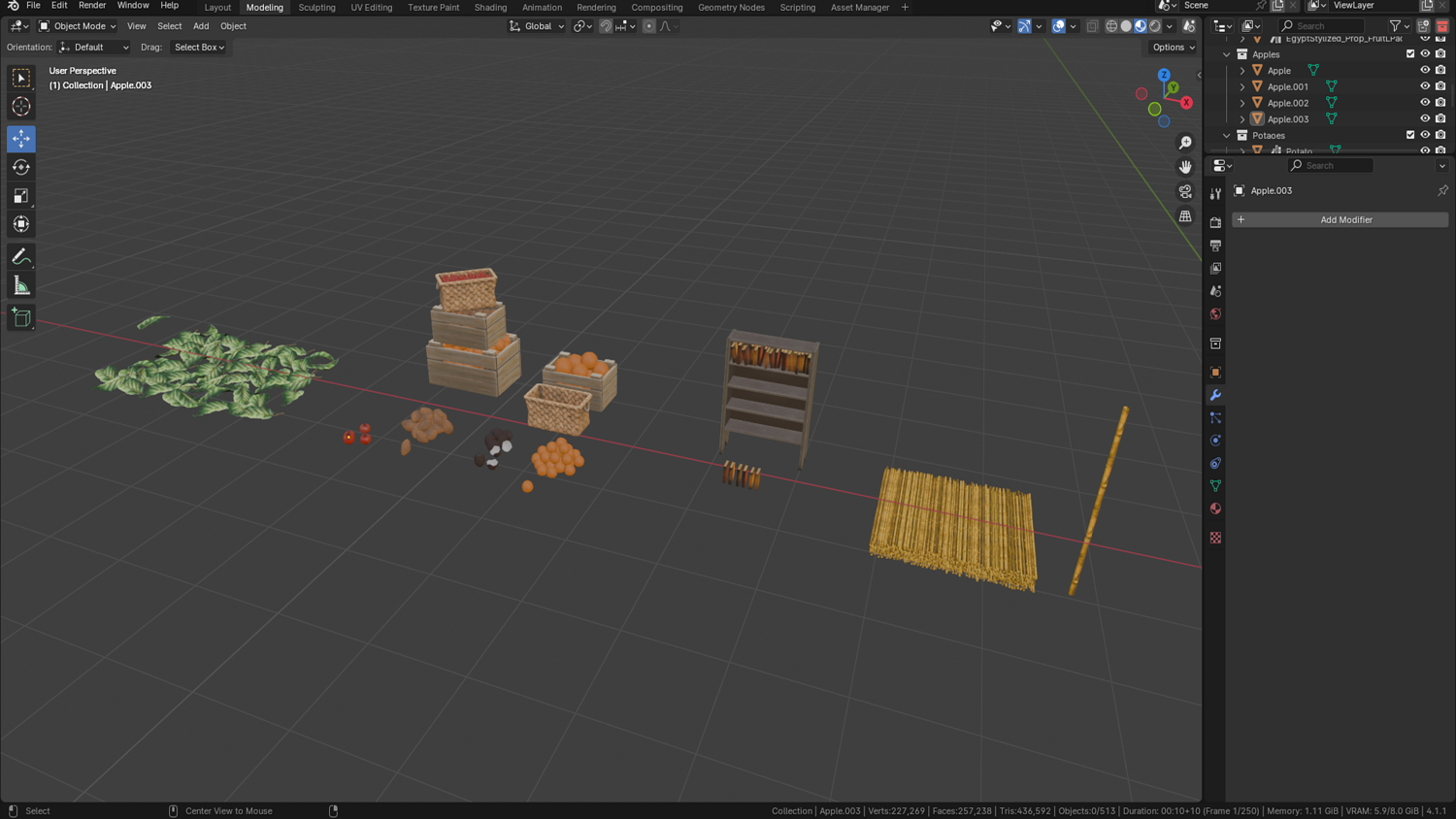
- Example demo scene with crates, books, scrolls, apples, and leaves
⚙️ Requirements
- Blender 4.0 or newer with lifetime updates
- From noob to pro — watch the 10 minute video to have everything up and running in no time
🚀 Installation Instructions
Method 1 – Add to Asset Library
- Download and unzip the product folder.
- Open Blender → Edit → Preferences → File Paths → Asset Libraries → click the "+" button.
- Navigate to the extracted folder and add it.
- Open the Asset Browser and drag the GeoStacker nodes into your scenes.
Method 2 – Manual Append
- Open your Blender project.
- Go to File → Append → Locate the .blend file → Import the desired Geometry Node group.
Method 3 – Copy and Paste Between Projects
- Open the project containing the GeoStacker setup.
- Select the desired Geometry Node group.
- Press Ctrl+C to copy.
- Open another Blender project and press Ctrl+V to paste it directly into your scene.
💬 Support
Need help? Join our growing 3D Tudor Discord community to connect with our support team and hundreds of fellow artists!
👉 Join the 3D Tudor Discord here
You will get 2 files
All files previously purchased will always be available for download in your Library