3DT Wooden Planks Generator – Blender Geometry Node Procedural
3DT Wooden Planks Generator – Blender Geometry Node Procedural
🎥 Demo Video
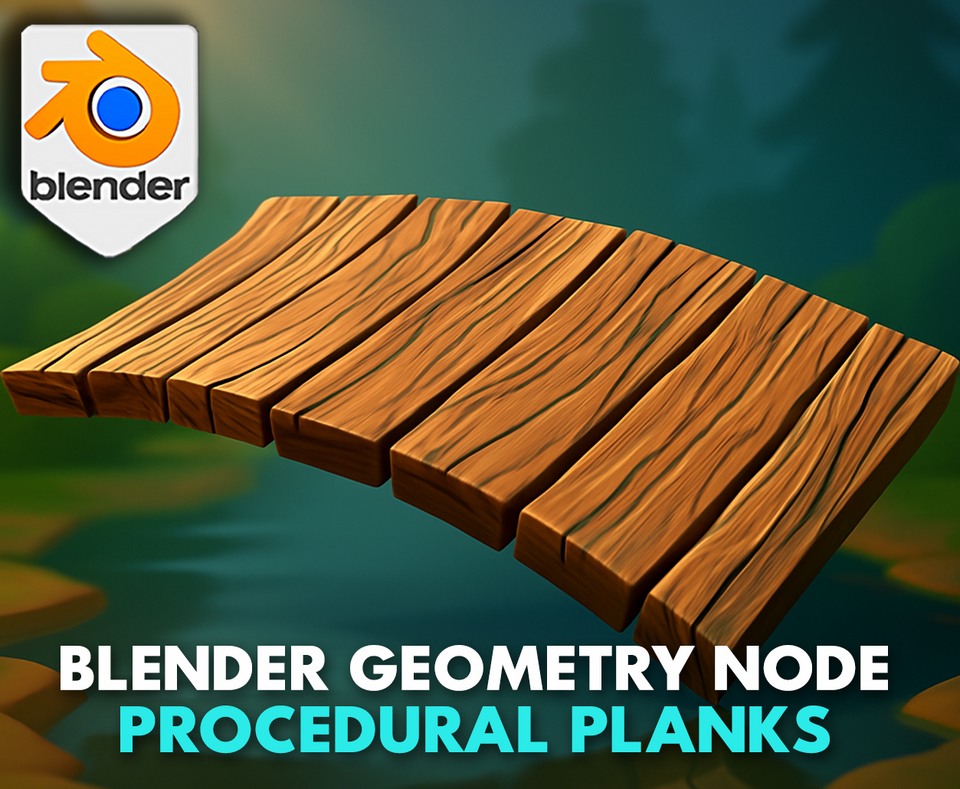
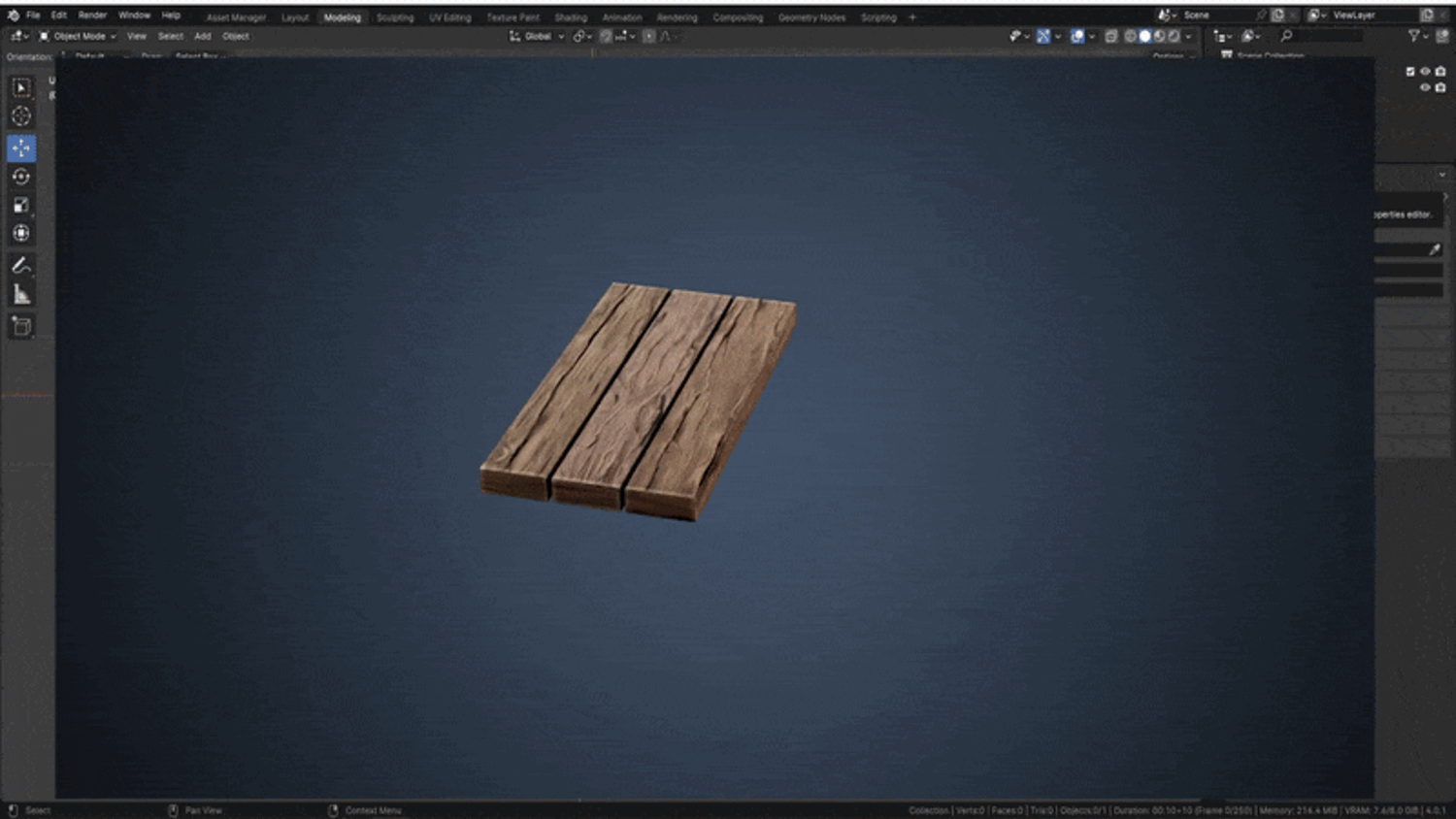
Bring your environments to life with the 3DT Wooden Planks Generator — a game-changing geometry node setup for Blender 4.0+!
Generate highly customizable wooden planks from any mesh with support for scaling, bending, randomness, curvature, displacement, UV mapping, and real-time material updates. Build stylized bridges, walls, floors, barrels, and props with unmatched flexibility.
🎯 Key Features

Plank Generator from Any Object
Apply to cubes, spheres, or curves — generate wood planks instantly with full modular control.
Full Parameter Control
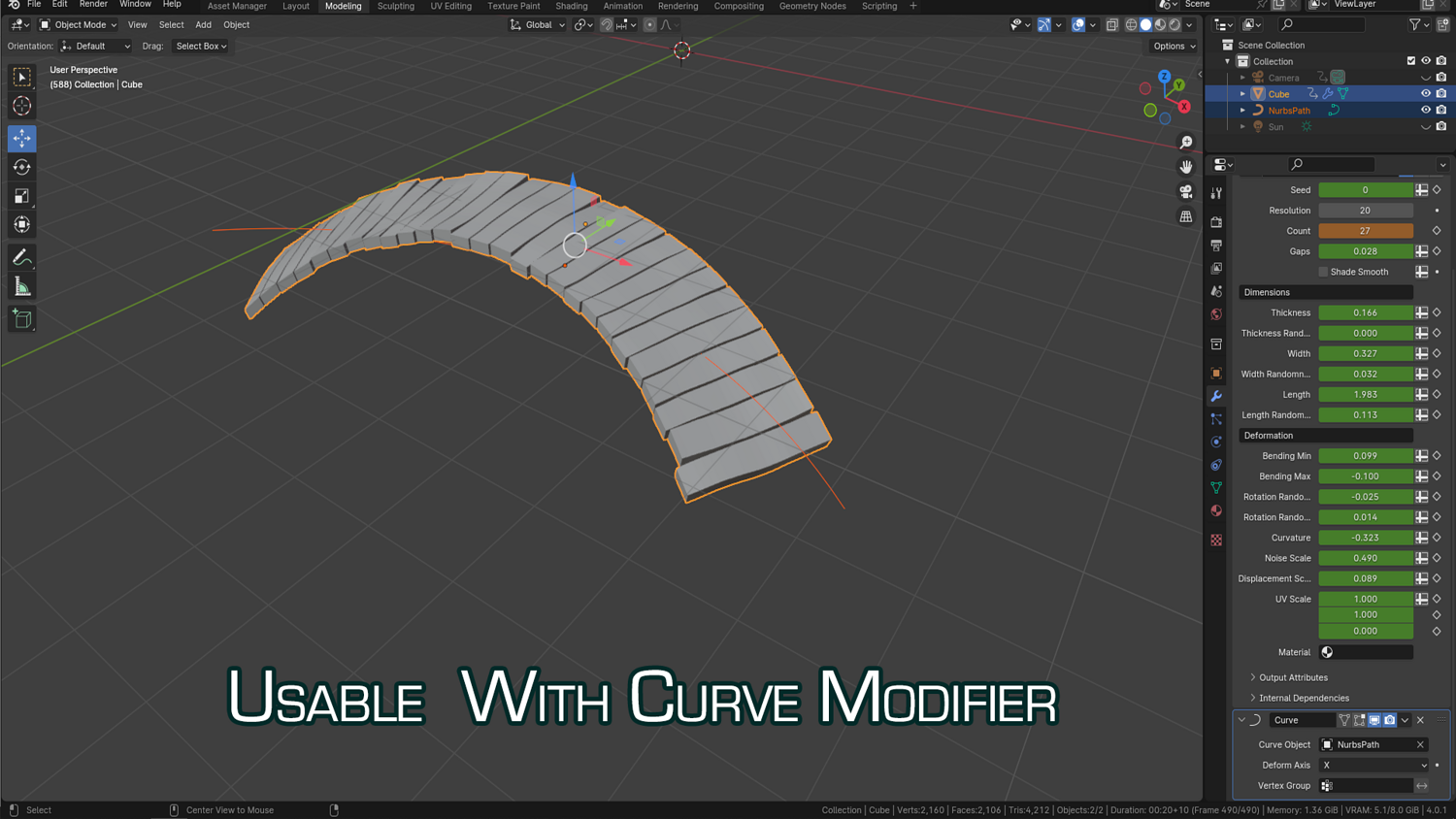
Adjust count, gap, thickness, length, and width — plus per-axis randomness for each dimension.
Bend and Deform Easily
Real-time curvature and rotation randomness for building stylized bridges, planked floors, or barrels.
Built-in Noise & Displacement
Add high-frequency deformation for weathered planks with scale-adjustable noise distortion and mesh displacement.
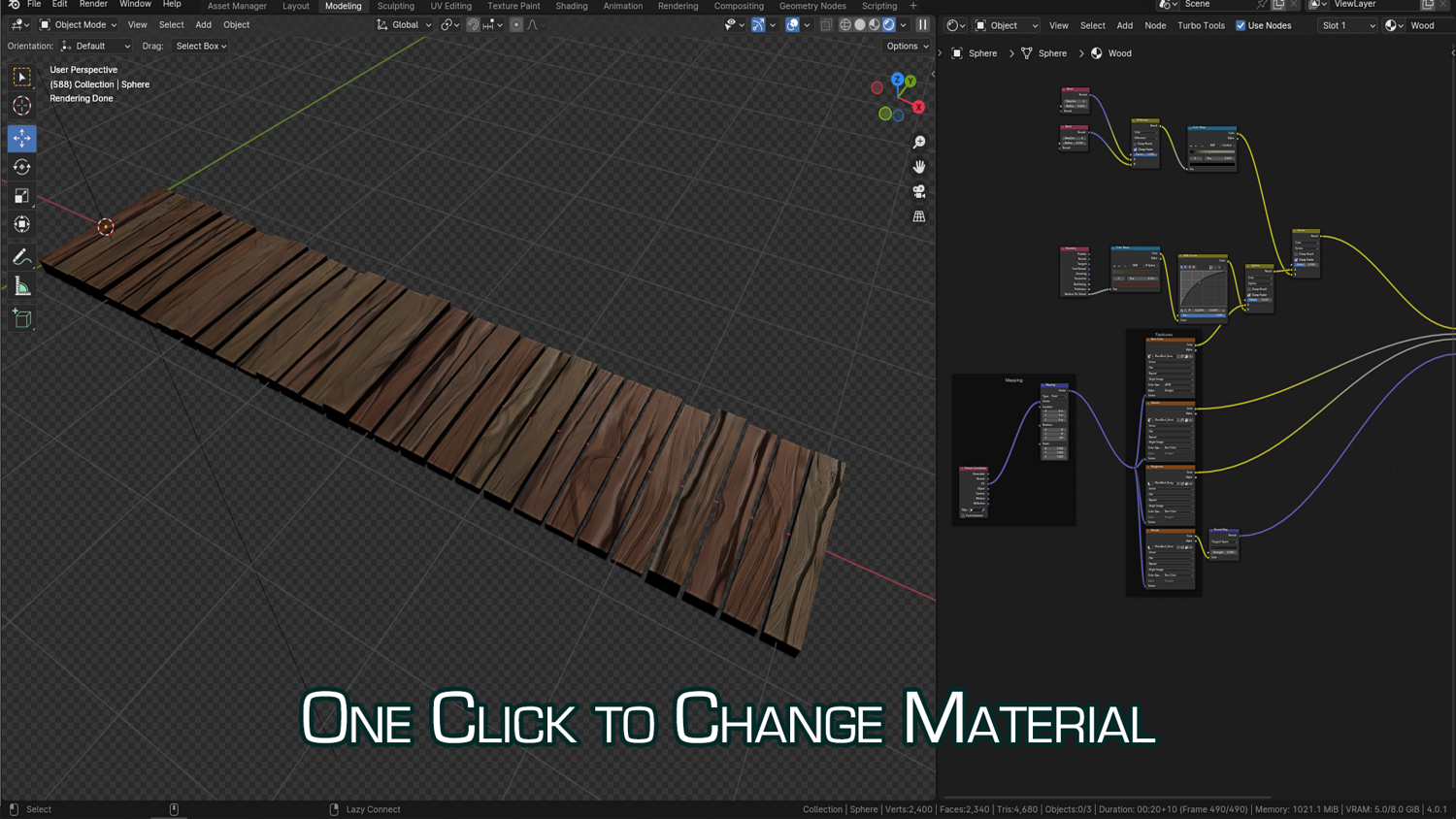
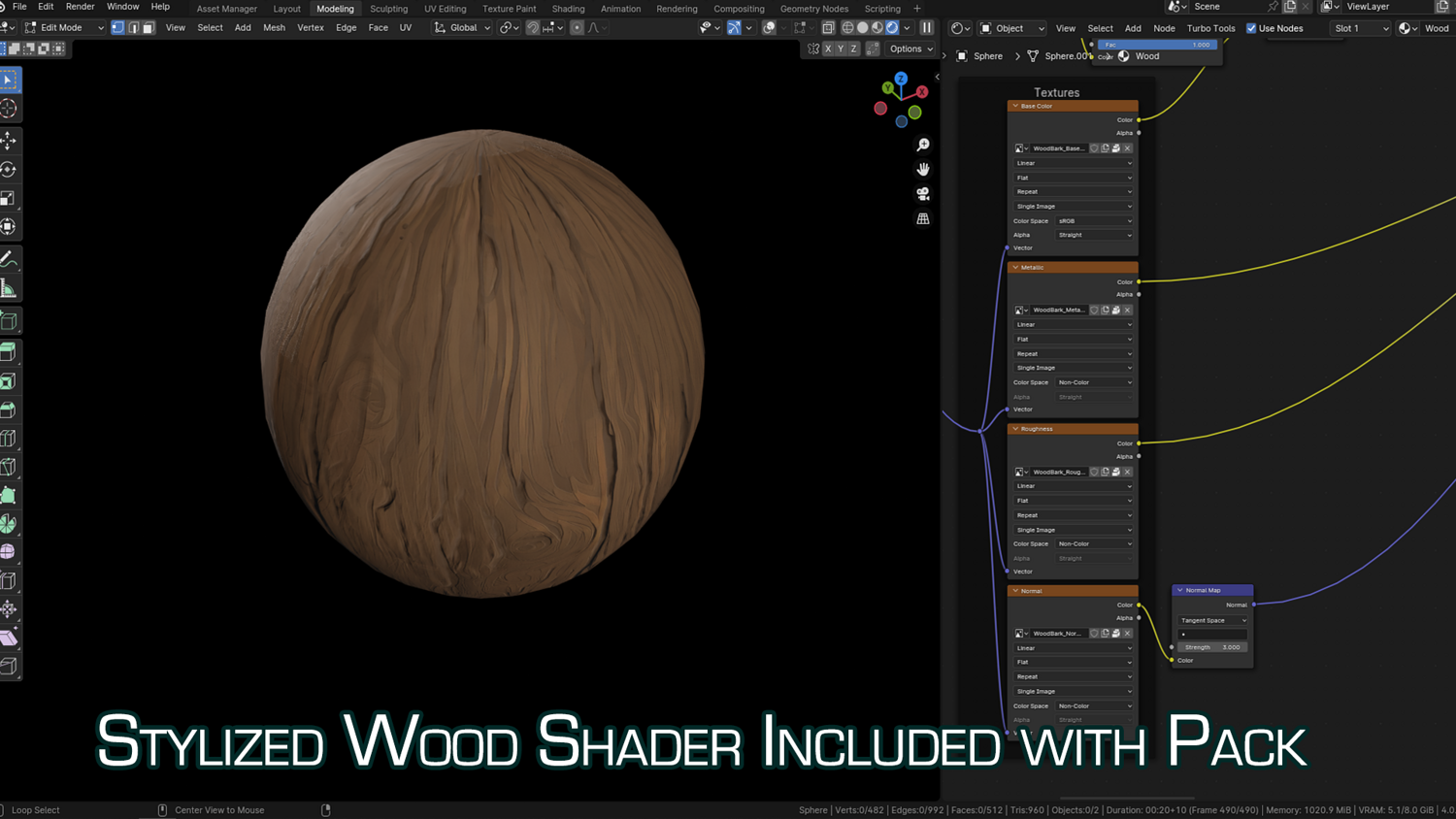
Live Material with UV Control
No manual unwrapping needed — UVs are automatically handled, and built-in materials support scale and color variation per plank.
🔥 Why You'll Love It
From Flat to Curved with Curve Modifiers
Supports real-time integration with Blender’s curve modifier — make your plank lines follow curves instantly.
Random Seed Support
Generate hundreds of unique plank arrangements by duplicating and shifting the seed value.
Low to High Poly Ready
Use for stylized mobile games or realistic architectural renders — with resolution control and built-in bevel options.
Game-Ready and Production-Proven
Designed for both real-time and cinematic workflows — includes mesh conversion and commercial license support.
📦 What's Included
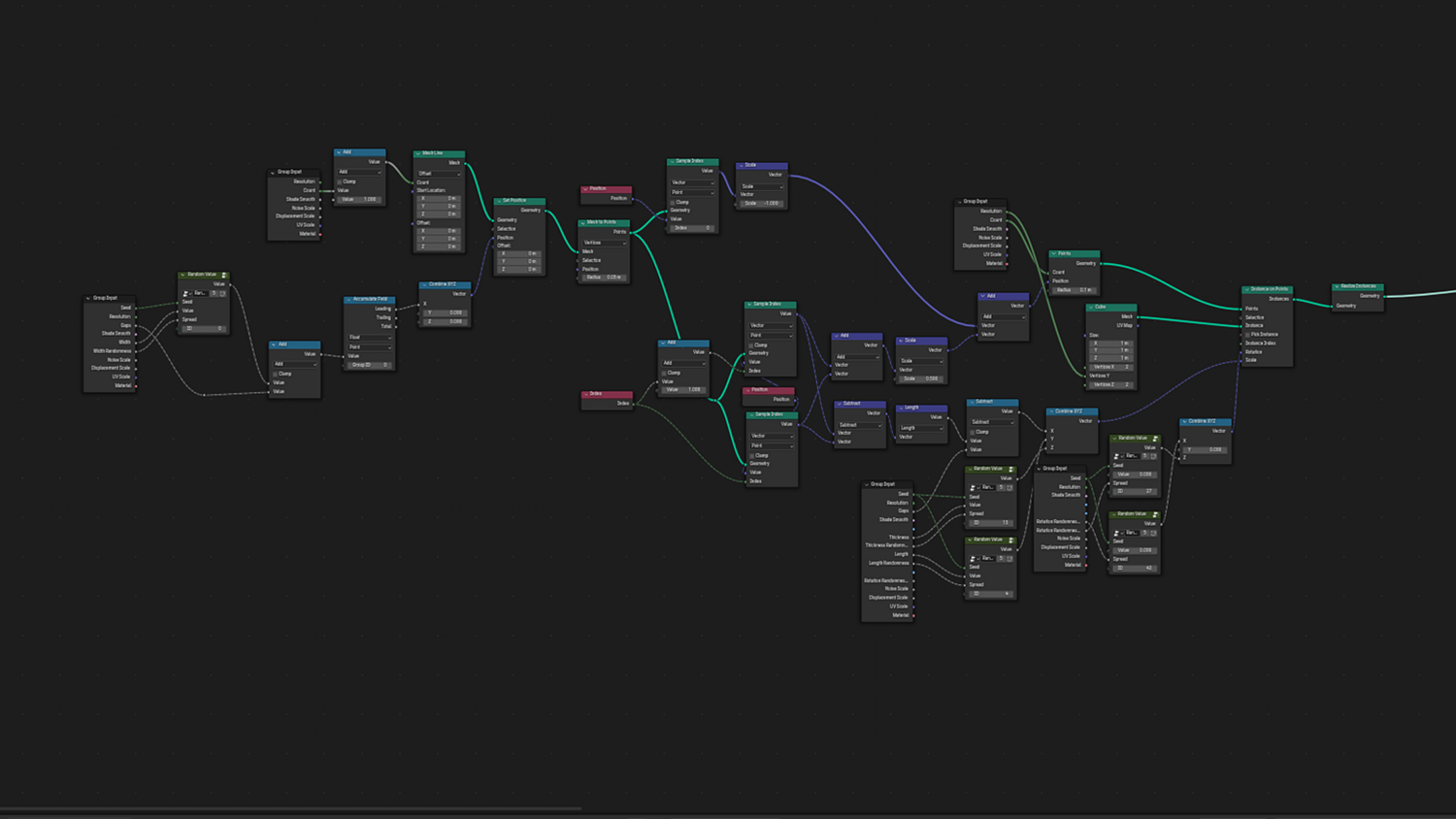
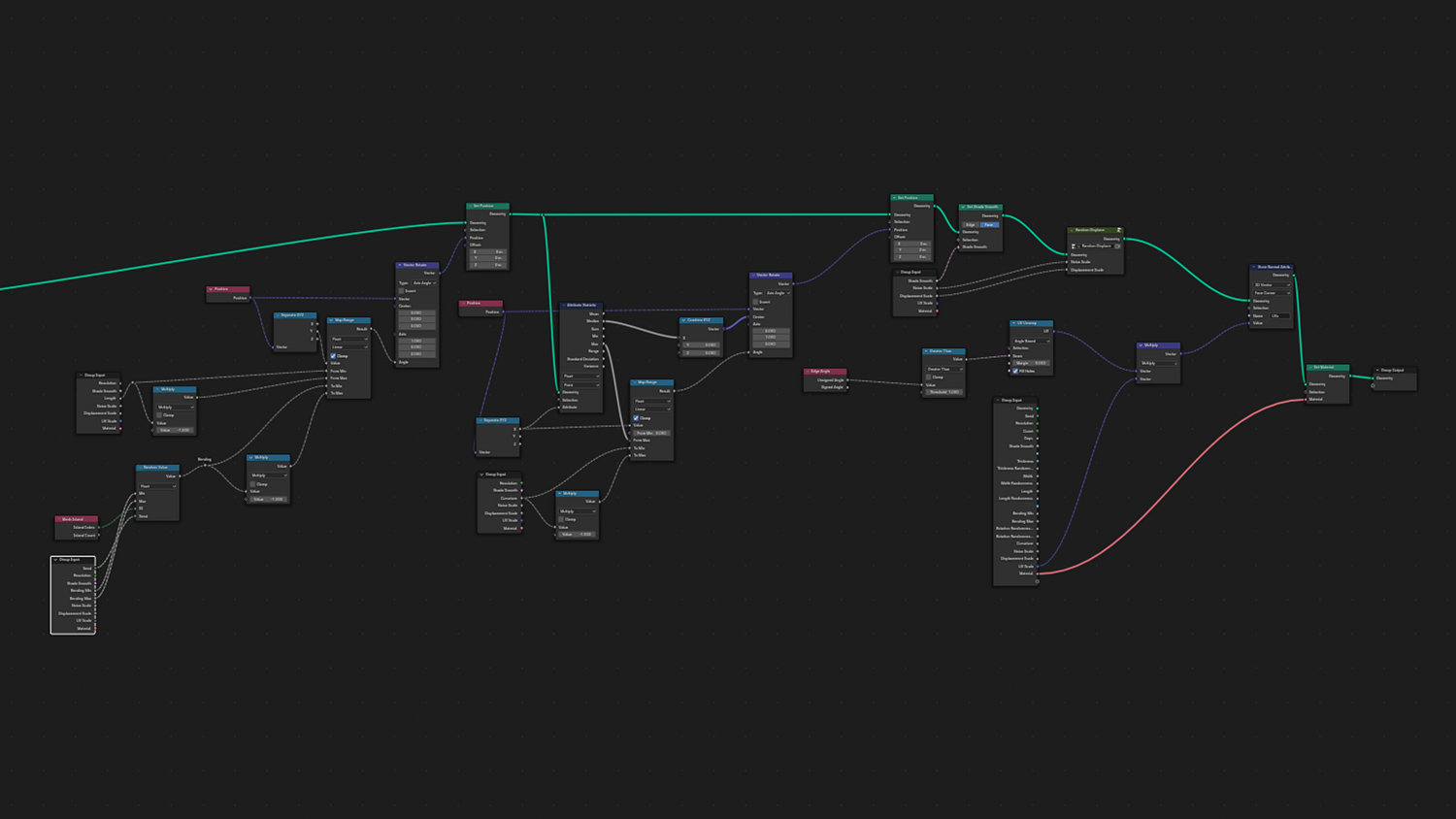
- 1x Blender .blend file with Wooden Planks Generator Geometry Node setup
- Randomness, scaling, gap, curvature, and noise control
- Real-time UV unwrapping and material controls
- Integration-ready with Blender’s Curve Modifier
- Fully labeled node groups with mesh conversion support
⚙️ Requirements
- Blender 4.0 or newer with lifetime updates
- From noob to pro — watch the 10 minute video to have everything up and running in no time
🚀 Installation Instructions
Method 1 – Add to Asset Library
- Download and unzip the product folder.
- Open Blender → Edit → Preferences → File Paths → Asset Libraries → click the "+" button.
- Navigate to the extracted folder and add it.
- Open the Asset Browser and drag the Wooden Planks Generator into your scenes.
Method 2 – Manual Append
- Open your Blender project.
- Go to File → Append → Locate the .blend file → Import the Geometry Node group.
Method 3 – Copy and Paste Between Projects
- Open the project containing the Planks setup.
- Select the Geometry Node group.
- Press Ctrl+C to copy.
- Open another Blender project and press Ctrl+V to paste it directly into your scene.
💬 Support
Need help? Join our growing 3D Tudor Discord community to connect with our support team and hundreds of fellow artists!
👉 Join the 3D Tudor Discord here
Model Details
- FormatsBLEND
- Polygons0
- Vertices0
- animatedno
- materialsyes
- texturesyes
- riggedno
- uvsyes
- 3d print readyno
You will get 2 files
All files previously purchased will always be available for download in your Library