3DT Grasslands Terrain – Blender Geometry Nodes Procedural
3DT Grasslands Terrain – Blender Geometry Nodes
🎥 Demo Video
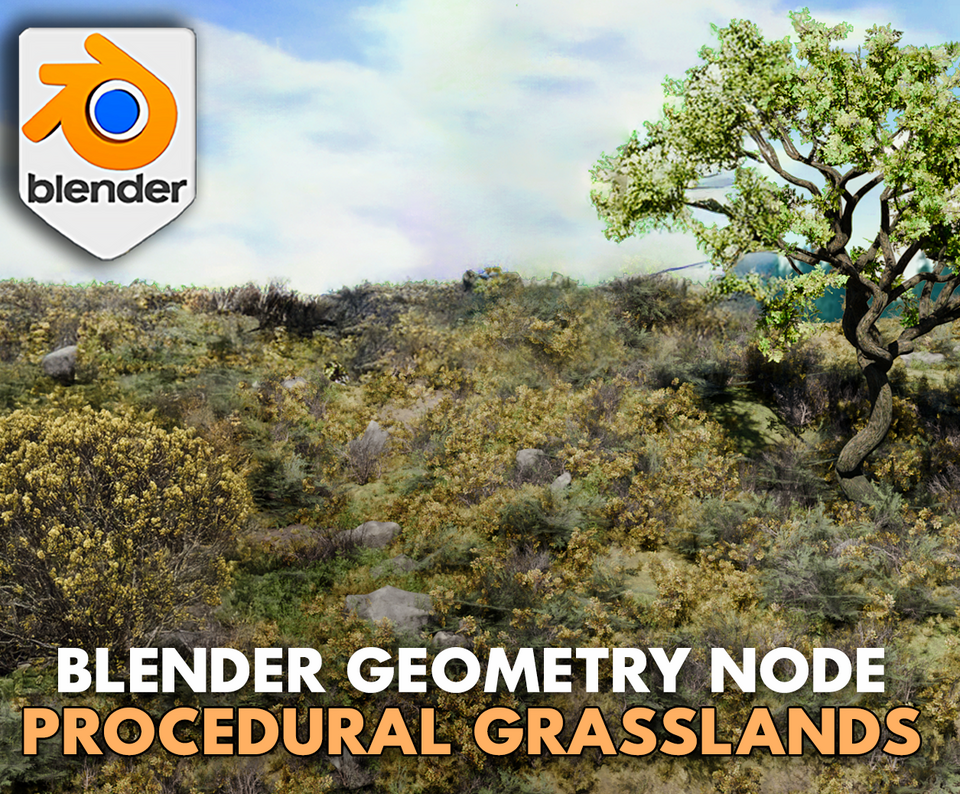
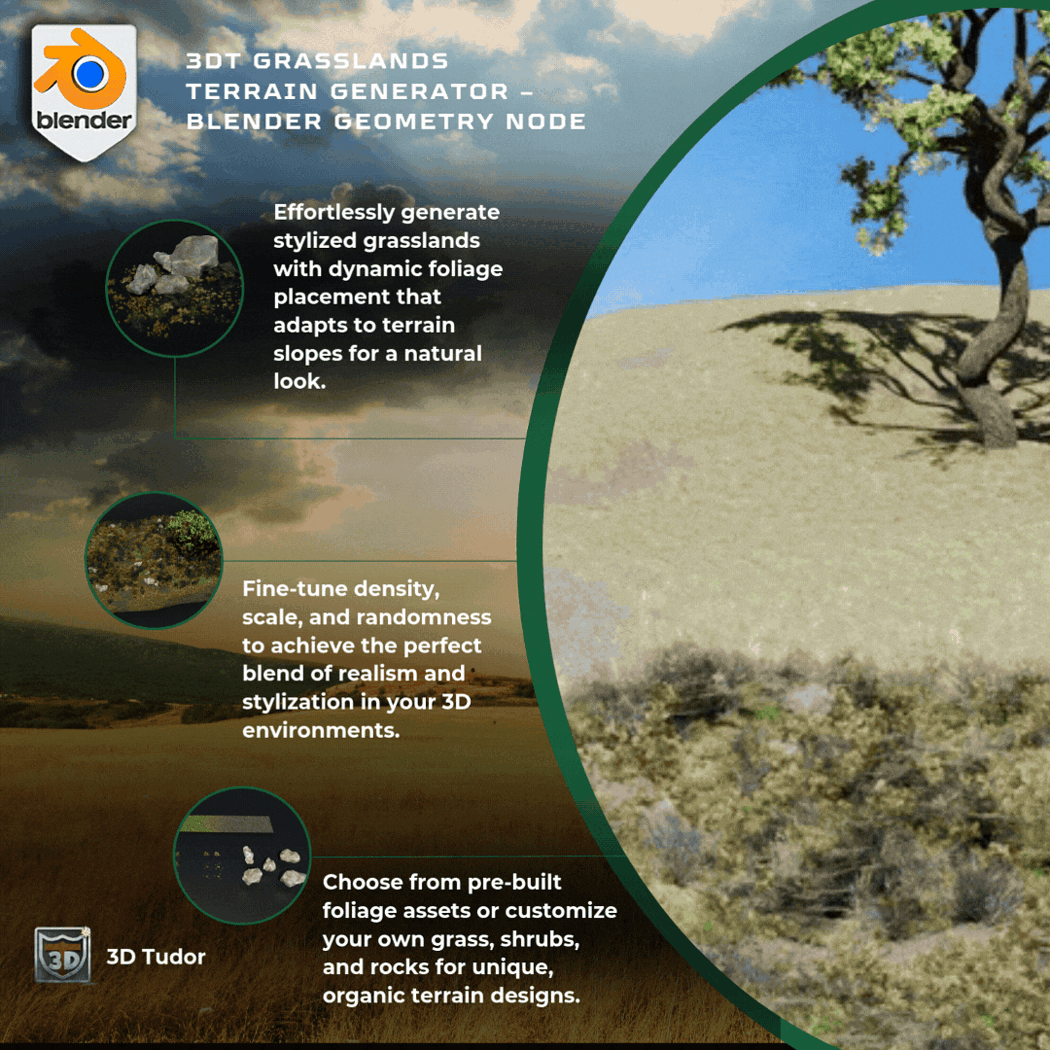
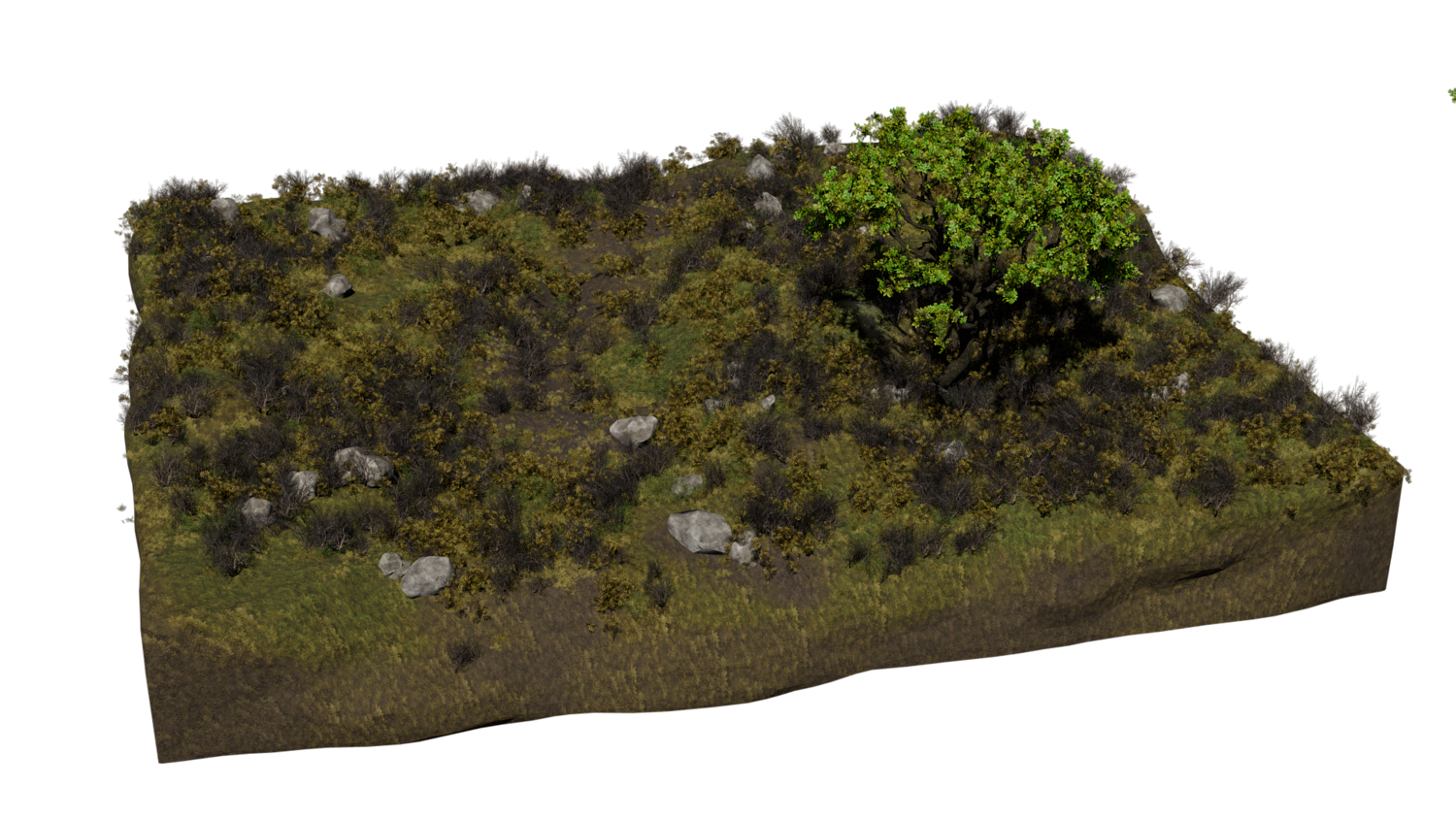
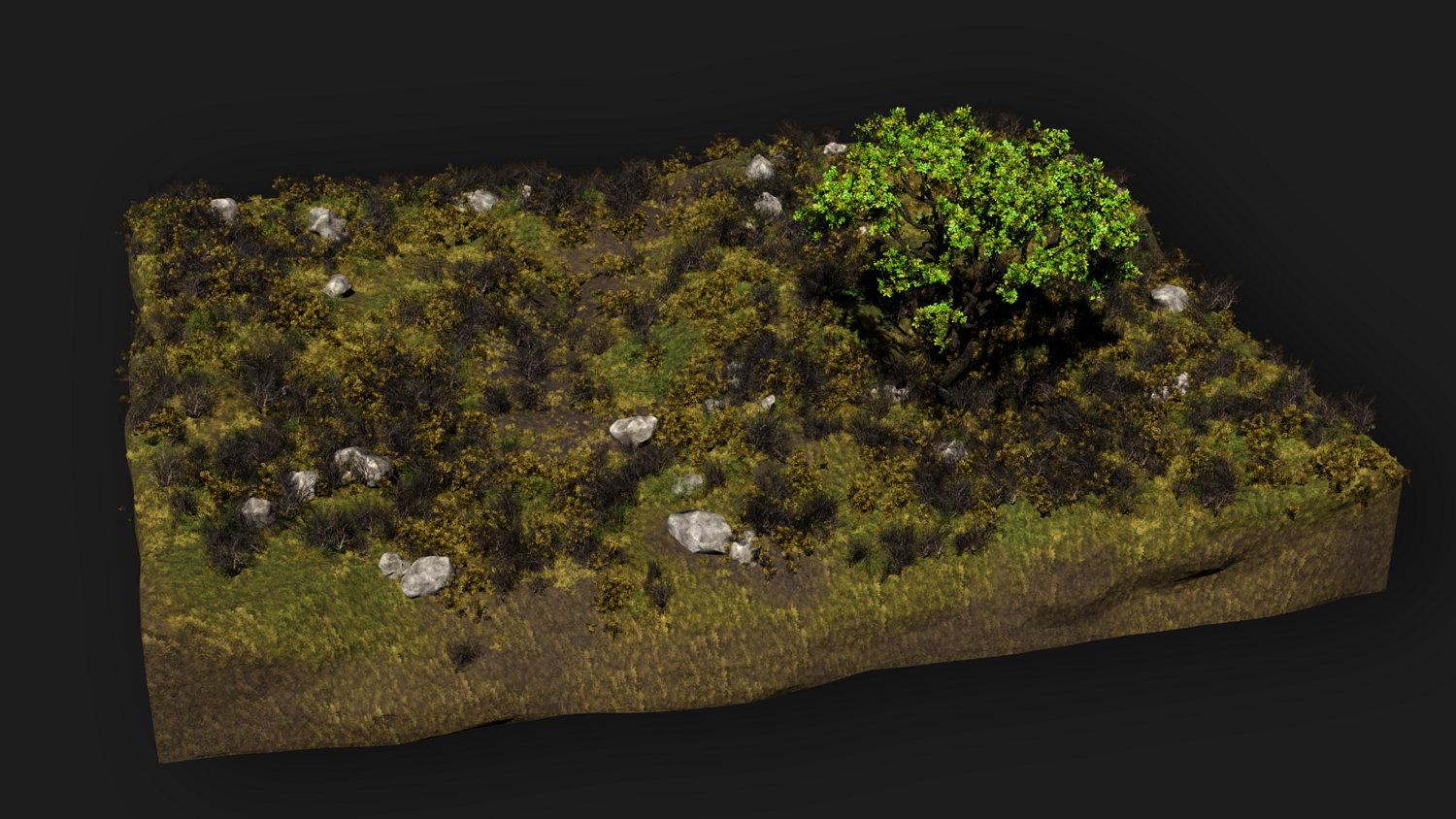
Create lush, organic landscapes instantly with the 3DT Grasslands Terrain Generator!
Designed for Blender 4.0+, this procedural geometry node tool features smart foliage placement, vertex paint-driven material blending, and stylized shaders — giving you the power to build nature scenes in minutes, not hours.
🎯 Key Features

Smart Asset Placement
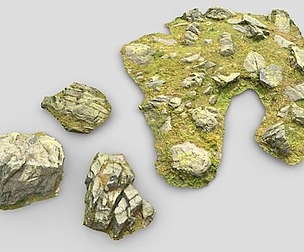
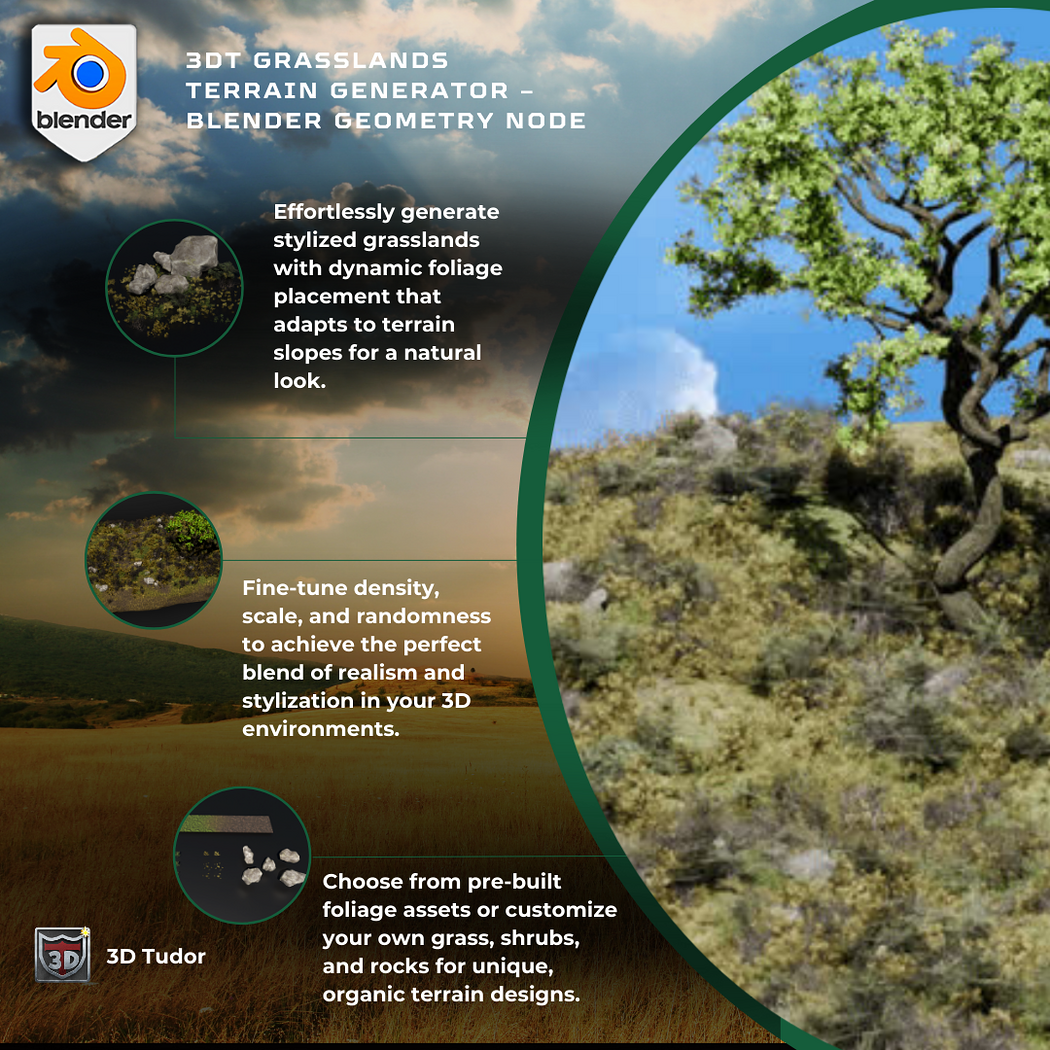
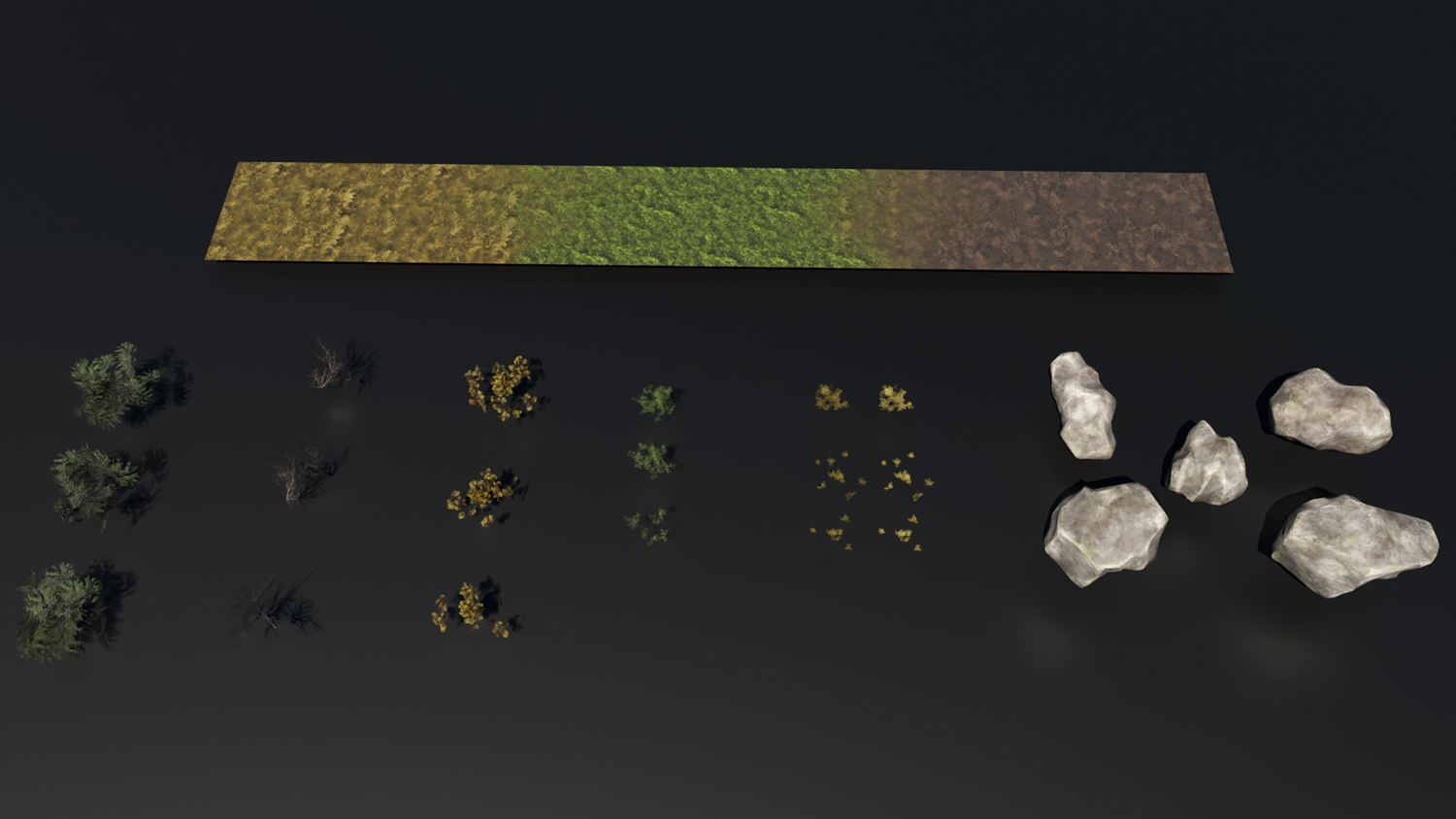
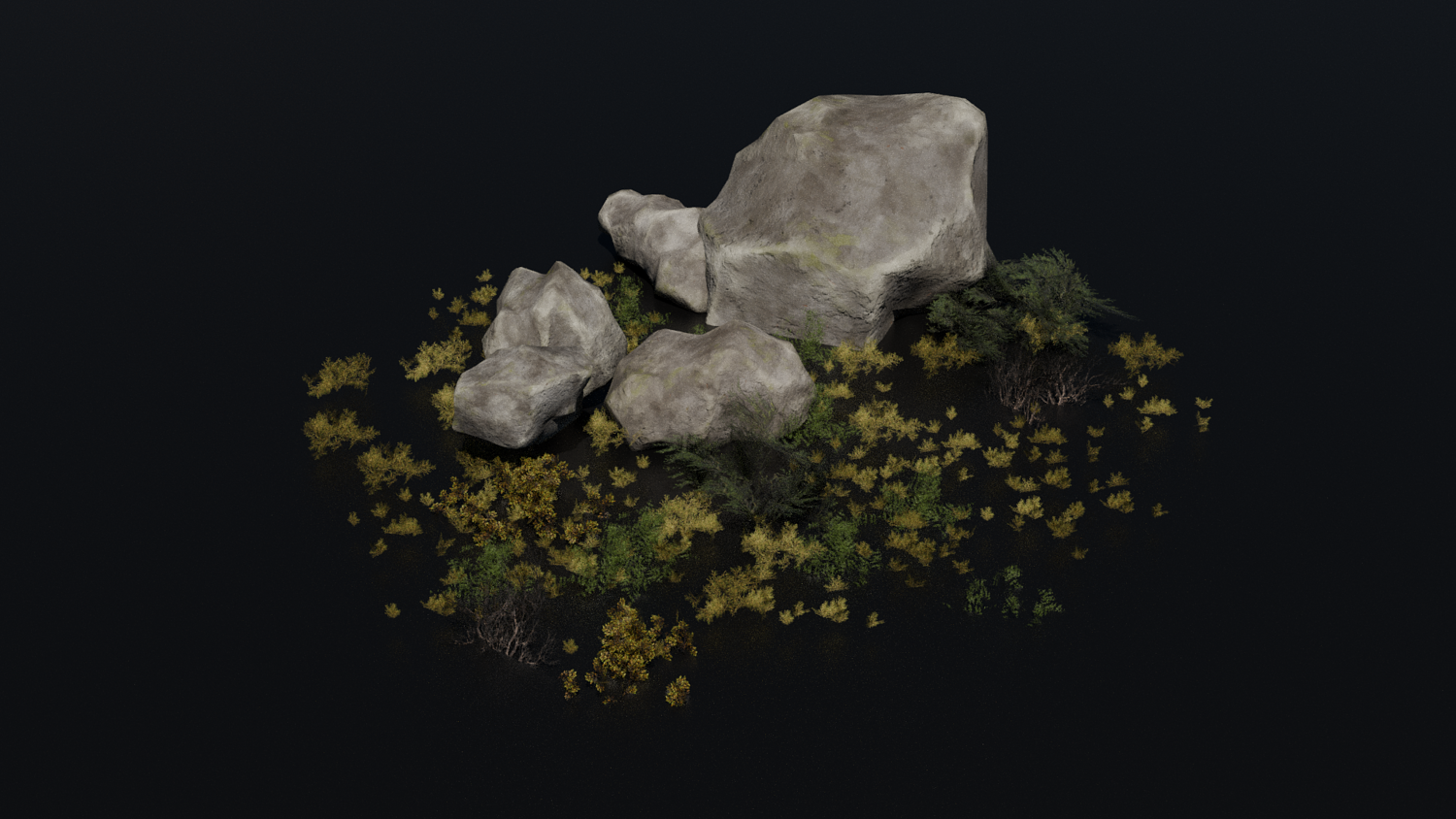
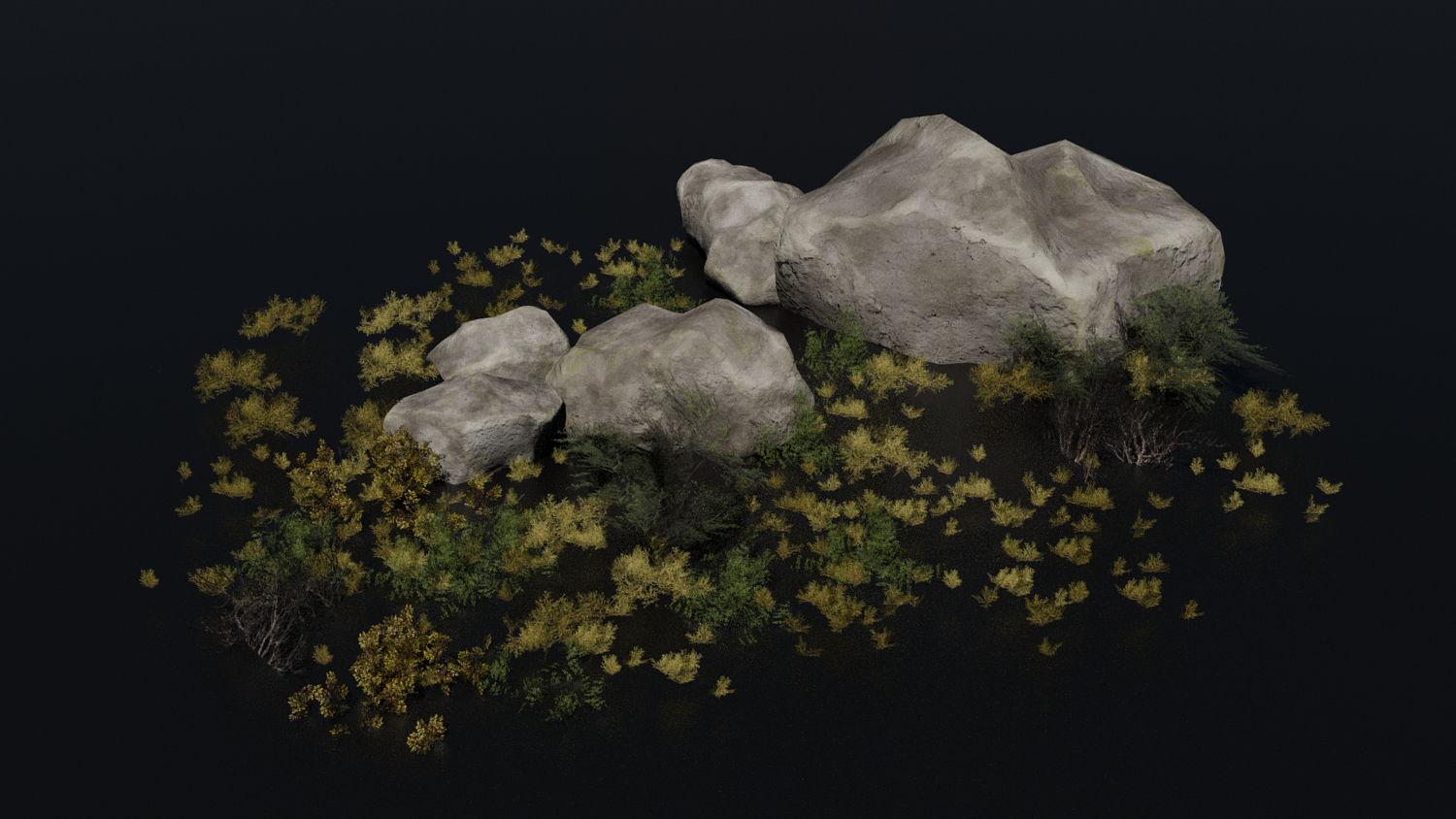
Automatically distributes grass, shrubs, rocks and bushes based on slope angles — no hand-tweaking needed.
Wave Paint Controls
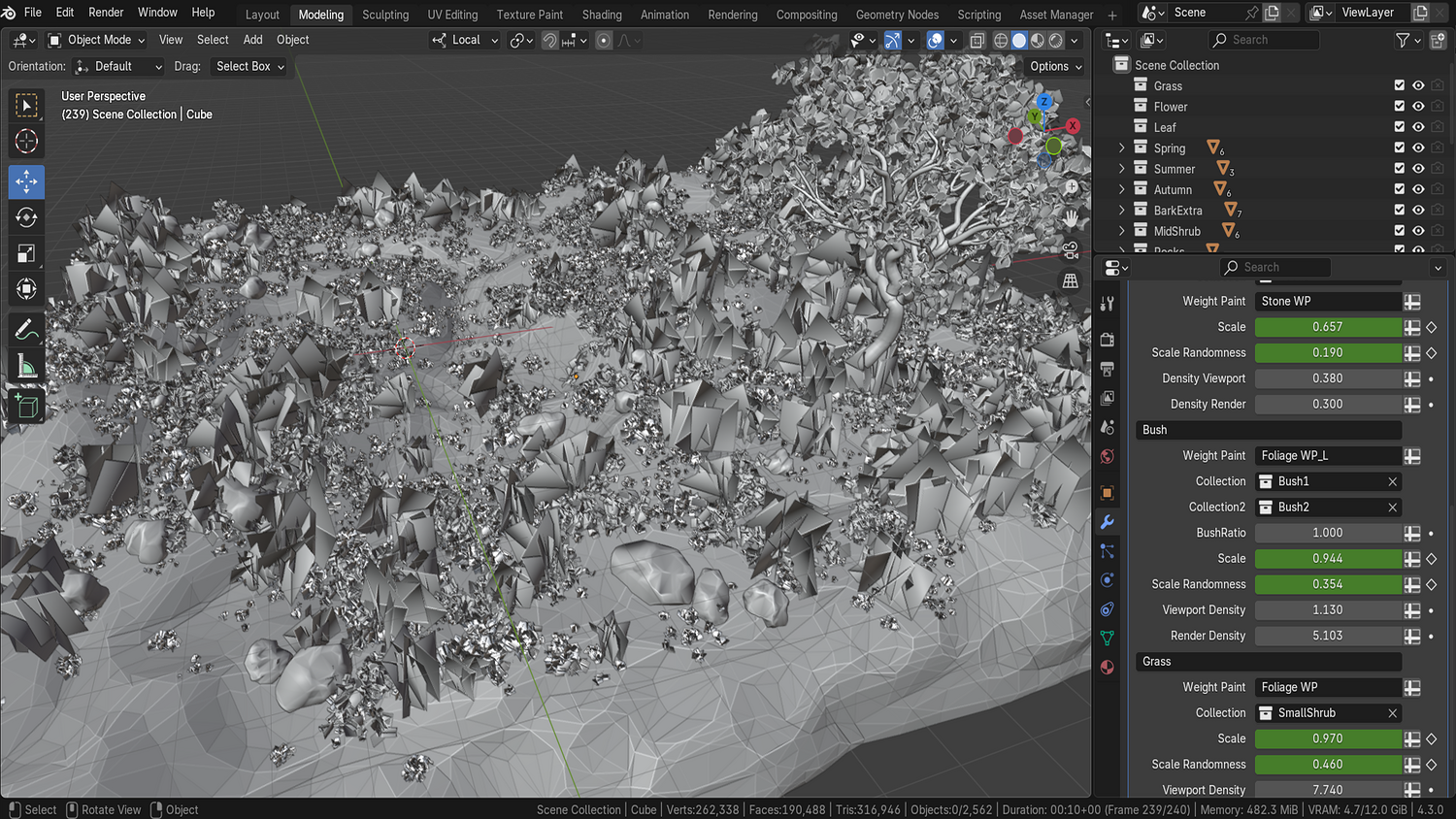
Take direct control by painting foliage distribution areas right into your terrain.
Seed Randomization
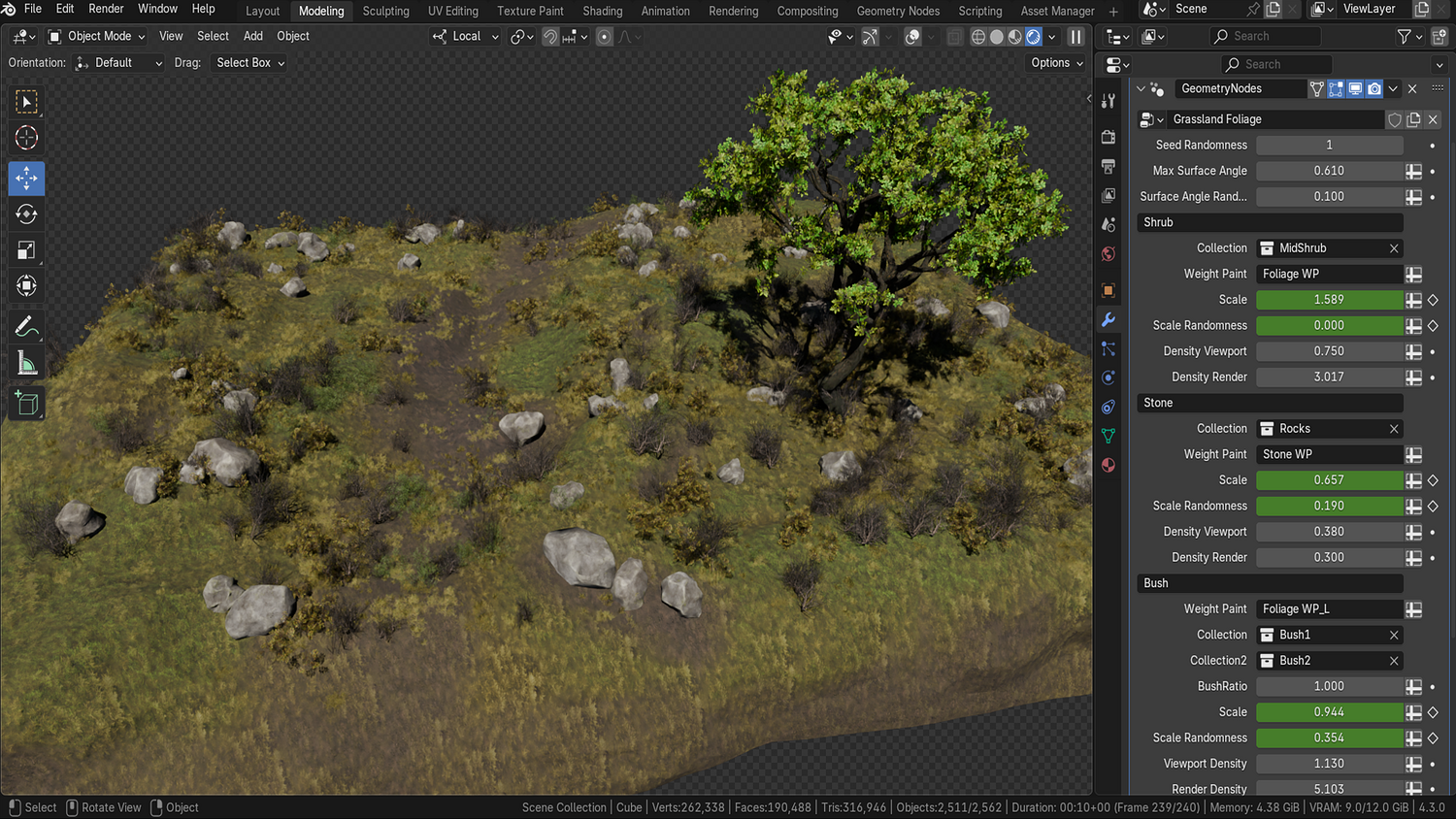
One-click variation changes let you cycle through endless natural layouts with zero effort.
Viewport-Friendly Performance
Dial in foliage density for modeling vs. rendering — stay fast and smooth even in complex scenes.
Stylized Terrain Shader
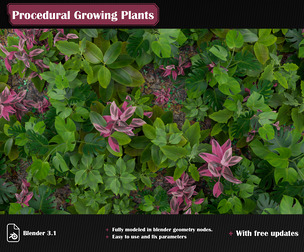
Includes vertex paint-based material with seamless blending between dirt, grass, and aged terrain types.
🔥 Why You'll Love It

Massively Time-Saving
Say goodbye to manual scatter — build complete natural environments in just minutes.
Perfectly Suited for Stylized Worlds
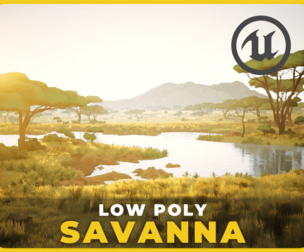
With its hand-painted look and organic placement, this node setup is ideal for fantasy games, concept art, and animation.
Expandable Across Projects
Bundle-ready with optional tree generators and lighting presets (in deluxe version).
Beginner-Friendly, Pro-Ready
Easy enough for new users, with the depth and flexibility needed by pros.
📦 What's Included
- 1x Blender .blend file with full Grasslands Terrain Generator
- Procedural asset scatter system (grass, shrubs, rocks, bushes)
- Stylized terrain shader with vertex blending
- Wave Paint controls for localized placement
- Standard, Free, and Deluxe versions with upgrade paths
⚙️ Requirements
- Blender 4.0 or newer with lifetime updates
- From noob to pro — watch the 10 minute video to have everything up and running in no time
🚀 Installation Instructions
Method 1 – Add to Asset Library
- Download and unzip the product folder.
- Open Blender → Edit → Preferences → File Paths → Asset Libraries → click the "+" button.
- Navigate to the extracted folder and add it.
- Open the Asset Browser and drag the Grasslands Generator into your scenes.
Method 2 – Manual Append
- Open your Blender project.
- Go to File → Append → Locate the .blend file → Import the Geometry Node group.
Method 3 – Copy and Paste Between Projects
- Open the project containing the Grasslands setup.
- Select the Geometry Node group.
- Press Ctrl+C to copy.
- Open another Blender project and press Ctrl+V to paste it directly into your scene.
💬 Support
Need help? Join our growing 3D Tudor Discord community to connect with our support team and hundreds of fellow artists!
👉 Join the 3D Tudor Discord here
Model Details
- FormatsBLEND
- Polygons0
- Vertices0
- animatedno
- materialsyes
- texturesyes
- riggedno
- uvsyes
- 3d print readyno
You will get 3 files
All files previously purchased will always be available for download in your Library