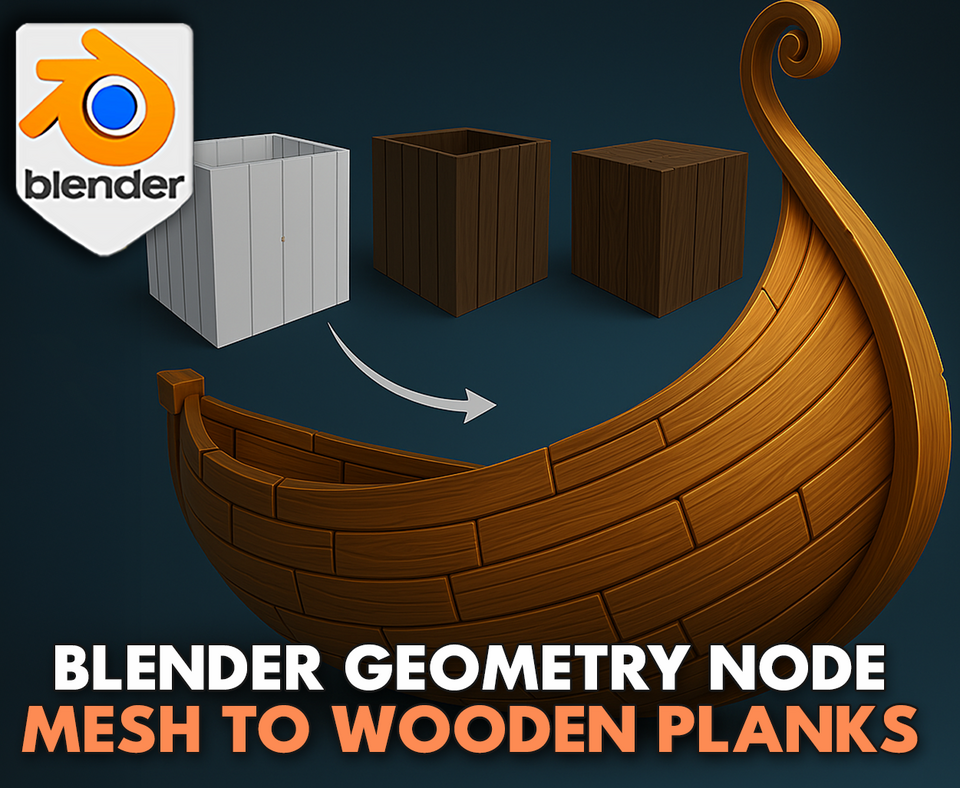
3DT Procedural Planks Generator – Blender Geometry Node Procedural
3DT Procedural Planks Generator – Blender Geometry Node Procedural
🎥 Demo Video
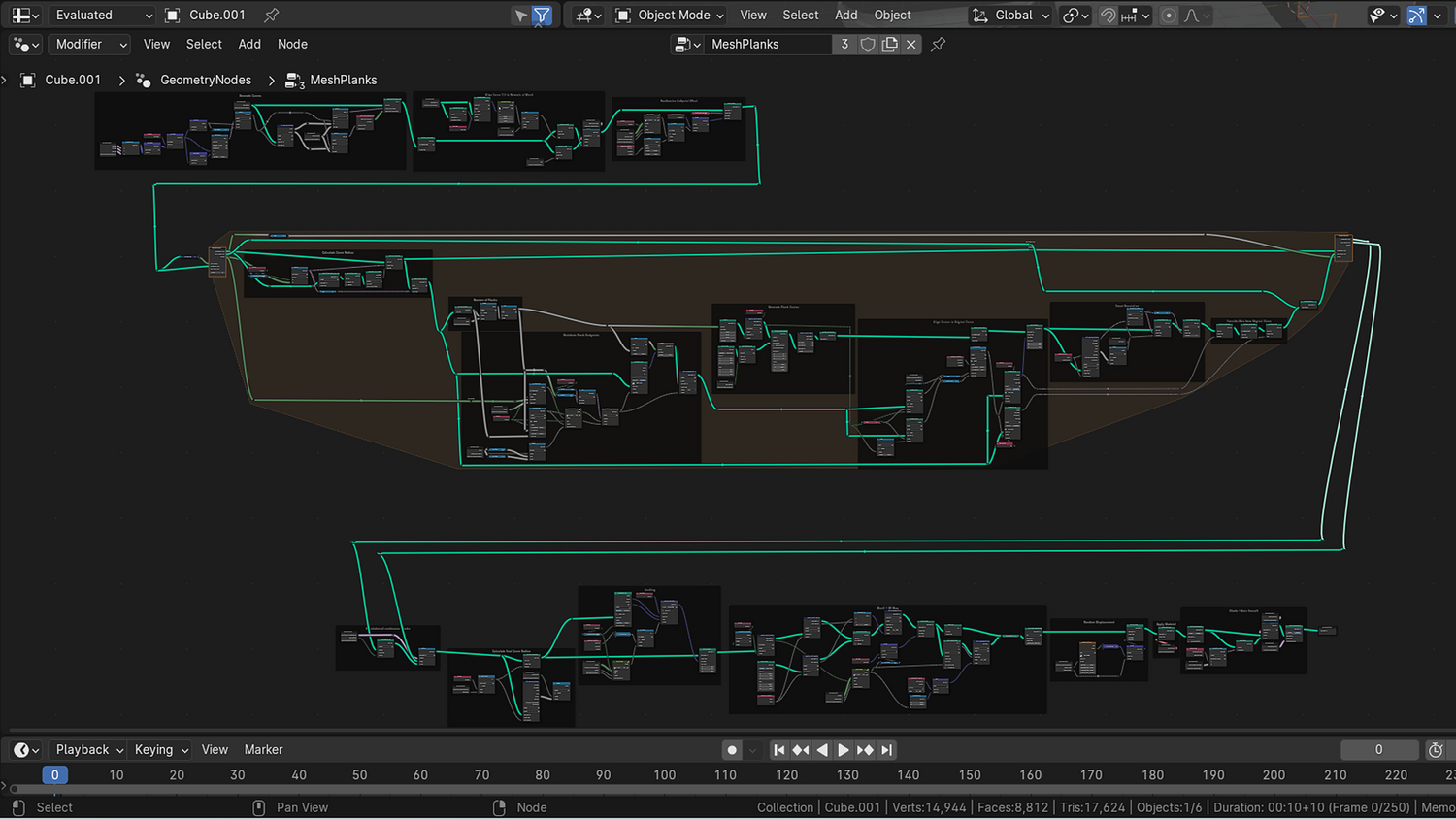
Transform any mesh into stylized wooden planks instantly with the 3DT Procedural Planks Generator!
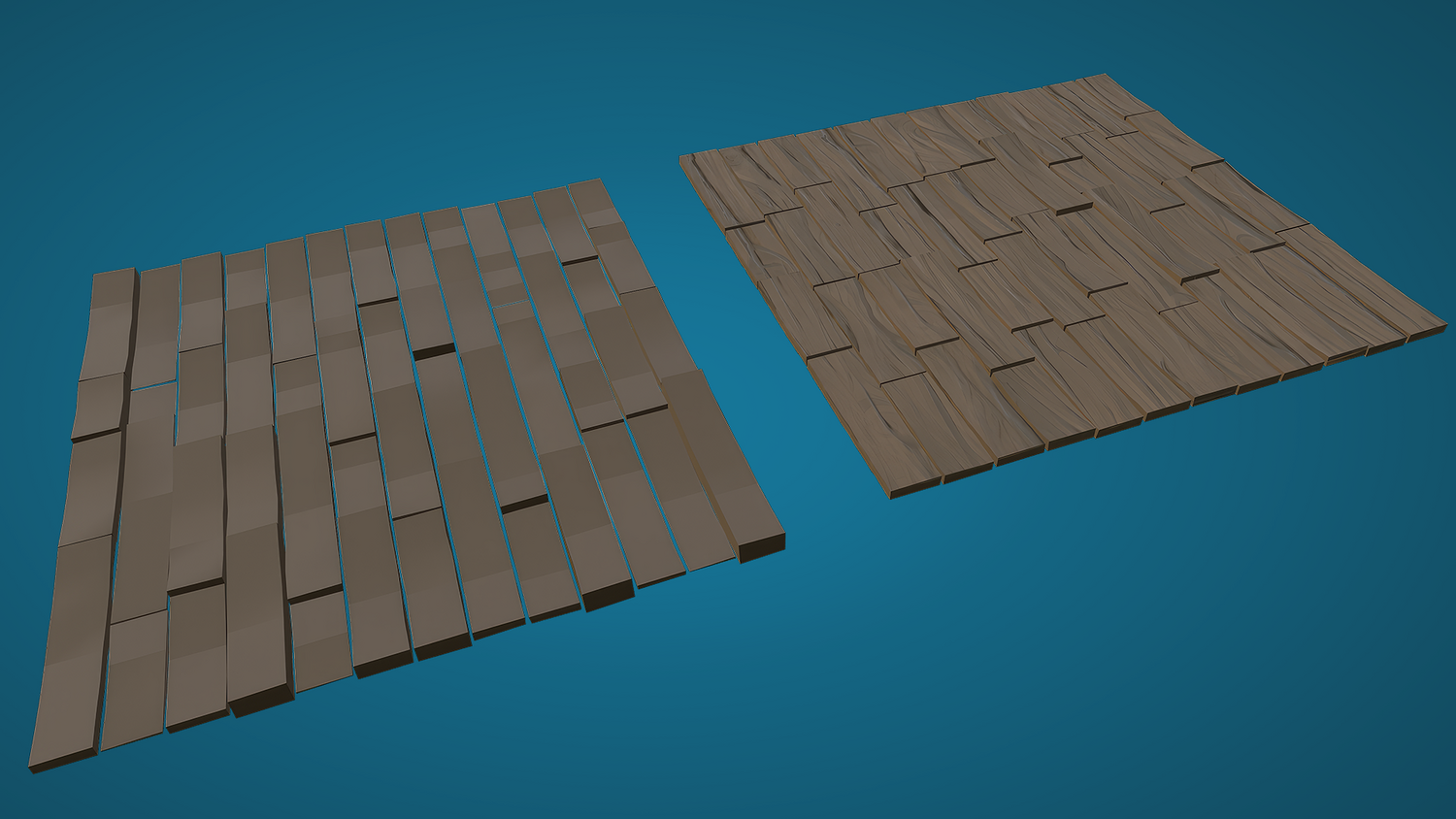
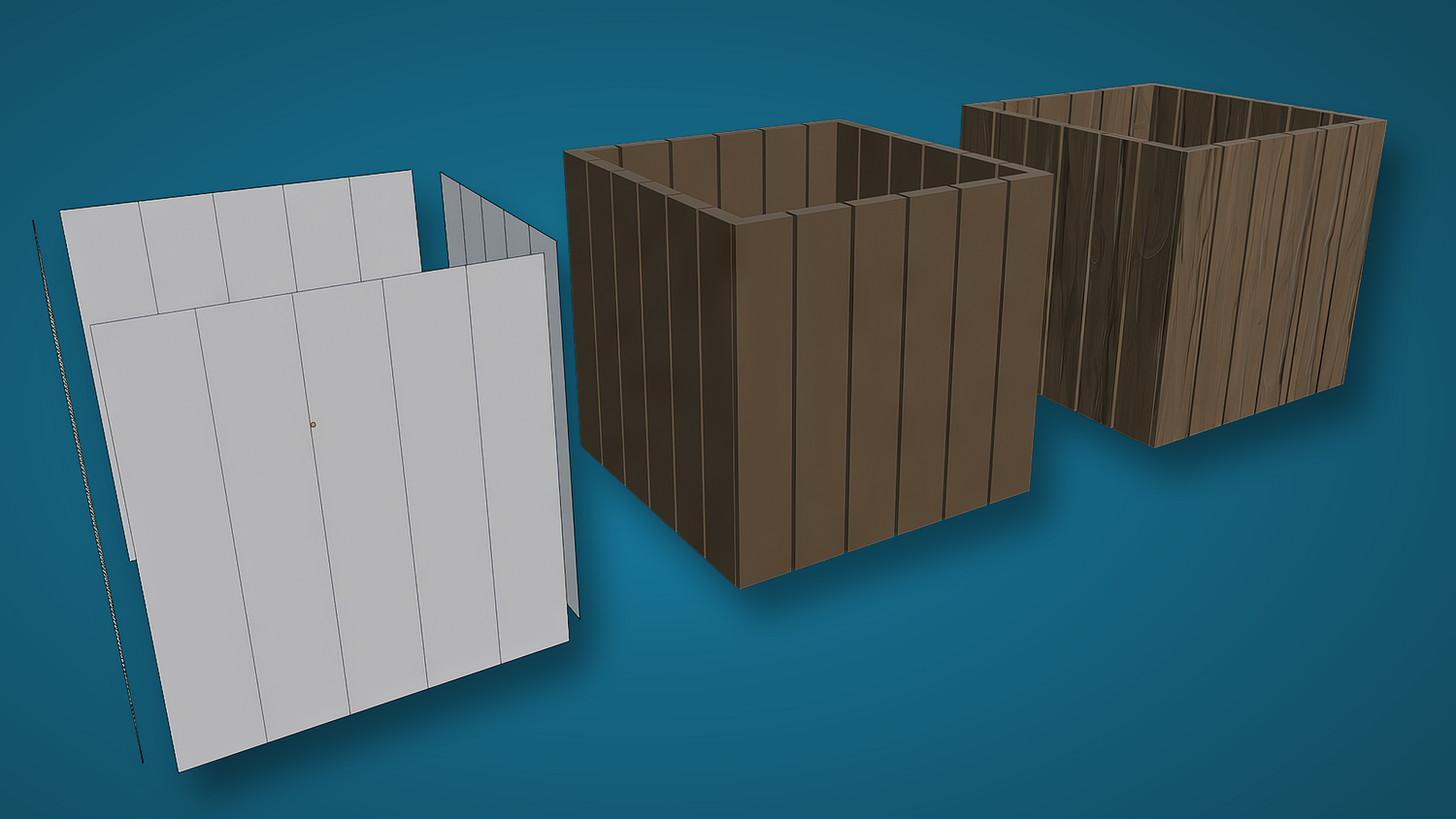
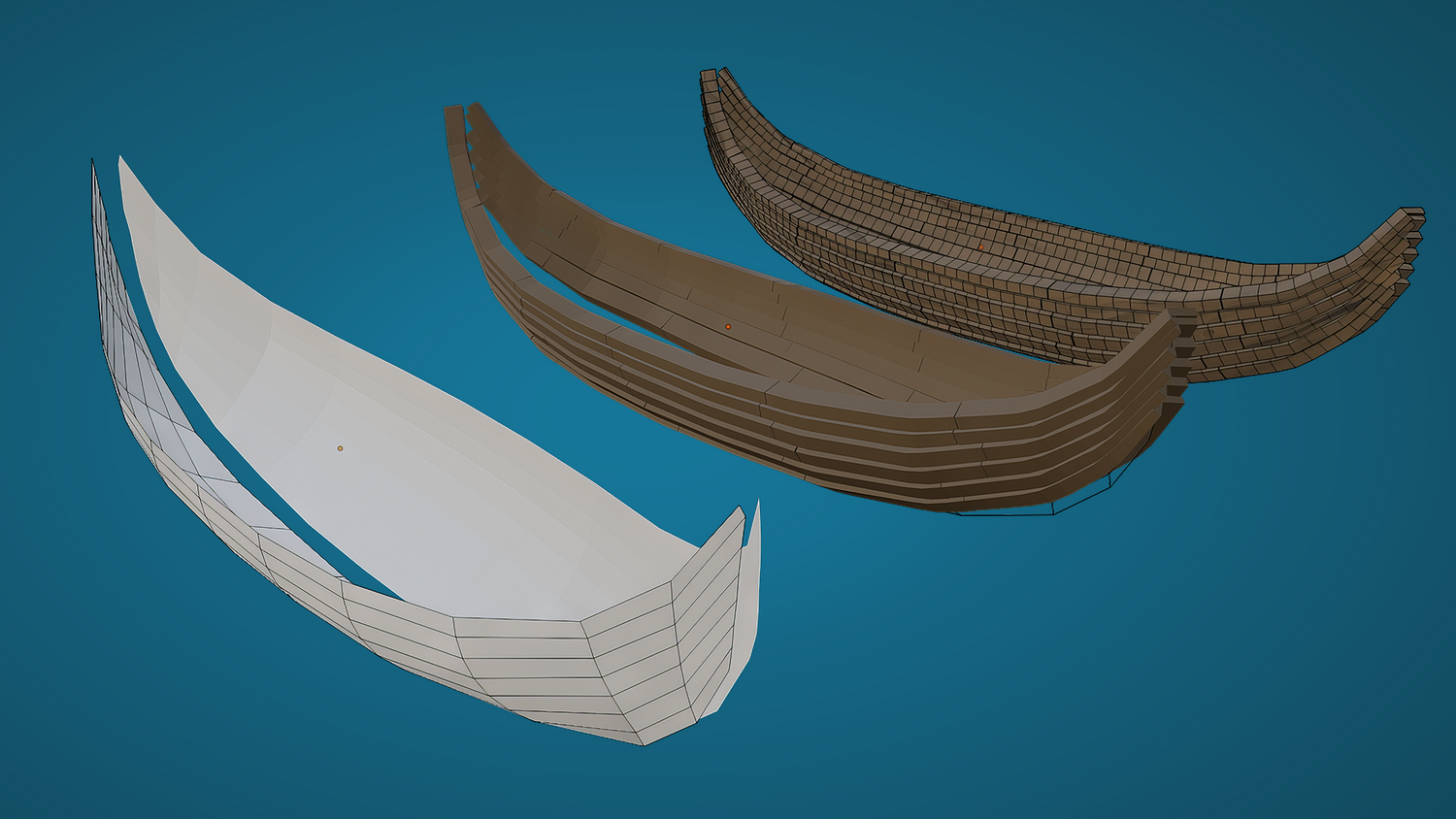
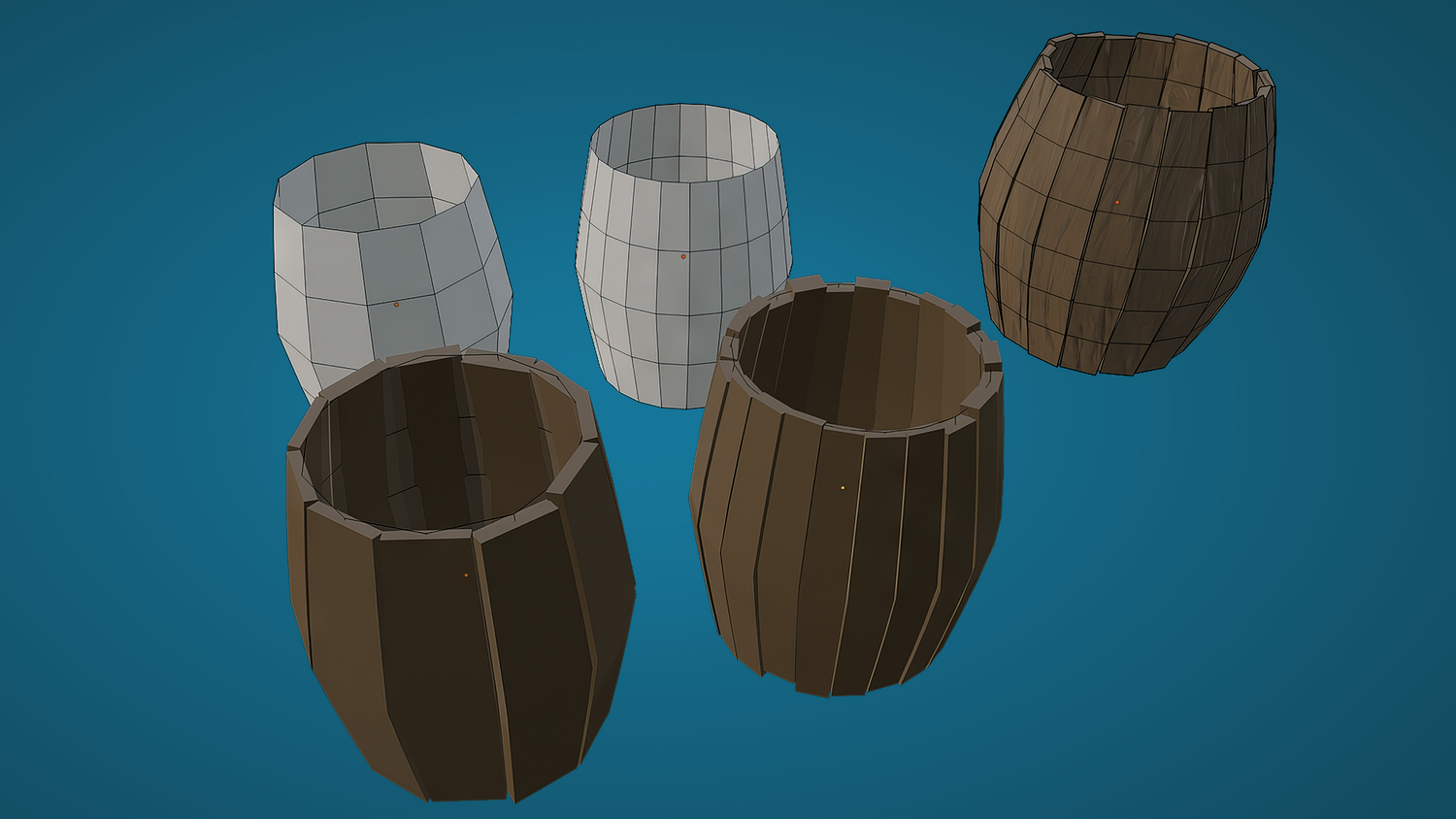
Compatible with Blender 4.0+, this powerful node system converts any 2D plane or 3D mesh into wooden planks for floors, barrels, crates, or ships — with full control over splits, randomness, thickness, noise, gaps, and material mapping. Build stylized wood surfaces in seconds.
🎯 Key Features

Instant Mesh-to-Planks Conversion
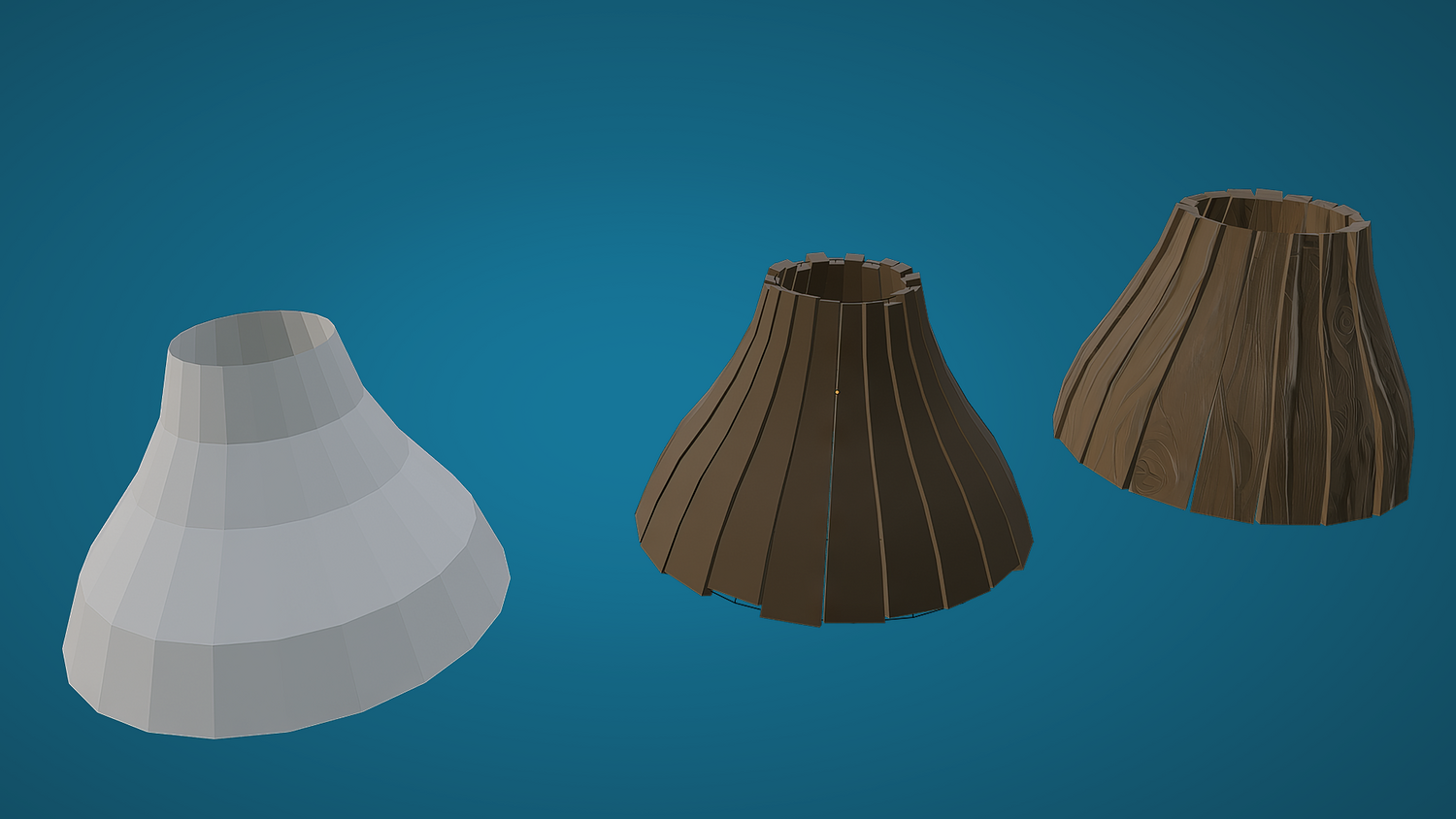
Apply to any 2D or 3D object — plane, cylinder, barrel, or boat hull — to convert into fully generated wooden planks.
Control Every Detail
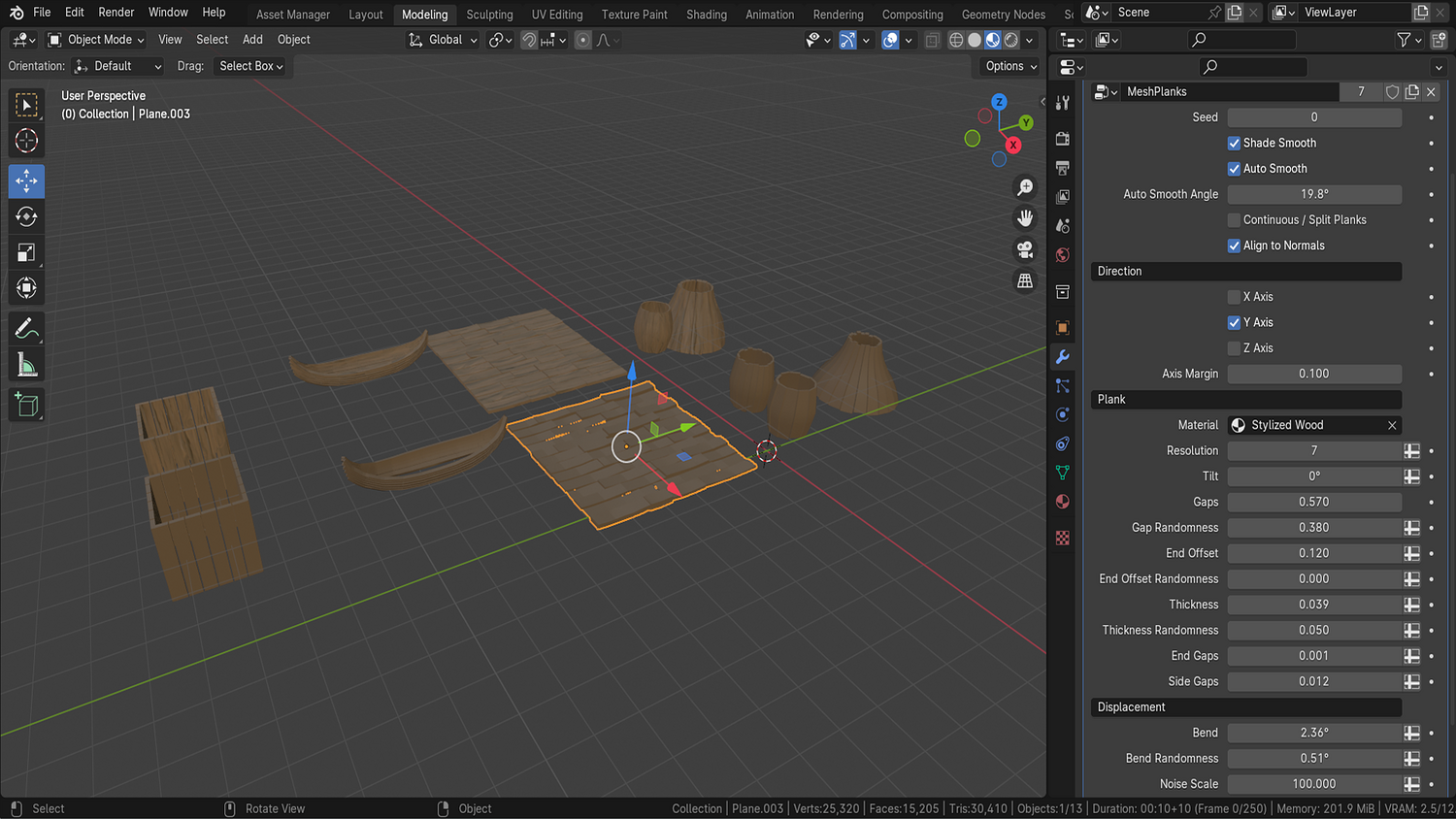
Adjust gap size, gap count, thickness, randomness, resolution, bend, noise strength, and plank alignment with intuitive sliders.
Supports Split and Continuous Modes
Choose between separated plank rows or unified plank runs depending on the surface you're generating.
Normal Alignment + Axis Switching
Auto-align planks to complex surfaces like barrels or ship hulls using axis toggles and normal matching options.
Smart Material and UV Ready
Includes a stylized wood material — convert to mesh and use Smart UV Project for perfect mapping and export.
🔥 Why You'll Love It

Adaptable for Any Shape
Works beautifully on crates, barrels, boats, ships, and even fantasy structures — just apply and tweak!
Artist-Friendly Customization
Change seeds for new looks, bend planks, offset edges, stylize thickness, and generate randomized imperfections fast.
Fast Workflow for Games and Animation
Build planked floors or props in seconds with low-poly friendly, optimized geometry.
Perfect for Stylized and Realistic Projects
Whether you’re building Viking ships, medieval environments, or fantasy assets — this node delivers results.
📦 What's Included
- 1x Blender .blend file with Procedural Planks Generator Geometry Node setup
- Supports planes, barrels, ships, and mesh variations
- Gap size, split, seed, thickness, bend, and noise controls
- Built-in stylized wood material and Smart UV support
- Demo shapes (floor, barrel, ship) for instant start

⚙️ Requirements
- Blender 4.0 or newer with lifetime updates
- From noob to pro — watch the 10 minute video to have everything up and running in no time
🚀 Installation Instructions
Method 1 – Add to Asset Library
- Download and unzip the product folder.
- Open Blender → Edit → Preferences → File Paths → Asset Libraries → click the "+" button.
- Navigate to the extracted folder and add it.
- Open the Asset Browser and drag the Planks Generator into your scenes.
Method 2 – Manual Append
- Open your Blender project.
- Go to File → Append → Locate the .blend file → Import the Geometry Node group.
Method 3 – Copy and Paste Between Projects
- Open the project containing the Planks setup.
- Select the Geometry Node group.
- Press Ctrl+C to copy.
- Open another Blender project and press Ctrl+V to paste it directly into your scene.
💬 Support
Need help? Join our growing 3D Tudor Discord community to connect with our support team and hundreds of fellow artists!
👉 Join the 3D Tudor Discord here
You will get 2 files
All files previously purchased will always be available for download in your Library