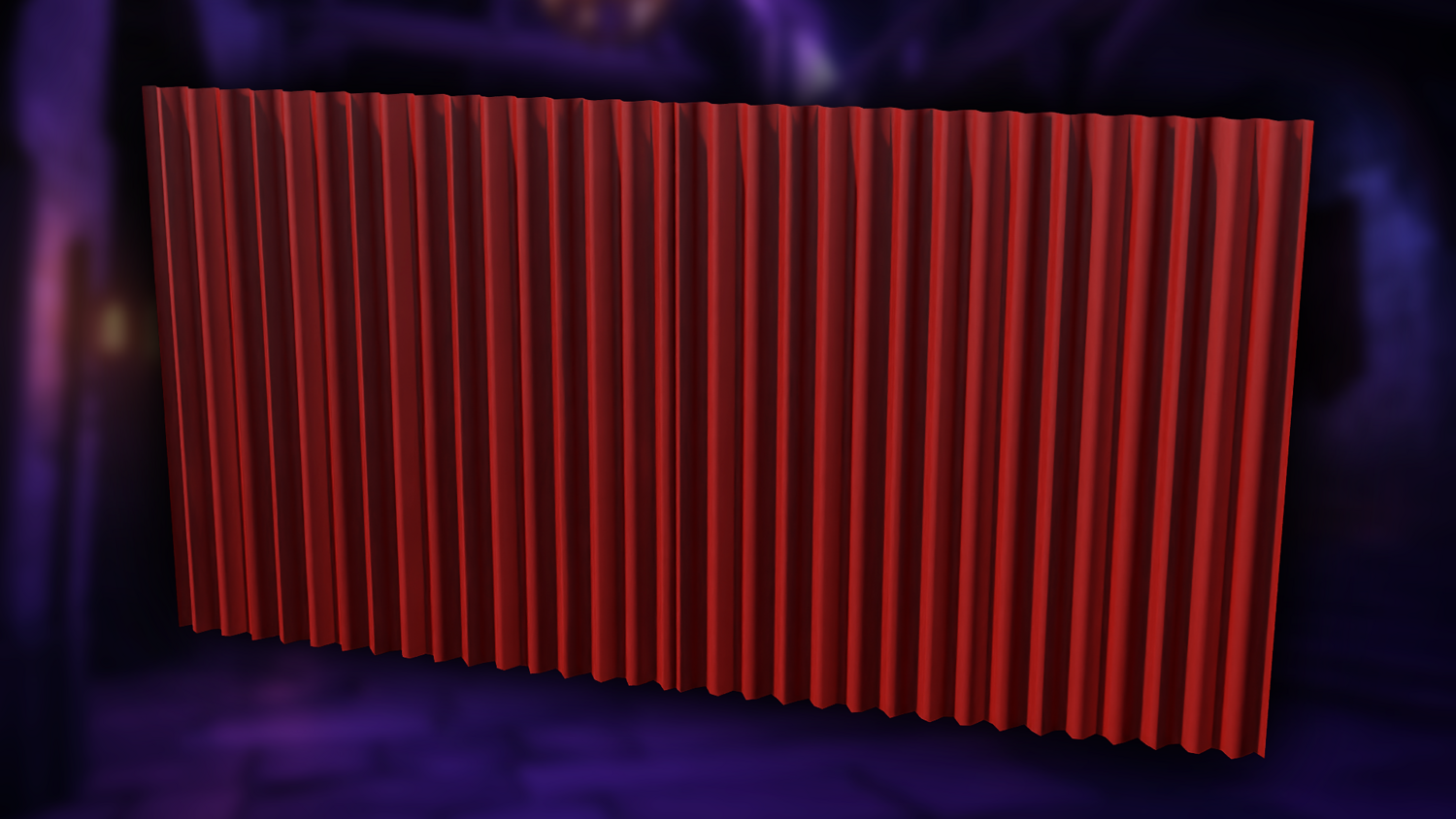
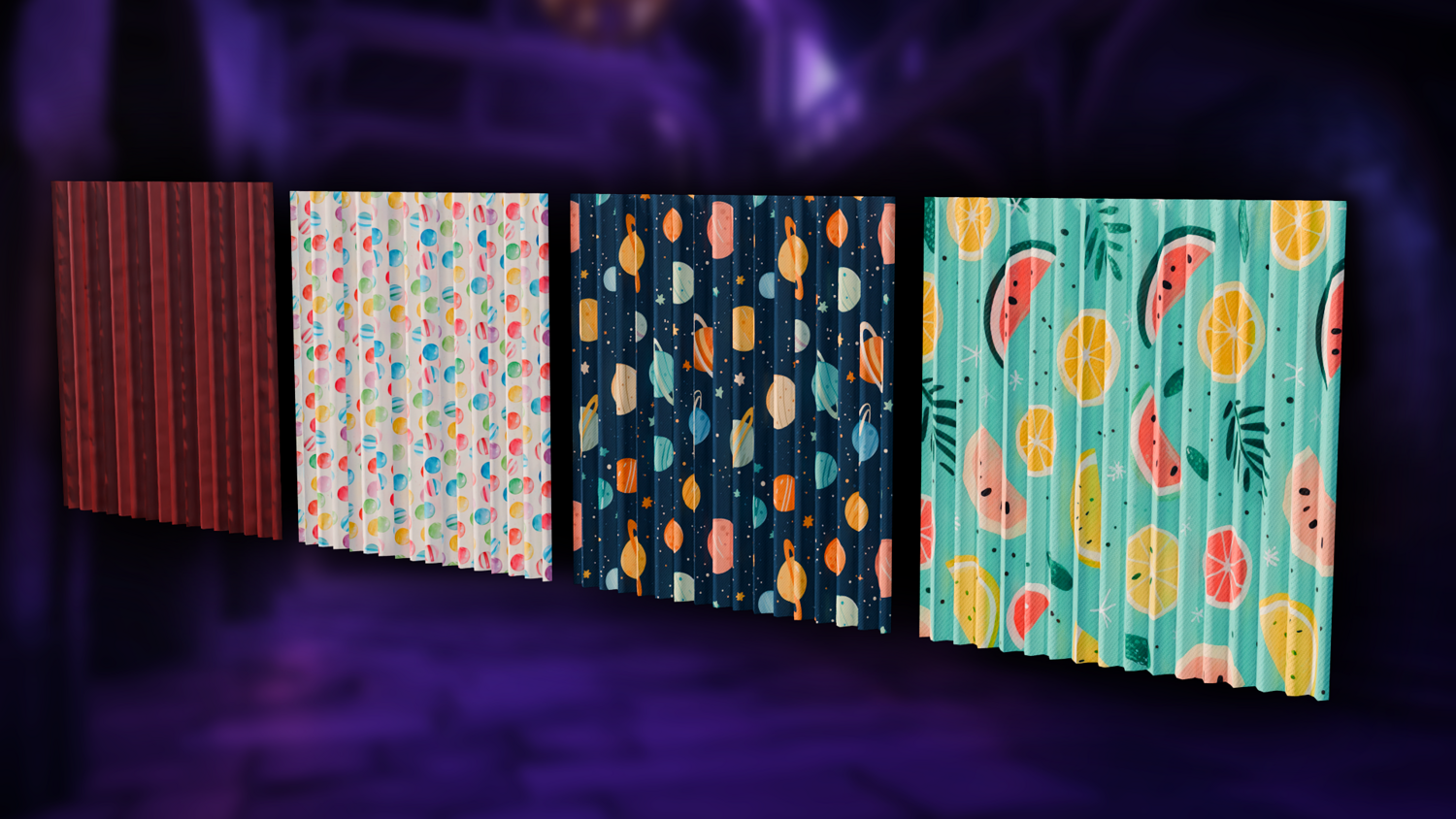
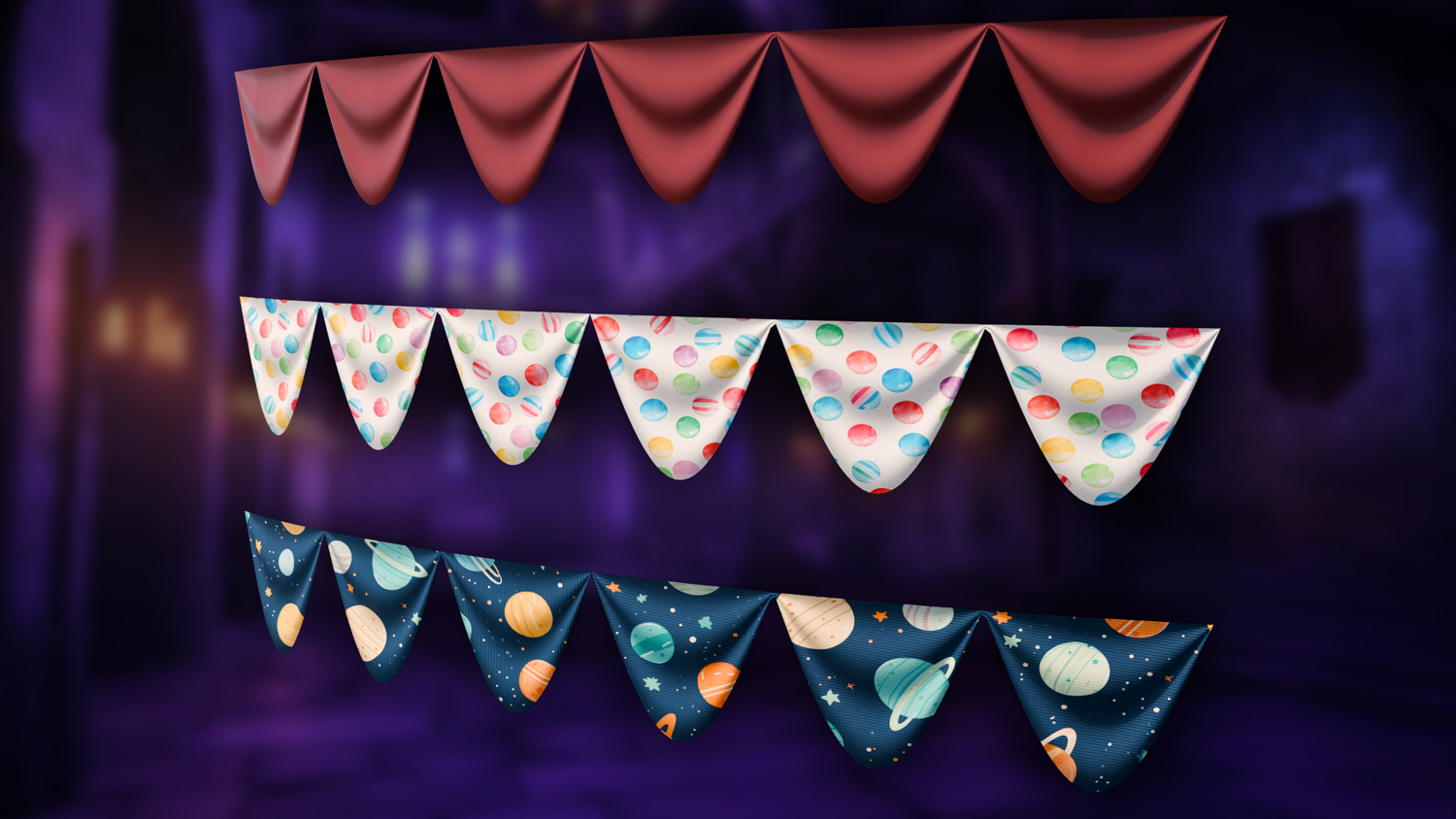
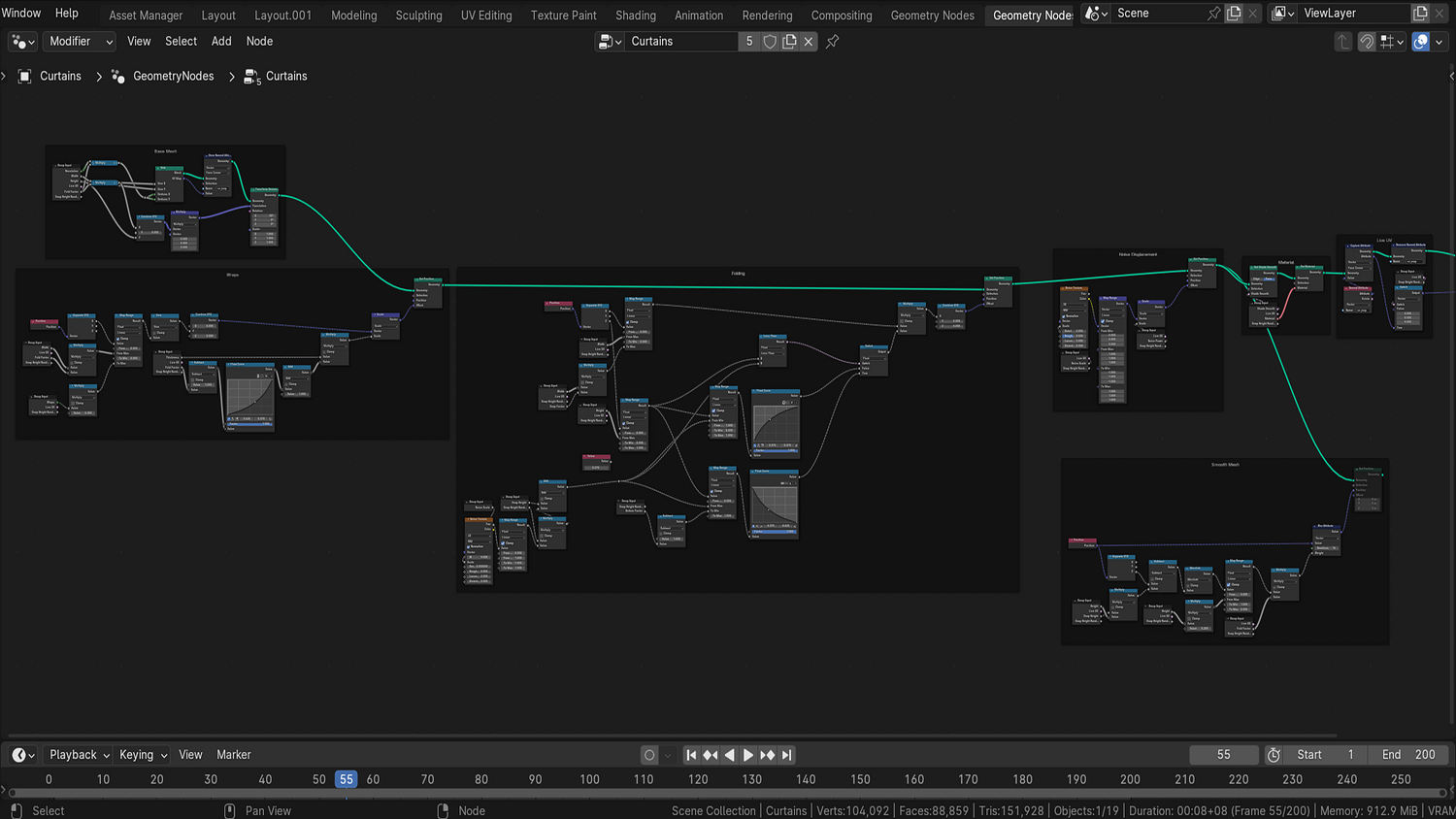
3DT Curtain Generator – Blender Geometry Node Procedural
3DT Curtain Generator – Blender Geometry Node Procedural
🎥 Demo Video
Effortlessly simulate and animate curtains in real time with the 3DT Curtain Generator!
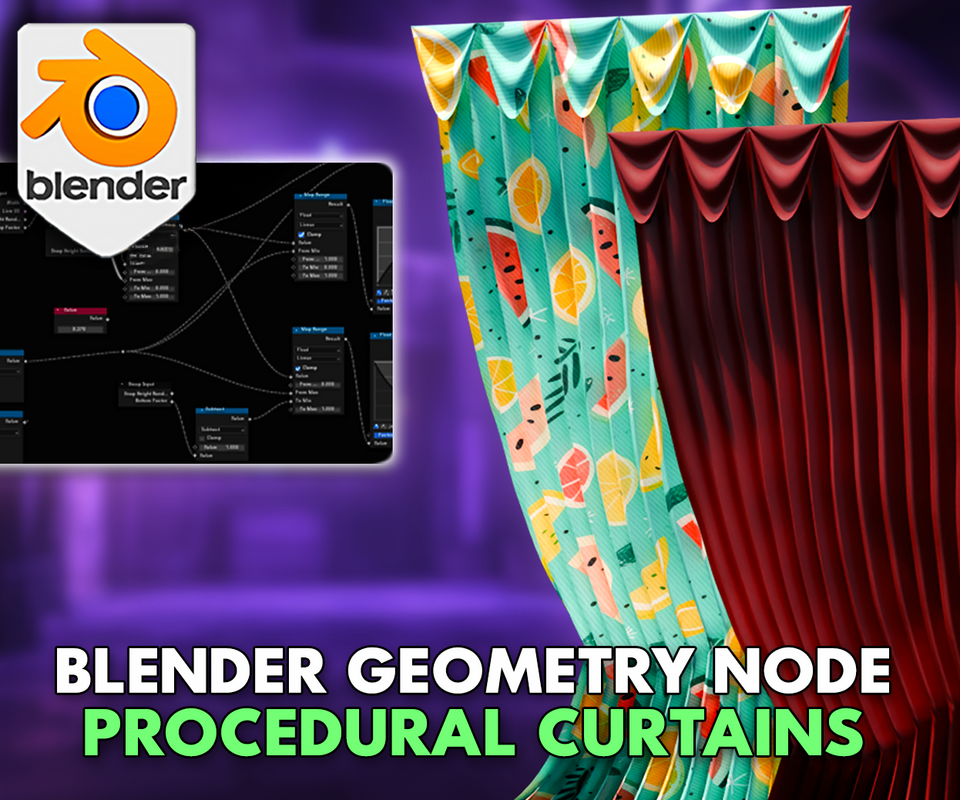
This geometry node system lets you build stylized or realistic cloth curtains in seconds — complete with folds, noise, snapping effects, and built-in animation support. Whether you're designing indoor scenes, flags, or theatrical environments, this tool delivers high control and fast results inside Blender 4.0+.
🎯 Key Features

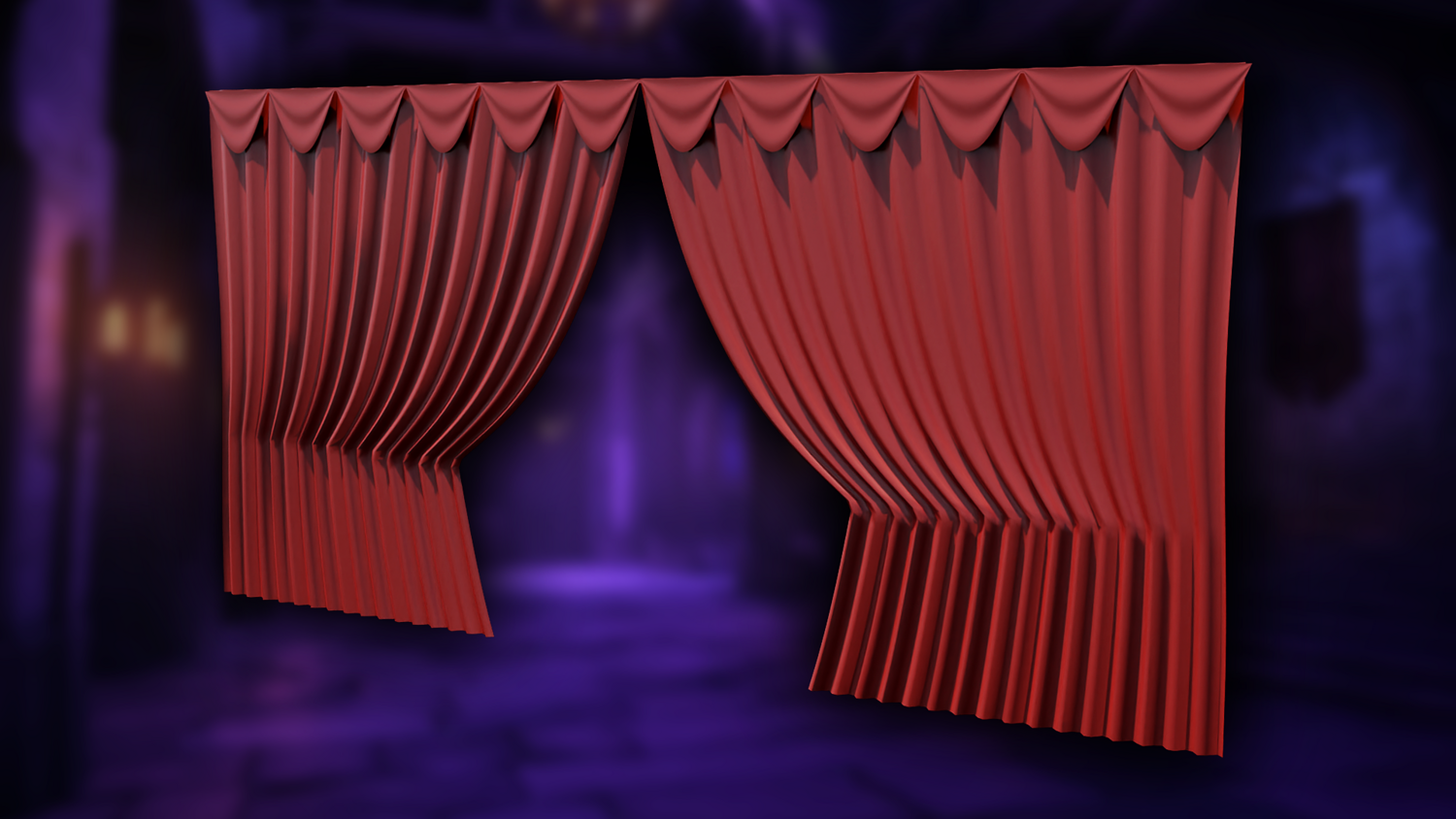
Real-Time Opening Curtains
Control curtain opening with a single slider or animate snapping behavior via timeline keyframes for fully dynamic setups.
Multiple Curtain Styles
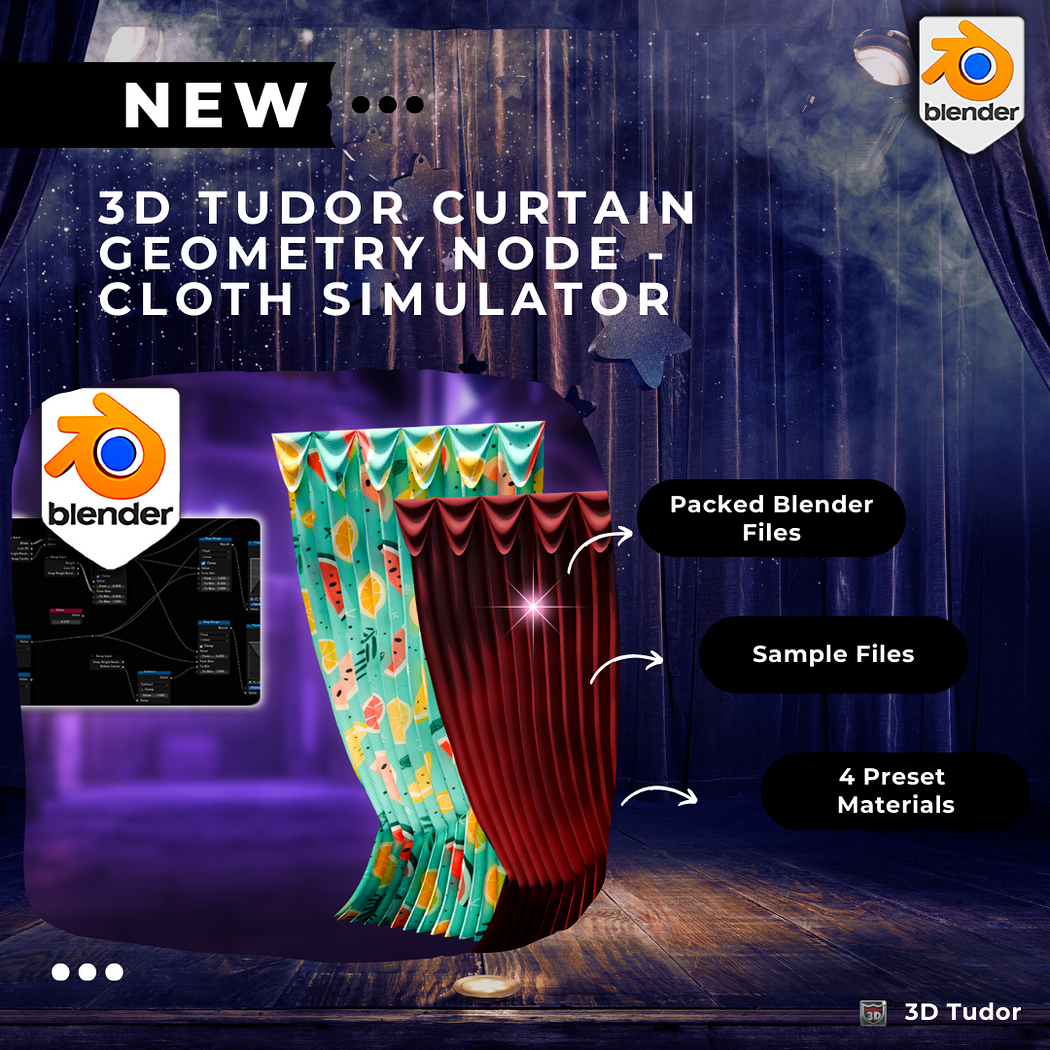
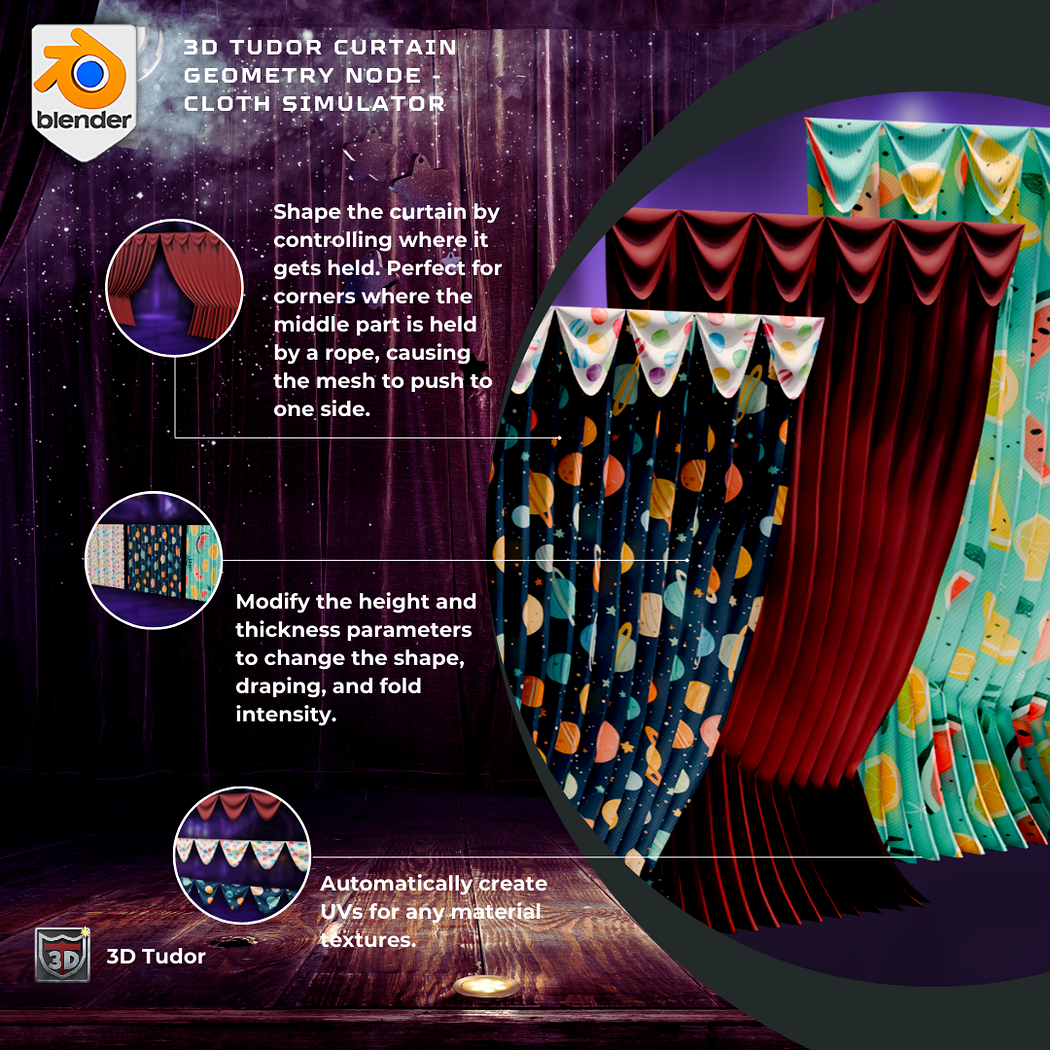
Includes presets for kids’ curtains, summer drapes, theater curtains, and even vertical banner/flag styles with curve following.
Resolution, Fold, and Wrap Control
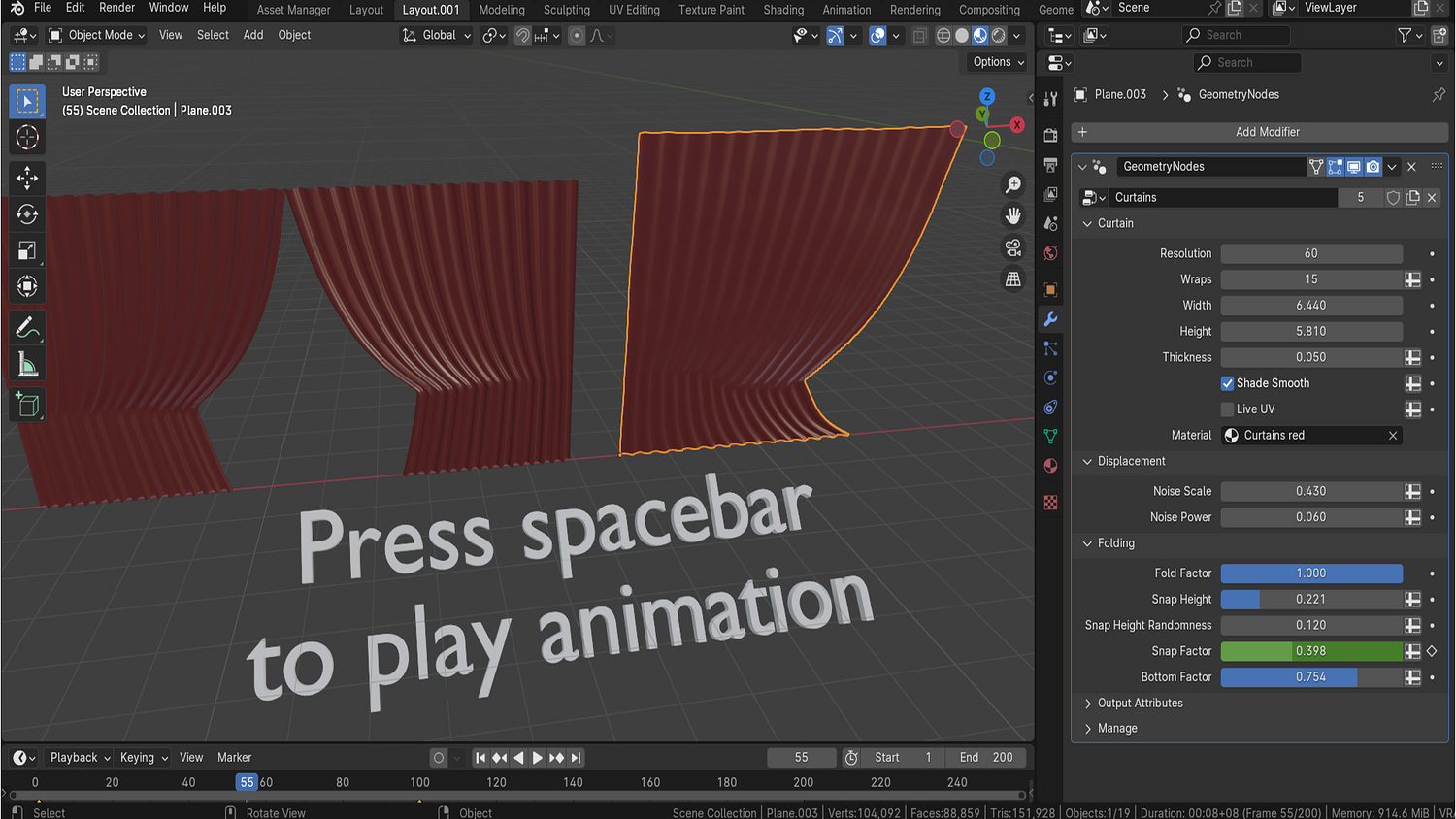
Customize thickness, width, height, wrap count, and wave scale. Adjust individual fold direction and pull-back realism.
Dynamic Cloth Noise and Animation
Fine-tune noise power and scale to create natural wave motion or smooth drapes. Use snapping height and randomness for realism.
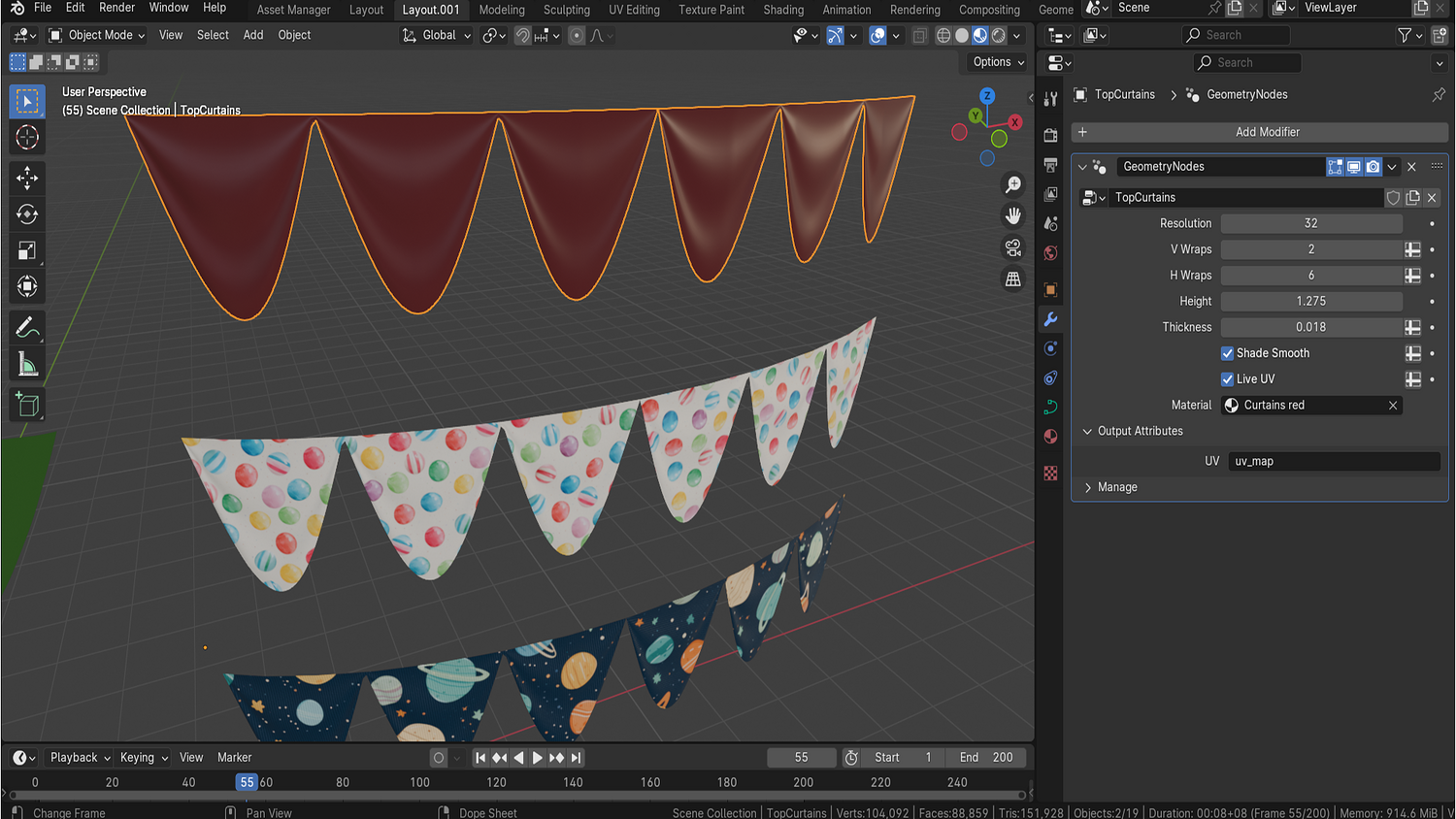
Curve-Based Top Curtains
Place top curtains along custom curves for stylized banners or traditional layered drapes that adapt to scene geometry.
🔥 Why You'll Love It

Simulate Curtains Instantly
Avoid slow cloth simulations — get smooth curtain animations and dynamic motion directly in the viewport.
Flexible Setup for Every Scene
From caravans to theaters, place curtains anywhere and bend them to fit with full mesh or curve-based placement.
UV-Ready and Material-Friendly
Includes ready-to-go material hooks for color and texture variation. Apply fabrics or stylized shaders easily.
Built-in Keyframing Support
Animate curtain motion via a single geometry node parameter — no need for drivers or manual mesh edits.
📦 What's Included
- 1x Blender .blend file with Curtain Generator Geometry Node setup
- Curtain and Top Curtain geometry node groups
- Real-time snapping and fold animation support
- Curve-following top curtains for flags and banners
- Adjustable resolution, wrap, noise, and thickness controls

⚙️ Requirements
- Blender 4.0 or newer with lifetime updates
- From noob to pro — watch the 10 minute video to have everything up and running in no time
🚀 Installation Instructions
Method 1 – Add to Asset Library
- Download and unzip the product folder.
- Open Blender → Edit → Preferences → File Paths → Asset Libraries → click the "+" button.
- Navigate to the extracted folder and add it.
- Open the Asset Browser and drag the Curtain Generator into your scenes.
Method 2 – Manual Append
- Open your Blender project.
- Go to File → Append → Locate the .blend file → Import the Geometry Node group.
Method 3 – Copy and Paste Between Projects
- Open the project containing the Curtain Generator setup.
- Select the Geometry Node group.
- Press Ctrl+C to copy.
- Open another Blender project and press Ctrl+V to paste it directly into your scene.
💬 Support
Need help? Join our growing 3D Tudor Discord community to connect with our support team and hundreds of fellow artists!
👉 Join the 3D Tudor Discord here
Model Details
- FormatsBLEND
- Polygons0
- Vertices0
- animatedyes
- materialsyes
- texturesyes
- riggedno
- uvsyes
- 3d print readyno
You will get 2 files
All files previously purchased will always be available for download in your Library