3DT Potion Cauldron Generator – Blender Geometry Node Procedural
3DT Potion Cauldron Generator – Blender Geometry Node Procedural
🎥 Demo Video
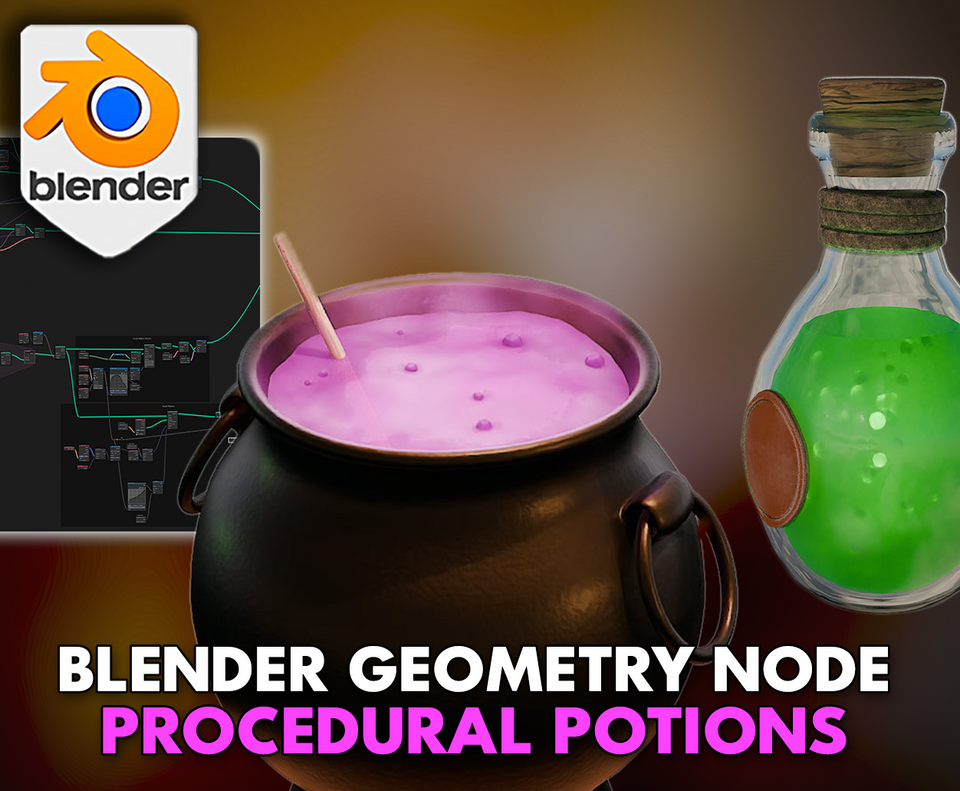
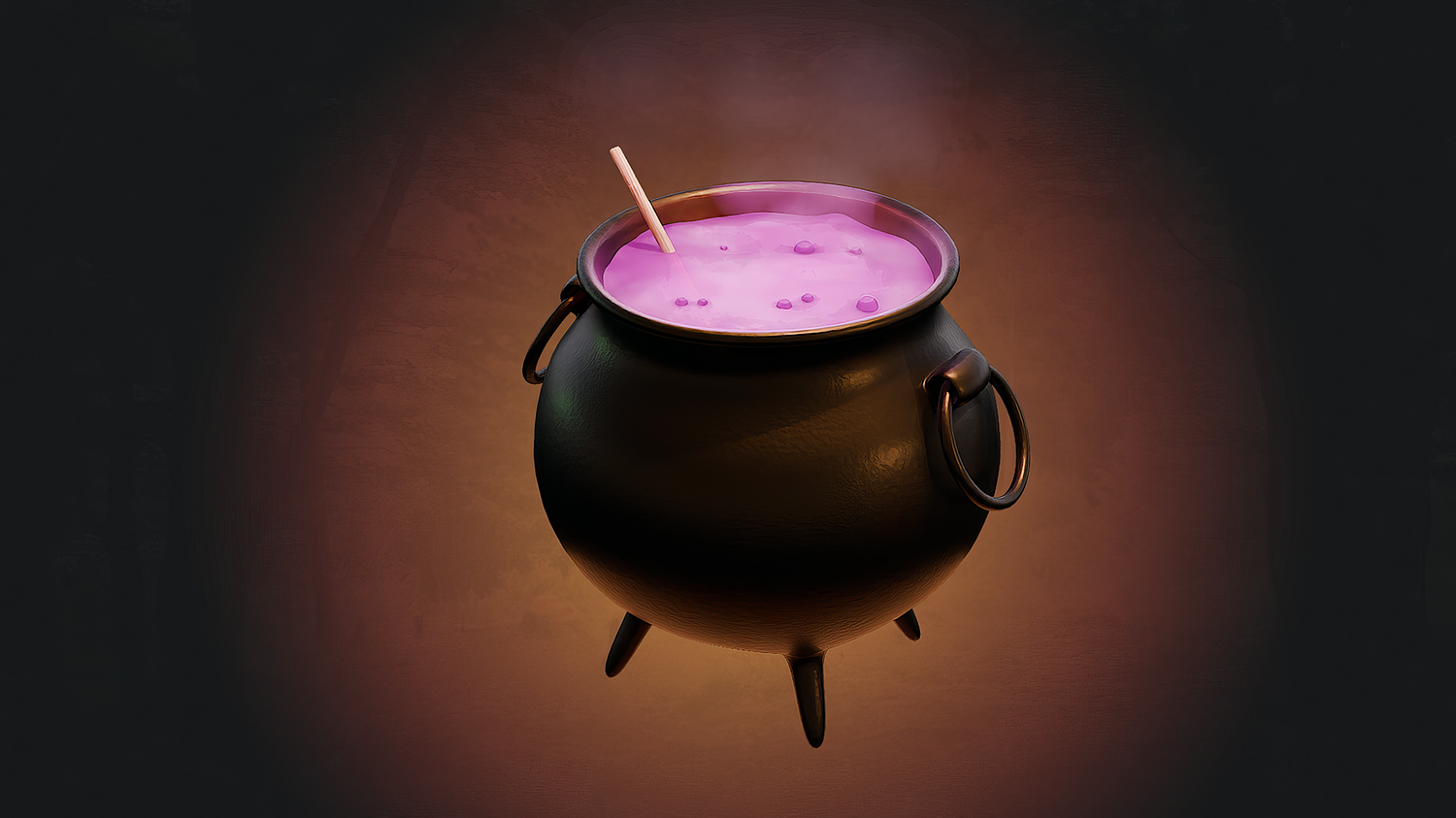
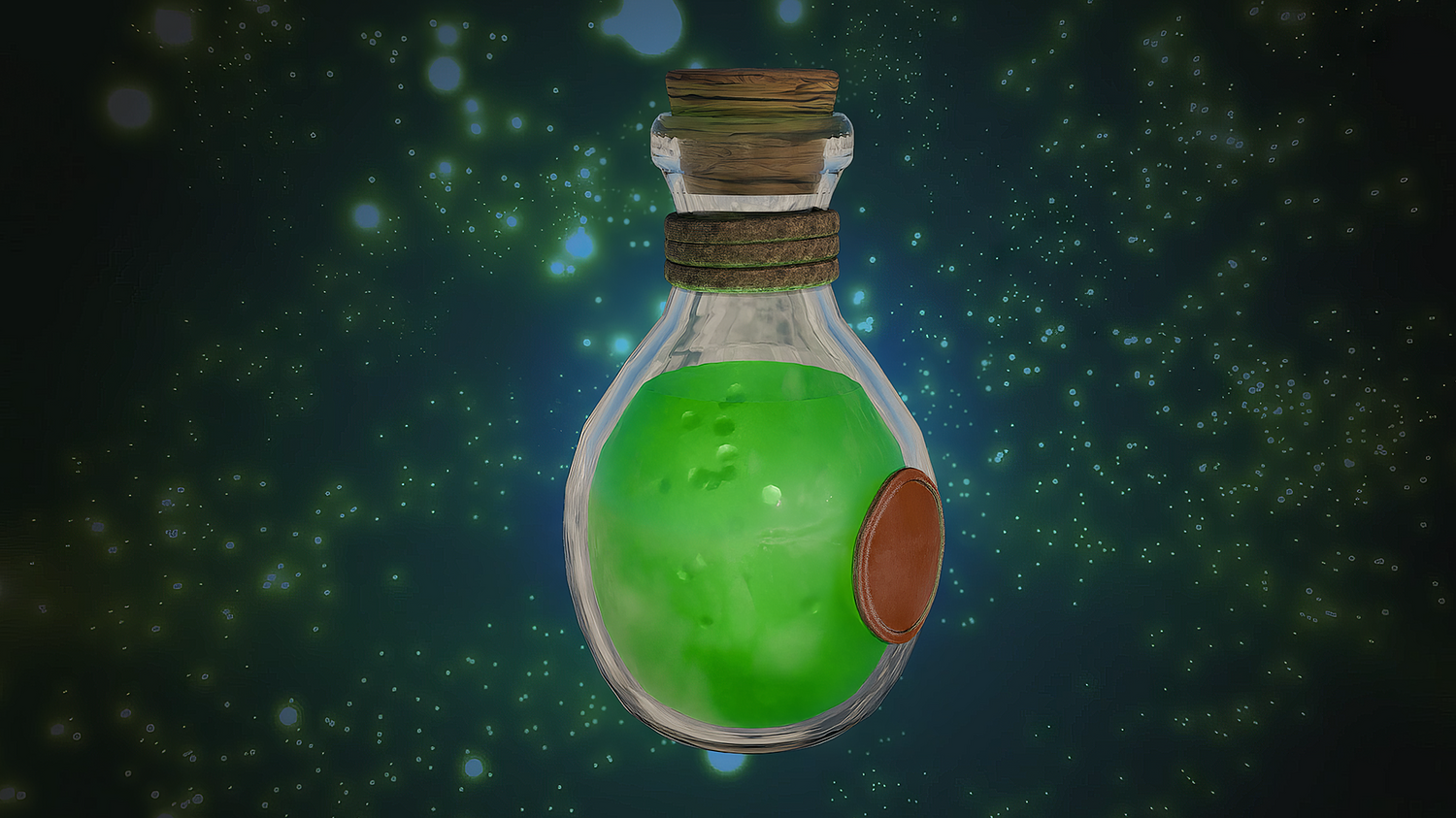
Brew magical potions, animate bubbles, generate smoke, and ripple surfaces with the 3DT Potion Cauldron Generator!
Designed for Blender 4.0+, this all-in-one geometry node setup lets you instantly create animated potions, bubbling cauldrons, magic spells, and ripple effects with real-time control — ideal for games, cinematics, and fantasy concept art.
🎯 Key Features

All-in-One Potion FX Generator
Includes bubbling potion surface, internal bubbles, smoke trails, and ripple effect systems — all fully customizable.
Real-Time Material Switching
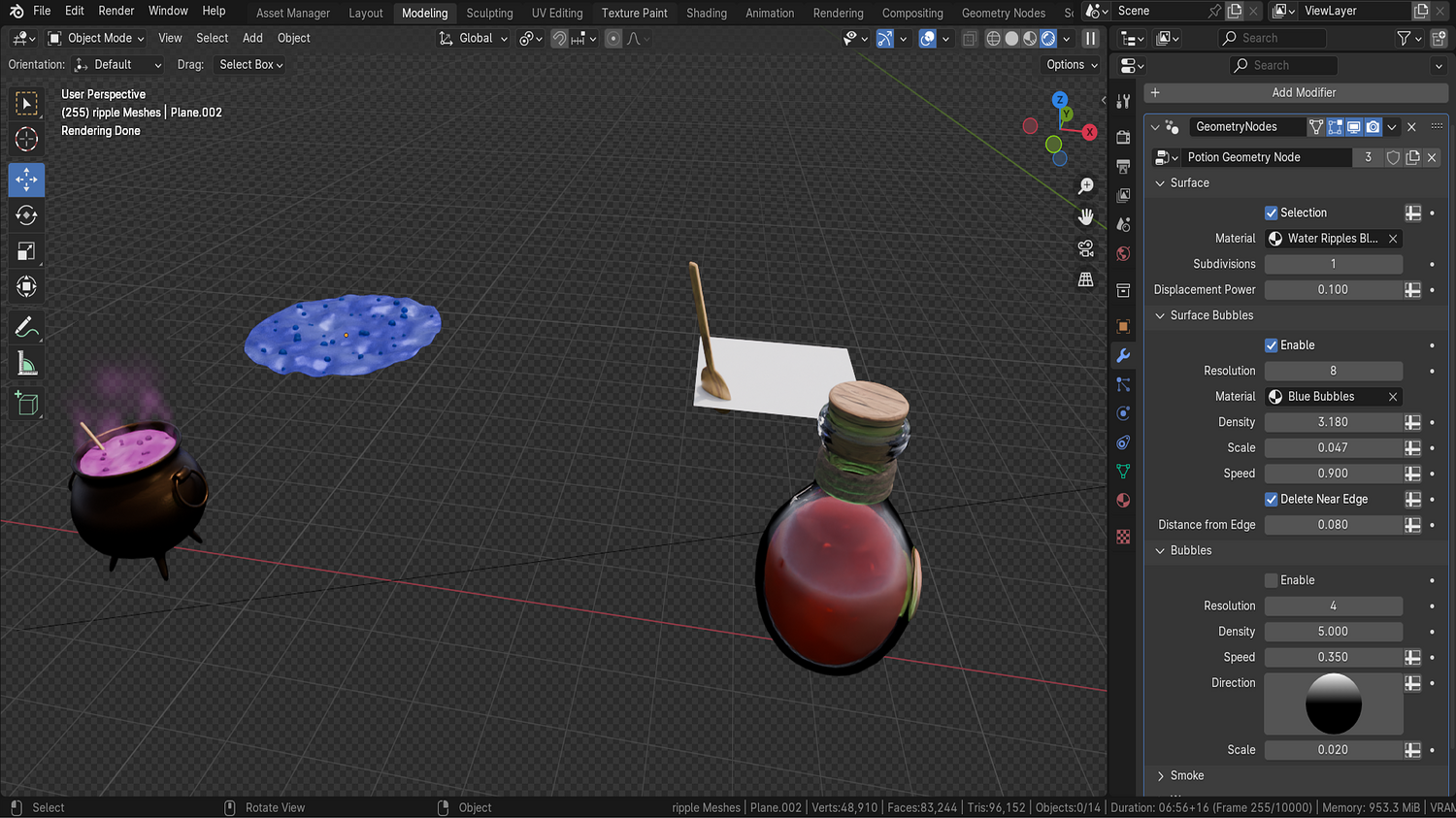
Easily swap materials between potion, cauldron, bubbles, smoke, and ripples with built-in dropdown menus.
Customizable Animation Settings
Adjust bubble density, ripple strength, wave speed, smoke rotation, emission rate, and smoke height dynamically.
Selection-Based Effects
Control bubbling and rippling only on selected mesh parts using vertex groups and easy-to-assign selections.
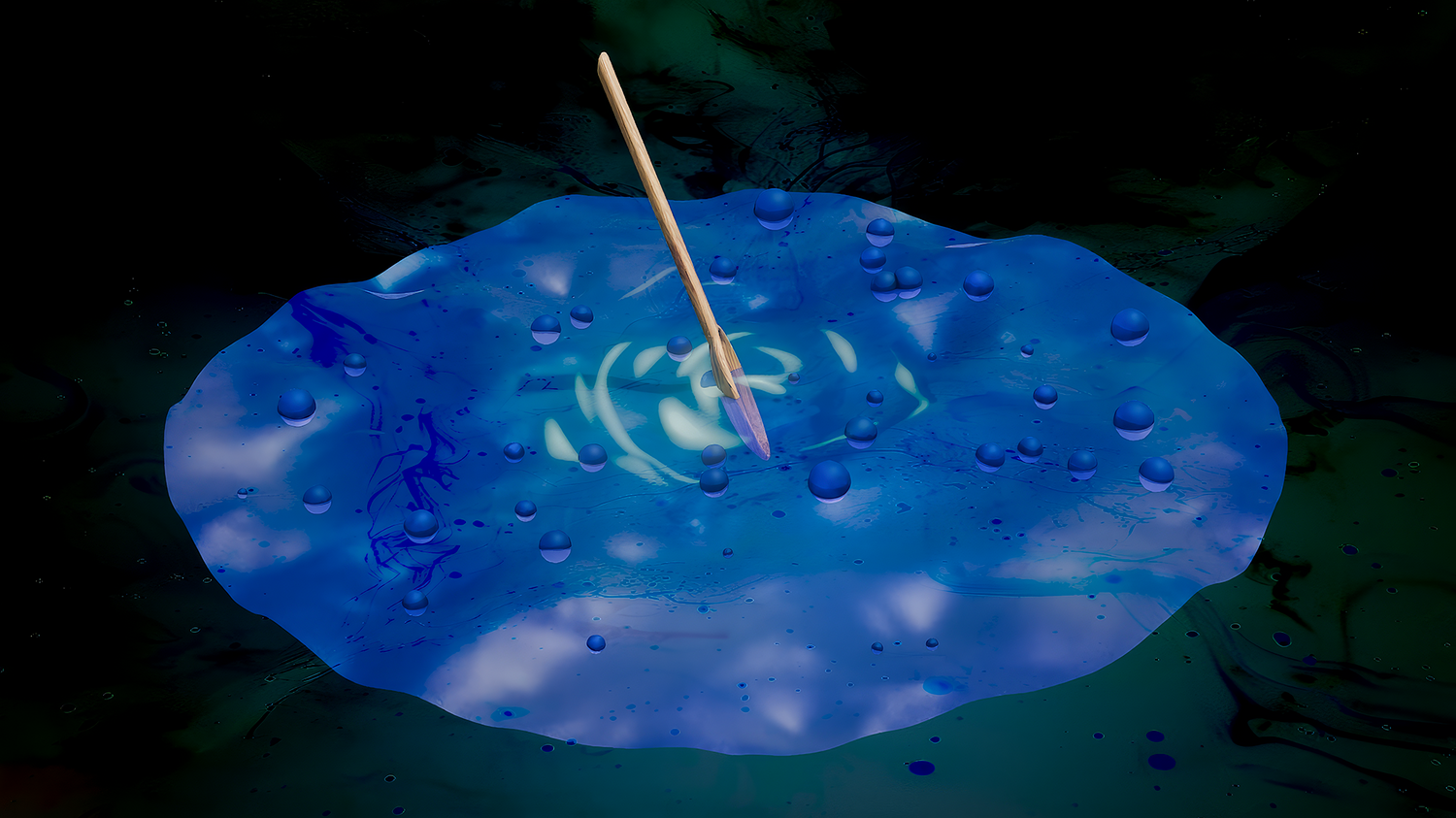
Ripple Mesh Integration
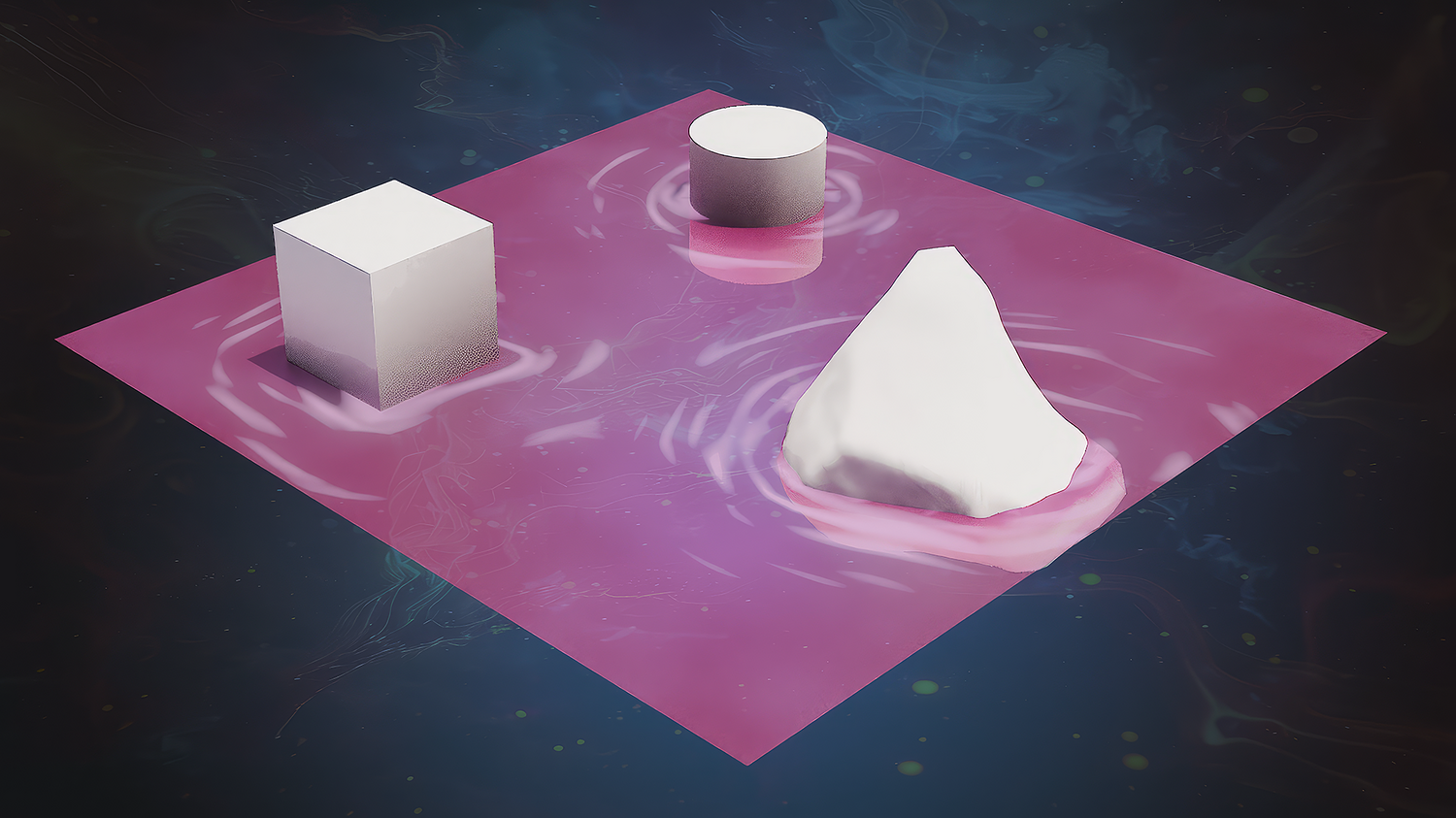
Add external objects like spoons, stones, or magic orbs to cause dynamic ripple movements across your potion surface.
🔥 Why You'll Love It
Instant Magic Effects
Quickly create moving potions, enchanted cauldrons, or magic pools with minimal setup.
Endless Variation Possibilities
Tweak potion colors, bubble patterns, smoke thickness, wave types, and ripple intensities for limitless designs.
Perfect for Games, Animations, and Concept Art
Generate lightweight, game-ready special effects or high-quality cinematic FX without complex simulations.
Extremely Easy to Use
Single click setup — no manual rigging, particle systems, or simulations needed.
📦 What's Included
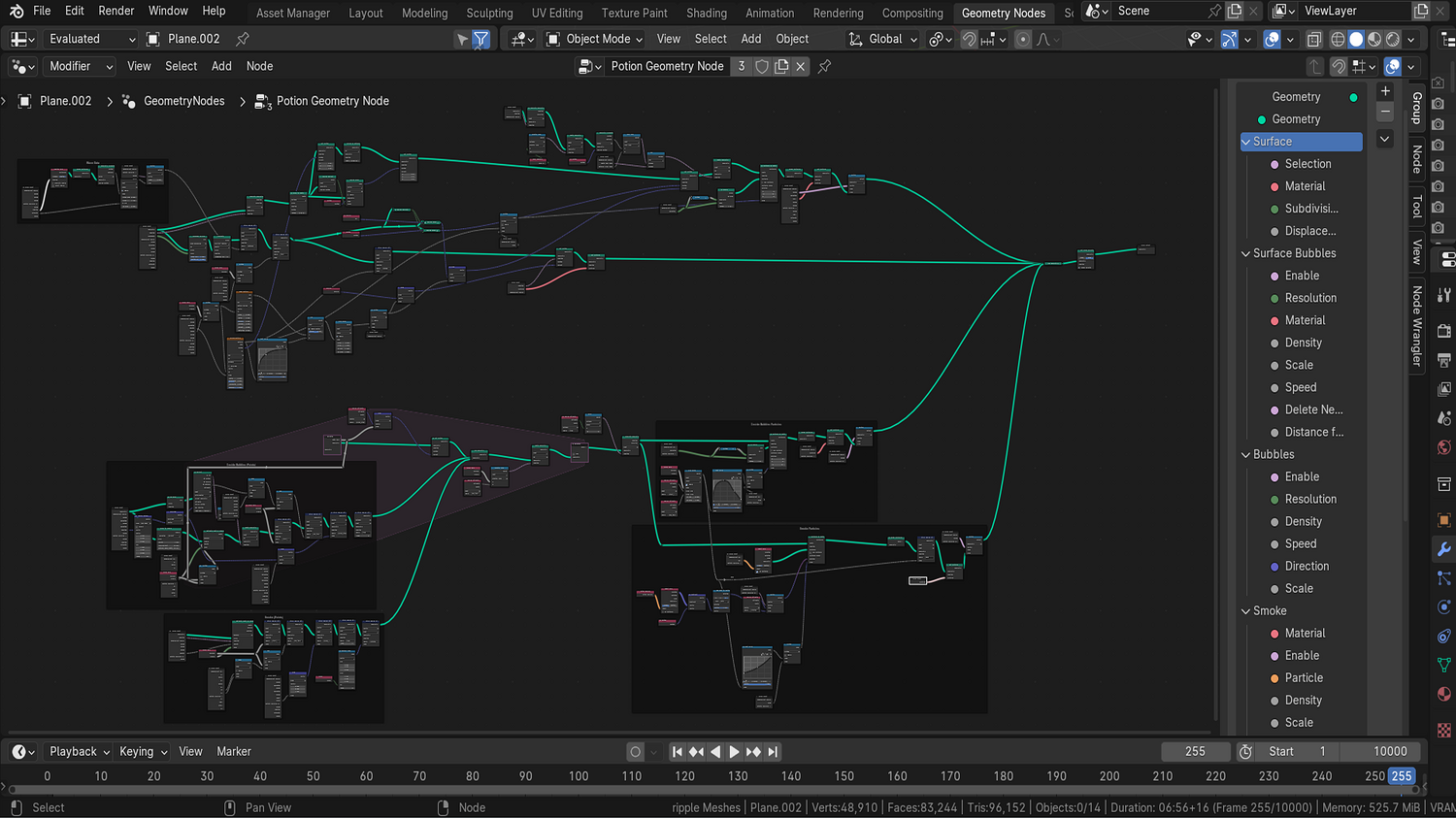
- 1x Blender .blend file with complete Potion Cauldron Generator Geometry Node setup
- Bubble surface animation node
- Inner potion bubble generator
- Smoke emission system
- Dynamic ripple and wave integration
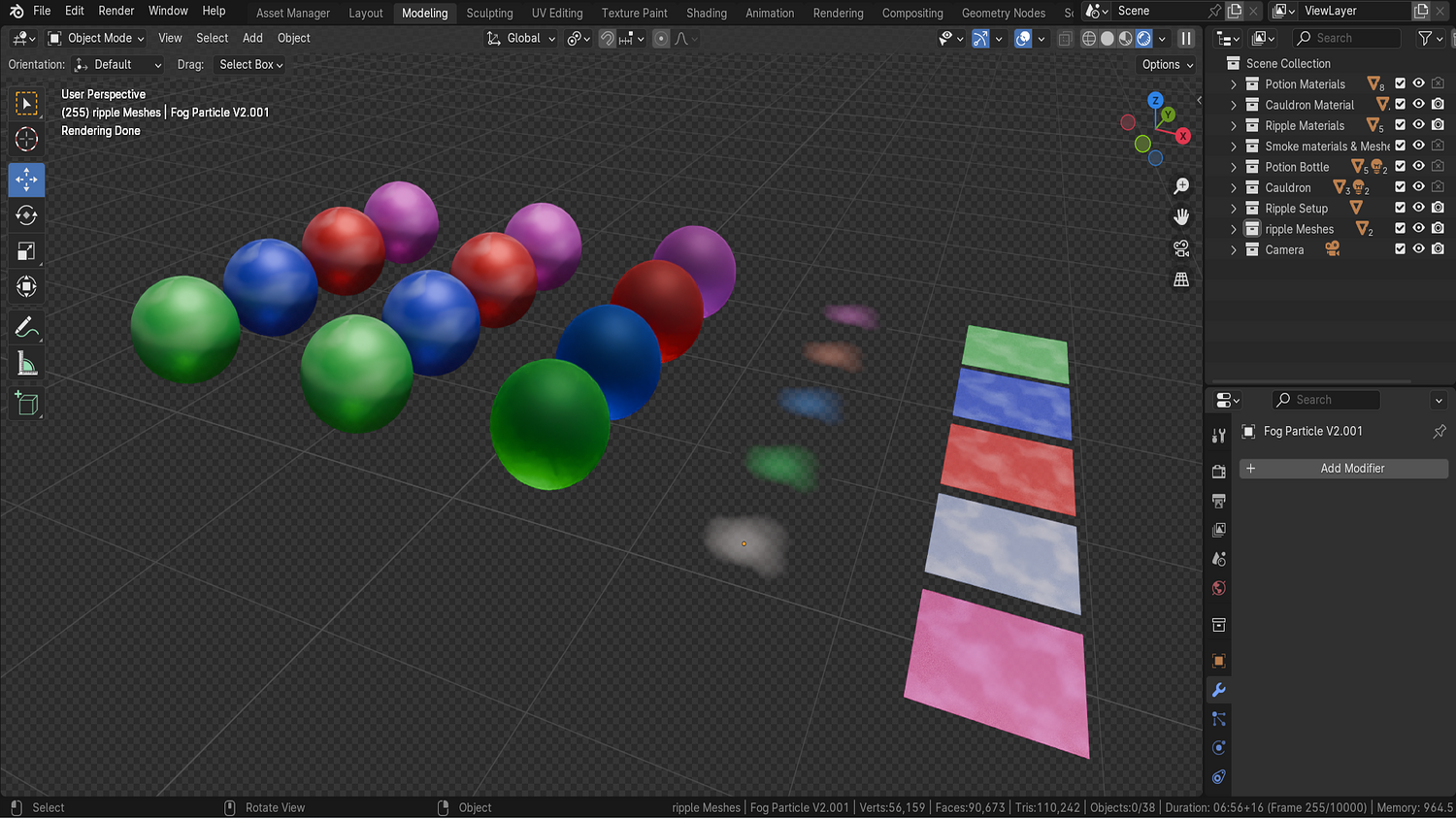
- Prebuilt material library (potion liquids, cauldrons, fog)
⚙️ Requirements
- Blender 4.0 or newer with lifetime updates
- From noob to pro — watch the 10 minute video to have everything up and running in no time
🚀 Installation Instructions
Method 1 – Add to Asset Library
- Download and unzip the product folder.
- Open Blender → Edit → Preferences → File Paths → Asset Libraries → click the "+" button.
- Navigate to the extracted folder and add it.
- Open the Asset Browser and drag the Potion Cauldron Generator into your scenes.
Method 2 – Manual Append
- Open your Blender project.
- Go to File → Append → Locate the .blend file → Import the Geometry Node group.
Method 3 – Copy and Paste Between Projects
- Open the project containing the Potion setup.
- Select the Geometry Node group.
- Press Ctrl+C to copy.
- Open another Blender project and press Ctrl+V to paste it directly into your scene.
💬 Support
Need help? Join our growing 3D Tudor Discord community to connect with our support team and hundreds of fellow artists!
👉 Join the 3D Tudor Discord here
You will get 1 file
All files previously purchased will always be available for download in your Library