3DT Wild West Terrain – Blender Geometry Node Procedural
3DT Wild West Terrain – Blender Geometry Nodes
🎥 Demo Video
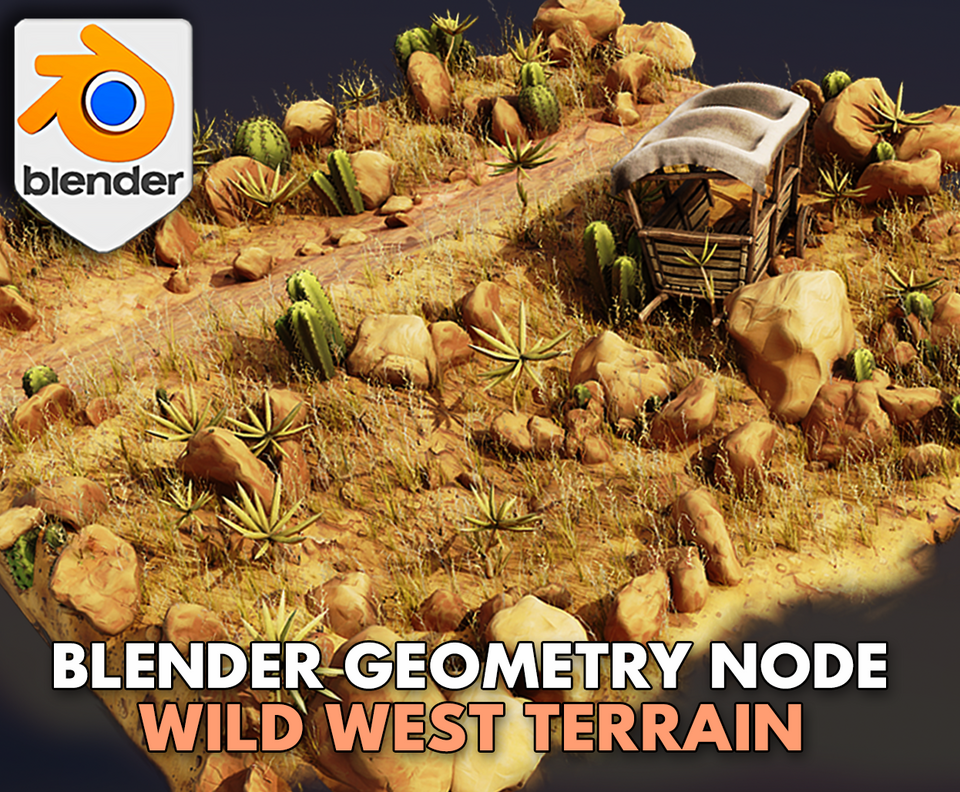
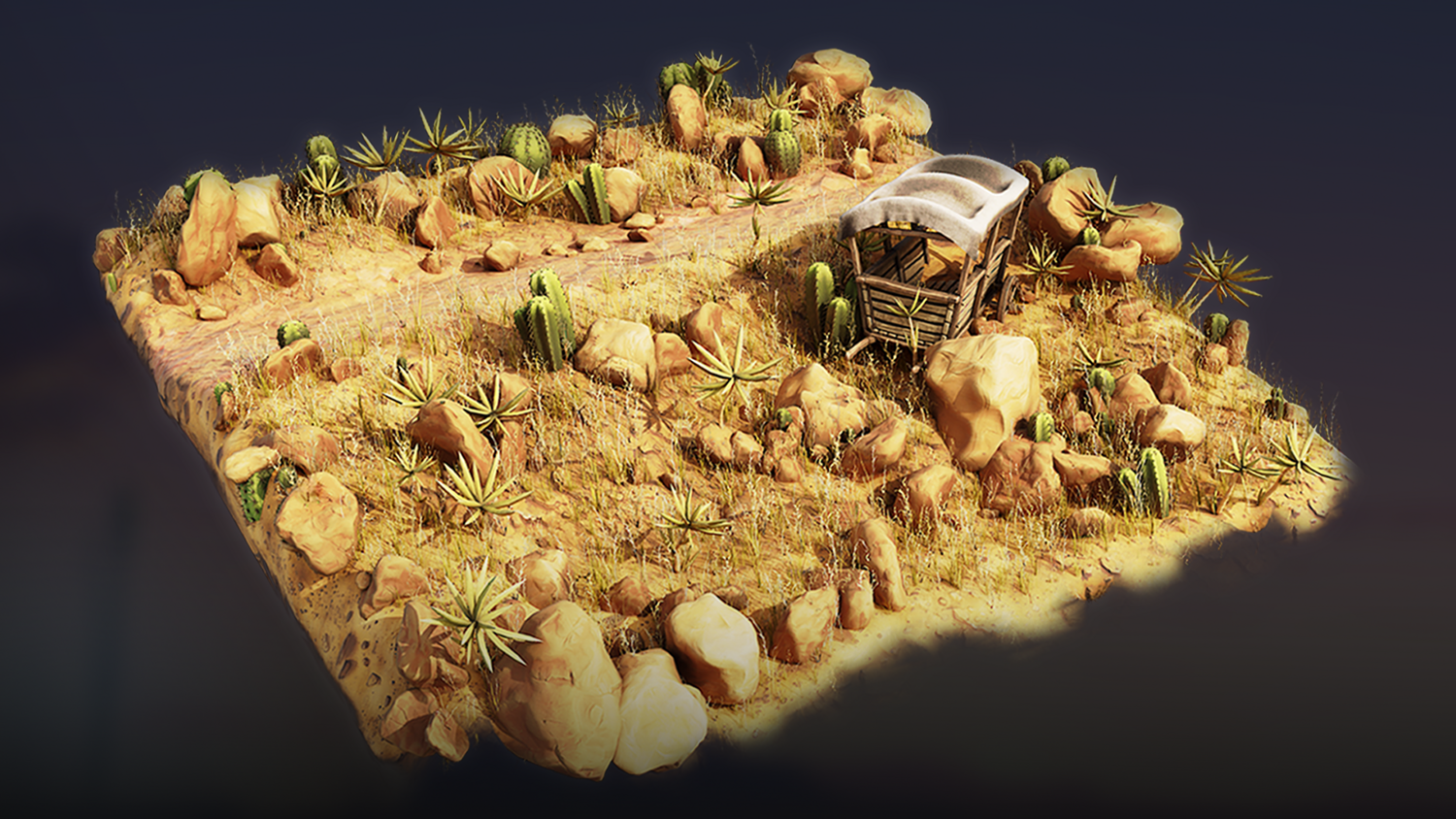
Design full Western landscapes in minutes with the 3DT Wild West Terrain Generator!
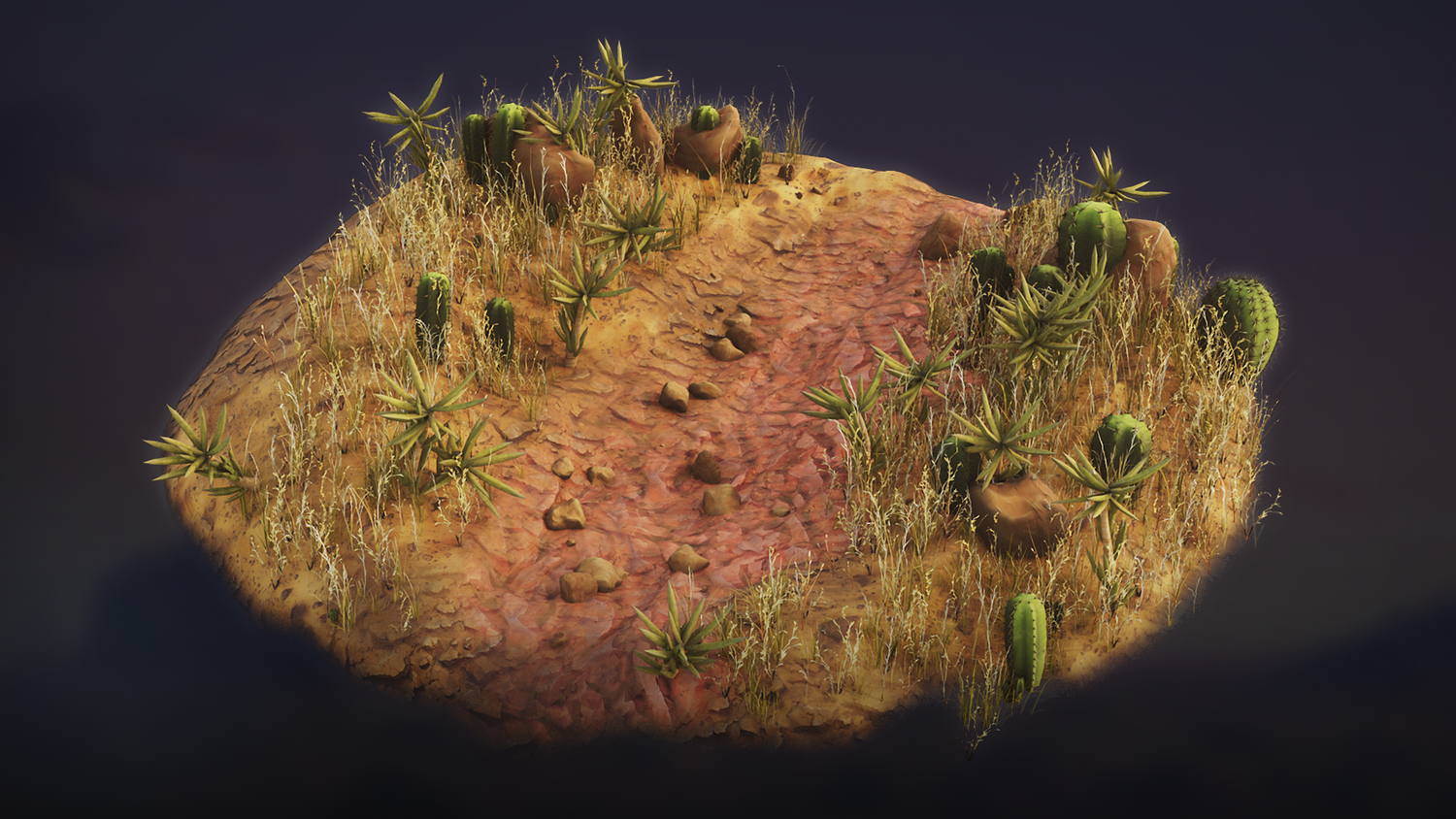
Craft procedurally populated desert scenes with weight-painted foliage, rock scatter, sculpted terrain, and stylized material blending — all optimized for real-time performance in Blender 4.0+ with no plugins required.
🎯 Key Features

Weight Paint-Driven Placement
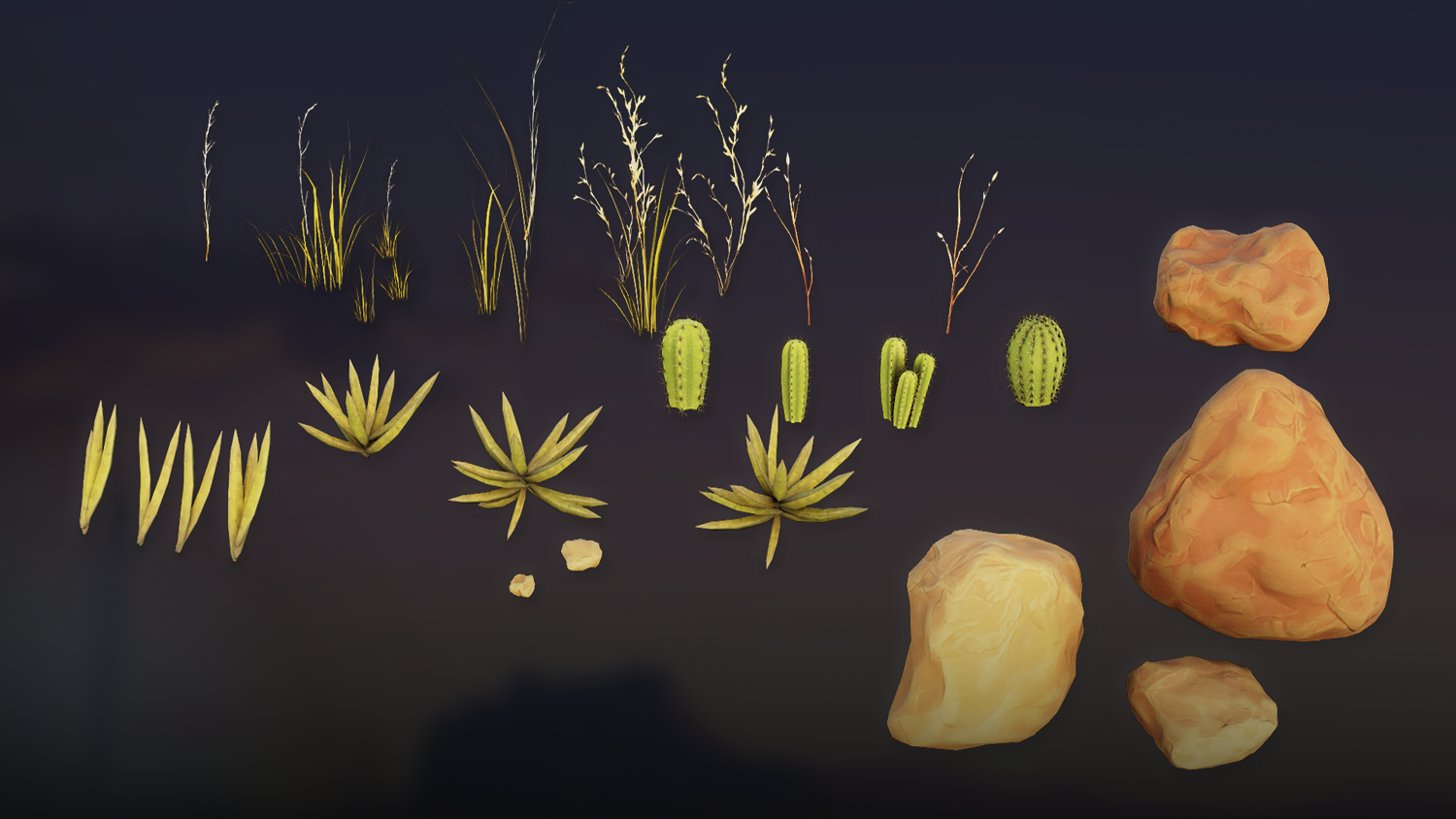
Use simple vertex groups to define exact locations for rocks, foliage, cactus, brush, pebbles, and detail assets.
Procedural Foliage System
Paint-in customizable large and small foliage with control over scale, density, randomness, surface angle, and render separation.
Fully Sculptable Terrain
Solidify flat planes into 3D sculptable meshes for detailed formations — complete with easy mesh decimation workflows.
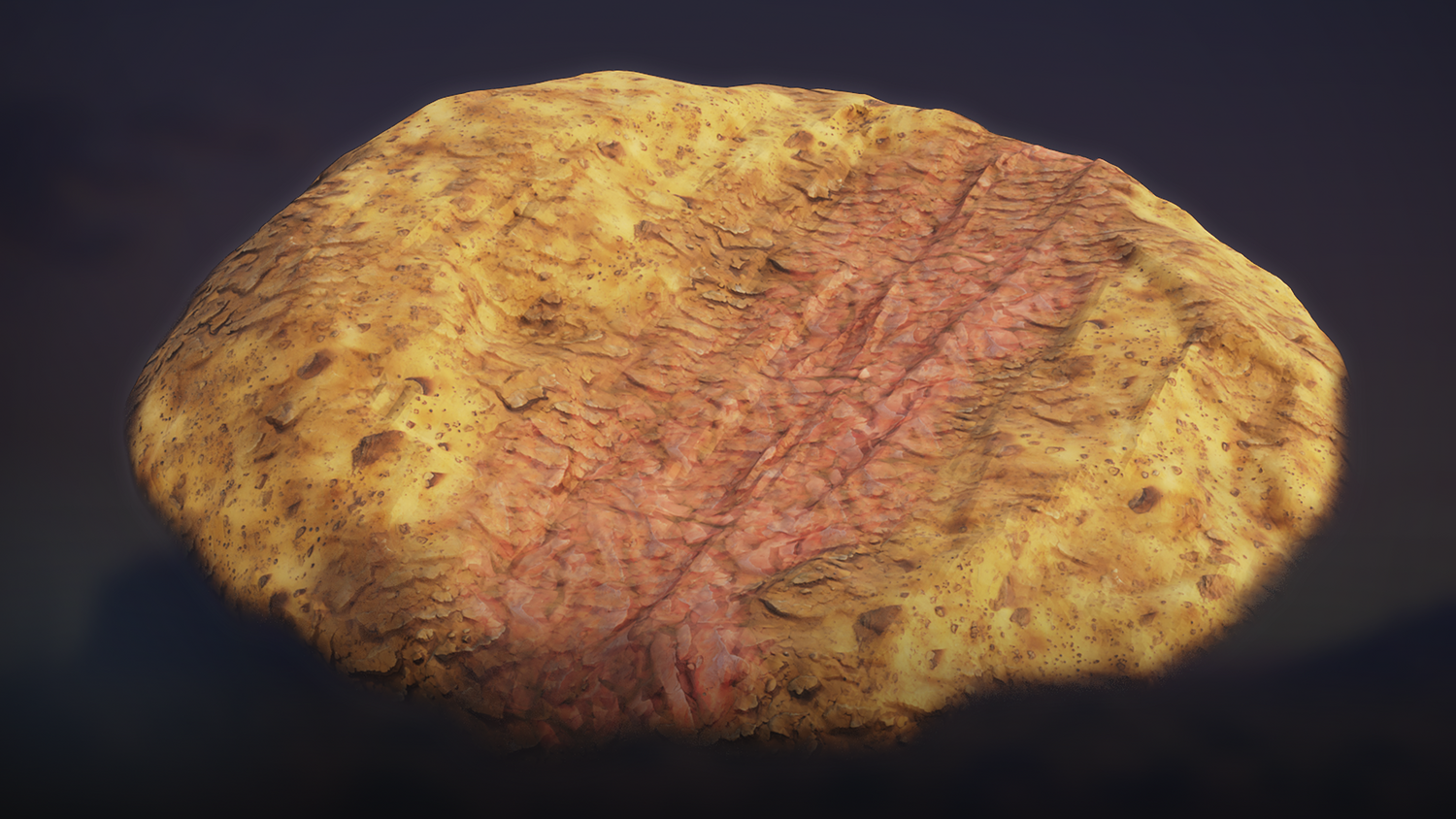
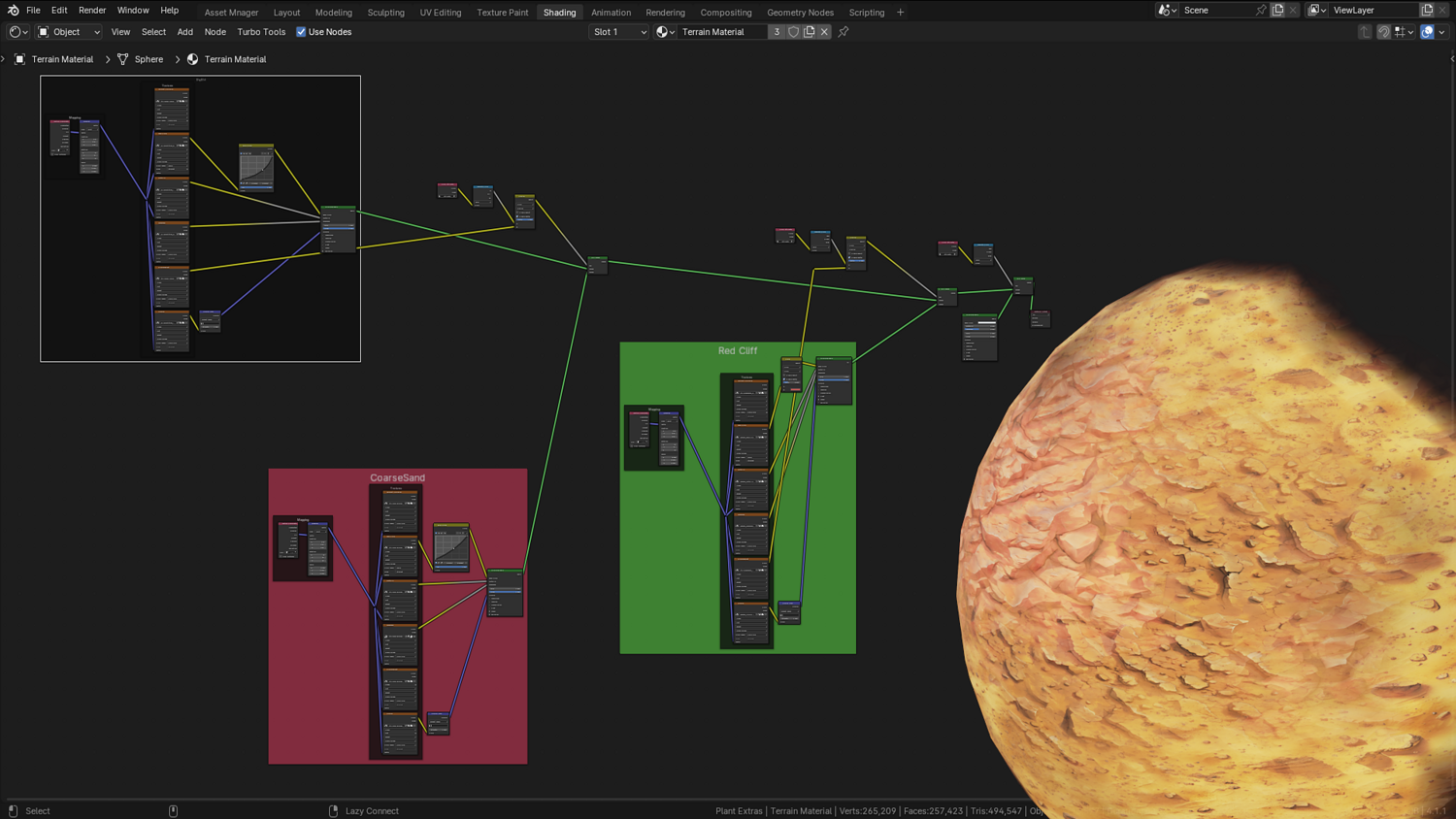
Layered Stylized Terrain Material
Vertex paint-based blending for moss, dry soil, and rich dirt — includes opacity and averaging controls for natural transitions.
Optimized for Performance
Switch viewport vs. render densities, cull heavy assets, and isolate working areas to keep Blender responsive in large scenes.
🔥 Why You'll Love It

Build Western Worlds in Minutes
Create dusty plains, rocky mesas, and cactus-covered paths without manual asset placement.
Complete Artistic Control
Control stem height, cactus randomness, rock scale, small brush types, and placement angle — every aspect is adjustable.
Professional Output with Real-Time Feedback
Preview everything in real-time using Cycles or Eevee before committing to final renders.
Auto-Compositor and HDRI Setup
Included ambient occlusion, gloss, and sky lighting presets give your scene a finished look from the first render.
📦 What's Included
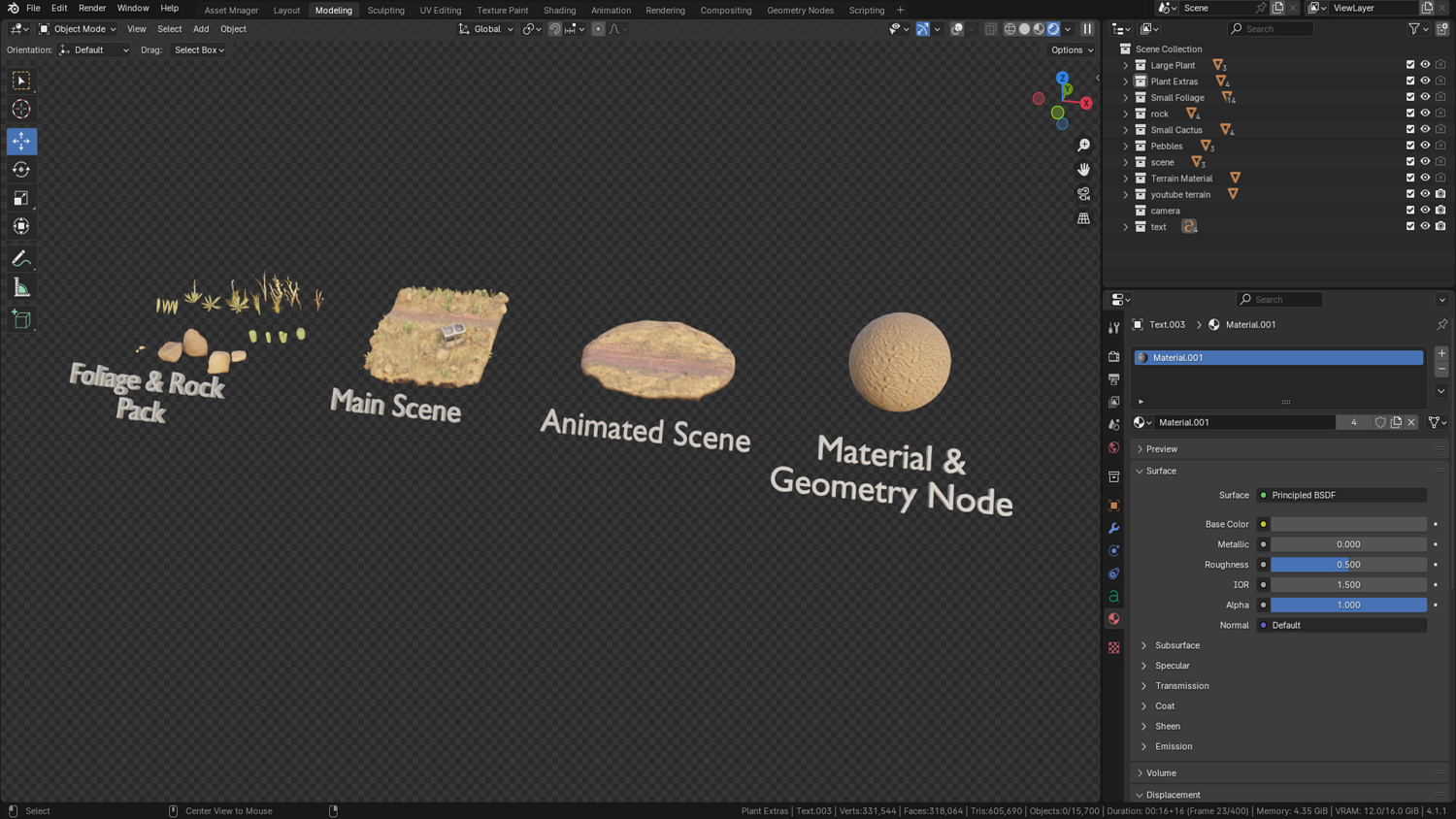
- 1x Blender .blend file with Wild West Terrain Geometry Node setup
- Foliage node with cactus, brush, stems, and pebbles
- Sculptable solidified terrain base mesh
- 3-way stylized terrain shader with blending system
- Prelinked HDRI, lighting, and compositor nodes
⚙️ Requirements
- Blender 4.0 or newer with lifetime updates
- From noob to pro — watch the 10 minute video to have everything up and running in no time
🚀 Installation Instructions
Method 1 – Add to Asset Library
- Download and unzip the product folder.
- Open Blender → Edit → Preferences → File Paths → Asset Libraries → click the "+" button.
- Navigate to the extracted folder and add it.
- Open the Asset Browser and drag the Wild West Generator into your scenes.
Method 2 – Manual Append
- Open your Blender project.
- Go to File → Append → Locate the .blend file → Import the Geometry Node group.
Method 3 – Copy and Paste Between Projects
- Open the project containing the Wild West setup.
- Select the Geometry Node group.
- Press Ctrl+C to copy.
- Open another Blender project and press Ctrl+V to paste it directly into your scene.
💬 Support
Need help? Join our growing 3D Tudor Discord community to connect with our support team and hundreds of fellow artists!
👉 Join the 3D Tudor Discord here
Model Details
- FormatsBLEND
- Polygons0
- Vertices0
- animatedno
- materialsyes
- texturesyes
- riggedno
- uvsno
- 3d print readyno
You will get 2 files
All files previously purchased will always be available for download in your Library