3DT Palm Tree Generator – Blender Geometry Node Procedural
3DT Palm Tree Generator – Blender Geometry Node Procedural
🎥 Demo Video
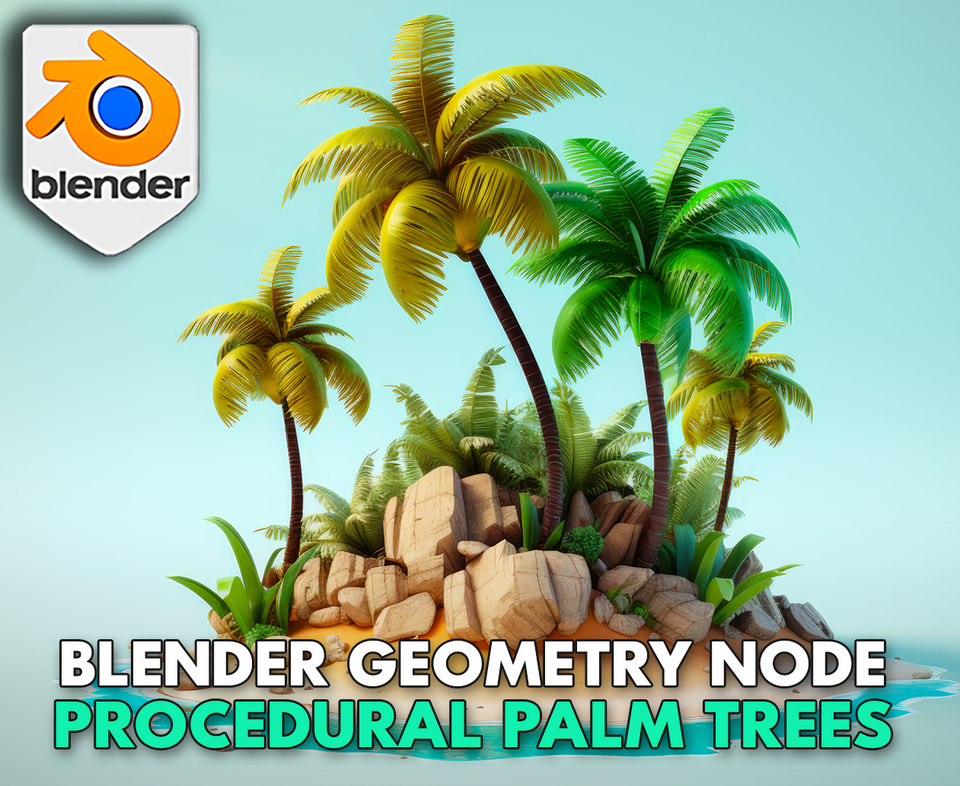
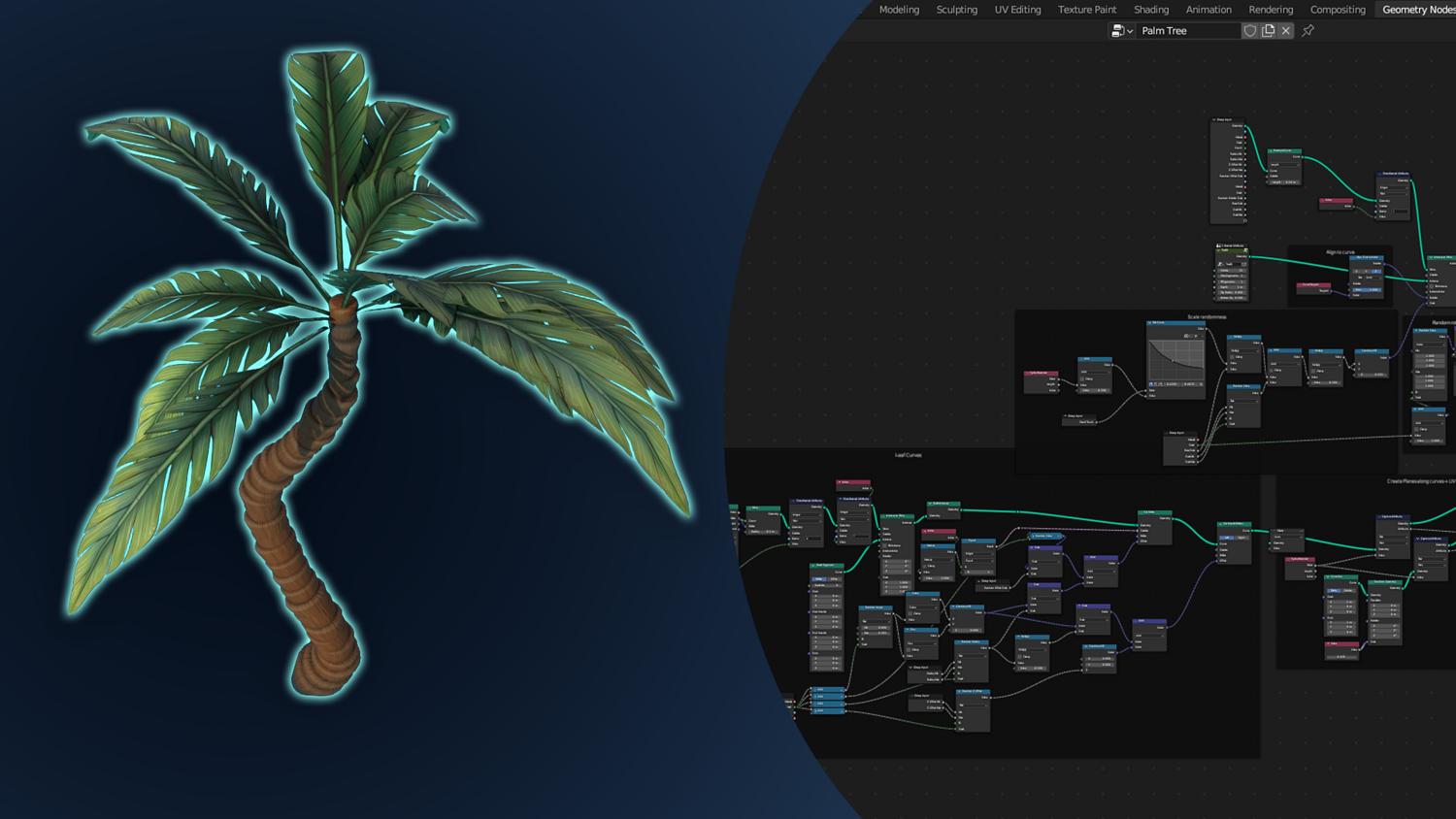
Quickly draw, grow, and customize palm trees using the 3DT Palm Tree Generator — a real-time curve-based setup for Blender 4.0+!
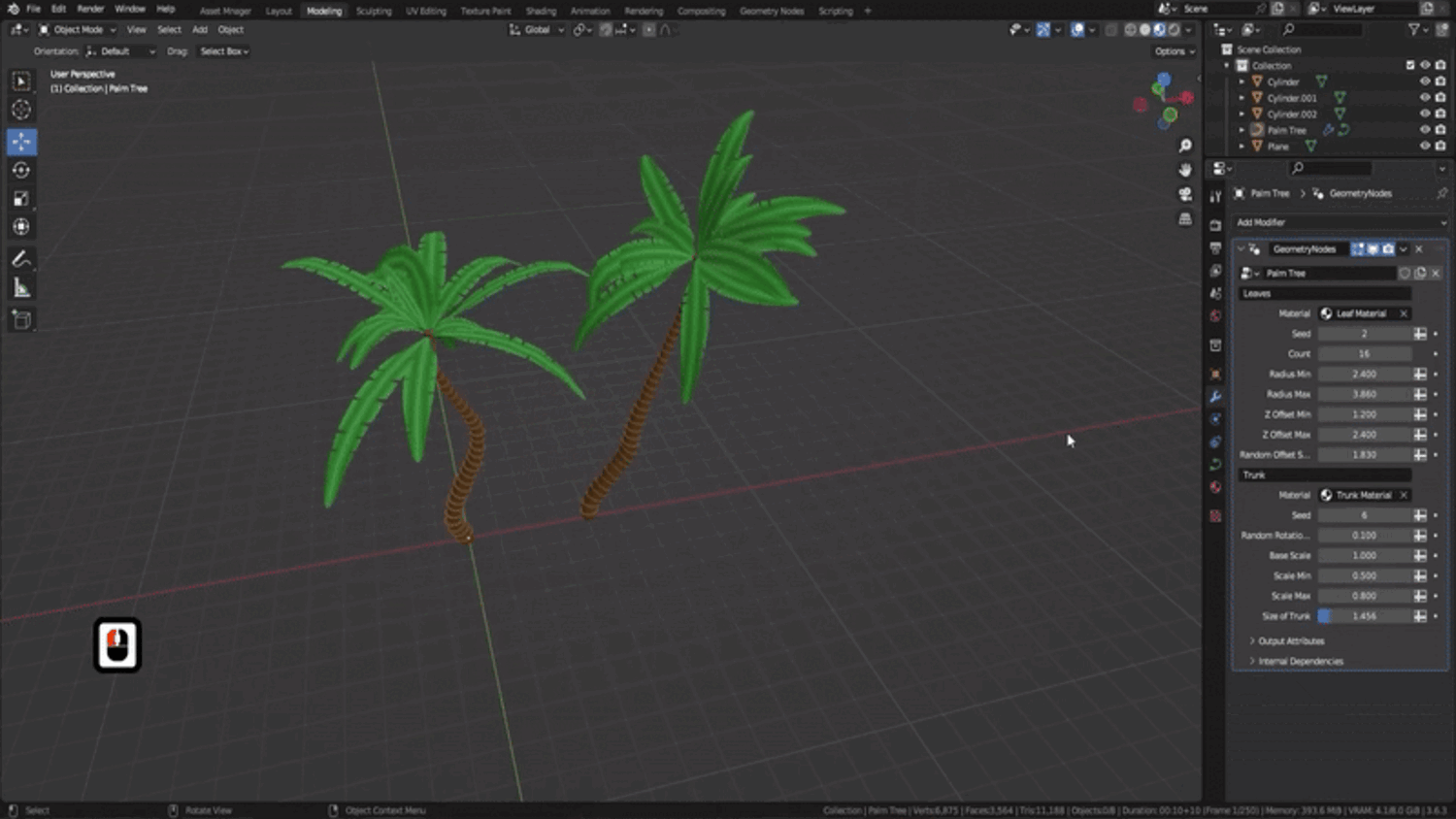
Simply sketch your tree with the Draw tool or use imported curves, then control everything from leaf count and radius to trunk thickness, base width, materials, and seed variation — all with procedural sliders and collection support.
🎯 Key Features

Curve-Based Palm Tree Drawing
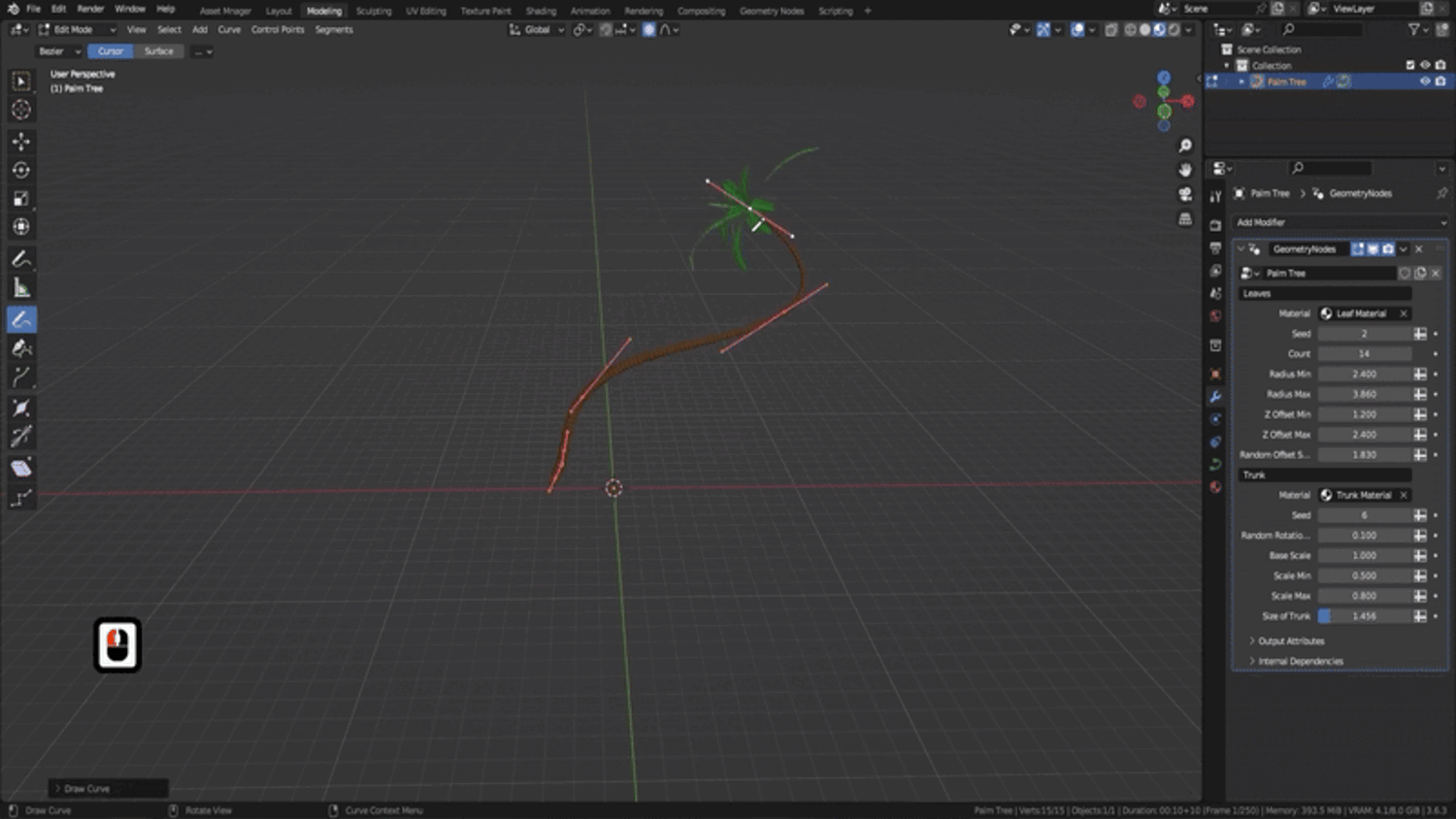
Use the Draw tool to sketch tree paths in the viewport, or assign curves manually for controlled placements and animation-friendly paths.
Leaf and Trunk Customization
Adjust number of leaves, radius, max spread, offset, trunk width, rotation randomness, and base taper — all in real time.
Seed-Driven Randomization
Quickly create variations by adjusting seeds for both leaves and trunk — every tree looks different in seconds.
Flexible Object Overrides
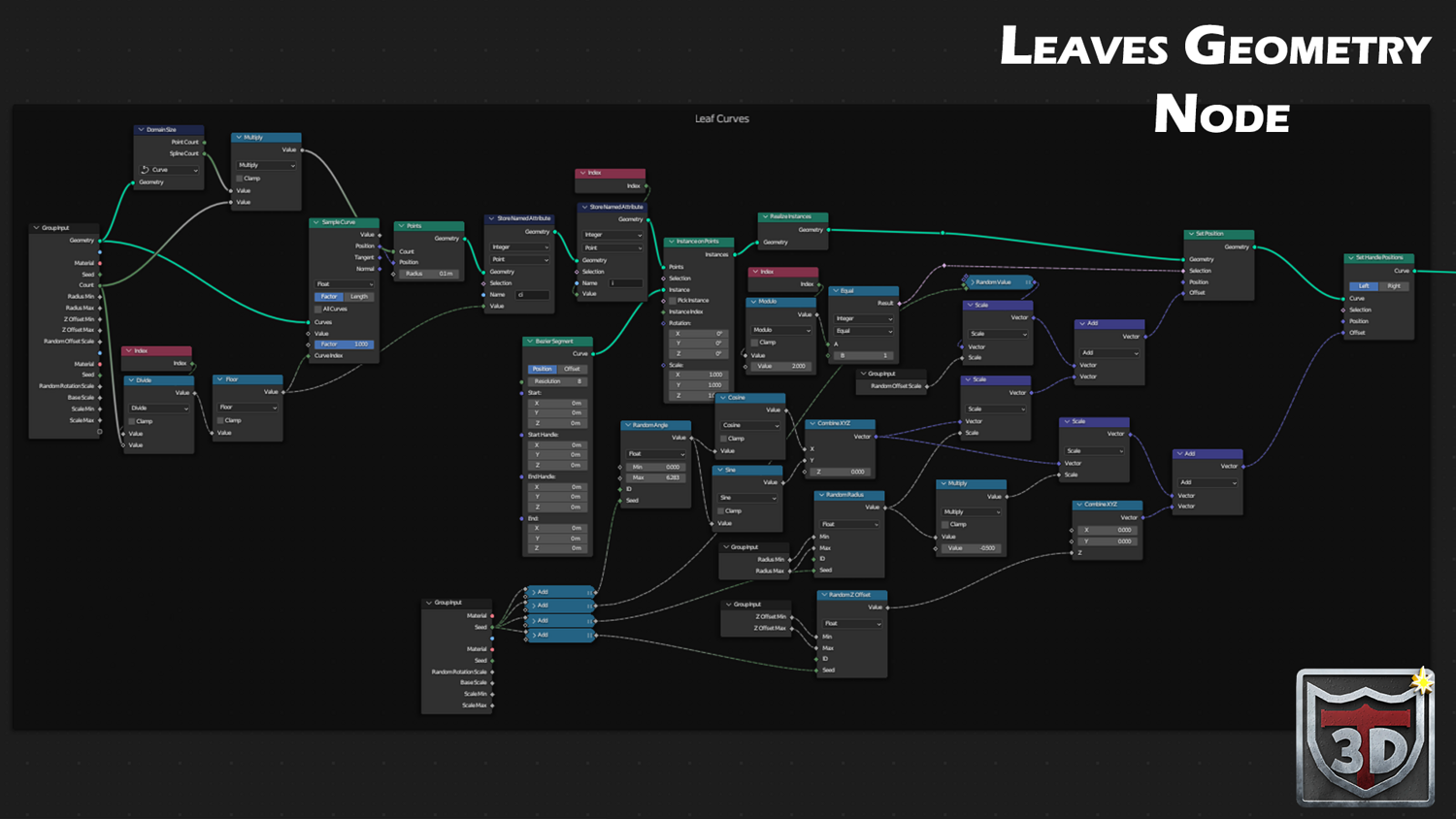
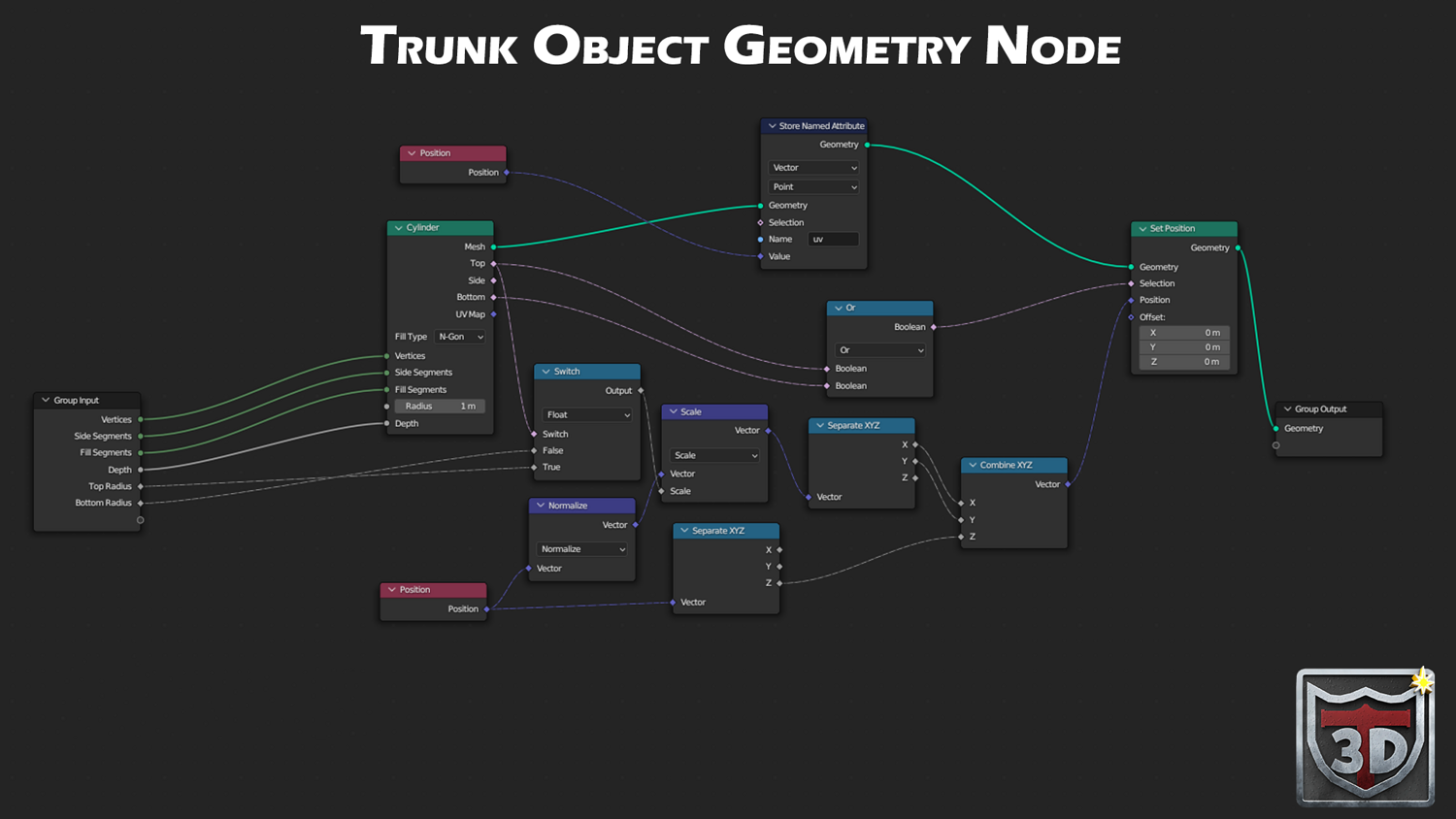
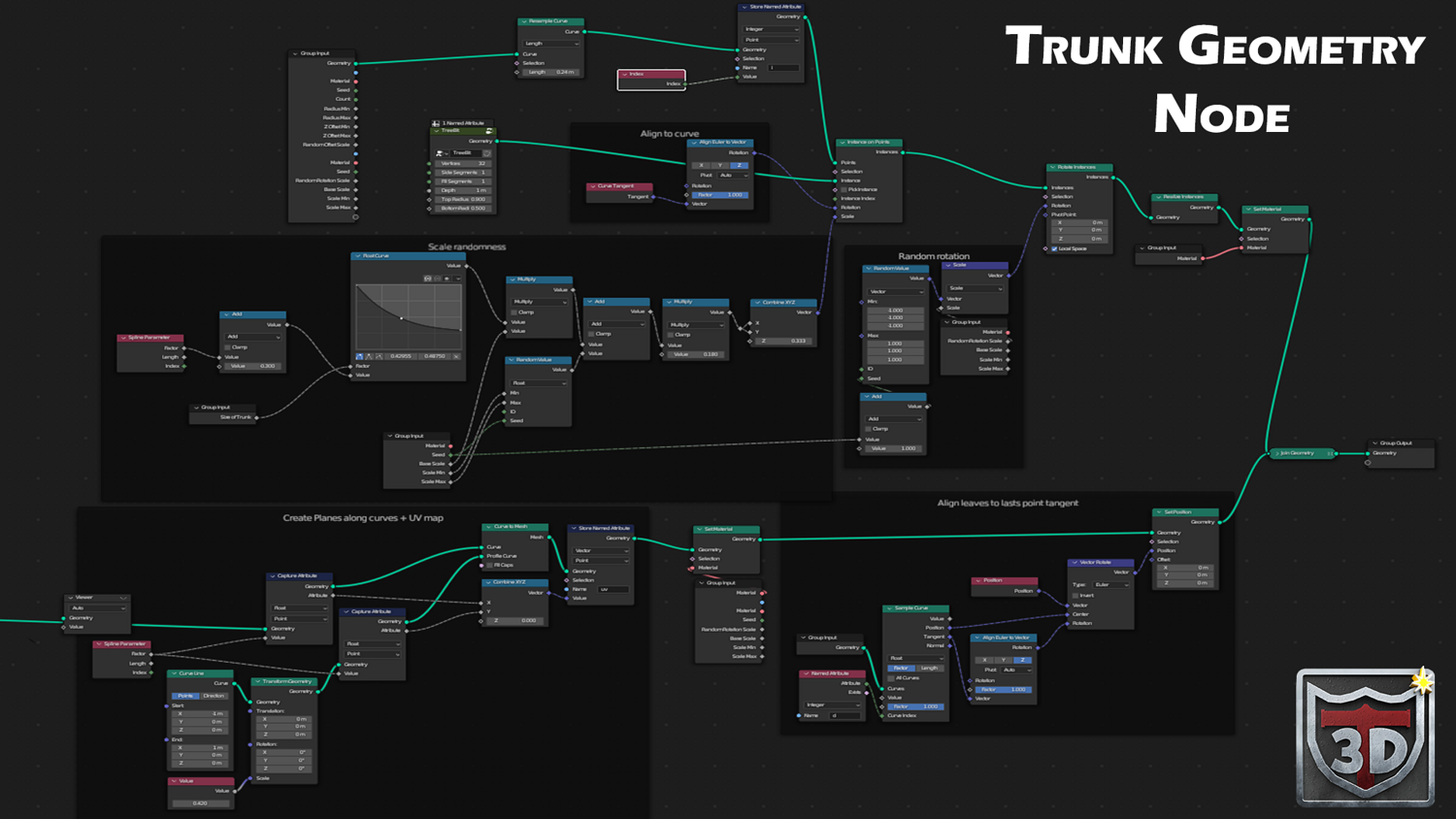
Easily swap the trunk mesh or materials by plugging in your own models or objects through the geometry group.
Export-Ready for Painting
Convert to mesh with one click and send to Substance Painter or other tools for full painting and baking workflows.
🔥 Why You'll Love It

Stylized and Game-Ready
Generate lush, optimized palm trees perfect for stylized games, animation backgrounds, or tropical visualizations.
Fully Material-Ready
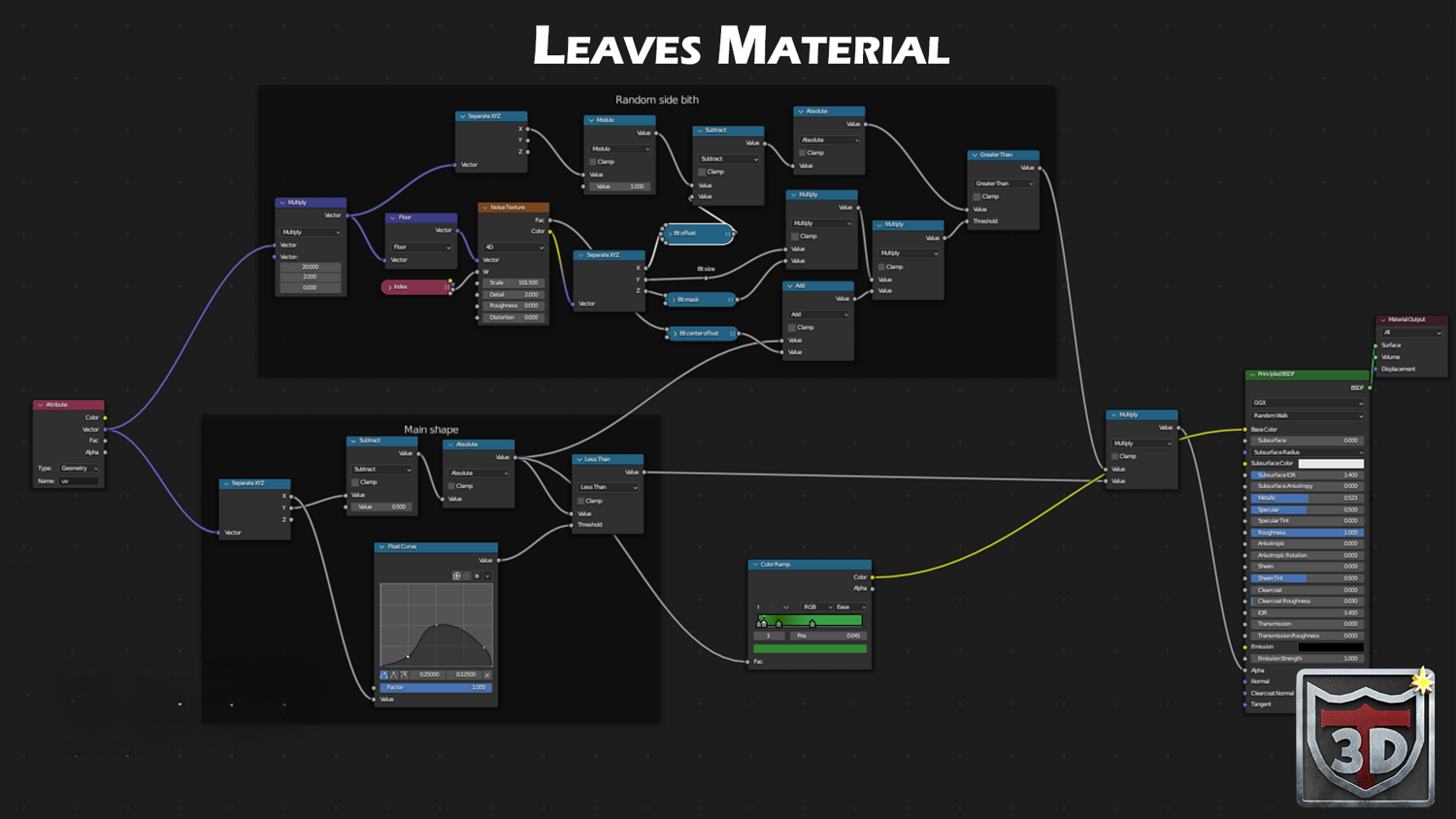
Includes built-in stylized leaf and trunk shaders with procedural cutouts and texture slots for custom use.
Fast Scene Building
Duplicate and reposition trees, tweak seeds, and fill your tropical scene in minutes without slowing down the viewport.
Works with Any Object or Terrain
Integrates seamlessly with imported meshes, terrain systems, and other generators — just draw and grow.
📦 What's Included
- 1x Blender .blend file with Palm Tree Generator Geometry Node setup
- Full trunk and leaf customization system
- Curve drawing support and object override options
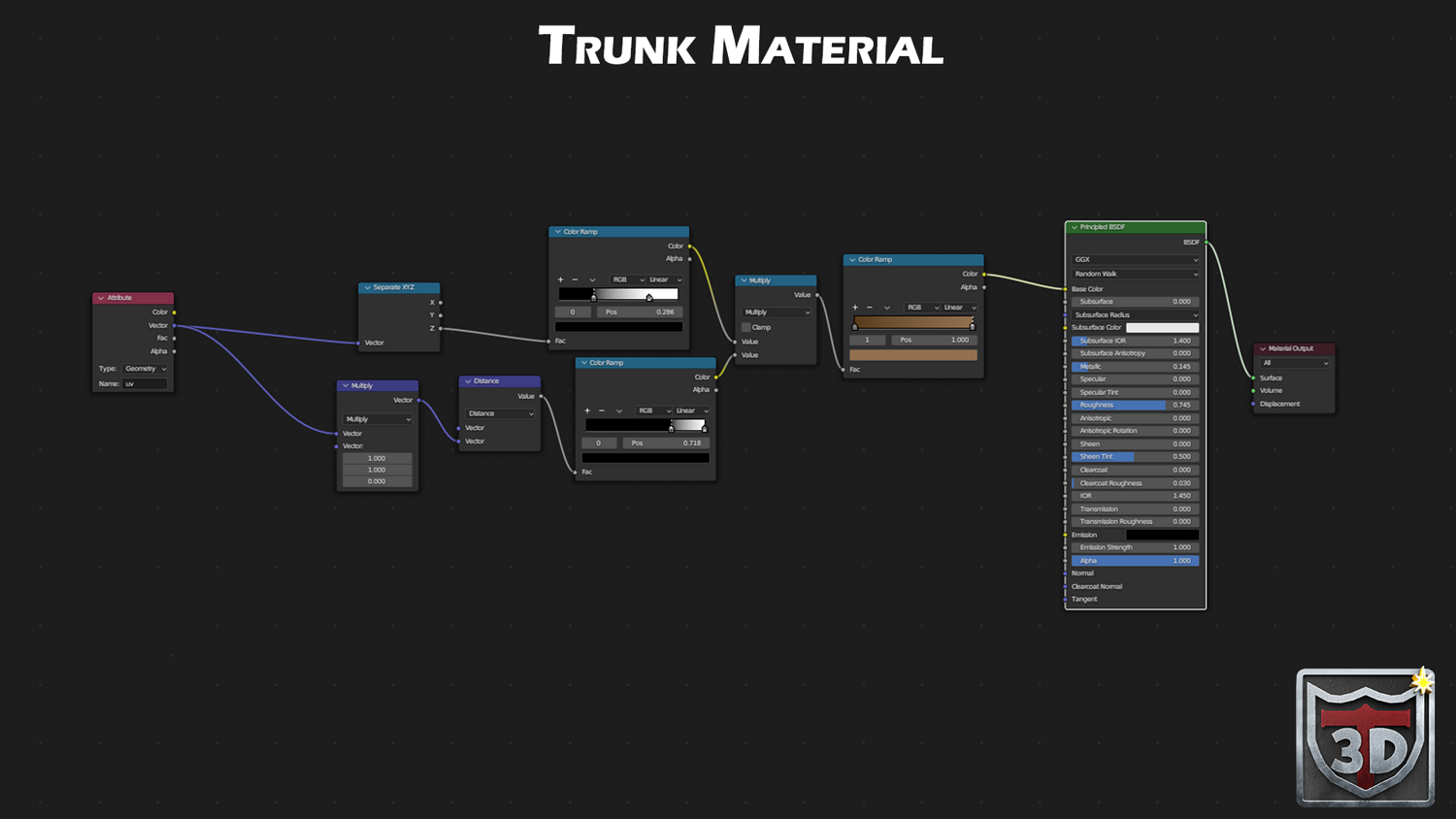
- Stylized trunk and leaf materials with shader setup
- Mesh conversion ready for Substance Painter or game export
⚙️ Requirements
- Blender 4.0 or newer with lifetime updates
- From noob to pro — watch the 10 minute video to have everything up and running in no time
🚀 Installation Instructions
Method 1 – Add to Asset Library
- Download and unzip the product folder.
- Open Blender → Edit → Preferences → File Paths → Asset Libraries → click the "+" button.
- Navigate to the extracted folder and add it.
- Open the Asset Browser and drag the Palm Tree Generator into your scenes.
Method 2 – Manual Append
- Open your Blender project.
- Go to File → Append → Locate the .blend file → Import the Geometry Node group.
Method 3 – Copy and Paste Between Projects
- Open the project containing the Palm Tree setup.
- Select the Geometry Node group.
- Press Ctrl+C to copy.
- Open another Blender project and press Ctrl+V to paste it directly into your scene.
💬 Support
Need help? Join our growing 3D Tudor Discord community to connect with our support team and hundreds of fellow artists!
👉 Join the 3D Tudor Discord here
Model Details
- FormatsBLEND
- Polygons0
- Vertices0
- animatedno
- materialsyes
- texturesyes
- riggedno
- uvsno
- 3d print readyno
You will get 1 file
All files previously purchased will always be available for download in your Library