3DT Ivy Generator – Blender Geometry Node Procedural
3DT Ivy Generator – Blender Geometry Node Procedural
🎥 Demo Video
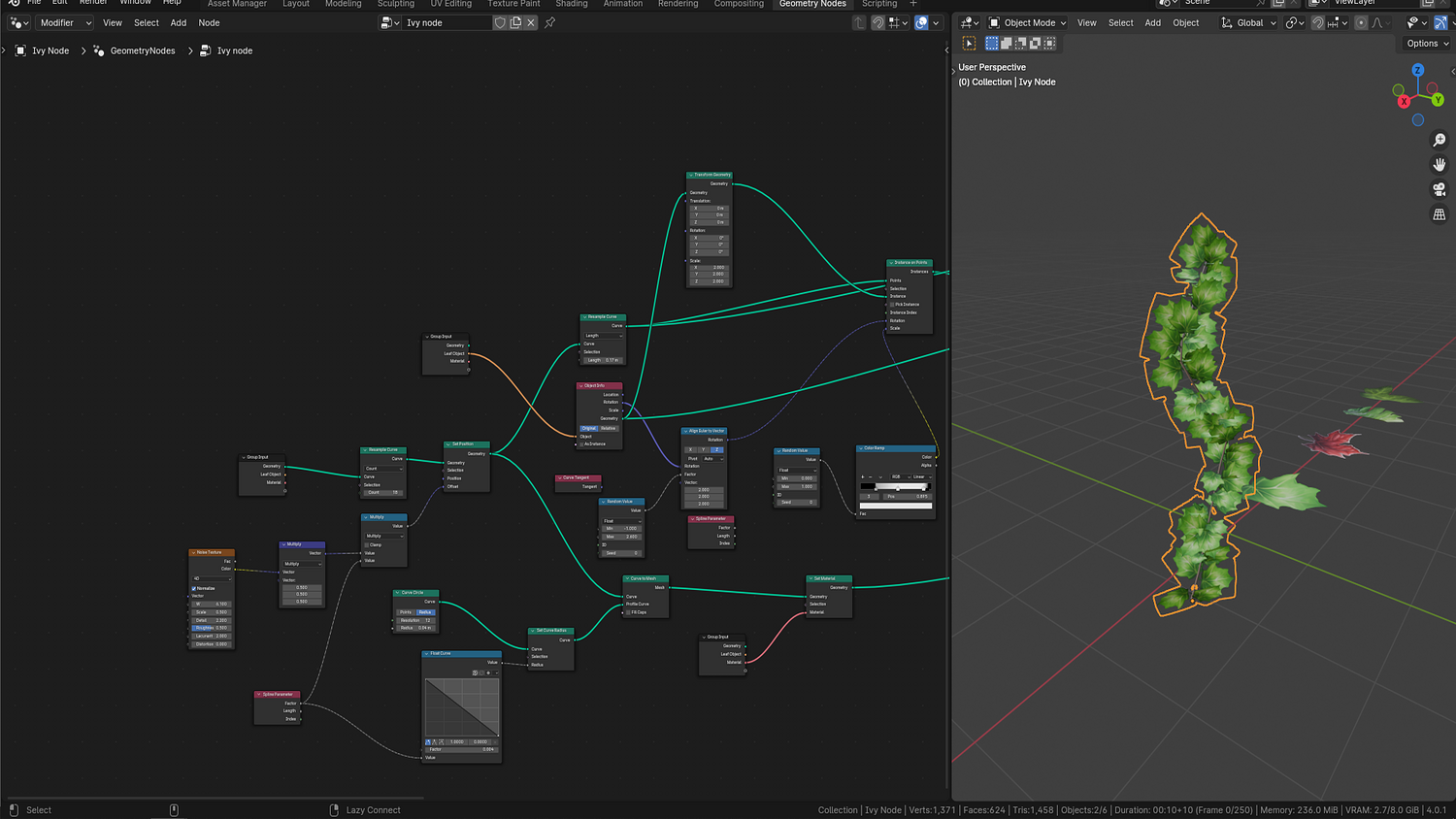
🛠 Update Geometry Node
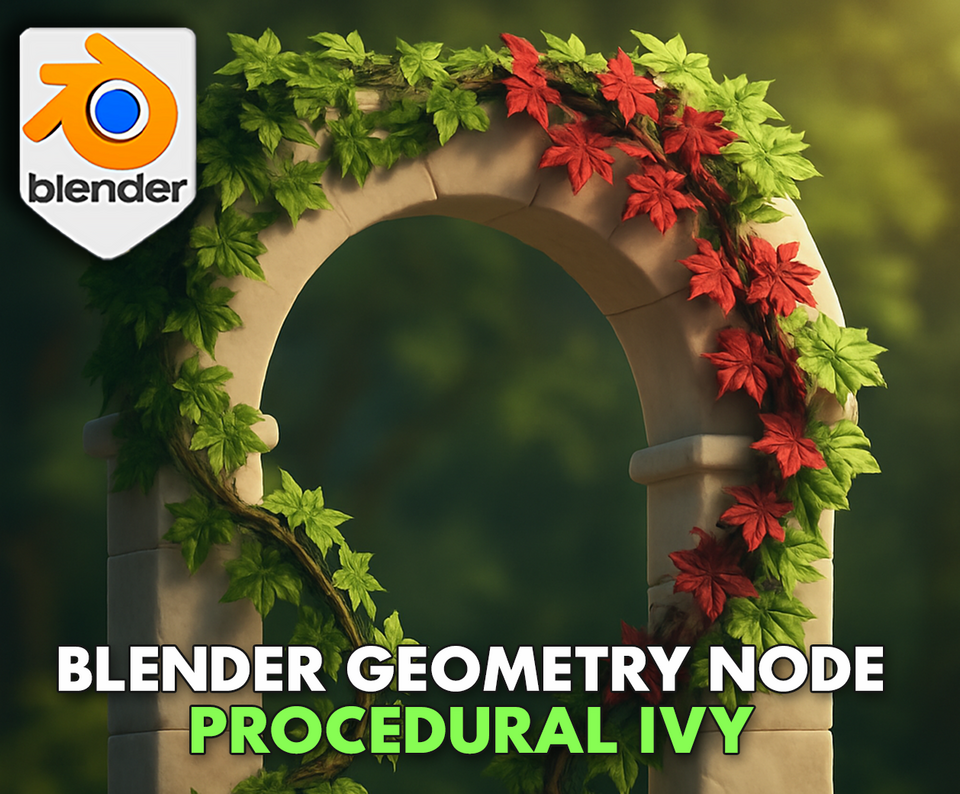
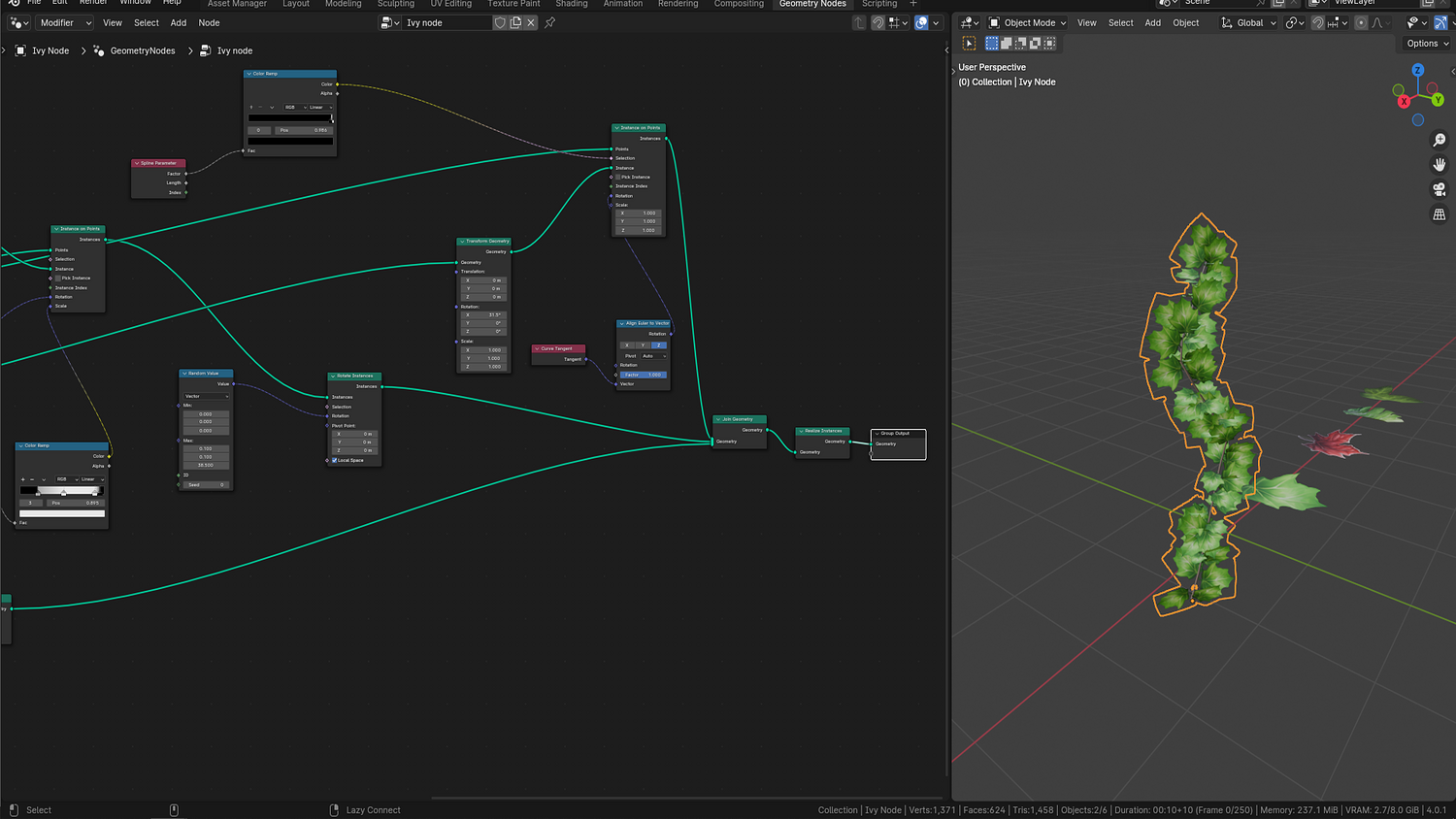
Quickly draw dynamic, customizable ivy across any surface with the 3DT Ivy Generator!
This lightweight yet powerful Blender 4.0+ geometry node lets you grow ivy on buildings, terrain, or props with curve-based placement. Now updated with enhanced stem controls, scale falloff, and full support for leaf collections with randomized scaling, density, and falloff.
🎯 Key Features

Draw Ivy with Curves
Use Blender’s Draw tool to sketch ivy paths directly on surfaces, or manually assign bezier/path curves.
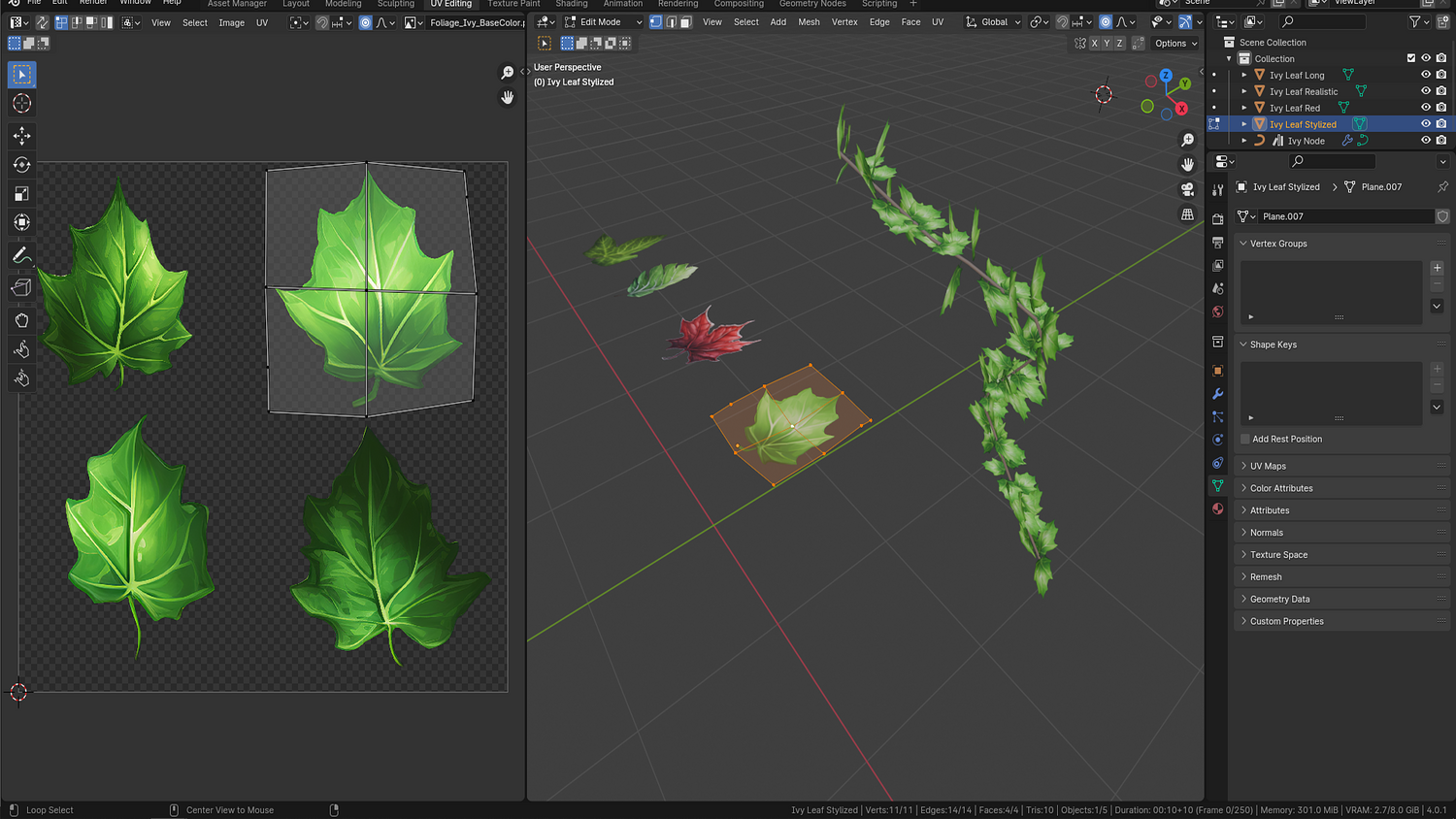
Multiple Leaf Types Supported
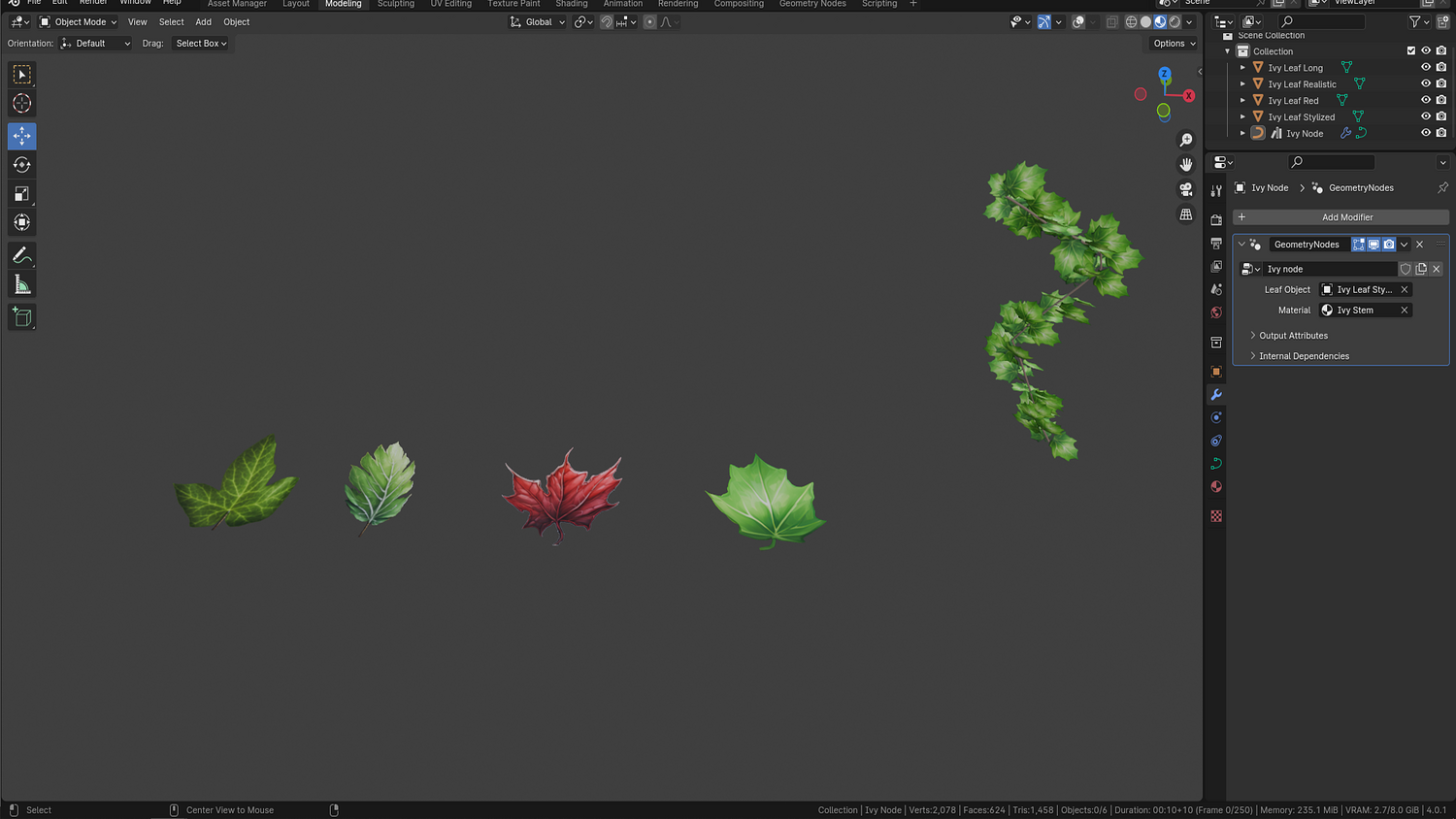
Plug in any collection with your own leaf meshes — four stylized and realistic leaf types are included.
Real-Time Stem & Scale Falloff
Updated stem controls allow shape variation, and scale falloff automatically slims ivy tips for realism.
Leaf Scale, Density, and Randomization
Adjust base size, randomize width, and control how densely ivy populates your drawn path.
Alpha-Friendly Shading
Supports PNG and transparency-based shaders for easily swapping in custom leaf textures or materials.
🔥 Why You'll Love It

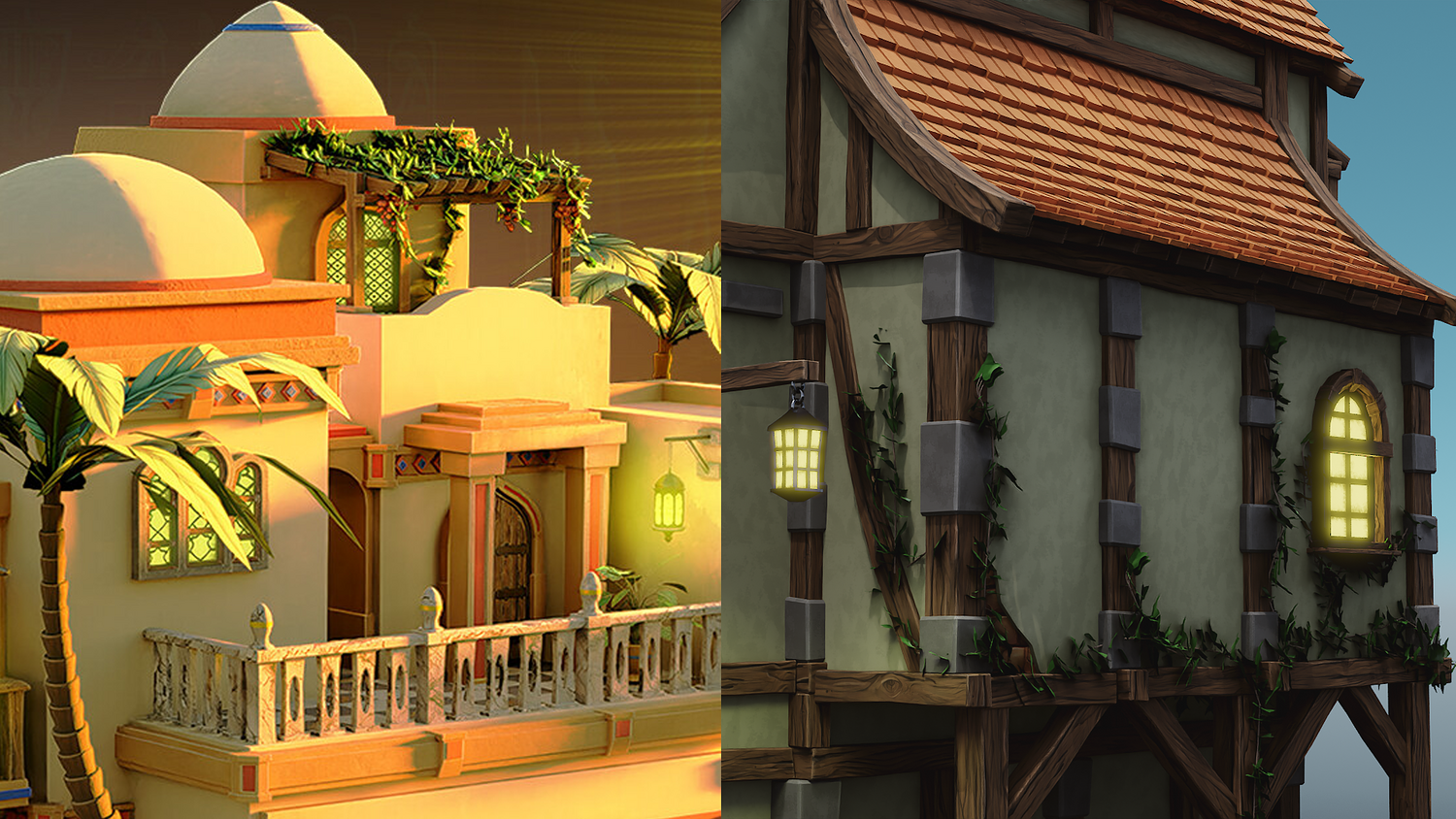
Perfect for Buildings, Statues, and Terrain
Sketch ivy on walls, fences, ruins, or rocks — the geometry conforms instantly to any surface.
Supports Stylized and Realistic Looks
Switch to red, green, or stylized ivy meshes with built-in presets or custom inputs.
Super Lightweight & Viewport Friendly
Works flawlessly in Eevee or Cycles and ideal for large scenes with minimal performance impact.
Beginner-Friendly & Flexible
Just draw a curve and go — no weight painting, particle systems, or manual positioning needed.
📦 What's Included
- 1x Blender .blend file with Ivy Generator Geometry Node setup
- Curve-based draw system with seed randomization
- Four prebuilt leaf mesh styles
- Scale falloff, stem override, and density controls
- Eevee and Cycles compatibility with alpha-ready shaders
⚙️ Requirements
- Blender 4.0 or newer with lifetime updates
- From noob to pro — watch the 10 minute video to have everything up and running in no time
🚀 Installation Instructions
Method 1 – Add to Asset Library
- Download and unzip the product folder.
- Open Blender → Edit → Preferences → File Paths → Asset Libraries → click the "+" button.
- Navigate to the extracted folder and add it.
- Open the Asset Browser and drag the Ivy Generator into your scenes.
Method 2 – Manual Append
- Open your Blender project.
- Go to File → Append → Locate the .blend file → Import the Geometry Node group.
Method 3 – Copy and Paste Between Projects
- Open the project containing the Ivy setup.
- Select the Geometry Node group.
- Press Ctrl+C to copy.
- Open another Blender project and press Ctrl+V to paste it directly into your scene.
💬 Support
Need help? Join our growing 3D Tudor Discord community to connect with our support team and hundreds of fellow artists!
👉 Join the 3D Tudor Discord here
Model Details
- FormatsBLEND
- Polygons0
- Vertices0
- animatedno
- materialsyes
- texturesyes
- riggedno
- uvsyes
- 3d print readyno
You will get 2 files
All files previously purchased will always be available for download in your Library