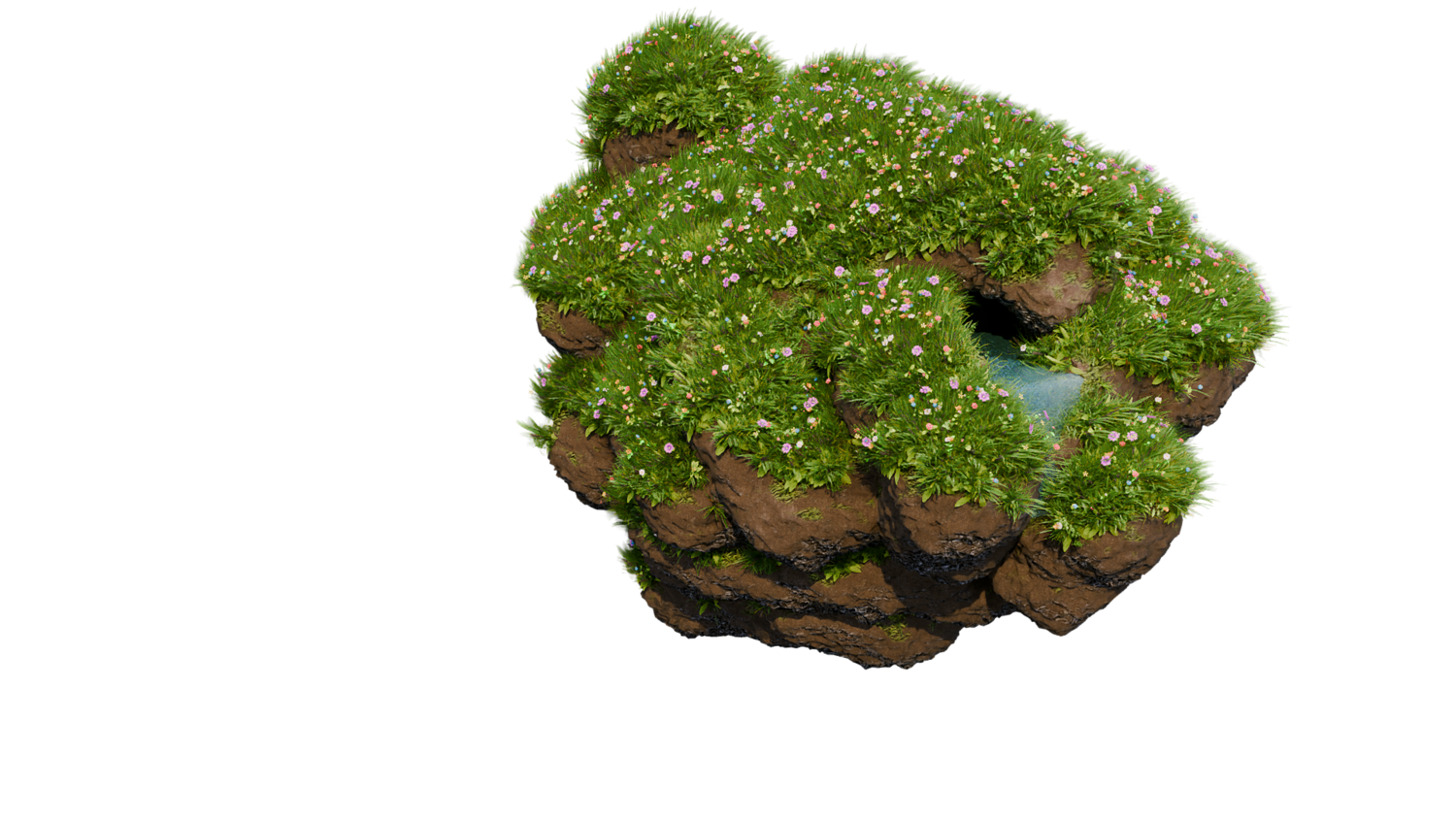
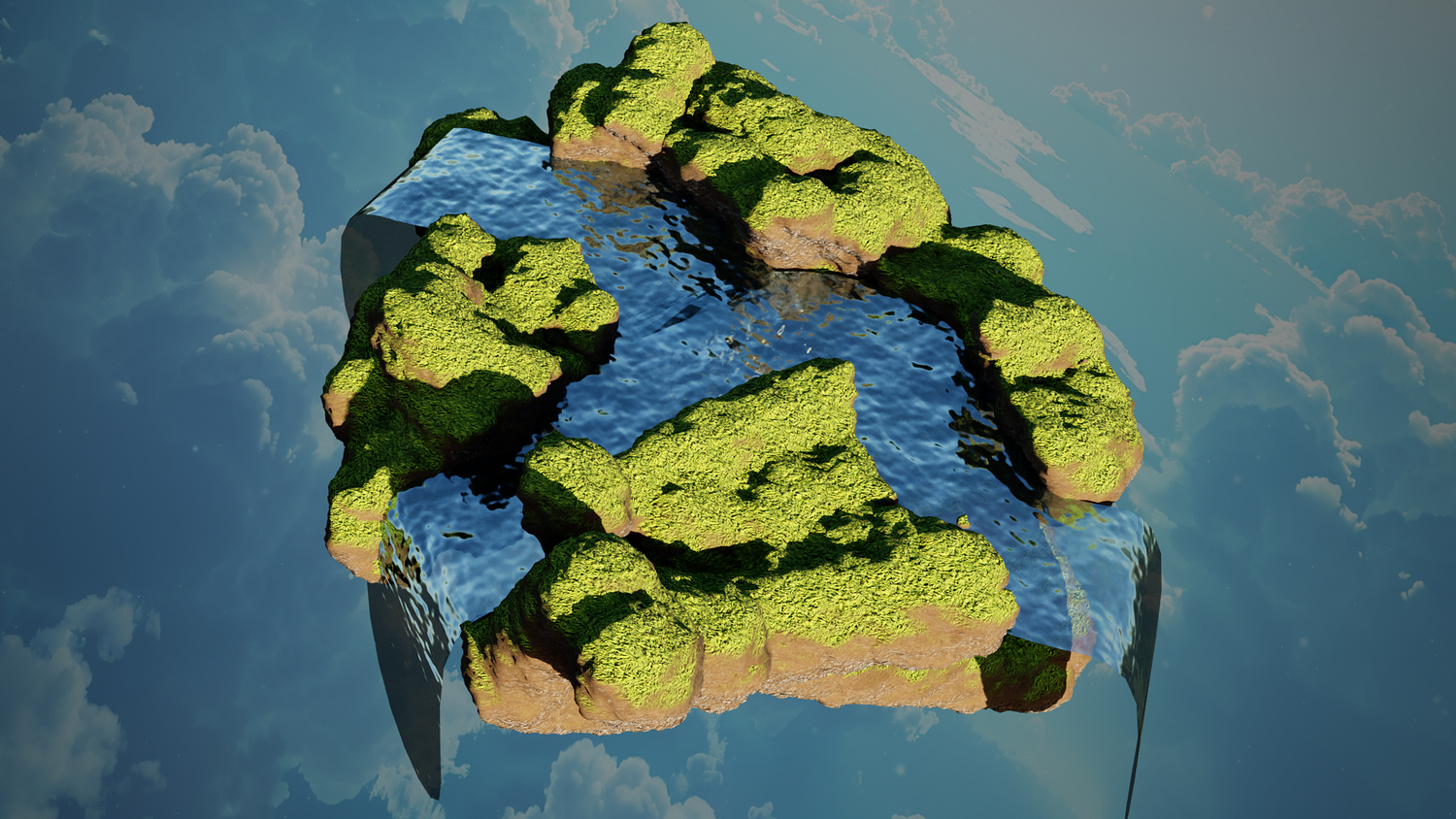
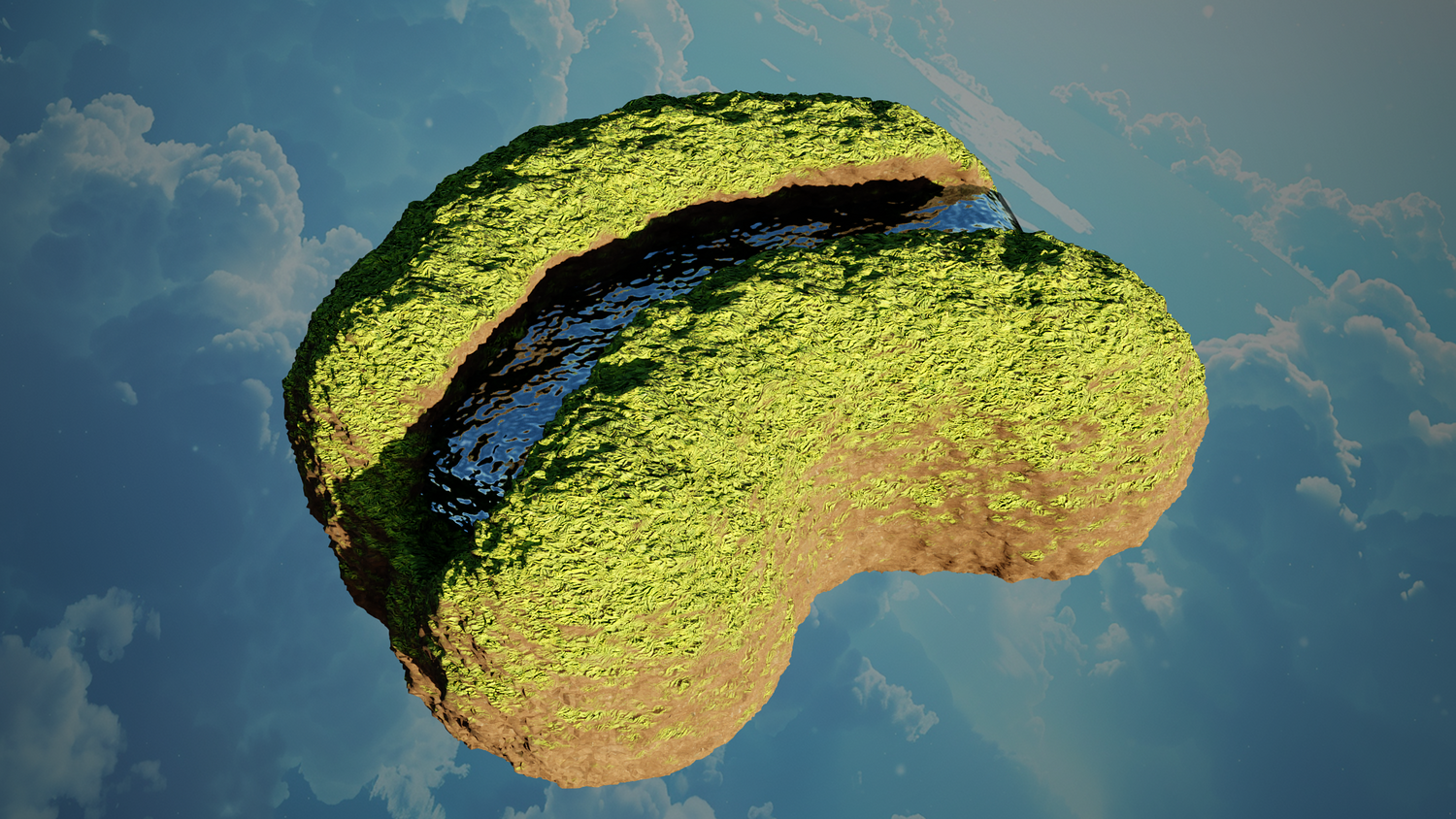
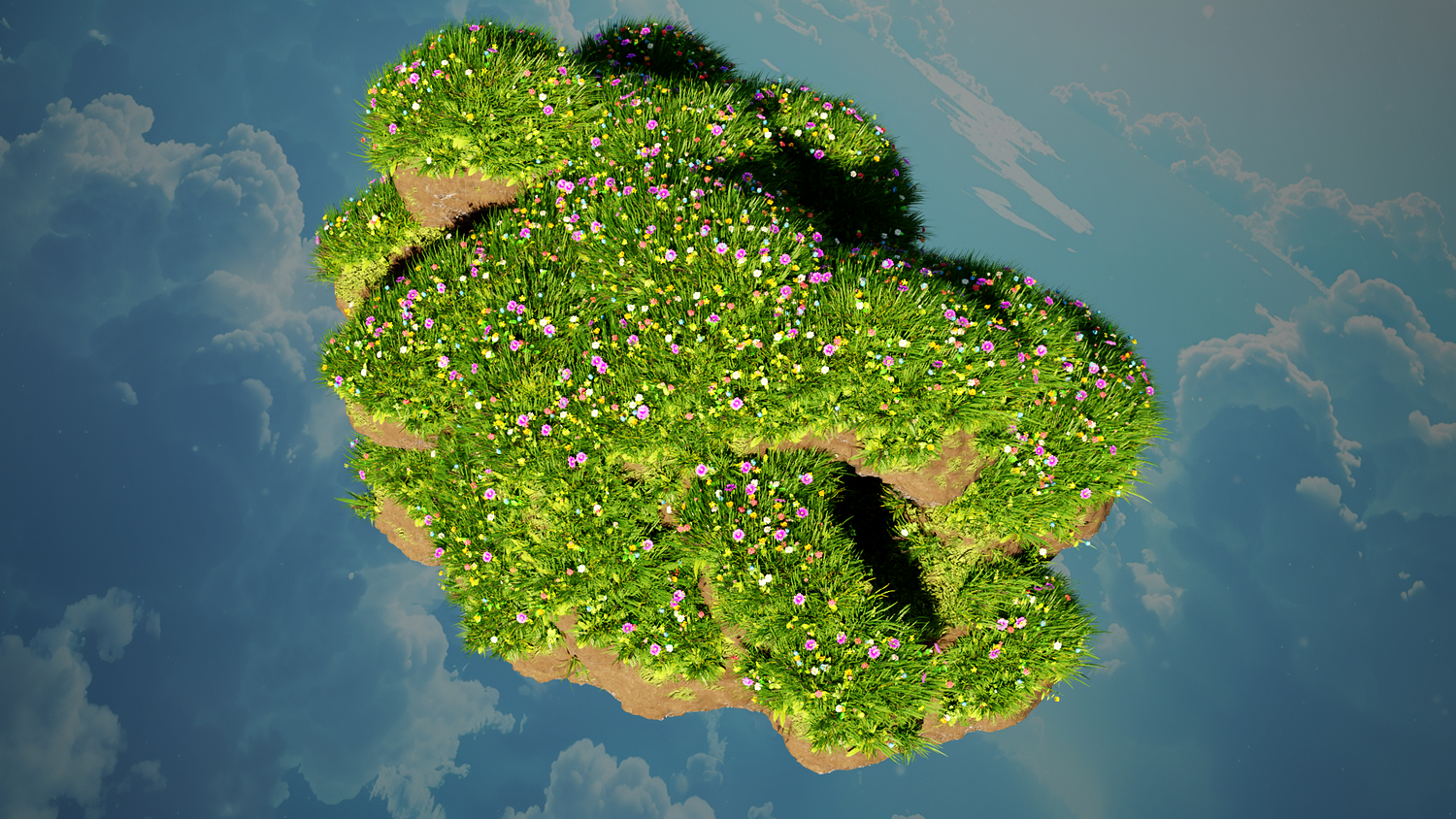
3DT Island Terrain Generator – Blender Geometry Node Procedural
3DT Island Terrain Generator – Blender Geometry Node Procedural
🎥 Demo Video
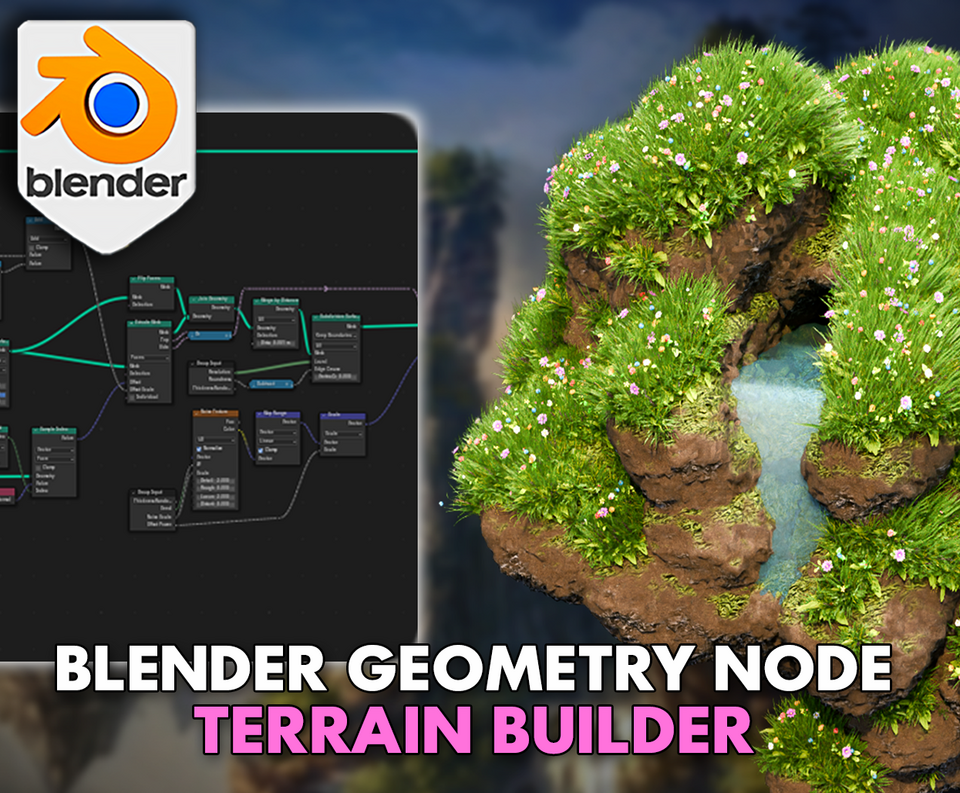
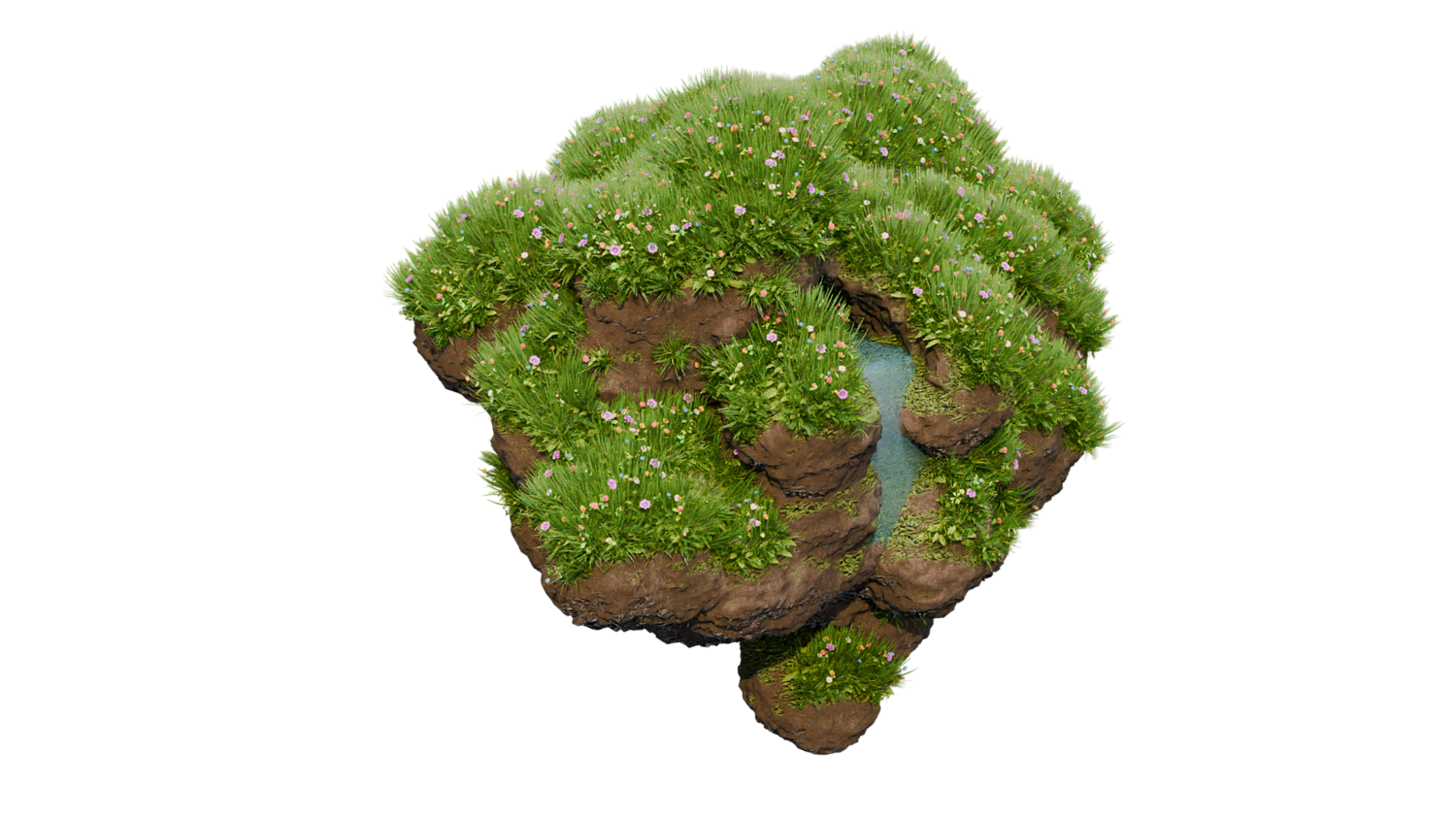
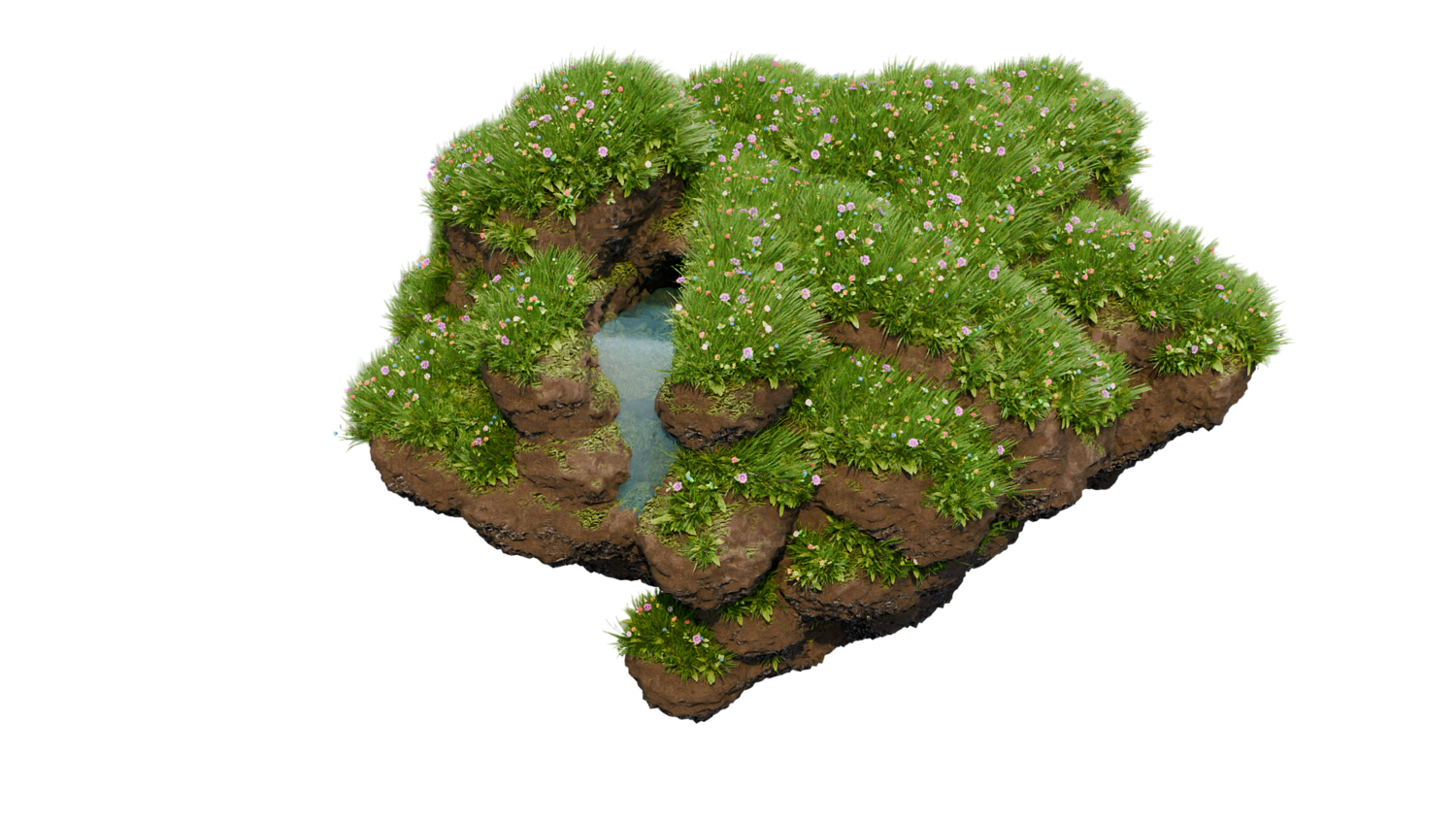
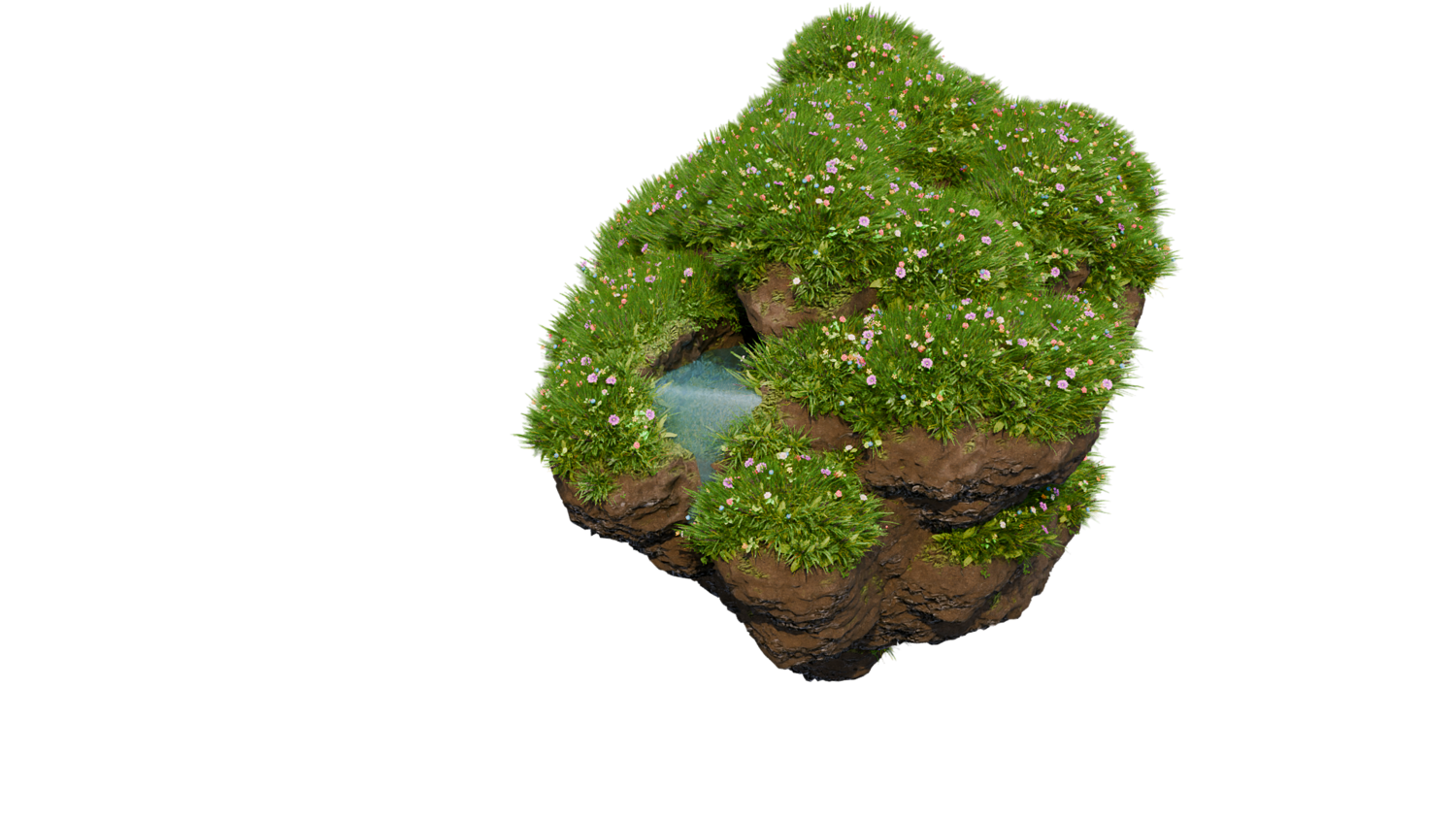
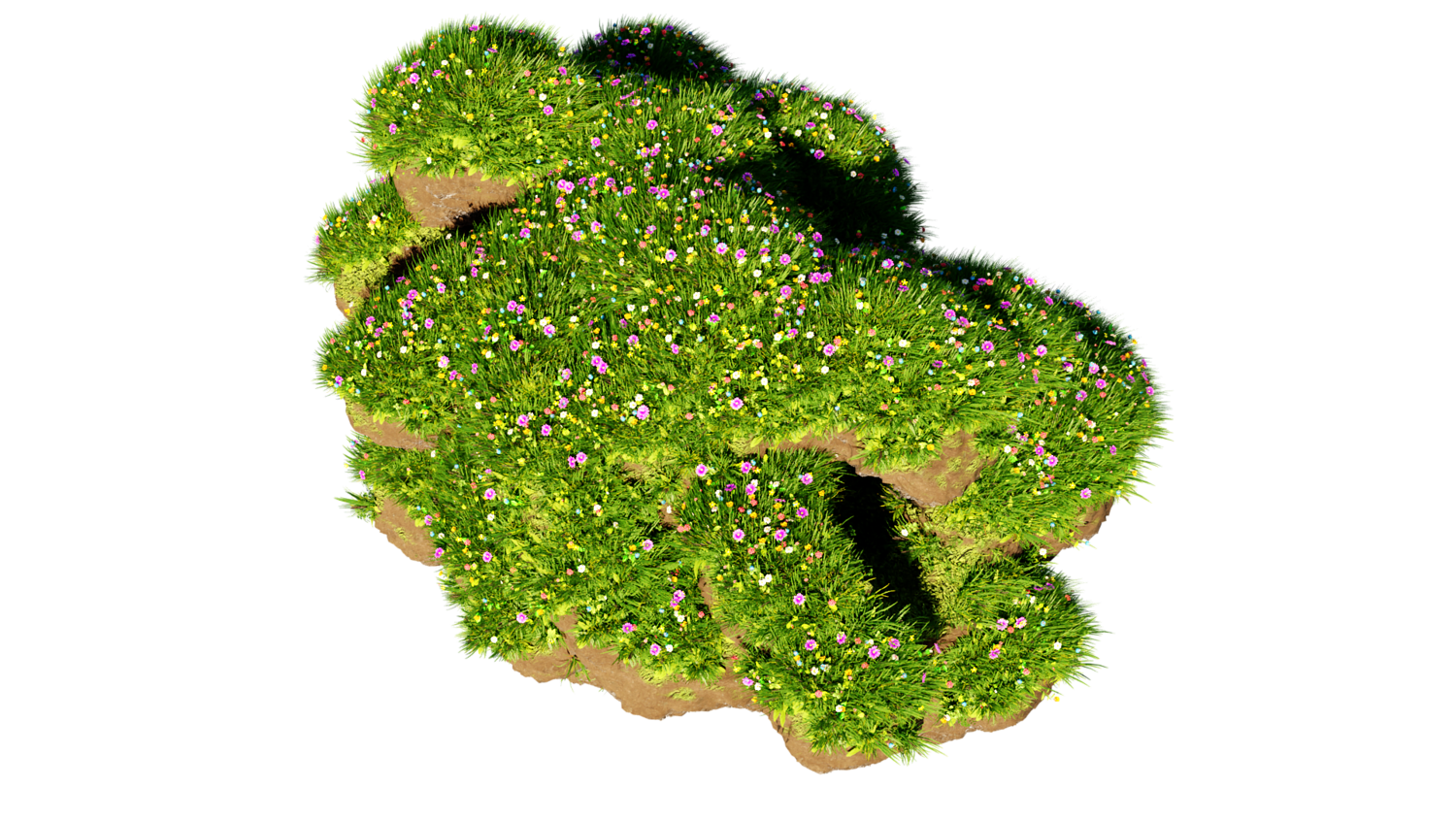
Shape epic islands, valleys, and real-time rivers with the 3DT Island Terrain Generator!
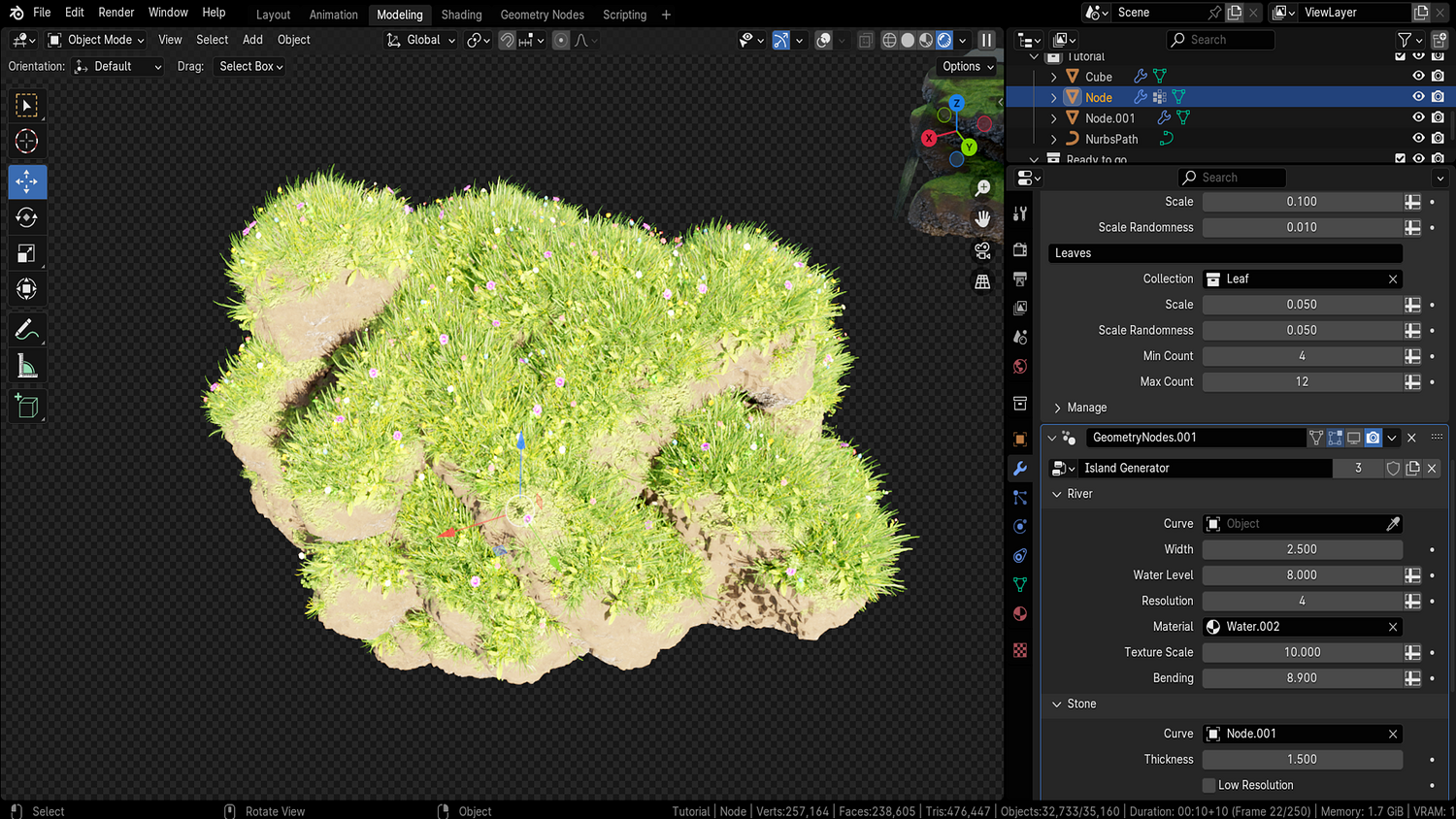
Built for Blender 4.0+, this dual-curve geometry node system enables you to sculpt massive islands in seconds, paint detailed rivers, and blend procedural grass, dirt, and stone textures seamlessly — with live viewport editing for optimal performance.
🎯 Key Features

Dual Curve Terrain and River Sculpting
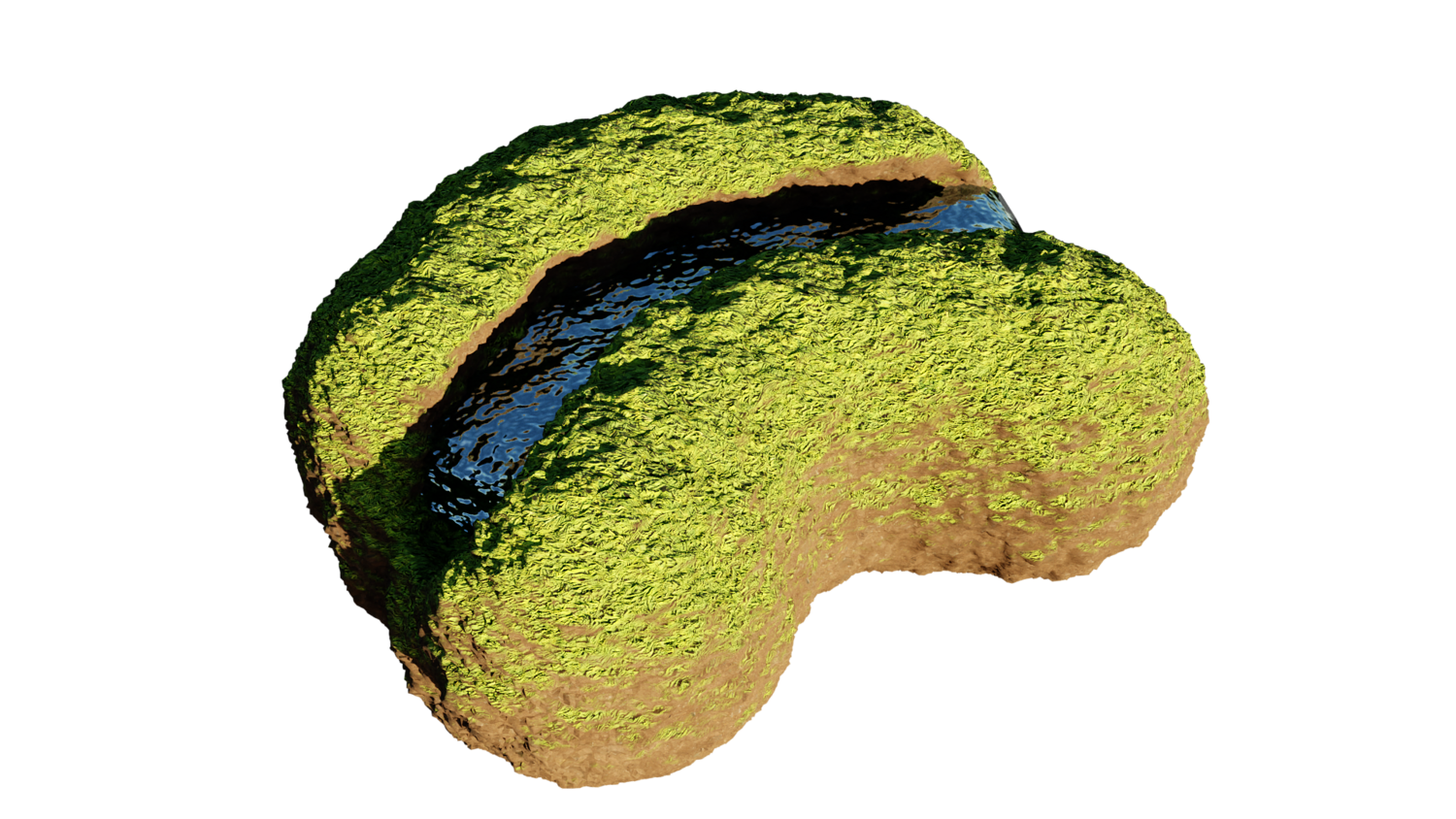
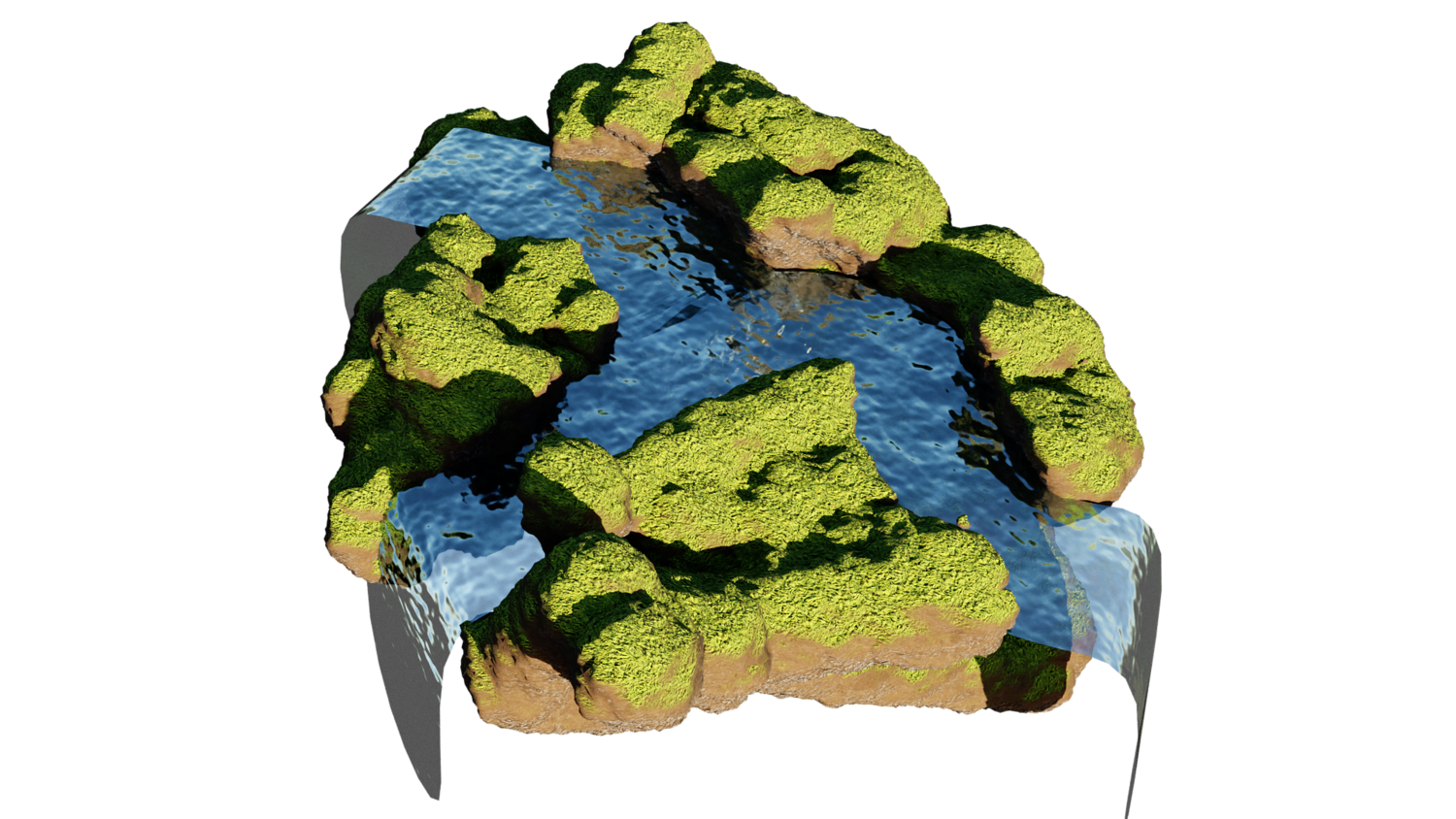
Draw terrain outlines and flowing river paths independently using two editable curve systems with real-time deformation.
Fully Procedural Material System
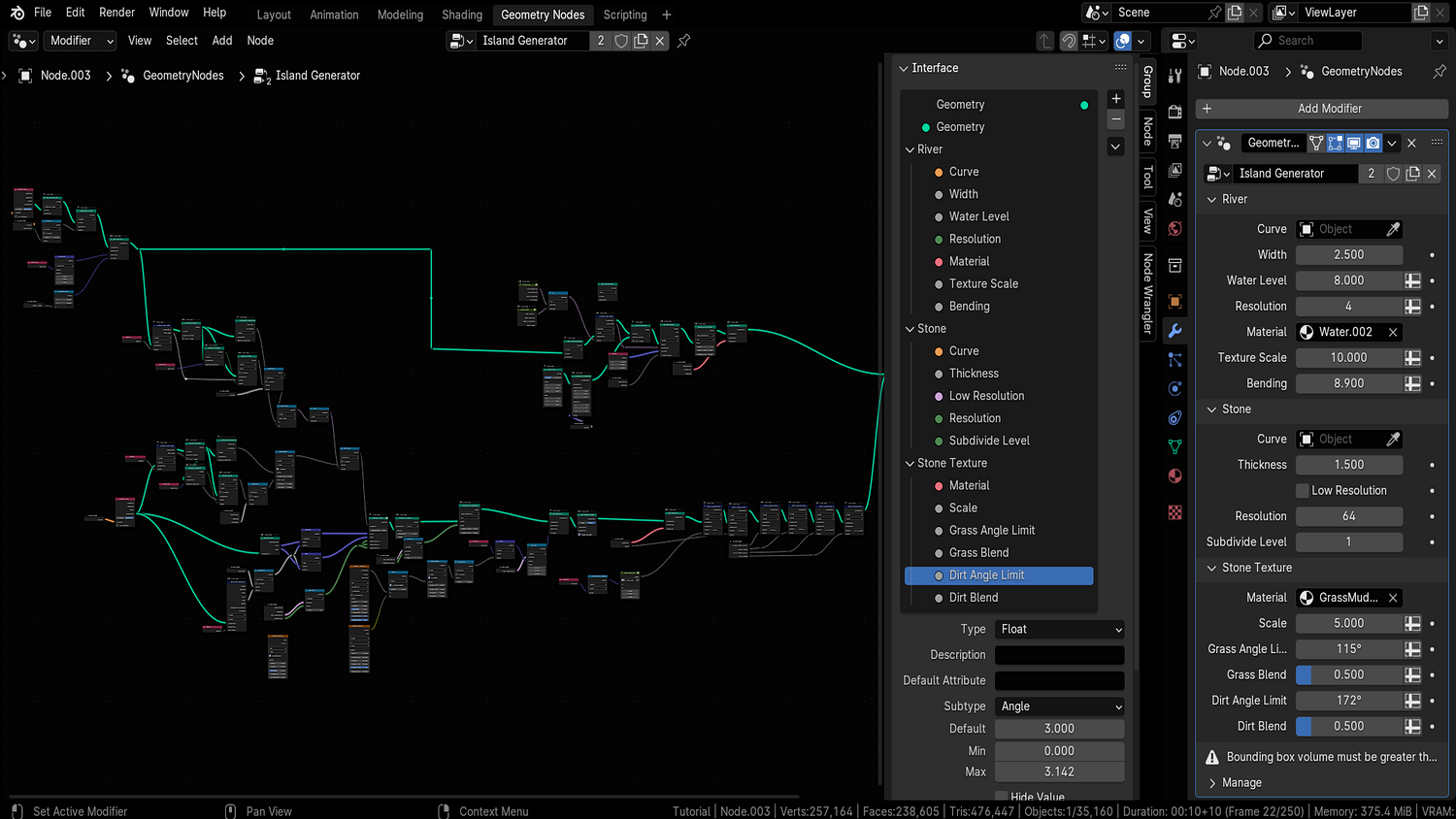
Auto-blends grass, dirt, and stone based on terrain slope and elevation with adjustable textures, angle limits, and blending intensity.
River Depth and Width Controls
Modify river path width, dropoff height, depth curve, and river floor blending — perfect for customizing different biomes.
Real-Time Mesh Generation
Sculpt in the viewport without baking — instantly update terrains as you adjust curves and painting strokes.
Optimized Viewport and Render Density
Separate settings for viewport performance and final render resolution to allow huge terrains while maintaining speed.
🔥 Why You'll Love It

Fast Landscape Design
Sketch out islands, pen in rivers, and control subdivision, topology, material blending, and mesh optimization within minutes.
Flexible Painting System
Use standard Blender tools to weight paint vegetation areas for future scatter setups like grass, flowers, or trees.
Perfect for Games, Animation, and Worldbuilding
Craft fantasy islands, low-poly archipelagos, realistic canyons, or stylized adventure game worlds easily.
Simple Customization Pipeline
Bring in your own materials, texture maps, or scattering packs — fully compatible with standard Blender workflows.
📦 What's Included
- 1x Blender .blend file with Island Terrain Generator Geometry Node setup
- Dual-curve sculpting system (terrain curve + river curve)
- Procedural auto-blending material (grass, dirt, stone layers)
- Mesh optimization controls with real-time viewport settings
- Separate outputs for terrain and river meshes

⚙️ Requirements
- Blender 4.0 or newer with lifetime updates
- From noob to pro — watch the 10 minute video to have everything up and running in no time
🚀 Installation Instructions
Method 1 – Add to Asset Library
- Download and unzip the product folder.
- Open Blender → Edit → Preferences → File Paths → Asset Libraries → click the "+" button.
- Navigate to the extracted folder and add it.
- Open the Asset Browser and drag the Island Terrain Generator into your scenes.
Method 2 – Manual Append
- Open your Blender project.
- Go to File → Append → Locate the .blend file → Import the Geometry Node group.
Method 3 – Copy and Paste Between Projects
- Open the project containing the Island setup.
- Select the Geometry Node group.
- Press Ctrl+C to copy.
- Open another Blender project and press Ctrl+V to paste it directly into your scene.
💬 Support
Need help? Join our growing 3D Tudor Discord community to connect with our support team and hundreds of fellow artists!
👉 Join the 3D Tudor Discord here
Model Details
- FormatsBLEND
- Polygons0
- Vertices0
- animatedno
- materialsyes
- texturesyes
- riggedno
- uvsno
- 3d print readyno
You will get 2 files
All files previously purchased will always be available for download in your Library