Blender Geometry Nodes - 3Dt Japanese Roof Generator Procedural
3DT Japanese Roof Generator – Blender Geometry Nodes
🎥 Demo Video
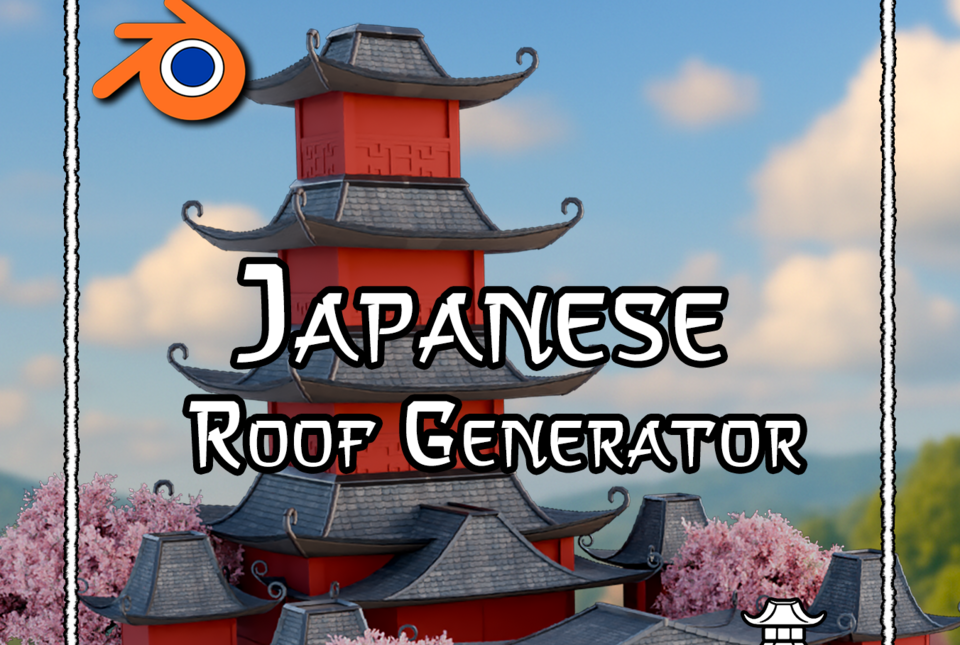
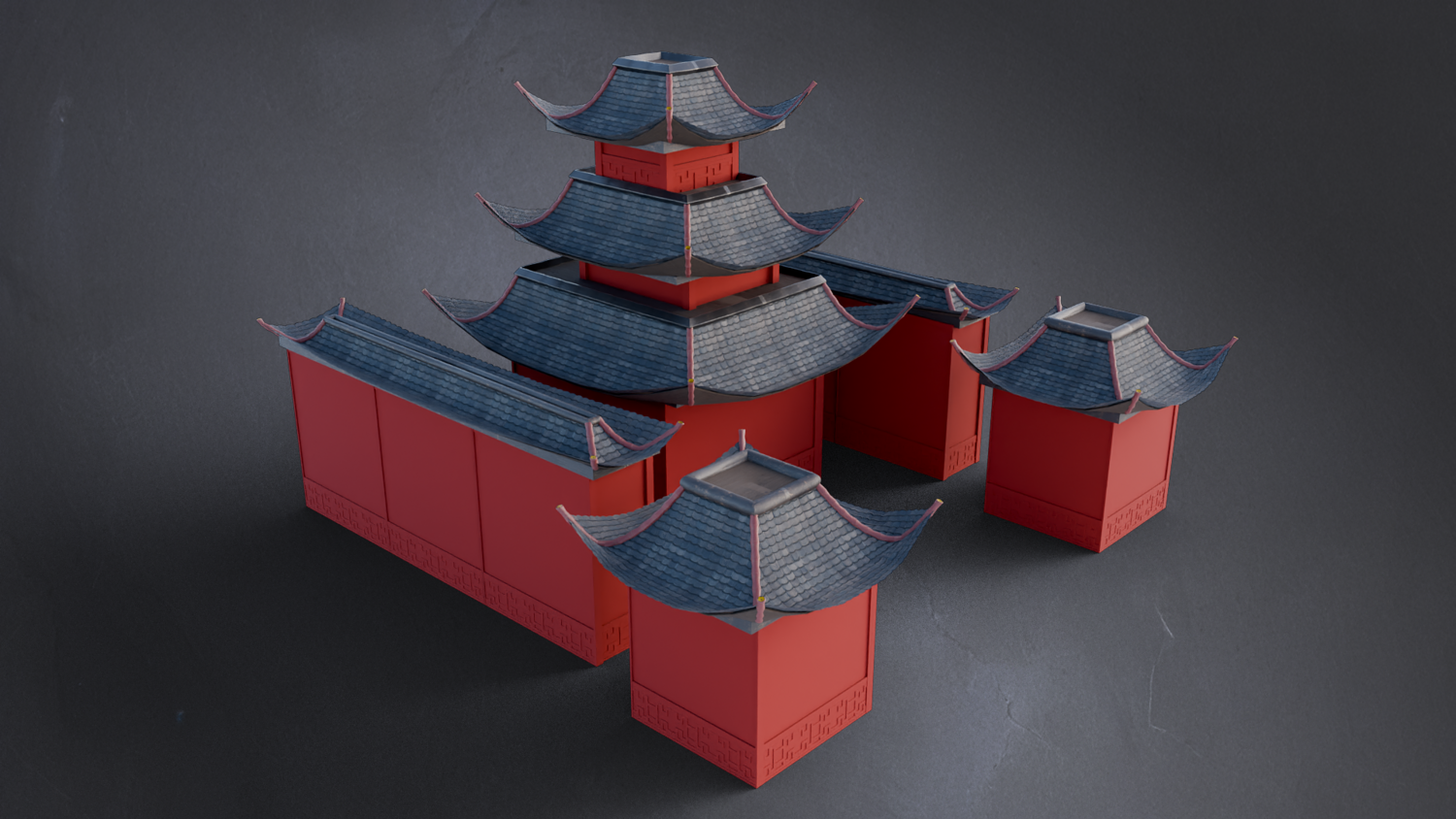
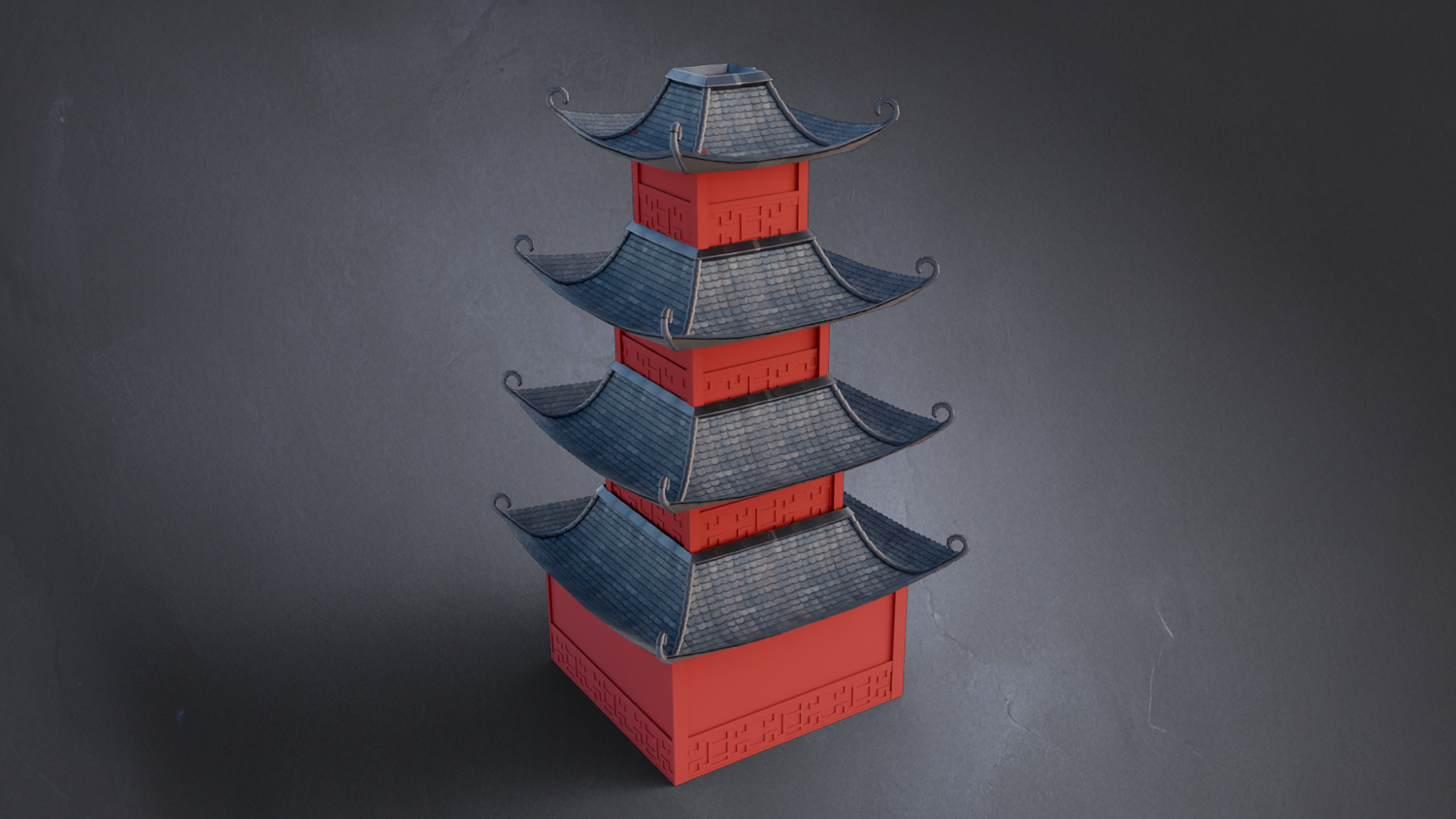
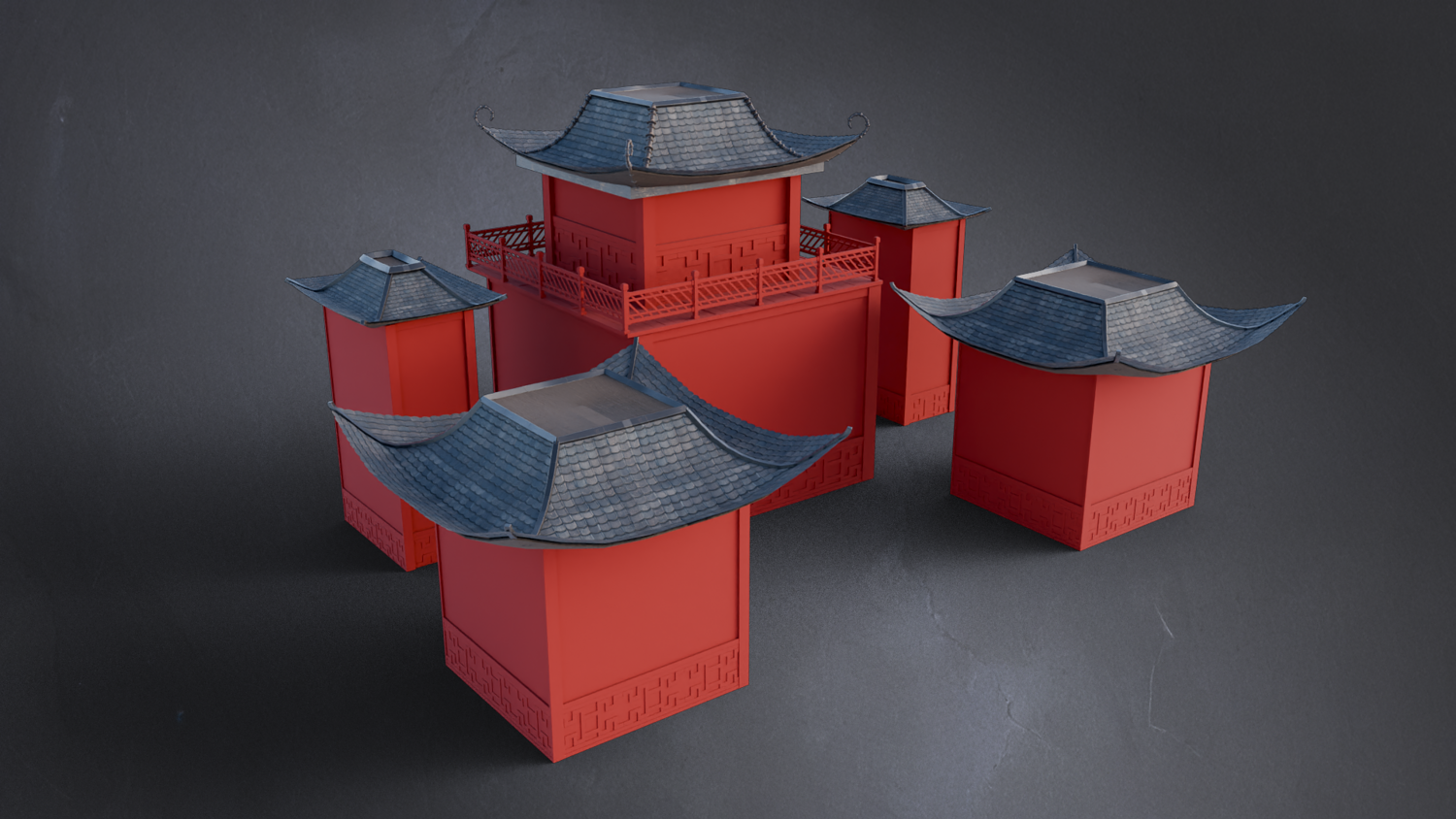
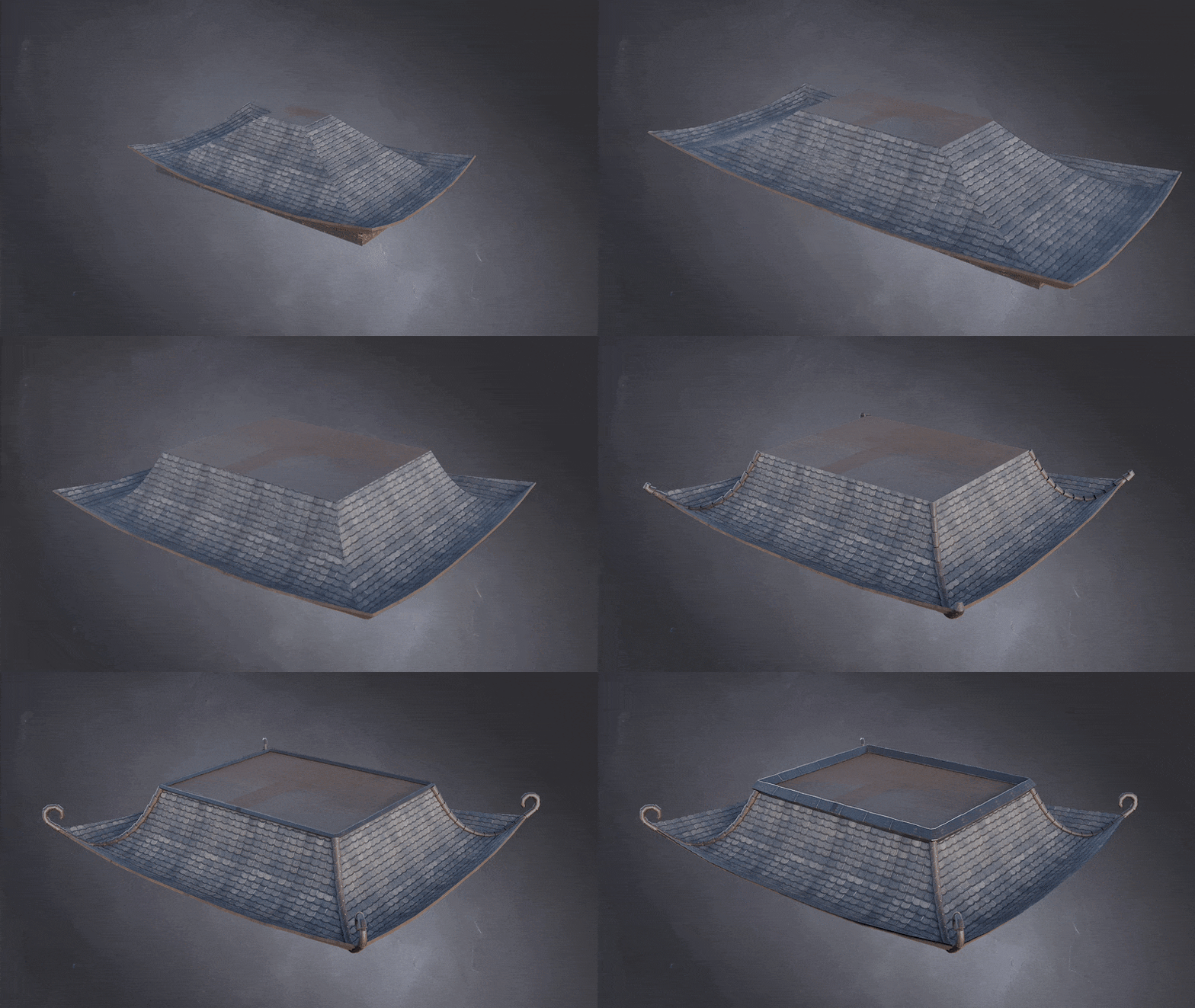
Create stunning, stylized Japanese rooftops effortlessly with the 3DT Japanese Roof Generator — a fully procedural tool built with Blender’s powerful Geometry Nodes.
Whether you're crafting temples, shrines, or fantasy villages, achieve beautiful curved roof structures without the need for tedious manual modeling!
🎯 Key Features
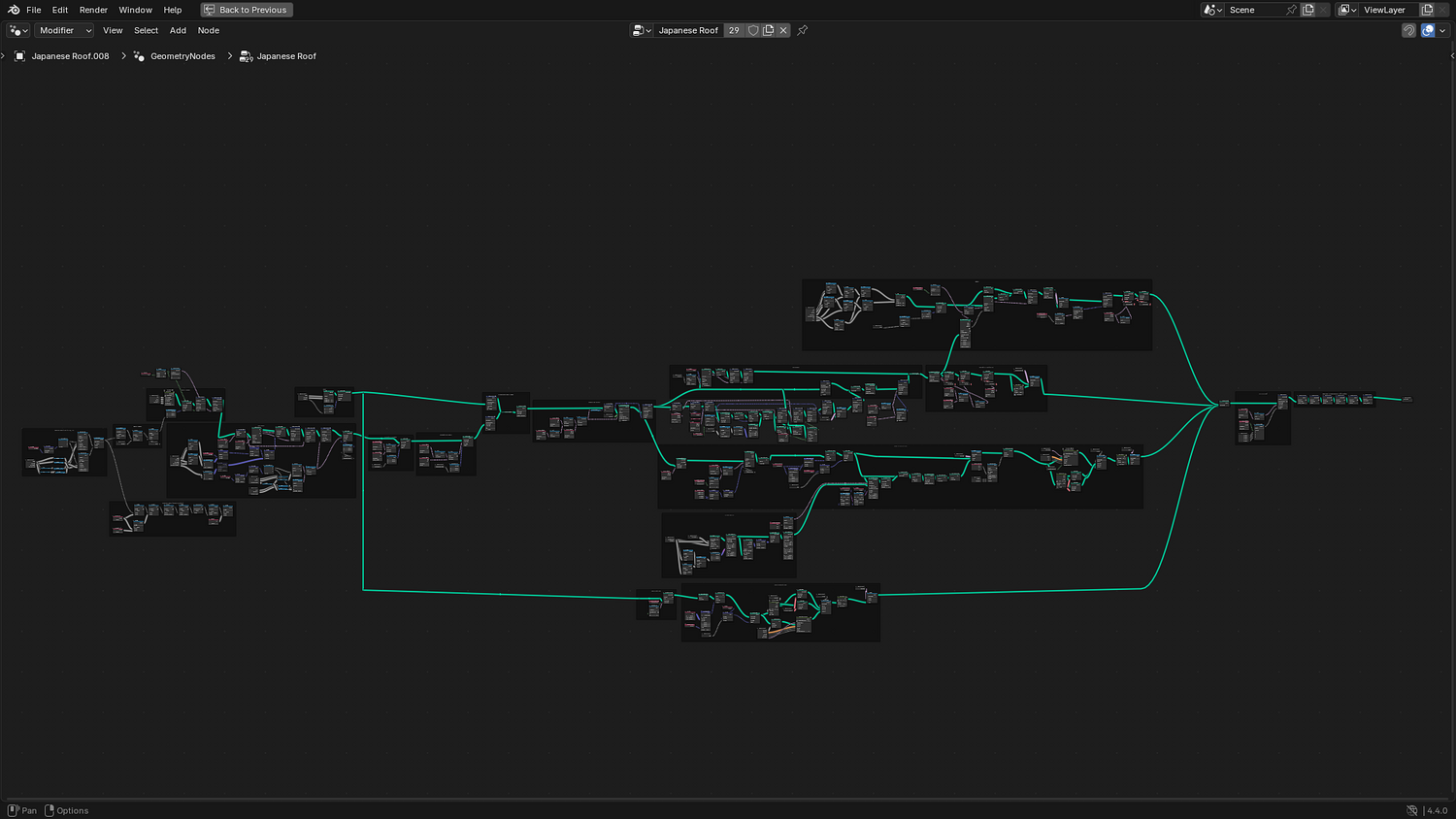
100% Procedural Generation
Build complex roofs entirely within Geometry Nodes — no manual edits needed.
Fully Customizable
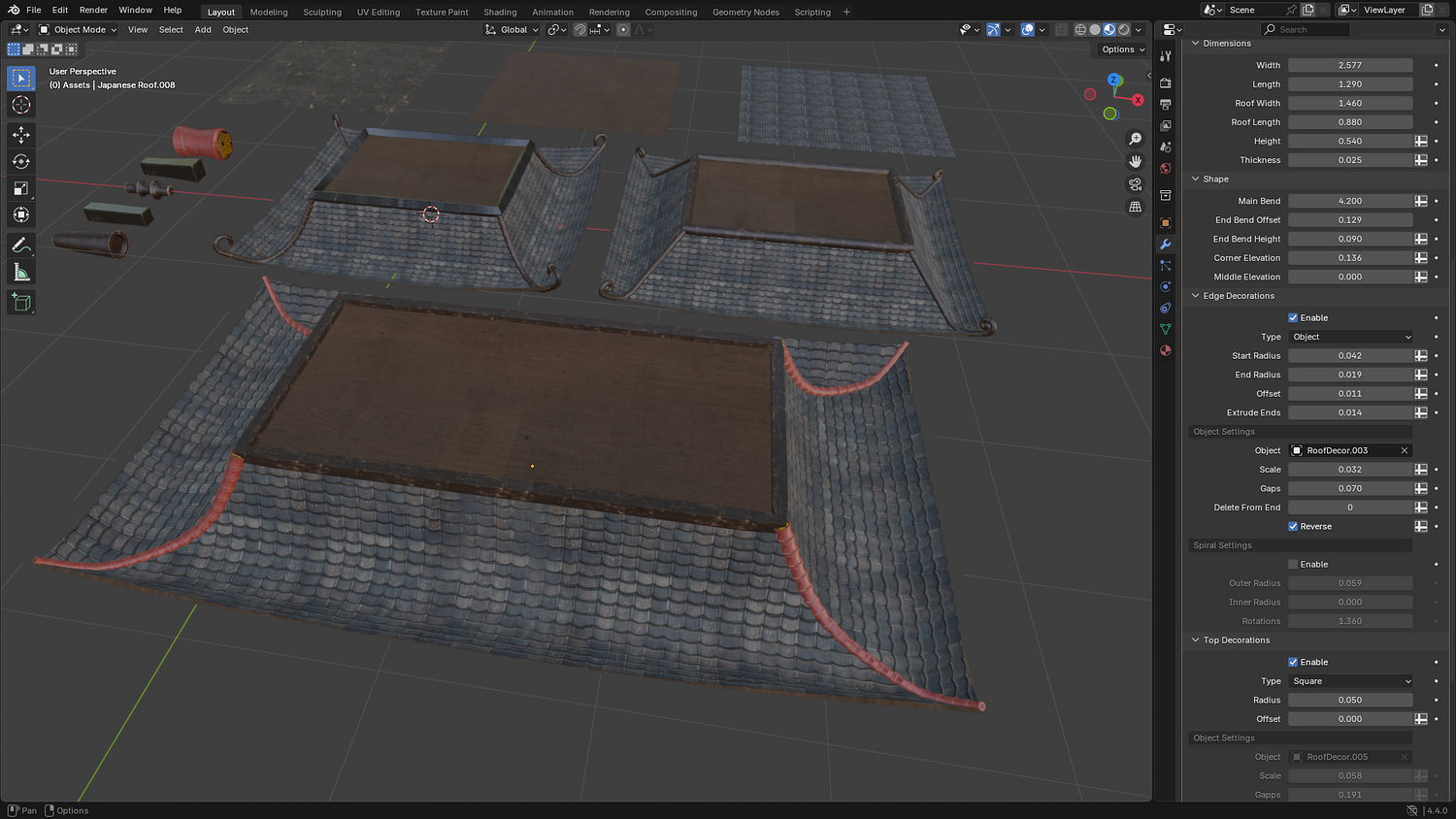
Adjust width, height, length, curvature, eave style, and spine decorations with intuitive sliders.
Stylized Materials Included
Three seamless textures (painted black wood, raw wood, and roof tiles) with easy UV offset controls.
Game-Ready Output
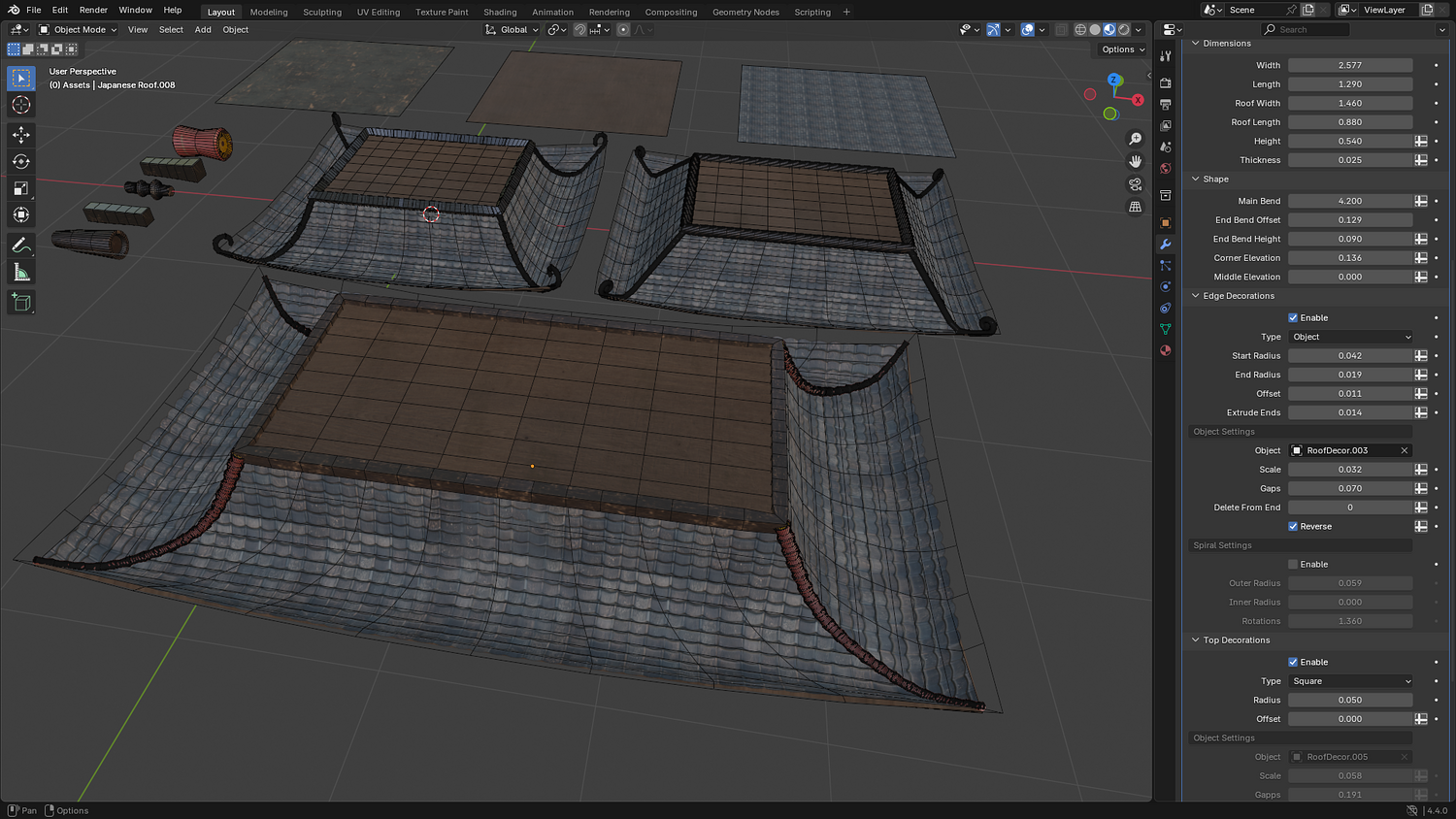
Clean topology and modular foundations perfect for games, animations, or concept art.
Easy Decoration System
Add or remove corner supports, roof spines, and detailed ornaments with simple toggles.
Optimized for Fast Workflow
Quickly iterate designs and export to other scenes or game engines.
🔥 Why You'll Love It

Speed Up Your Workflow
Instantly generate elegant Japanese rooftops without hours of manual modeling.
Total Creative Control
Fine-tune every aspect of your roof — from sharp pagoda curves to gently sloping temple tiles.
Perfect for Stylized & Fantasy Scenes
Ideal for game developers, environment artists, architects, and 3D illustrators working on Asian-inspired worlds.
Seamless Blender Integration
Works natively with Blender's Asset Browser — drag, drop, and start designing.
📦 What's Included
- 1x Blender .blend file with fully procedural Geometry Nodes setup
- 3x Seamless Stylized Textures: Painted Black Wood, Raw Wood, Roof Tiles
- Pre-configured decoration presets for quick variations
- Modular base foundation for easy scene building
- Example scene showcasing a traditional Japanese structure
⚙️ Requirements
- Blender 4.0 or newer
- Basic familiarity with the Asset Browser (helpful but not essential)
🚀 Installation Instructions
Method 1 – Add to Asset Library
- Download and unzip the product folder after purchase.
- Add to Blender Asset Library:
- Open Blender → Edit → Preferences → File Paths → Asset Libraries → click the "+" button.
- Navigate to the extracted folder and select it.
- Open Blender → Edit → Preferences → File Paths → Asset Libraries → click the "+" button.
- Access in Asset Browser:
- Open Blender's Asset Browser.
- Your new 3DT Japanese Roof Generator assets will appear ready for use!
- Open Blender's Asset Browser.
Method 2 – Manual Append
- Open your Blender project.
- Go to File → Append.
- Browse to the
.blendfile included with your download. - Navigate into the Geometry Node Group and append the node tree directly into your project.
Method 3 – Copy and Paste Between Projects
- Open the project containing the 3DT Japanese Roof Generator.
- Select the Geometry Node object or group you want.
- Press Ctrl+C to copy.
- Open a different Blender project and press Ctrl+V to paste it directly into your scene.
💬 Support
Need help? Join our growing 3D Tudor Discord channel with hundreds of members and our support team ready to assist you!
👉 Join the 3D Tudor Discord here
Model Details
- FormatsNo
- Polygons0
- Vertices0
- animatedno
- materialsyes
- texturesyes
- riggedno
- uvsyes
- 3d print readyno
You will get 1 file
All files previously purchased will always be available for download in your Library