

Digital sculpting is one of the most rewarding art forms in the 3D world, but for beginners, it can also feel like a minefield of obstacles and learning curves. The challenge lies not only in understanding the software but also in developing an artistic eye for form, texture, and proportion in a three-dimensional space. On top of that, beginners need to juggle new complex tools and an overwhelming array of brushes and rendering options.
Fortunately, with the right techniques, tutorials, and software, you can shift from novice to confidently creating your first polished models in no time. Below are six game-changing resources available through Cubebrush that can help you rocket up the digital sculpting learning curve.
Complete Introduction to ZBrush
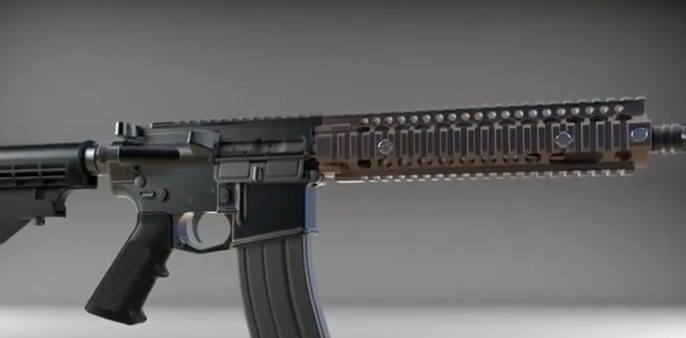
Let’s face it: ZBrush is sometimes intimidating for pros, but it can blow a beginner’s mind. The interface is dense, the terminology is unfamiliar, and the workflow is unlike other art programs.
This complete introduction course is designed to help beginners break through the complexity and start sketching with confidence. The 6.25-hour video walks you through the fundamentals of 3D design, explains the main ZBrush tools, and introduces essential techniques like Dynamesh sculpting, subdivision levels, and polypainting. A solid understanding of these basics lays the foundation for every project you’ll produce going forward, so grab this tutorial and start off strong!
With this purchase, you’ll receive:
- 6.25-hour ZBrush video tutorial
Textures Mega Pack
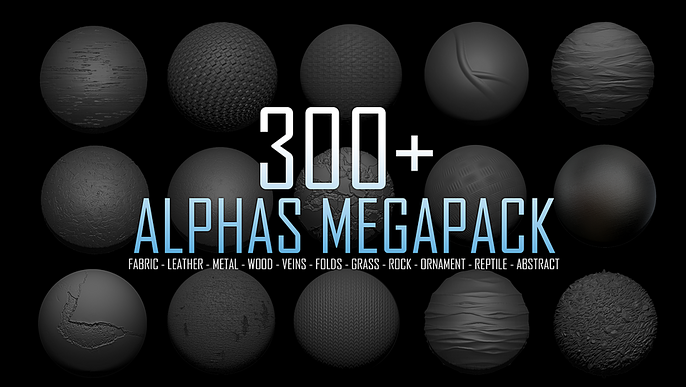
Sculpting a basic form is one challenge, but making it appear real is another entirely. That’s why this textures mega pack is invaluable for creators. High-quality digital textures for fabric, leather, metal, wood, veins, grass, rock, ornaments, and more allow you to instantly add depth and authenticity to your work. Whether you’re creating a knight’s armour, a weathered pirate ship, or a fantasy creature, having a library of ready-to-use textures saves hours of hand-painting individual elements and elevates your digital sculpting to a professional standard at the click of a button.
This asset pack includes:
- 300+ alphas maps/textures
Substance Painter Tutorial for Beginners
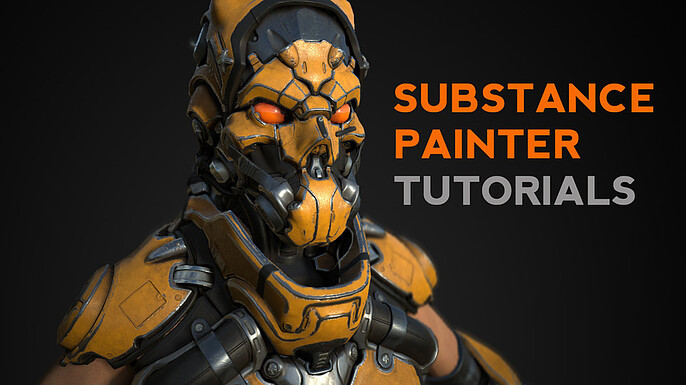
Once your sculpt is complete, you’ll need to texture it properly to achieve a realistic look. Substance Painter is one of the industry standards for this task, but much like ZBrush, it can easily overload first-timers.
This beginner-friendly tutorial covering material and color selection, generators, smart materials, painting basics, mask cleanup, particle brushes, triplanar projection, baking maps, and more will guide you through your entire workflow and process with this program. With the skills you’ll acquire through this thorough masterclass, you’ll be able to kindle your audience's imaginations and bring your 3D sculpts to life with lived-in surface details and photorealistic finishes.
This product consists of:
- 2 hours of Substance Painter tutorials
Scale Textures for Dragons and Reptiles
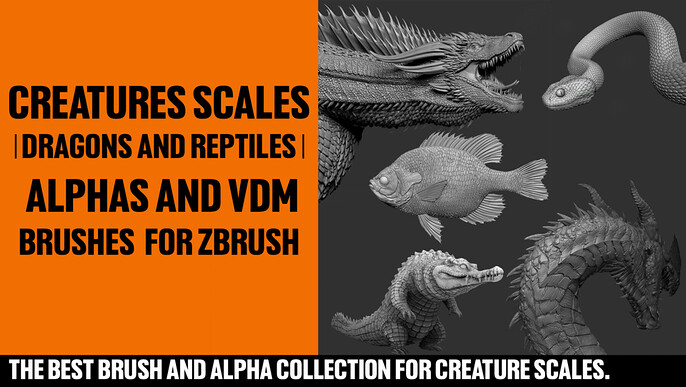
If you work in game design, you may have attempted sculpting life-like fantasy beasts such as dragons or reptilian mutants by hand—and come to learn how time-consuming it is! Specialized creature scale brushes, such as the ones featured in this asset, can save countless hours by letting you stamp, drag, or paint in detailed scales with consistency. These brushes are a must for developing visually magnificent characters with both speed and accuracy, giving you professional-looking skin textures without endless manual repetition.
This exciting bundle contains:
- 40 alphas and 71 VDM brushes
Head Angle Guide for Live 2D
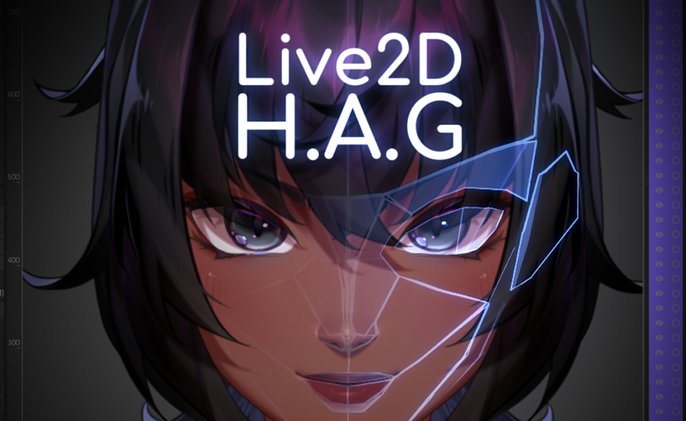
One of the hardest aspects of sculpting is maintaining accurate proportions and angles when working on heads. This useful live 2D head angle guide, paired with a fully integrated and customizable 3D head, gives you a reference that can be rotated 180° or 360° to view from any angle. With rotation order switches and adjustable shapes, you can ensure your sculpted heads remain anatomically correct no matter the pose, making it an invaluable tool for both beginners and pros.
With this purchase, you’ll get:
- 3D head and guide
Stylized Torso Basemesh Set
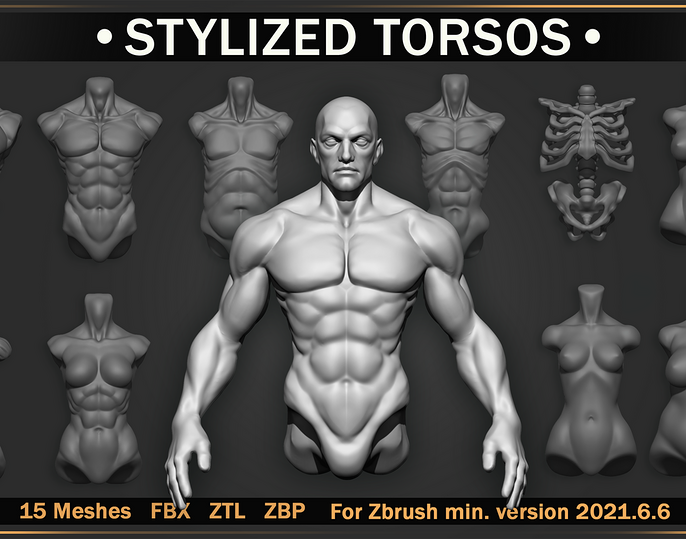
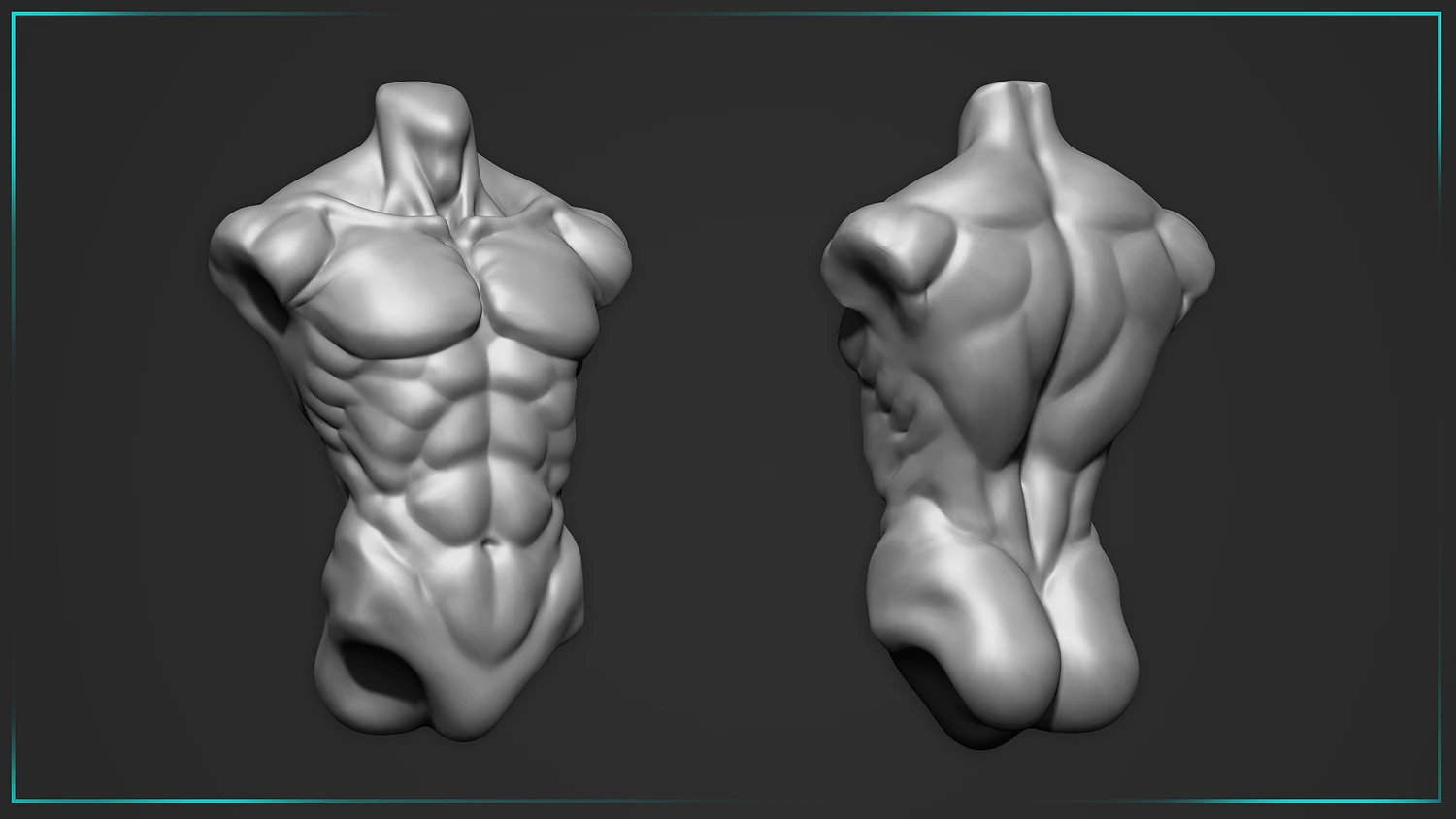
Starting from scratch every time you sculpt a body can slow you down and lead to mistakes. Stylized torso basemeshes like these offer a ready-made starting point that you can modify to fit your character. Perfect for 3D print projects or game-ready assets, these basemeshes save time and help ensure your anatomy is correct from the beginning. They’re also great for experimenting with different styles without the frustration of re-blocking every form.
With this collection, you’ll receive:
- 15 unique stylized torsos
Sculpt Your Vision with Cubebrush
Digital sculpting is hard for beginners because it demands skill in both art and technology, and mastering both can be both time-consuming and frustrating. However, with a structured learning path, professional-grade texture packs, specialized brushes, and high-quality basemeshes, you can skip much of the initial frustration and focus on bringing your creative visions to life.
If you’re looking for more of the right tools to boost your skills, look no further than Cubebrush! By exploring the wide range of assets we have for any digital art project, you’ll go from struggling with a virtual lump of clay to confidently creating detailed, expressive, and polished digital sculptures in no time.