

Blender is an indispensable tool in any game developer’s kit, but for newcomers, tailoring 3D models for game assets can feel like threading a needle. And the hurdles don’t stop at modeling. Creators also have to wrangle with UVs, materials, topology, and the constant chore of polygon optimization. Add to that Blender’s dense interface and intricate export settings, and even intermediate designers can find themselves stumped.
Thankfully, Cubebrush offers a wealth of professional resources designed to remove the guesswork. From drag-and-drop textures to easily editable basemeshes, these assets let you focus on creating new worlds without the technical complexity.
Today, we’re bringing you five game-changing Blender 3D models that will revolutionize your workflow and ensure your projects are game-ready in record time.
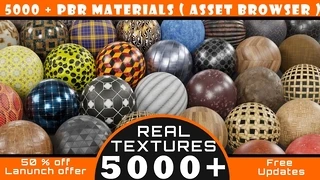
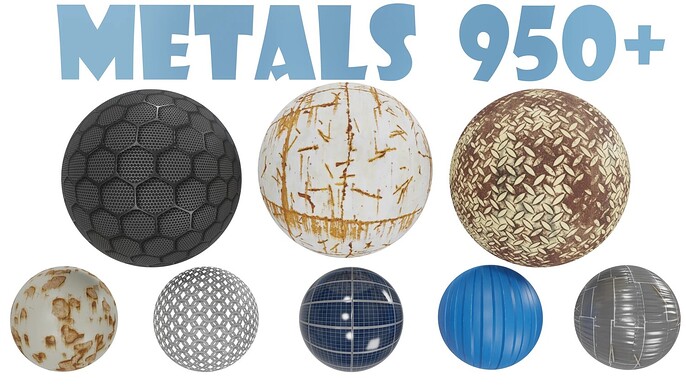
One of the biggest challenges with tailoring ready-made models is dressing them in high-quality surface details. But with this massive, multifold PBR material library that integrates directly into Blender’s asset browser, you can apply any texture–whether wood, stone, or metal—with a simple drag and drop. No need to mess with node settings or endlessly hunt for textures online!
Whether you’re building your very first environment or polishing a professional portfolio piece, with thousands of options at your fingertips in this bundle, you’ll always have the right material to bring your worlds to life.
This extensive pack will give you:
- 5000+ PBR materials organized into 13 categories
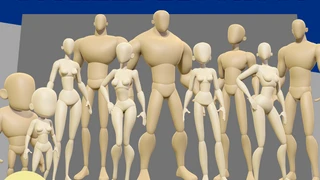
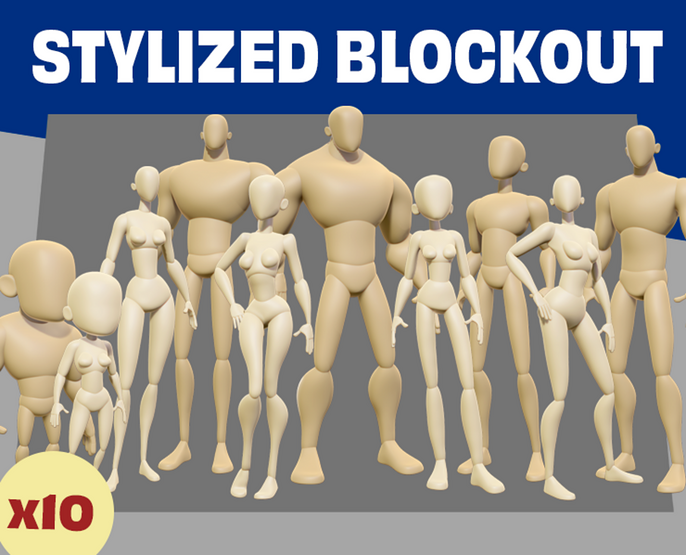
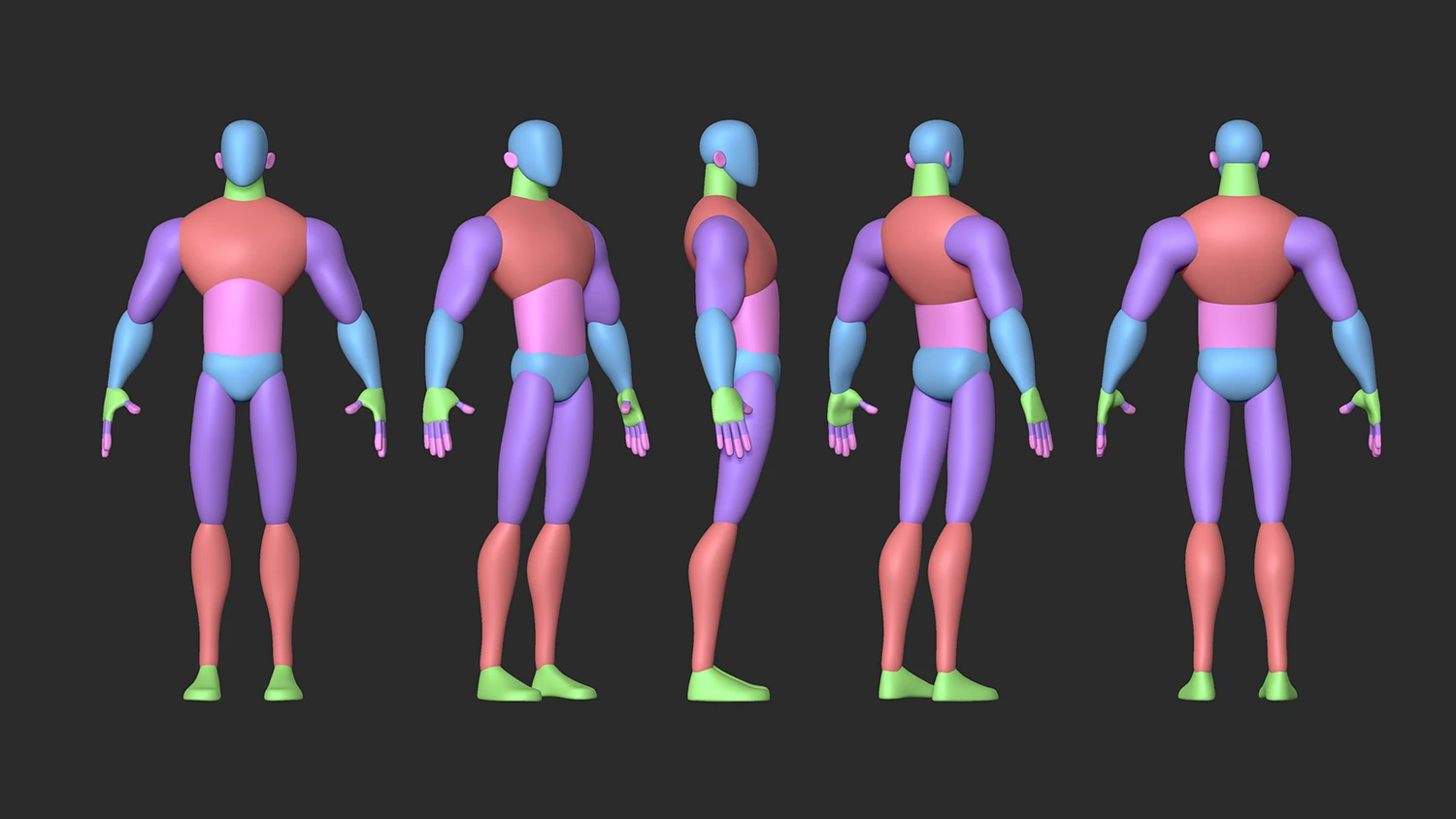
Beginning with a blank cube at the start of every character project can feel a bit like chiseling a statue out of a stone block—especially when you’re aiming for stylized proportions. Unlike realistic models, where anatomy can serve as a guide, stylized characters demand intentional exaggerations. But push the legs too long or the head too big, and your design risks looking like an unhappy accident.
That’s where pre-stylized basemeshes come in. This particular library will give you a head start on your development so you can focus on perfecting the personality and detail for your next stylized character.
This bundle includes:
- 10 stylized basemesh blockouts
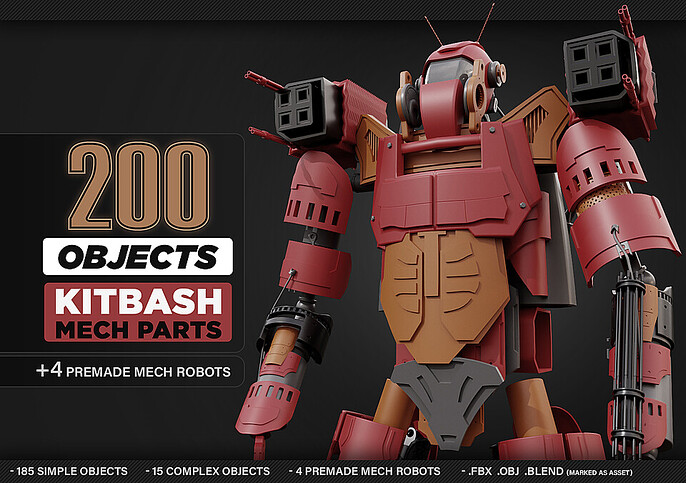
Building believable sci-fi models is one of the most taxing parts of game design. From armor to engines, the smallest detail can easily become a week-long project.
With this 200-piece mech kitbash pack, you can assemble anything from engines and weapons to armor and sci-fi sets with a few clicks of your mouse. Each element is game-ready, so you can mix and match without having to worry about the clean-up. With this exciting kit, you’ll have futuristic assets at your fingertips, ready to slot straight into your next game.
With this download, you’ll get:
- 2 hours of Substance Painter tutorials
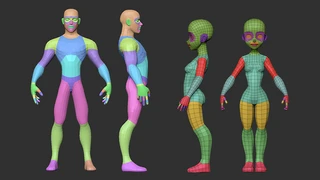
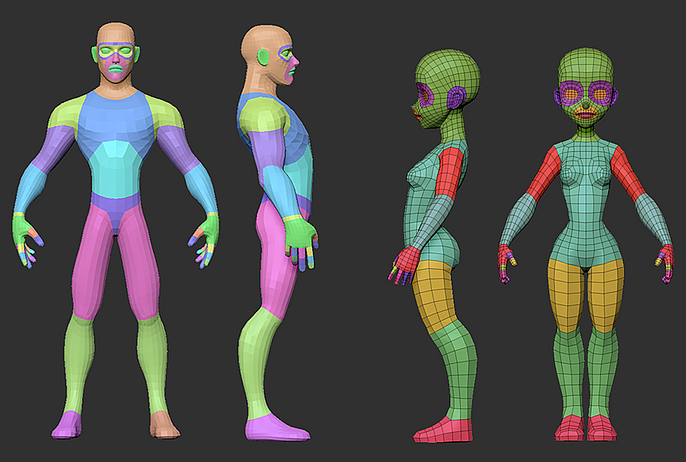
Sometimes it’s the background characters that can truly bring a game to life. Yet few tasks in Blender are as daunting as modeling a character from the ground up.
That’s where these male and female character packs come to the rescue, providing basemeshes that are already modeled and ready to personalize with accessories, clothing, and animations. Whether you’re designing main characters or populating your world with NPCs, the Blender 3D models in this bundle will help you focus on styling your characters instead of endless technical setup.
This collection includes:
- Low-poly male and female body basemeshes with mouth bags
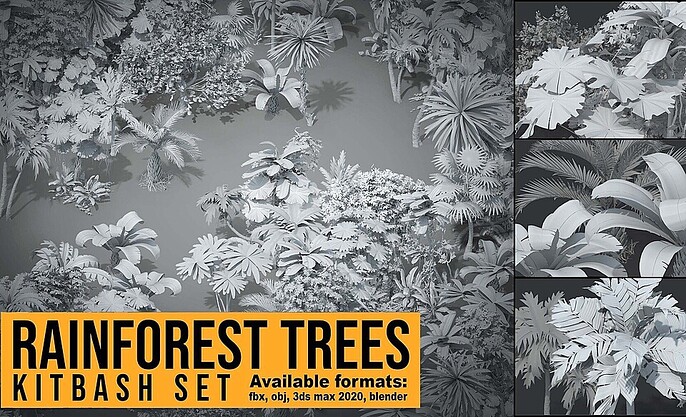
No game world is complete without a broad and inspiring collection of environments to explore within it. But just like designing characters, building entire landscapes from scratch can be a formidable undertaking that adds weeks to your project.
That’s why kitbash packs like this rainforest-themed bundle can help take the weight off by providing you with a ready-to-use collection of stylized vegetation that you can arrange and customize to fit your scene. With this set of optimized meshes ready for export, you can fill your game with lush foliage without sacrificing style.
This asset contains:
- 30+ unique stylized rainforest tree models
Level Up Your Game with Cubebrush
Getting a handle on asset customization is rarely smooth. Between UVs, topology, and endless material setups, it’s easy to get lost in the details. But with Cubebrush’s curated assortment of kits, brushes, and textures, the onus is no longer on you to reinvent the wheel each and every time.
Instead, you can start with industry-standard Blender 3D models and build upward, creating assets that look just as good in your gaming engine as they do in your imagination. Shape your game one model at a time with Cubebrush!