

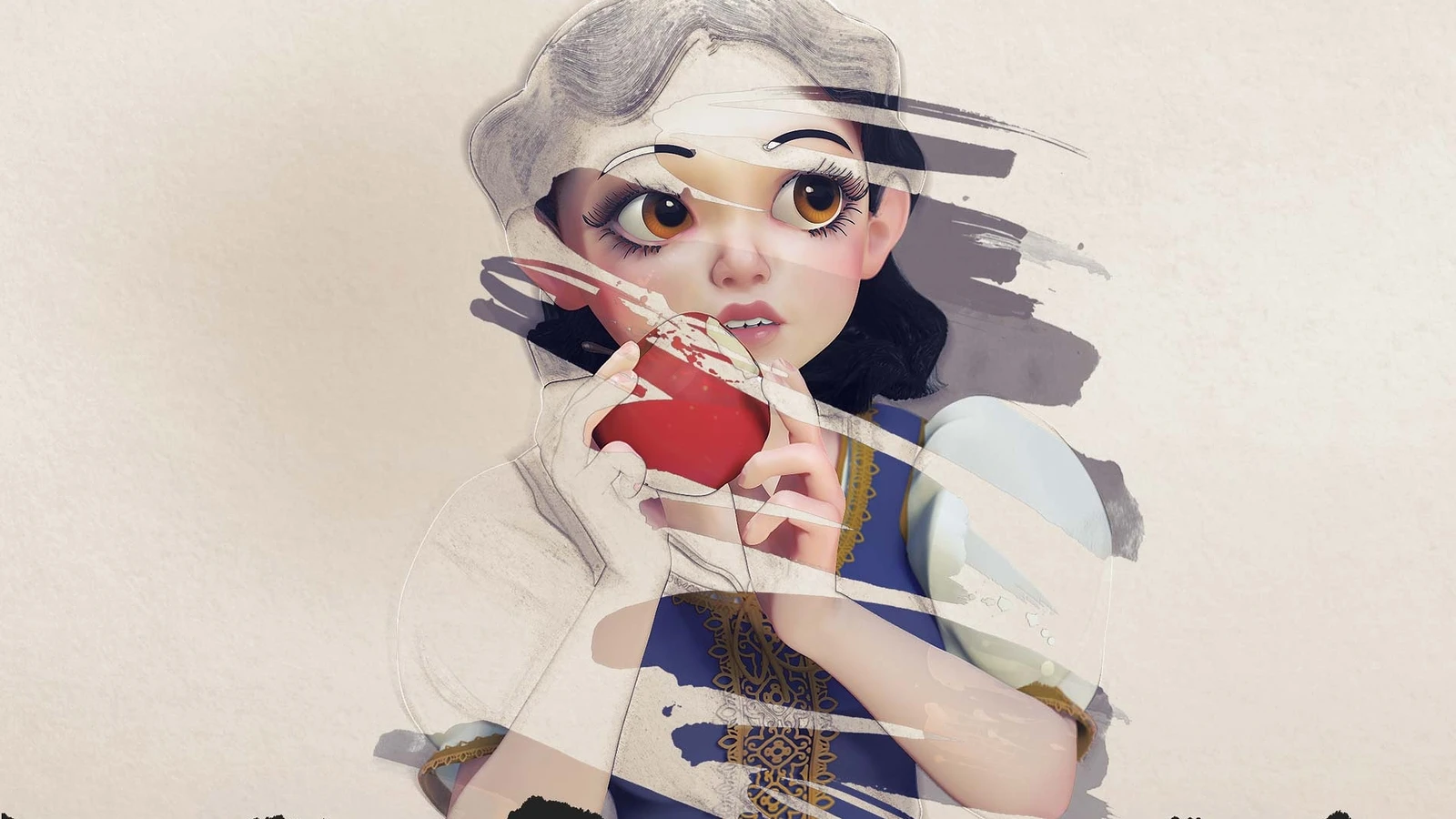
In this tutorial series from zbrushforillustrators.com presented by Pixologic, the makers of ZBrush, illustrator and character artist Steve James goes through the benefits of integrating 3D to his workflow and breaks down the steps he will be showing in this series..
ZBrush is well known in the art industry as a fantastic tool for digital sculpting, used in almost all major studios. Although not its most obvious application, using it for 2D can have a slew of great benefits as he shows us in this 5 part series.
We put together all the videos from their special series for your viewing pleasure.
For more ZBrush tutorials, have a look at our growing selection.
Part 1 - Introduction
Part 2 - Finding Your Character
Steve shows how a sphere in ZBrush can easily be shaped into a 3D block-out of your character.
Part 3 - DynaMesh
In this video, Steve continues to show his process for creating a stylized character while also giving some time-saving tips along the way.
Part 4 - Go With the Flow
Steve goes over how to group parts of the character to create better polygon flow and also shows the brushes he frequently uses to create his characters.
Part 5 - Look Around
In this video Steve covers how to create expressions for his character by using the 'Layers' system in ZBrush.
Part 6 - It's Alive
For the final video of the series, Steve continues to add more 'Layers' to his character and uses them to customize a large variety of expressions.