At a glance
Description
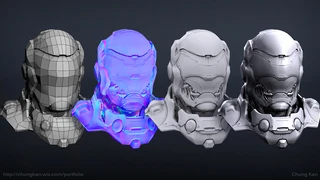
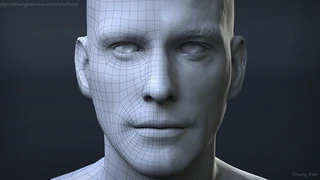
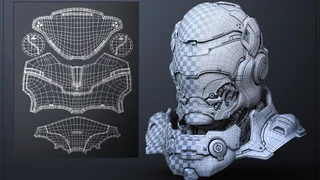
In this tutorial you will learn how to finalize and prepare your base mesh with rigging/animation friendly topology with modeling techniques that are used in a professional production environment. You will learn how to efficiently re-topologize in both Maya and 3dsMax. A working knowledge of Zbrush, 3dsmax and/or Maya is preferred but these principles & techniques can also be applied to other 3D modeling packages.
Topics Covered: -Final Base Mesh Setup for Rigging/Animation -Maya Quad Draw for Re-topology -3dsMax Graphite Tools for Re-topology -Zbrush Decimation
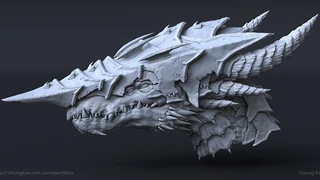
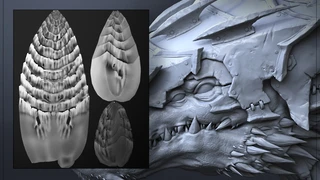
Includes: -2 Video Files -OBJ file format of the Creature Final Base Mesh -Zbrush ZTL Tool of the Creature Bust Sculpt Mesh
Duration: 2hr 37min video MP4 format with audio commentary in English
You will get 4 files
Instant download · 4 files · 3.4 GB total