
ZBrush Bootcamp Volume #7-GoZ Concepts
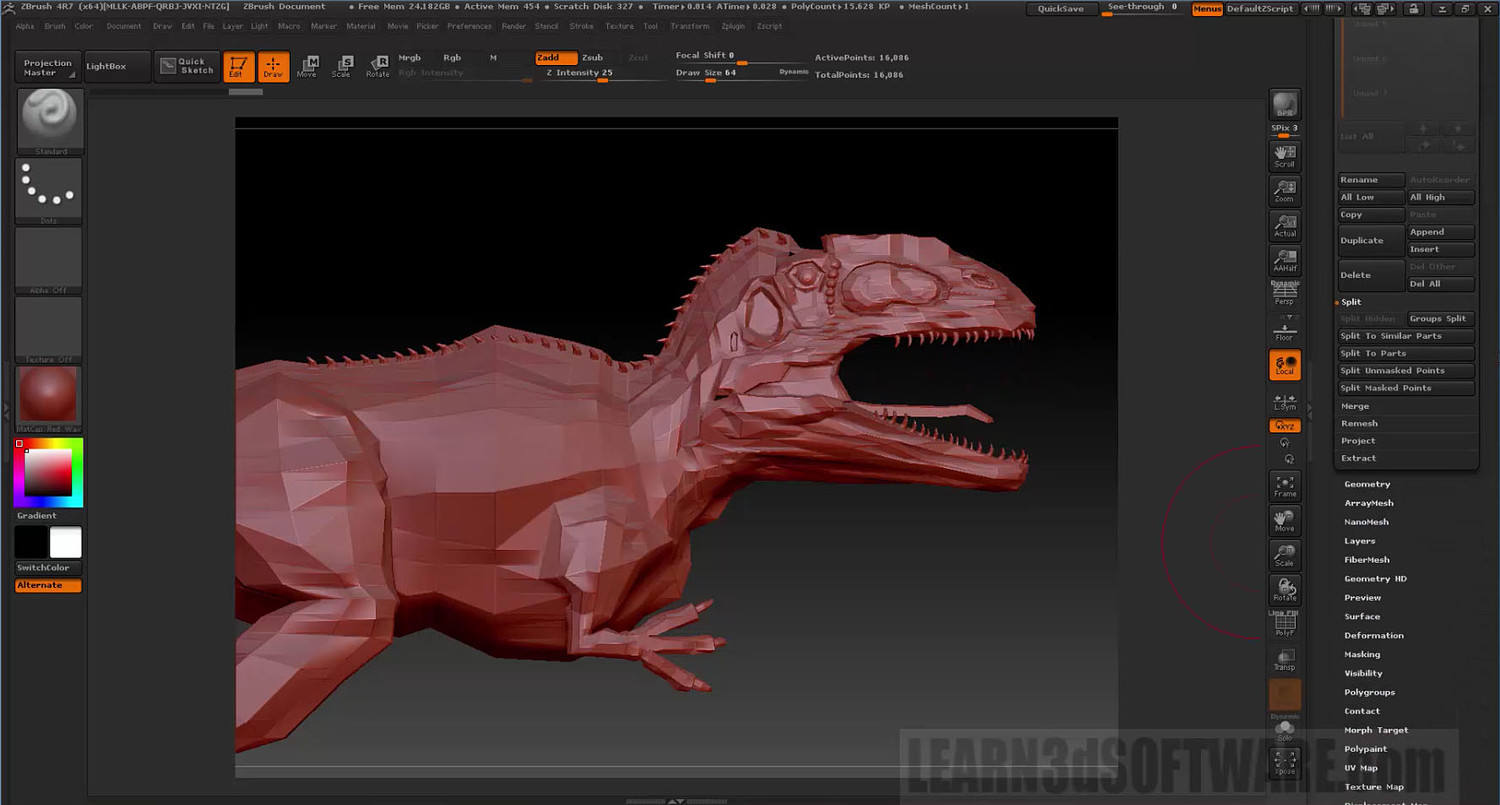
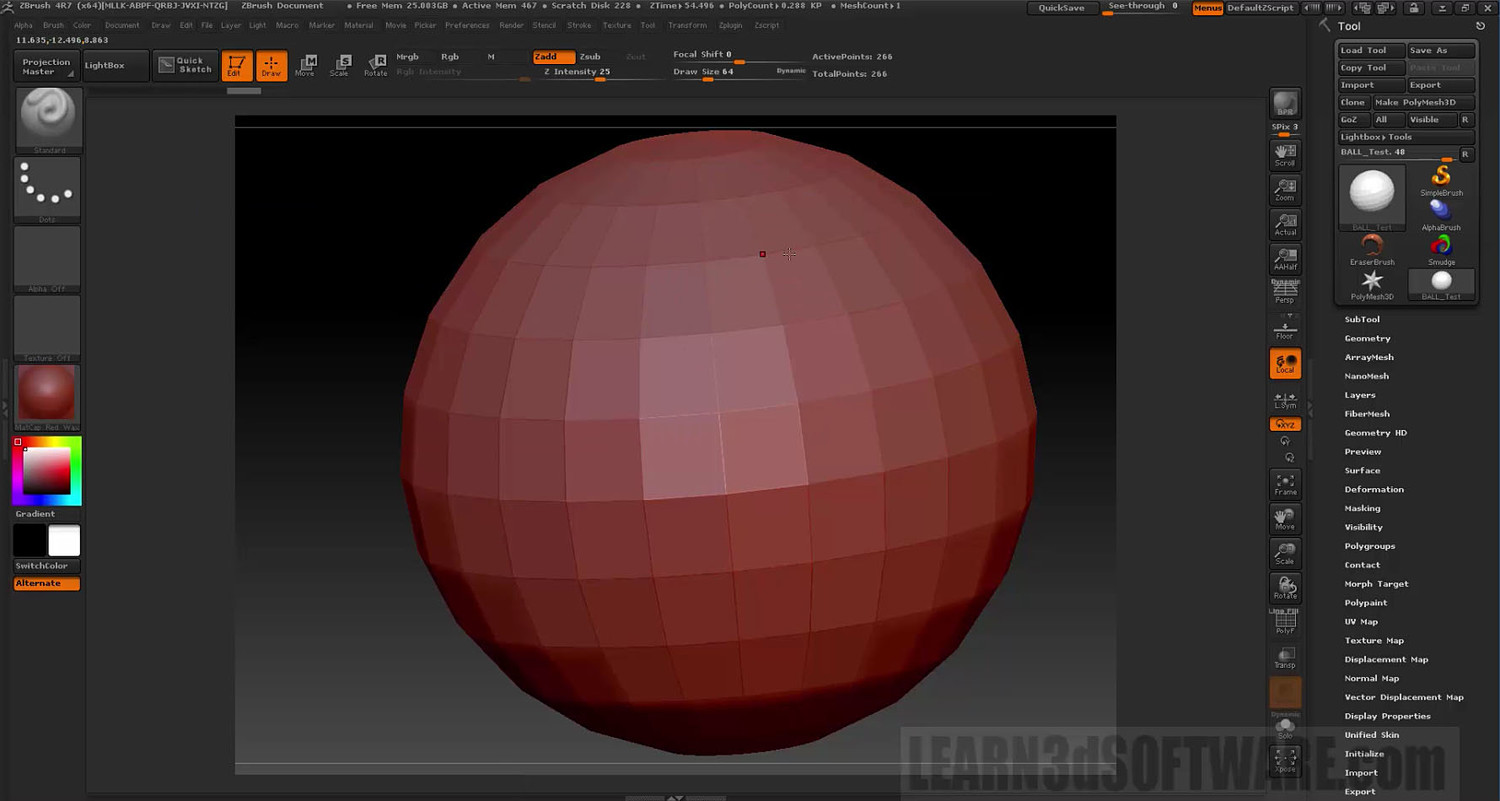
In this seventh video volume of 12 volumes 3D Instructor Adam Gibson introduces the beginner 3D student how to get up and started quickly with ZBrush 4R7's GoZ Plugin.
Learn how to import/export Multi-Layered Meshes and Subtools between ZBrush and Lightwave.
Table of Contents for Volume #7
Chapter 1- Intro
Chapter 2- How to Install the GoZ Plugin
Chapter 3- Lightwave Layers Vs ZBrush Subtools
Chapter 4- How to Convert Multiple Lightwave Layers to Multiple Subtools in ZBrush
Chapter 5- Splitting Subtools with Masking
Chapter 6- Exporting Individual Subtools to Lightwave Using GoZ
Chapter 7- Export All Subtools Button Using GoZ
Chapter 8- Export Visible Subtools Button Using GoZ
Chapter 9- GoZ Export to Layout
Chapter 10- Final
Running Time: 1 hrs. 39 mins.
High Quality (Screen-Res 1920 x 1080 pixels)
Video Format: MP4 (.mp4)
Level: Beginner
You will get 10 files
All files previously purchased will always be available for download in your Library
- ZB_Bootcamp_Vol_7_Chap_01...440.69 KB
- ZB_Bootcamp_Vol_7_Chap_02...24.68 MB
- ZB_Bootcamp_Vol_7_Chap_03...24.83 MB
- ZB_Bootcamp_Vol_7_Chap_04...53.43 MB
- ZB_Bootcamp_Vol_7_Chap_05...61.61 MB
- ZB_Bootcamp_Vol_7_Chap_10...1.1 MB
- ZB_Bootcamp_Vol_7_Chap_08...12.32 MB
- ZB_Bootcamp_Vol_7_Chap_09...25.41 MB
- ZB_Bootcamp_Vol_7_Chap_07...28.87 MB
- ZB_Bootcamp_Vol_7_Chap_06...33.96 MB