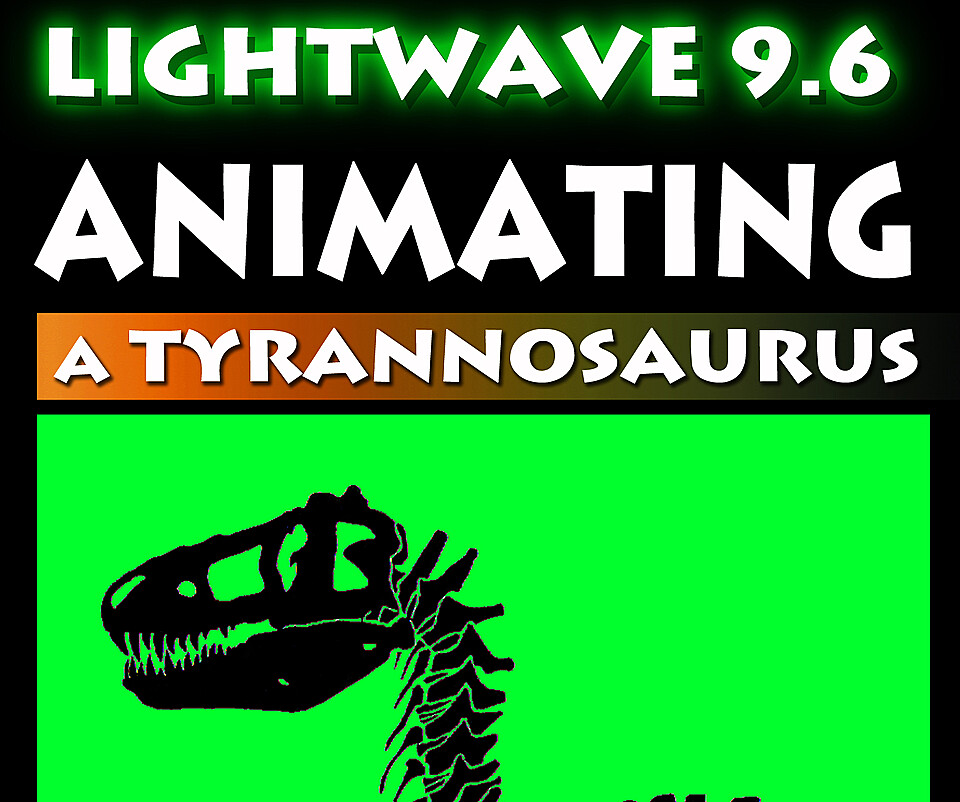

LightWave 9.6- Animating a Tyrannosaurus
LightWave 3D 9.6 Animating a Tyrannosaurus
In this video tutorial LightWave Instructor Adam Gibson demonstrates how to animate a Tyrannosaurus dinosaur using LightWave's powerful animation tools and IK (Inverse Kinematics) System. Walking and adding secondary motions like tail wagging, body and head bobbing movements, and weight-shifting/distribution are shown in great detail.
Also important aspects like how to prevent "slippage" where the characters feet start sliding around and need to be locked down to the ground is also demonstrated.
Also if you are terrified or scared of LightWave's Graph Editor this video is designed with the beginner 3D student in mind so that you don't need to use the graph editor if you don't want to.
Simple and easy key framing techniques are shown to get your characters up and moving fast. Learn how to make preview animations to test your characters movements in real time before you render.
Techniques shown in the tutorial are compatible with LightWave versions 6.0 and Up
*BONUS: Free Tyrannosaurus Model Included along with Rigged Scene Files!!
Table of Contents for Animating a Tyrannosaurus
Chapter 1- Intro
Chapter 2- Importing the Scene File and Rigged/IK Model
Chapter 3- Setting Up the Viewports in Layout
Chapter 4- Correcting Object Size to Real World Scale
Chapter 5- Reviewing the Object Size Correction and using the "Item Picker" Plugin
Chapter 6- Timing for Animation
Chapter 7- Creating the First Walk Cycle (Adding Key Frames and Tension)
Chapter 8- Creating the Second Walk Cycle (Adding Key Frames and Tension)
Chapter 9- Creating the Third Walk Cycle (Adding Key Frames and Tension)
Chapter 10- Key Framing the Feet Lifting off the Ground
Chapter 11- Key Framing Head and Body Bobbing
Chapter 12- Leg IK Error Fix
Chapter 13- Key Framing Body Side-to-Side Movement (Part One)
Chapter 14- Key Framing Body Side-to-Side Movement (Part Two)
Chapter 15- IK Thigh Fix
Chapter 16- Body Movement Edit
Chapter 17- Key Framing Tail Movement
Chapter 18- Key Framing Neck Movement
Chapter 19- Key Framing Foot Bend (Part One)
Chapter 20- Key Framing Foot Bend (Part Two)
Chapter 21- Forearm Animation Test
Chapter 22- Key Framing Neck Turn and T-Rex Roaring at Camera
Level: Beginner
High Quality (Screen-Res 1440 x 900 pixels)
Video Format: Quicktime Video (.mov)
Running Time: 4 hrs. 17 mins
You will get 23 files
All files previously purchased will always be available for download in your Library
- Content Folder LW Animati...565.46 KB
- LW_96_Animating_Trex_Chap...2.19 MB - 14.826666666666664 sec
- LW_96_Animating_Trex_Chap...32.08 MB - 3 min
- LW_96_Animating_Trex_Chap...64.98 MB - 6 min
- LW_96_Animating_Trex_Chap...66.87 MB - 7 min
- LW_96_Animating_Trex_Chap...94.05 MB - 10 min
- LW_96_Animating_Trex_Chap...88.68 MB - 8 min
- LW_96_Animating_Trex_Chap...144.2 MB - 14 min
- LW_96_Animating_Trex_Chap...144.49 MB - 13 min
- LW_96_Animating_Trex_Chap...139.4 MB - 12 min
- LW_96_Animating_Trex_Chap...137.04 MB - 11 min
- LW_96_Animating_Trex_Chap...66.45 MB - 5 min
- LW_96_Animating_Trex_Chap...102.48 MB - 8 min
- LW_96_Animating_Trex_Chap...136.97 MB - 12 min
- LW_96_Animating_Trex_Chap...111.72 MB - 8 min
- LW_96_Animating_Trex_Chap...152.19 MB - 12 min
- LW_96_Animating_Trex_Chap...168.04 MB - 14 min
- LW_96_Animating_Trex_Chap...182.35 MB - 15 min
- LW_96_Animating_Trex_Chap...175.0 MB - 13 min
- LW_96_Animating_Trex_Chap...190.41 MB - 14 min
- LW_96_Animating_Trex_Chap...245.79 MB - 20 min
- LW_96_Animating_Trex_Chap...286.46 MB - 22 min
- LW_96_Animating_Trex_Chap...301.96 MB - 22 min