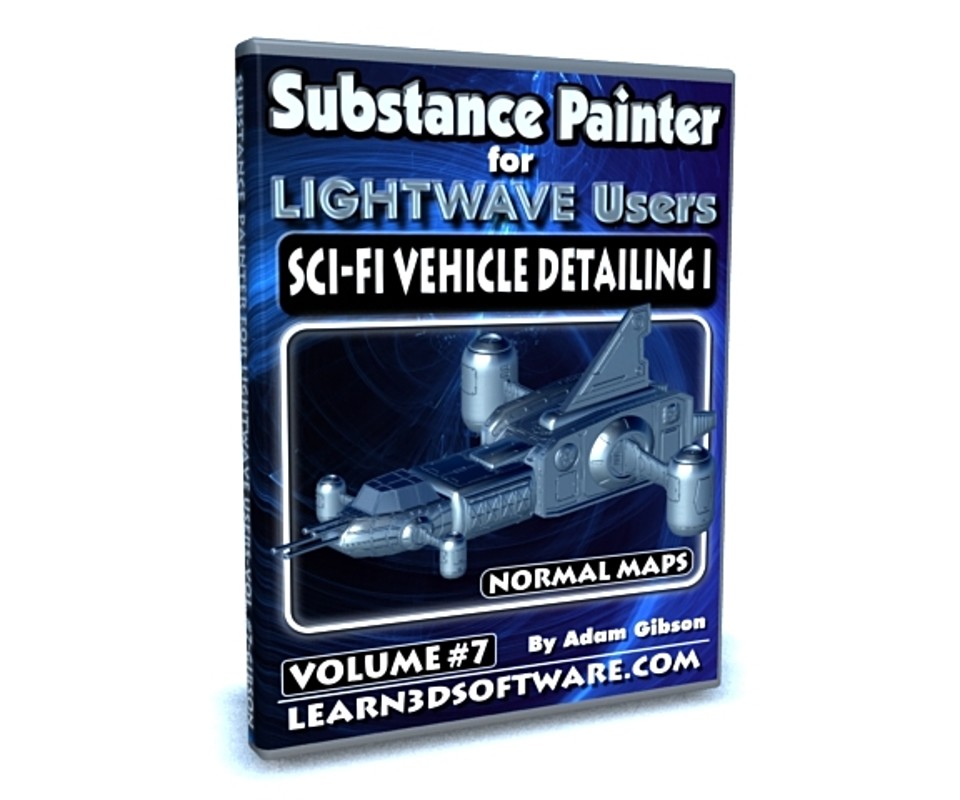


Substance Painter-Volume #7- Sci-Fi Detailing I
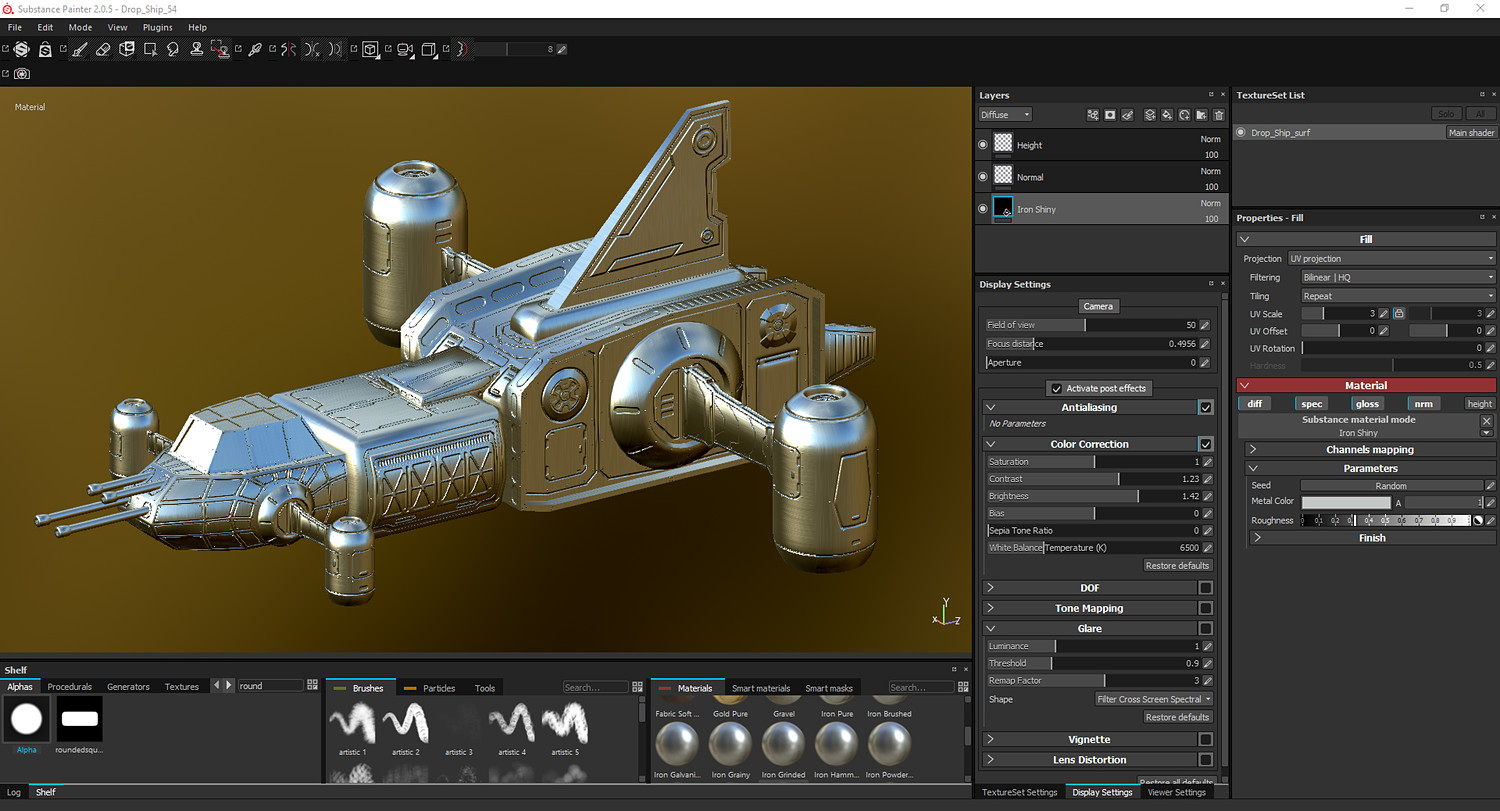
In this start to finish project-based training Adam Gibson demonstrates how to sculpt extensive Normal Map detail on a Sci-fi Drop Ship in Substance Painter 2.
Everything from creating sci-fi panels, nurnies, and right down to the rivots is shown.
Topics: Blocking-Out Sci-Fi Style Panels, Model Flow, Baking Color ID Maps in Lightwave using PB Texture Baker, Alpha Brushes, Layers, Texture Sets, Project Set-Up, Wire-Frame Mode, Baking Out a Final Input Normal Map and Tips & Tricks.
This tutorial is a great way to get you up and started with first Substance Painter Project.
Table of Contents for Volume #7
Chapter 1- Intro
Chapter 2- Drop-Ship Project Orientation
Chapter 3- Model Preparation in Lightwave and Color ID Baking (PB Texture Baker)
Chapter 4- Setting-Up Height Layer and Normal Layers in Substance Painter
Chapter 5- Wing Panel Creation
Chapter 6- Top and Bottom of Wings
Chapter 7- Front Wing Panels
Chapter 8- Cockpit Base Panel Creation
Chapter 9- Fin (Top/Rear) Details
Chapter 10- Soldier Compartment Panel Details
Chapter 11- Engine Compartment Details (Part One)
Chapter 12- Engine Compartment Details (Part Two)
Chapter 13- Thrusters Detail Creation
Chapter 14- Soldier Compartment Door Detailing
Chapter 15-Wing Rotator Detail Creation
Chapter 16- Panel Clean-Up
Chapter 17- Normal Map Brush Stamp
Chapter 18- Alpha Brush Detailing (Part One)
Chapter 19- Alpha Brush Detailing (Part Two)
Chapter 20- Adding Handles
Chapter 21- Adding Rivots/Bolts
Chapter 22- How to Create and Input Normal Map
Chapter 23- Final
Running Time: 5 hrs. 1 min.
High Quality (Screen-Res 1920 x 1080 pixels)
Video Format: MP4 (.mp4)
Level: Beginner
You will get 24 files
All files previously purchased will always be available for download in your Library
- Content_Folder.zip29.1 MB
- SP_LW_Vol_7_Chap_01_Intro...603.53 KB
- SP_LW_Vol_7_Chap_23_Final...2.01 MB
- SP_LW_Vol_7_Chap_06_Wing_...29.23 MB
- SP_LW_Vol_7_Chap_07_Front...31.86 MB
- SP_LW_Vol_7_Chap_08_Cockp...36.78 MB
- SP_LW_Vol_7_Chap_17_Norm_...19.0 MB
- SP_LW_Vol_7_Chap_20_Addin...32.47 MB
- SP_LW_Vol_7_Chap_19_Alpha...30.73 MB
- SP_LW_Vol_7_Chap_13_Thrus...40.3 MB
- SP_LW_Vol_7_Chap_15_Wing_...38.53 MB
- SP_LW_Vol_7_Chap_18_Alpha...43.17 MB
- SP_LW_Vol_7_Chap_22_Creat...37.78 MB
- SP_LW_Vol_7_Chap_21_Addin...35.54 MB
- SP_LW_Vol_7_Chap_03_Model...123.55 MB
- SP_LW_Vol_7_Chap_04_Set_U...50.78 MB
- SP_LW_Vol_7_Chap_09_Fin_D...50.99 MB
- SP_LW_Vol_7_Chap_11_Engin...68.53 MB
- SP_LW_Vol_7_Chap_10_Soldi...61.97 MB
- SP_LW_Vol_7_Chap_16_Panel...53.86 MB
- SP_LW_Vol_7_Chap_12_Engin...99.71 MB
- SP_LW_Vol_7_Chap_02_Proje...28.76 MB
- SP_LW_Vol_7_Chap_14_Sold_...54.18 MB
- SP_LW_Vol_7_Chap_05_Wings...63.66 MB