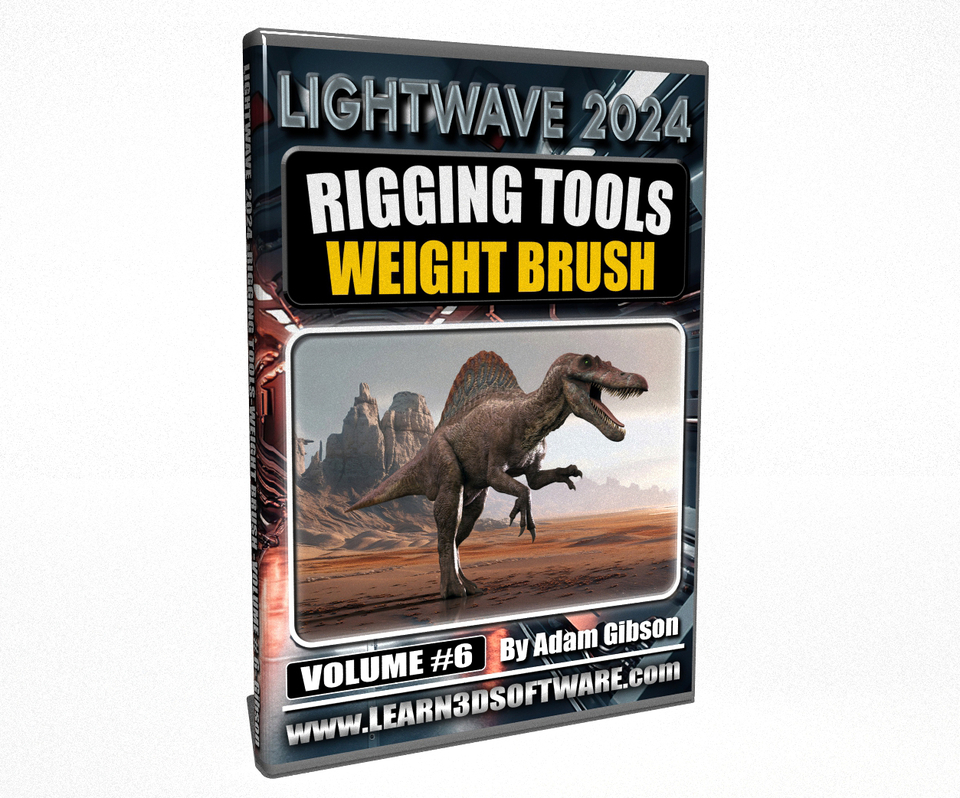


LightWave 2024-Volume #6- Rigging Tools- Weight Brush
In this sixth volume of the LightWave 2024/2023 Series 3D Instructor Adam Gibson introduces LightWave 2024's New "Weight Brush" tool for Weight Mapping your Rigged Characters directly in Layout. Learn the basics of this new tool in LightWave 2024 to help you edit your 3D Character's Weight Maps quickly without having to make multiple visits back to Modeler. The Basics of Creating and Editing Weight Maps in LightWave's Modeler is also covered as well.
*BONUS RIGGING COURSE INCLUDED: Cartoon Character Rigging I & II (Value $38.00 US)
Some of the Topics Covered: 1) Introduction to the Weight Brush User Interface, 2) Creating and Applying Weight Maps in Layout, 3) Creating and Applying Weight Maps in Modeler, Updating Weight Map Edits Between Layout & Modeler Using LightWave's Hub, and More!!
Table of Contents
Chapter 1- Intro Chapter 2- Where to Find the Weight Map Panels in LightWave Chapter 3- How to Add Weight Maps in Modeler Chapter 4- How to Rename Weight Maps in Modeler Chapter 5- How to Delete Weight Maps in Modeler Chapter 6- How to Use the "Weight Blur' Tool in Modeler Chapter 7- Weight Brush Tool in Layout Chapter 8- Weight Brush Tool Overview Chapter 9- Flat Paint and Weight Map Creation in Layout Chapter 10- LightWave Hub Updates to Modeler Chapter 11- Direct Paint Mode Chapter 12- Overly Selected Only Chapter 13- Character Weight Maps Intro Chapter 14- How to Add a Weight Map to Character Chapter 15- Course Final Overview Chapter 16- Final
Running Time: 2 hrs. 44 mins. High Quality (Screen-Res 1920 x 1080 pixels) Video Format: MP4 (.mp4) Level: Beginner
You will get 8 files
All files previously purchased will always be available for download in your Library