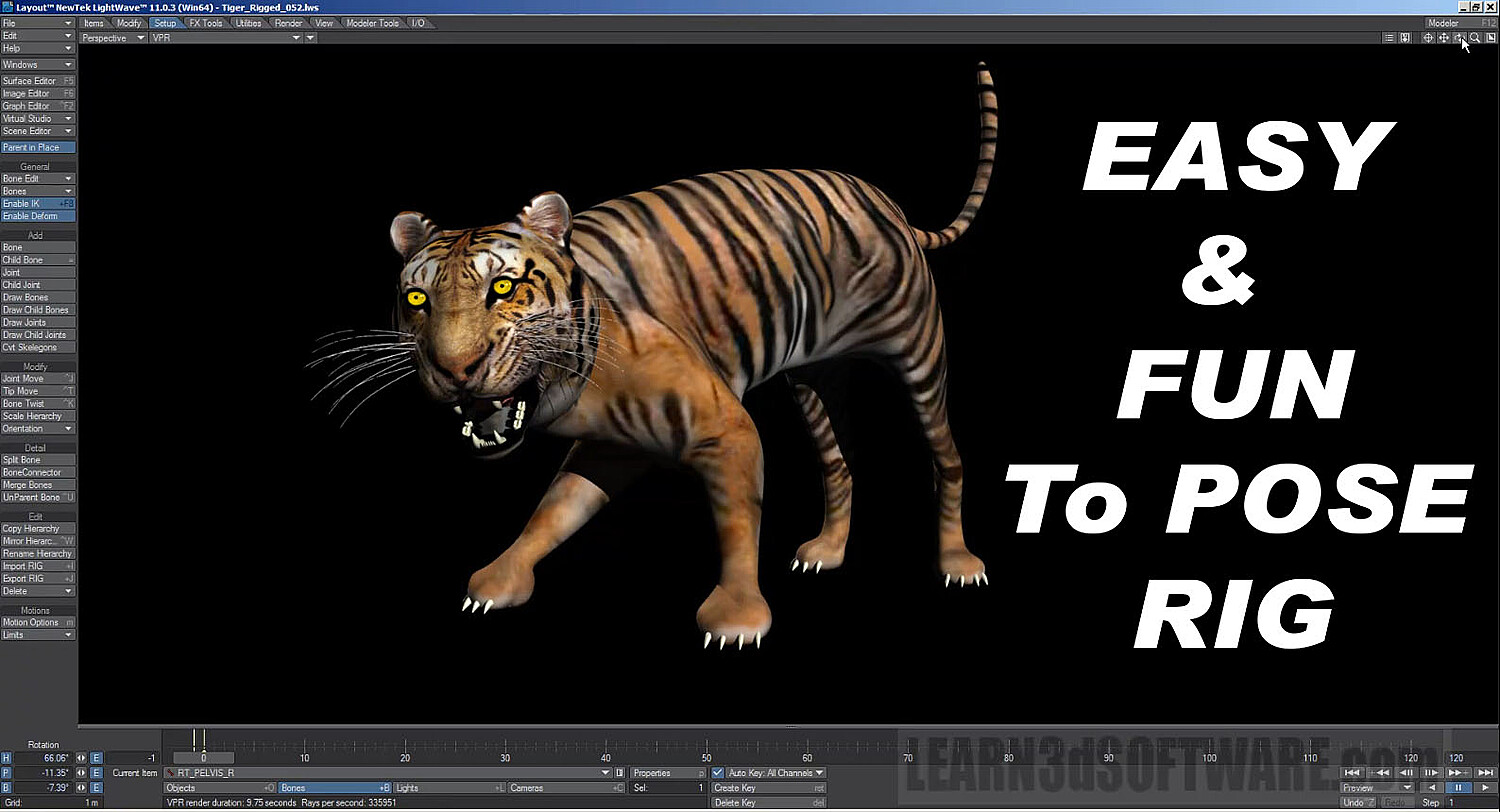


LightWave 3D- Rigging a Tiger- Project Quadruped
Lightwave 11-Rigging a Tiger-Project Quadruped-by Adam Gibson
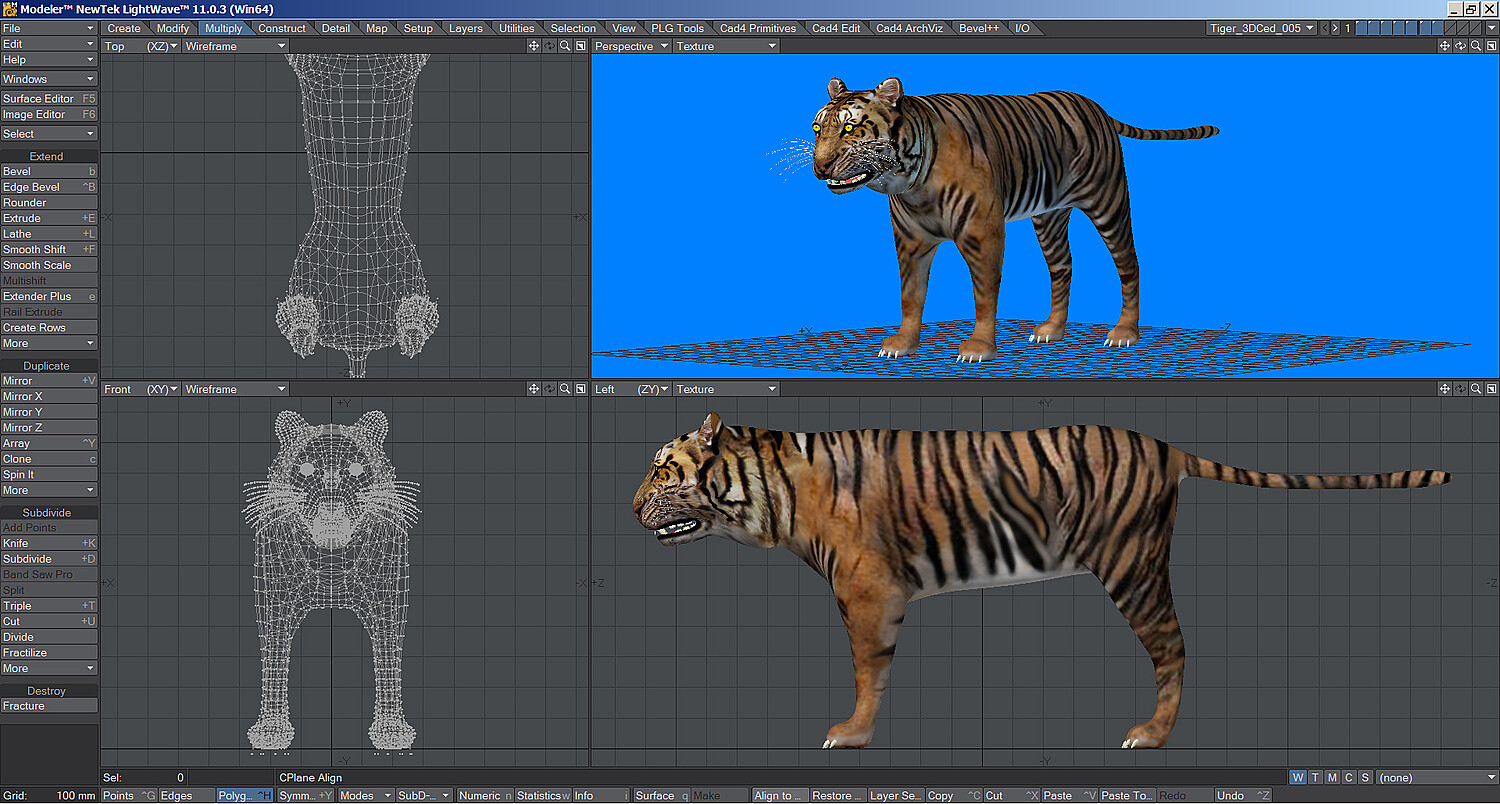
In this training video Lightwave 3D Instructor Adam Gibson demonstrates how to rig a tiger character for animation using Layout's powerful Bone Tools and IK (Inverse Kinematics) System.
Tips and Tricks on how to clean up your rig to avoid typical problems like Gimble Lock and glitches during animating. Other topics covered include: Foot Control Goals for Position and Foot Pivoting, Knee/Elbow Control, the use of "Hold Bones" and "Weight Maps".
A great video for beginner level Lightwave users to get started rigging Quadruped "Toe Walker" style animals like tigers, lions, cats, dogs and more!!
*Bonus: Includes Tiger model and all the Scene Files so you can follow along with the course!!
Table of Contents for Rigging a Tiger
Chapter 1- Intro
Chapter 2- Tiger Anatomy Review
Chapter 3- Multiple Layer Objects
Chapter 4- COG (Centre of Gravity) Position Setup
Chapter 5- View Mode Set-Up
Chapter 6- COG (Centre of Gravity) Bone Hips
Chapter 7- Tiger Bones Reference Review
Chapter 8- Create Rear Leg Bones
Chapter 9- Rename Leg Bones
Chapter 10- Copy Hierarchy Tool
Chapter 11- Bone Connector Tool
Chapter 12- Shoulder COG (Centre of Gravity) Collar Bone
Chapter 13- Correcting Gimble Lock
Chapter 14- Mirror Hierarchy Tool
Chapter 15- Record Pivot Rotation Tool
Chapter 16- Creating Tail Bones
Chapter 17- Split Bone Tool
Chapter 18- Creating Spine Bones
Chapter 19- Creating Head and Jaw Bones
Chapter 20- Renaming Head and Jaw Bones
Chapter 21- Create Eye Bones
Chapter 22- Create and Assign Eye Weight Maps
Chapter 23- Weight Map Display Mode
Chapter 24- Test Deformations
Chapter 25- Adding Hold Bones (Part One)
Chapter 26- Adding Hold Bones (Part Two)
Chapter 27- Correcting Rear Knee Bones
Chapter 28- Create Head and Jaw Weight Maps
Chapter 29- Changing Bone Colors for Rig Organization
Chapter 30- Rear Leg IK (Inverse Kinematics) Set-Up
Chapter 31- Adding a Rear Leg Foot Controller
Chapter 32- How to Correct Bad Deformations Using the Bone Strength Parameter
Chapter 33- Front Leg IK (Inverse Kinematics) Set-Up
Chapter 34- Using Unaffected by IK of Descendants Feature
Chapter 35- Parenting Control Nulls to the Main Tiger Null
Chapter 36- Creating a COG (Centre of Gravity) Hips Null
Chapter 37- Creating and Animation Handle, Rest Pose Key Frame, and Review
Running Time: 8 hrs 52 mins. High Quality (Screen-Res 1920 x 1080 pixels) MP4 Video Level: Beginner & Up
You will get 5 files
All files previously purchased will always be available for download in your Library