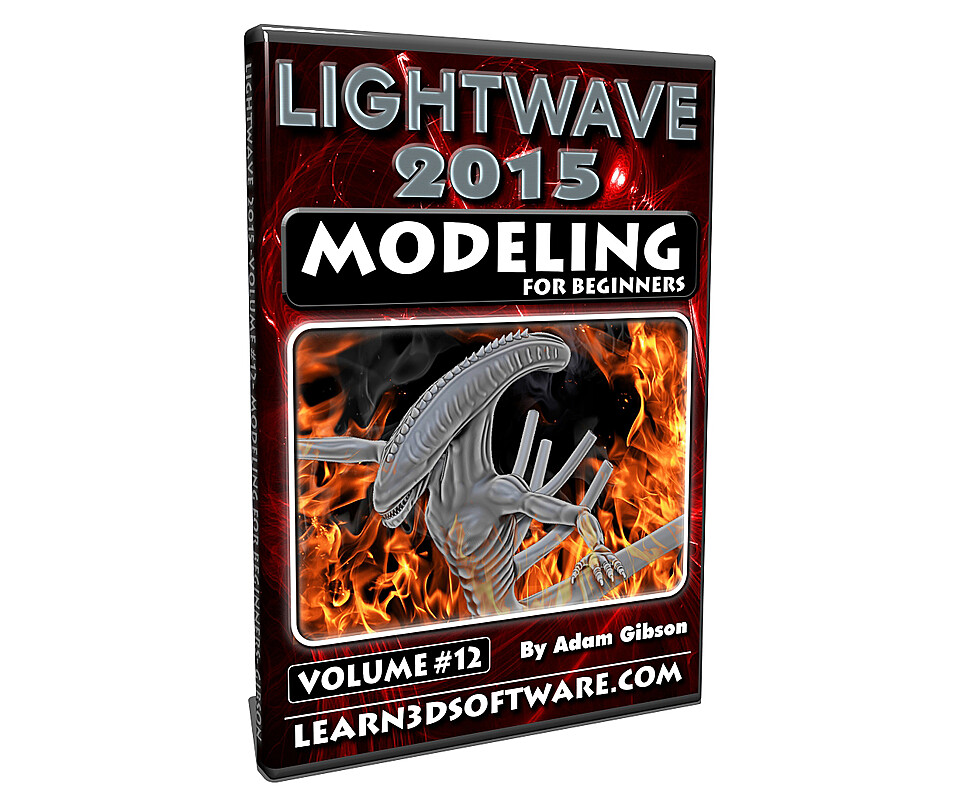

LightWave 2015- Modeling for Beginners
Volume #12- Modeling for Beginners
This course is designed specifically for those who are beginners in 3D modeling and also for those who may have had some difficulty in understanding the concepts of 3D modeling.
Lightwave has a massive set of great modeling tools but most beginners are overwhelmed and don't know where to start.
In this video training course 3D Instructor Adam Gibson takes you through the most important modeling tools to get you up and running fast for your own projects.
Polygonal and Sub-D Modeling tools/concepts will be a covered along with a full project-based creature modeling journey from concept art to a finished modeled beast.
Tips and tricks on how to quickly Sculpt and Shape Sub-D Body Parts (Torso, Arms, Legs, Claws, Tails, Heads, Teeth), Importing Reference Concept Art, Mastering the Use of Basic Tools (Move, Rotate, Drag, Stretch, Knife Tool, Band-Saw Pro, Extender Plus).
*Bonus: Content Folder Included: Contains the Creature Model files and Reference Concept Art from the video tutorial.
Table of Contents for Volume #12
Polygonal & Sub-D Modeling Tools (Section One)
Chapter 1- Intro
Chapter 2- Coarse Goals
Chapter 3- UI (User Interface) Basic Tour
Chapter 4- Polygonal Theory (Polygonal, SubPatches, Catmull-Clark, Statistics Panel Intro)
Chapter 5- File Management & Layers
Chapter 6- Viewport Settings & Navigation Tools
Chapter 7- Selections (Polygon, Points, Edges, Volume)
Chapter 8- Primitive Basics
Chapter 9- Move Tool, Move Modes (Polygon & Point), Axis Constrain
Chapter 10- Drag Tool
Chapter 11- Rotate Tool
Chapter 12- Bend Tool
Chapter 13- Stretch Tool
Chapter 14- Size Tool
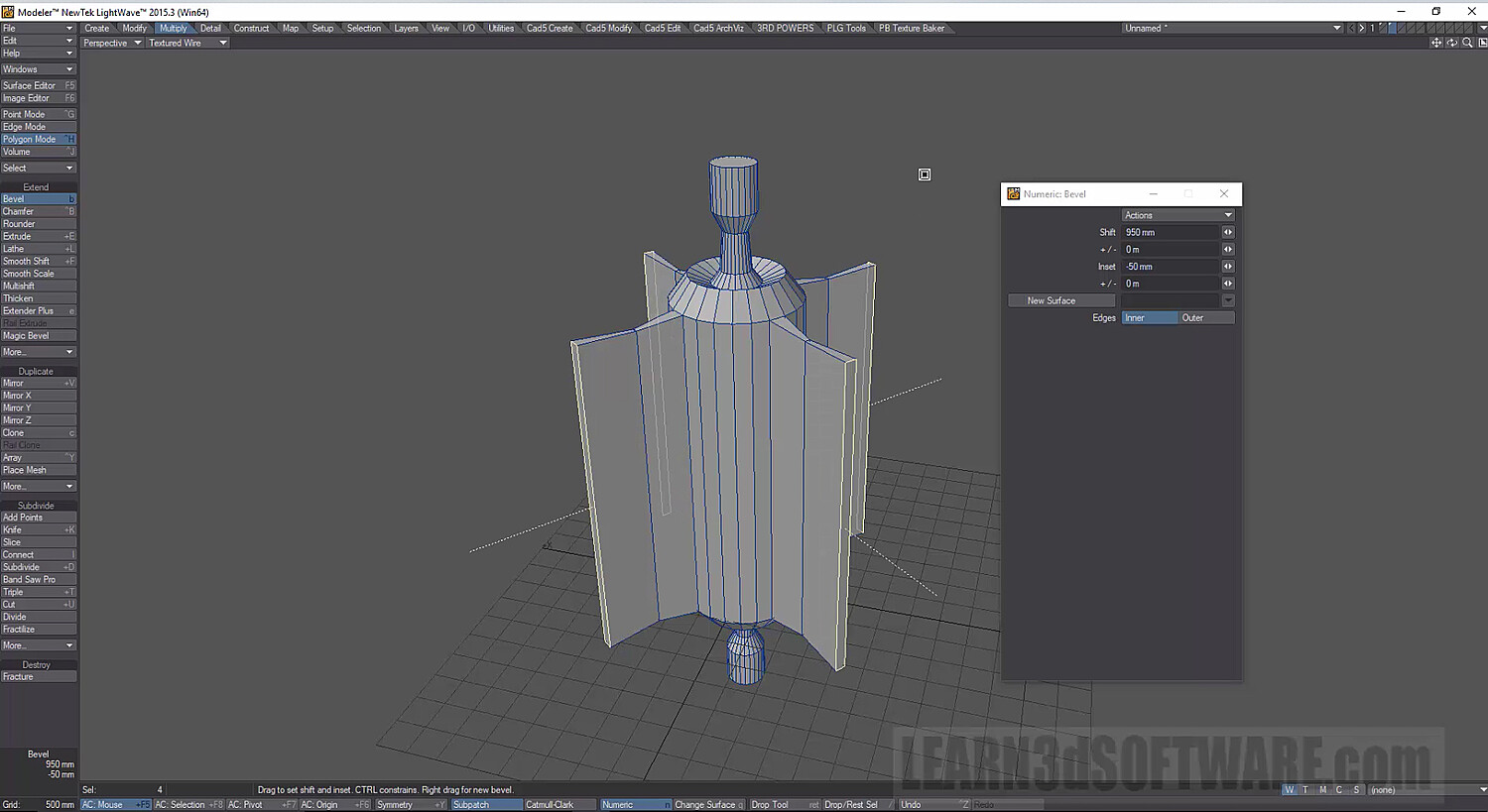
Chapter 15- Bevel Tool
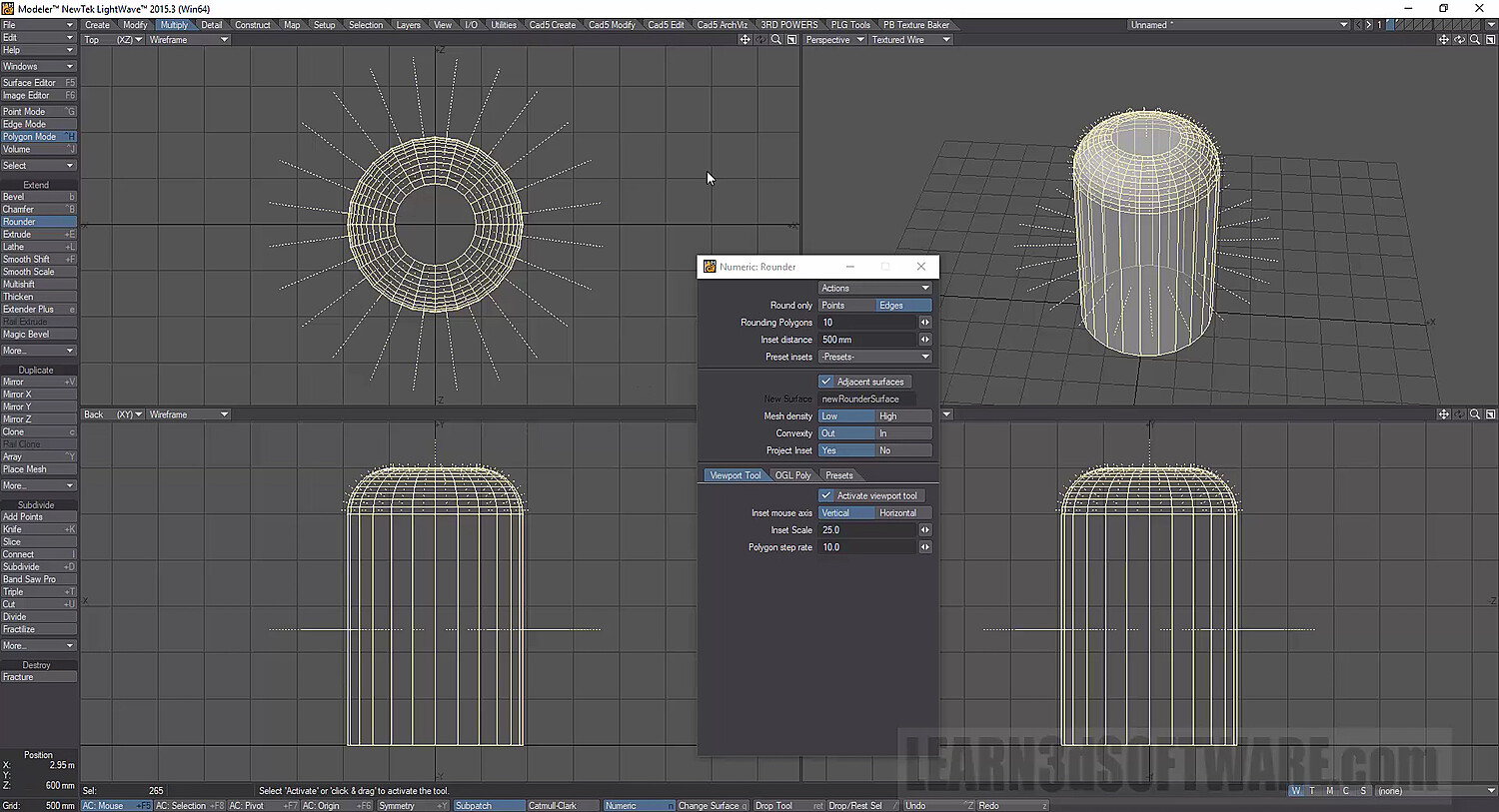
Chapter 16- Rounder Tool
Chapter 17- Extender Plus Tool
Chapter 18- Mirror Tool
Chapter 19- Mirror XYZ Tools
Chapter 20- Knife Tool
Chapter 21- Slice Tool
Chapter 22- Connect Tool
Chapter 23- Subdivide Tool
Chapter 24- Band Saw Pro Tool
Chapter 25- Triple Tool
Chapter 26- Final
Running Time: 5 hrs. 55 mins.
High Quality (Screen-Res 1920 x 1080 pixels)
Video Format: MP4 (.mp4)
Level: Beginner
Sub-D Creature Modeling Project (Section Two)
Chapter 1- Intro
Chapter 2- Backdrop Images Set-Up (Basics)
Chapter 3- Adjusting Artwork Images in Photoshop
Chapter 4- Head Sculpting
Chapter 5- Body Sculpting
Chapter 6- Arm Sculpting
Chapter 7- Leg Sculpting
Chapter 8- Tail Sculpting
Chapter 9- Hand & Finger Sculpting
Chapter 10- Finger Knuckle Sculpting
Chapter 11- Finger & Thumb Claw Sculpting
Chapter 12- Foot & Toe Sculpting
Chapter 13- Toe Claw Sculpting
Chapter 14- Back Breathing Tube Sculpting
Chapter 15- Mouth Interior Sculpting
Chapter 16- Teeth Sculpting
Chapter 17- Mirror Parts (Hands, Feet, Back Breathing Tubes)
Chapter 18- Final
Running Time: 8 hrs. 10 mins.
High Quality (Screen-Res 1920 x 1080 pixels)
Video Format: MP4 (.mp4)
Level: Beginner
You will get 6 files
All files previously purchased will always be available for download in your Library