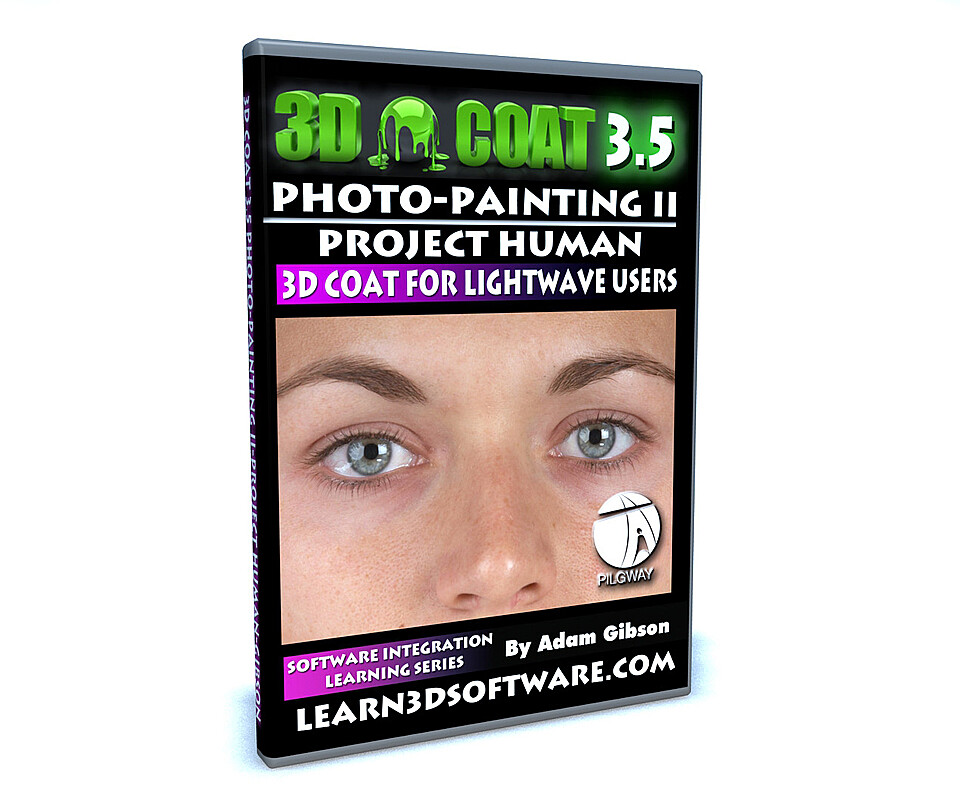


3D Coat- Photo-Painting II- Project Human
3D Coat 3.5 for LightWave Users-Photo Painting II
In this videos series we show 3D students how to use 3D Coat and LightWave 3D together as an easy and functional workflow and pipeline in your 3D projects. Although this video series uses Lightwave 3D as the final output for your 3D Coat work, the concepts and principles used here will work with all the most popular 3D programs like 3D Max, Maya, Softimage, Modo, Cinema 4D and many others.
In this video tutorial 3D Coat/LightWave Instructor Adam Gibson shows the 3D student how to paint a female character originally modeled in LightWave 3D using 3D Coat's powerful photo-painting system. Tips and Tricks are shown how to blend digital photos together to kill ugly seams and distortions. If you are seeking a video that shows how to easily use digital photographs to texture your 3D humans this is the training tutorial for you. 3D Coat does the job painlessly.
Table of Contents for Photo Painting II
Chapter 1- Intro
Chapter 2- Importing the LightWave Mesh into 3D Coat
Chapter 3- Project Organization and Overview
Chapter 4- Painting a Base Skin Texture (Part One)
Chapter 5- Painting a Base Skin Texture (Part Two)
Chapter 6- Painting a Base Skin Texture (Part Three)
Chapter 7- Painting a Base Skin Texture (Part Four)
Chapter 8- Painting a Base Skin Texture (Part Five)
Chapter 9- Painting Around the Eye and the Distort Image Tool (Part One)
Chapter 10- Painting Around the Eye and the Distort Image Tool (Part Two)
Chapter 11- Painting Around the Eye and the Distort Image Tool (Part Three)
Chapter 12- Painting Nose and Lips
Chapter 13- Painting the Side of the Face and the Ears
Chapter 14- Touching Up the Ears and the Side of the Face
Chapter 15- Painting the Front of the Neck and Back of the Head
Chapter 16- Painting the Chest and Stomach
Chapter 17- Painting the Thighs
Chapter 18- Painting the Shins
Chapter 19- Painting the Inside of the Thighs
Chapter 20- Painting Inside of Shins
Chapter 21- Painting the Outside of the Legs
Chapter 22- Painting the Chest and the Ribs
Chapter 23- Painting the Armpit Area
Chapter 24- Painting the Back
Chapter 25- Painting the Back of the Legs
Chapter 26- Painting Inside of the Legs: Touch-ups
Chapter 27- Painting the Inside of the Arms
Chapter 28- Painting the Back of the Arms
Chapter 29- Painting the Palms of the Hands
Chapter 30- Painting the Backs of the Hands
Chapter 31- Painting the Bottoms of the Arms
Chapter 32- Painting the Bottoms of the Feet
Chapter 33- Painting the Tops of the Feet
Chapter 34- Merging All Paint Layers
Chapter 35- Duplicating Merged Layer
Chapter 36- Correcting Blending Errors (Part One)
Chapter 37- Correcting Blending Errors (Part Two)
Chapter 38- Correcting Blending Errors (Part Three)
Chapter 39- Correcting Blending Errors (Part Four)
Chapter 40- Correcting Blending Errors (Part Five)
Chapter 41- Cleaning Up the Hand
Chapter 42- Cleaning Up Finger Nails
Chapter 43- Cleaning Up the Feet
Chapter 44- Exporting the Mesh and Texture Map from 3D Coat
Chapter 45- Importing Mesh into LightWave 3D
Chapter 46- Test Renders in Layout
Level: Beginner
Running Time: 7 hrs 6 mins.
Screen Resolution: 1440 x 900 pixels
Video Format: Quicktime Video (.mov)
You will get 6 files
All files previously purchased will always be available for download in your Library