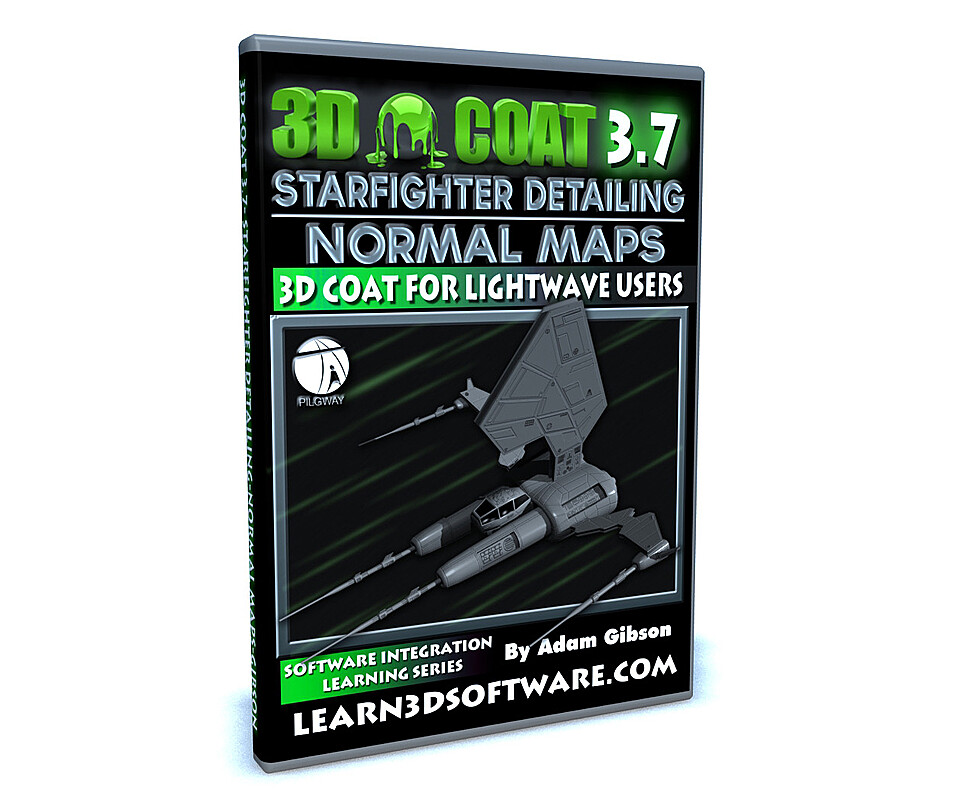




3D Coat -StarFighter Detailing -Normal Maps
3D Coat -StarFighter Detailing Volume #1 -Normal Maps
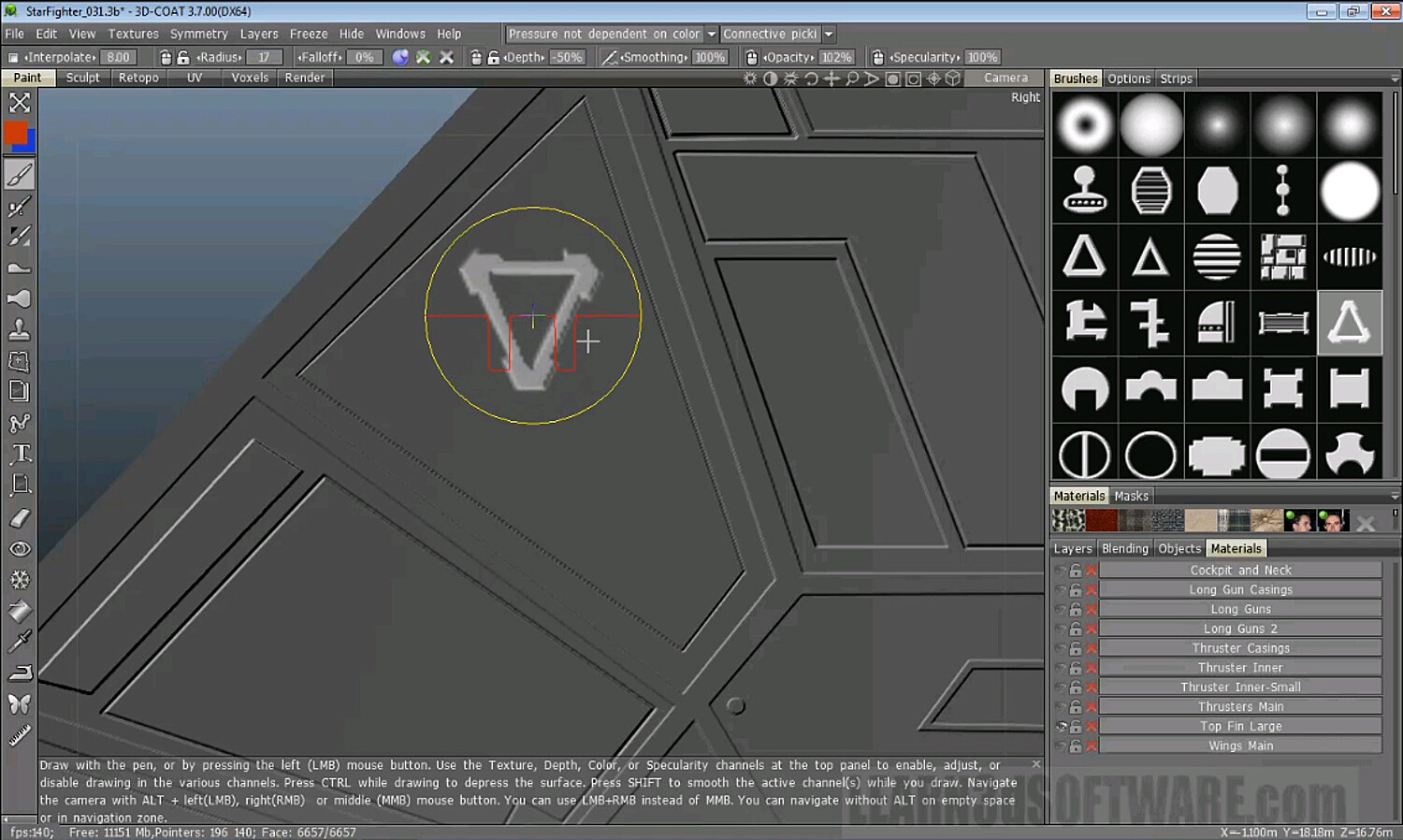
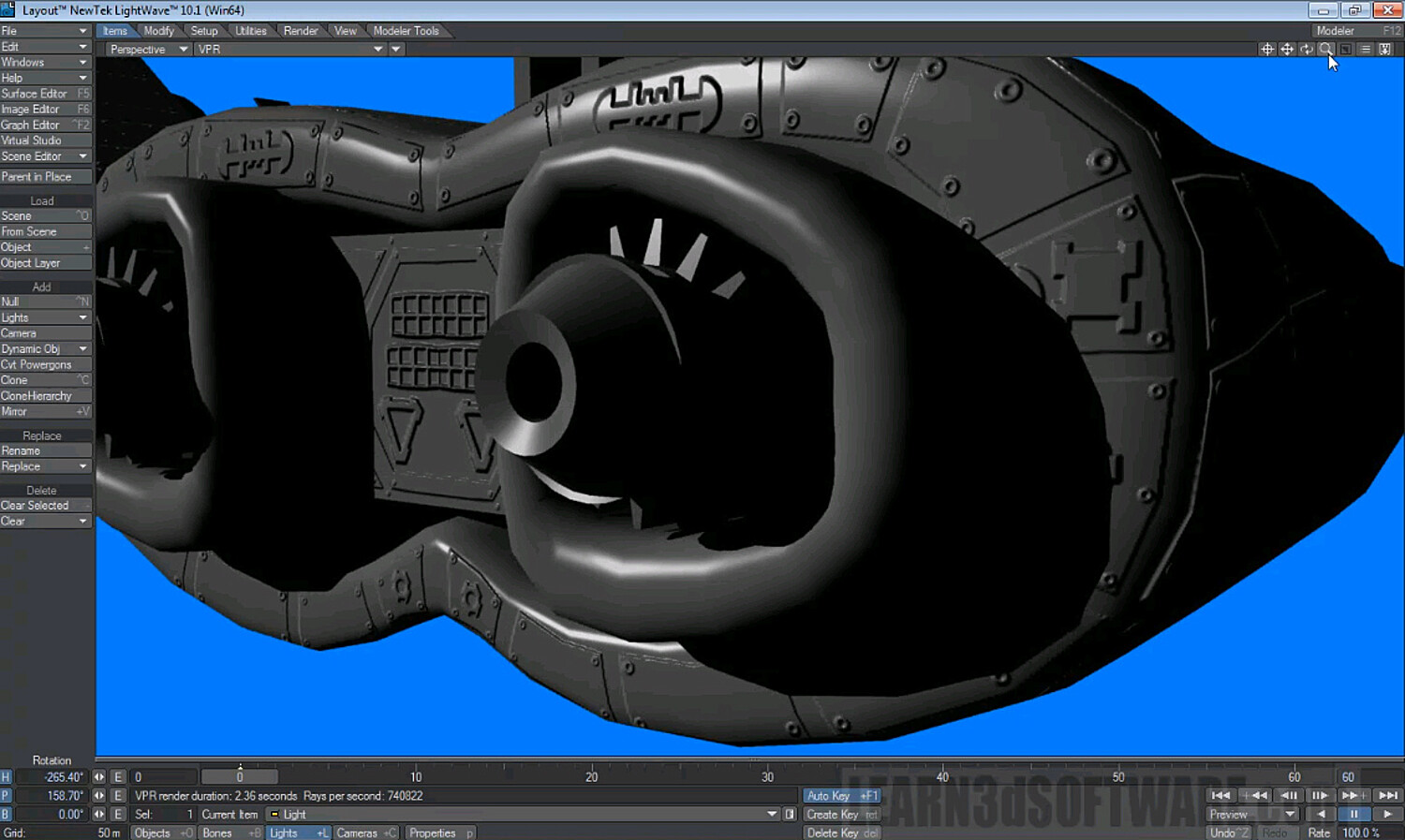
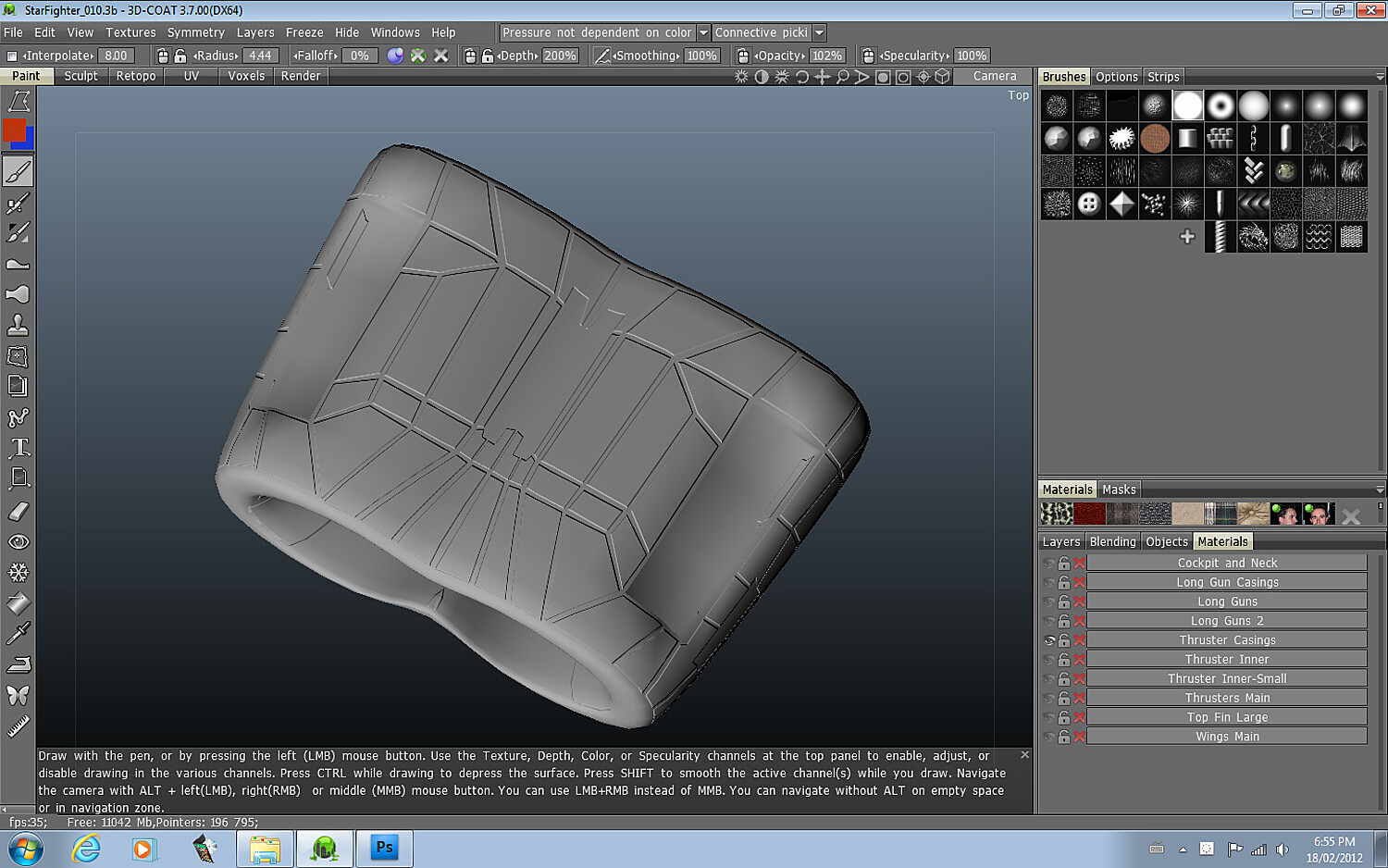
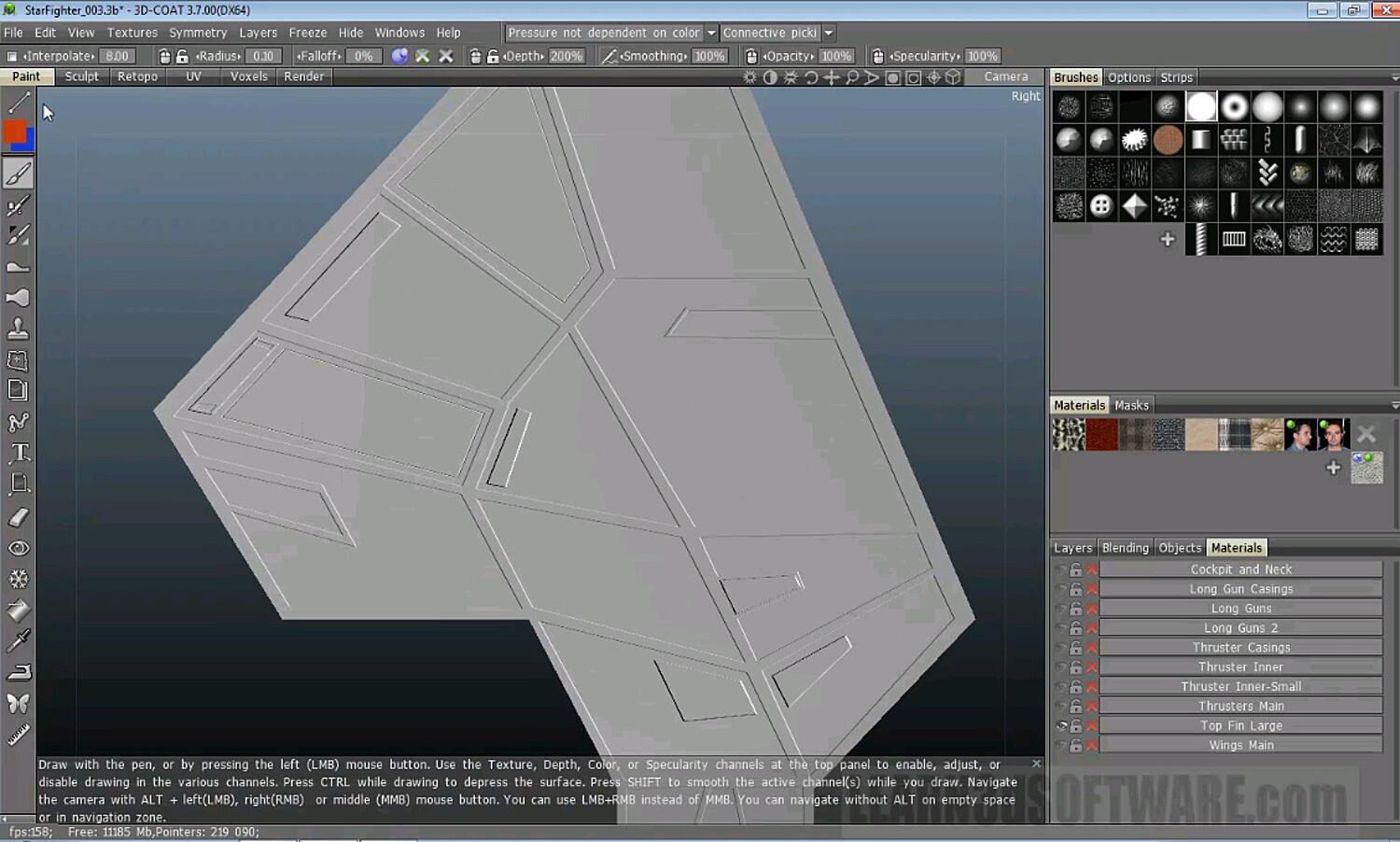
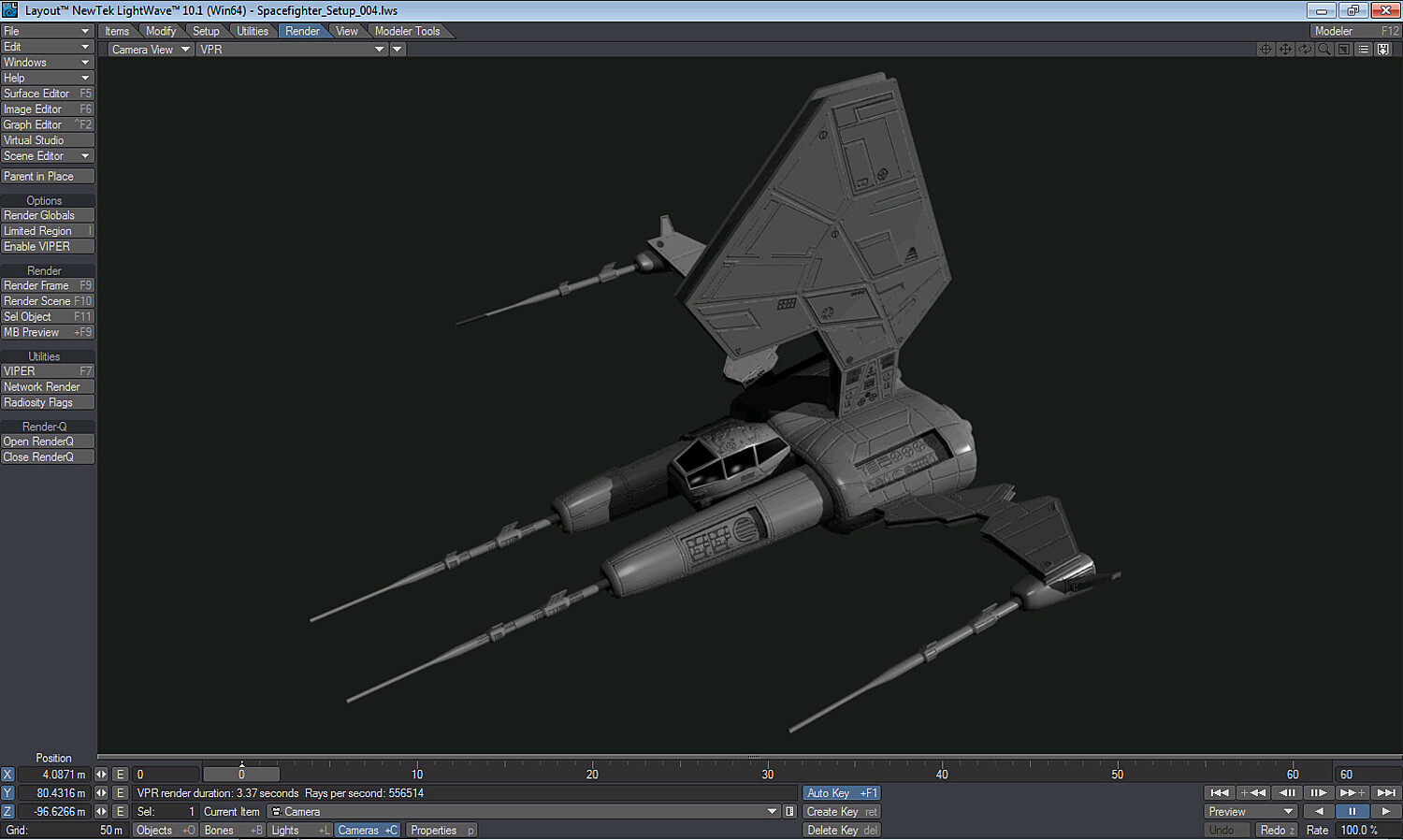
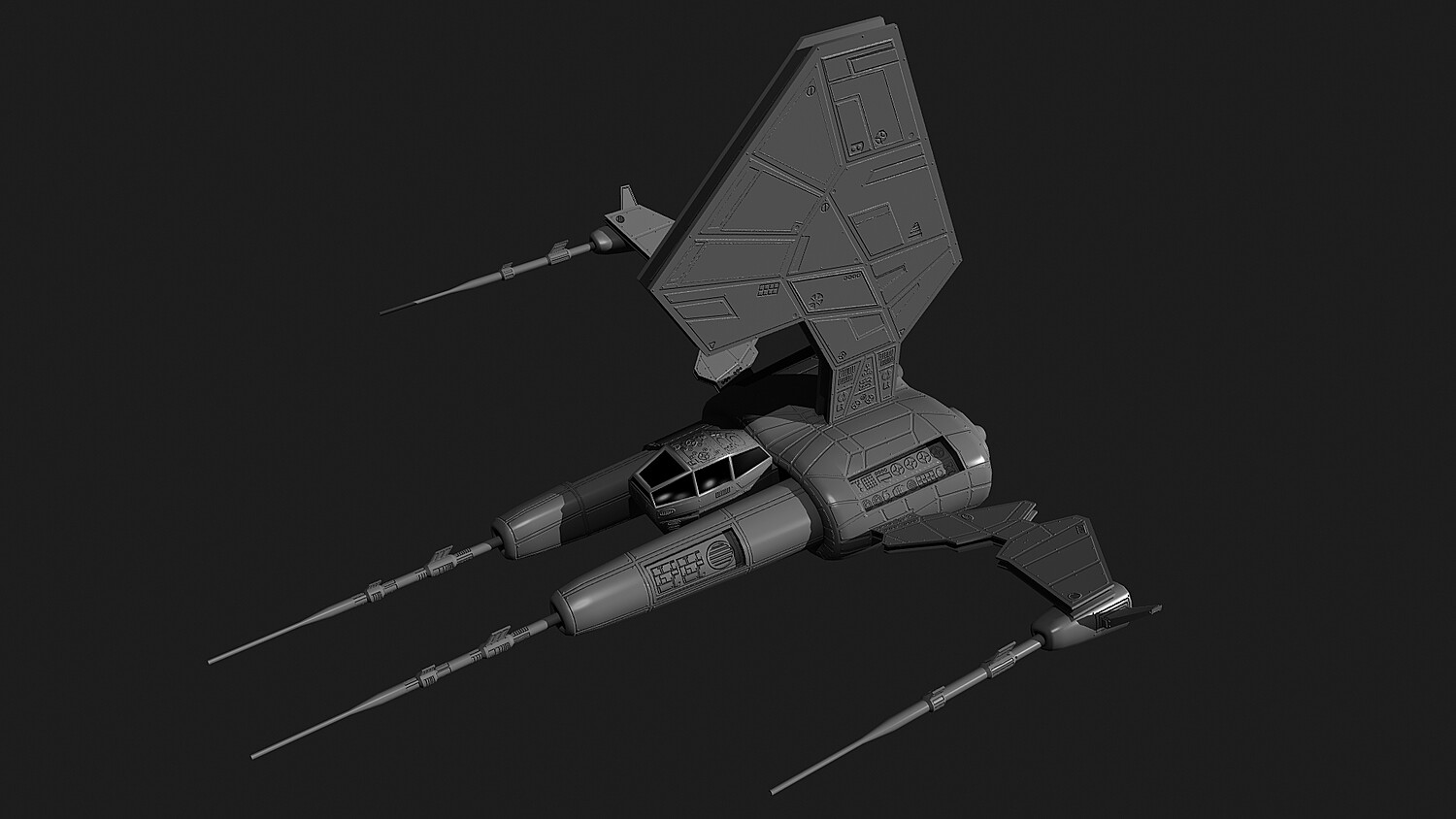
In this training video Instructor Adam Gibson shows how to detail a Spacefighter model that was created in LightWave using 3D Coat's powerful normal mapping and painting tools. Learn how to take simple models and create complex surface geometry like Sci-Fi panels, vents, pipes, rivets, and all kinds of gadgets and nurnies. Tips and tricks on how to use the different brush types along with alpha brush collections is covered in great detail. The concepts learned from this video can be used for all sorts of other projects like machinery, vehicles of all types, and architecture. Great for detailing hard surface models, but not limited to. You can also apply what you learned for organic objects as well.
Table of Contents for Volume #1-Normal Maps
Chapter 1- Intro
Chapter 2- Importing Model into 3DC and View Modes
Chapter 3- Hiding Parts
Chapter 4- Polygonal Tool and Eraser Tool
Chapter 5- Top Fin Base Panels
Chapter 6- Top Fin: Adding Detail Part One
Chapter 7- Top Fin: Adding Detail Part Two
Chapter 8- Top Fin: Adding Detail Part Three
Chapter 9- Wings: Top Base Panels
Chapter 10- Wings: Bottom Base Panels
Chapter 11- Thruster Casing: Top Panels
Chapter 12- Thruster Casing: Bottom Panels
Chapter 13- Thruster Casing: Front Panels
Chapter 14- Thruster Casing: Back Panels
Chapter 15- Thruster: Inner Bevels Panels
Chapter 16- Cockpit Panels
Chapter 17- Hide Tool
Chapter 18- Thrusters Main Panels
Chapter 19- Long Gun Casings
Chapter 20- Rear Long Guns
Chapter 21- Front Long Guns
Chapter 22- Alpha Brushes: Intro
Chapter 23- Alpha Brushes: Detailing
Chapter 24- Exporting Normal Map Created in 3DC
Chapter 25- Importing the Spacefighter into LightWave
Running Time: 6 hrs. 42 mins.
High Quality (Screen-Res 1440 x 900 pixels)
Video Format: Quicktime Video (.mov)
Level: Beginner & Up
You will get 26 files
All files previously purchased will always be available for download in your Library
- 3DC_Detailing_Starfighter...13.17 MB
- 3DC_37_Detail_Starfighter...9.04 MB - 56.34133333333333 sec
- 3DC_37_Detail_Starfighter...44.71 MB - 4 min
- 3DC_37_Detail_Starfighter...87.87 MB - 8 min
- 3DC_37_Detail_Starfighter...101.9 MB - 9 min
- 3DC_37_Detail_Starfighter...112.8 MB - 10 min
- 3DC_37_Detail_Starfighter...139.36 MB - 12 min
- 3DC_37_Detail_Starfighter...168.05 MB - 16 min
- 3DC_37_Detail_Starfighter...163.42 MB - 15 min
- 3DC_37_Detail_Starfighter...223.23 MB - 20 min
- 3DC_37_Detail_Starfighter...145.43 MB - 12 min
- 3DC_37_Detail_Starfighter...88.67 MB - 7 min
- 3DC_37_Detail_Starfighter...107.93 MB - 9 min
- 3DC_37_Detail_Starfighter...135.7 MB - 10 min
- 3DC_37_Detail_Starfighter...208.54 MB - 18 min
- 3DC_37_Detail_Starfighter...228.6 MB - 21 min
- 3DC_37_Detail_Starfighter...228.75 MB - 19 min
- 3DC_37_Detail_Starfighter...137.83 MB - 10 min
- 3DC_37_Detail_Starfighter...222.1 MB - 18 min
- 3DC_37_Detail_Starfighter...293.93 MB - 25 min
- 3DC_37_Detail_Starfighter...193.6 MB - 13 min
- 3DC_37_Detail_Starfighter...241.73 MB - 17 min
- 3DC_37_Detail_Starfighter...325.05 MB - 25 min
- 3DC_37_Detail_Starfighter...353.63 MB - 28 min
- 3DC_37_Detail_Starfighter...343.39 MB - 25 min
- 3DC_37_Detail_Starfighter...518.99 MB - 40 min