
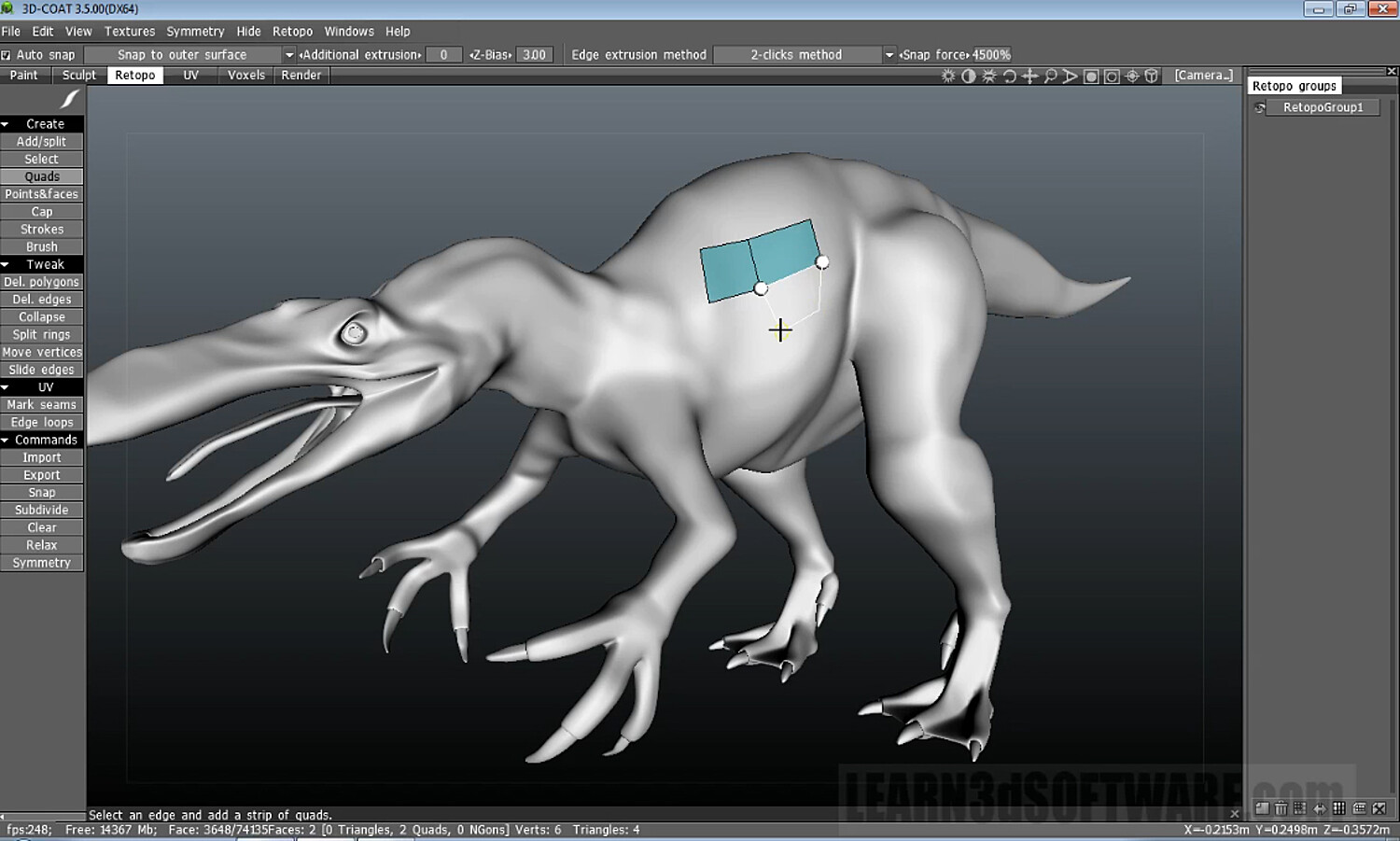


3D Coat 3.5- Retopology I
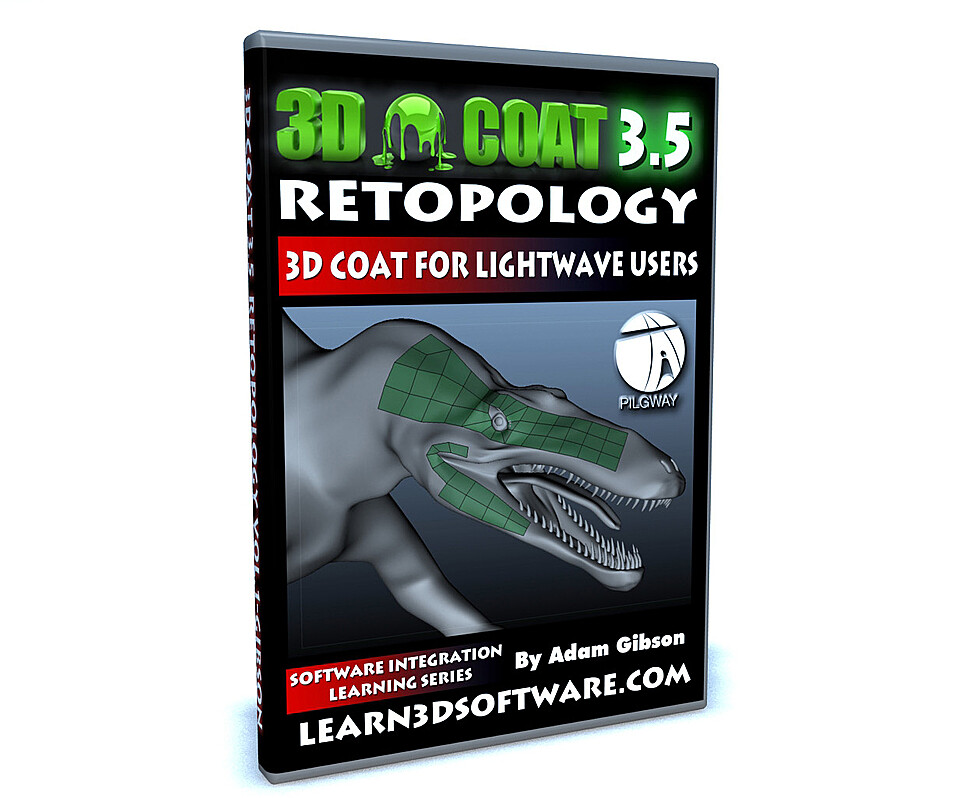
3D Coat 3.5 for LightWave Users-Retopology-by Adam Gibson
In this videos series we show 3D students how to use 3D Coat and LightWave 3D together as an easy and functional workflow and pipeline in your 3D projects. Although this video series uses Lightwave 3D as the final output for your 3D Coat work, the concepts and principles used here will work with all the most popular 3D programs like 3D Max, Maya, Softimage, Modo, Cinema 4D and many others.
In this first volume on retopology for 3D Coat 3.5 for LightWave Users Adam Gibson demonstrates all of the retopology tools in great detail. Basically this is an A-Z reference for anyone who wants to understand what each tool in the retopology menu does and how.
Table of Contents for Retopology
Chapter 1- Intro
Chapter 2- What is Retopology?
Chapter 3- How to Import a Mesh for Retopology
Chapter 4- How to Import a Voxel Object for Retopology
Chapter 5- Retopology Groups
Chapter 6- Add Split Tool
Chapter 7- Select Tool
Chapter 8- Quads Tool
Chapter 9- Points and Faces Tool
Chapter 10- Cap Tool
Chapter 11- Strokes Tool
Chapter 12- Brush Tool
Chapter 13- Delete Polygons Tool
Chapter 14- Delete Edges Tool
Chapter 15- Collapse Tool
Chapter 16- Split Rings Tool
Chapter 17- Move Vertices Tool
Chapter 18- Slide Edges Tool
Chapter 19- Move Faces Tool
Chapter 20- Move Edges Tool
Chapter 21- Move Edge Loops Tool
Chapter 22- Move Edge Rings Tool
Chapter 23- Slide Edge Loops Tool
Chapter 24- Relax Tool
Chapter 25- Clear Tool
Chapter 26- Subdivide Tool
Chapter 27- Quads Tools Mode
Chapter 28- Snap Tool
Chapter 29- Symmetry Tool
Chapter 30- Importing and Exporting Retopology to LightWave
Chapter 31- Spin Edge Tool
Chapter 32- Spin Back Edge Tool
Chapter 33- Extrude Edge Tool
Chapter 34- Split Edges Tool
Chapter 35- Collapse Edges Tool
Chapter 36- Delete Tool
Chapter 37- Edge Loop Tool
Chapter 38- Edge Ring Tool
Chapter 39- Sel Sharp Tool
Chapter 40- UV Mark Seams Tool
Chapter 41- UV Edge Loops Tool
Chapter 42- Bevel Edges Tool
Chapter 43- Delete Faces Tool
Chapter 44- Subdivide Faces Tool
Chapter 45- Hide Faces Tool
Chapter 46- Invert Hidden Faces Tool
Chapter 47- Unhide Faces Tool
Chapter 48- Final
Level: Beginner
Running Time: 3hrs. 24 mins.
High Quality (Screen-Res 1440 x 900 pixels)
Video Format: Quicktime Video (.mov)
You will get 48 files
All files previously purchased will always be available for download in your Library
- 3DC_35_LW_Users_Retopolog...6.9 MB - 44.672 sec
- 3DC_35_LW_Users_Retopolog...7.74 MB - 57.81333333333333 sec
- 3DC_35_LW_Users_Retopolog...12.9 MB - 1 min
- 3DC_35_LW_Users_Retopolog...13.56 MB - 1 min
- 3DC_35_LW_Users_Retopolog...16.5 MB - 1 min
- 3DC_35_LW_Users_Retopolog...19.16 MB - 2 min
- 3DC_35_LW_Users_Retopolog...18.28 MB - 1 min
- 3DC_35_LW_Users_Retopolog...23.02 MB - 2 min
- 3DC_35_LW_Users_Retopolog...21.46 MB - 2 min
- 3DC_35_LW_Users_Retopolog...21.33 MB - 2 min
- 3DC_35_LW_Users_Retopolog...25.34 MB - 2 min
- 3DC_35_LW_Users_Retopolog...43.79 MB - 4 min
- 3DC_35_LW_Users_Retopolog...47.13 MB - 5 min
- 3DC_35_LW_Users_Retopolog...35.94 MB - 3 min
- 3DC_35_LW_Users_Retopolog...41.53 MB - 3 min
- 3DC_35_LW_Users_Retopolog...44.87 MB - 4 min
- 3DC_35_LW_Users_Retopolog...51.98 MB - 5 min
- 3DC_35_LW_Users_Retopolog...92.58 MB - 9 min
- 3DC_35_LW_Users_Retopolog...161.33 MB - 15 min
- 3DC_35_LW_Users_Retopolog...233.97 MB - 23 min
- 3DC_35_LW_Users_Retopolog...242.36 MB - 24 min
- 3DC_35_LW_Users_Retopolog...160.62 MB - 11 min
- 3DC_35_LW_Users_Retopolog...10.55 MB - 1 min
- 3DC_35_LW_Users_Retopolog...11.8 MB - 1 min
- 3DC_35_LW_Users_Retopolog...13.03 MB - 1 min
- 3DC_35_LW_Users_Retopolog...15.82 MB - 1 min
- 3DC_35_LW_Users_Retopolog...15.88 MB - 1 min
- 3DC_35_LW_Users_Retopolog...21.24 MB - 2 min
- 3DC_35_LW_Users_Retopolog...23.74 MB - 2 min
- 3DC_35_LW_Users_Retopolog...22.3 MB - 2 min
- 3DC_35_LW_Users_Retopolog...21.0 MB - 2 min
- 3DC_35_LW_Users_Retopolog...24.47 MB - 2 min
- 3DC_35_LW_Users_Retopolog...23.73 MB - 2 min
- 3DC_35_LW_Users_Retopolog...25.36 MB - 2 min
- 3DC_35_LW_Users_Retopolog...30.77 MB - 3 min
- 3DC_35_LW_Users_Retopolog...33.39 MB - 3 min
- 3DC_35_LW_Users_Retopolog...29.99 MB - 3 min
- 3DC_35_LW_Users_Retopolog...40.08 MB - 4 min
- 3DC_35_LW_Users_Retopolog...36.65 MB - 3 min
- 3DC_35_LW_Users_Retopolog...40.47 MB - 4 min
- 3DC_35_LW_Users_Retopolog...49.26 MB - 4 min
- 3DC_35_LW_Users_Retopolog...48.62 MB - 4 min
- 3DC_35_LW_Users_Retopolog...56.42 MB - 5 min
- 3DC_35_LW_Users_Retopolog...89.97 MB - 8 min
- 3DC_35_LW_Users_Retopolog...17.95 MB - 1 min
- 3DC_35_LW_Users_Retopolog...19.42 MB - 1 min
- 3DC_35_LW_Users_Retopolog...23.96 MB - 2 min
- 3DC_35_LW_Users_Retopolog...24.21 MB - 2 min