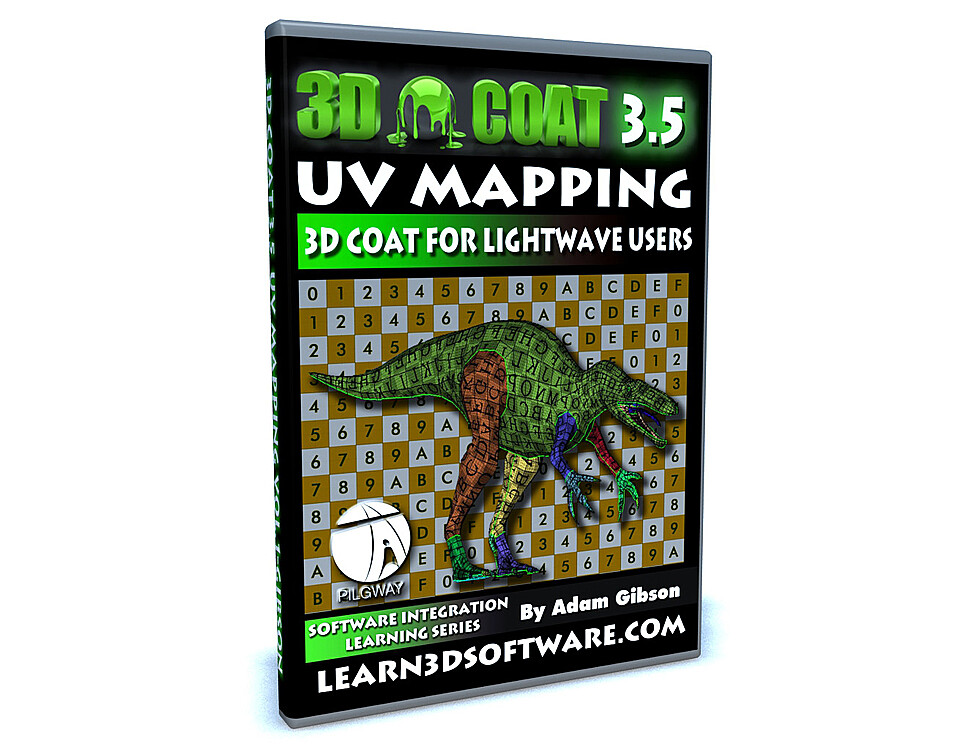


3D Coat 3.5 for LightWave Users- UV Mapping
3D Coat 3.5 for LightWave Users- UV Mapping
In this videos series we show 3D students how to use 3D Coat and LightWave 3D together as an easy and functional workflow and pipeline in your 3D projects. Although this video series uses Lightwave 3D as the final output for your 3D Coat work, the concepts and principles used here will work with all the most popular 3D programs like 3D Max, Maya, Softimage, Modo, Cinema 4D and many others.
In this Video Tutorial Adam Gibson shows a full blown project based session on how to perfectly UV Map a Suchomimus Dinosaur. The techniques and tools are shown to create UV maps with no overlapping UV's. Good UV mapping skills are needed to create great texture maps for your characters and 3D object. This video holds the information you need to start making great UV maps for your own projects.
Table of Contents for UV Mapping
Chapter 1- Intro
Chapter 2- Importing Meshes for UV Mapping in 3D Coat -Part One
Chapter 3- Renaming UV Maps
Chapter 4- Importing Meshes for UV Mapping in 3D Coat -Part Two
Chapter 5- Importing Meshes for UV Mapping in 3D Coat -Part Three
Chapter 6- How to Import Multiple UV Maps into 3D Coat
Chapter 7- Adding UV Seams-Part One
Chapter 8- Adding UV Seams-Part Two
Chapter 9- Adding UV Seams-Part Three
Chapter 10- Adding UV Seams-Part Four
Chapter 11- Adding UV Seams-Part Five
Chapter 12- Unwrap Test
Chapter 13- UV Seam Adjustment
Chapter 14- 3D Coat Crashes
Chapter 15- “Work Around” Exporting Method of Layered UV Mapped Object to LightWave 3D
Level: Beginner
Running Time: 1 hr. 56 mins.
High Quality (Screen-Res 1440 x 900 pixels)
Video Format: Quicktime Video (.mov)
You will get 16 files
All files previously purchased will always be available for download in your Library
- Content Folder 3DC 35 UV ...3.16 MB
- 3DC_35_for_LW_Users_UV_Ma...8.58 MB - 53.93066666666667 sec
- 3DC_35_for_LW_Users_UV_Ma...19.27 MB - 1 min
- 3DC_35_for_LW_Users_UV_Ma...42.86 MB - 5 min
- 3DC_35_for_LW_Users_UV_Ma...46.94 MB - 5 min
- 3DC_35_for_LW_Users_UV_Ma...16.51 MB - 1 min
- 3DC_35_for_LW_Users_UV_Ma...139.13 MB - 11 min
- 3DC_35_for_LW_Users_UV_Ma...107.94 MB - 7 min
- 3DC_35_for_LW_Users_UV_Ma...140.02 MB - 10 min
- 3DC_35_for_LW_Users_UV_Ma...151.28 MB - 13 min
- 3DC_35_for_LW_Users_UV_Ma...108.57 MB - 7 min
- 3DC_35_for_LW_Users_UV_Ma...84.75 MB - 5 min
- 3DC_35_for_LW_Users_UV_Ma...85.45 MB - 6 min
- 3DC_35_for_LW_Users_UV_Ma...128.39 MB - 8 min
- 3DC_35_for_LW_Users_UV_Ma...178.91 MB - 16 min
- 3DC_35_for_LW_Users_UV_Ma...230.0 MB - 15 min