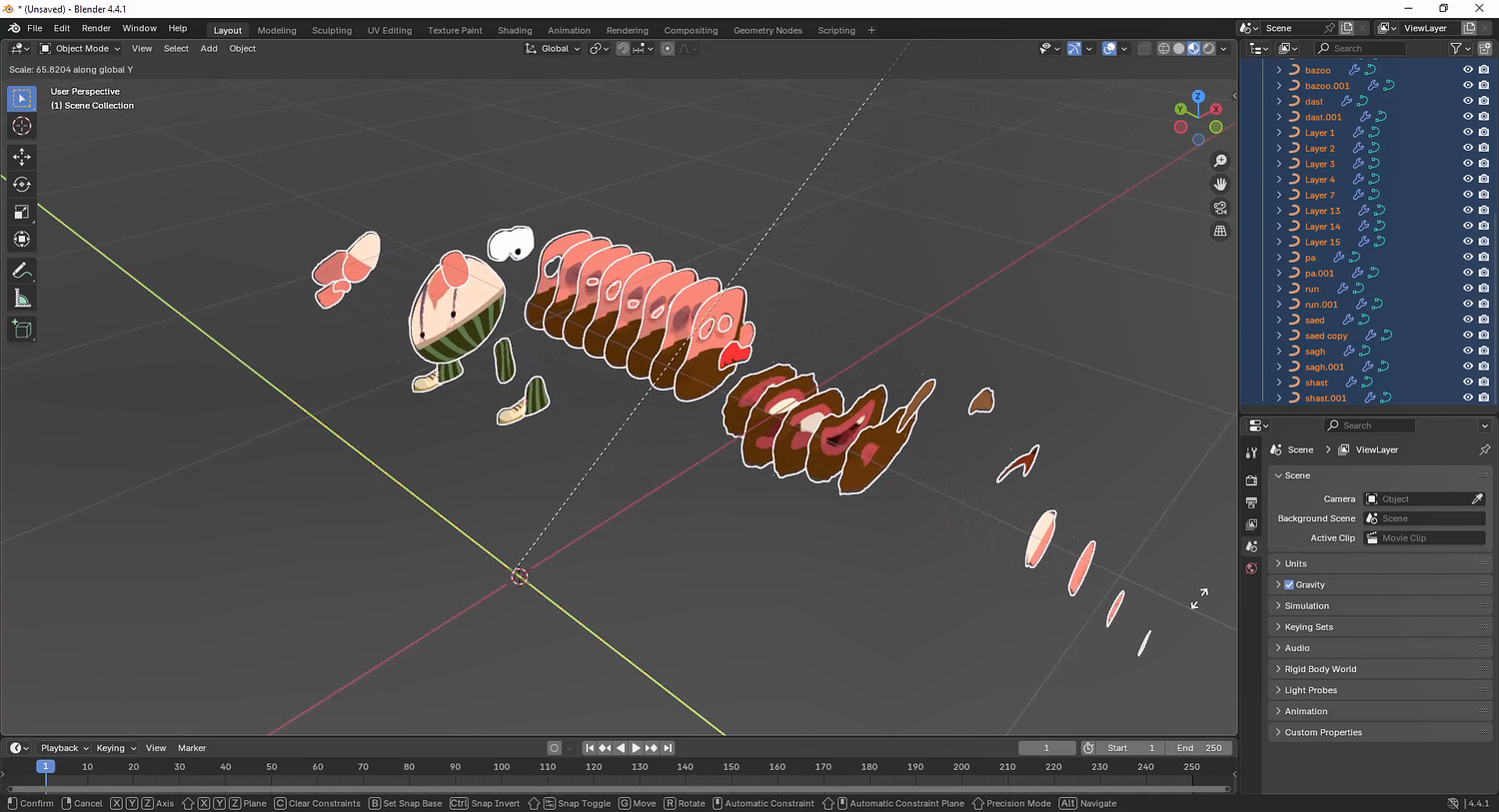

Photoshop to Blender plugin 1.8.40
Photoshop to Blender Plugin
Your entire PSD. Inside Blender. In seconds.
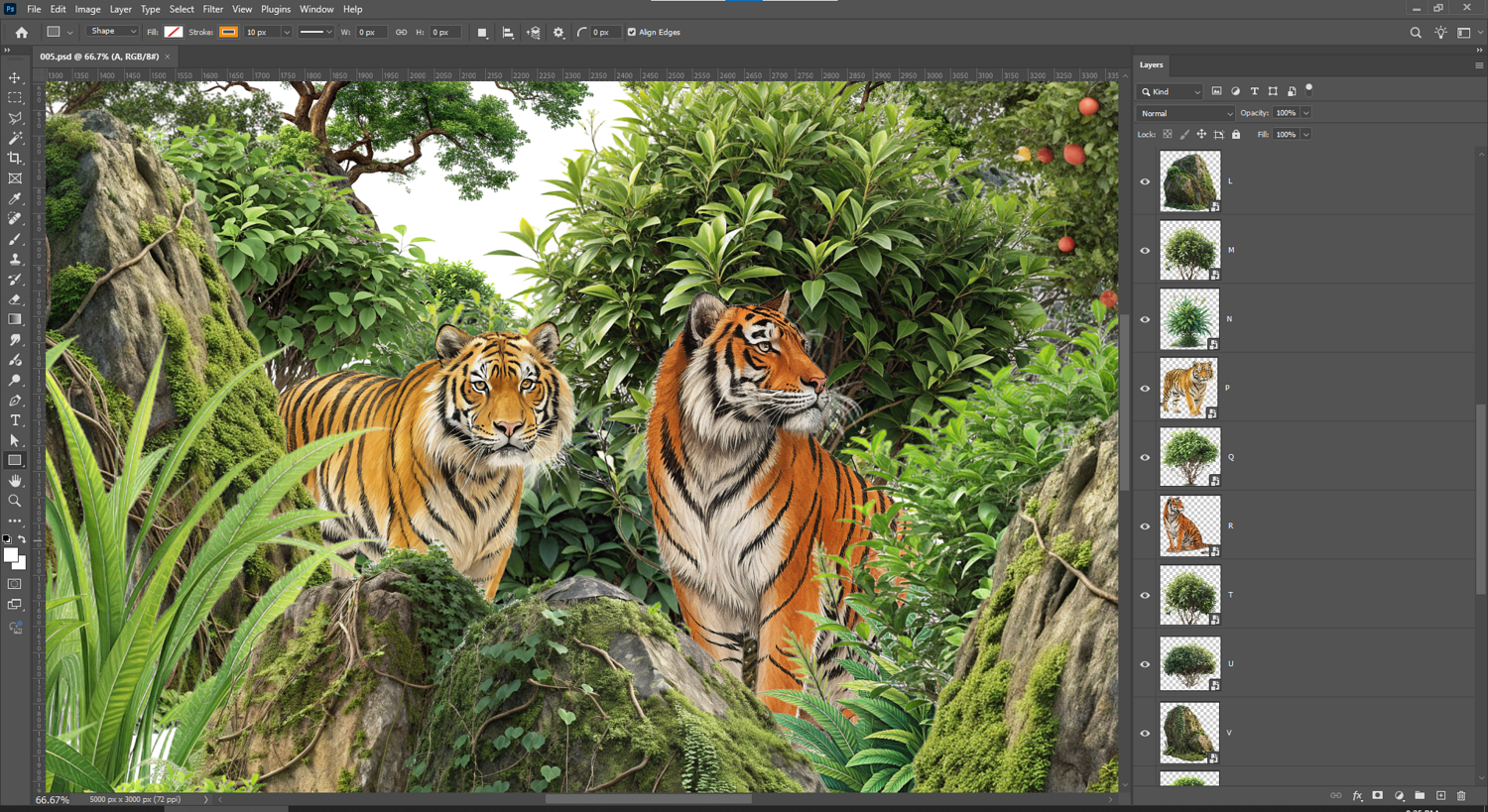
You've spent hours building the perfect layered composition in Photoshop — masks, adjustments, groups, blend modes, the works. Then you open Blender and start rebuilding it from scratch. Layer by layer. Manually.
That ends here.
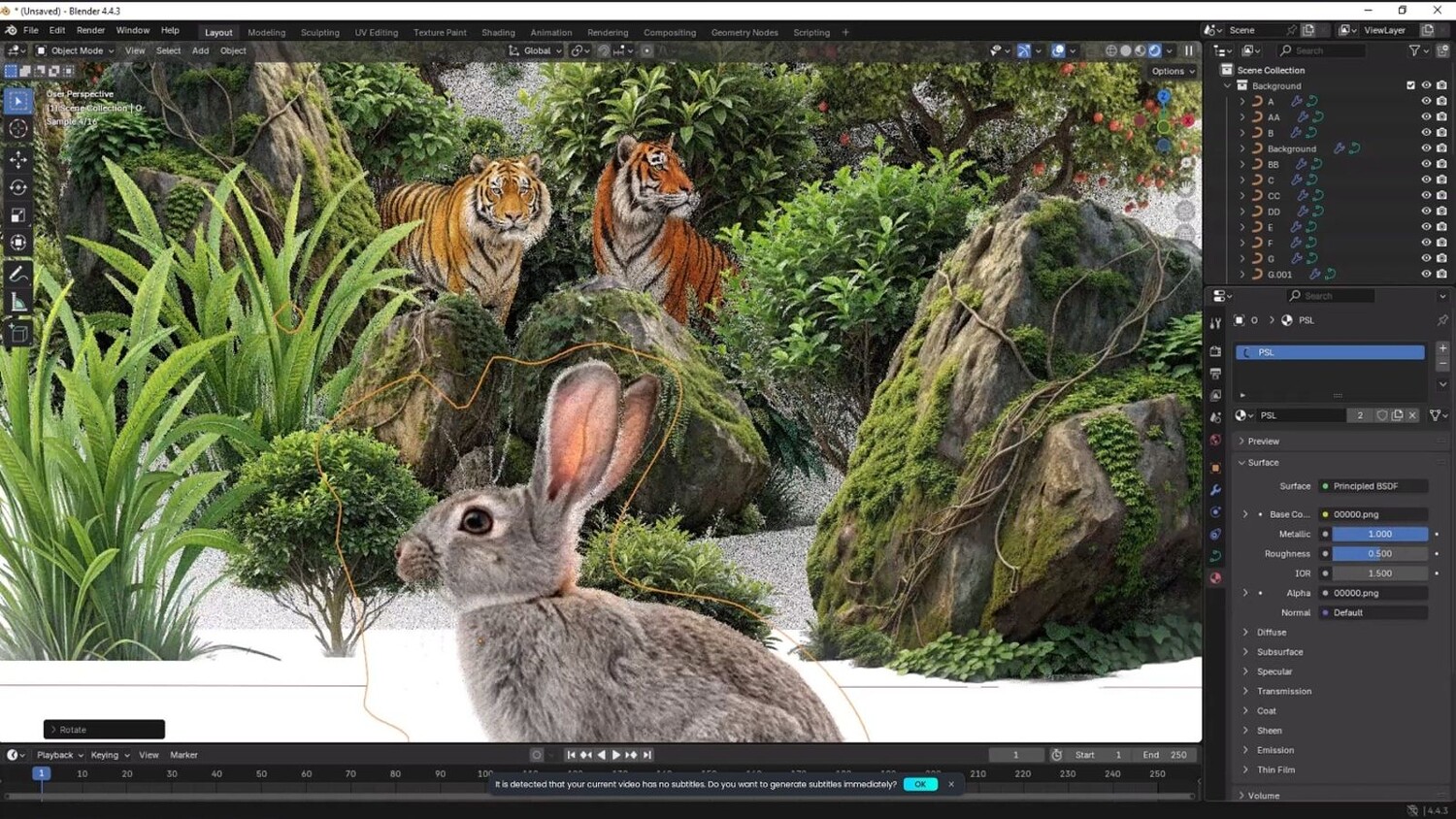
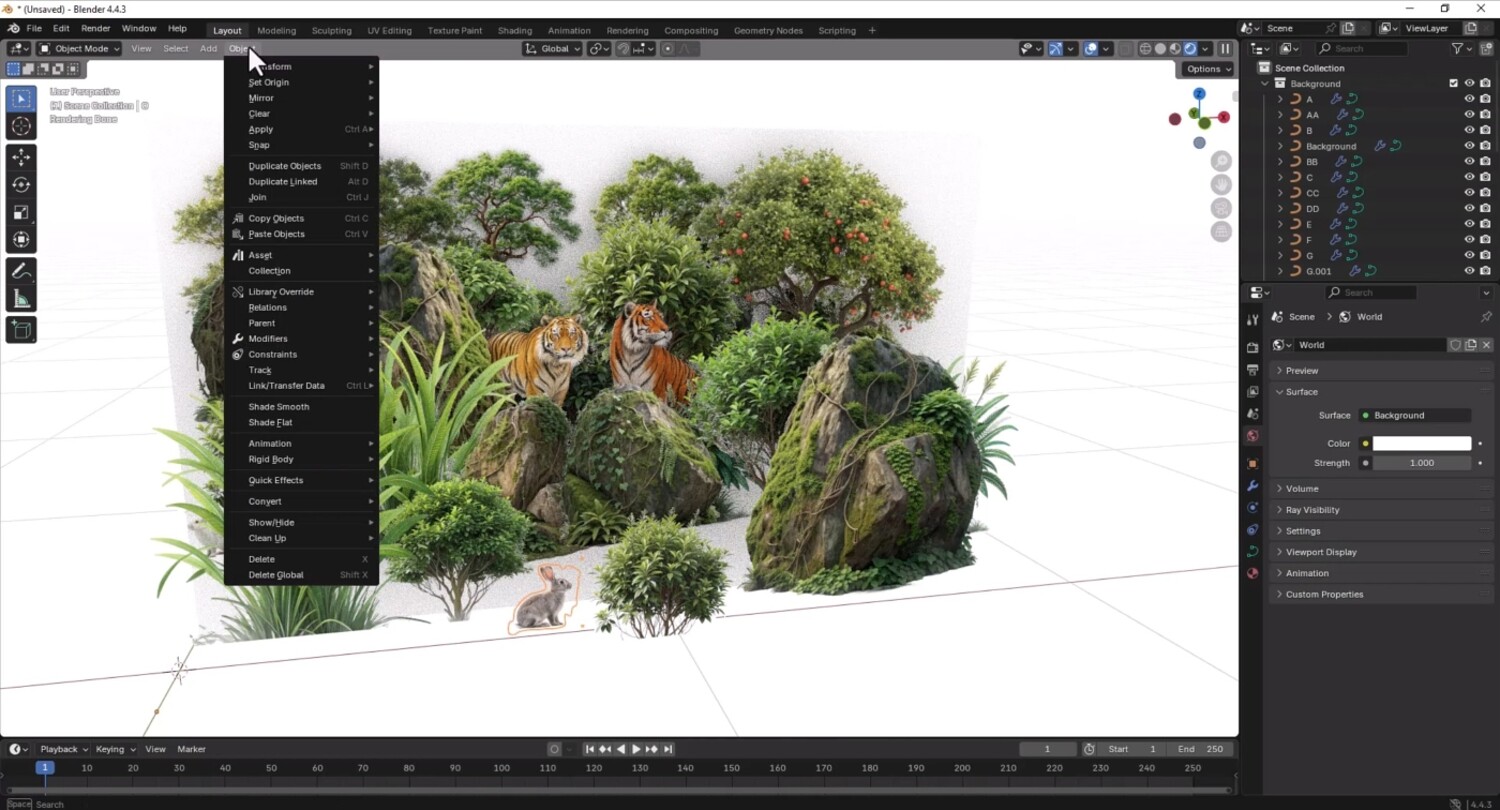
The Photoshop to Blender Plugin imports your complete PSD file directly into Blender with full layer fidelity, perfect structure, and zero manual reconstruction. Every layer. Every group. Exactly where it should be. What It Does
Full PSD import — brings your entire Photoshop file into Blender, structure intact
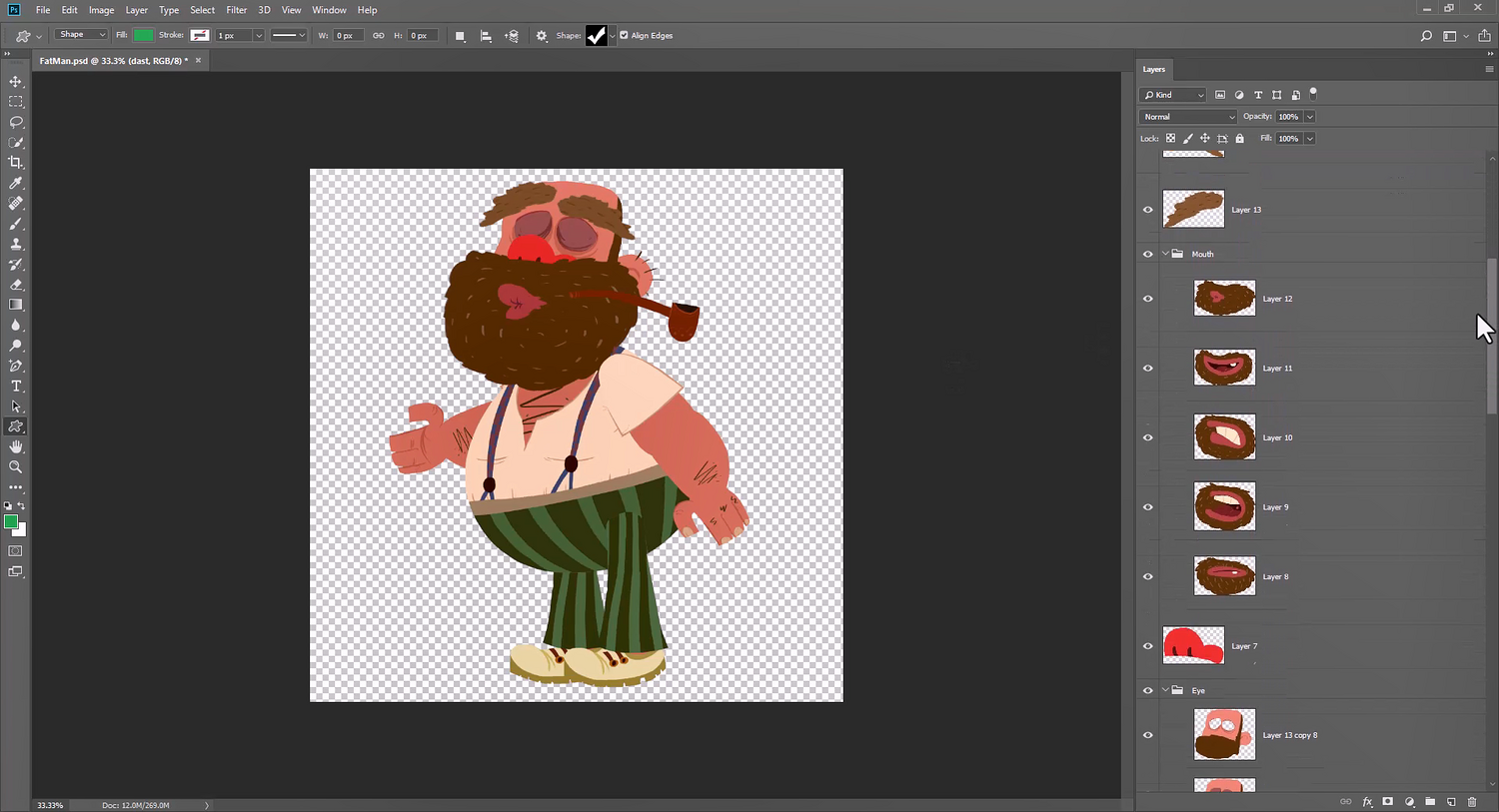
Complete layer fidelity — every layer transfers cleanly, including groups and nested structures
Perfect Z-order mapping — layers stack in Blender exactly as they appear in Photoshop
Smart layer conversion — automatically converts layer types into their Blender equivalents
Automatic organisation — imported assets arrive clean, labelled, and ready to work with
No rebuilding — what took hours in manual recreation now takes seconds
Who It's For
Concept artists who paint in Photoshop and composite or render in Blender
Texture artists managing complex multi-layer textures for 3D assets
Illustrators moving 2D work into 3D scenes without losing their layered workflow
Game artists bridging 2D concept pipelines with Blender production workflows
Why It Matters
Every hour spent rebuilding what already exists in Photoshop is an hour not spent creating. This plugin gives that time back — permanently.
Staff Pick — Flipped Normals | 5-star rated | Trusted by 500+ artists worldwide
Requires Photoshop 2025 and Blender 3.6+. Compatible with Windows 10/11 and macOS. Backed by a 30-day satisfaction guarantee and direct developer support via email and Discord.
Built for artists who refuse to do the same work twice.
You will get 1 file
All files previously purchased will always be available for download in your Library