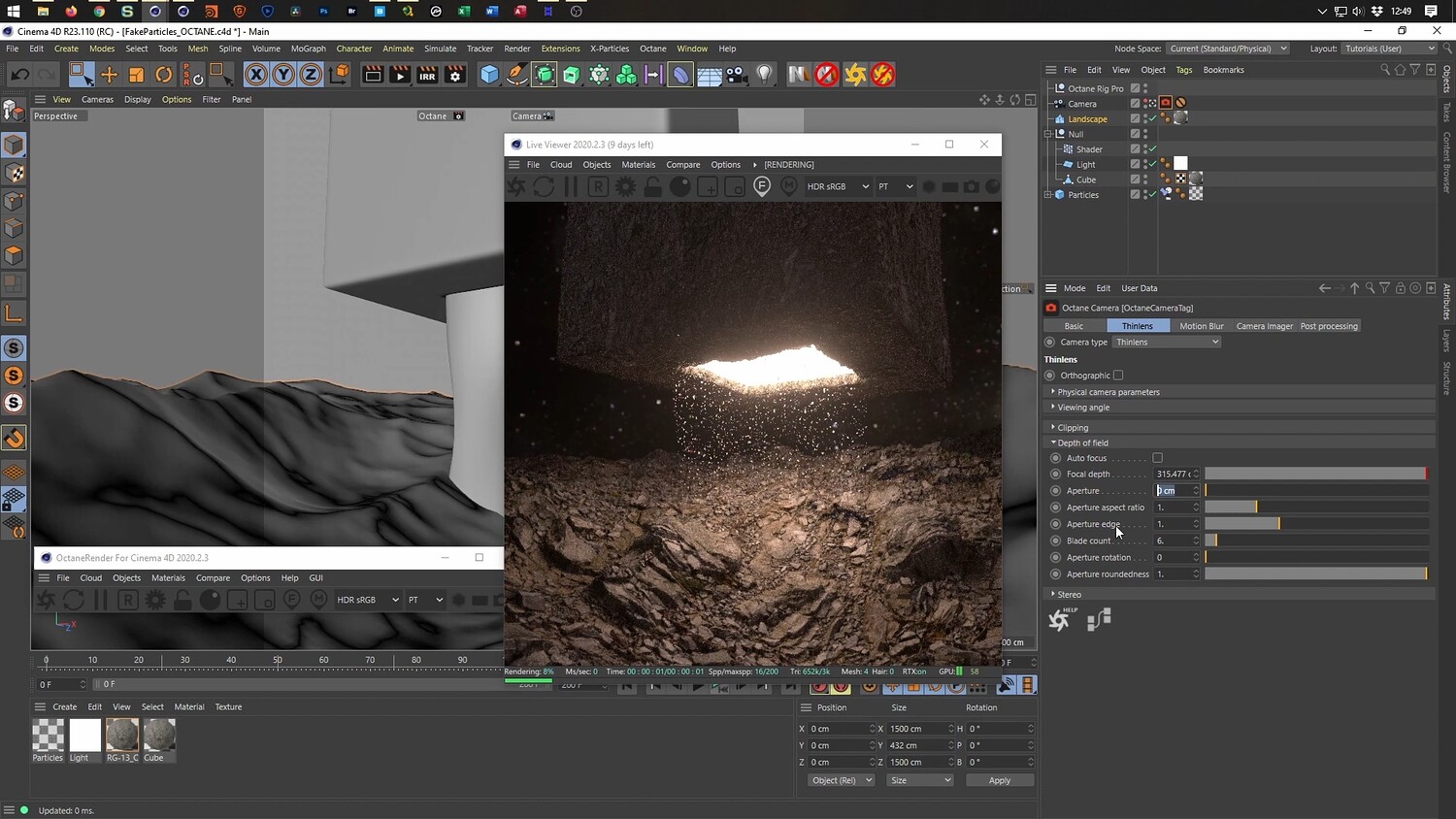
Create a Floating Rock Scene with Fake Particles in Cinema 4D
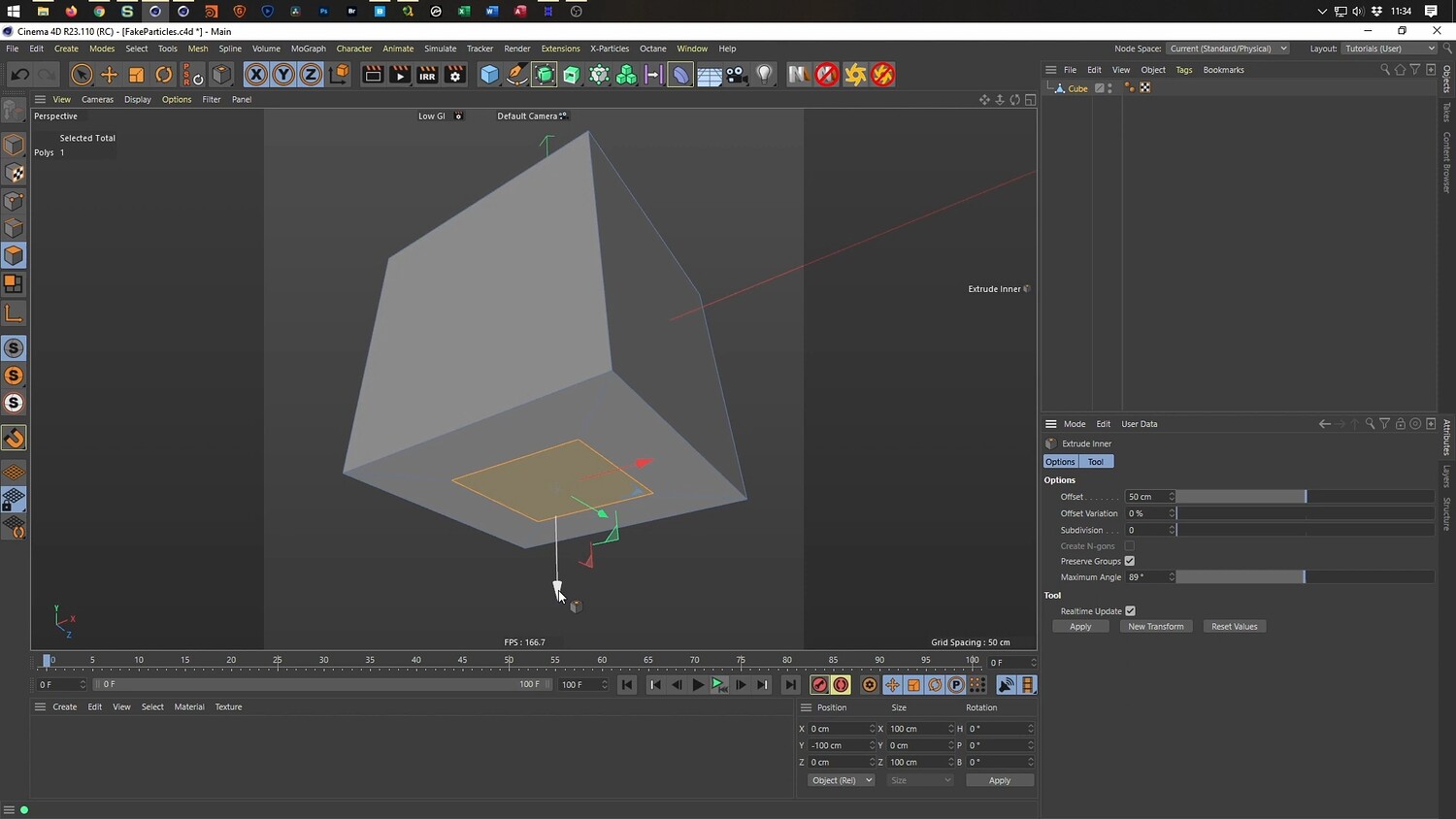
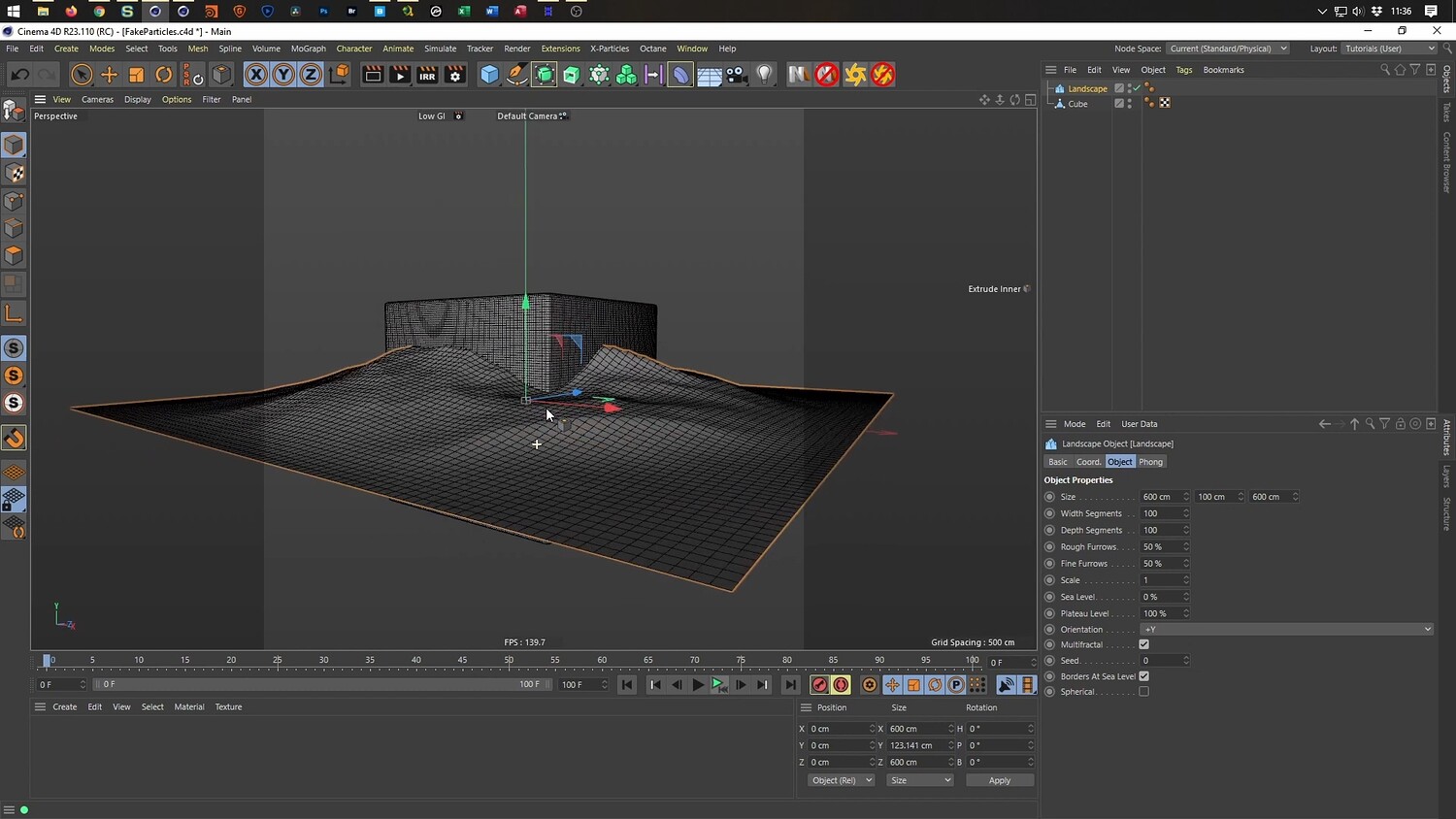
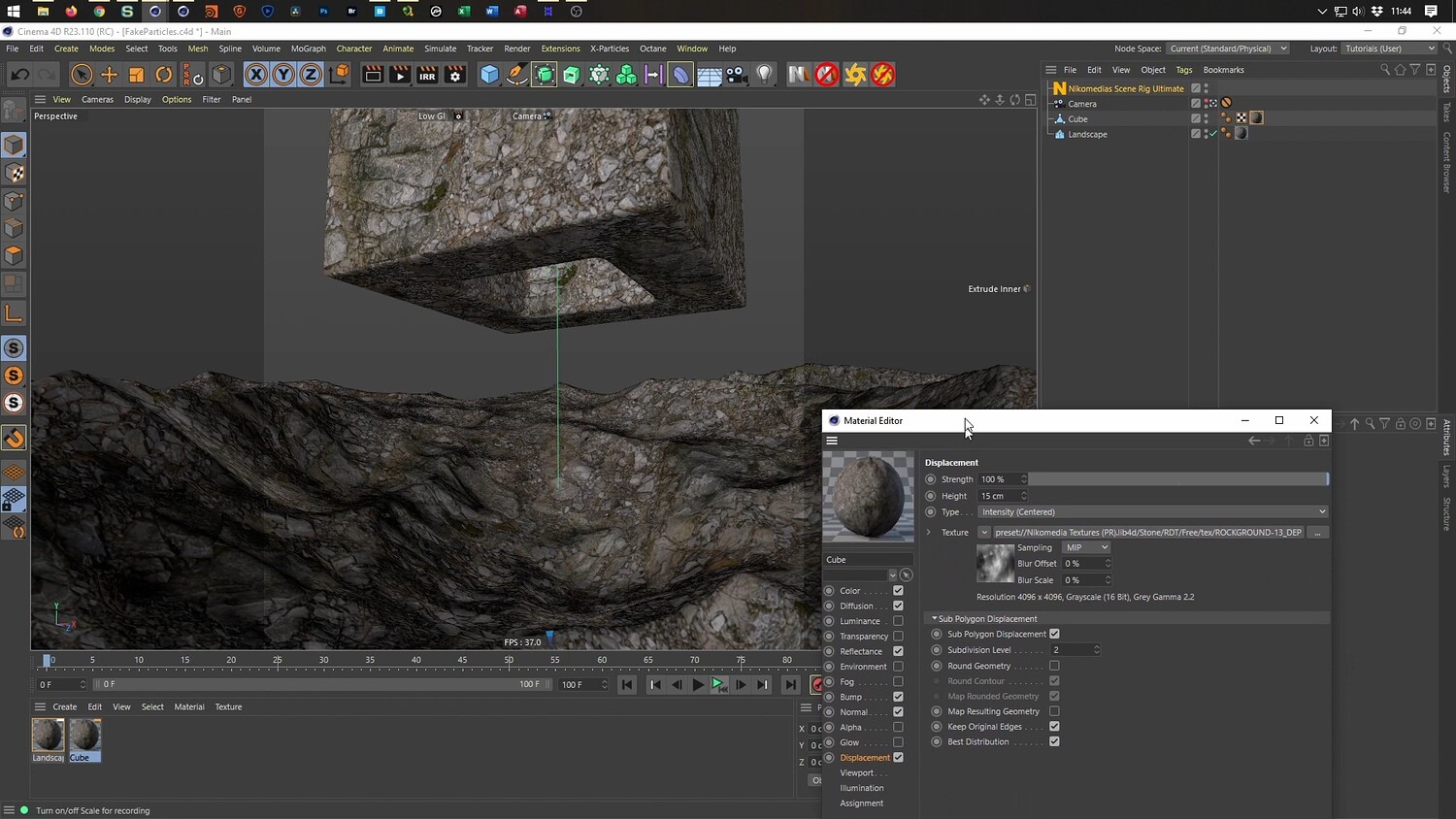
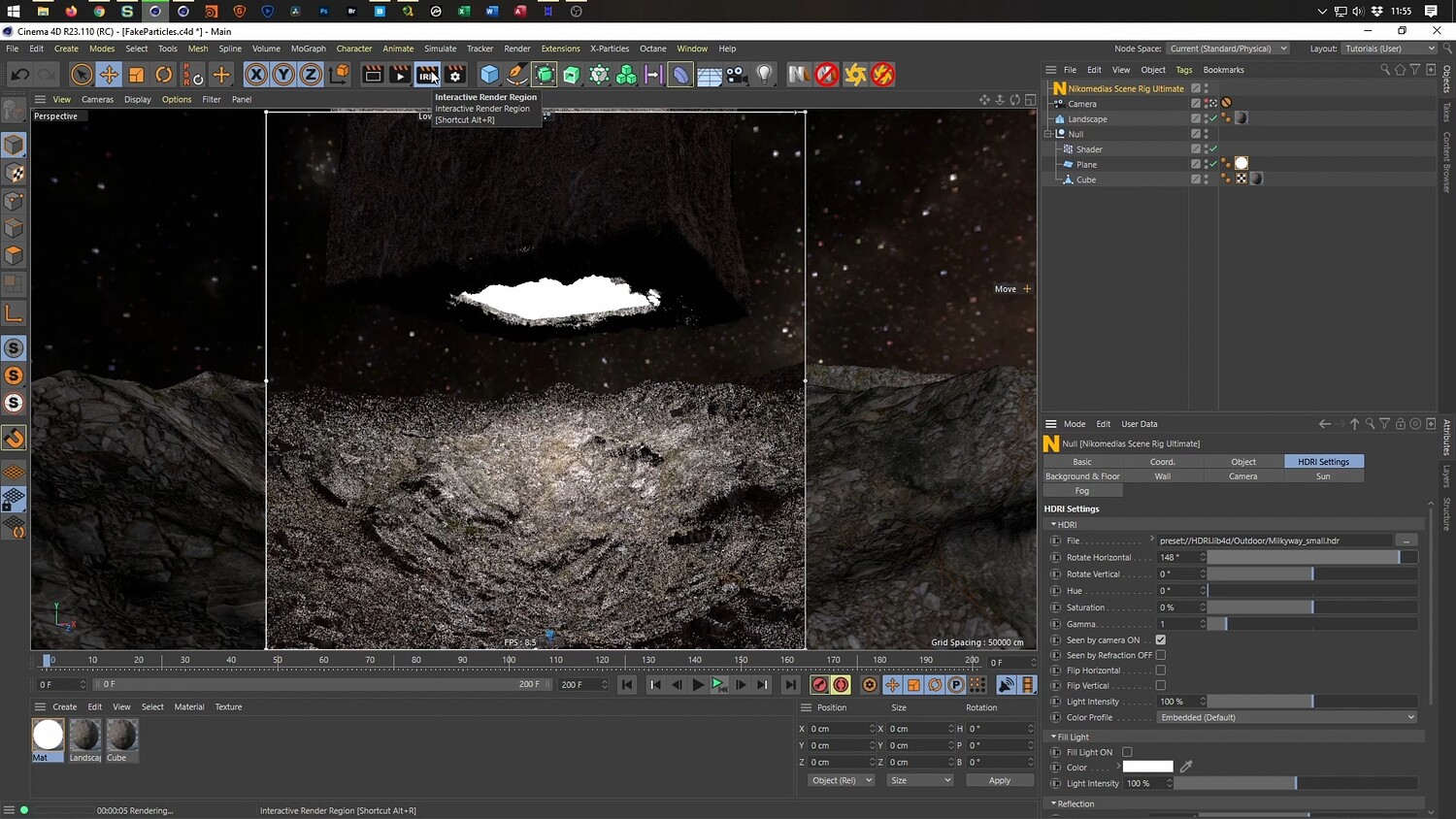
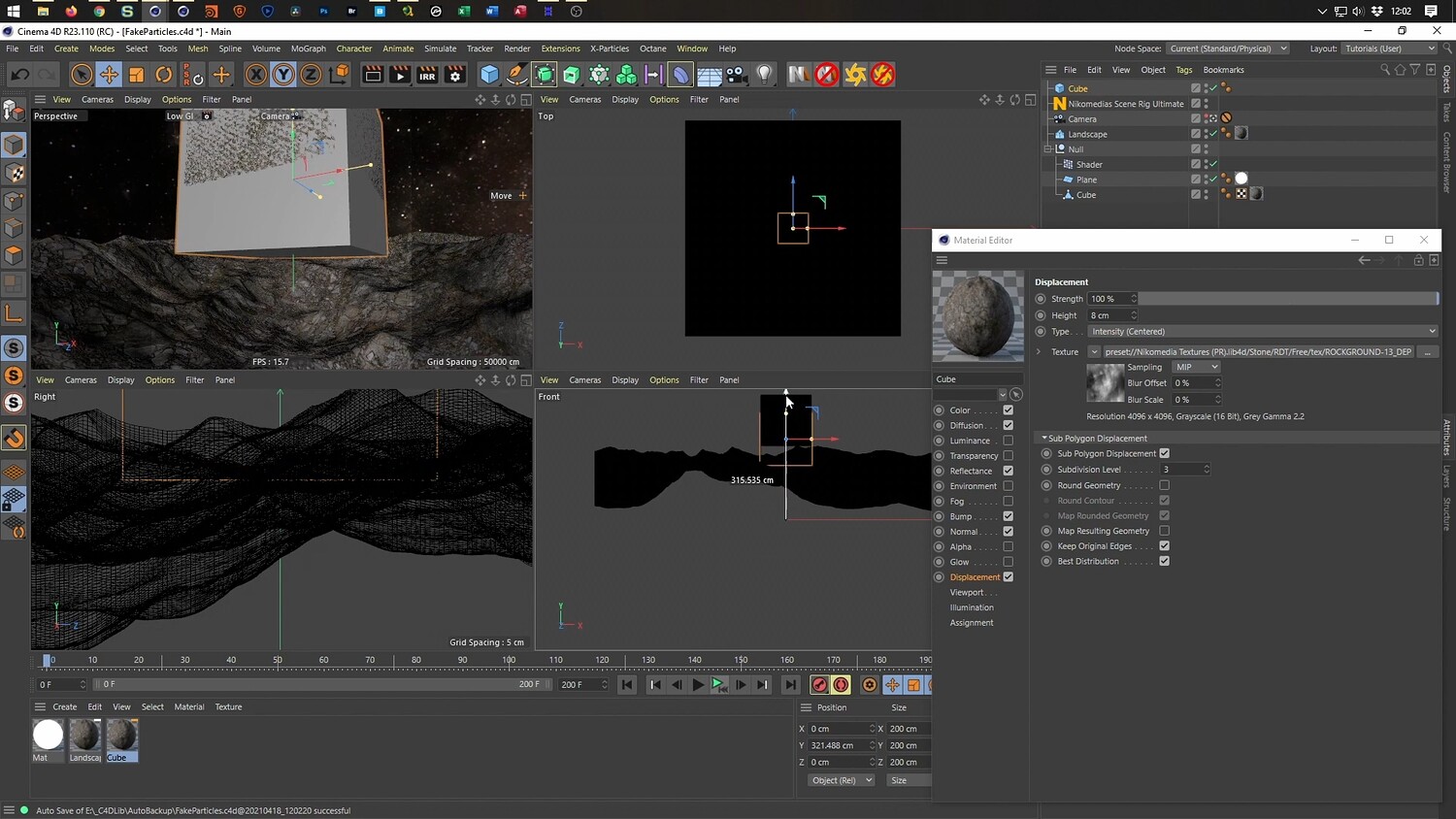
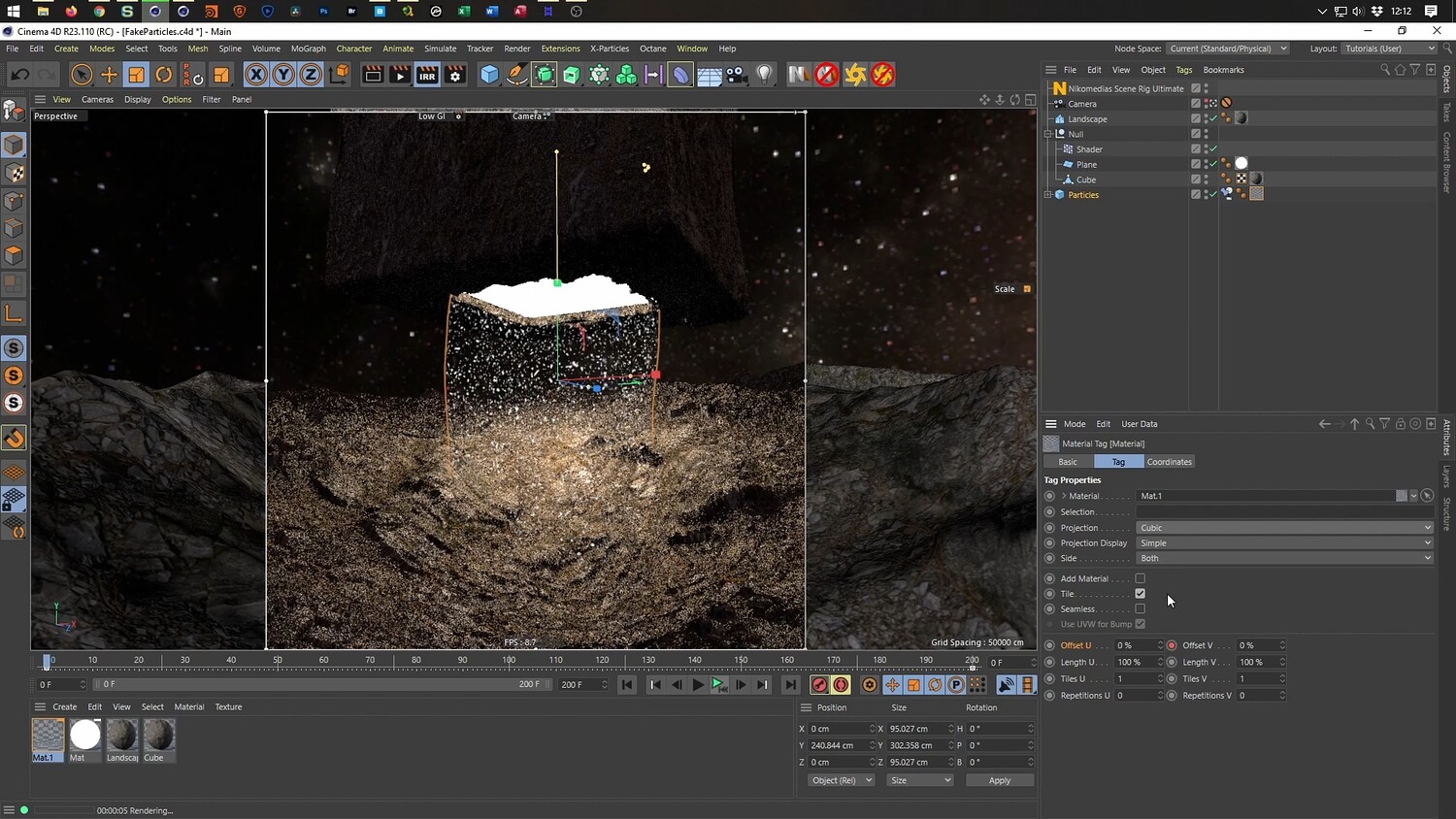
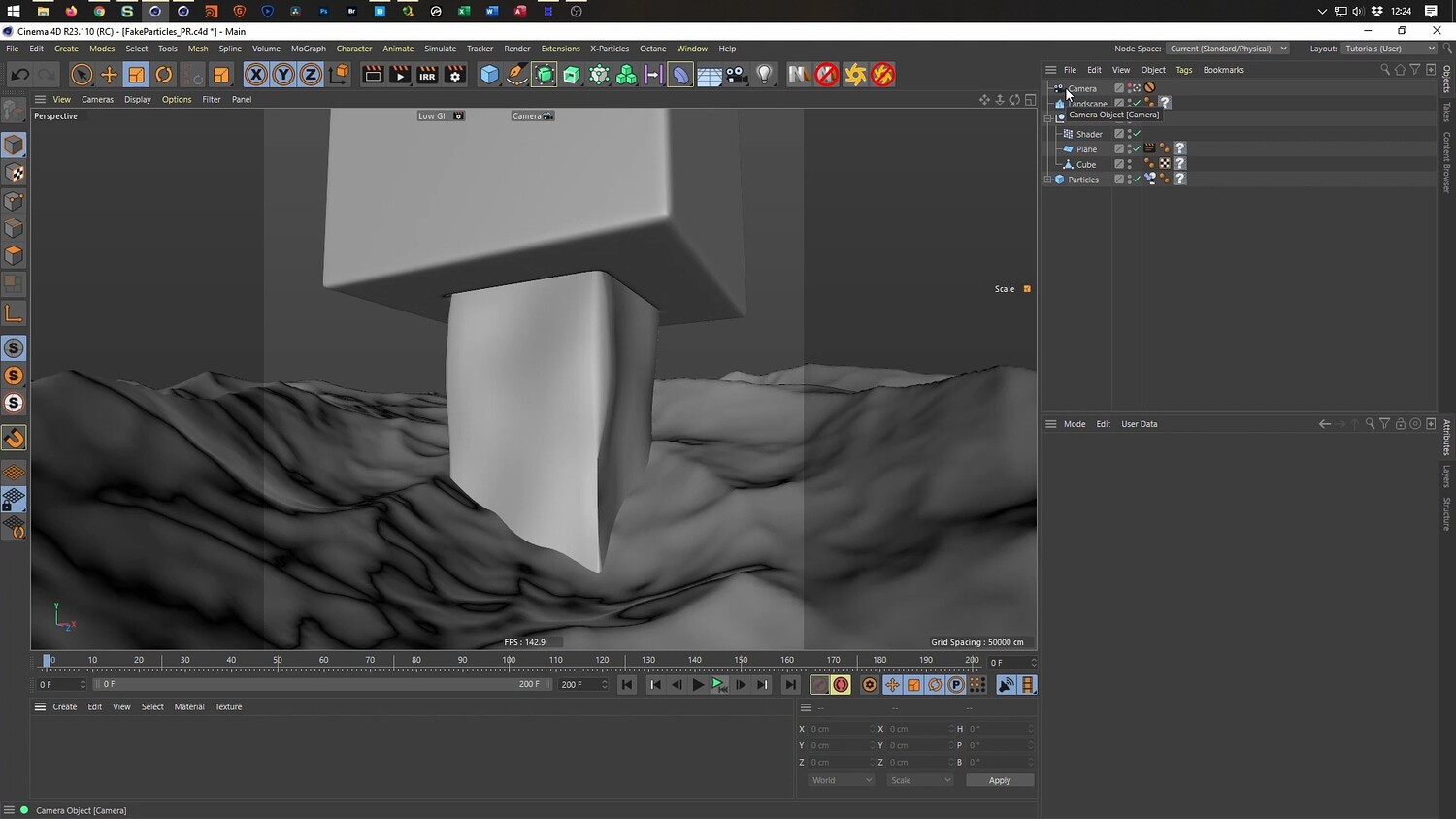
In this tutorial, you will learn how to create a cinematic 3D scene featuring a floating, textured block hovering above a crater. The focus of this lesson is achieving a high-quality particle look without using complex physics simulations. By utilizing the Cloner object and specific material settings, you can create "fake particles" that float within a light beam. The video covers the entire process from texturing and displacement to animating the floating motion and setting up the final render.
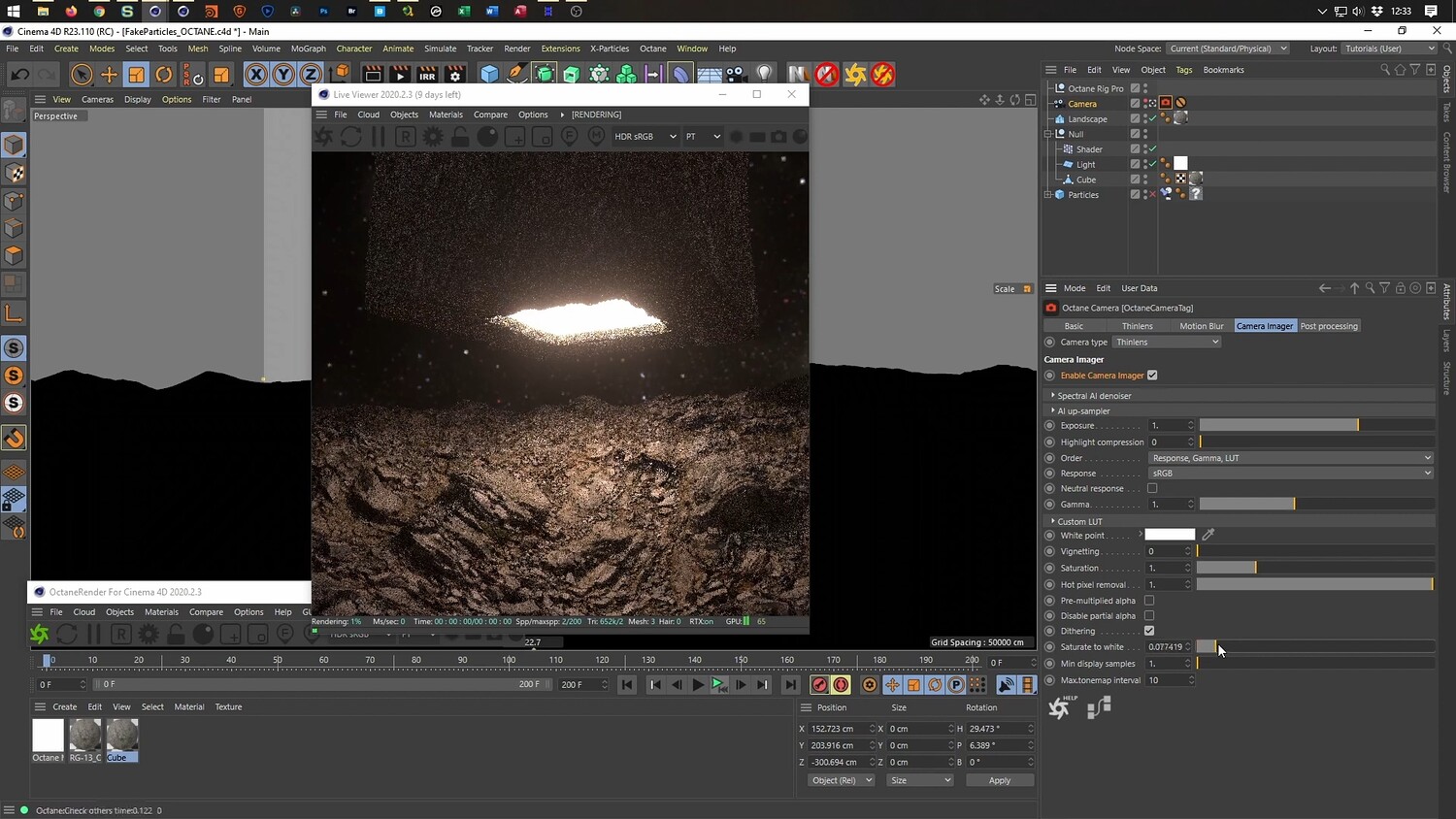
What you will learn: - How to use displacement maps and noise shaders to create realistic, porous rock textures on simple geometry. - Techniques for animating a floating object using the Shader Effector to create a random, organic bobbing motion. - The process of creating "fake particles" using a Cloner object and alpha channels to simulate dust floating in light. - Setting up Octane Render materials, including emission for the glowing light and post-processing for bloom and glare. - How to loop noise animations for seamless video playback.
Software/Tools: - Cinema 4D - Physical Render - Octane Render
Length: 1:16:00
You will get 3 files
All files previously purchased will always be available for download in your Library