Create Disintegration Effects with Fake Particles
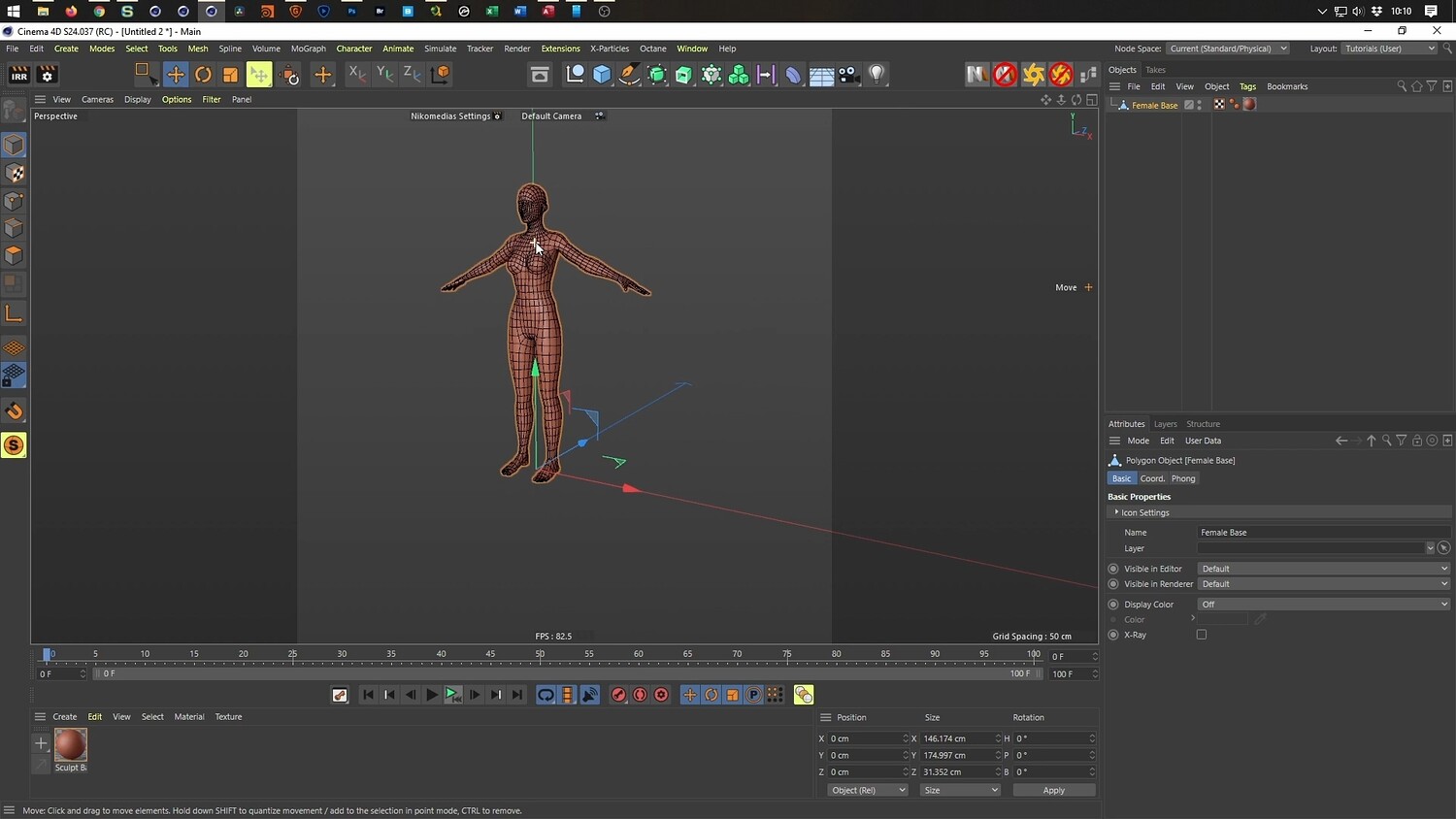
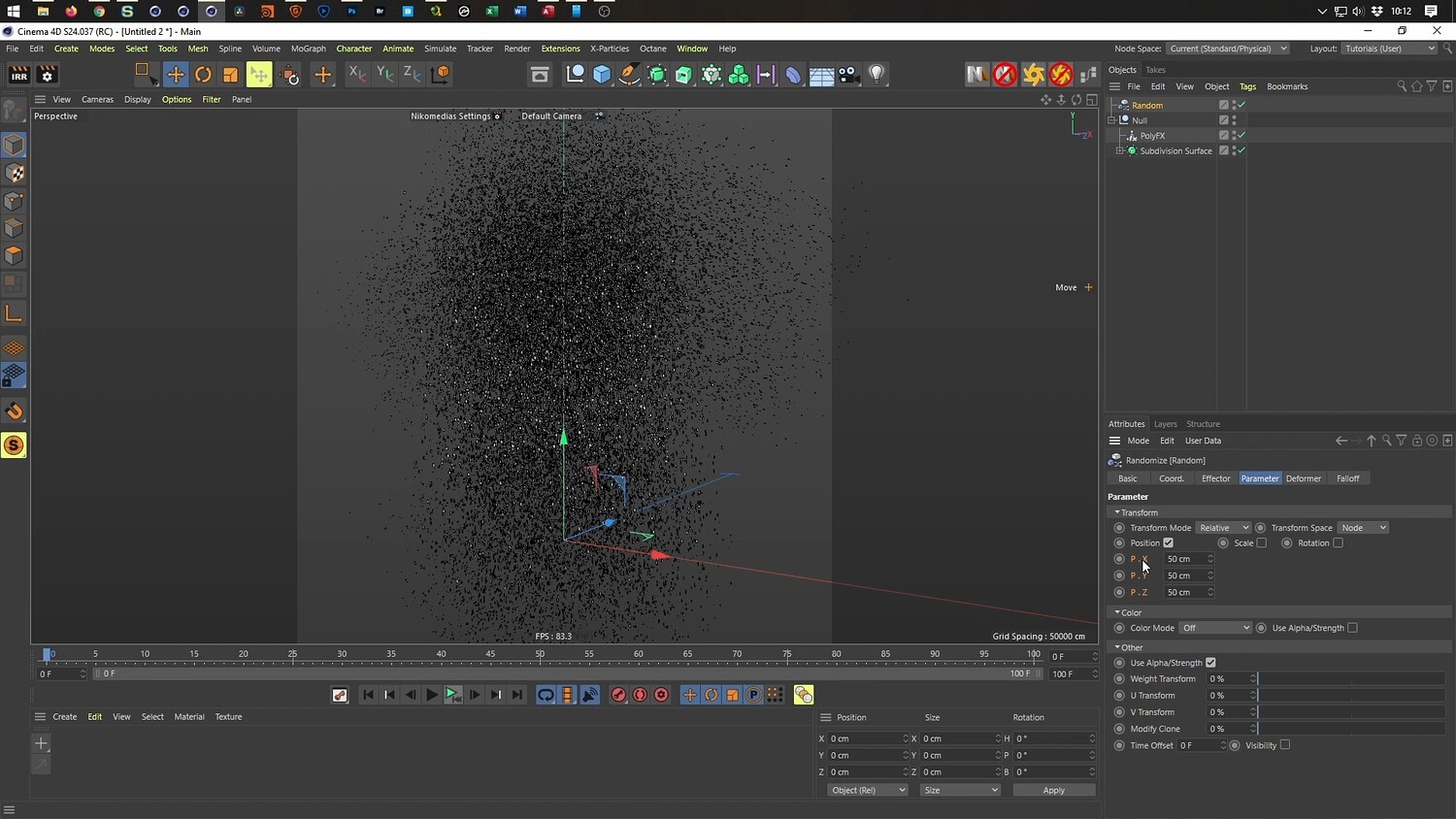
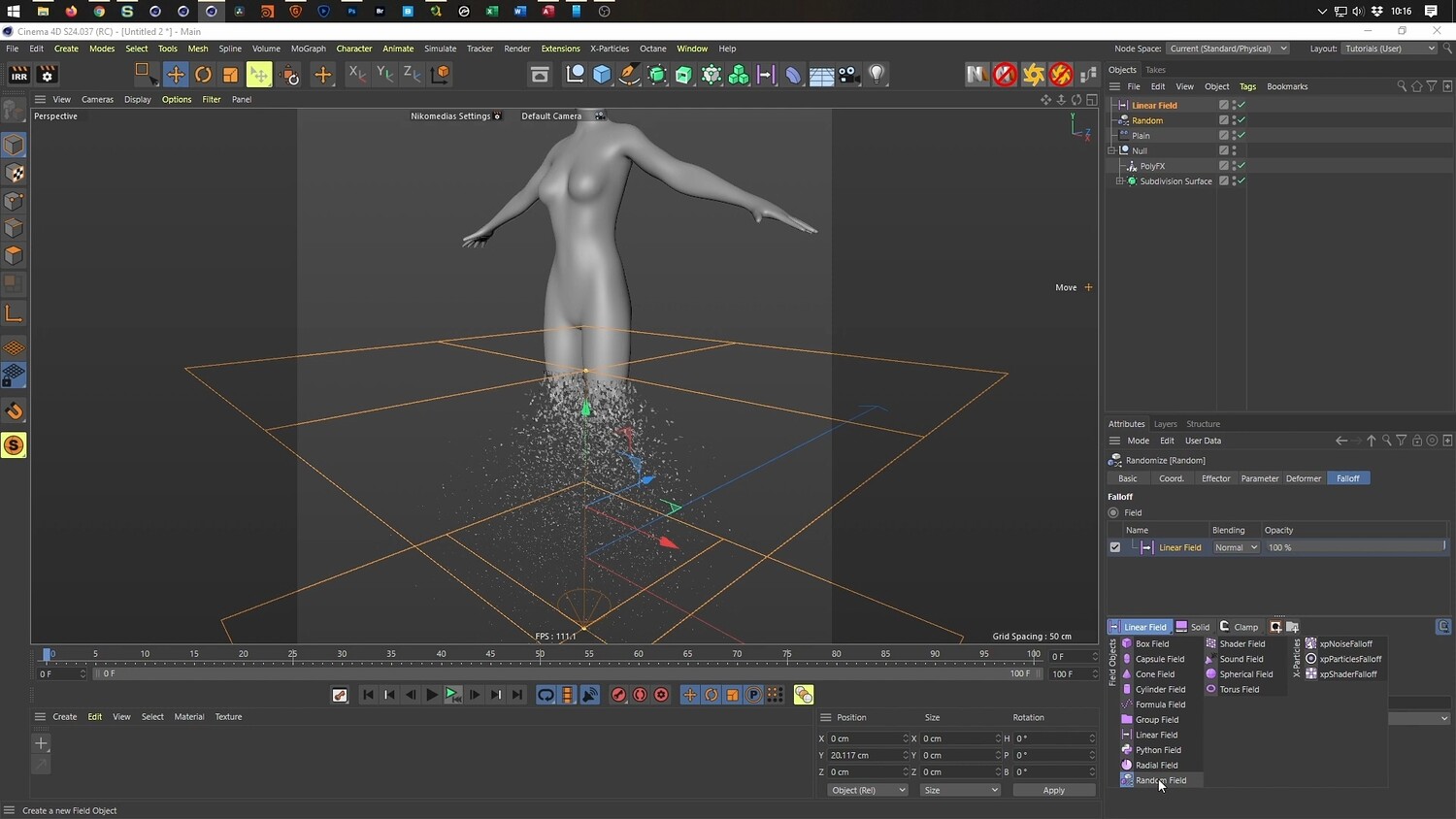
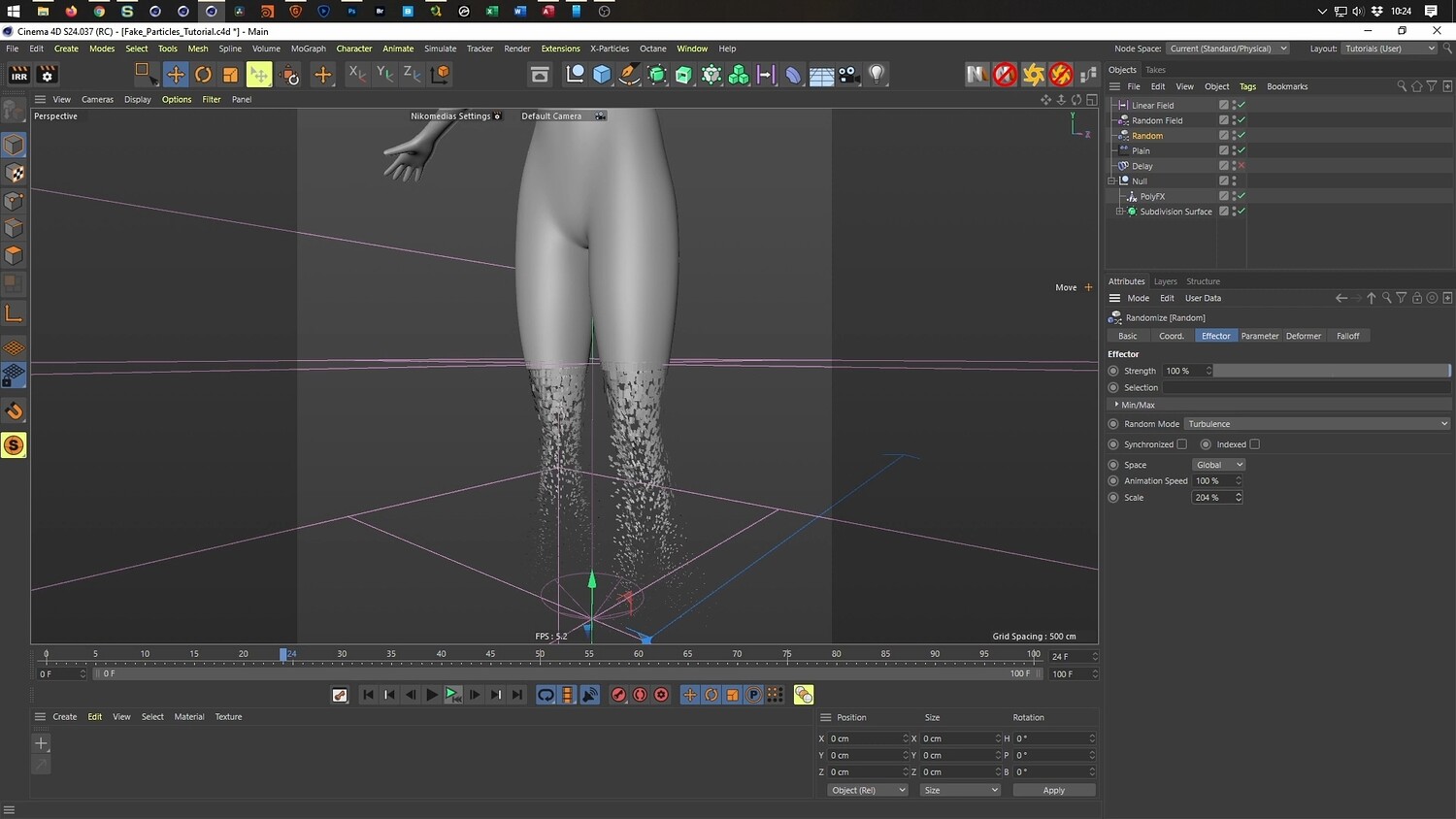
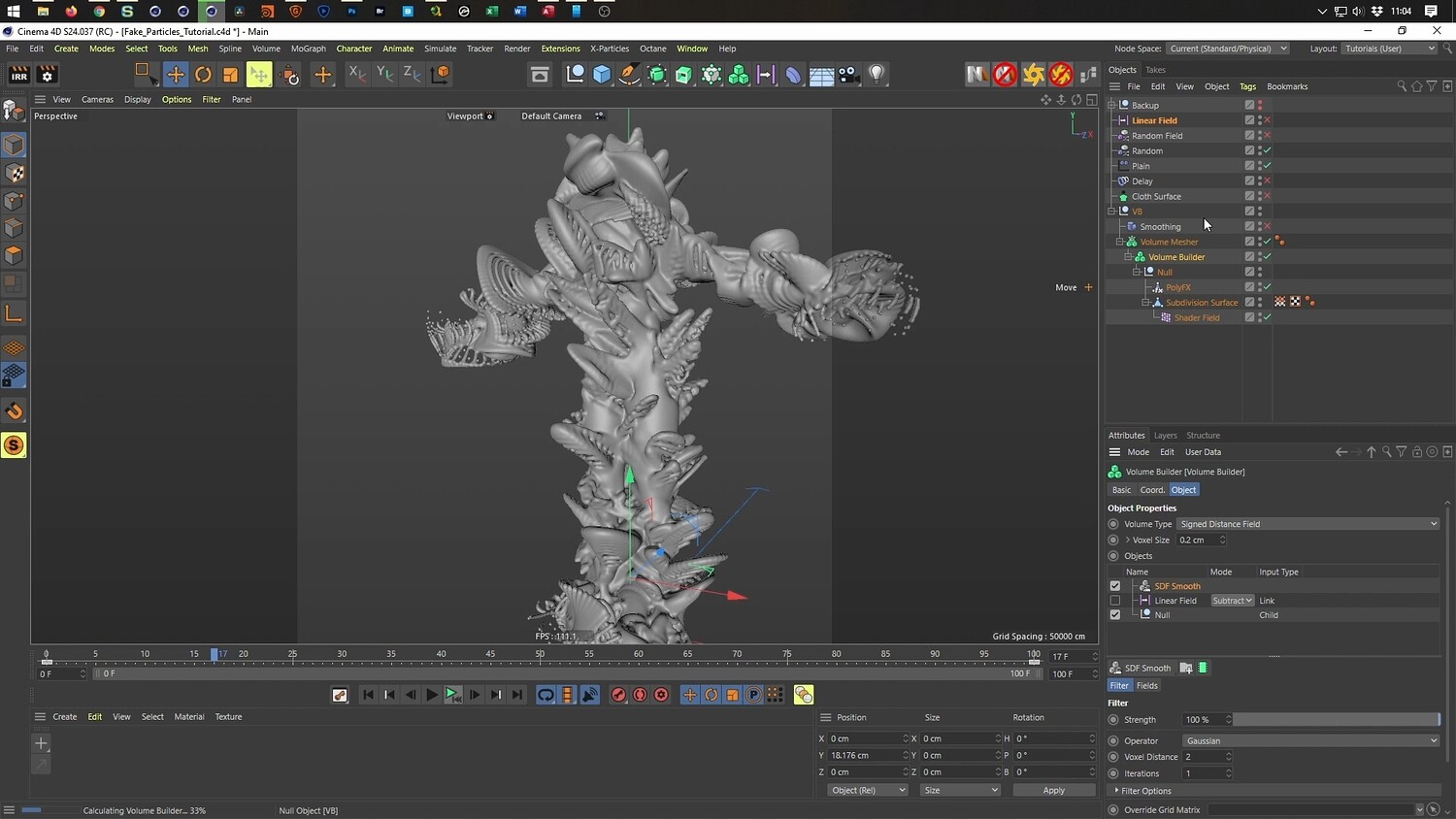
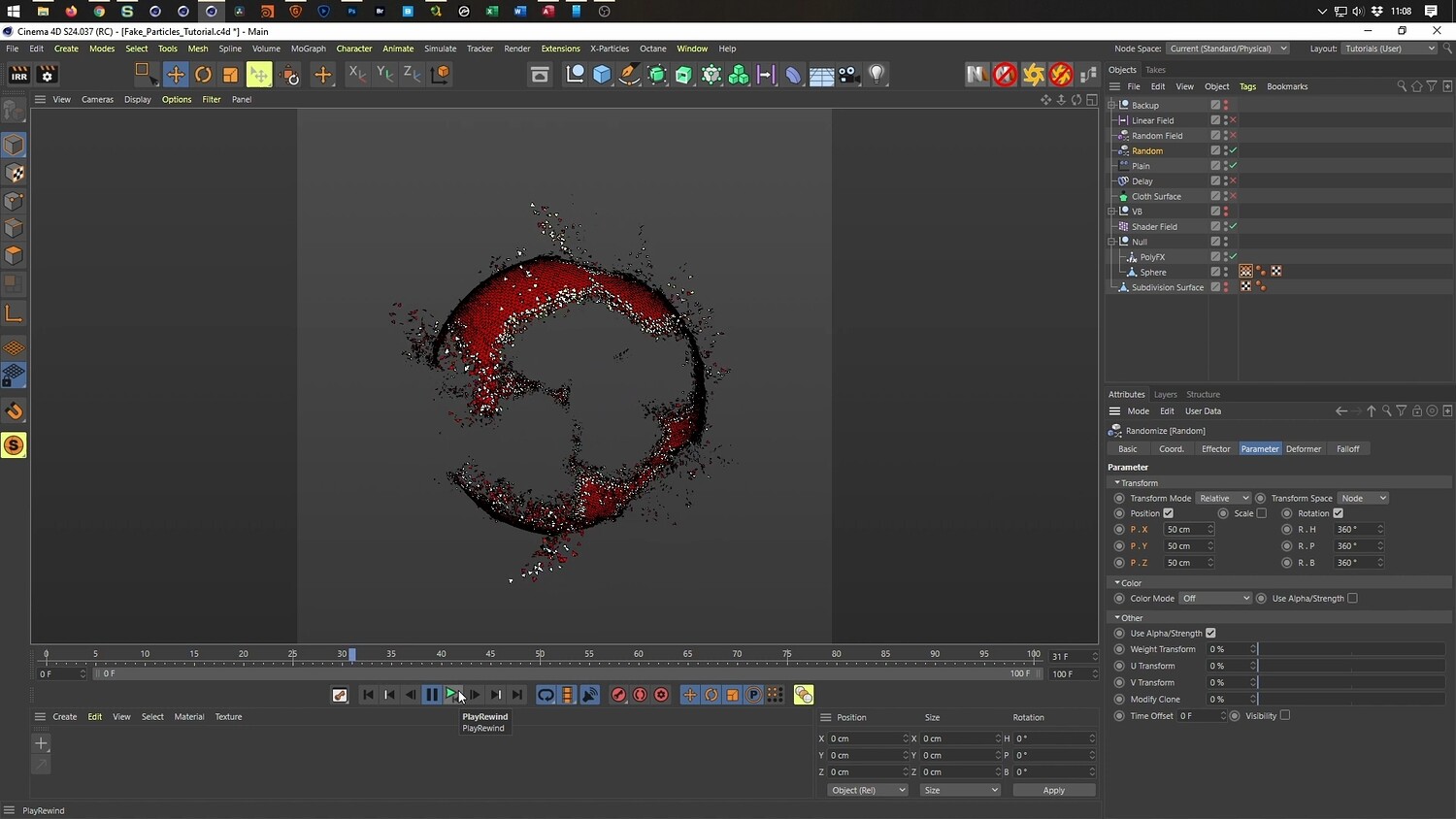
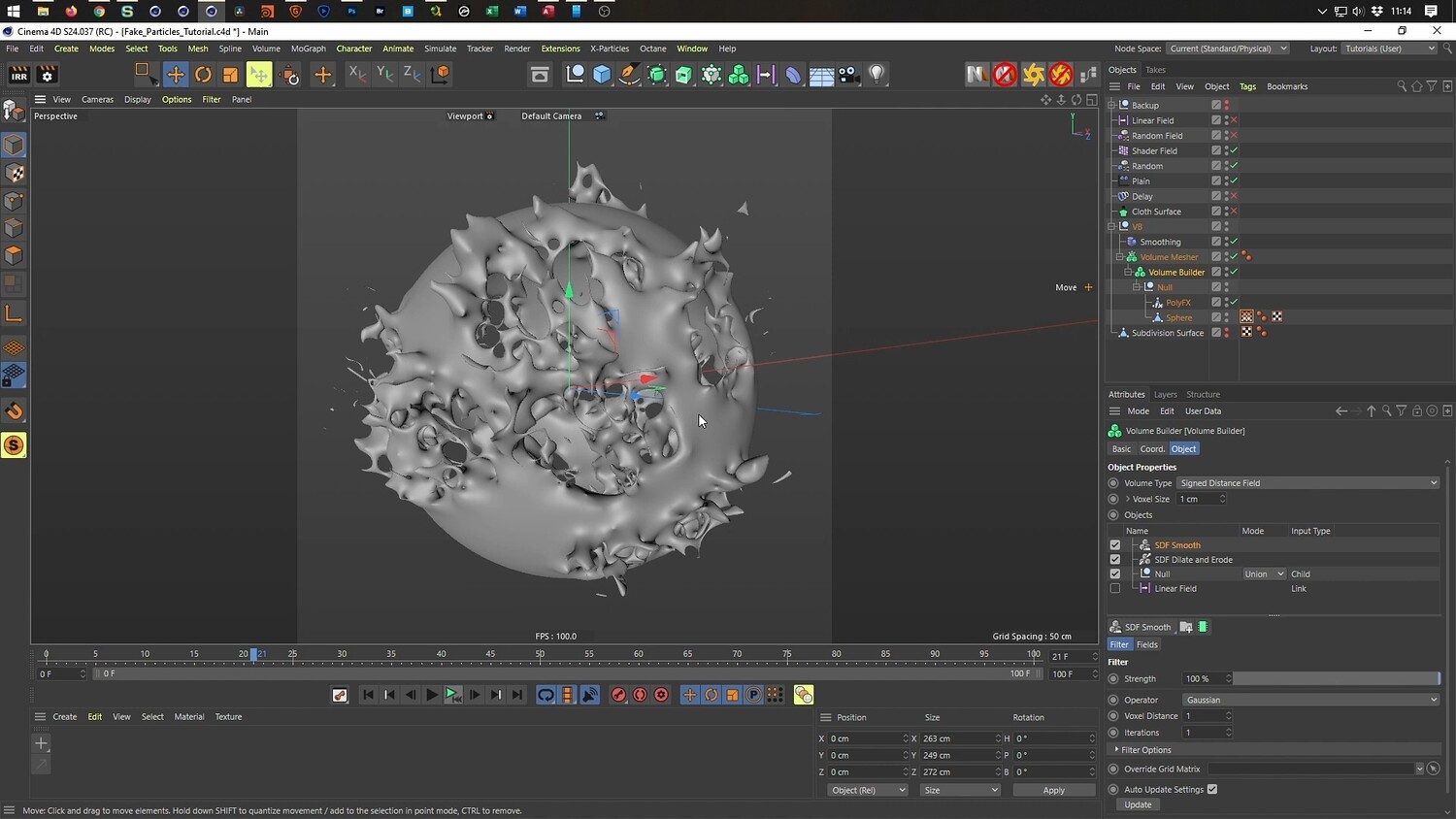
In this tutorial, you will learn how to create a stunning particle disintegration effect using only native tools within Cinema 4D. This guide demonstrates how to generate "fake particles" without the need for expensive third-party simulation plugins. The walkthrough covers the complete workflow, from setting up MoGraph effectors to refine the animation, and even explores how to convert the geometry into a liquid-style look for creative variations.
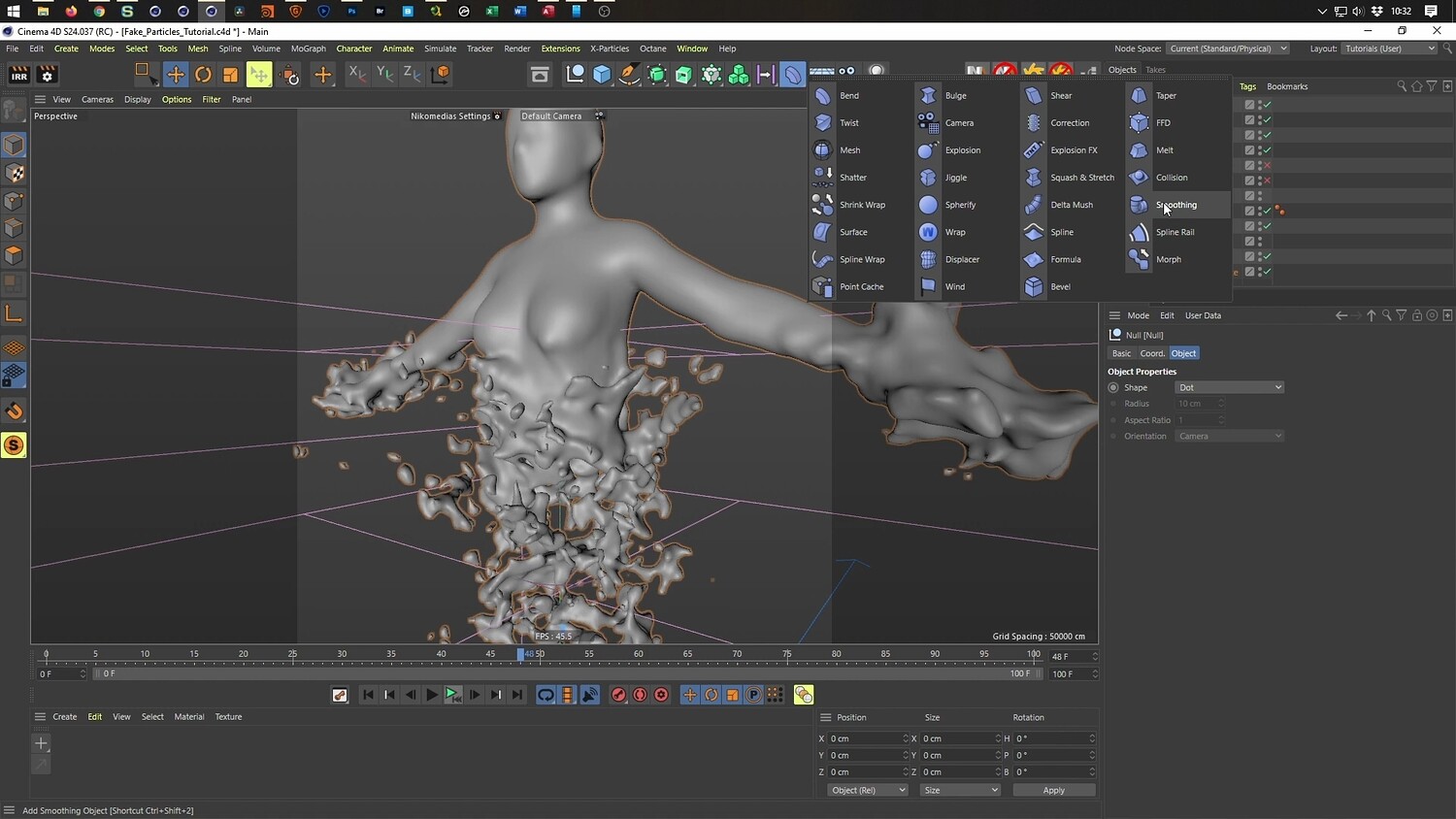
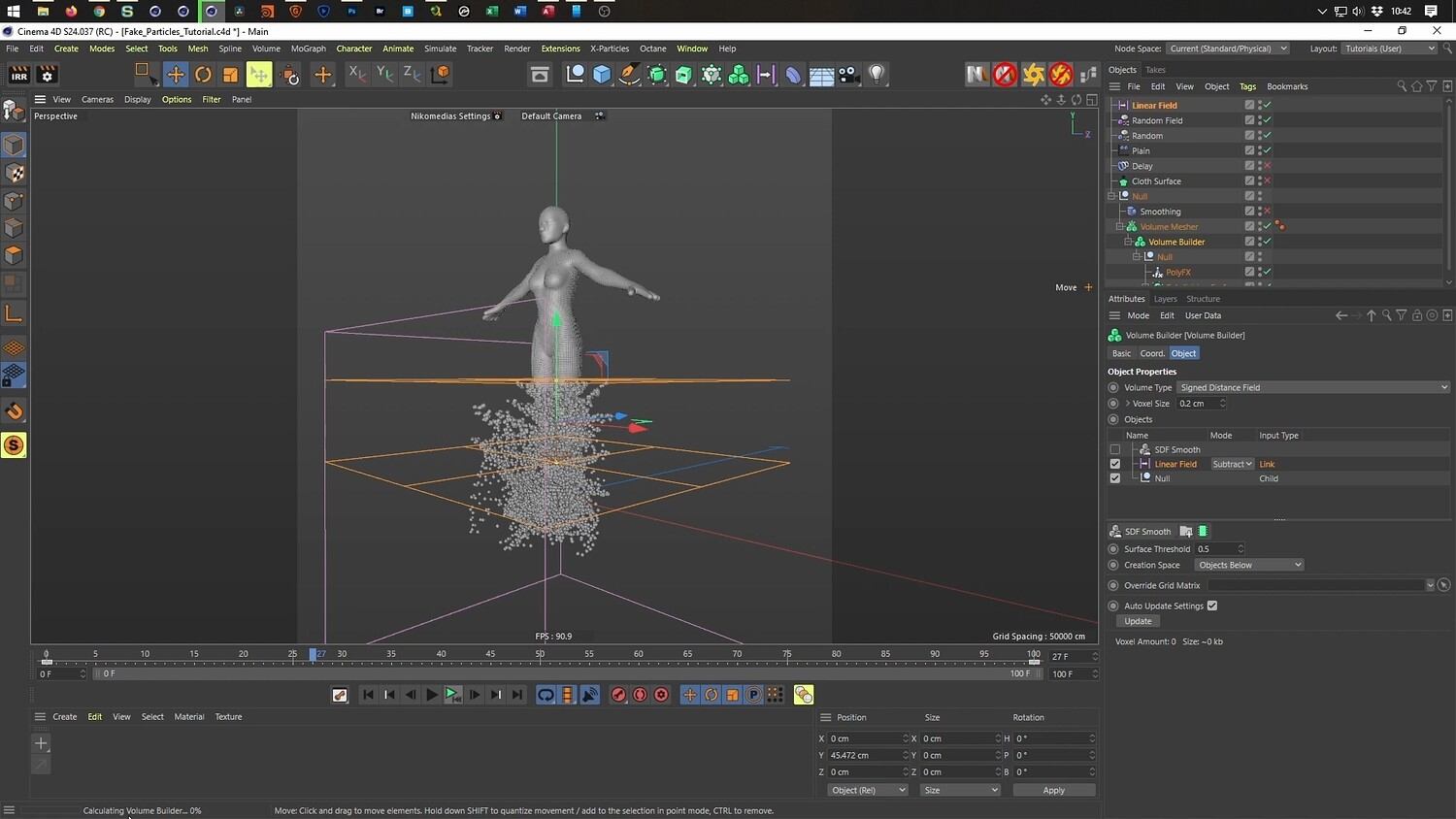
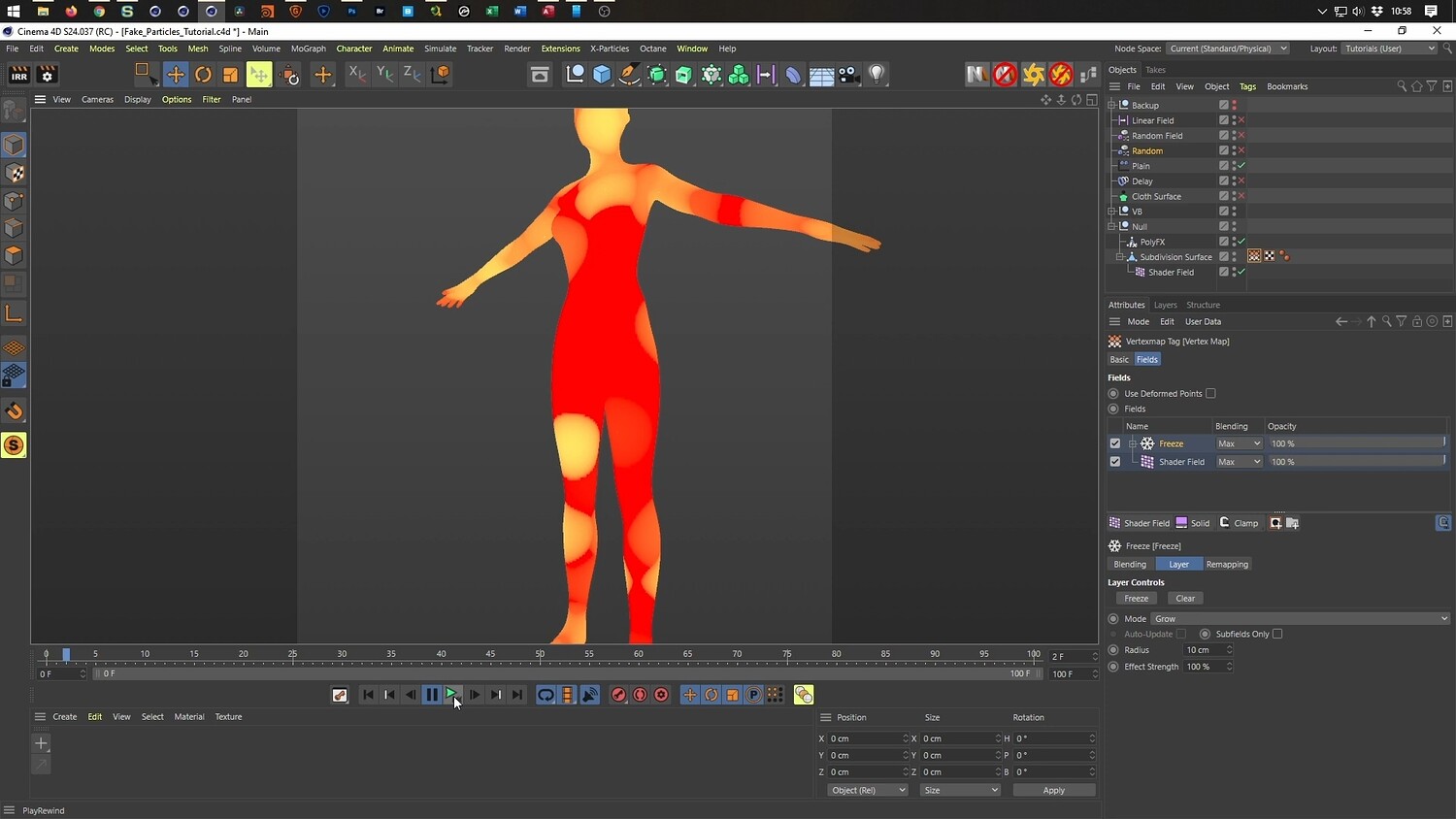
What you will learn: - How to use PolyFX combined with Random and Plain Effectors to simulate particles. - Controlling the disintegration transition using Linear and Random Fields. - Techniques for hiding geometry effectively as it dissolves. - How to add natural movement and smoothness using the Delay Effector. - Methods for turning the particle mesh into a fluid effect using the Volume Builder. - Using Vertex Maps and Shader Fields to create organic, growing explosion patterns.
Software/Tools: - Cinema 4D (PolyFX, MoGraph, Volume Builder)
Length: 01:02:34
You will get 4 files
All files previously purchased will always be available for download in your Library