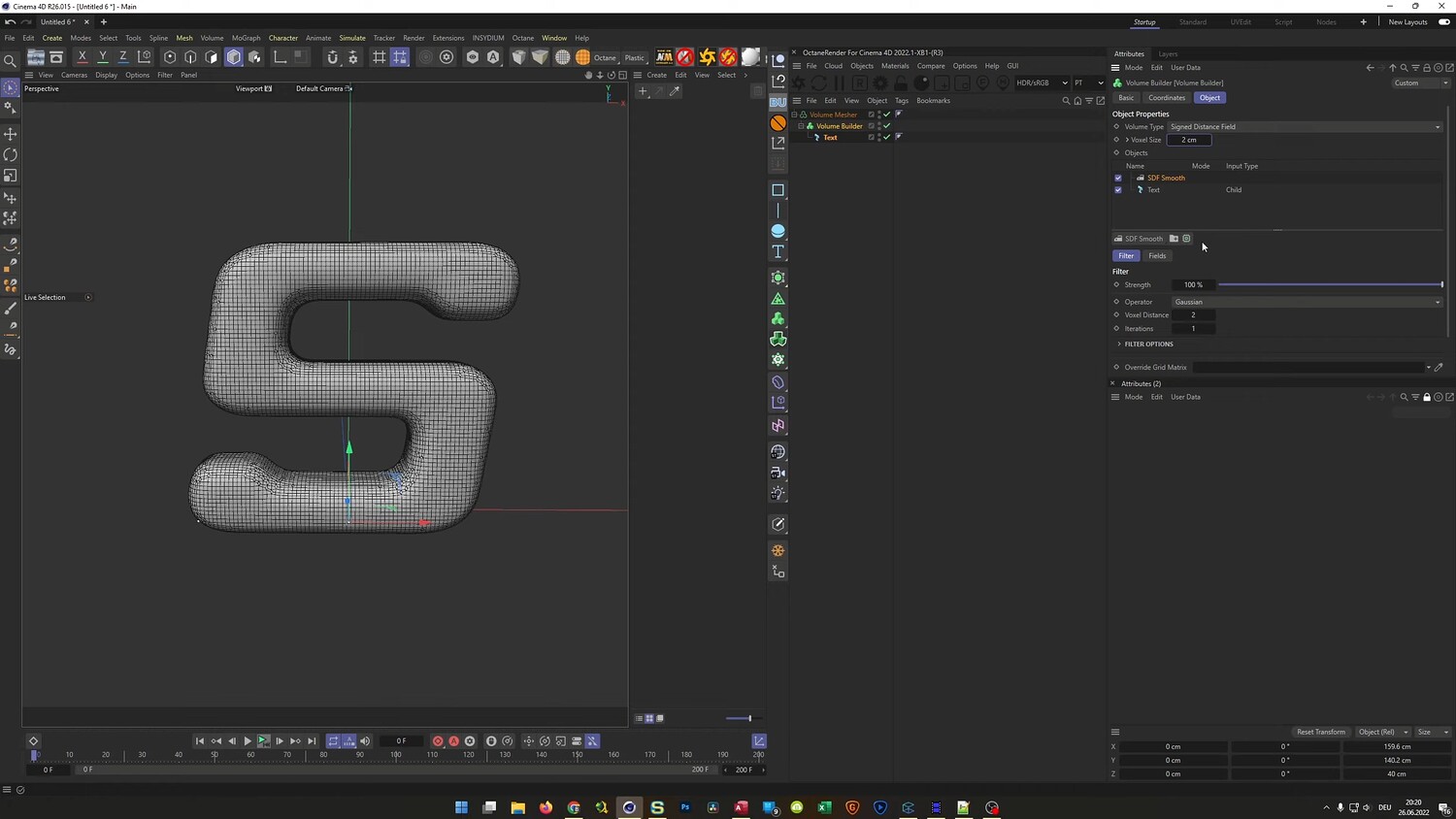
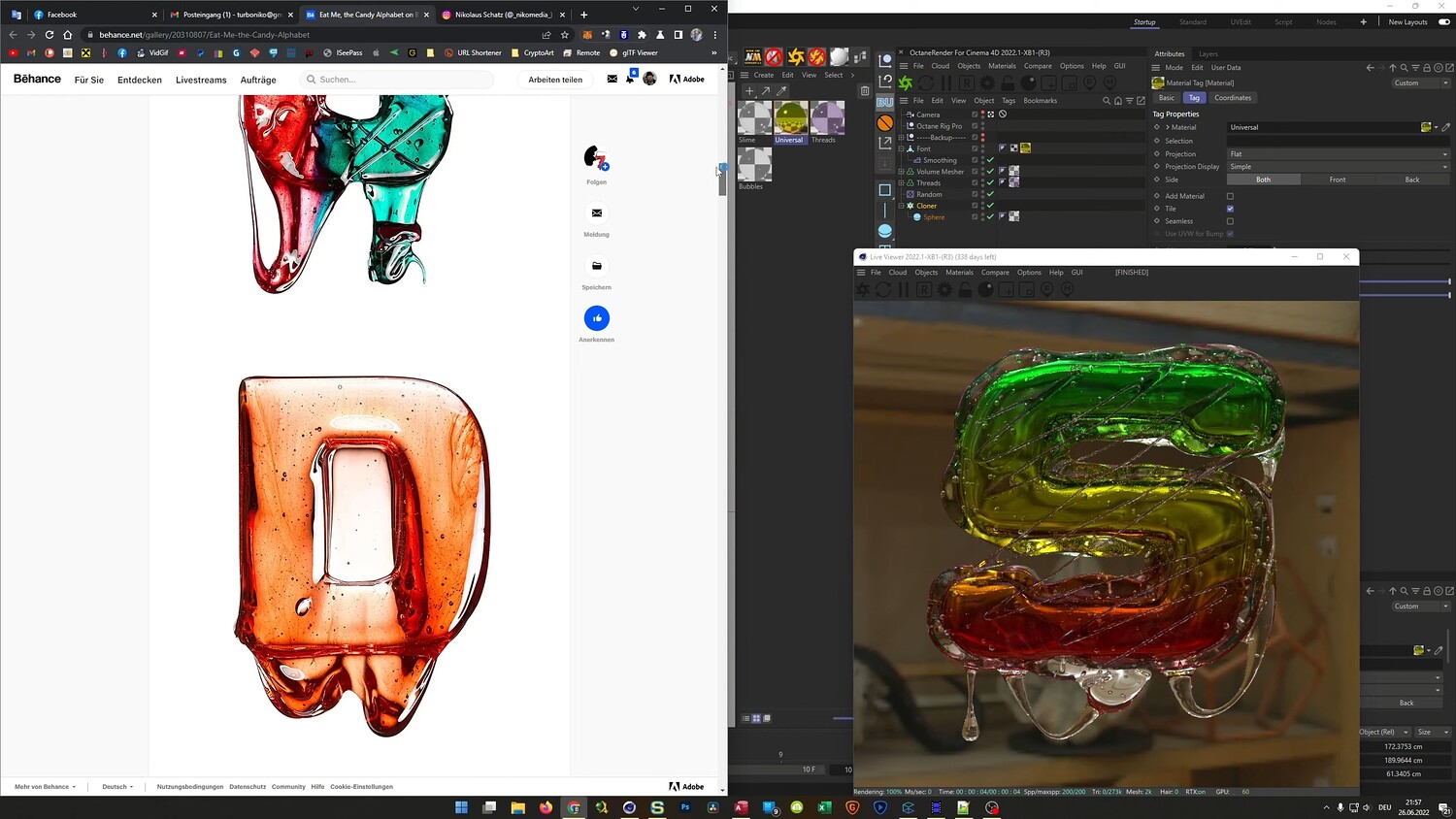
Create Realistic Slimy 3D Typography
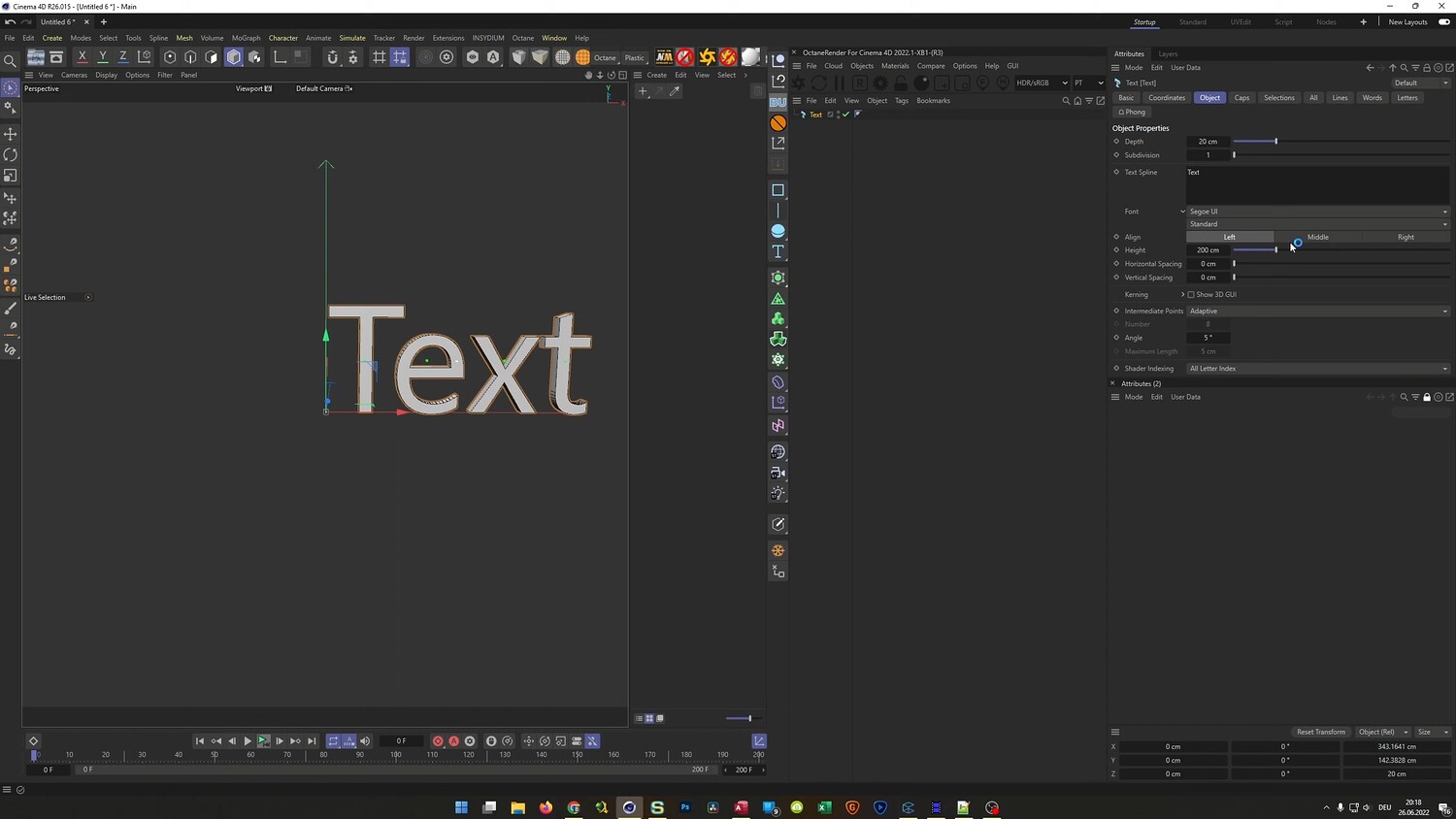
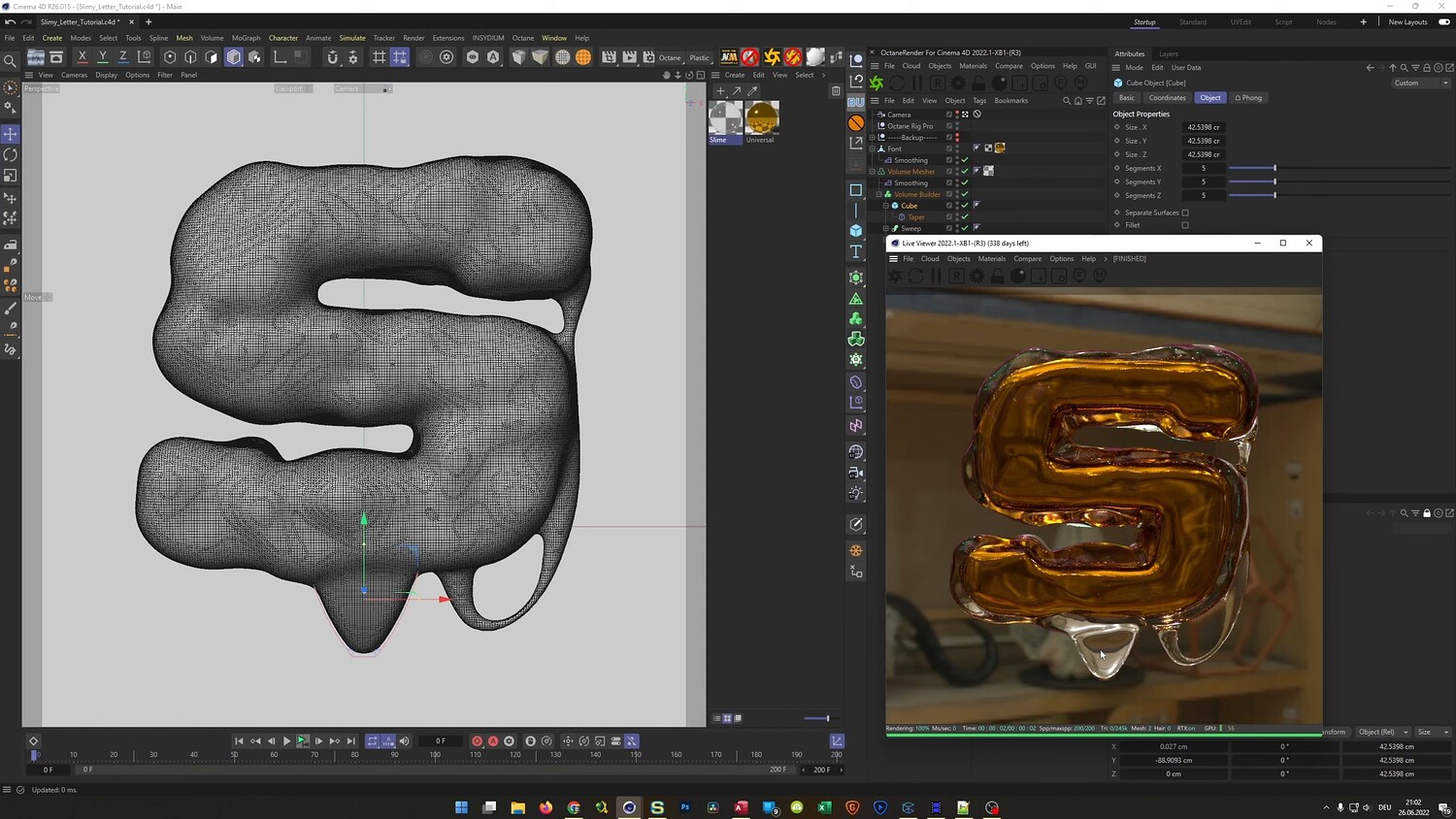
In this tutorial, we dive into creating a vibrant, viscous 3D text effect inspired by the sculptural work of Massimo Gammacurta. You will learn how to transform standard typography into an organic, gooey form using a variety of modeling techniques in Cinema 4D. The lesson covers everything from shaping the base mesh to adding intricate details like sticky strands and internal bubbles, finishing with a photorealistic slimy texture using OctaneRender.
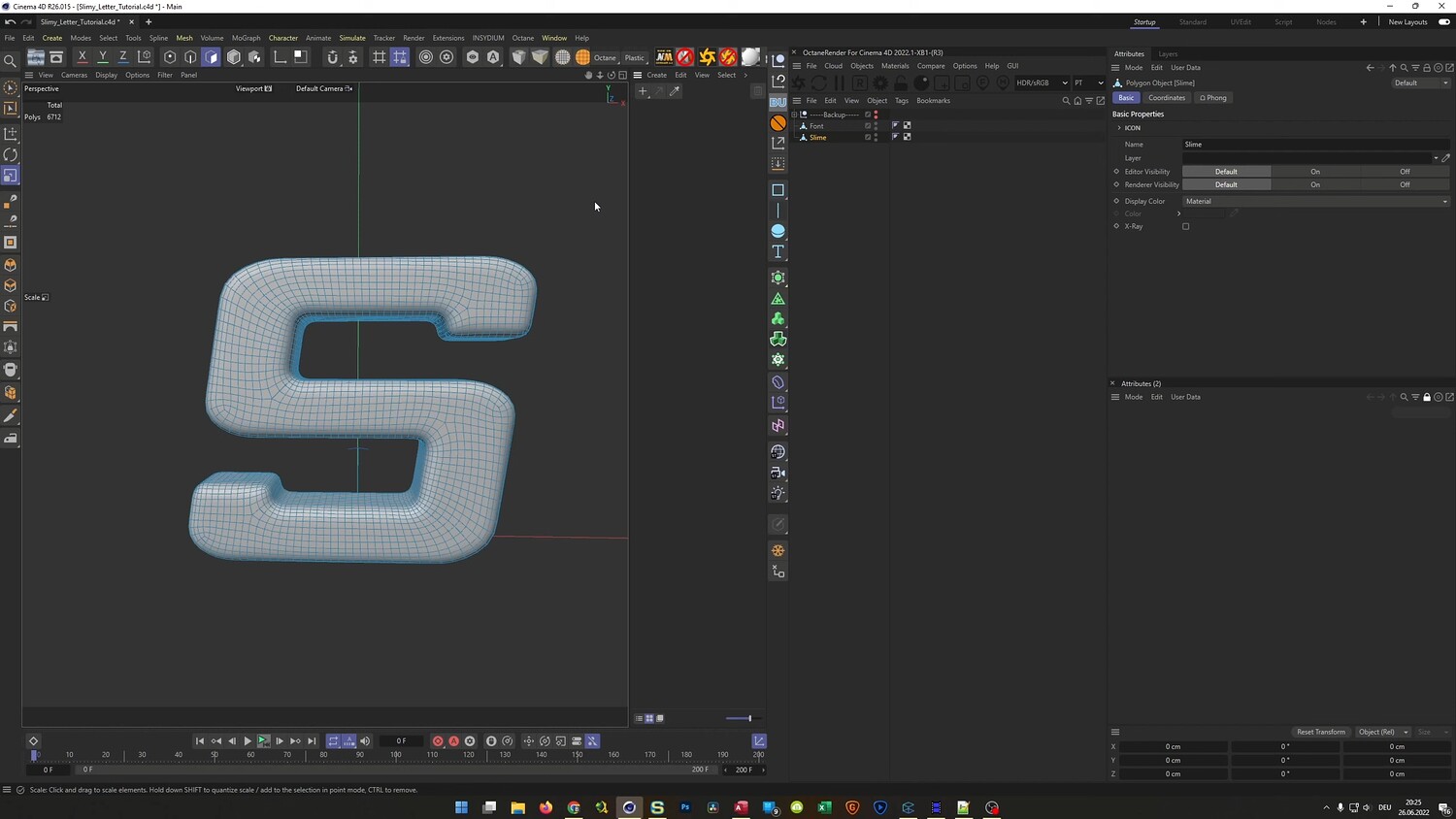
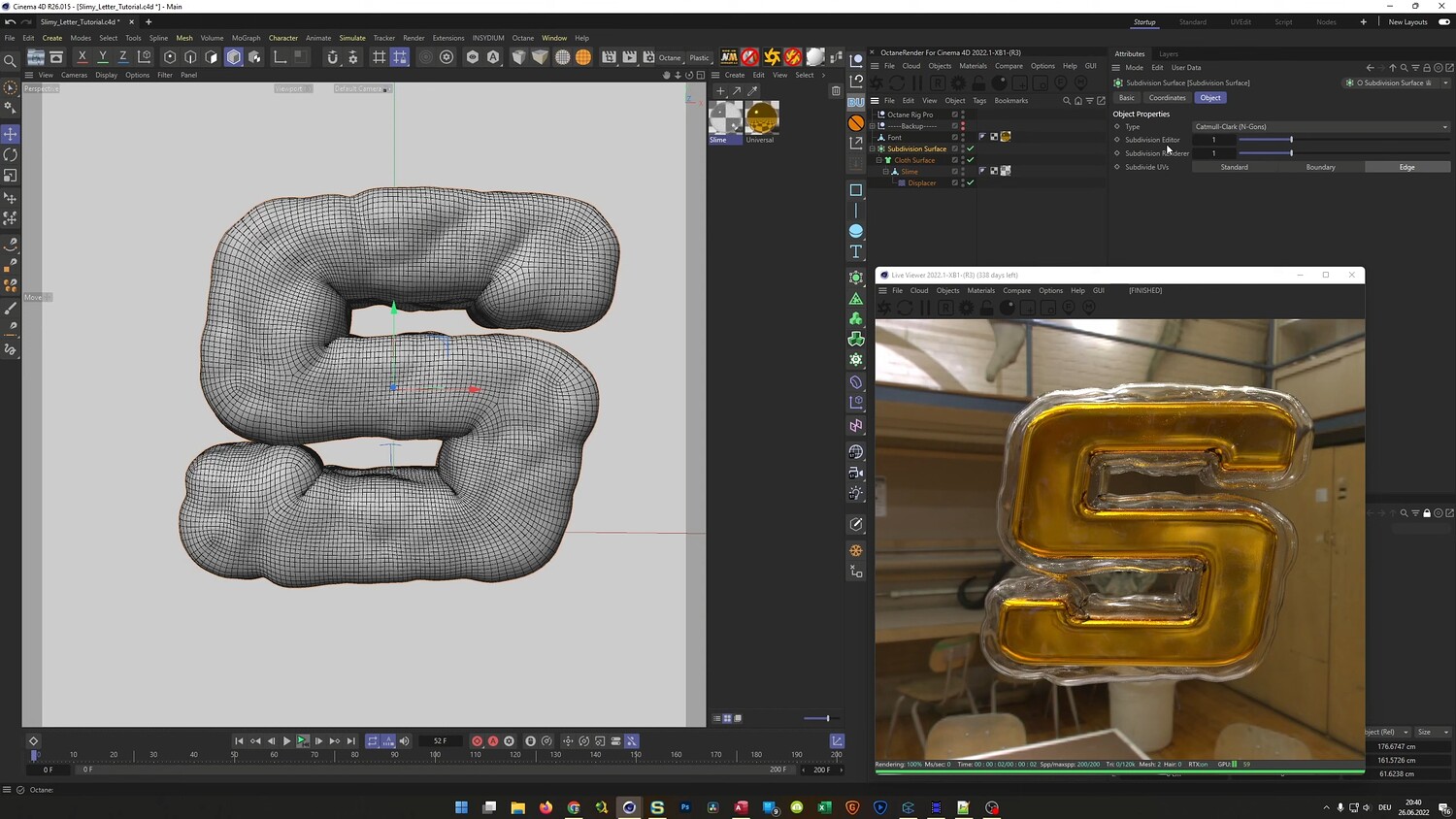
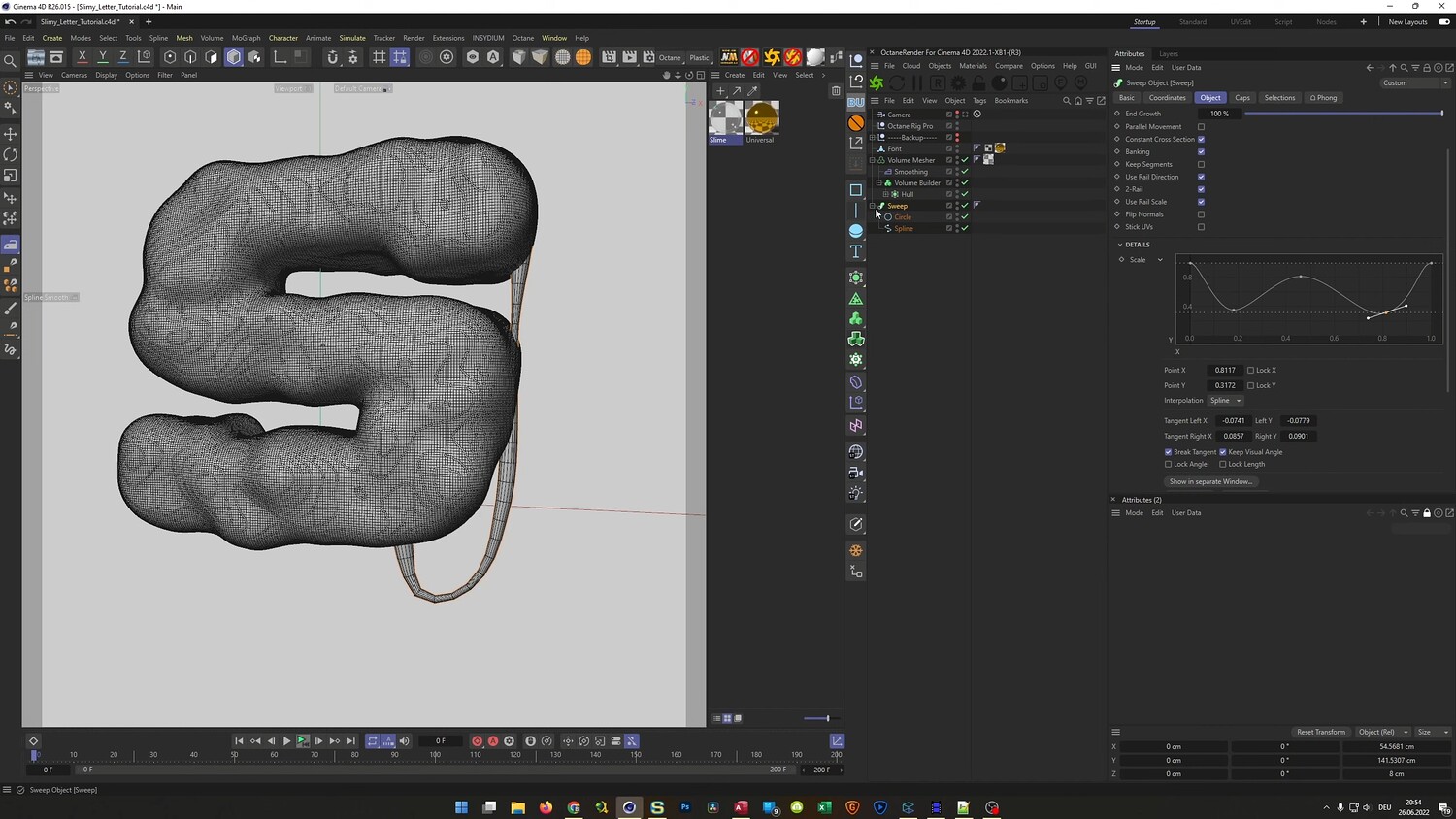
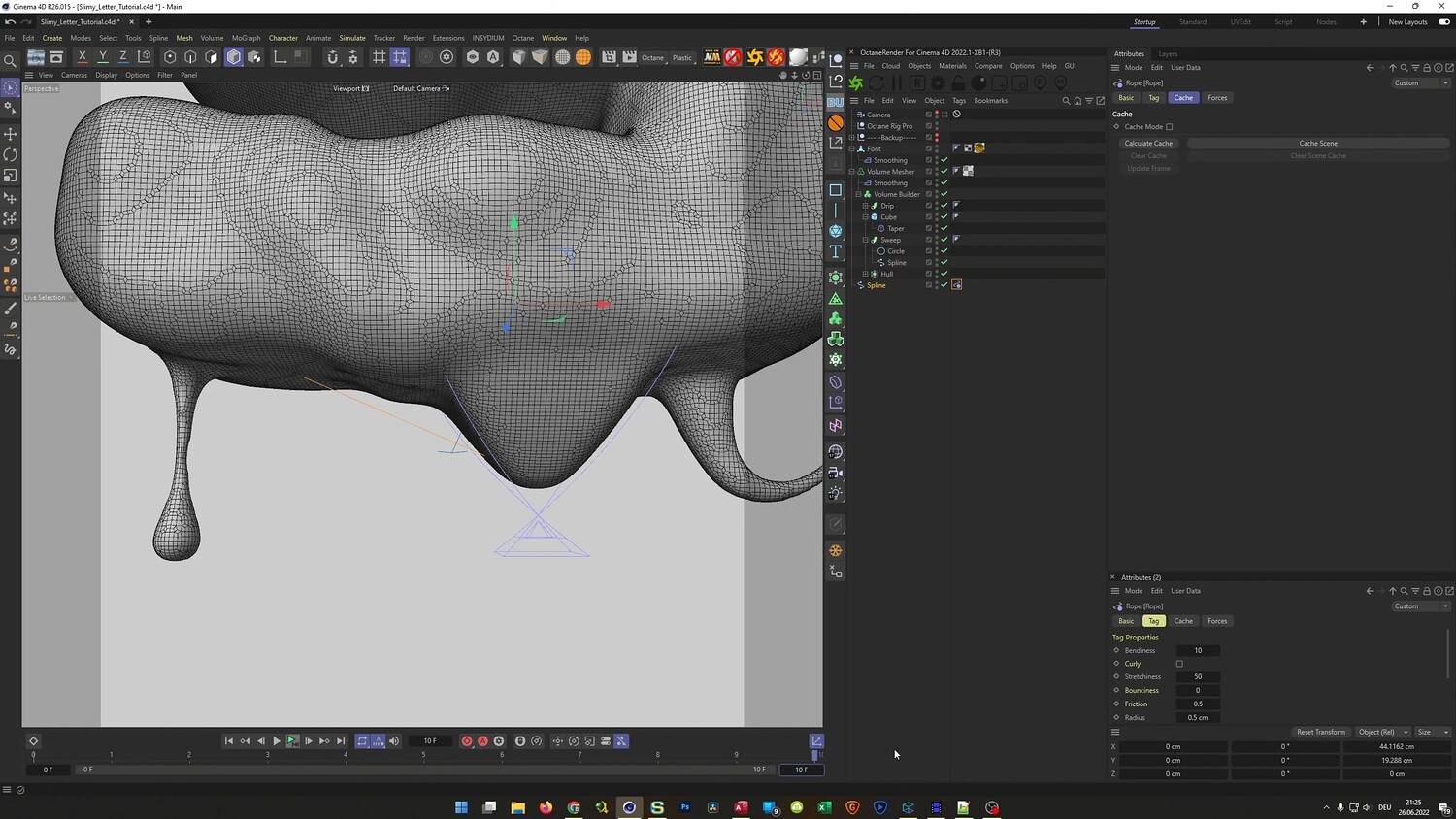
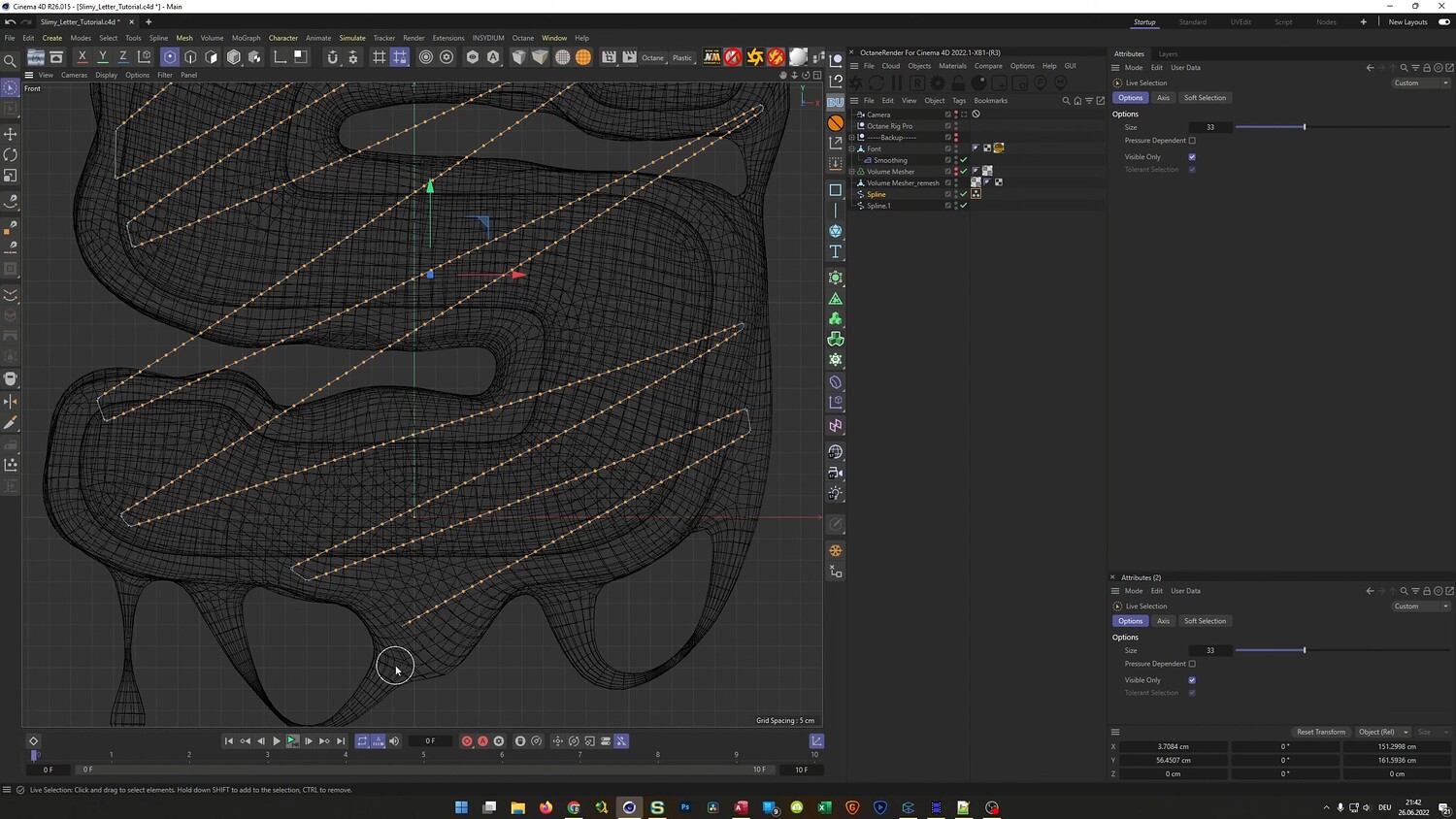
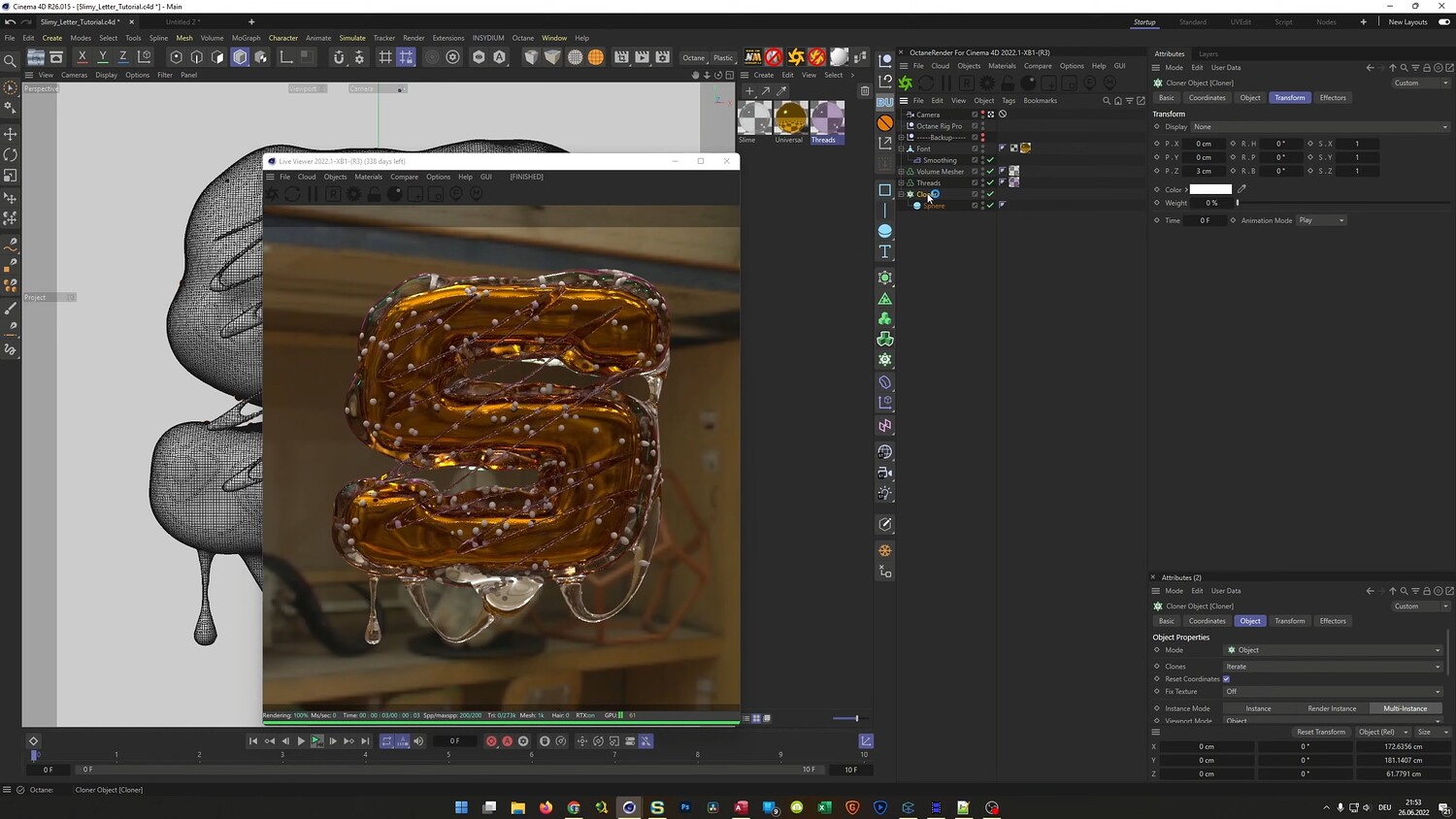
What you will learn: - How to use Volume Builder and Volume Mesher to create organic, fluid text shapes. - Utilizing the Remesh tool for cleaner topology. - Applying Displacer and Smoothing deformers to achieve a natural, uneven liquid surface. - Creating sticky, stretching strands using Splines, Sweep objects, and the Surface Deformer. - Modeling realistic drips using basic primitives and Taper deformers. - Setting up OctaneRender materials with specular transmission and dispersion for a glass-like look. - Using the Cloner object to populate the inside of the mesh with air bubbles. - Tips for lighting and camera settings to enhance the translucent material.
Software/Tools: - Cinema 4D - OctaneRender
Duration: 01:37:59
You will get 4 files
All files previously purchased will always be available for download in your Library