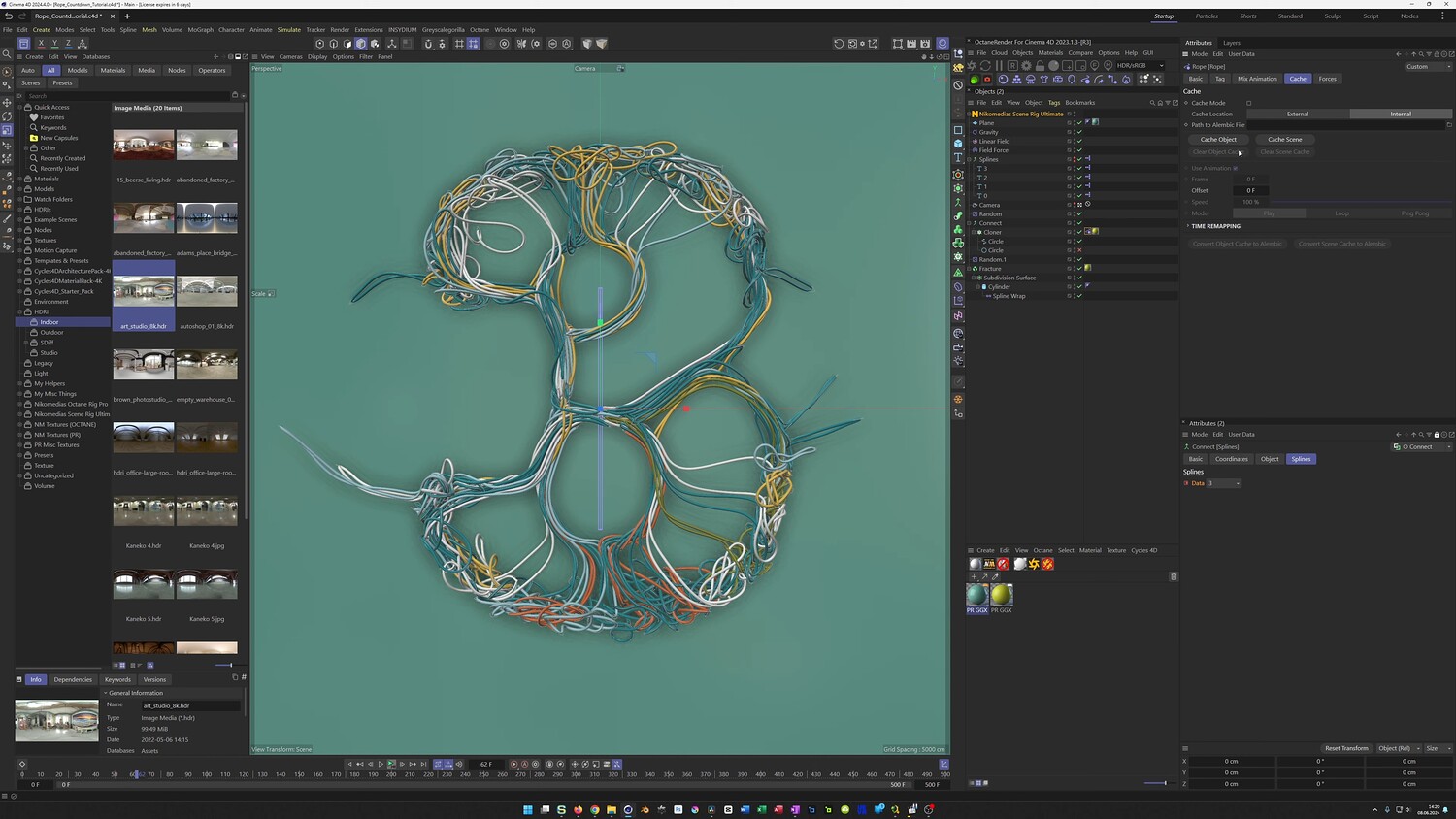
Create a Dynamic Rope Countdown Animation in Cinema 4D
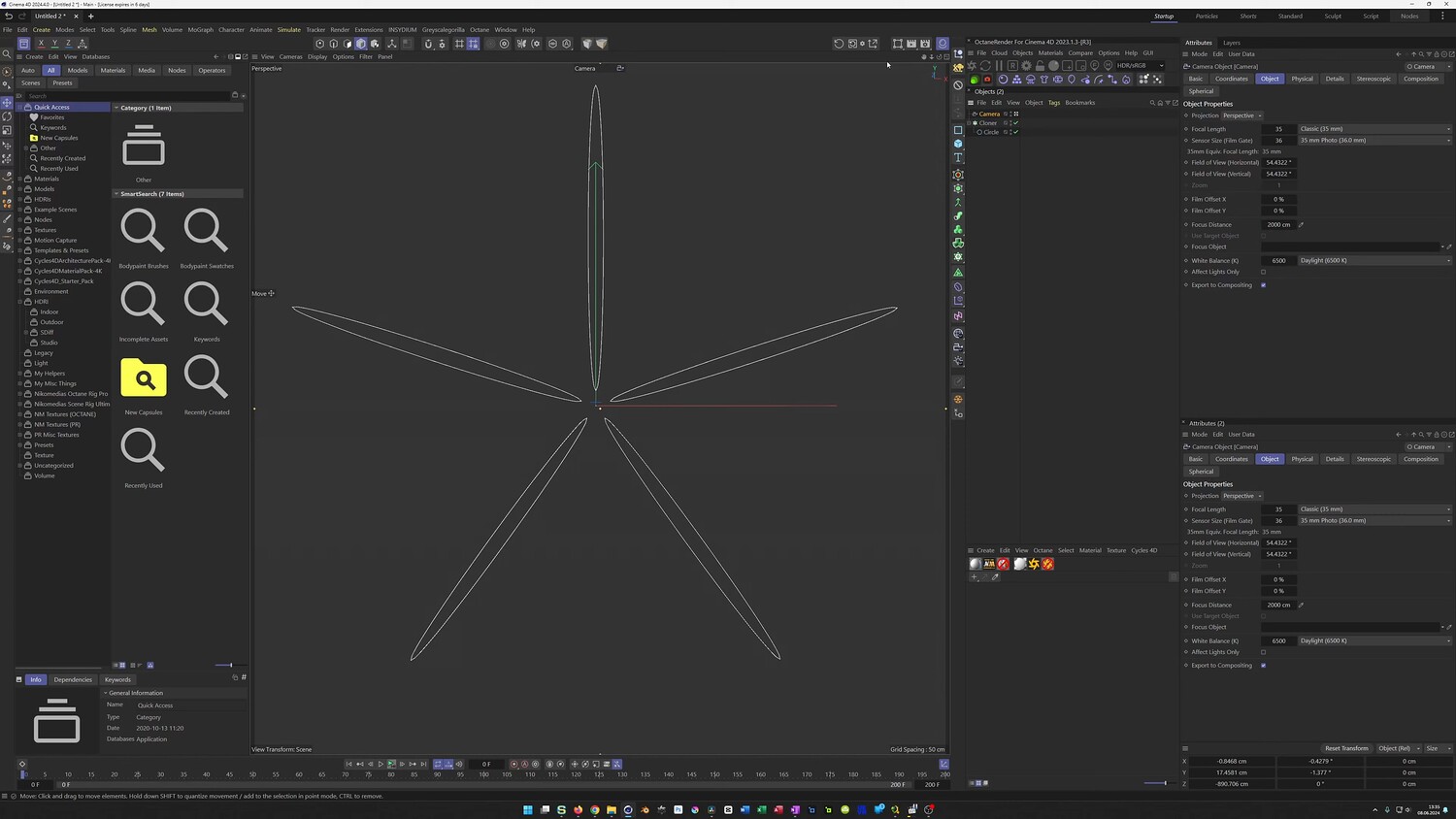
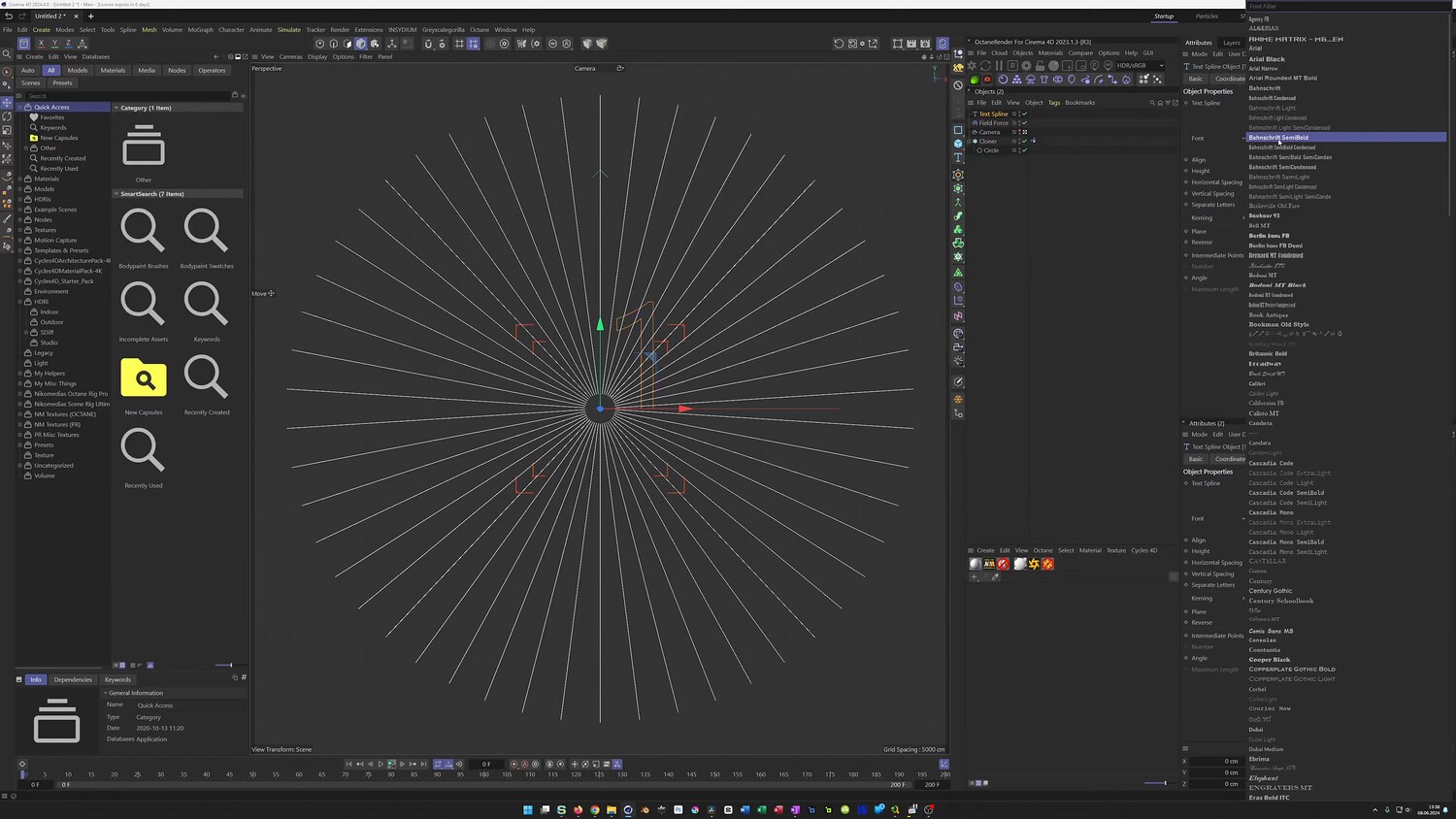
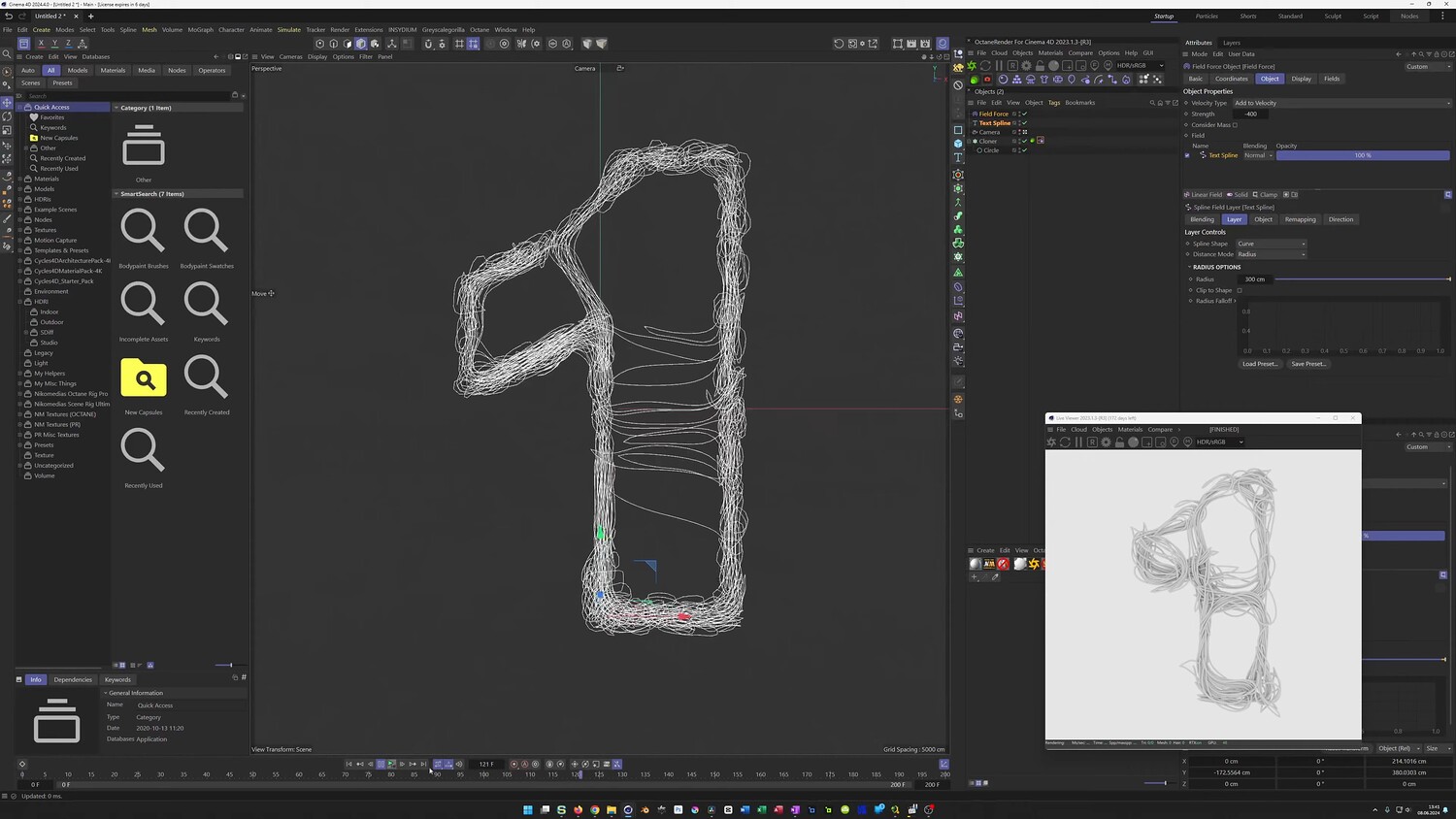
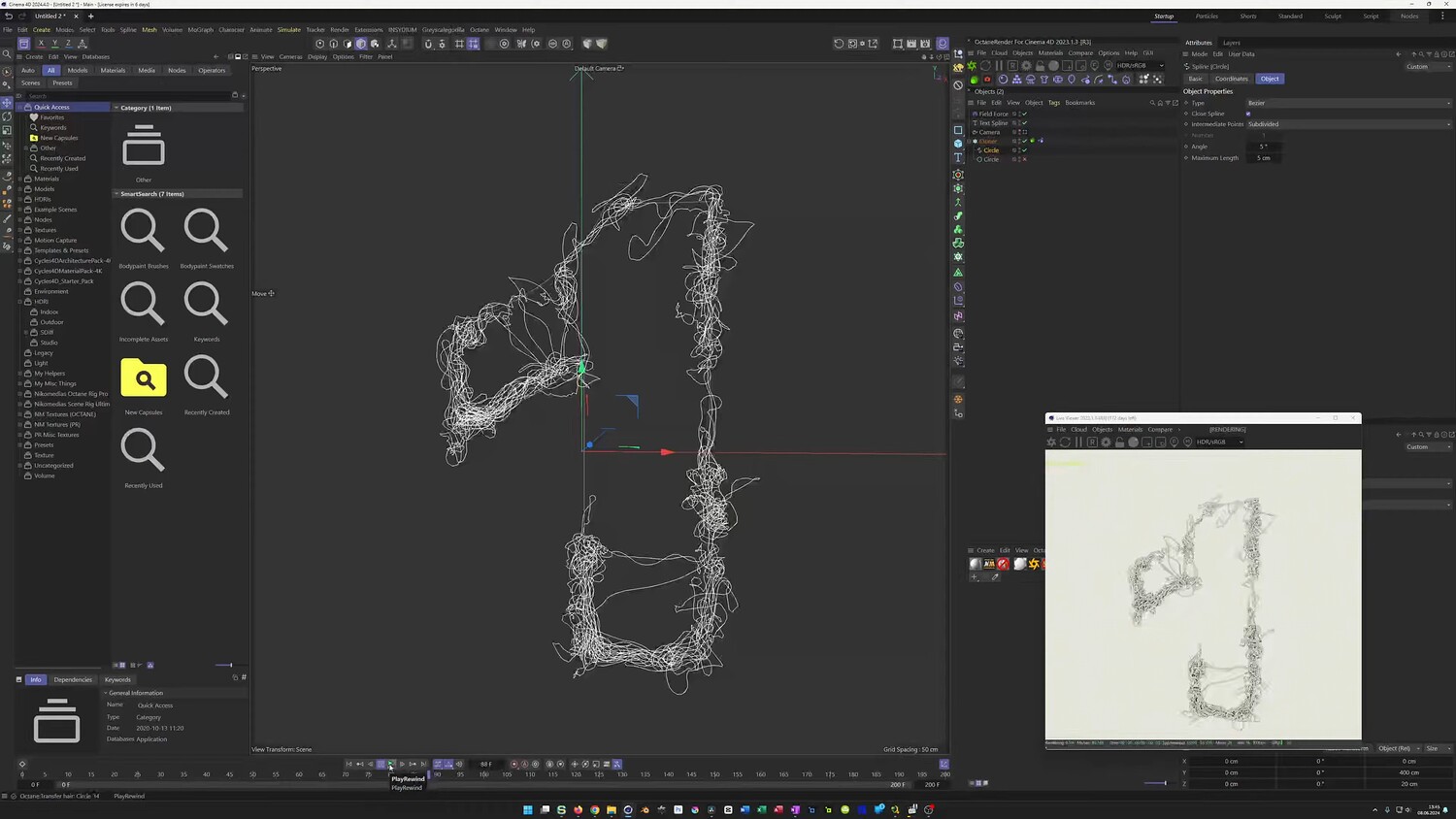
In this tutorial, we will explore how to create a dynamic rope countdown animation where tangled threads morph into numbers. You will learn how to set up a rope simulation that is attracted to specific spline shapes using Field Forces, allowing for a smooth transition between numbers. The guide covers workflows for both Octane Render and the standard Physical Render to achieve a colorful, textured look, including a method to handle random colors without third-party engines.
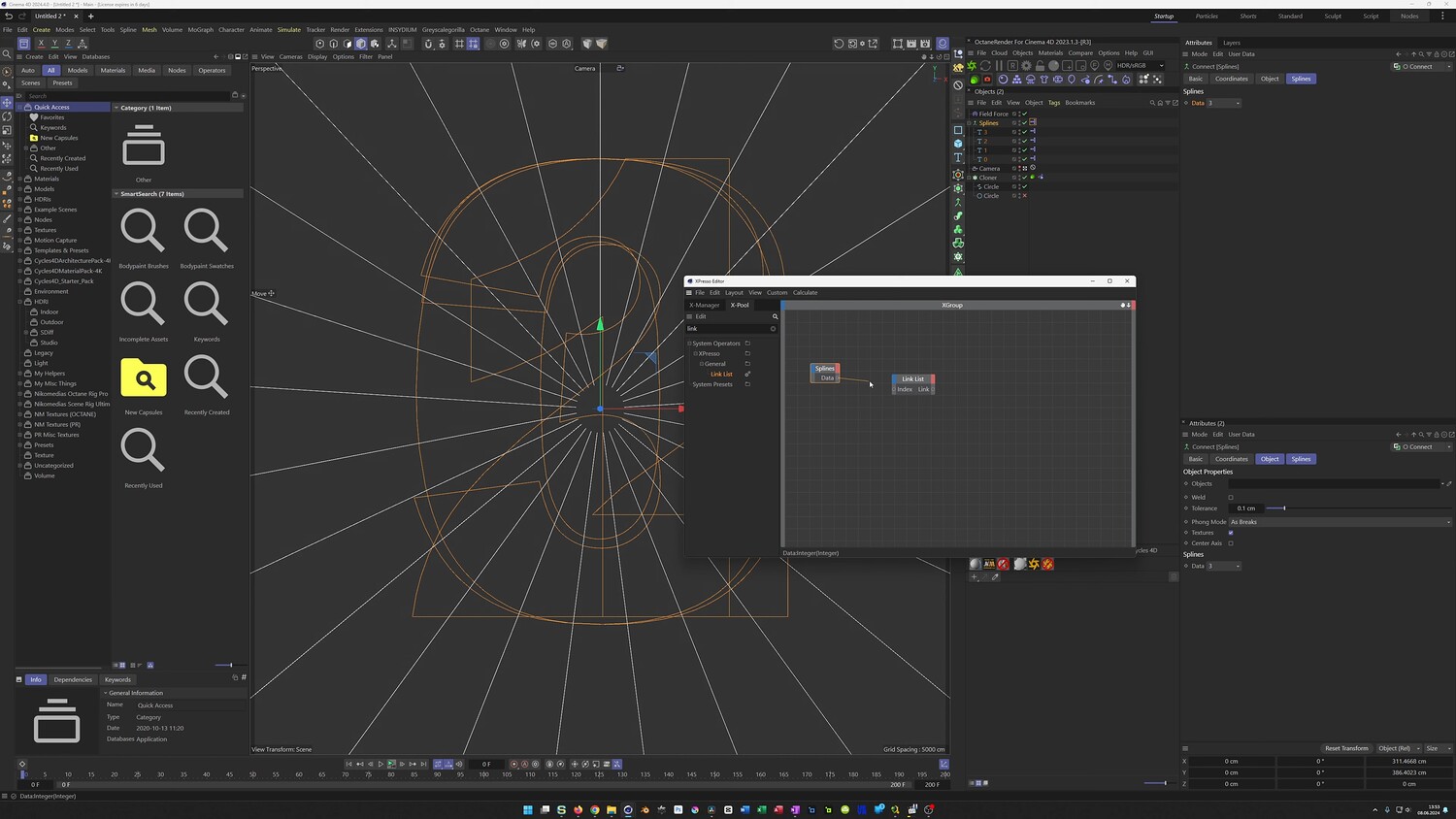
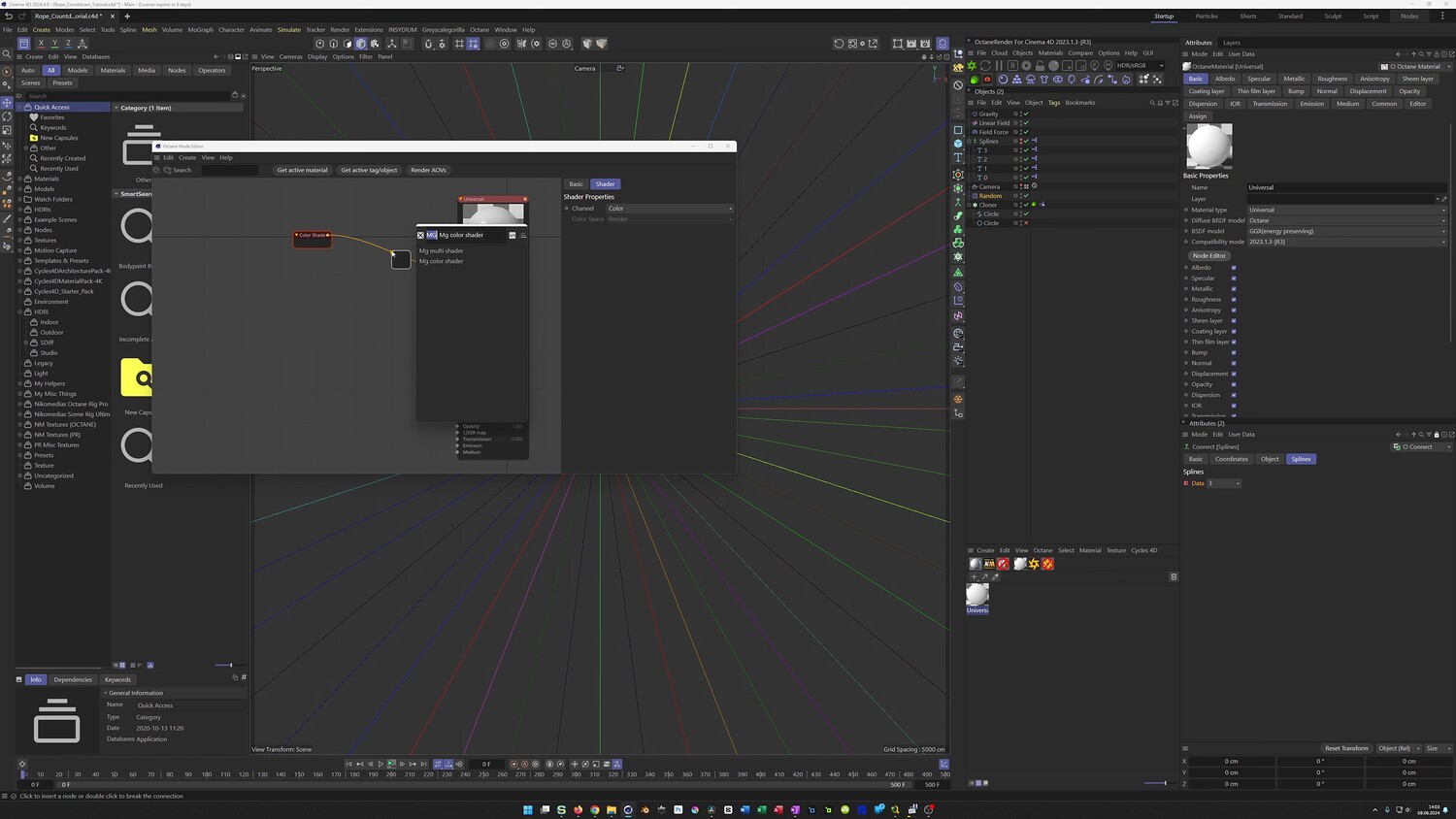
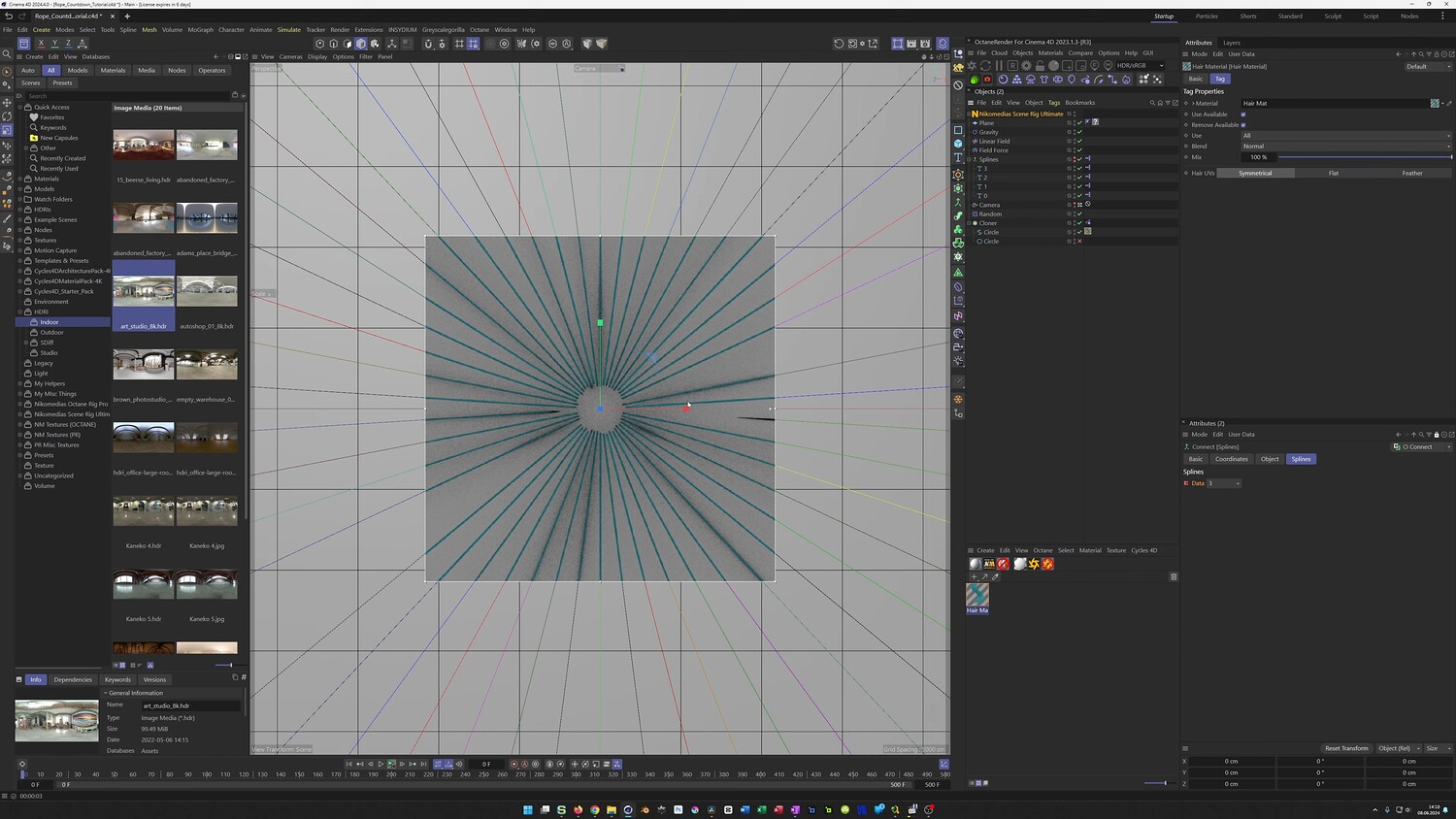
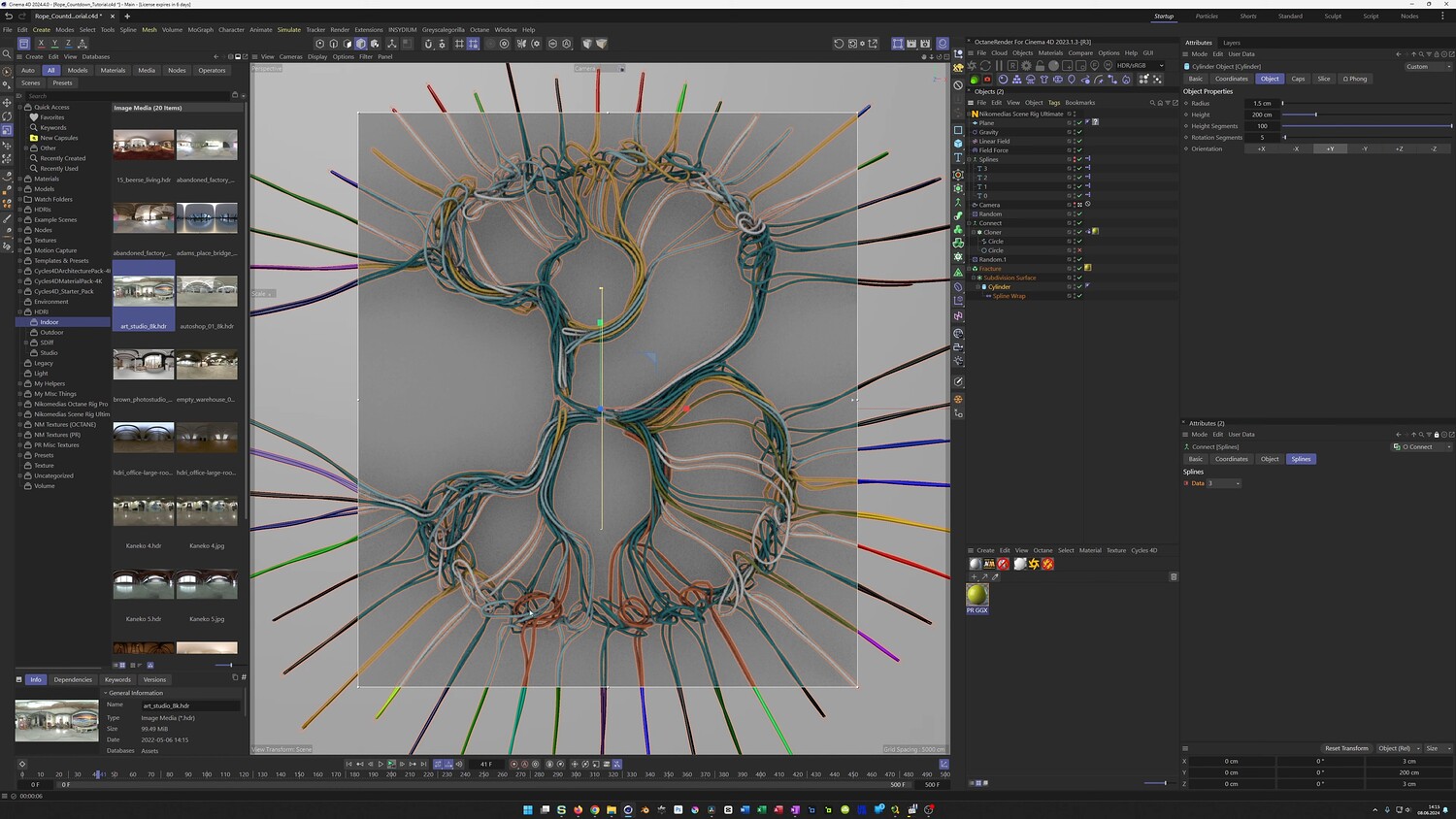
What you will learn: - Setting up Rope Simulations using a radial Cloner and Circle Splines - Utilizing Field Forces to attract simulated ropes to a Text Spline - Creating a custom Xpresso setup to easily cycle through and animate numbers - Animating the countdown sequence and introducing gravity for a falling effect - Texturing workflows for Octane Render using the Random Effector and MoGraph Color Shader - Alternative rendering methods for Physical Render using Spline Wrap, Cylinder, and Fracture objects
Software/Tools: - Cinema 4D - Octane Render - Xpresso
Duration: 52:16
You will get 4 files
All files previously purchased will always be available for download in your Library