Create a Kinetic Wave Bowl Animation
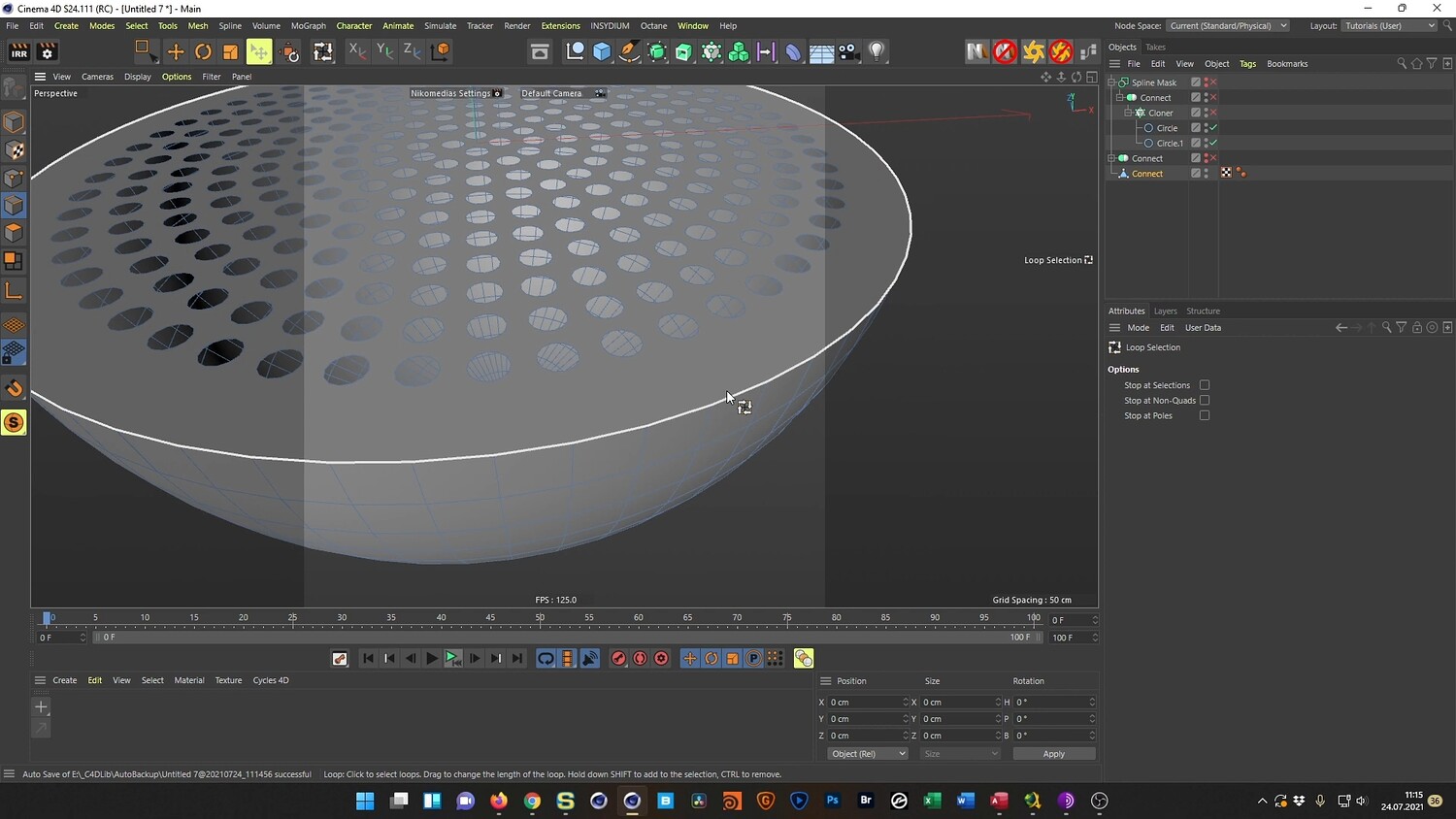
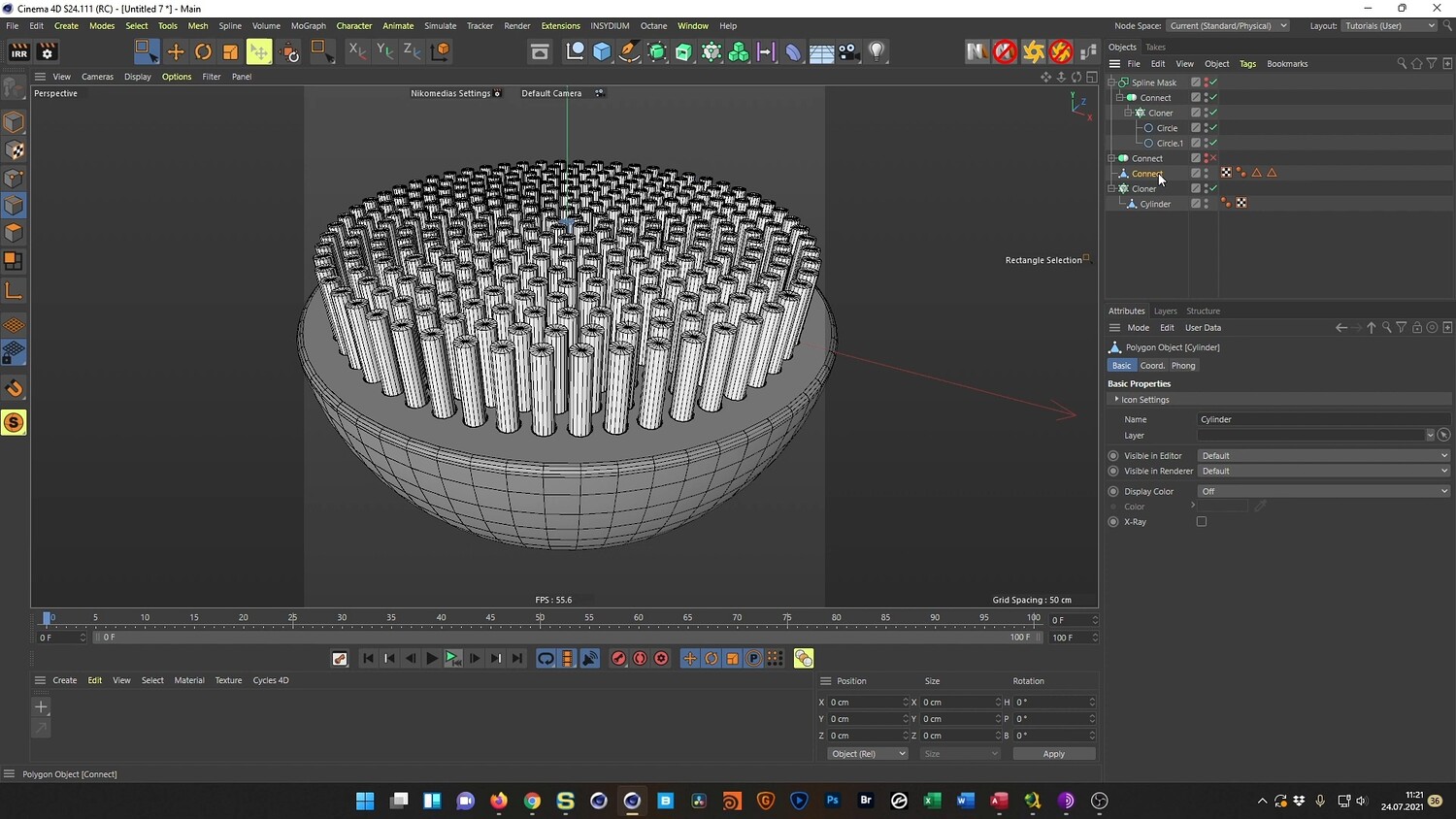
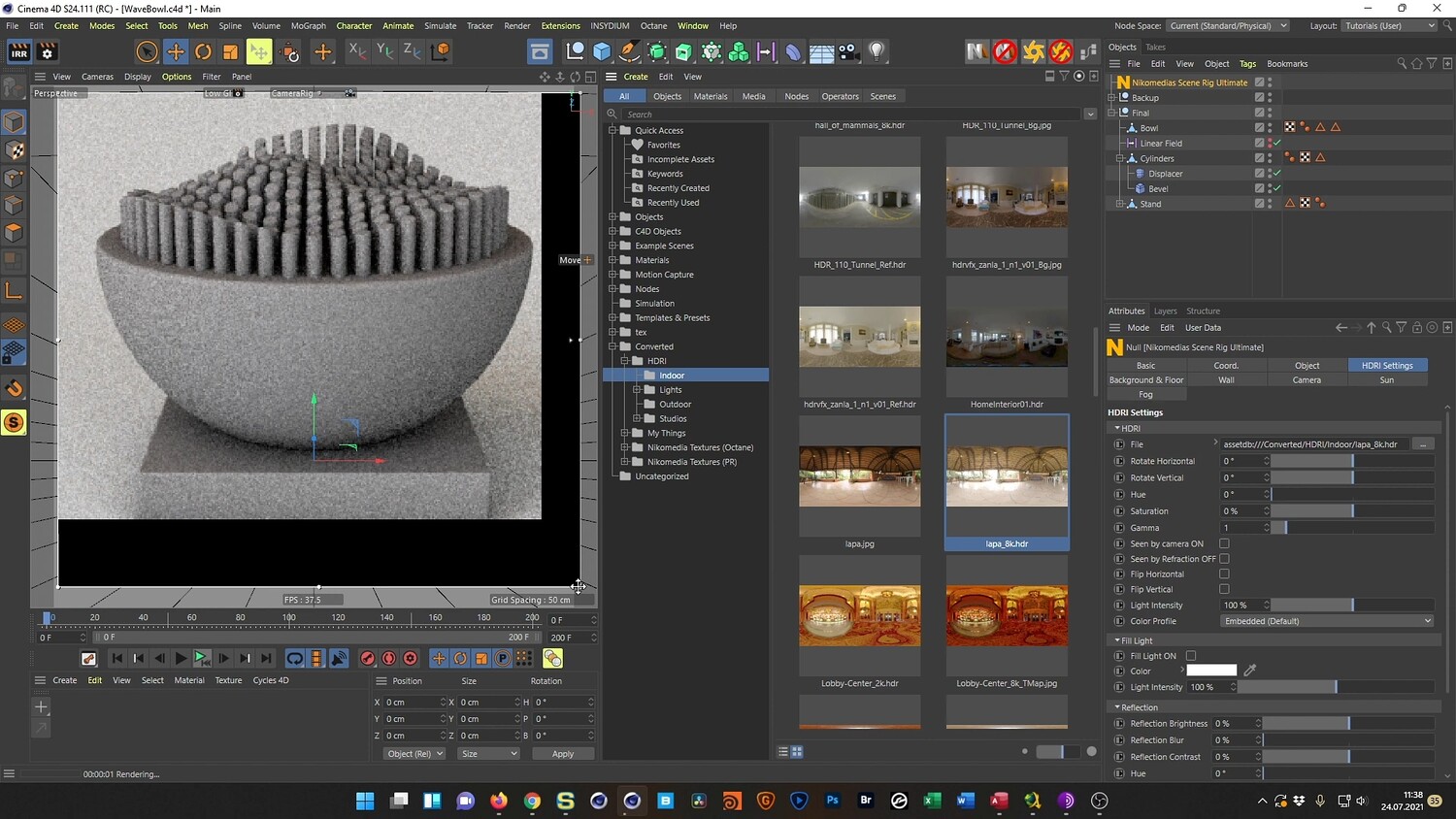
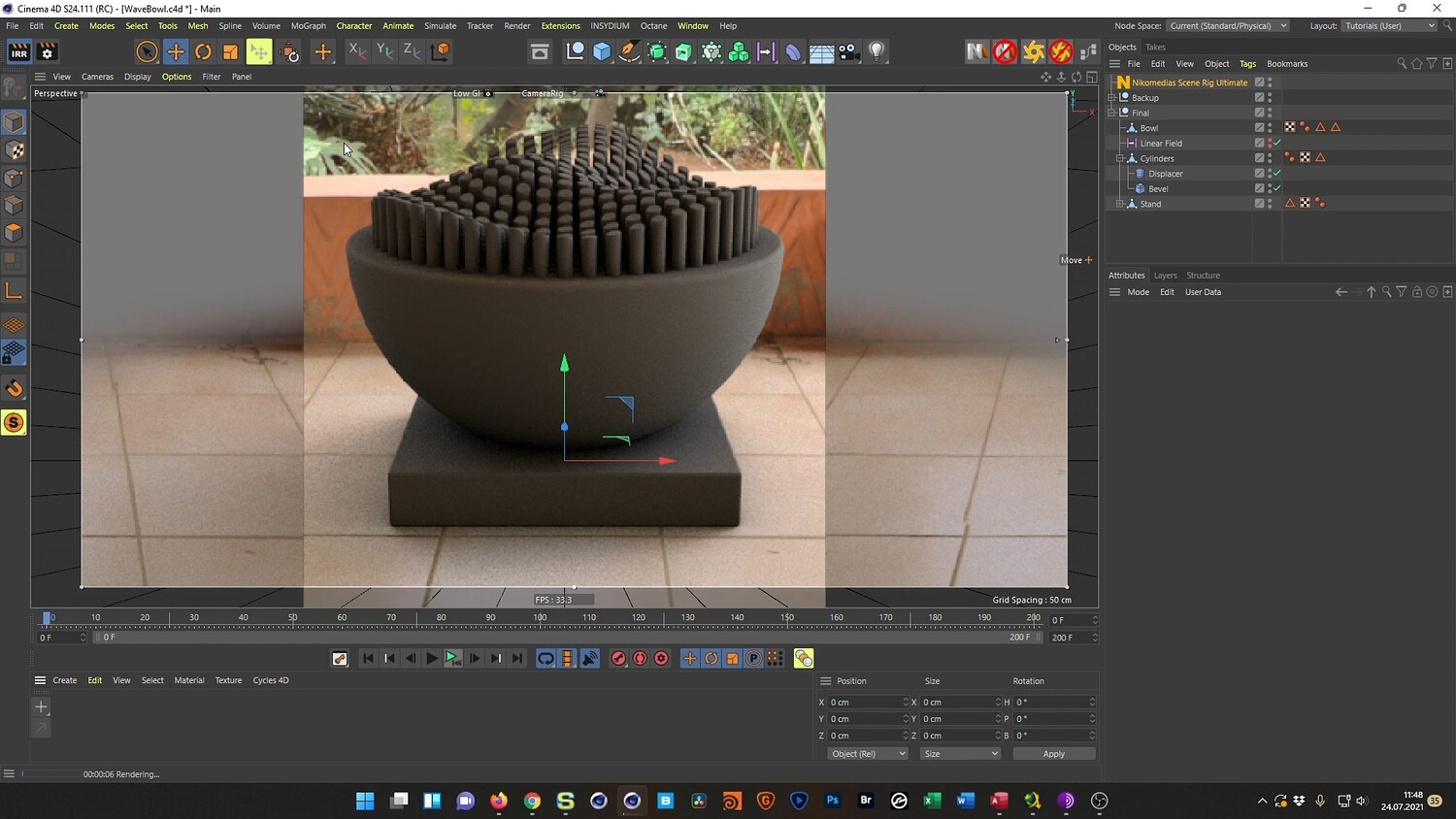
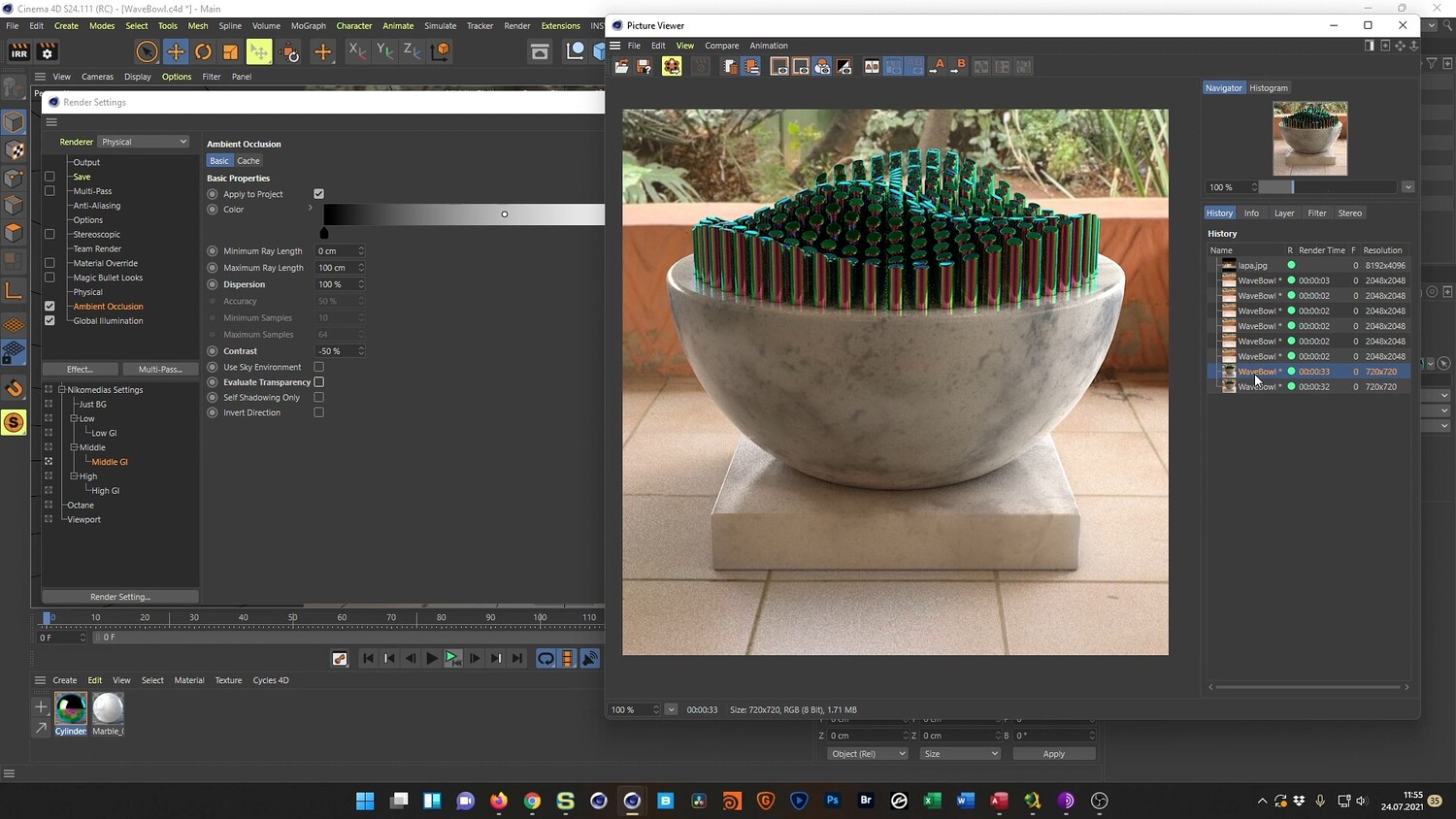
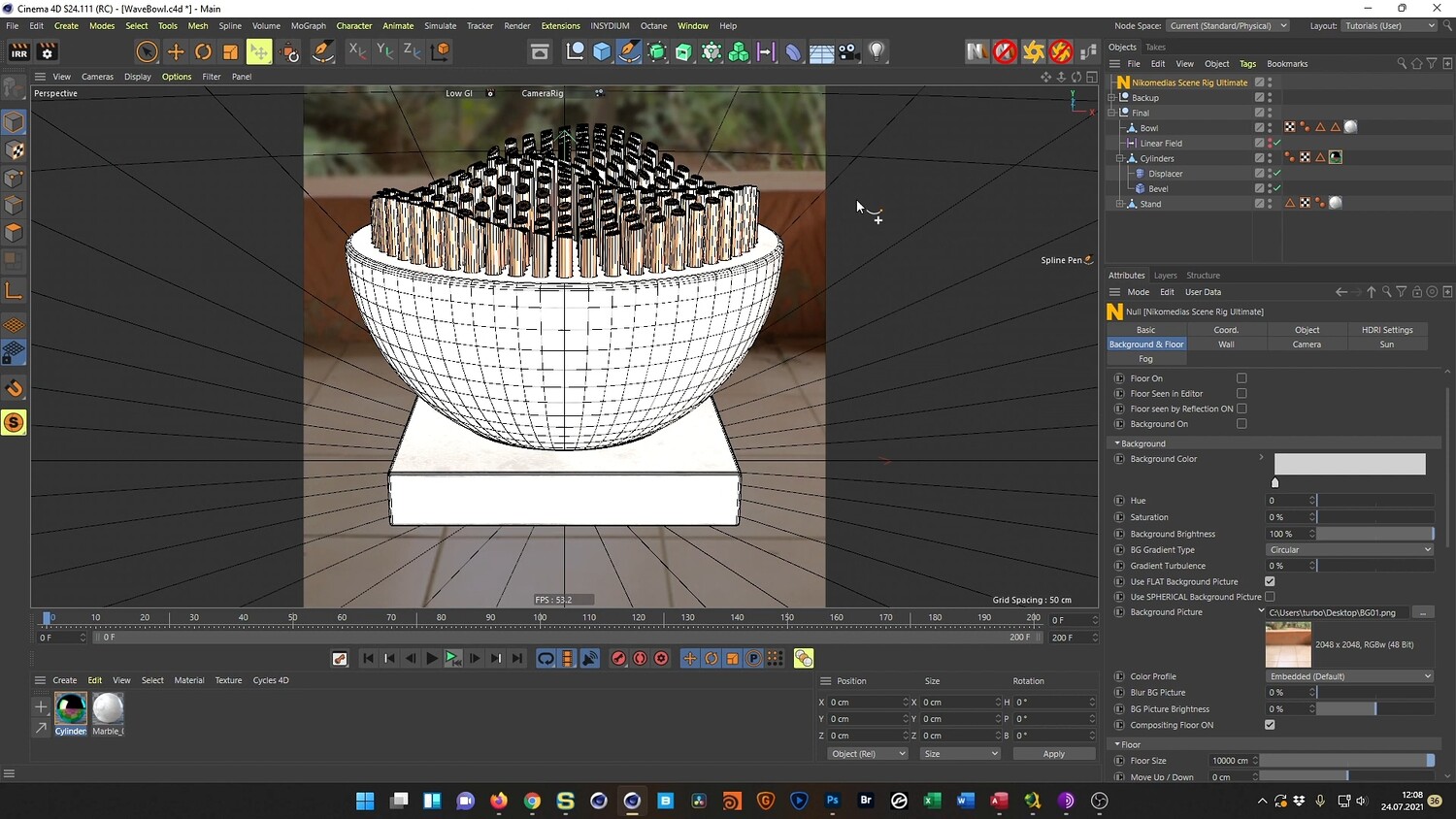
In this tutorial, you will explore the process of creating a photorealistic kinetic sculpture inspired by high-end design aesthetics. We will model a marble base and fill it with a dense array of metallic cylinders that move in a satisfying, seamless wave pattern. The video walks through the entire workflow, from building the geometry using volume modeling techniques to setting up the animation drivers and finalizing the look with realistic lighting and texturing.
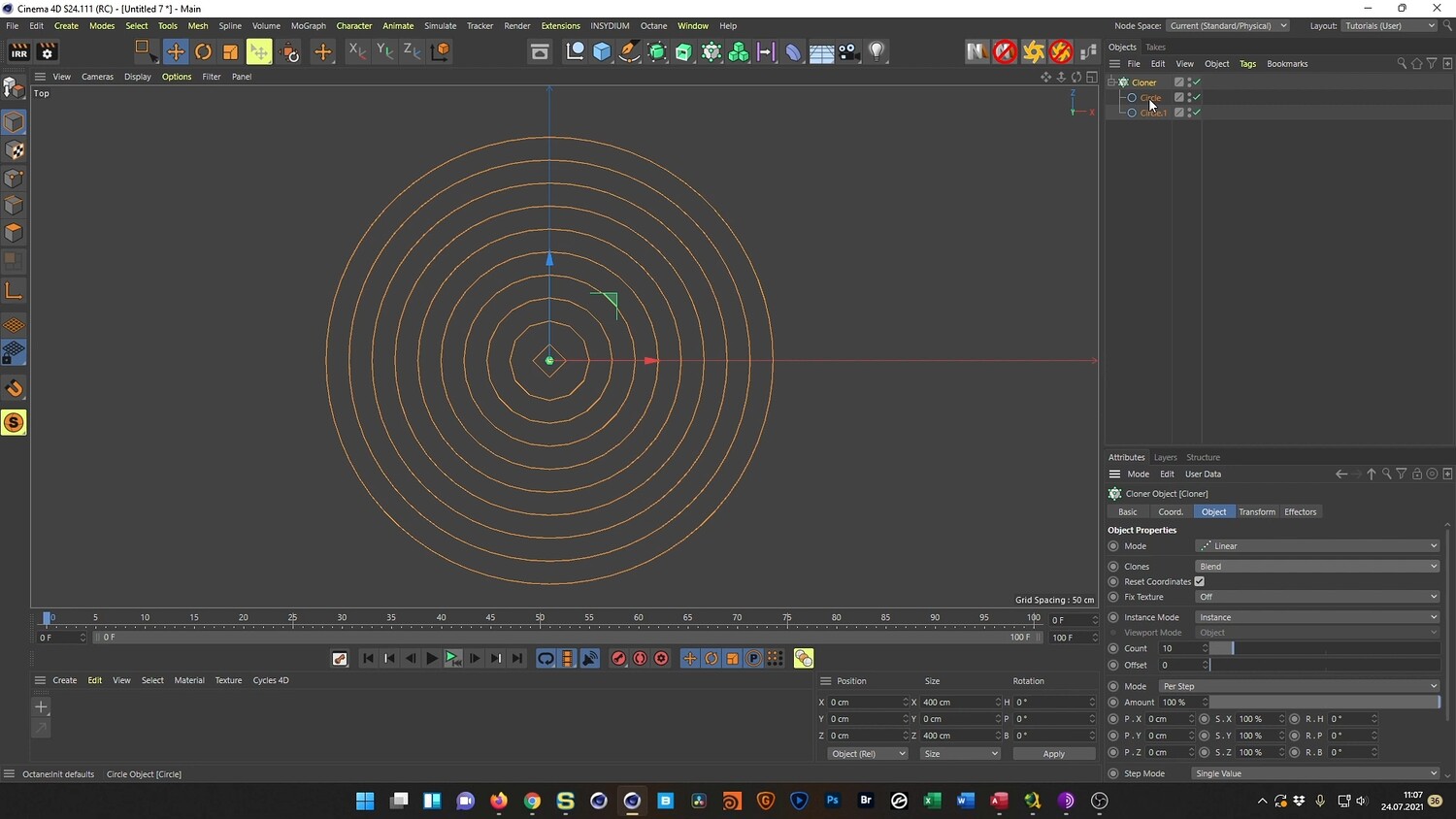
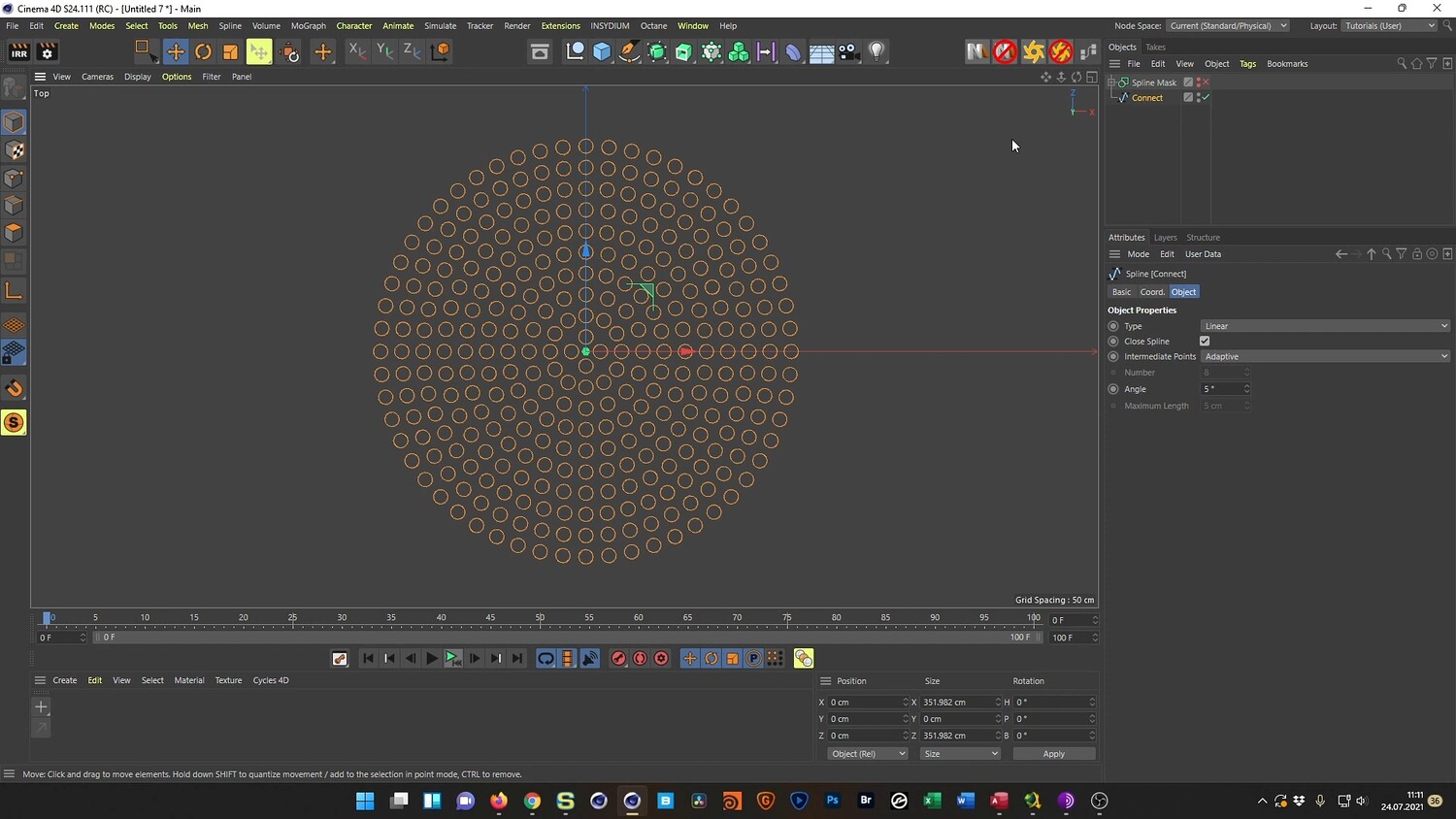
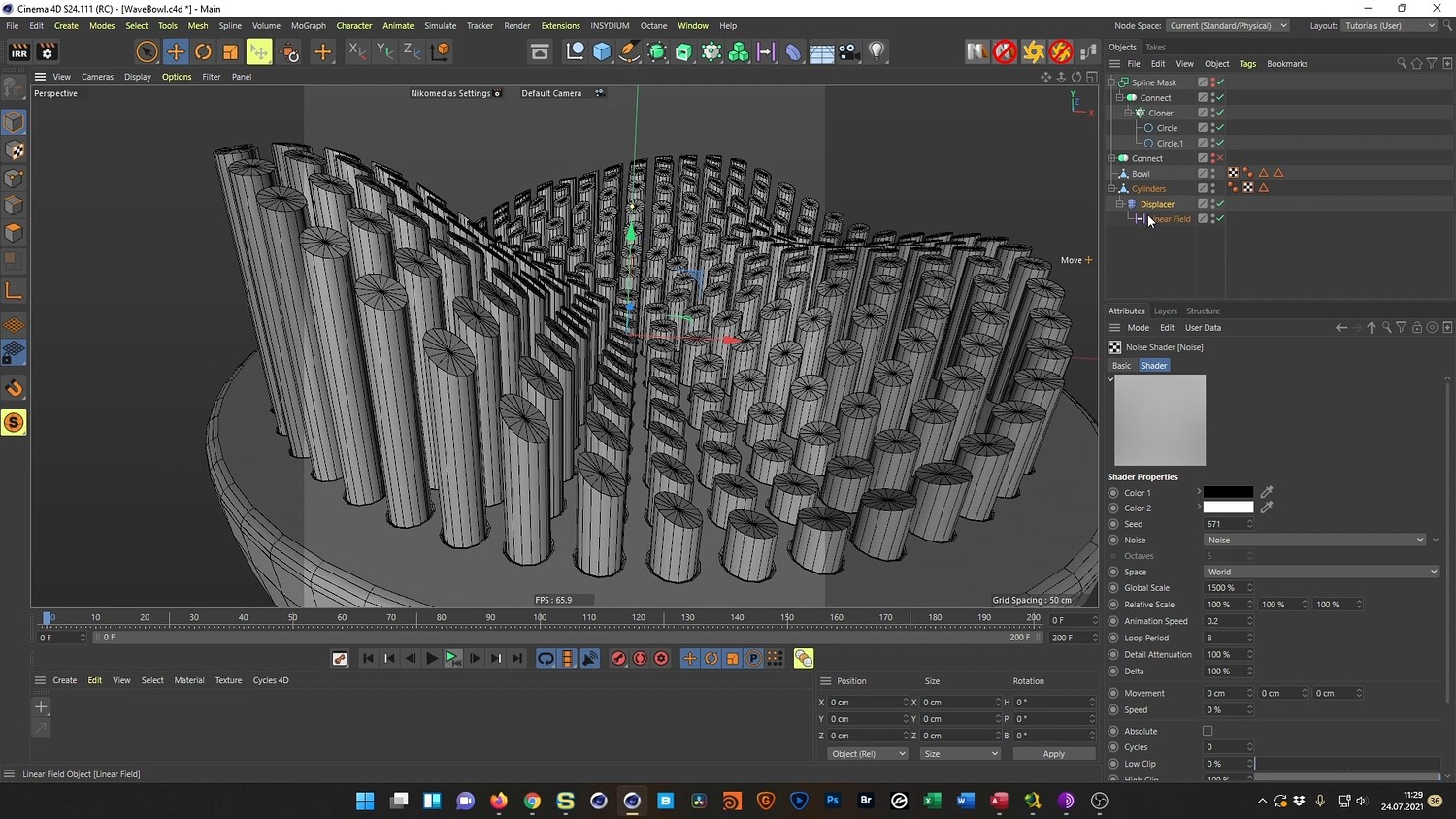
What you will learn: - How to model a curved bowl and plinth using the Volume Builder and Volume Mesher - Setting up Mograph Cloners to create a precise array of cylinders - Animating a wave effect using Displacement maps and Linear Fields - Creating a seamless loop for the kinetic animation - Texturing with realistic marble and metallic materials in Octane Render - Compositing and color grading the final result in Adobe Photoshop
Software/Tools: - Cinema 4D - Physical Render - Octane Render - Adobe Photoshop
Length: 01:07:23
You will get 4 files
All files previously purchased will always be available for download in your Library