At a glance
Description
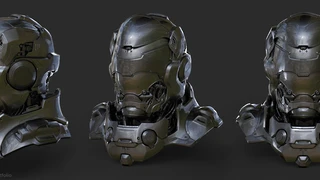
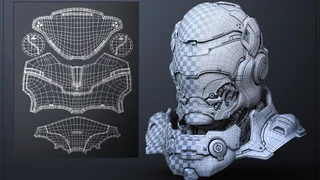
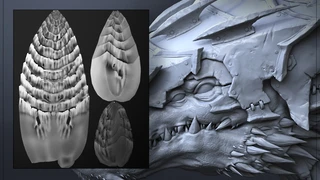
In this tutorial you will learn how to create a low poly real-time asset with modeling & UV techniques that are used in a professional production environment. You will also learn how to bake proper lighting/normal maps along with further map refinement with CrazyBump and Photoshop.
A working knowledge of 3dsmax and Maya is preferred but these principles & techniques can also be applied to other 3D modeling packages.
Topics Covered: -Low Poly Modeling with Maya -UV creation with Zbrush/3dsMax -Map Baking with 3dsMax -CrazyBump Map Extractions -Map Refinement with Photoshop -Real-Time Previewing in 3dsMax Viewport
Duration: 3hr video MP4 format with audio commentary in English
Includes: -3 Video Files -OBJ file format of the Final Low Poly Mesh -OBJ file format of the Final High Poly Mesh -TGA file format of the Normal Map -TGA file format of the Diffuse Lighting Map
You will get 5 files
Instant download · 5 files · 3.4 GB total