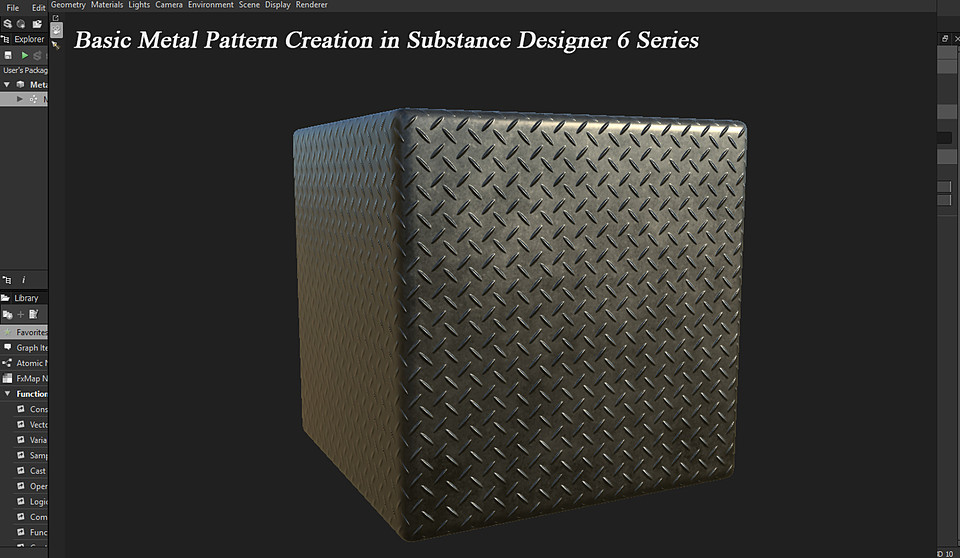
Basic Metal Pattern Creation in SD 6
455 Views
Basic Metal Pattern Creation in Substance Designer 6 series.
Part 1 - Basic Metal Pattern Creation in Substance Designer 6.
Part 2 - Creating and exposing parameters for the .sbsar file and finally exporting it.
Part 3 - importing .sbsar file in Substance Painter 2.5.1.
Please note that i am pressing SPACEBAR to search nodes.
Net Pattern Creation in Substance Designer 6
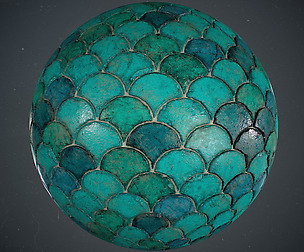
Please note that i am using ctrn+shift and drag in the transform node to scale proportionally. This video explains the process of creating a Net Pattern in Substance Designer 6, creating and exposing parameters for .sbsar export, testing parameters in a new graph before .sbsar export, exporting .sbsar File and finally importing and Testing the .sbsar in Substance Painter 2.5.1.
You will get 5 files
All files previously purchased will always be available for download in your Library