

Lightwave 2018- Volume #1- Getting Started I
In this first volume of 12 volumes 3D Instructor Adam Gibson will not only show you how to get up and started using Lightwave 2018 but will also introduce you to some the new powerful features. A great place to start for beginner Lightwave Users.
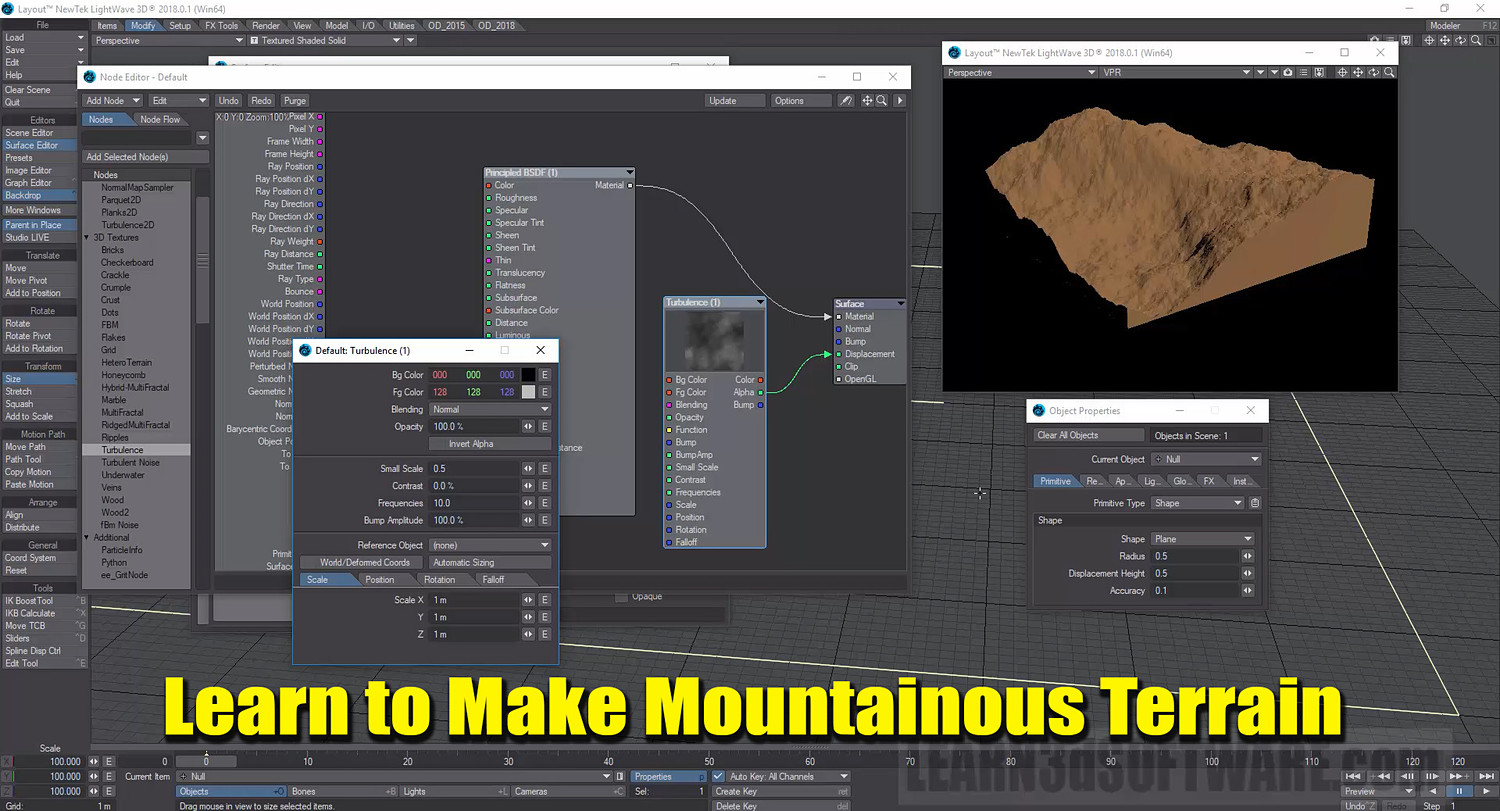
Some of the Topics Covered: 1) User Interface Basics, Viewports, Image Editor, Importing Models, Item Animation Tools, PBR (Spec/Gloss & Metallic) Node Basics, VDB Import, Volumetric Primitives, Shape Primitives, Buffer Drop Down List, Surface Noise Removal, Creating an Asteroid, Making Rocky Terrains, and Render Basics.
Table of Contents:
Section One (Layout Basics)
Chapter 1- Intro
Chapter 2- What is Lightwave 3D?
Chapter 3- Importing 3D Models into Lightwave
Chapter 4- Importing Multiple Models in Lightwave (Layout & Modeler)
Chapter 5- Importing Images in the Image Editor
Chapter 6- How to Add: Object Nulls, Lights & Cameras to your Scene
Chapter 7- Renaming Scene Items (Object Nulls, Lights & Cameras)
Chapter 8- How to Clear/Delete Items from your Scene
Chapter 9- How to Load and Clear Scenes
Chapter 10- Moving Items (3D Models, Object Nulls, Lights & Cameras) in Layout
Chapter 11- Rotating Items (3D Models, Object Nulls, Lights & Cameras) in Layout
Chapter 12- Size Tool- Sizing 3D Models in your Scene (Layout)
Chapter 13- Stretch Tool- Stretching 3D Models in Layout
Chapter 14- Squash Tool- Squashing 3D Models in Layout
Chapter 15- Viewport (Basics)
Chapter 16- Viewport Layout (Basics)
Chapter 17- Viewport Mode (Basics)
Chapter 18- Saving Viewports as Images
Chapter 19- Buffer Drop-Down List Intro
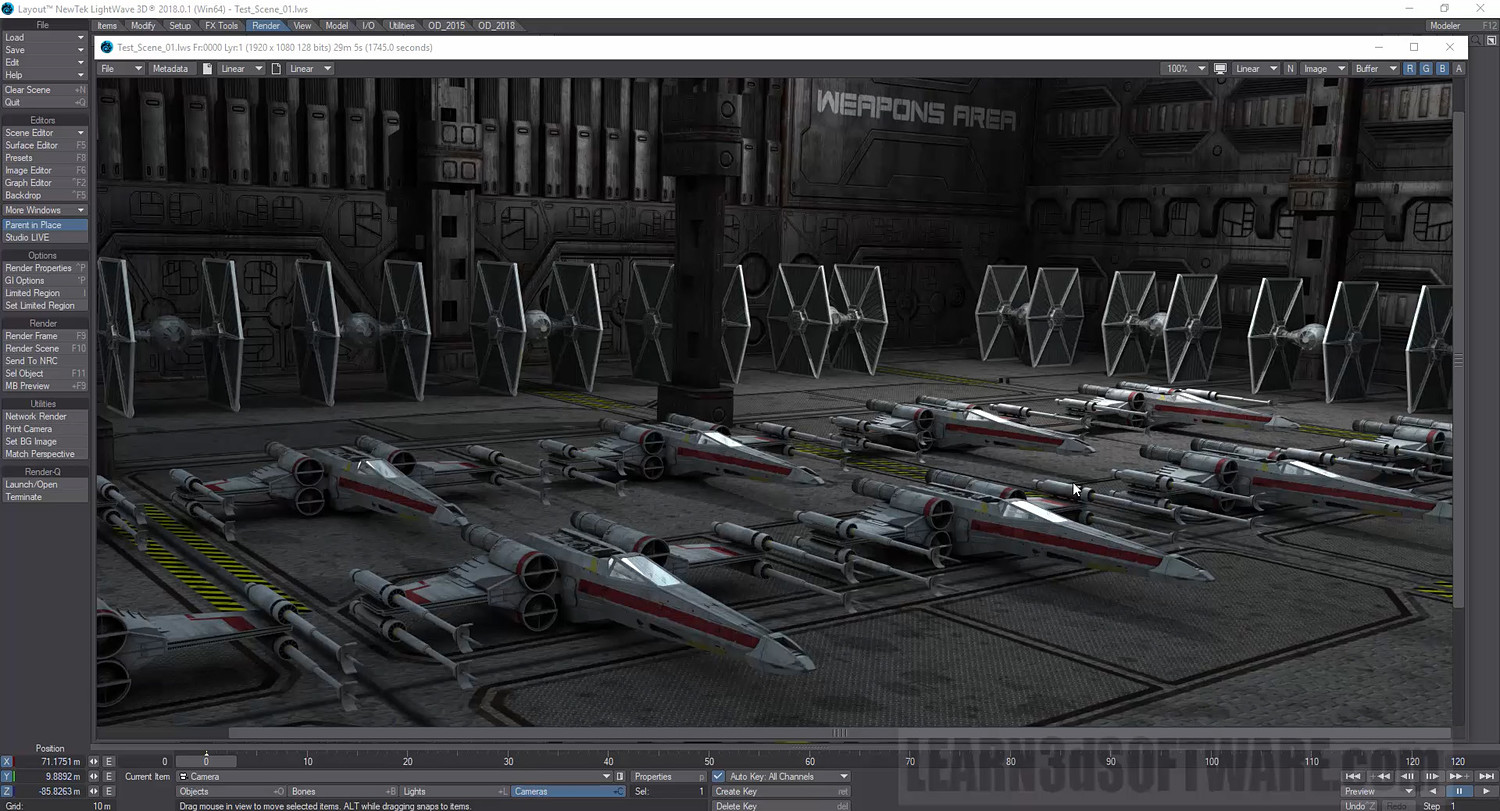
Chapter 20- Your First Render and Killing Fireflies (Surface Noise)
Chapter 21- Render Results
Section Two (2018 New Features)
Chapter 22- Floating Viewports
Chapter 23- PBR Spec/Gloss Node Set-Up
Chapter 24- PBR Metallic Node Set-Up & Luminous Node Set-Up
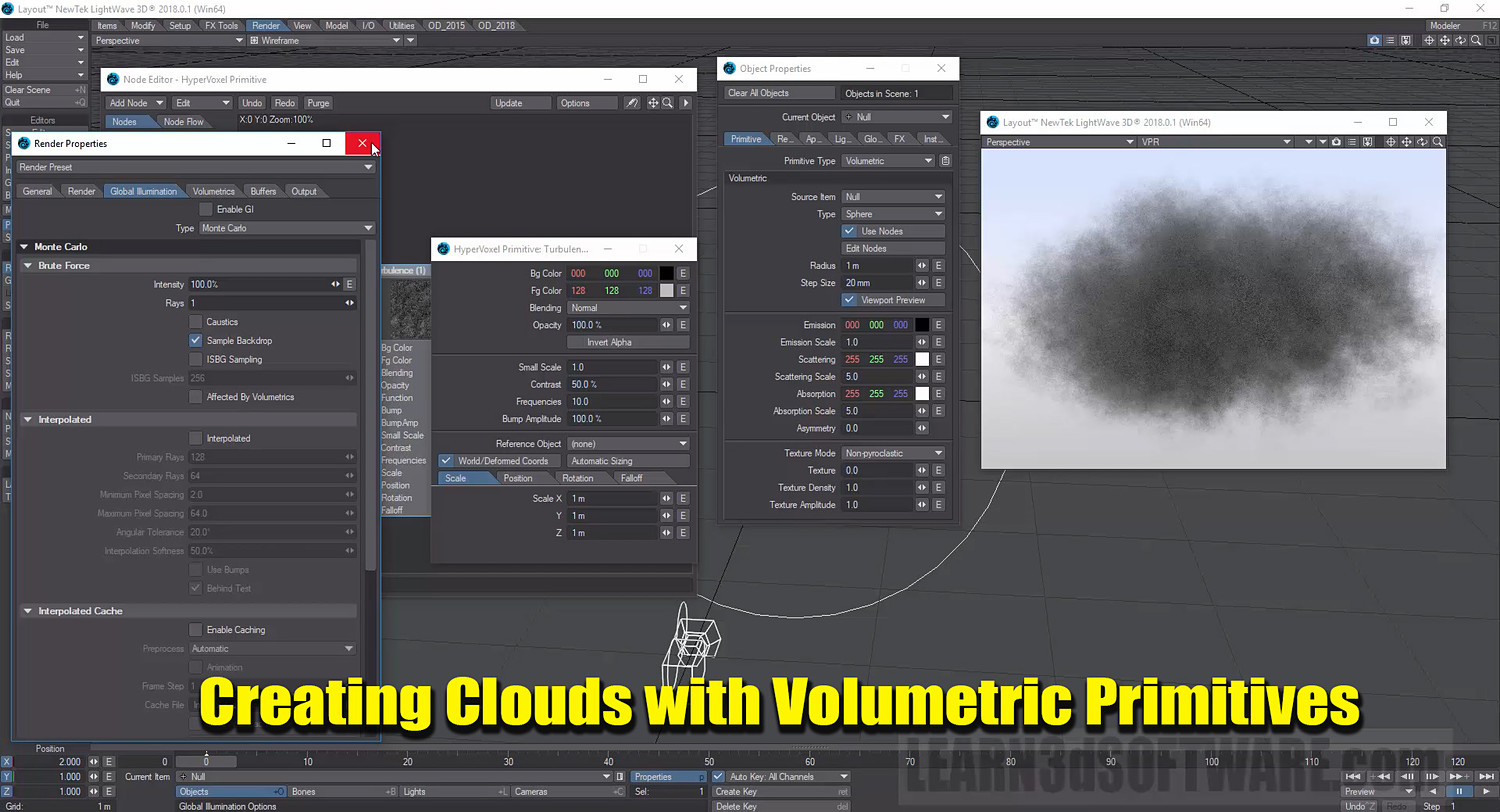
Chapter 25- Volumetric Primitives (Part One)
Chapter 26- Volumetric Primitives (Part Two)
Chapter 27- Shape Mode Primitives (Basics)
Chapter 28- VDB File Import Basics
Chapter 29- Final
Running Time: 4 hrs. 23 mins.
High Quality (Screen-Res 1920 x 1080 pixels)
Video Format: MP4 (.mp4)
Level: Beginner
You will get 2 files
All files previously purchased will always be available for download in your Library