Create a Realistic Connected Rings Loop
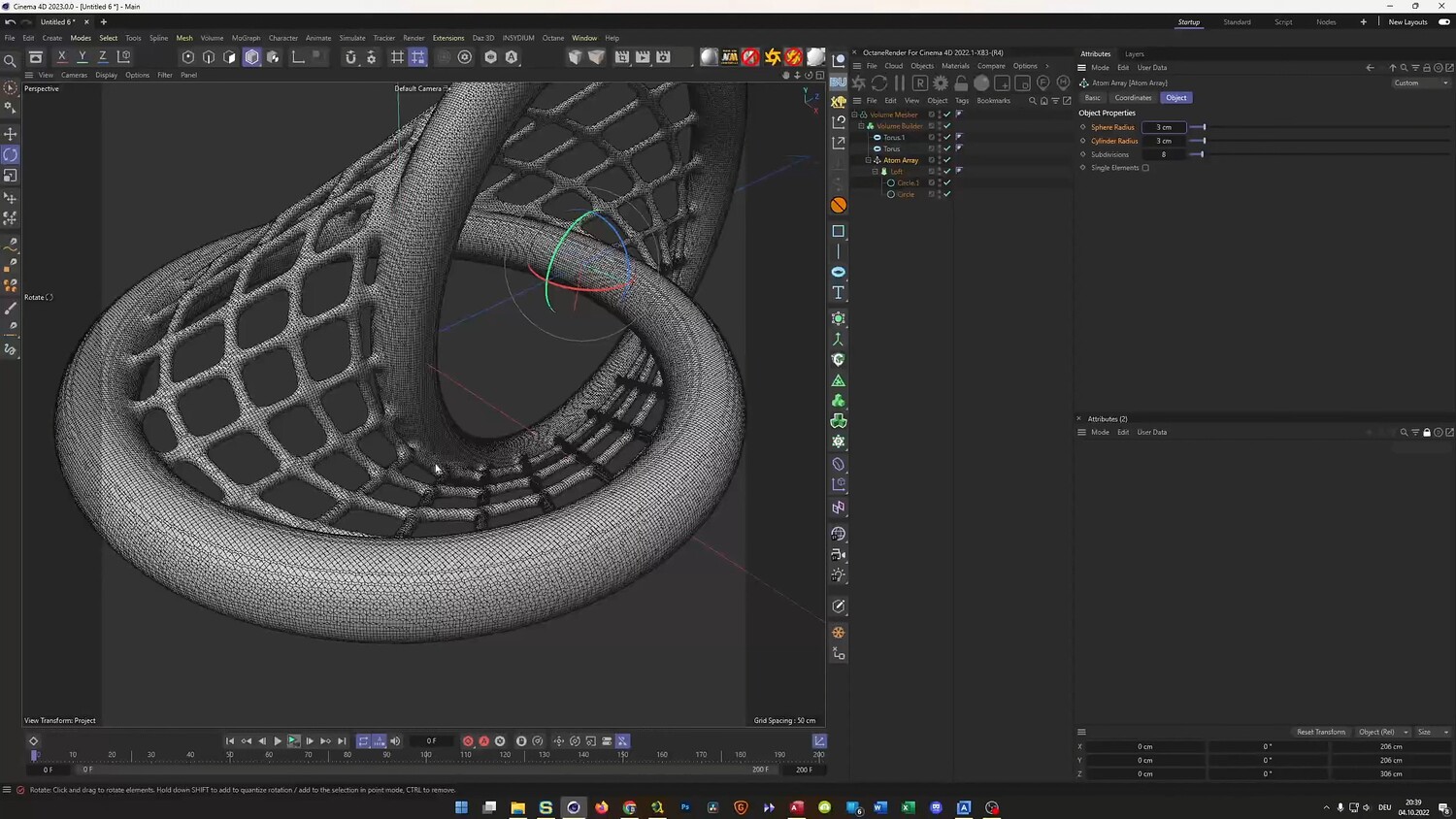
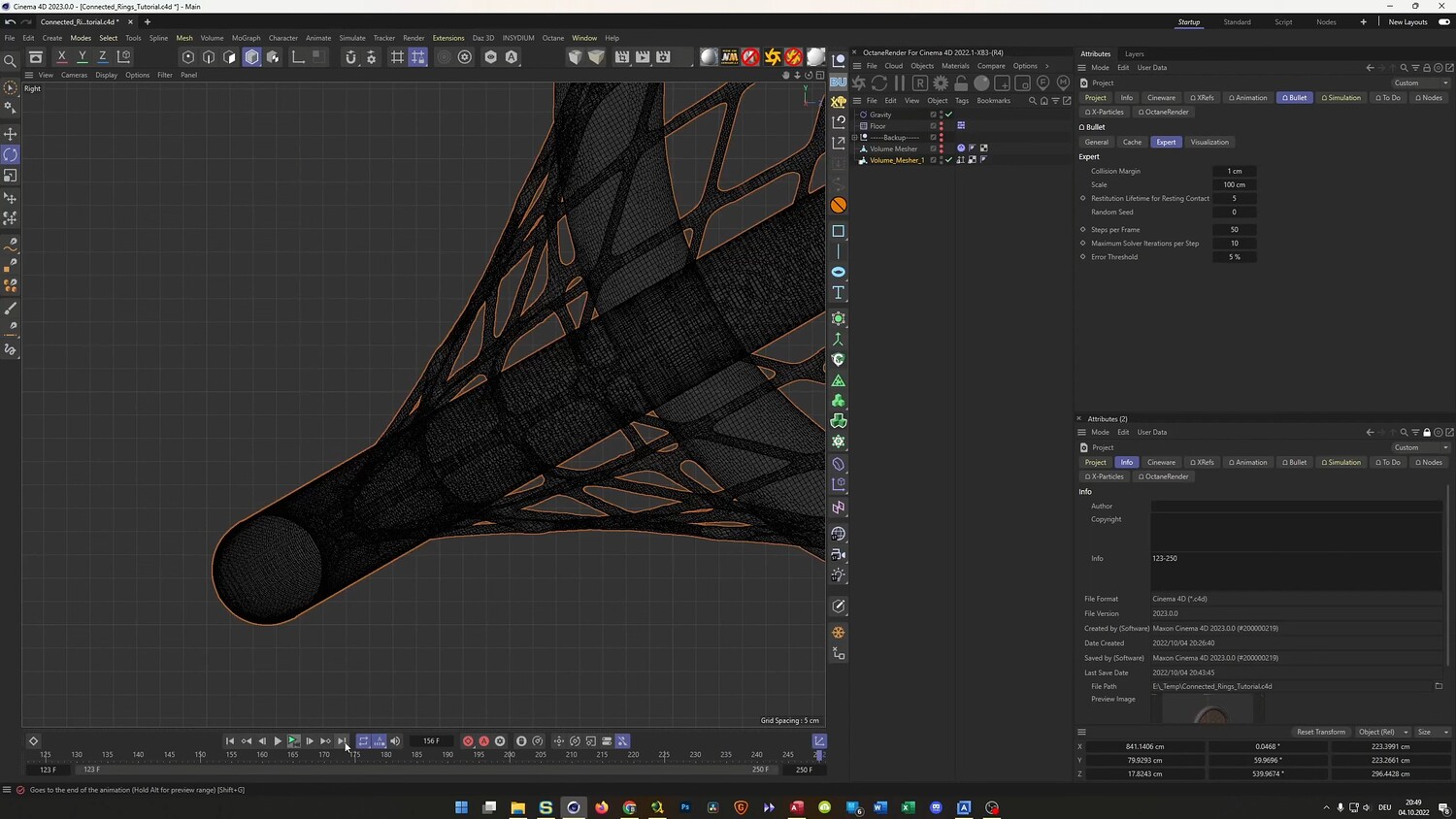
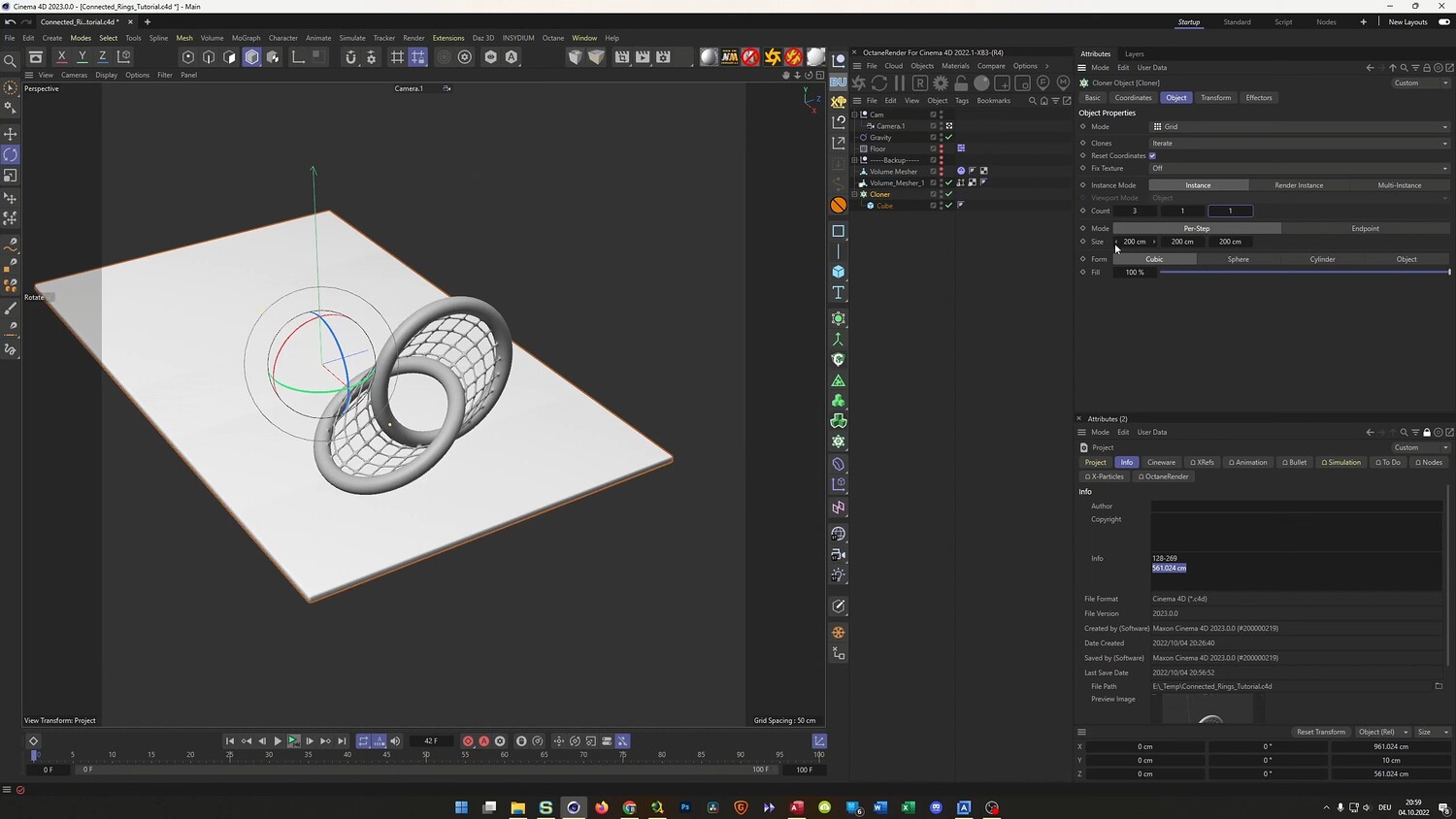
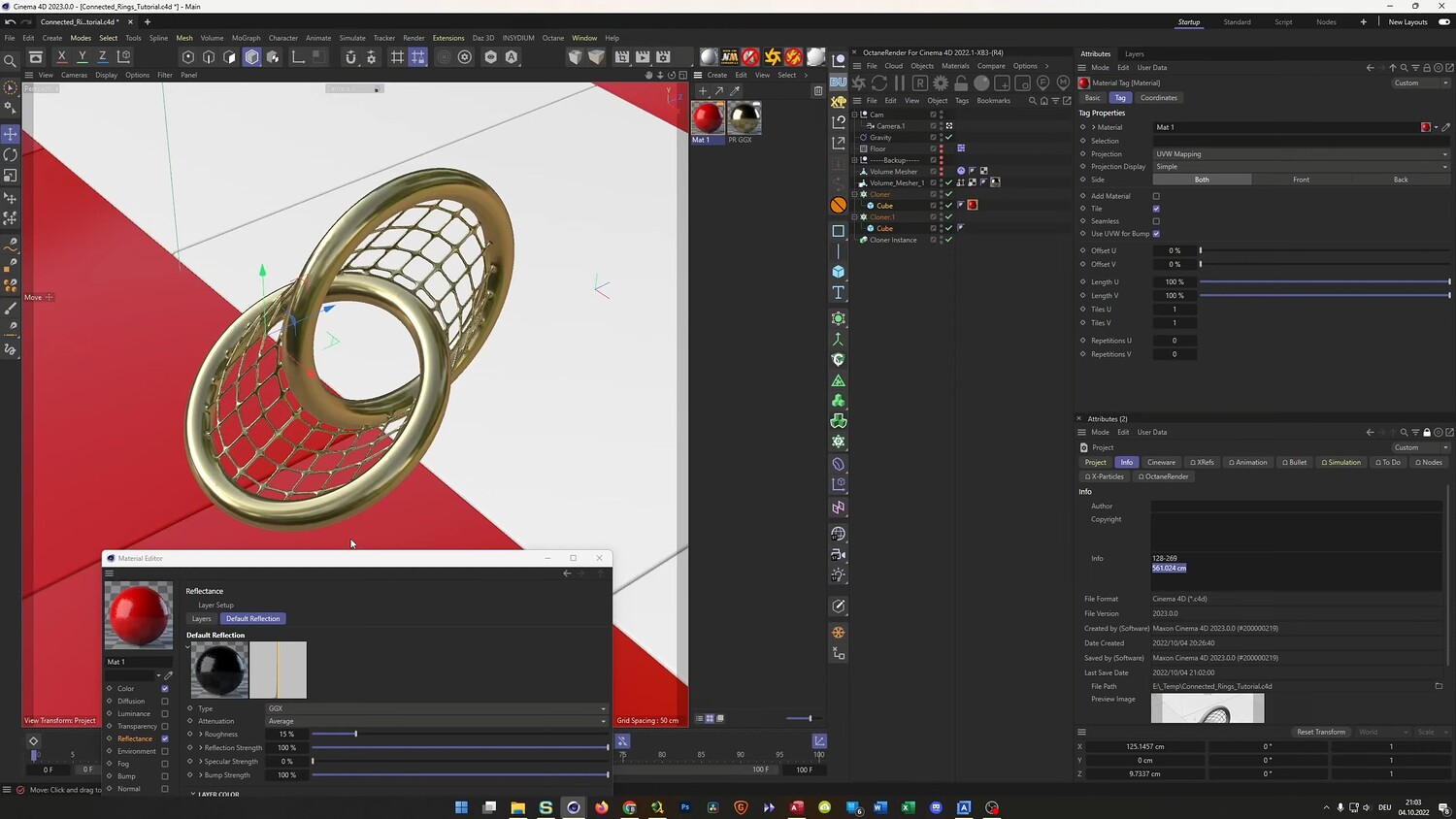
In this tutorial, learn how to create a photorealistic, seamless looping animation of connected metallic rings encased in a mesh structure. We will tackle the challenge of animating complex shapes using rigid body dynamics and gravity rather than standard keyframes. The guide covers the entire process from modeling the mesh geometry to baking the simulation for a perfect loop, ensuring a professional final result. You will also learn how to set up a tracking camera and an infinite floor environment to complete the scene.
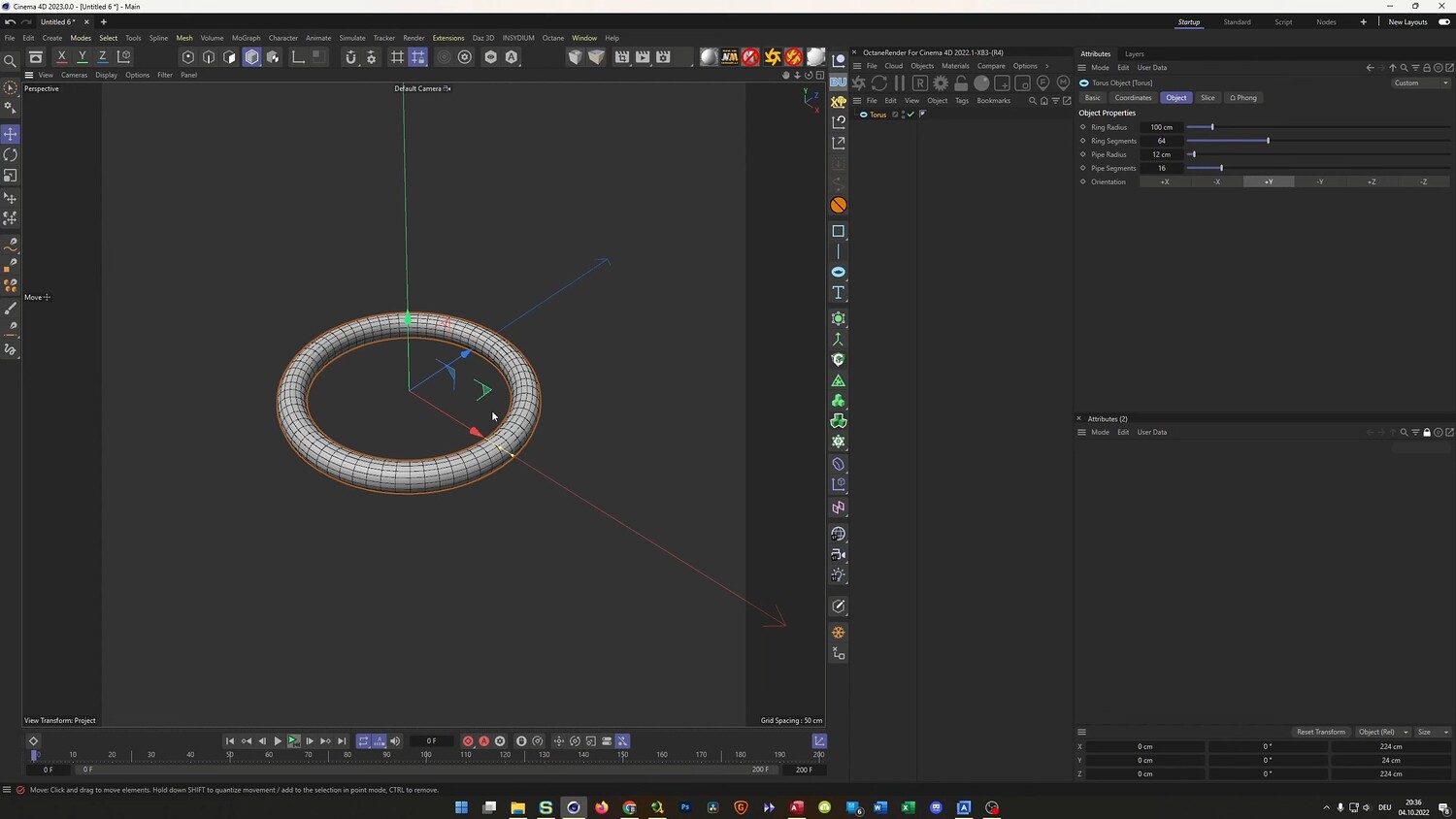
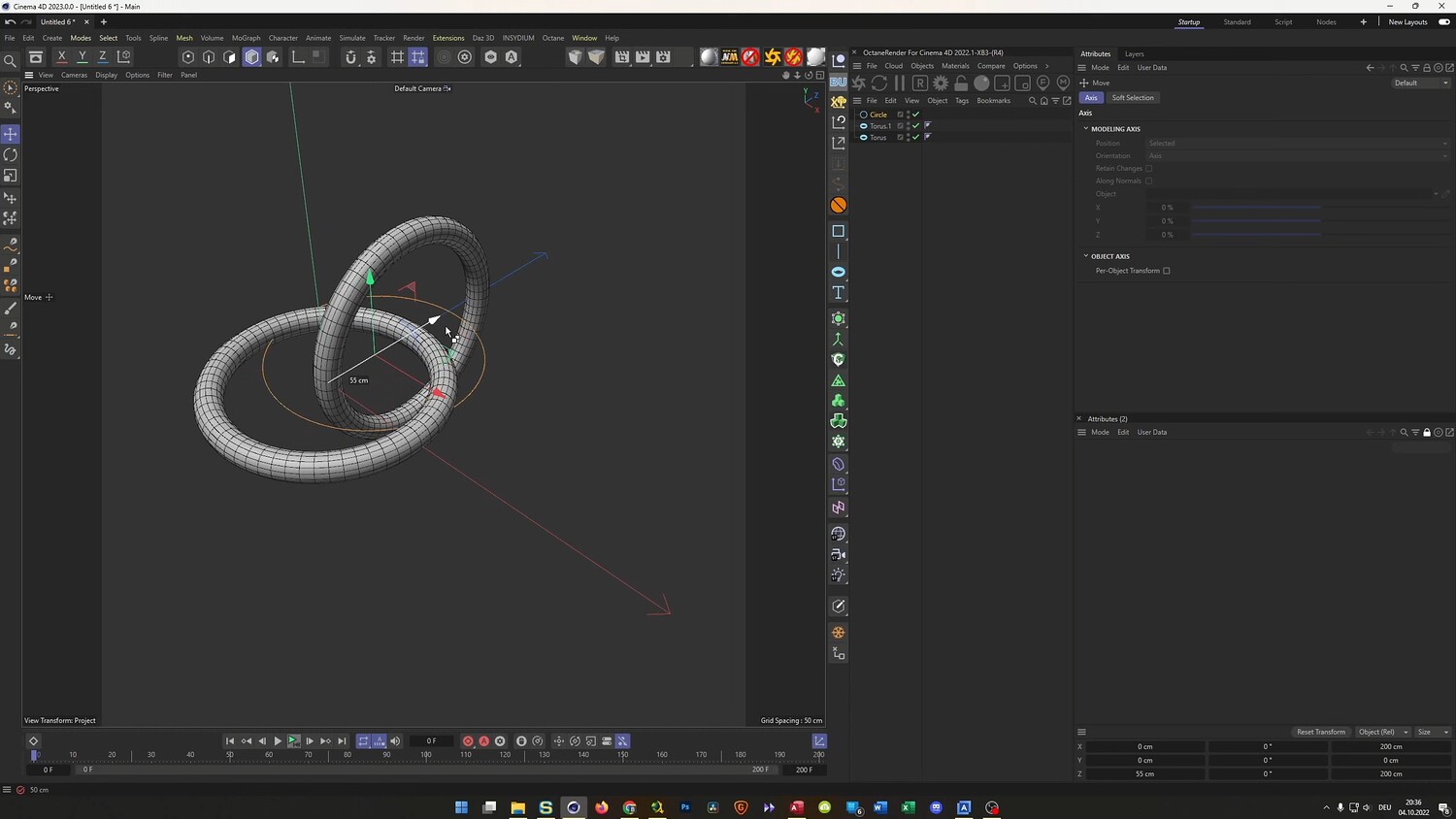
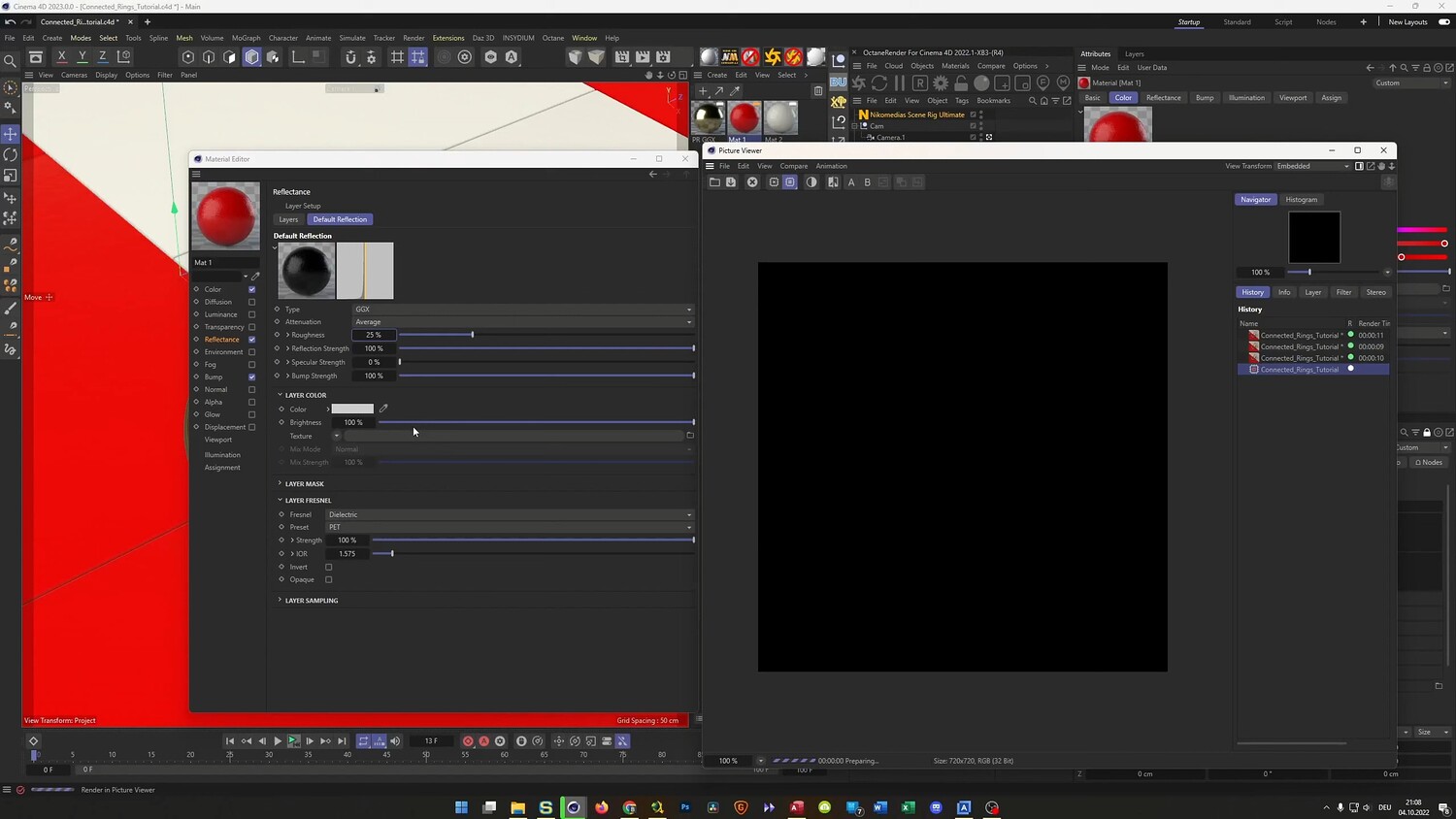
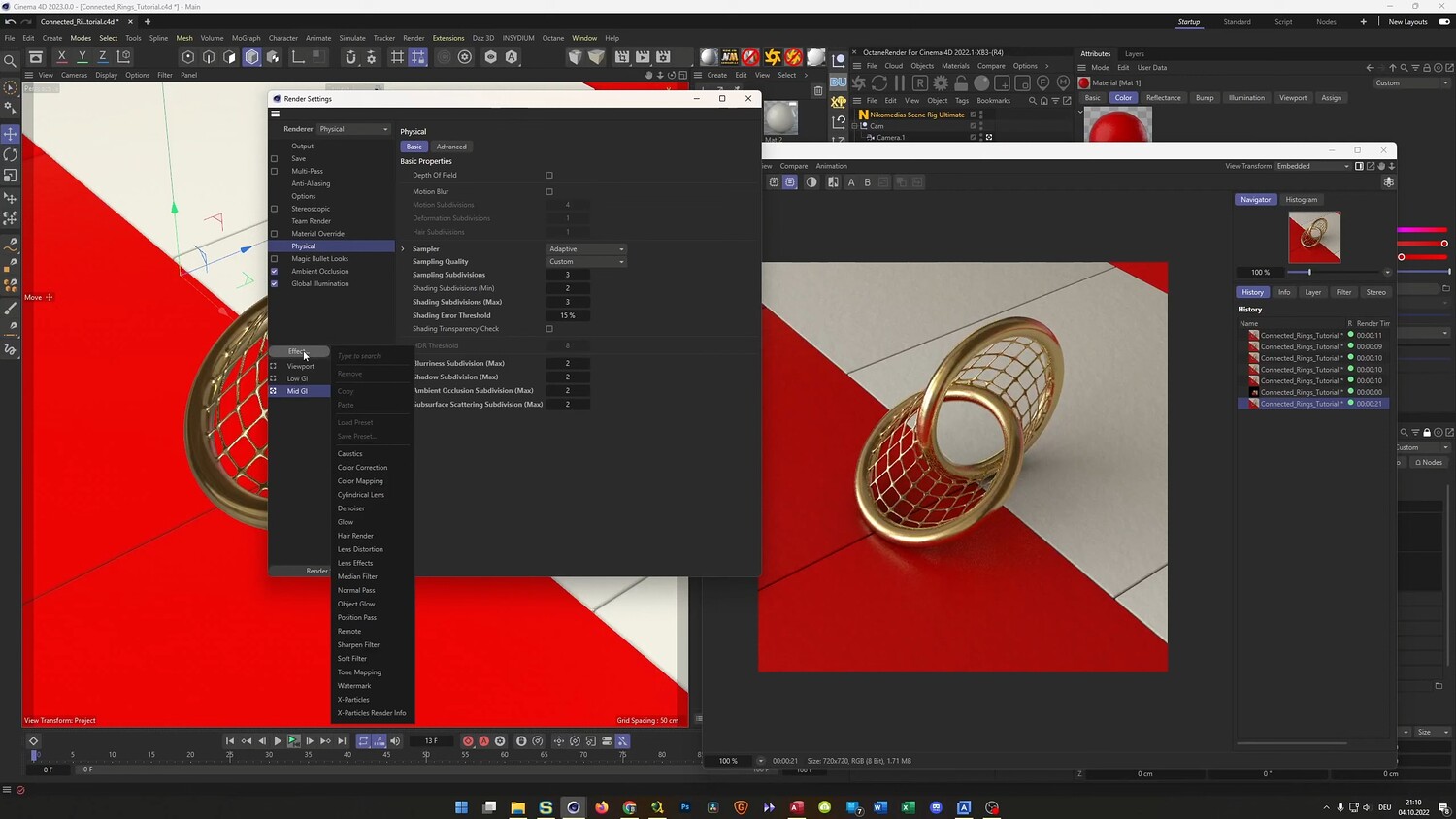
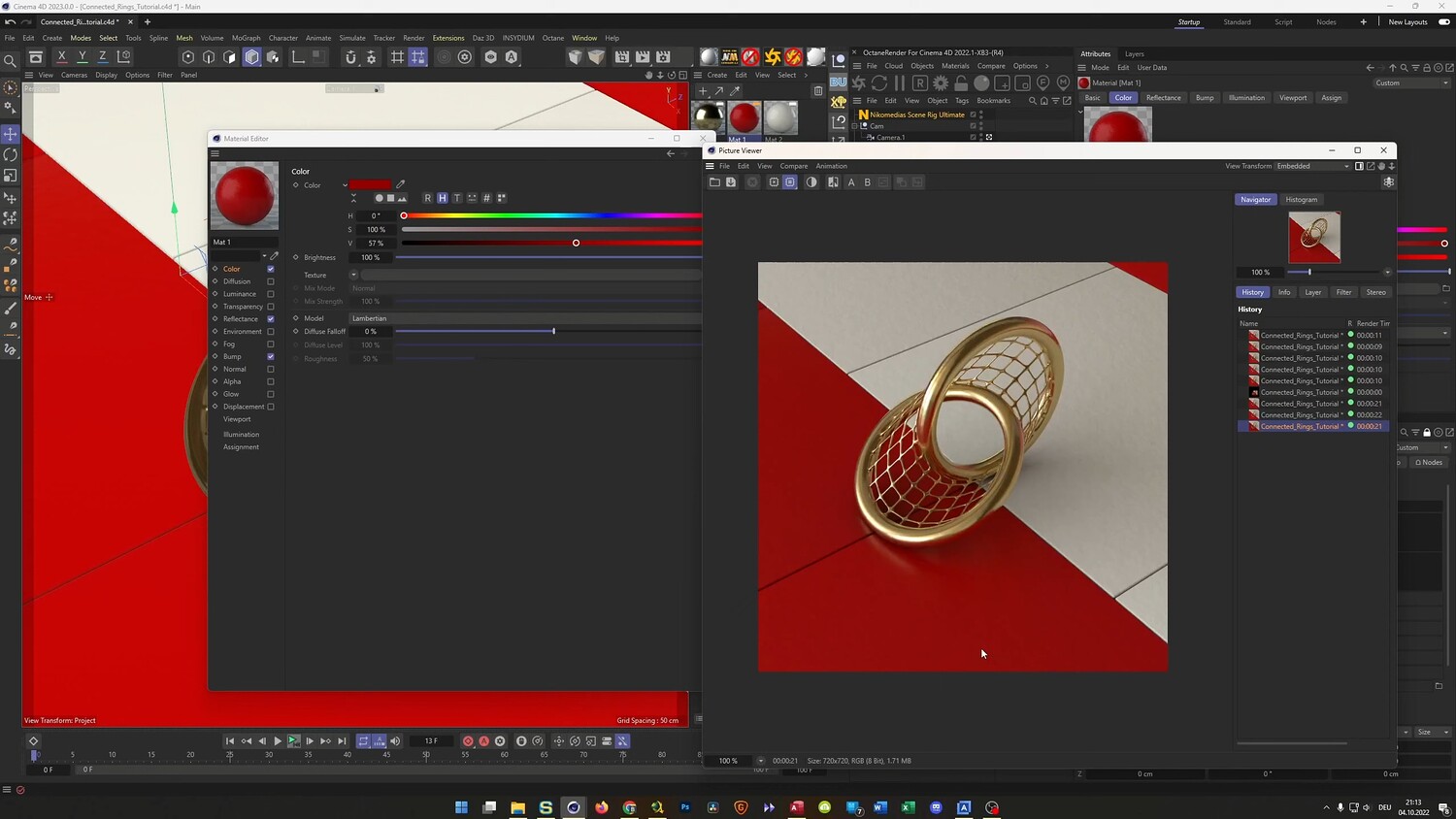
What you will learn: - Modeling connected rings and mesh structures using Splines, Lofts, and the Volume Builder. - Using Smoothing Deformers to create clean geometry without mesh intersection issues. - Setting up Rigid Body Dynamics and adjusting Gravity to drive organic rotation. - Baking simulations to Alembic files to find specific start and end points for a seamless loop. - Calculating exact travel distances to synchronize camera movement with the rolling object. - Creating an infinite tiling floor pattern using Cloner objects and instance offsets. - Applying materials and lighting for a realistic metallic look.
Software/Tools: - Cinema 4D - Physical Render - Octane Render
Duration: 40:05
You will get 4 files
All files previously purchased will always be available for download in your Library