Fluid Wheel Animation and Fake Fluids
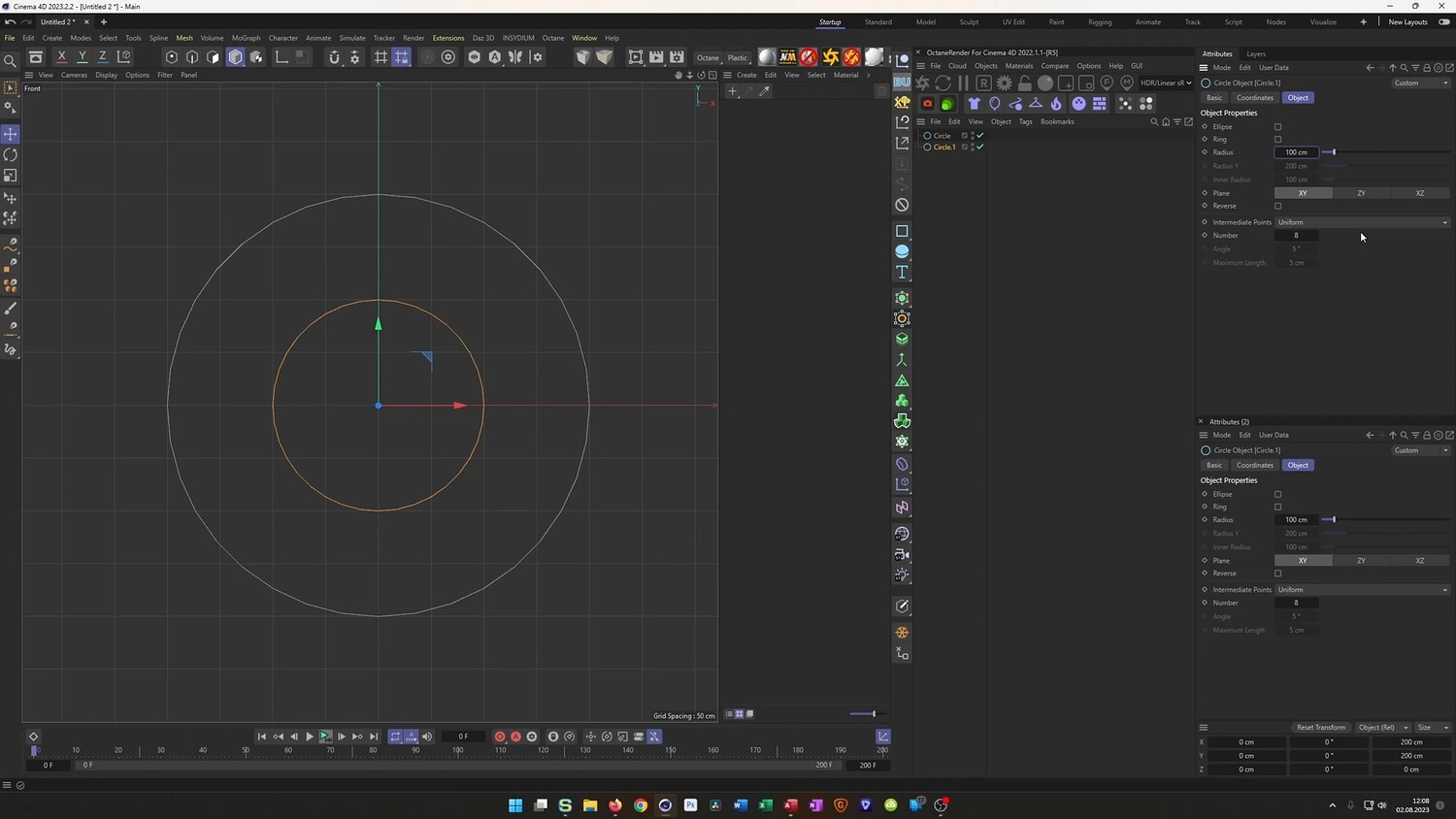
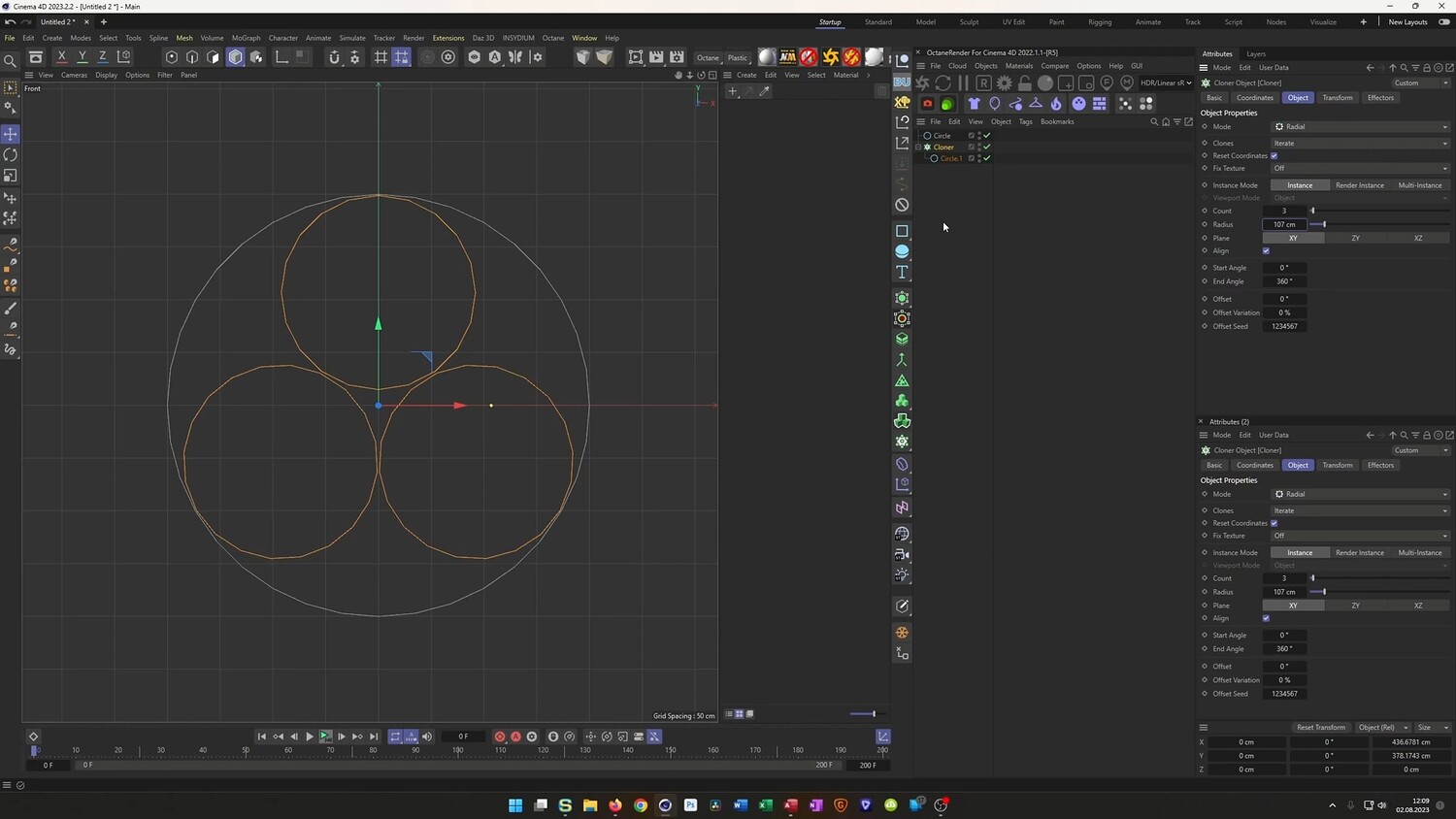
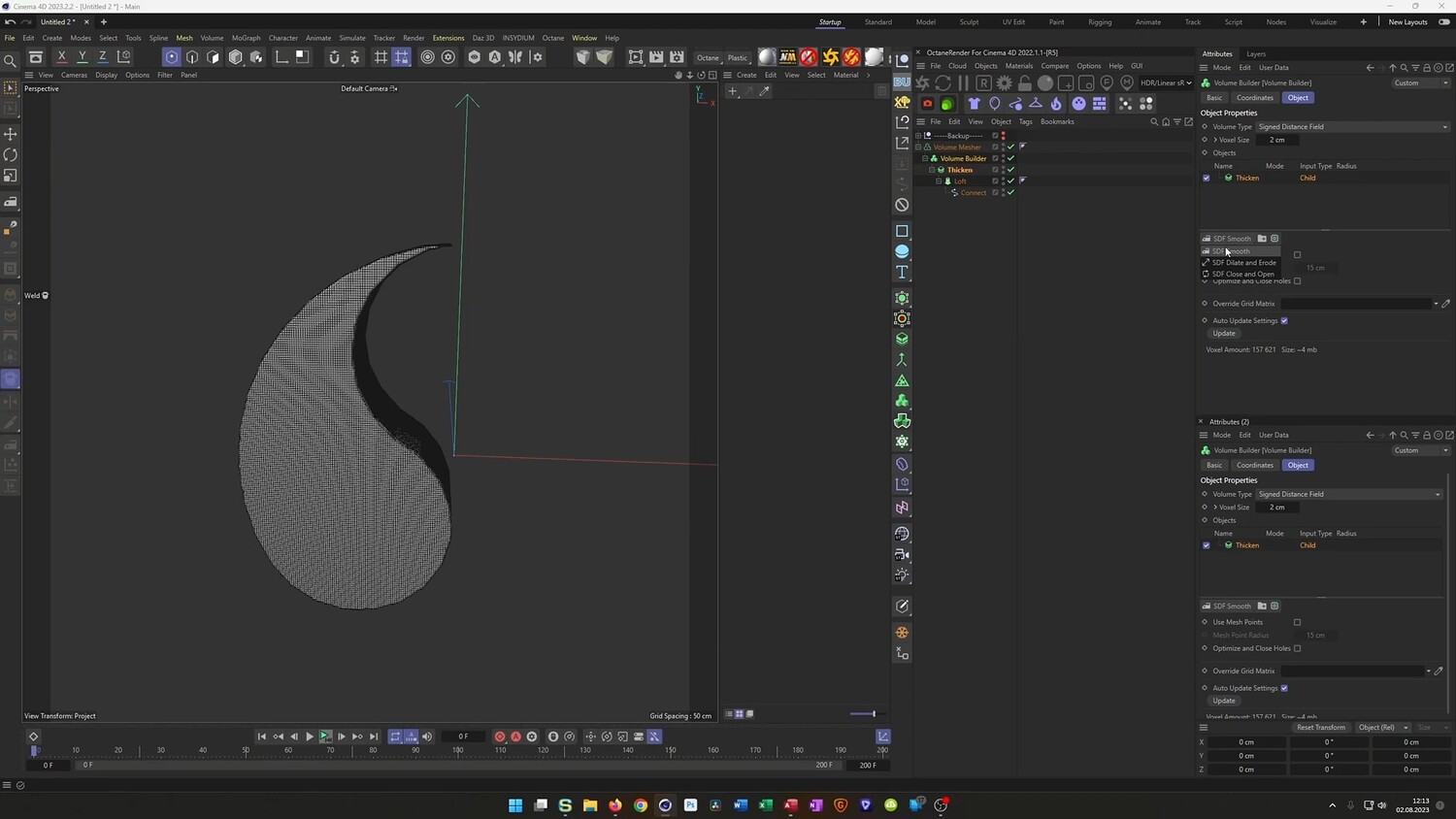
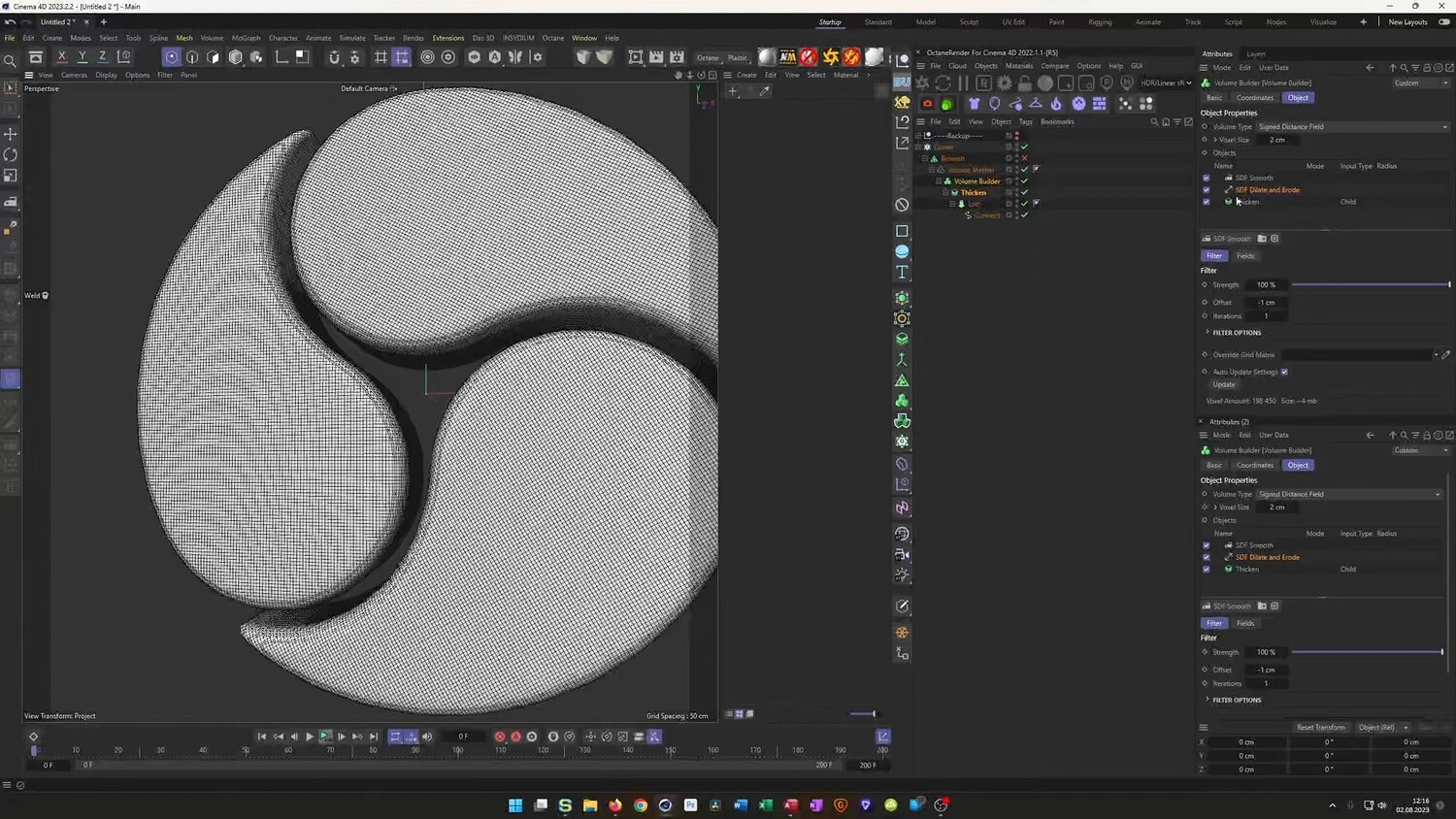
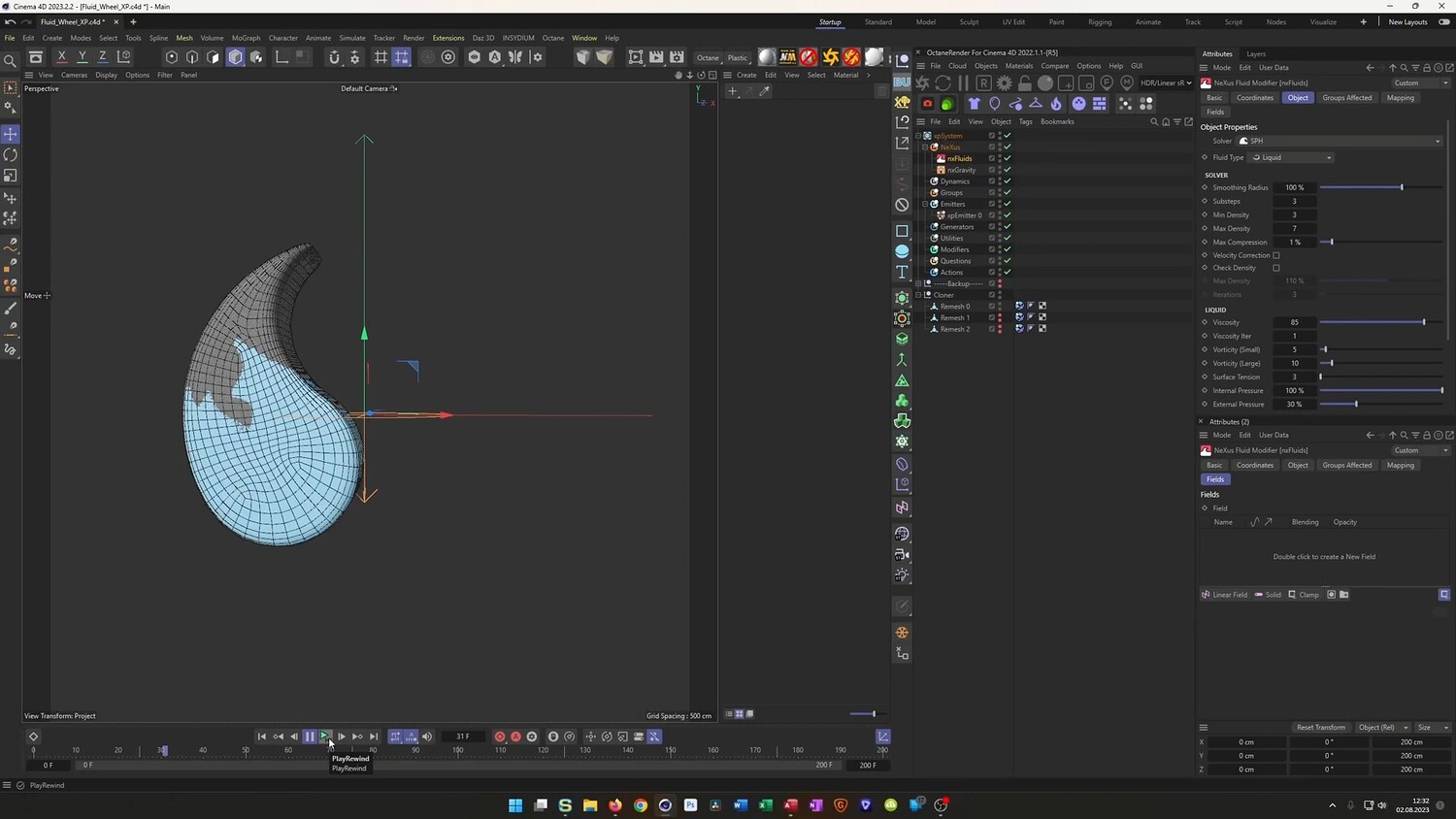
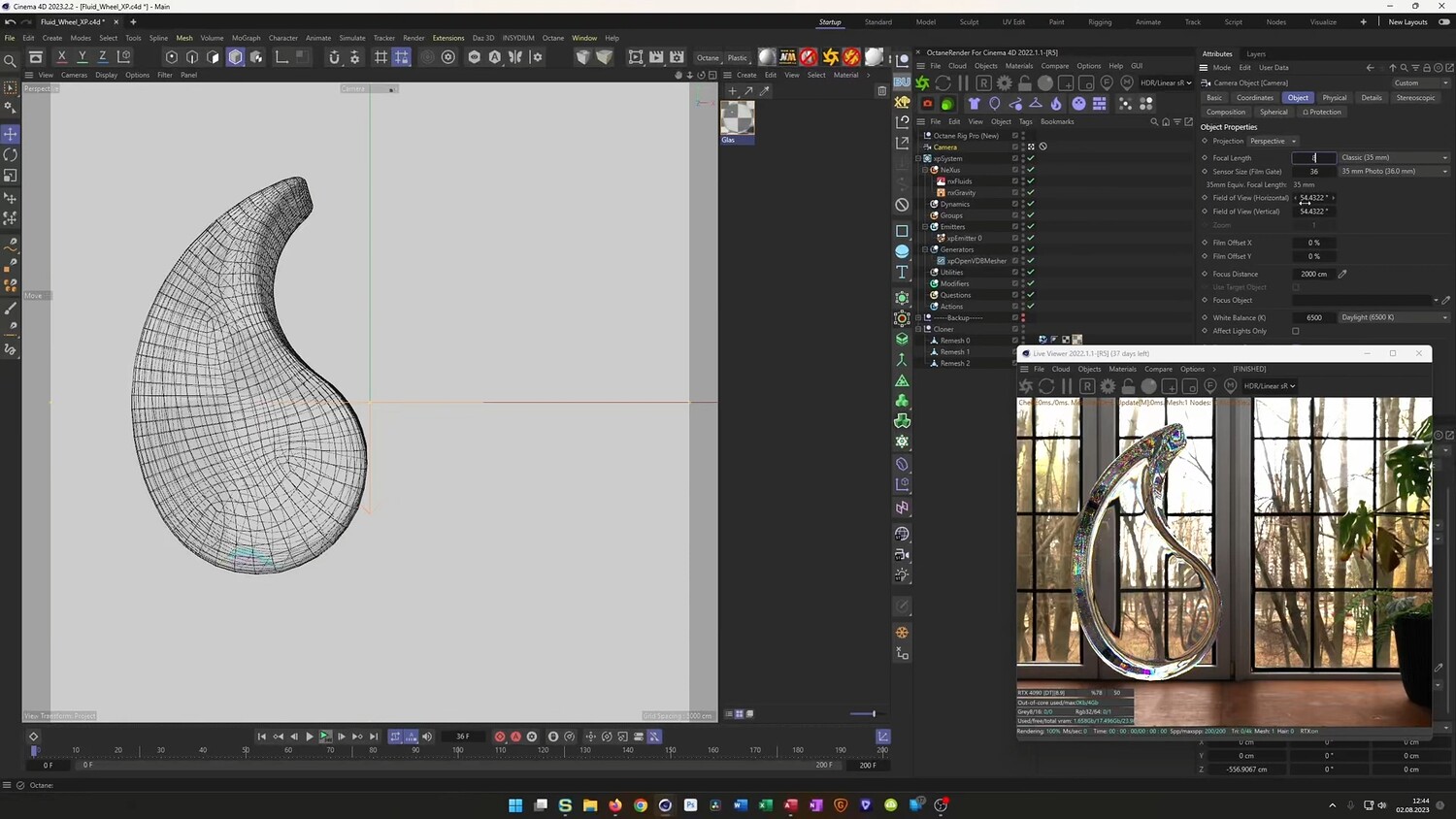
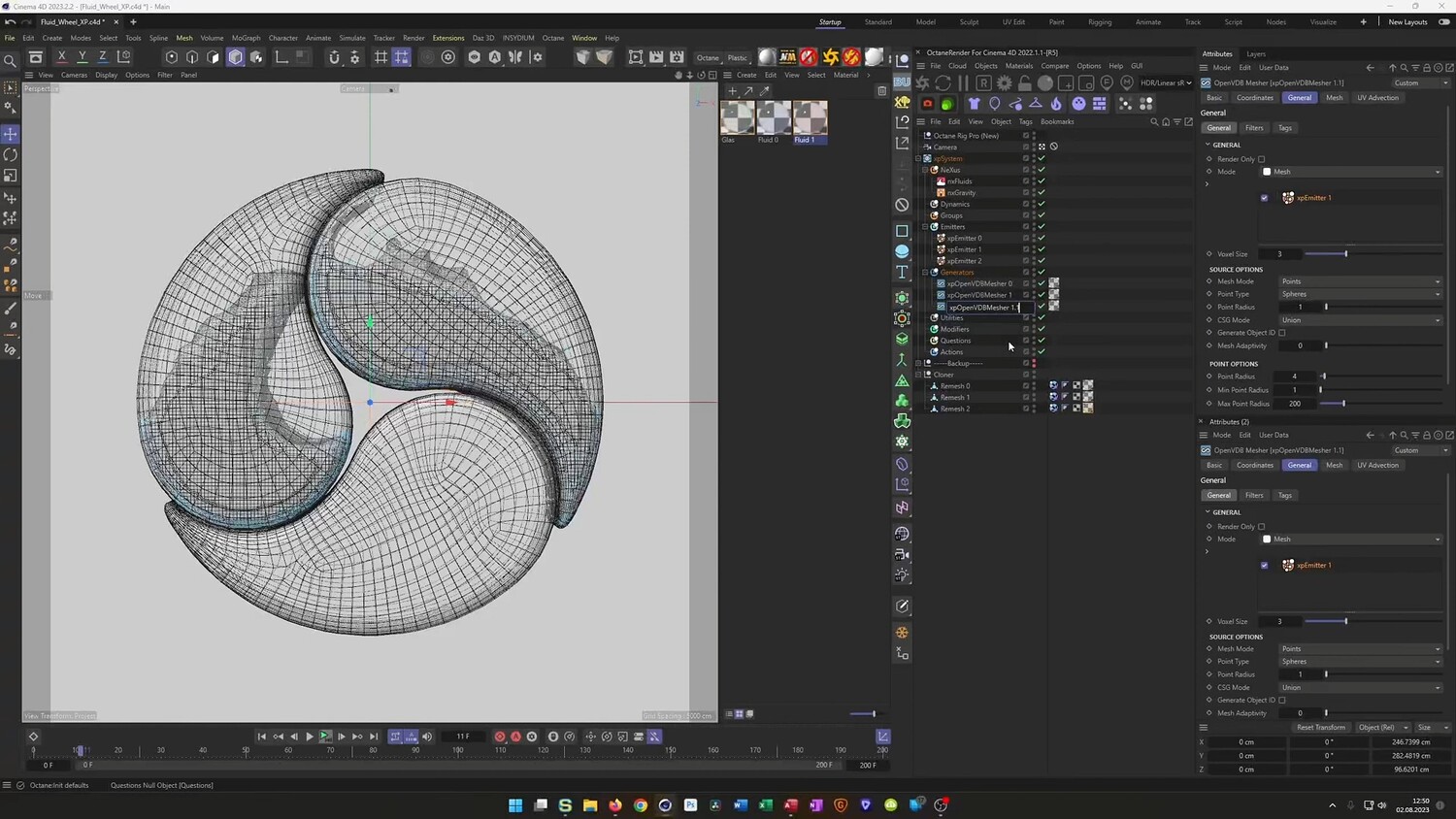
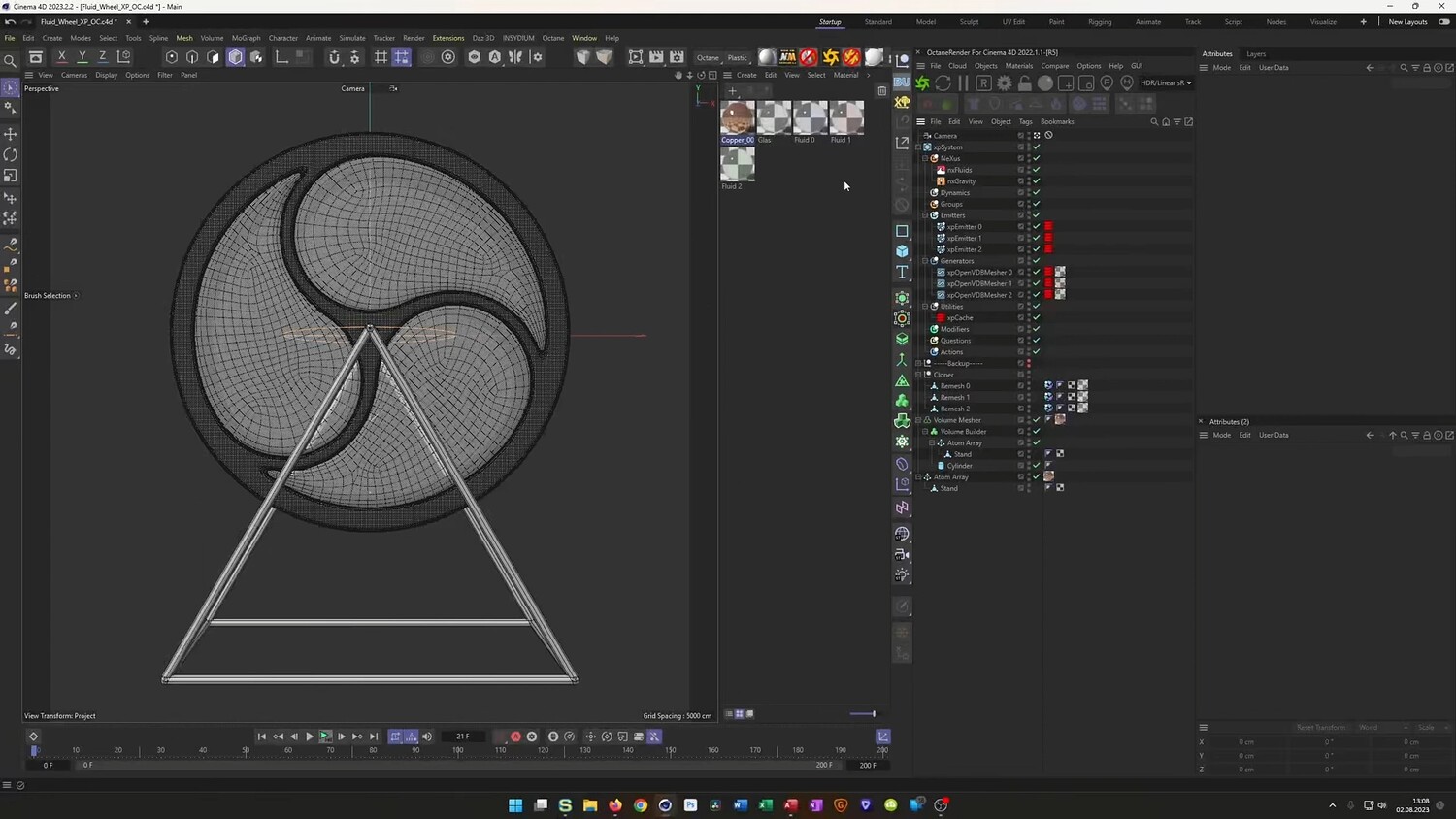
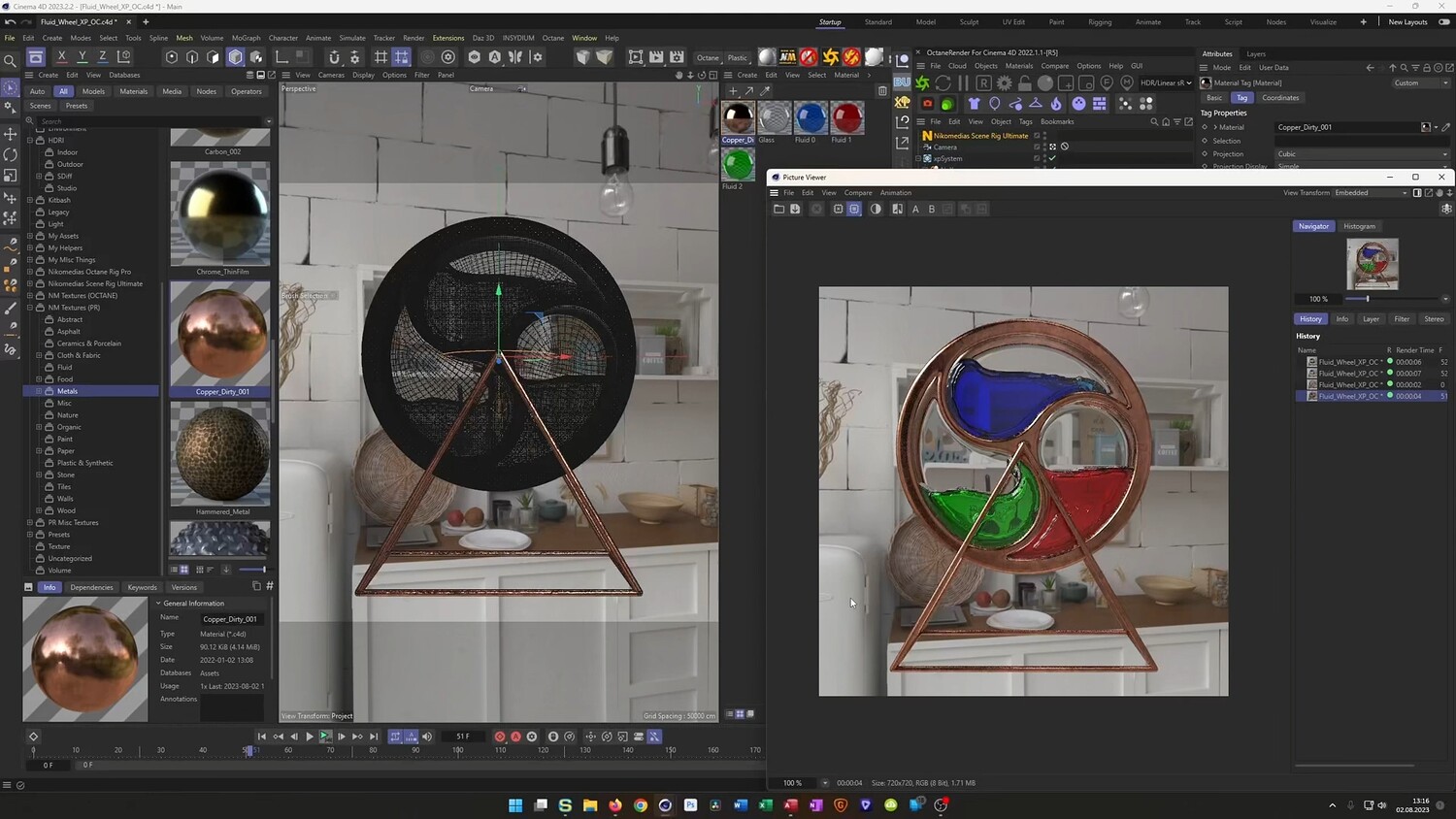
In this tutorial, we will recreate a realistic Fluid Wheel animation using Cinema 4D. The guide explores two distinct methods to achieve the liquid effect: a "fake fluid" technique utilizing native Cinema 4D tools like Cloners and Volume Builders, and a simulation method using X-Particles. We walk through the entire process, starting from modeling the teardrop shapes and the wheel mechanism, to setting up dynamics, creating realistic textures, and rendering the final scene.
What you will learn: - Modeling custom teardrop shapes using Splines, Cloners, and the Volume Builder for smooth geometry. - Creating a "fake fluid" effect using Rigid Body Dynamics with spheres and the Volume Mesher. - Setting up X-Particles for realistic fluid simulation using xpFluid and SPH settings. - Using the OpenVDB Mesher to convert particles into geometry and caching animations. - Texturing techniques for dirty copper, dispersion glass, and colored absorption mediums. - Rendering the final scene using both Octane Render and the standard Physical Renderer. - Setting up a shadow catcher and compositing background environments.
Software/Tools: - Cinema 4D - Octane Render - X-Particles - Physical Renderer
Duration: 01:17:29
You will get 4 files
All files previously purchased will always be available for download in your Library