

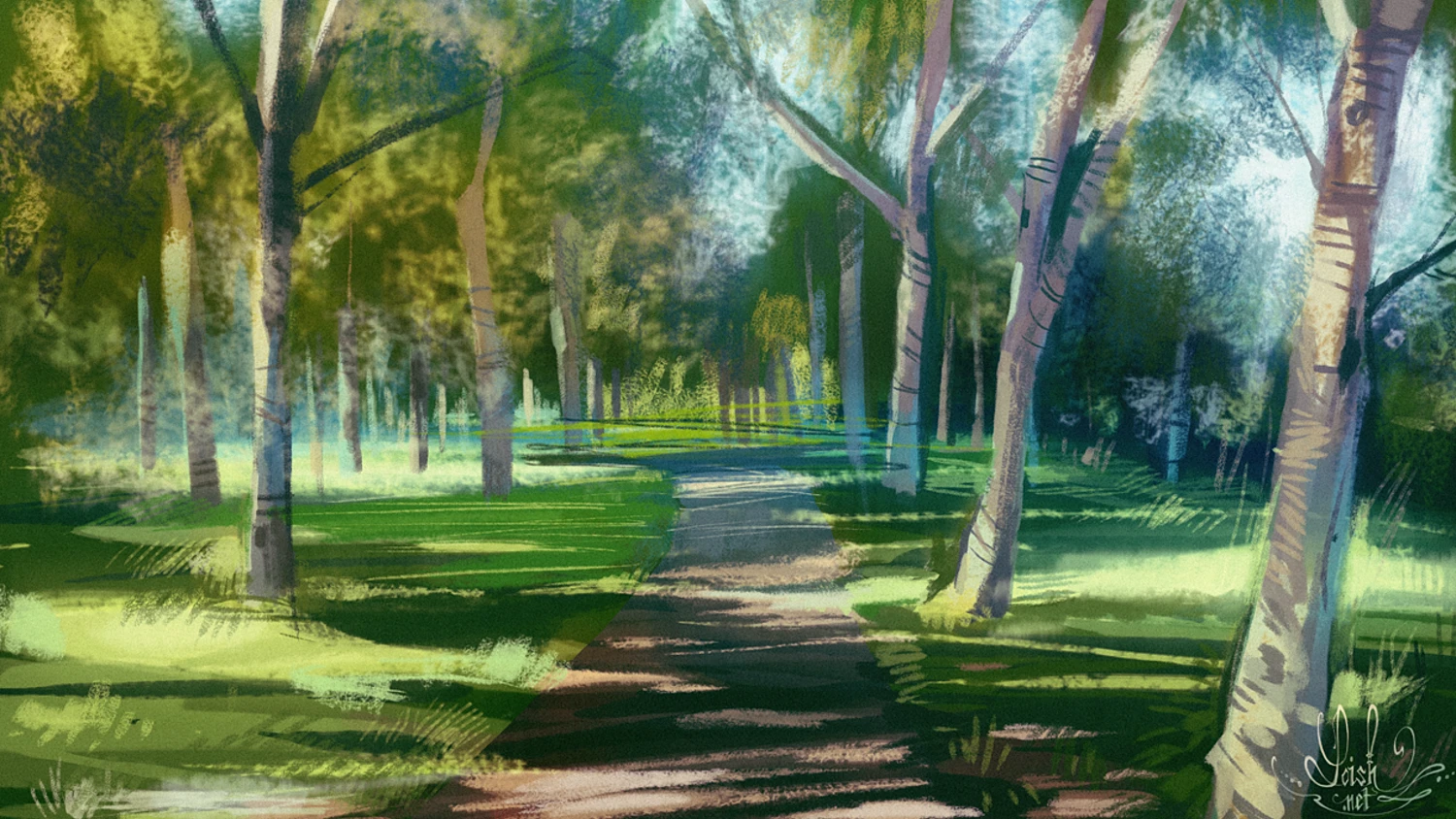
With such a saturated market for digital art in today’s virtual age, it’s easy to assume that joining as a newbie is a near-impossible feat. Well, that couldn’t be further from the truth! In fact, because there are so many resources, tools, and knowledge-sharing platforms, joining the world of digital art now may be easier than ever before.
So whether you’re an established traditional artist looking to dip their brush in the digital, or are totally new to the creative universe, here are 4 pro digital painting tips to help you take your first strides as a digital painter with confidence:
1. Find your Matches
One of the most important decisions you have to make first is about hardware and software. Not only do you need the right tool for the job, but you need the right tool for you! Begin by assessing yourself. Where are you coming from? How much experience do you already have? Aside from more practical concerns like budget, a bit of self-reflection can help you narrow down your options.
Digital Painting Hardware
If you’re committed to digital painting over other forms of digital art, one of the handiest pieces of hardware to invest in is a tablet. Generally, there are three types of tablets that will get the job done:
- Graphic tablet: A graphic tablet is a touch-sensitive interface that plugs directly into your laptop or computer, and allows you to sketch and draw with a stylus. Although you will use the tablet as a surface to draw on physically, your digital strokes will only appear on your computer screen. Popular examples include the Wacom Intuos and Huion tablets. If you’re entering the field with no experience, you may want to start off with a graphic tablet, as it’s the most simple and affordable option.
- Display tablet: If you’re working with a flexible budget, it’s worth considering investing in a display tablet. Display tablets, or pen displays, are similar to graphic tablets, but show the drawings on their own screen which can feel more natural and accurate. Well-known models include Huion Kamvas and Wacom Cintiq tablets.
- Hybrid tablet: A hybrid tablet provides an all-in-one seamless experience that allows you to work independently, laptop-free. Favorites include the iPad Pro and Microsoft Surface Pro. This may be the best option if you’re coming from the world of traditional art, as you will want to choose a high-quality display tablet and pressure pen that closely emulates the experience of using a canvas and brush.
Remember, your decision will be completely unique to you, your skills, and your comfort.
Digital Painting Software
While your choice of software can make or break your first digital painting experience, it’s important to understand that software is just another instrument in your toolkit. Unlike hardware, you can more easily maneuver between multiple options (especially with free trials), so you don’t feel married to one. Consider working between several in the beginning to help familiarize yourself with your options.
Popular software programs include:
- Adobe Photoshop
- Procreate
- Krita
- Clip Studio Paint
- Corel Painter
- Glimp
2. Never Start Blank
There is a common misconception that a spark of creative genius comes to an artist the moment before they paint their canvas. The truth? Most of the time, that’s not actually the case. Artists commonly begin their process with a plan of action that takes the form of a sketch, reference image, or inspiration piece. Here are a few steps you can take to prep your piece:
- As tempting as it might be to jump in, have a clear idea of what you’d like to paint before touching the canvas
- Begin with blocking, sketching out basic shapes to lay solid groundwork for the rest of the piece
- Ensure that your composition is well-balanced and that it takes the viewer on a journey through the painting
- Utilize a neutral mid-tone background, as pure white backgrounds can strain the eyes, and skew your perception of colors
3. Don’t Skip Tutorials
Don’t feel shy about taking advantage of tutorials to help you improve your digital painting skills. While there is an abundance to choose from, here are a couple of our favorites for beginners:
Digital Speed Painting Tutorial
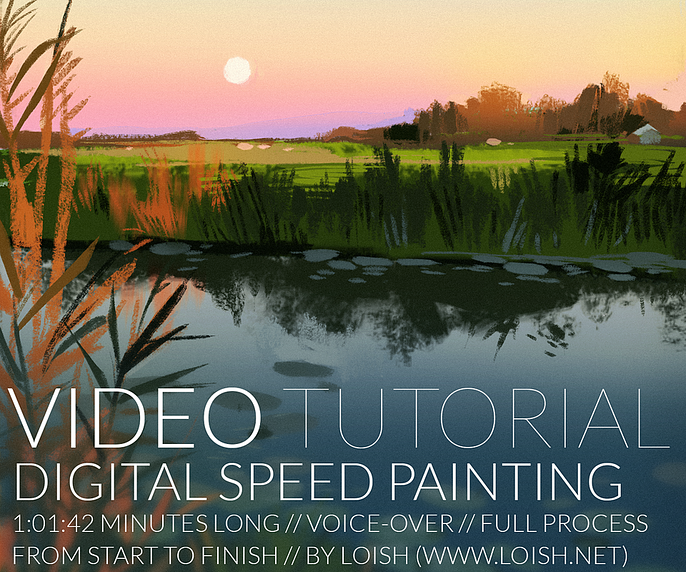
Analysis paralysis infects even the best digital artists—and especially newbies—so if you’re finding it difficult to begin a painting from scratch, you’re not alone. That’s why exercises like speed painting can really come in handy when you find yourself overthinking. This short tutorial will help you overcome just that, sharing digital painting tips on how to make creative choices, paint with intuition, and decide on colors and textures with efficiency and ease.
Digital Painting Masterclass
This is the ultimate starter kit to kick off your digital painting career. Covering everything from the basics to more advanced technical methods, Marc Brunet’s masterclasses are great options for CG artist newbies, no matter your niche.
4. Trial your Brushes
Don’t be afraid to experiment with digital paint brushes. The beauty of digital painting as a beginner is in the reverse button. Be as bold as you want–you can just undo it! Consider trialing a series of brush packs that pique your interest, so that you can find the set that works best for you.
Remember: although many digital painting brushes may look similar, they are all designed to do something specific. There are a number of fine differences that must be understood before you can master the use of digital brushes.There are several different applications for which you may need a particular brush:
- Texturing
- Patterning
- Smudging
- Sharpening
- Blurring
Of course, most brushes can be used for multiple techniques, so don’t feel like you need to break the bank to get started. Purchase a few solid options, and that should be enough to get you started.
Finally, regardless of how much you prepare, mastering digital painting won’t happen overnight. So be sure to continue practicing, exploring, and pushing yourself, and soon enough you’ll be sketching up the digital masterpieces you’ve been dreaming of!
Still feeling intimidated despite these digital painting tips? Let the Cubebrush community help boost your confidence as a newbie!