

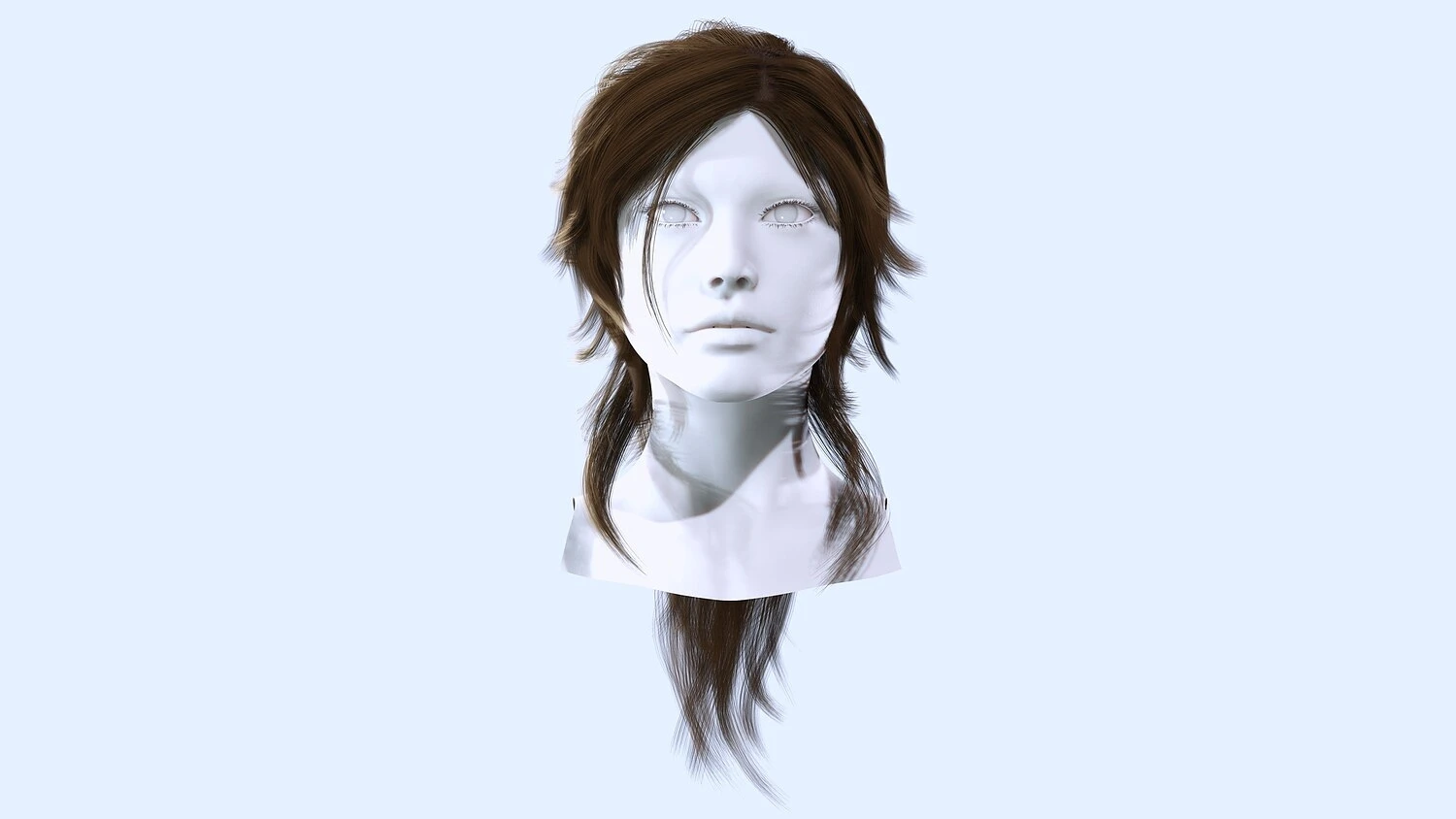
TLDR:
- Purchasing assets can save a lot of time, but they often need to be optimized to some degree.
- Ideal game-ready models should be low-poly, have baked textures, and provide multiple levels of detail to optimize performance.
- By understanding what you’ll need to do to an asset to get it game-ready, you can make the most of your time and resources.
The top indie game developers couldn’t get the job done without a large library of purchased assets on hand. There’s no time to create all but the most essential models from the ground up, and that means customizing pre-built weapons, gear, and architecture to stay on schedule.
But just because a model looks good doesn’t mean it’s truly game-ready. In most cases, designers need to optimize their purchases to keep performance high without sacrificing quality.
How can you transform the next asset you purchase into a perfect fit for your game engine? Here are the basics every designer should know.
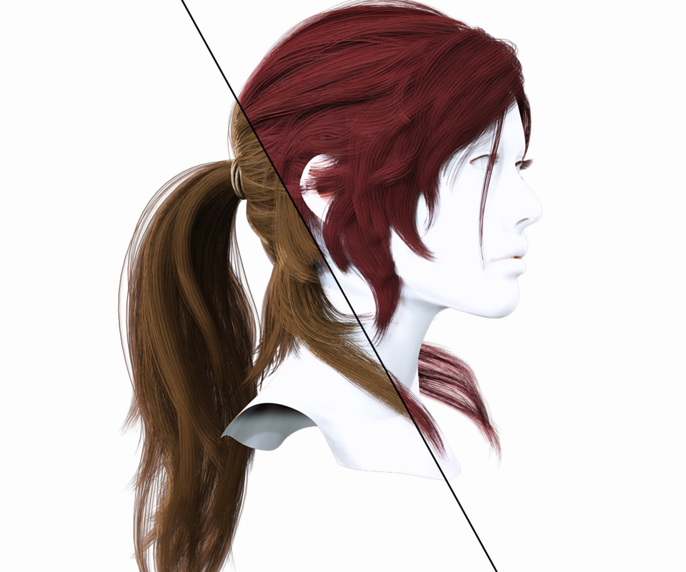
Buying: What Does Game-Ready Mean?
When you’re looking at 3D assets in the marketplace, some will say “game-ready” and others won’t. Does that mean one is ready to drop straight into your project and the other isn’t?
Not necessarily. You’ll have to look a little closer.
There are several qualities you should expect to find in a model that will work well in a game setting, regardless of what the label says:
- Low-poly. A million polygons may deliver incredible detail, but it’s terminal for game performance.
- Baked textures. Are surface details 3D, or are they mostly baked in to minimize processing load?
- Texel density. Not only should assets have optimized pixel counts (often 1024px/m), but they should align pretty closely with your other models for consistency.
- LOD. True game-ready assets come with multiple levels of detail for easier processing.
Of course, these are just guidelines for purchasing that will save you time and hassle down the road. It’s possible to make nearly any model game-ready if you have enough resources, and you’ll probably ned to optimize all your purchases to some degree.
So where should you start? The following adjustments are common considerations for getting a model game-ready.
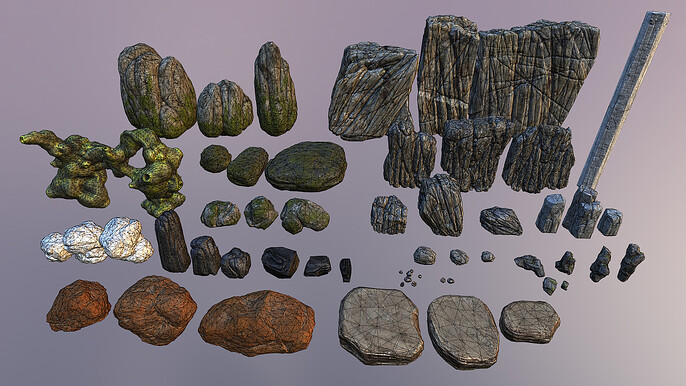
Reducing Polycounts
Even your phone’s processing power is impressive, but very few game engines can animate dozens of high-poly models at once. Reducing excessive geometry is the first and best way to optimize performance.
- Eliminate excessive faces. Curves and complex shapes are major offenders when it comes to over-sculpted assets. Pare them down to the bare minimum.
- Dial back surface texture. Cut out any 3D surface texture you can bake in later. Pixels are much easier to render in real time.
- Consider the purpose. Obviously, a hero or boss is worth a little extra complexity since they’ll be focal points for the player. But NPCs, enemies, gear, and environmental features should be much simpler to maintain high performance in busy scenes.
It’s also important to adapt your polycounts to match your intended platform. Desktop games can tolerate higher processing needs, but mobile apps will require models that are geometrically less complex to work smoothly.
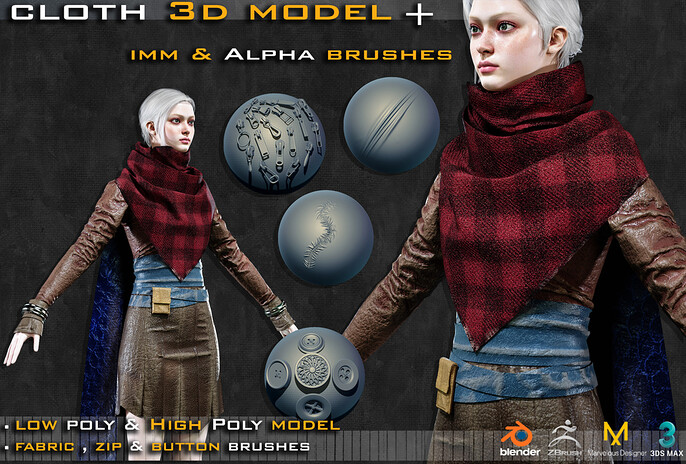
Baking Textures
Every extra polygon is a processing liability for the average game engine, but that doesn’t mean skimping on detail.
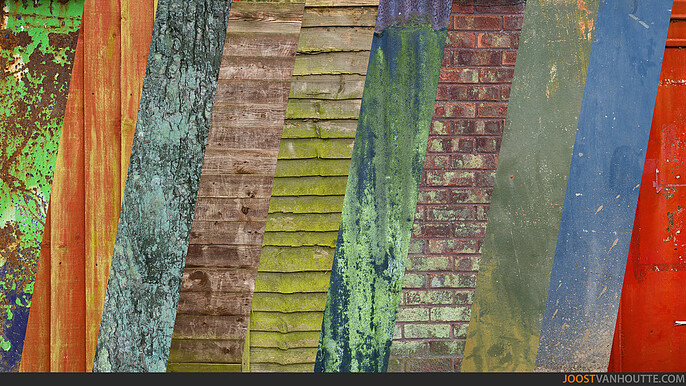
High-poly details should be baked onto low-poly meshes for fast rendering and optimal performance. Depending on the kind of texture you’re looking for, you can use one of several maps:
- Normal map. Great for creating surface details without adding geometry.
- Ambient Occlusion (AO) map. Adds depth with shadowing to crevices and corners.
- Curvature map. Highlights edges to create more texture.
- Color map. Gives you basic colors that serve as a foundation for additional texturing.
- Thickness map. Provides a translucent effect on your mesh.
Levels of Detail (LODs)
Depending on where an asset is in a scene, it may not be necessary to render a fully detailed image in the game. Game-ready assets should come with multiple LODs to reduce processing load and simulate foreground and background effects.
If your model doesn’t have multiple LODs, it may be worthwhile to create one or all of the following, depending on what it is:
- LOD0: 100% polygon count for close viewing (typically 0–10 meters).
- LOD1: ~50% polygon reduction for medium distances (10–25 meters).
- LOD2: ~75% polygon reduction for far viewing (25–50 meters).
- LOD3: 90% or greater reduction, sometimes using billboard impostors (2D representations) for distances exceeding 50 meters.
Other Considerations When Purchasing Assets
Buying pre-built models that are highly optimized for games can save you a lot of trouble, but you’ll still need to invest some time adjusting generic features and dialing them in for the project at hand.
That means understanding your development pipeline and available resources is key to making smart asset purchases. Ask yourself the following questions:
How close is this asset to my current needs?
What balance of customization vs. optimization will it require?
Will this asset have future utility, or is it a one-off for my current game?
Is this a highly visible model, or will it be a background feature?
Do necessary adjustments play into my strengths or weaknesses as a designer?
All of these factors speak directly to value and time management—so consider them carefully!
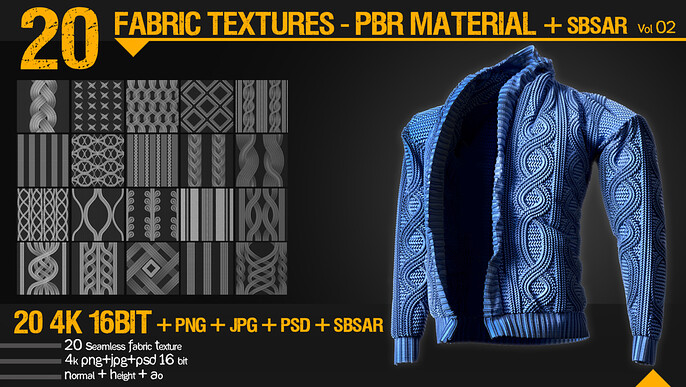
Socialize, Optimize, and Energize Your Project with Cubebrush
Great games come from a clear vision with a winning strategy. Our 1.5 million members and 12,000+ storefronts give designers nearly unlimited options for connecting with gamers, interacting with professionals, and acquiring ideal game-ready assets from fellow creators.
Visit Cubebrush today and optimize every aspect of your development pipeline!
FAQs
How do you optimize 3D assets for games?
Models that are ideal for gaming should be low-poly, have baked-in surface details, and have multiple levels of detail.
What is the point of baking textures?
“Baking” textures transfers high-poly details onto low-poly maps to optimize performance without sacrificing quality. Lighting, surface geometry, transparency, and shadows can all be converted into 2D images that render quickly in real time.
Should my game asset have multiple LODs?
Yes, multiple levels of detail allow engines to maximize performance while simulating realistic visual experiences.