

Sketching convincing people in any style is a huge challenge, but regardless of the genre, at least they’re all the same species! Animals can be every bit as expressive as human beings while introducing an extreme range of physical, psychological, and individual characteristics that are tough to get right on a digital canvas.
Whether it’s a lead character like Simba, fantastical creatures from Harry Potter, or the casual background creatures bouncing around Hyrule Field, drawing believable animals can stretch digital artists to the limits of their skill and knowledge.
Looking for a few secrets to up your animal game? Here’s our top tips for bringing your creations to life.
1. Study, Study, Study
When you’re looking for inspiration for your next digital creature, the zoo is a great place to start. Seeing how animals with some of the most extreme physiologies look, move, and interact not only gives you inspiration for the elephant or emu you’re sketching, but also ideas about how to bring out the personalities of any character you’re designing.
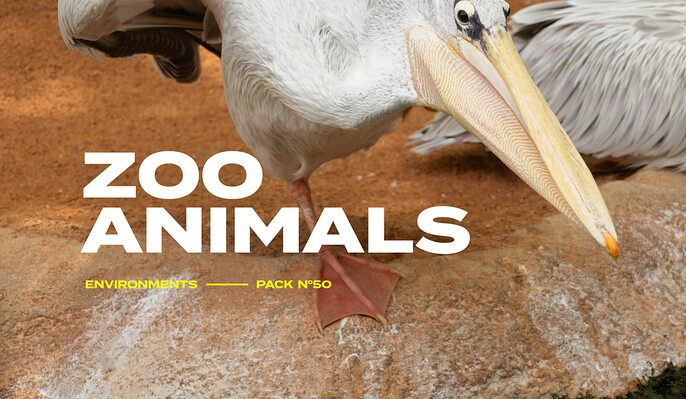
This animal reference pack brings the zoo to your screen with 217 hi-res images capturing flamingos, giraffes, hyenas, and more. Each animal is depicted in a naturalistic habitat and gives you a detailed look at how they fly, swim, walk, and play. You’ll also have a chance to explore difficult-to-create elements like fur, feathers, and skin in both shade and sun, making this reference set a must-have for digital artists drawing animals.
With this set, you’ll get:
- 217 zoo animal reference photos
2. Focus on Fur (Brushes)
Drawing fur by hand is where digital artists can burn hours of their day on a single project. Each strand has to look light, natural, and realistic—even when it’s on a fantasy creature! Get it wrong and even the best-designed doberman will instantly fall flat.
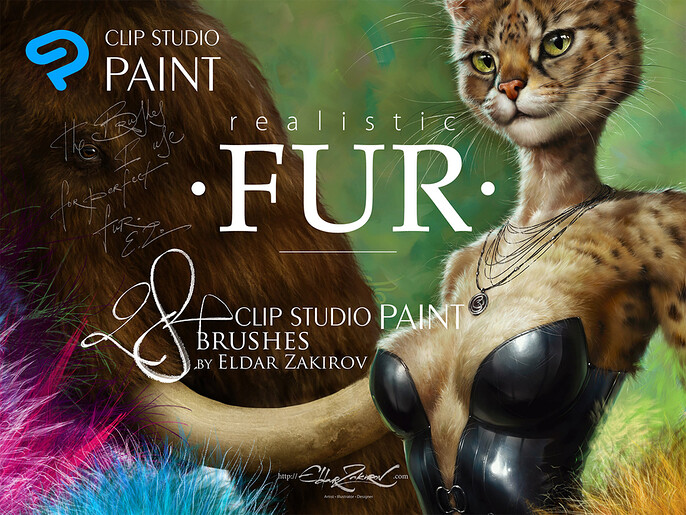
Fortunately, fur brushes like this incredible set for Clip Studio Paint and Manga Studio are revolutionizing how digital artists finish their animalistic work. With 31 brushes for creating soft, fluffy, wiry, and frizzy textures, you’ll be able to layer believable fur that will impress even the most persnickety feline princess.
This pack includes:
- 31 SUT files
- PDF with tips and instructions
- JPG table of all brushes
3. Play Around with Proportions
Artists can spend a lifetime learning how to accurately recreate the physiology of wildlife, and a few missteps with proportions and musculature can quickly ruin your design. Sometimes, the most helpful secret weapon in your bag of tricks is a pre-made model that you can sculpt and stretch into your finished product.
That’s exactly what you’ll get with this animal creator plugin for ZBrush. Starting with basic animal templates, you can effortlessly inflate, crunch, and augment every aspect of your creature to create a perfect likeness of a favorite pet or a completely imaginary beast. Need an Elephant with short dachshund legs and a gorilla head? No problem. And the best part is, you don’t need any ZBrush experience to dive in and start playing around!
This pack contains:
- ZBuilder Animals plugin for ZBrush
4. Watch a Pro
There’s a lot that goes into drawing animals digitally, and it can be hard to know what aspects to prioritize—especially when you know you’ve got more to learn. You’ll figure it all out eventually, but why not speed up the process with this incredible tutorial by 3D digital pro Maria Panfilova?
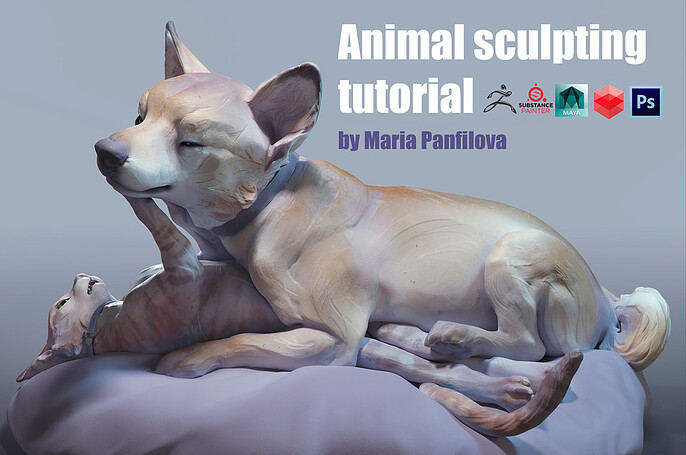
Maria’s created thousands of digital creatures, from mythical monsters and dragons to everyday family pets, and she’s taking you through the process step by step in this 12-hour masterclass. Featuring a charming and playful dog and cat, you’ll learn basic and advanced techniques for creating animals from start to finish.
Maria’s tutorial includes:
- 12-hour narrated tutorial
- Cat and dog base mesh
- 2 PSDs of compositing
5. Bone Up on Anatomy
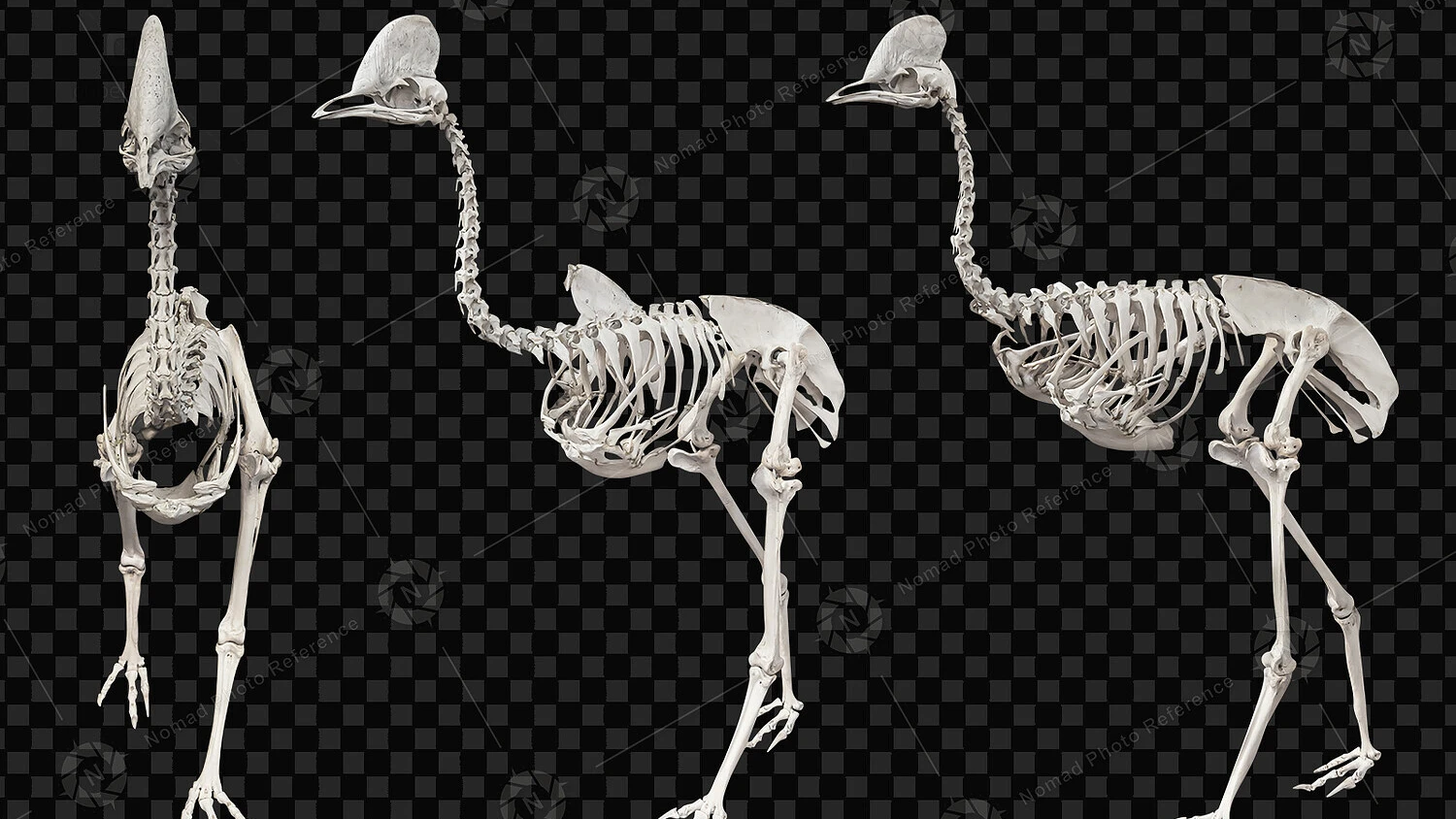
If you don’t understand what’s on the inside of the animals you’re drawing, you’ll never get the outside right. Understanding skeletal anatomy is the literal core of the creation process, and unless you’re going to the natural history museum twice a week, reference pics are the only way to get the information you need.
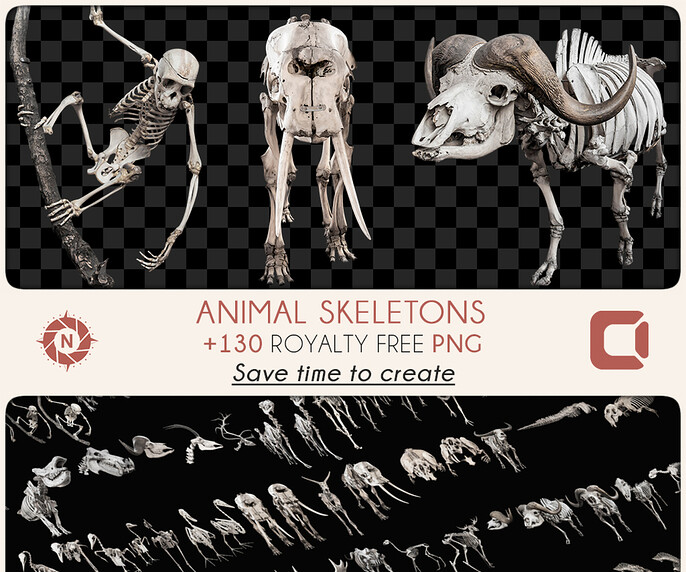
This pack of 130 reference images gives you an inside-out view of elephants, water buffaloes, dolphins, yaks, and more. All of these images are royalty-free, so you can use them however you like once you’re done studying. They’re a perfect companion for digital artists who are into matte painting, photobashing, and concept art.
This set comes with:
- 130 animal skeleton reference images
5. Grab Some Feather Brushes
Like fur, feathers come in all different shapes and sizes—and they can be a huge time suck if you’re creating them individually. And because some feathers have downy or furry parts, they can pose challenges for artists that require several high-level skill sets at once.
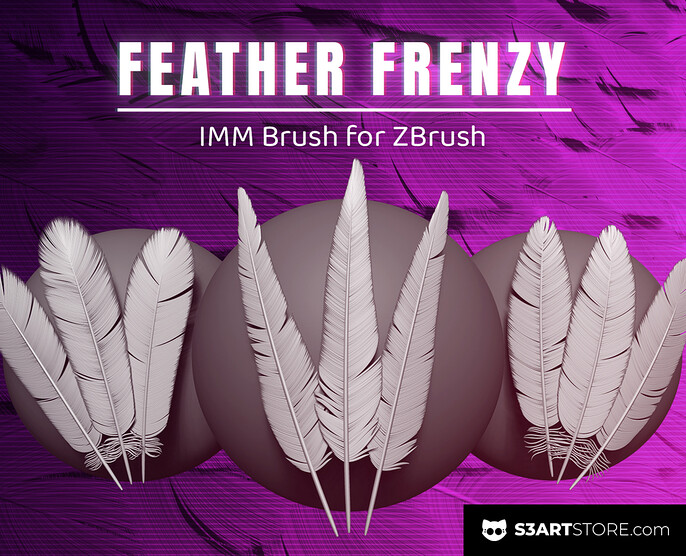
Fortunately, your birds of a feather can flock together with Feather Frenzy’s easy-to-use ZBrush set. You can quickly customize up to 230 base mesh feathers of all shapes and sizes for use on 3D models or other digital projects without having to painstakingly craft each one from scratch. Whether you’re adding feathers to a pheasant or some plumage to a veloceraptor, don’t start clicking until you’ve got these brushes in your toolkit.
This pack includes:
- 13 IMM feather brushes
Manage Your Digital Menagerie with Cubebrush
Sculpting and drawing animals will never go out of style, and there’s no limit to the number of real and imaginary creatures a skilled artist can sketch up. That doesn’t mean it comes easy, though, and novices and seasoned pros alike can benefit from picking up a great set of reference pics and brushes like the ones above.
No matter what creature is going in your next creation, Cubebrush has you covered! We’ve got a huge library of tutorials, tools, and inspiring content for digital artists. Check out the Cubebrush Marketplace today!