

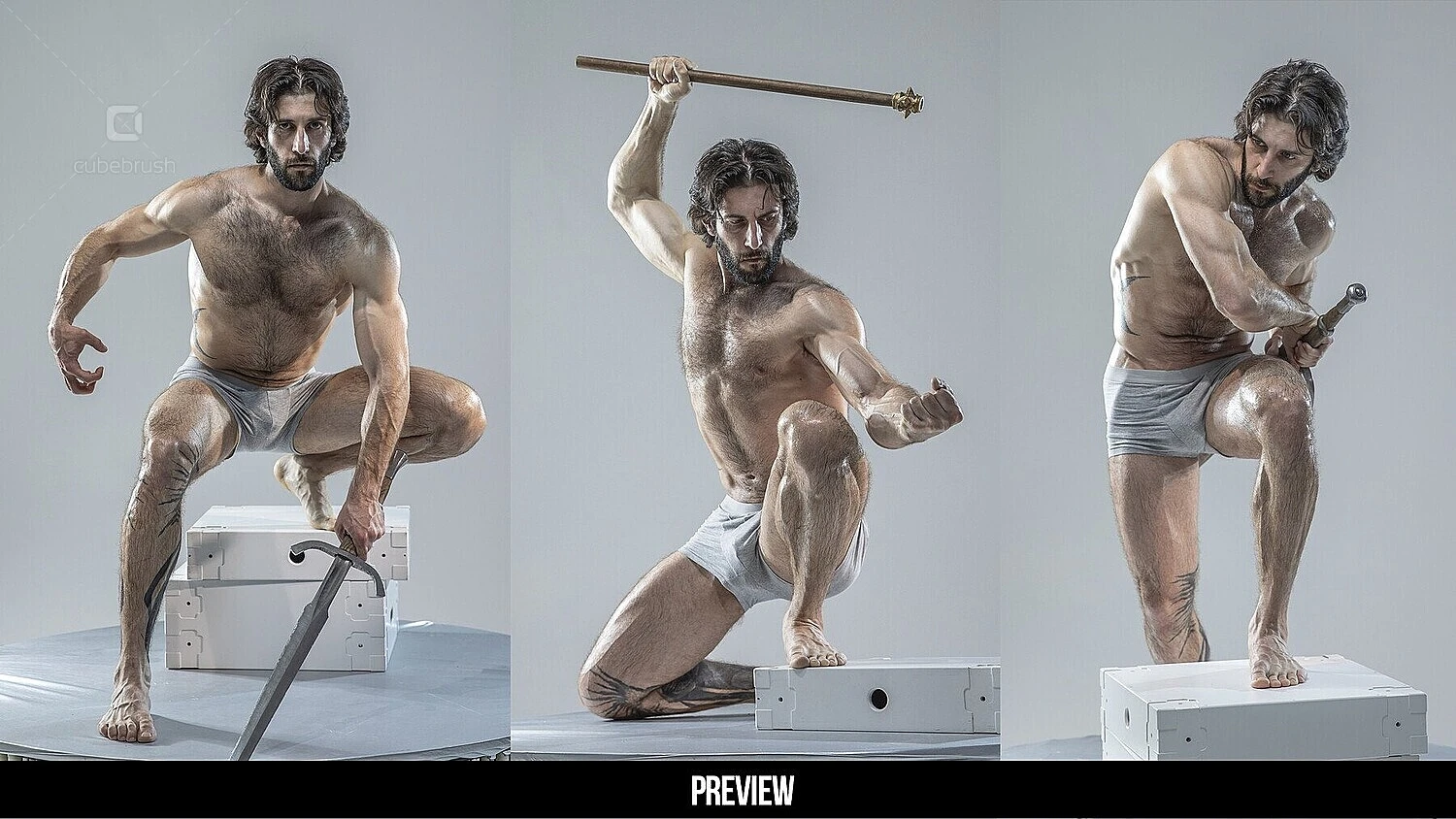
TLDR: Overwhelmed by digital art software options? This guide covers:
- How to choose the right program based on your device and goals
- Top 2D picks for beginners — Sketchbook, Krita, and Procreate (with pricing and learning curves)
- What to expect from 3D software like Tinkercad and Blender when you're just starting out
- The resources that will actually move the needle early on (brushes, tutorials, references)
Tablets, digital brushes, and incredible software programs have made it easier than ever for creators of all skill levels to pick up a stylus and start sketching. Even a beginner can get satisfying results in a relatively short time, and it’s a great medium for editing, sharing, and refining your work.
Of course, even digital art programs come with a learning curve, and this is where newbies often find themselves getting frustrated. Some software is geared toward giving artists the maximum possible control rather than an easy on-ramp. Other programs may not be designed for the kind of work you’re interested in, or have an overwhelming interface that’s far from intuitive.
How can you get the best possible start with a tool that’s well-suited to a beginner like you? Here are our top recommendations, along with pricing, what you can expect, and some tips for developing your skills.
First Things First: What Do You Want to Do?
There’s a digital art program for any piece of technology and operating system, but that doesn’t mean they all work equally well in every format.
Some are designed with desktops in mind, and users may experience functionality and scaling limitations on other devices. Also, programs designed primarily for iOS may not work so well on Windows-based systems, and vice versa.
If you’ve got a tablet, you’re probably thinking of 2D art, like painting, drawing, photobashing, and the ability to start creating anywhere you’re feeling inspired. We’ve seen artists scribbling away in coffee shops, bars, on the train, and pretty much anywhere they can grab a spare minute.
If you’re diving into 3D art or professional work, desktops are much better suited to the task. These programs deliver a more high-powered, immersive experience that tablets often can’t provide.
And since you’re just starting out, we recommend sticking to what you’ve got. There’s definitely a great software option available for your current setup, and (shhhh!)...
…your choice probably won’t make that much of a difference in the short term anyway!
Want more? Check out What to Practice First When Learning Digital Art
Our Top 2D Software Picks for Beginners
1. Sketchbook
This drawing app is an excellent starting place for beginners looking to lay down some digital 2D art. It’s intuitive, easy to dive into, and works on a variety of platforms.
- Price. Free for tablets and mobile, and $24.99 for the Mac desktop version.
- Learning curve. Sketchbook is considered easy to learn with an intuitive interface. A great beginner program.
- Brushes. The free tablet version comes with all core functions and a wide range of brushes to choose from.
- Compatibility. There are mobile, tablet, and desktop versions for all major operating systems.
Who will love it? Sketchbook is designed for users who like to draw and doodle, so it won’t give you some of the more advanced functionality you’ll find in other programs. But if sketching is your jam, you can get excellent results and have a great time!
2. Krita
Even if you’ve never dipped your toes into digital art, you’ve probably heard of Krita. This open-source painting program offers an excellent balance of approachability along with complex functions for serious artists.
- Price. Krita is open-source and free to download. Seeing something like $9.99-$12.99 on Steam or the app store? That’s just for development—go to Krita directly😉
- Learning curve. Slightly higher than Sketchbook, but you get more functionality too.
- Brushes. Krita comes with an impressive collection of brushes for painting, and many user-created brush packs are available.
- Compatibility. Krita is primarily designed for desktop users, with full support for Windows and Mac. It’s optimized for Windows tablets and can be used on Android, but there’s currently no iOS version available.
Who will love it? If you’re dreaming of painting a digital canvas, Krita will give you a fantastic toolkit to work with. It’s built with artists in mind, and has an intuitive workflow that can be learned quickly.
3. Procreate
This all-around app is designed to be a mobile art studio that lets you paint, draw, and experiment anywhere you have your tablet or phone. It’s great for artists who want to try a bit of everything.
- Price. For a one-time purchase of $12.99, you get full access to the entire program.
- Learning curve. It has a lower learning curve than Krita but offers more complexity than Sketchbook, making it a good middle ground for new artists.
- Brushes. Procreate comes with over 200 brushes, and it boasts a large ecosystem of user-created brushes that can be imported.
- Compatibility. Procreate is designed exclusively for iPads and iPhones. No Windows or Android here.
Who will love it? For beginners with Apple products, it’s hard to go wrong with Procreate. Honestly? You probably won’t find a more solid investment in the early stages.
The 3D Software Dilemma
Unlike 2D software, 3D modeling and animation programs don’t necessarily have an ideal beginner option out there. Learning curves are steeper, and there are additional skills like rigging, rendering, and texturing that all have to be mastered.
As a result, the software we’d recommend starting out depends a lot on what you want to get out of the experience (and how much time you can invest).
- Tinkercad. With an extremely shallow learning curve, users can dive in quickly and learn the basics of 3D modeling. Can you get fairly good results? Absolutely—but if you go deeper down the rabbit hole, you’ll probably need to move on to more powerful software fairly soon.
- Blender. This industry-standard workhorse is a powerful tool for 3D modeling and animation that’s used by professionals everywhere. It could be the last tool you ever need, but new users can be quickly overwhelmed. If you don’t have a proficient friend handy, expect to invest in some tutorials to get over the hump.
Building Out Your Skills and Toolkit
You’ll be happy to know that no matter which software on this list you choose, most of your early results will depend on developing your general art skills and customizing your assets. After all, each of these programs is learnable, affordable, and gives you plenty to play with!
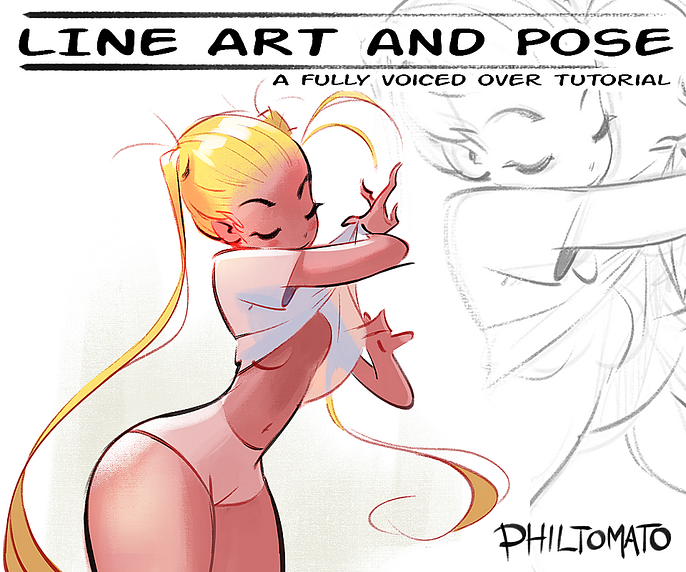
What you will need to invest early on are the right resources to improve your work, save time, and develop your craft. These include:
- Tutorials. These give you instant access to software workflows, techniques, advice for growth, and advice from pros on nearly any aspect of digital art creation.
- Reference images. A foundational study tool for artists in any genre, reference images help you understand your subject and create more believable work.
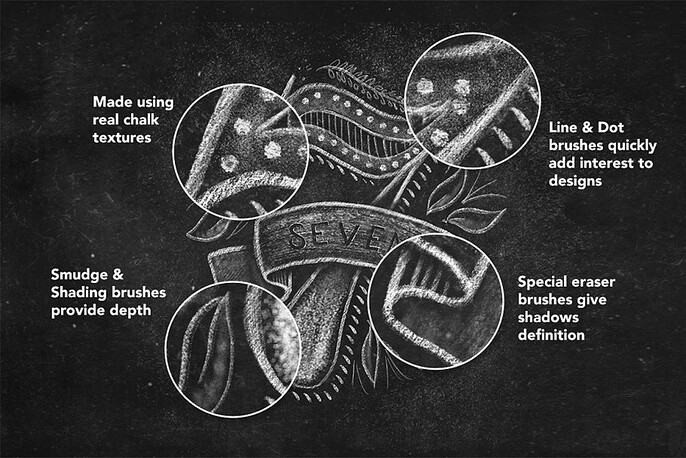
- Brush packs. Platforms like Krita and Procreate can mimic nearly any medium, and you’ll want to invest in brush sets that give you the perfect effect.
- Textures. 3D artists use smart materials to speed up their work and generate incredible results on their models.
Kickstart Your Digital Art Game with Cubebrush
If you’re looking for the resources, community, and support to take your digital artistry to the next level, there’s no better place to start than Cubebrush’s community of 1.5 million users and 12,000 storefronts.
You can find all the resources and assets you need for any project, plus supportive creators and professionals who can help you improve and grow your skills. Visit Cubebrush today to get started!